Stanly County Quitclaim Deed (Individual Grantor by Attorney-in-Fact) Form
Last validated October 21, 2026 by our Forms Development TeamFormatted for recording in Stanly County, for property anywhere in the county: rural and unincorporated areas as well as Albemarle, Badin, Locust, Misenheimer, New London, Norwood, Oakboro, Richfield and 1 more.
- 3 documents included
- Immediate PDF download
- Formatting guarantee
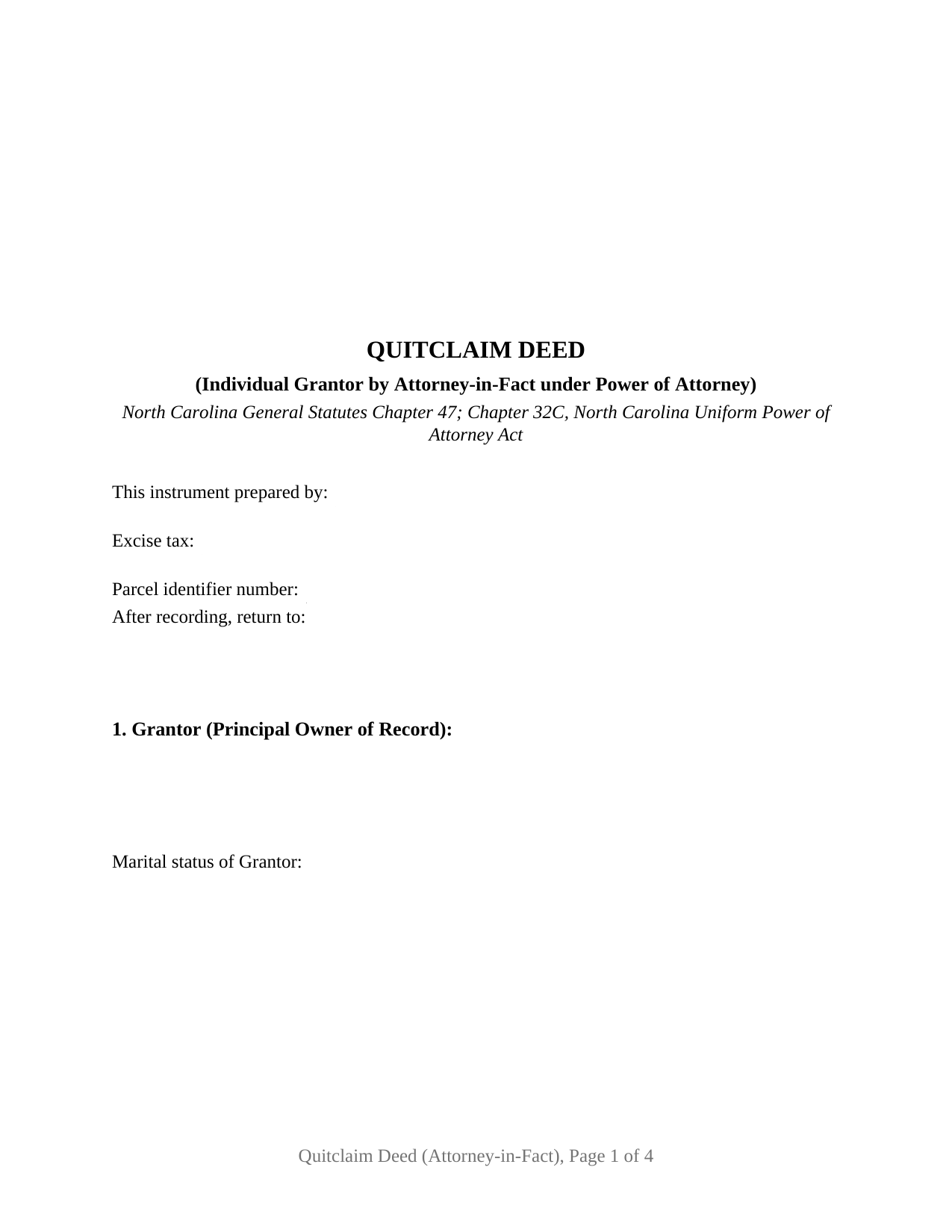
Stanly County Quitclaim Deed (Individual Grantor by Attorney-in-Fact) Form
Fill in the blank Quitclaim Deed (Individual Grantor by Attorney-in-Fact) form formatted to comply with all North Carolina recording and content requirements.
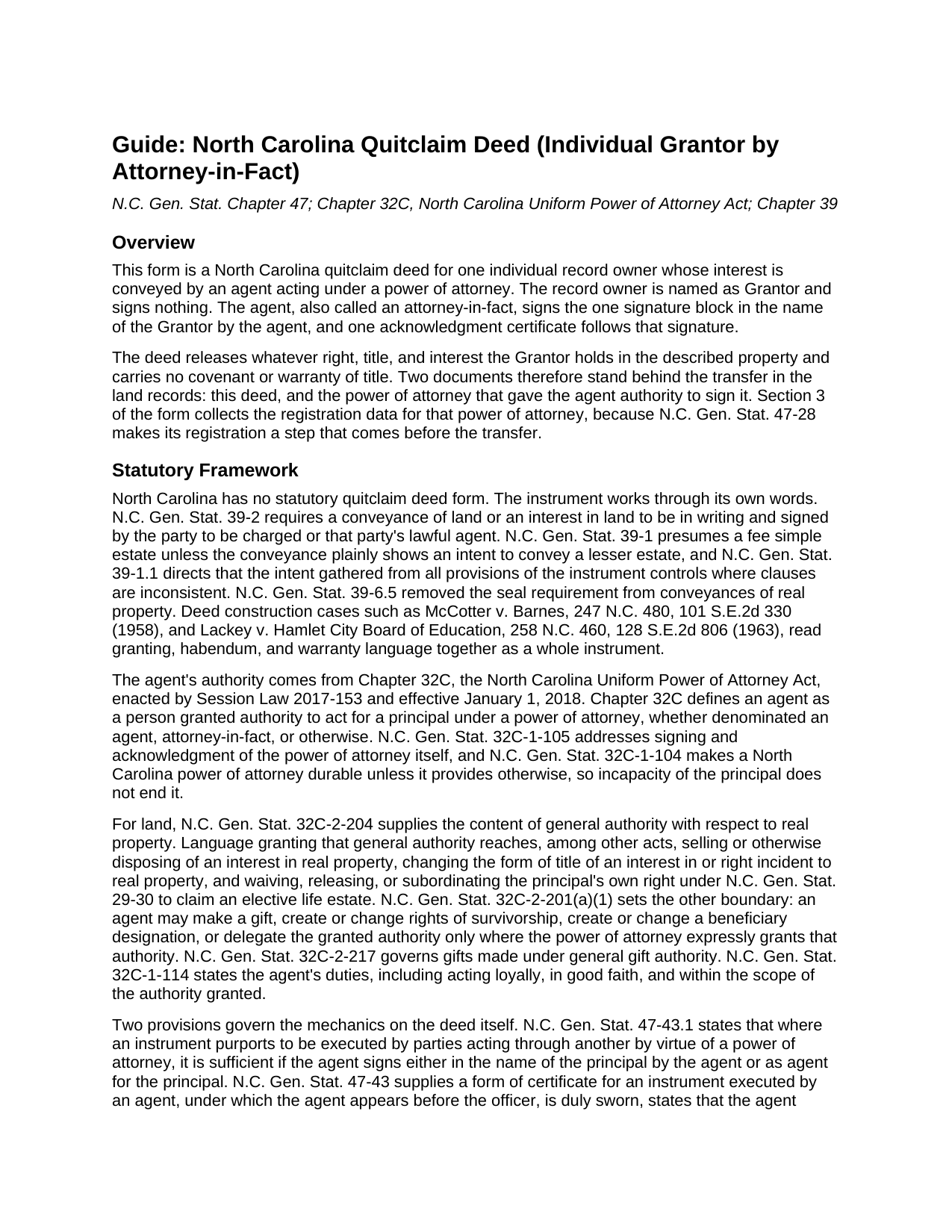
Stanly County Quitclaim Deed (Individual Grantor by Attorney-in-Fact) Guide
Line by line guide explaining every blank on the Quitclaim Deed (Individual Grantor by Attorney-in-Fact) form.
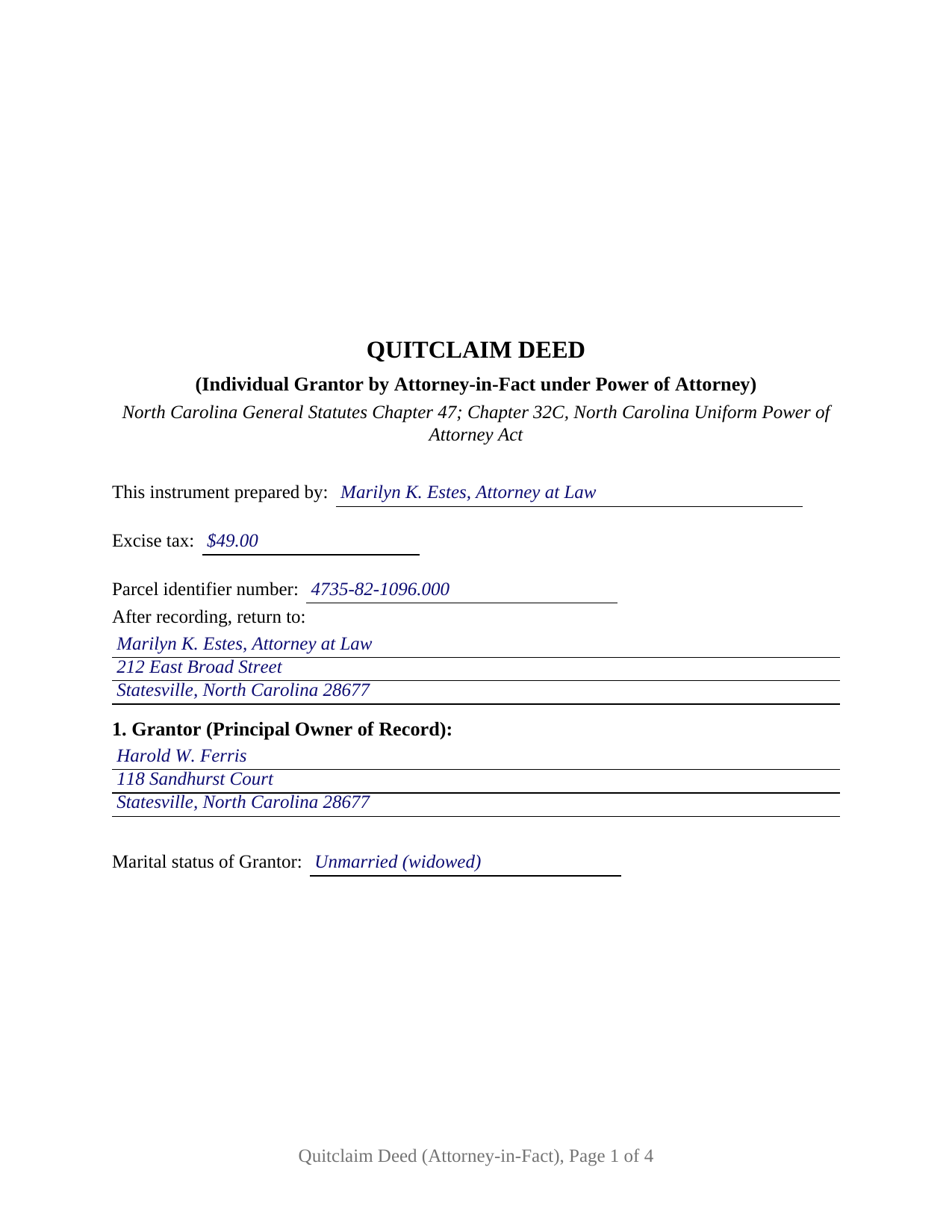
Stanly County Completed Example of the Quitclaim Deed (Individual Grantor by Attorney-in-Fact) Document
Example of a properly completed North Carolina Quitclaim Deed (Individual Grantor by Attorney-in-Fact) document for reference.
All 3 documents above included • One-time purchase • No recurring fees
Immediate Download • Secure Checkout
Additional North Carolina and Stanly County documents included at no extra charge:
Where to Record Your Documents
Stanly County Register of Deeds
Albemarle, North Carolina 28001 / 28002
Hours: 8:30 to 5:00 M-F
Phone: (704) 986-3640
Recording Tips for Stanly County:
- Bring your driver's license or state-issued photo ID
- Ensure all signatures are in blue or black ink
- Recorded documents become public record - avoid including SSNs
- Recording fees may differ from what's posted online - verify current rates
- Request a receipt showing your recording numbers
Cities and Jurisdictions in Stanly County
Properties in any of these areas use Stanly County forms:
- Albemarle
- Badin
- Locust
- Misenheimer
- New London
- Norwood
- Oakboro
- Richfield
- Stanfield
Hours, fees, requirements, and more for Stanly County
How do I get my forms?
Forms are available for immediate download after payment. The Stanly County forms will be in your account ready to download to your computer. An account is created for you during checkout if you don't have one. Forms are NOT emailed.
Are these forms guaranteed to be recordable in Stanly County?
Yes. Our form blanks are guaranteed to meet or exceed the applicable formatting requirements used for recording in Stanly County, including margin requirements, font requirements, and other layout standards. This guarantee applies to formatting, not to the legal sufficiency of information entered by the user or the suitability of a form for a particular transaction.
Can I reuse these forms?
Yes. You can reuse the forms for your personal use. For example, if you have multiple properties in Stanly County you only need to order once.
What do I need to use these forms?
The forms are PDFs that you fill out on your computer. The free Adobe Acrobat Reader is recommended, and most PDF apps also work. You do NOT enter your property information online - you download the blank forms and complete them privately on your own computer.
Are there any recurring fees?
No. This is a one-time purchase. Nothing to cancel, no memberships, no recurring fees.
How much does it cost to record in Stanly County?
Recording fees in Stanly County vary. Contact the recorder's office at (704) 986-3640 for current fees.
Questions answered? Let's get started!
The person who signs this deed is not the person named as its Grantor. Here an agent holding a power of attorney conveys for the record owner: one agent signature made in the owner's name, one certificate written for that signature, and a release of whatever interest the owner holds, with no covenant of title attached. The fillable form is set up for that configuration alone, on land located in North Carolina.
The authority reaches the record before the deed does
Most deeds reach a North Carolina registry alone. This one arrives second. Under G.S. 47-28, before any transfer of real property executed by an agent empowered by a Chapter 32C power of attorney, that power of attorney or a certified copy of it is registered where the principal is domiciled or where the land lies. When the deed is then recorded in a different county, it carries the book, page, and county of that registration, and Section 3 of the form collects those entries with both dates. Subsection (b) softens the sequence: registration after the deed is allowed where the agent was empowered when the conveyance was made.
One signature, made in the owner's name
G.S. 47-43.1 accepts two shapes for the signature: in the name of the principal by the agent, or as agent for the principal. This deed prints the first, and says in a sentence of its own that the agent signs in that capacity and not individually. The form recites one record owner as Grantor with a marital status line, one agent, one grantee side, one signature block, and one acknowledgment certificate beneath it. Positions in the records that present this configuration include an owner living in another state whose agent closes a sale here, an owner on extended assignment abroad whose agent signs at the closing table, and a successor agent finishing a transfer the first agent left off. The form is not set up for two record owners, an entity grantor, an owner signing personally, or a joining spouse line.
A certificate written for an agent's signature
North Carolina writes a certificate for this instrument. In the G.S. 47-43 form the agent appears before the officer and, being duly sworn, states that the agent executed the instrument on behalf of the principal, identifies where the power of attorney is recorded, and acknowledges its due execution for the purposes expressed. The certificate here carries that substance, so an oath and an acknowledgment are taken together, and G.S. 10B-40(g) treats the Chapter 47 forms as compliant with Chapter 10B.
Where Chapter 32C draws its lines
General authority over real property under G.S. 32C-2-204 reaches selling or otherwise disposing of an interest in land and changing the form of title. Two entries on this deed can cross into authority that G.S. 32C-2-201(a)(1) places behind an express grant: a transfer for no consideration, which is a gift, and a grantee clause creating survivorship between two grantees. G.S. 32C-1-110 ends a power of attorney at the death of the principal. The guide walks those provisions and the Chapter 41 vesting menu the grantee blank opens.
A release, not a promise about title
No North Carolina statute prescribes a quitclaim form, so the words do the work: the deed remises, releases, and forever quitclaims whatever right, title, and interest the Grantor holds, with no covenant of title, express or implied. Under G.S. 39-1 a conveyance passes a fee simple estate unless it plainly shows a lesser one, enlarging nothing. Searchers find it as a quit claim deed, a quitclaim, or a non-warranty deed; whatever the label, deeds of trust and easements ride through.
What page one reports
Beneath the three inch stamp space of G.S. 161-14(b), with the instrument type named under it, page one gathers the drafter name that G.S. 47-17.1 puts on a first page, the excise figure set by the G.S. 105-228.30 rate and reported under G.S. 105-228.32, a parcel identifier blank for the county systems of G.S. 161-30, and the return address. Registration in the county holding the land is the moment G.S. 47-18 makes the release good against lien creditors and later purchasers for value.
Inside the purchase: this deed as a fillable PDF, an example filled in for an Iredell County release signed by an agent under a registered power of attorney, and a plain language guide covering each section, the registration and authority statutes, excise treatment, and recording. It describes North Carolina law in general terms and is not legal advice.
Important: Your property must be located in Stanly County to use these forms. Documents should be recorded at the county recording office listed above.
This Quitclaim Deed (Individual Grantor by Attorney-in-Fact) meets all recording requirements specific to Stanly County.
Our Promise
The documents you receive here are guaranteed to meet or exceed the applicable Stanly County recording format requirements. If there is a rejection caused by our formatting, we will correct the issue or refund your payment. This guarantee applies to document formatting only and does not extend to information entered by the user, the selection of the form, or the legal effect of the completed document.
Save Time and Money
Get your Stanly County Quitclaim Deed (Individual Grantor by Attorney-in-Fact) form done right the first time with Deeds.com Uniform Conveyancing Blanks. At Deeds.com, we understand that your time and money are valuable resources, and we don't want you to face a penalty fee or rejection imposed by a county recorder for submitting nonstandard documents. We constantly review and update our forms to meet rapidly changing state and county recording requirements for roughly 3,500 counties and local jurisdictions.
4.8 out of 5 - ( 4,836 Reviews )
Dianne M. 5 out of 5 stars
I find the resources on this website so helpful. The service is outstanding. Thank you.
Thank you!
Patricia U. 5 out of 5 stars
Quick and easy document recording from home! Wish I knew about this before!
Thank you for your feedback. We really appreciate it. Have a great day!
Dianna P. 5 out of 5 stars
Awesome service and so easy to use. I was amazed at how fast the process worked.
We appreciate your business and value your feedback. Thank you. Have a wonderful day!
Wilburn R. 5 out of 5 stars
absolutely great
Thank you!
Shannon y. 5 out of 5 stars
Awesome , easy-to-use and find exactly what I was needing and saved me alot of headache and money. Will definitely recommend to anyone
Your review means a lot to us. Thank you for taking the time.
James J. 5 out of 5 stars
I couldn't be more pleased or more impressed with the e-recording services I received from deeds.com and from my service representative, KVH. I was able to record documents in approximately half a dozen different counties easily and seamlessly, with a minimum of fuss. The turn around time was incredibly fast. The pricing was incredibly reasonable. I know I have alternatives because, in the past, I have used a competitor service for my recording needs. I won't do that again -- this was an exceptional experience. Thank you for your help!
We appreciate your business and value your feedback. Thank you. Have a wonderful day!
Hilary C. 5 out of 5 stars
Within 10 minutes I had my Deed!!! Fantastic!!!!
Thank you for your feedback. We really appreciate it. Have a great day!
Alma S. 5 out of 5 stars
I like the service very much, it's easy and fast, I'm really happy with the service.
Thank you!
Kay Y. 5 out of 5 stars
Fast and easy service.
Your words of encouragement and feedback are greatly appreciated. They motivate us to maintain high standards in our service.
Traci K. 5 out of 5 stars
Thk u for the forms I needed so badly I really appreciate.
We appreciate your business and value your feedback. Thank you. Have a wonderful day!
Monica D. N. 5 out of 5 stars
The Web site is very intuitive, organized well and forms are easily found. The instructions provided are very helpful. Value in terms of price is very good.
We appreciate your business and value your feedback. Thank you. Have a wonderful day!
Melanie K. 5 out of 5 stars
Great service! Super easy to use! I used the service to download a deed notice to do a TOD on a property in Fairfax County, VA. Just a heads up that Fairfax County required me to add the last deed book and page # onto the deed notice but otherwise all was just as they required!
Thank you!
Cheryl M. 5 out of 5 stars
Easy.
Thank you!
Dagmar R. 5 out of 5 stars
Great Service, very helpful and knowledgeable.
Thank you for your feedback. We really appreciate it. Have a great day!
David S. 5 out of 5 stars
This site was recommended by my County's Clerks office website. Let me tell you when I received my specific State and County's Quit Claim Deed forms from Deeds.com, every conceivable form that could be needed in addition to the full instructions, and a sample filled out form, I was impressed (five stars) and made things so easy for me to feel confident in my legal activity on a land transaction.
Thank you for your positive words! We’re thrilled to hear about your experience.