Mcdowell County Quitclaim Deed (Partnership or Limited Partnership Grantor) Form
Last validated October 20, 2026 by our Forms Development TeamFormatted for recording in Mcdowell County, for property anywhere in the county: rural and unincorporated areas as well as Glenwood, Little Switzerland, Marion, Nebo, Old Fort.
- 3 documents included
- Immediate PDF download
- Formatting guarantee
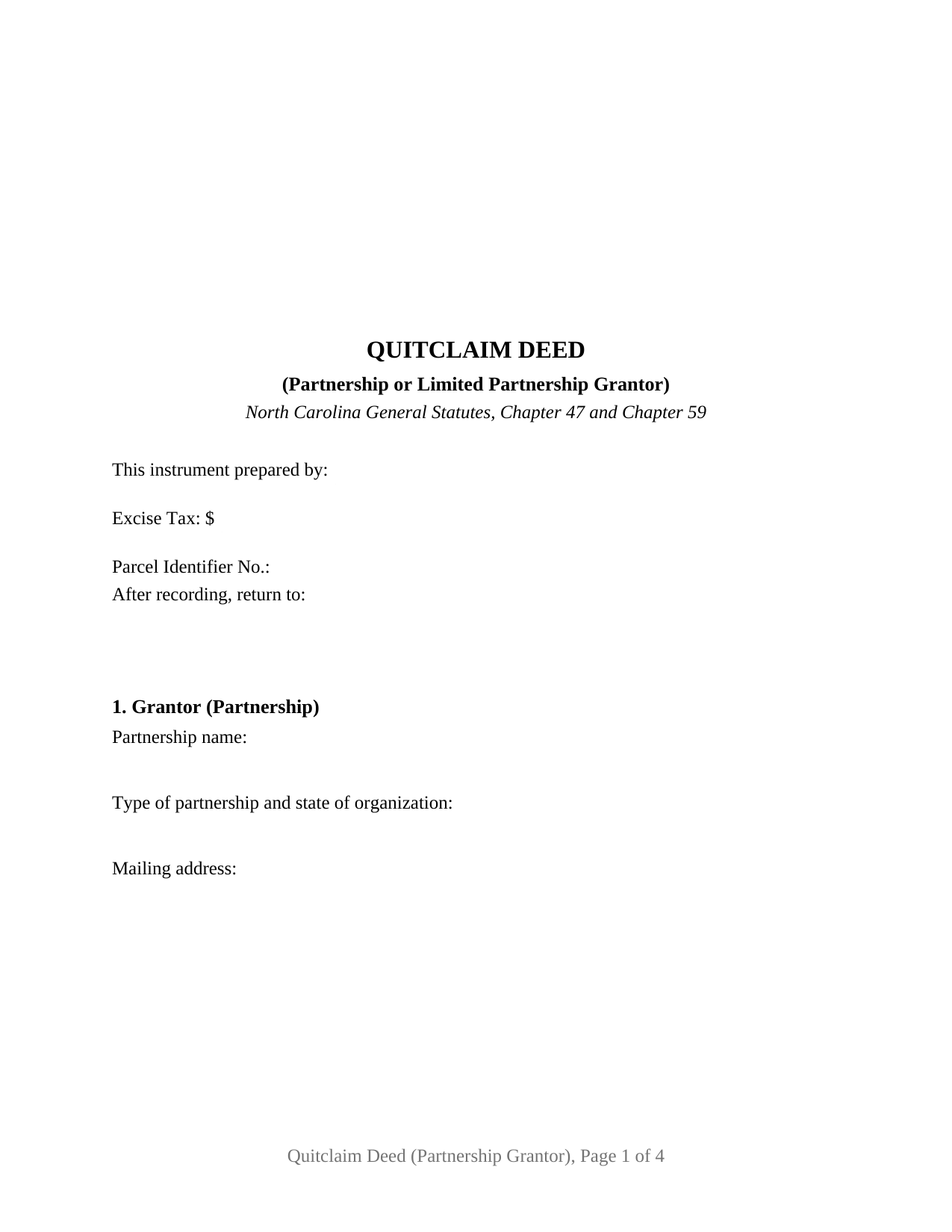
Mcdowell County Quitclaim Deed (Partnership or Limited Partnership Grantor) Form
Fill in the blank Quitclaim Deed (Partnership or Limited Partnership Grantor) form formatted to comply with all North Carolina recording and content requirements.
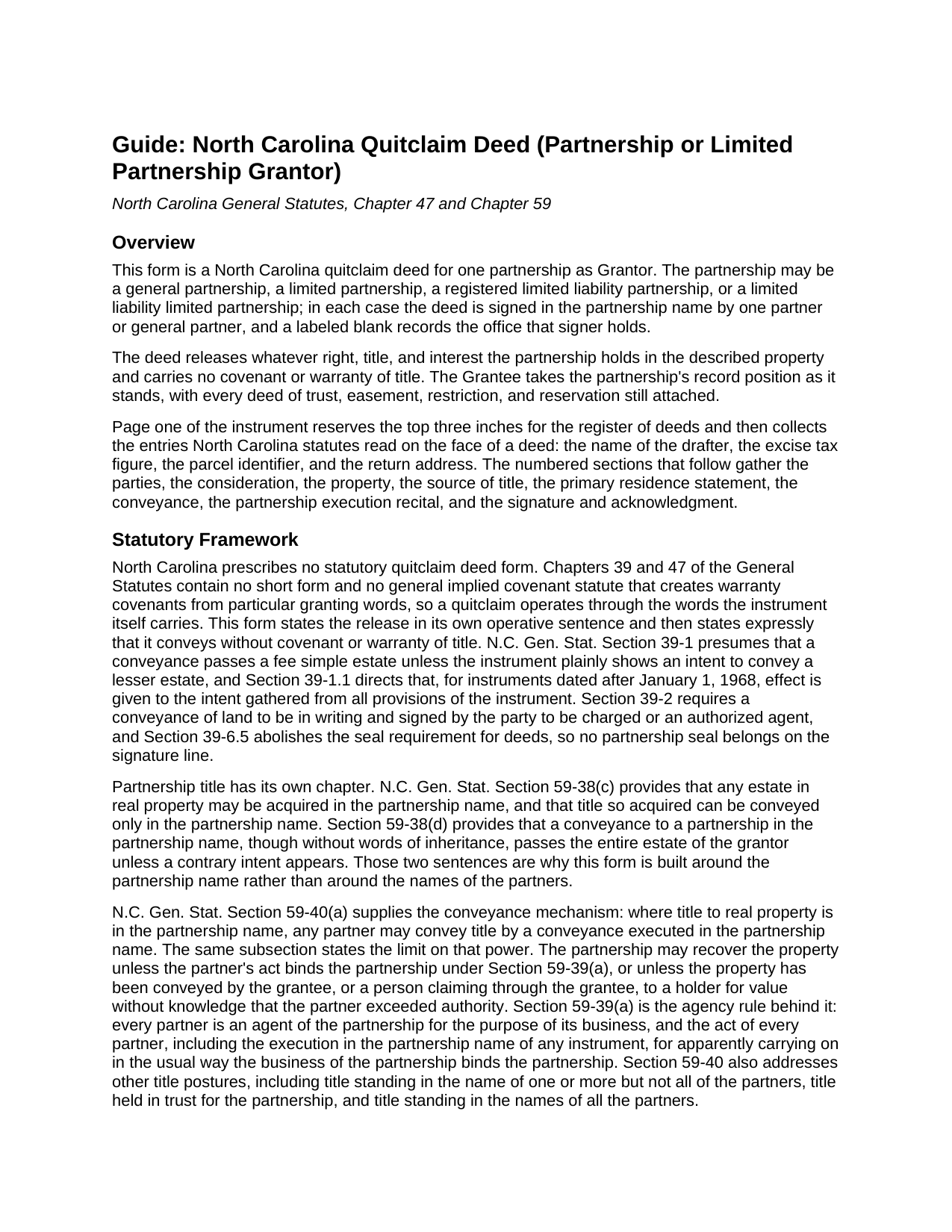
Mcdowell County Quitclaim Deed (Partnership or Limited Partnership Grantor) Guide
Line by line guide explaining every blank on the Quitclaim Deed (Partnership or Limited Partnership Grantor) form.

Mcdowell County Completed Example of the Quitclaim Deed (Partnership or Limited Partnership Grantor) Document
Example of a properly completed North Carolina Quitclaim Deed (Partnership or Limited Partnership Grantor) document for reference.
All 3 documents above included • One-time purchase • No recurring fees
Immediate Download • Secure Checkout
Additional North Carolina and Mcdowell County documents included at no extra charge:
Where to Record Your Documents
McDowell County Register of Deeds
Marion, North Carolina 28752
Hours: 8:30am-5:00pm M-F
Phone: (828) 652-4727
Recording Tips for Mcdowell County:
- Bring your driver's license or state-issued photo ID
- Ensure all signatures are in blue or black ink
- Double-check legal descriptions match your existing deed
- Verify all names are spelled correctly before recording
- White-out or correction fluid may cause rejection
Cities and Jurisdictions in Mcdowell County
Properties in any of these areas use Mcdowell County forms:
- Glenwood
- Little Switzerland
- Marion
- Nebo
- Old Fort
Hours, fees, requirements, and more for Mcdowell County
How do I get my forms?
Forms are available for immediate download after payment. The Mcdowell County forms will be in your account ready to download to your computer. An account is created for you during checkout if you don't have one. Forms are NOT emailed.
Are these forms guaranteed to be recordable in Mcdowell County?
Yes. Our form blanks are guaranteed to meet or exceed the applicable formatting requirements used for recording in Mcdowell County, including margin requirements, font requirements, and other layout standards. This guarantee applies to formatting, not to the legal sufficiency of information entered by the user or the suitability of a form for a particular transaction.
Can I reuse these forms?
Yes. You can reuse the forms for your personal use. For example, if you have multiple properties in Mcdowell County you only need to order once.
What do I need to use these forms?
The forms are PDFs that you fill out on your computer. The free Adobe Acrobat Reader is recommended, and most PDF apps also work. You do NOT enter your property information online - you download the blank forms and complete them privately on your own computer.
Are there any recurring fees?
No. This is a one-time purchase. Nothing to cancel, no memberships, no recurring fees.
How much does it cost to record in Mcdowell County?
Recording fees in Mcdowell County vary. Contact the recorder's office at (828) 652-4727 for current fees.
Questions answered? Let's get started!
Land that came into a partnership in the partnership name leaves it the same way, and that rule shapes this deed. The fillable form here is a North Carolina quitclaim for one partnership as Grantor, general or limited: it releases whatever interest the partnership holds, without covenant of title, and one partner or general partner signs in the partnership name above a blank for the office that signer holds.
Two sentences put the partnership name on the signature line
G.S. 59-38(c) carries both halves: any estate in real property may be acquired in the partnership name, and title so acquired can be conveyed only in the partnership name. G.S. 59-40(a) lets any partner convey that title by a conveyance executed in the partnership name, reserving to the partnership a right to recover the land where the partner's act does not bind it and no holder for value has taken without knowledge. G.S. 59-39(a) sets that condition: a partner's act, including execution of an instrument in the partnership name, binds the partnership where it is for apparently carrying on in the usual way the business of the partnership. Section 8 states on its face that record title stands in the partnership name and that the signature is made in that name, in that capacity and not individually.
The ordinary-course statute this deed cannot borrow
G.S. 47-18.3 protects innocent third parties where a registered page shows ordinary-course signing by a listed official of a corporation or a limited liability company, and excuses those instruments from a recorded resolution. No parallel provision for partnerships was located in Chapter 47, so this deed answers to Chapter 59 and to the partnership's own papers. Hence the weight of the office blank: G.S. 59-403(a) gives a general partner of a limited partnership the powers of a partner in a partnership without limited partners, subject to the Article and the partnership agreement, and G.S. 59-102(6) defines that partner as one named in the certificate of limited partnership.
One partnership, one signer, one office blank
The form recites a single Grantor partnership by name, with a blank for the type of partnership and its state of organization: a general partnership, a limited partnership, a registered limited liability partnership, or a limited liability limited partnership. One acknowledgment certificate follows the one signer. Positions in the records presenting this configuration include a general partnership releasing a tract to the entity its partners later formed, a limited partnership releasing a parcel while its affairs are wound up, and a release clearing an interest that outlasted a change in the general partners. The form is not set up for two conveying partnerships, two partners signing together, an individual conveying individually, or land whose record title stands in the partners' names, the G.S. 59-40(c) and G.S. 59-40(e) posture.
A certificate that need not name the partnership
G.S. 47-38 supplies a certificate sufficient for one or more individuals acting in their own right or, whether or not the certificate says so, in a representative capacity, and it lists a partner of a general or limited partnership. G.S. 47-41.01(e) adds that its entity forms may be modified for partnership instruments. This certificate carries that substance, and because G.S. 39-6.5 took the seal out of conveyances, none belongs on the page.
The release, and the figure on the excise line
Searchers find this instrument as a quit claim deed, a quitclaim, or a non-warranty deed, and under any label it promises nothing: G.S. 39-1 delivers whatever estate the partnership holds unless the deed shows a smaller one, while deeds of trust, easements, and restrictions ride through. Page one reports the excise figure, computed under G.S. 105-228.30 at a dollar for each five hundred dollars or fraction of consideration and collected before recording under G.S. 105-228.32; a wind-up transfer for nothing lands among the classes G.S. 105-228.29 leaves outside the tax. Beside it sit the drafter entry G.S. 47-17.1 makes a condition of acceptance, a parcel identifier blank under G.S. 161-30, and the three inch stamp space of G.S. 161-14(b). Registration in the county holding the land is what makes the release good against creditors and later purchasers under G.S. 47-18.
The download carries this deed as a fillable PDF, a completed example worked through a Pitt County limited partnership releasing an undivided interest to the cotenants buying it out, and a plain language guide covering each section, the execution statutes, the vesting menu, and recording. It describes North Carolina law generally and is not legal advice.
Important: Your property must be located in Mcdowell County to use these forms. Documents should be recorded at the county recording office listed above.
This Quitclaim Deed (Partnership or Limited Partnership Grantor) meets all recording requirements specific to Mcdowell County.
Our Promise
The documents you receive here are guaranteed to meet or exceed the applicable Mcdowell County recording format requirements. If there is a rejection caused by our formatting, we will correct the issue or refund your payment. This guarantee applies to document formatting only and does not extend to information entered by the user, the selection of the form, or the legal effect of the completed document.
Save Time and Money
Get your Mcdowell County Quitclaim Deed (Partnership or Limited Partnership Grantor) form done right the first time with Deeds.com Uniform Conveyancing Blanks. At Deeds.com, we understand that your time and money are valuable resources, and we don't want you to face a penalty fee or rejection imposed by a county recorder for submitting nonstandard documents. We constantly review and update our forms to meet rapidly changing state and county recording requirements for roughly 3,500 counties and local jurisdictions.
4.8 out of 5 - ( 4,845 Reviews )
Heather F. 5 out of 5 stars
Quality forms and information. Everything went smoothly.
Great to hear Heather. Have a fantastic day!
Sue C. 5 out of 5 stars
Very helpful. Easy to use. Able to avoid the cost of having an attorney prepare the document I needed.
Your appreciative words mean the world to us. Thank you and we look forward to serving you again!
FREDERICK T C. 5 out of 5 stars
simple to follow and easy to use. Thanks
Thank you!
Robert K. 5 out of 5 stars
Very user friendly - I found the affidavit I needed right away together with the guide to filling it out.
Thank you!
Roy Y. 5 out of 5 stars
I paid for and received the form for a Quit Claim Deed. Hoping it is the form I need to complete my transaction. Thank you for making it possible to obtain the form I was in need of.
Thank you for your feedback Roy. We appreciate it!
Mike S. 3 out of 5 stars
Overpriced
Thanks Mike. We get it, $27.97 isn't cheap for a lot of people right now. Your Nevada package includes a recorder-ready affidavit, a completed sample, and step-by-step instructions for the state. Expensive, yes. Overpriced, not even close.
Alberta W. 5 out of 5 stars
Deeds.com was user-friendly, clear, specific and complete. I used the site to create and submit a Notice of Termination form, and was able to walk it to my local county court with no major issues. It worked out perfectly.
We appreciate your business and value your feedback. Thank you. Have a wonderful day!
Laurie B. 5 out of 5 stars
You have made this process so simple - I can see it would have been complicated and frustrating without Deeds.com. Thank you!
Thank you!
Thomas W. 5 out of 5 stars
Fast, efficient, and helpful. I don't often have documents that need recording but I found Deeds.com incredibly handy. It cost me no more and probably less than if I'd gone in to do it myself. It was especially helpful during this Covid-19 stay-at-home time. It all happened within a couple of hours and I had my recorded copies in my hands.
Thank you for your feedback. We really appreciate it. Have a great day!
Magdy G. 5 out of 5 stars
Very fast and efficient service. Everything was done online. Did not need any help.
Thank you!
ralph m. 5 out of 5 stars
Overall the experience was pleasant and the services were delivered In a timely fashion
Thank you Ralph. Have a great day!
Pamela B. 5 out of 5 stars
The process was not difficult but I don't think that it suited my needs. There were several fields that were not applicable to me but I had to enter something to proceed. I also filled out the other form and mailed it in with some documentation that the electronic service did not ask for. Questions of my attempt are still unanswered. I hope I didn't waste time with this process. We shall see. Thank you.
Thank you!
Alexia B. 5 out of 5 stars
Excellent service with rapid turn around time!
We appreciate your business and value your feedback. Thank you. Have a wonderful day!
Thomas D. 2 out of 5 stars
The documents themselves are fine and the information provided with them is helpful. I find the actual processing of the documents, however, to be difficult particularly once the document has been saved. First, I note that the box for the date only allows entry of the last 2 digits of the year. Unfortunately, my download only allows me to enter one of the 2 digits required. When I delete it repeatedly, it eventually allows both digits to be entered but puts them in extremely small text and in superscrypt. I have not found a solution to this problem and am not sure the deed can even be recorded with this problem. Another problem is that if you try to revise the document after you have saved it the curser goes to the end of the line after each key entry. This means that there basically is no way to efficiently save the document for reworking later since you will have to delete everything you have entered in the text box unless you only need to make a single keystroke change or are willing to replace the curser after each entry. Try that with a long property description! Please note that I am using a Mac to prepare my documents and perhaps this is part of an "incompatibility problem". However, I didn't see a disclaimer regarding Mac use and so would expect the documents to perform correctly. Overall, I give the program a "2 star" rating because I am experiencing significant difficulties in entering dates in the documents even before saving them and because saving your work for later revision appears to be basically unworkable.
Thank you for your feedback Thomas, we appreciate you being specific about the issues you encountered. Adobe and Mac have a fairly long history of issues working together.
Beverly J. A. 5 out of 5 stars
The forms where easy to follow with the directions showing how to fill out the forms that I needed.
Thank you for your feedback. We really appreciate it. Have a great day!