Mcdowell County Quitclaim Deed (Reserving Life Estate) Form
Last validated September 25, 2026 by our Forms Development TeamFormatted for recording in Mcdowell County, for property anywhere in the county: rural and unincorporated areas as well as Glenwood, Little Switzerland, Marion, Nebo, Old Fort.
- 3 documents included
- Immediate PDF download
- Formatting guarantee
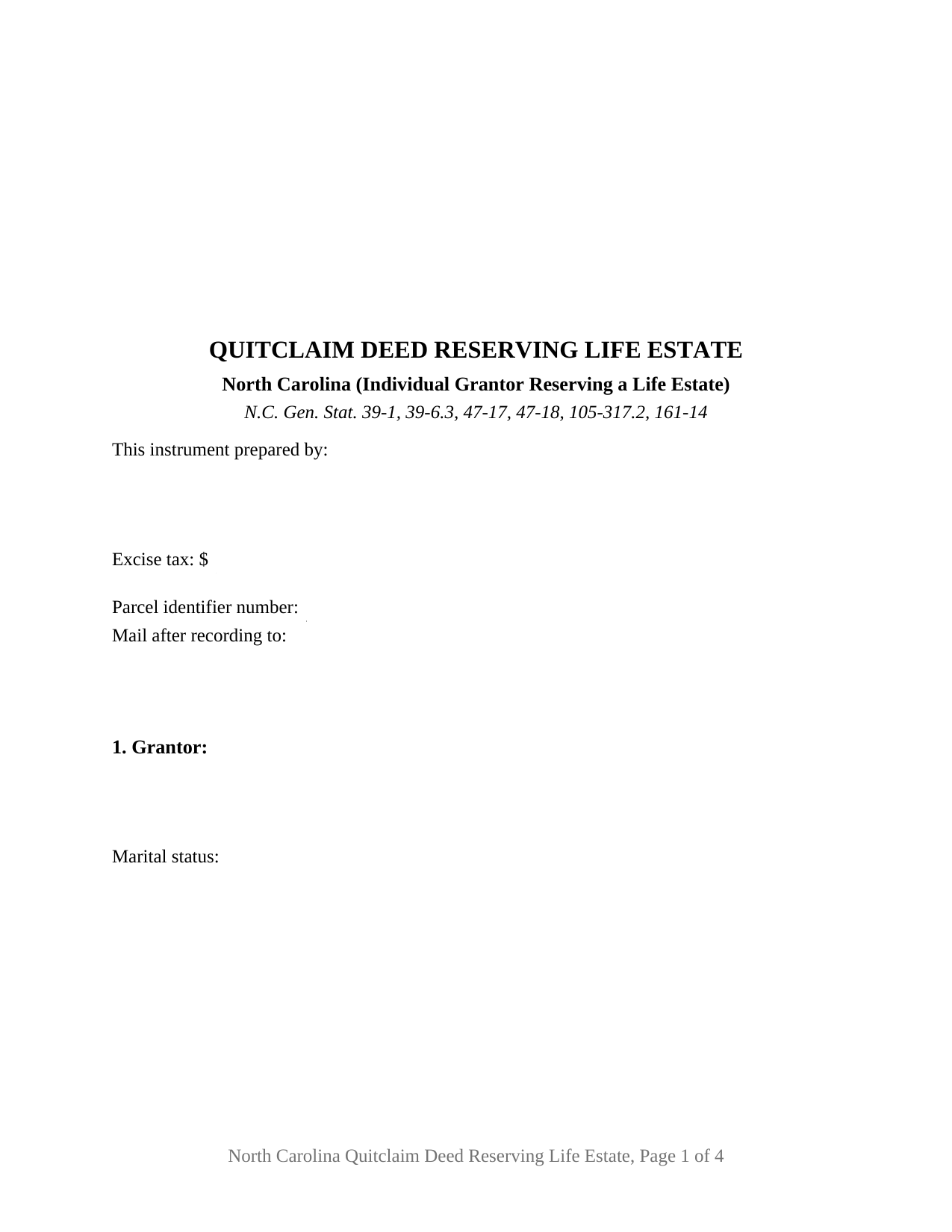
Mcdowell County Quitclaim Deed (Reserving Life Estate) Form
Fill in the blank Quitclaim Deed (Reserving Life Estate) form formatted to comply with all North Carolina recording and content requirements.
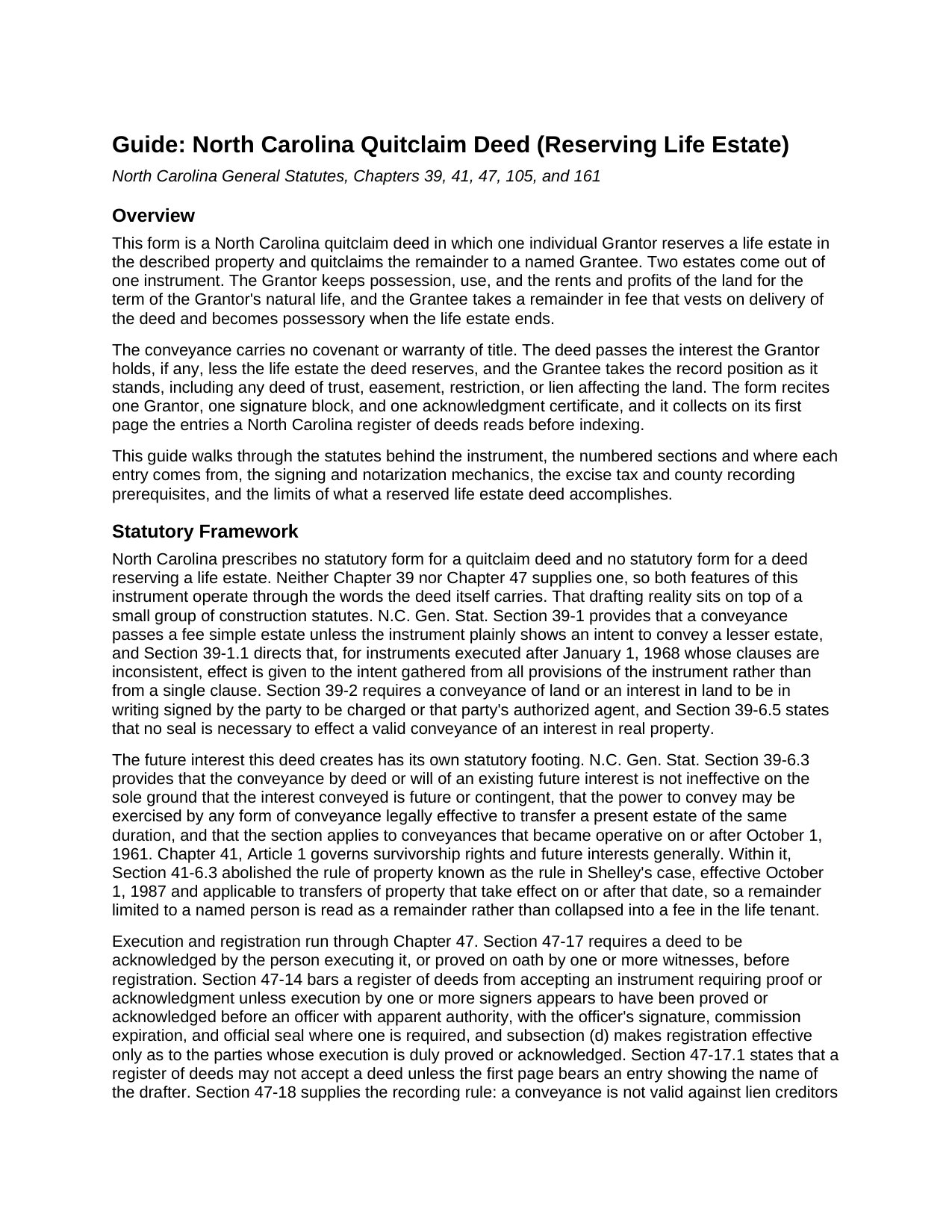
Mcdowell County Quitclaim Deed (Reserving Life Estate) Guide
Line by line guide explaining every blank on the Quitclaim Deed (Reserving Life Estate) form.
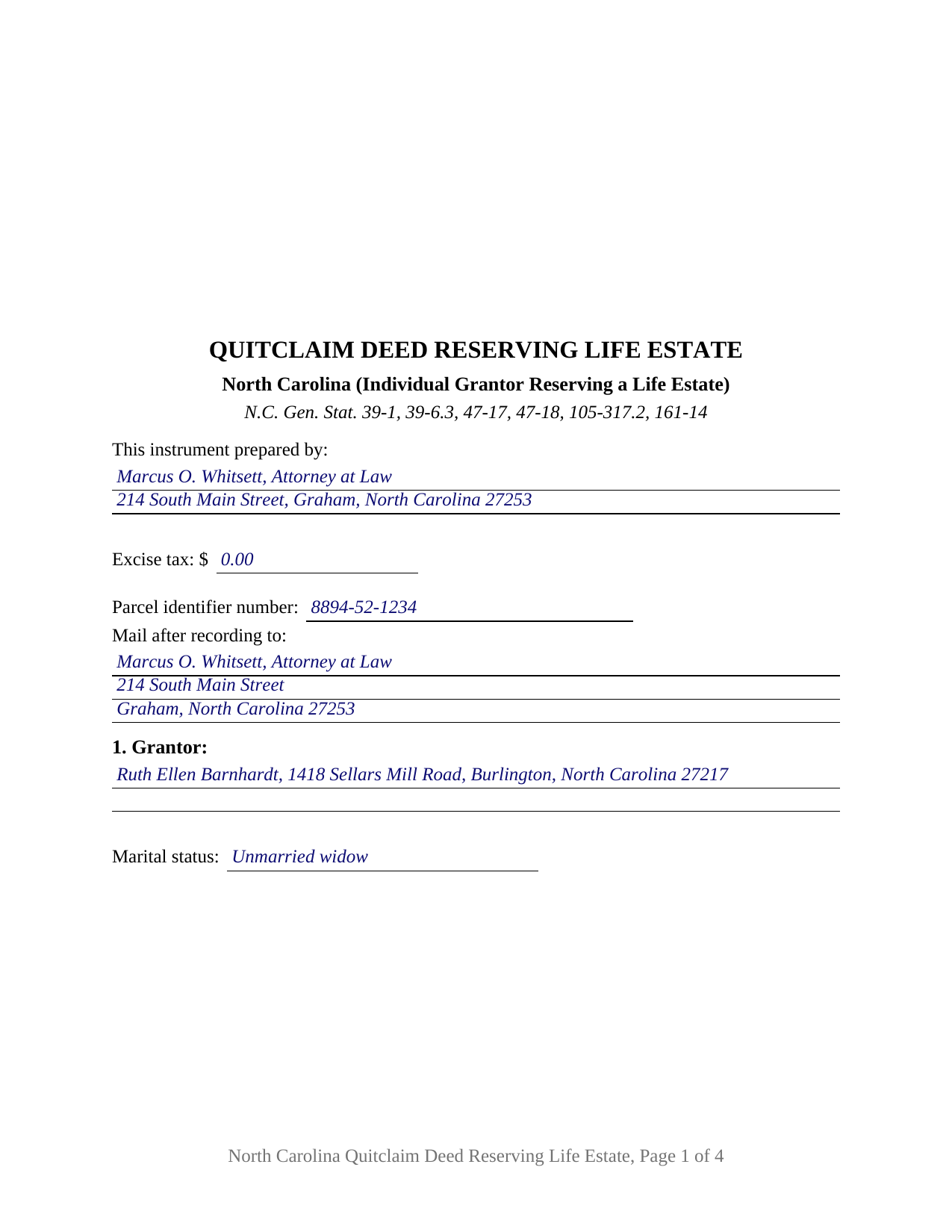
Mcdowell County Completed Example of the Quitclaim Deed (Reserving Life Estate) Document
Example of a properly completed North Carolina Quitclaim Deed (Reserving Life Estate) document for reference.
All 3 documents above included • One-time purchase • No recurring fees
Immediate Download • Secure Checkout
Additional North Carolina and Mcdowell County documents included at no extra charge:
Where to Record Your Documents
McDowell County Register of Deeds
Marion, North Carolina 28752
Hours: 8:30am-5:00pm M-F
Phone: (828) 652-4727
Recording Tips for Mcdowell County:
- Bring your driver's license or state-issued photo ID
- Ensure all signatures are in blue or black ink
- Documents must be on 8.5 x 11 inch white paper
- Double-check legal descriptions match your existing deed
- Verify all names are spelled correctly before recording
Cities and Jurisdictions in Mcdowell County
Properties in any of these areas use Mcdowell County forms:
- Glenwood
- Little Switzerland
- Marion
- Nebo
- Old Fort
Hours, fees, requirements, and more for Mcdowell County
How do I get my forms?
Forms are available for immediate download after payment. The Mcdowell County forms will be in your account ready to download to your computer. An account is created for you during checkout if you don't have one. Forms are NOT emailed.
Are these forms guaranteed to be recordable in Mcdowell County?
Yes. Our form blanks are guaranteed to meet or exceed the applicable formatting requirements used for recording in Mcdowell County, including margin requirements, font requirements, and other layout standards. This guarantee applies to formatting, not to the legal sufficiency of information entered by the user or the suitability of a form for a particular transaction.
Can I reuse these forms?
Yes. You can reuse the forms for your personal use. For example, if you have multiple properties in Mcdowell County you only need to order once.
What do I need to use these forms?
The forms are PDFs that you fill out on your computer. The free Adobe Acrobat Reader is recommended, and most PDF apps also work. You do NOT enter your property information online - you download the blank forms and complete them privately on your own computer.
Are there any recurring fees?
No. This is a one-time purchase. Nothing to cancel, no memberships, no recurring fees.
How much does it cost to record in Mcdowell County?
Recording fees in Mcdowell County vary. Contact the recorder's office at (828) 652-4727 for current fees.
Questions answered? Let's get started!
This deed divides ownership along the calendar rather than along a boundary line. The owner keeps the property for life and moves the rest today: Section 8 reserves a life estate for the term of the Grantor's own natural life, and Section 9 quitclaims the remainder to the named Grantee, with no covenant of title traveling with it. The fillable North Carolina form is drawn for that single configuration.
Two estates cut from one instrument
North Carolina writes no form for a life estate deed and none for a quitclaim, so the operative words carry both jobs. The reservation holds back a present estate measured by the Grantor's life, with the possession, use, rents, and profits during that term; what leaves the Grantor is the remainder in fee that follows it. G.S. 39-6.3 supplies the footing for the interest that moves: a conveyance of an existing future interest is not ineffective on the sole ground that the interest conveyed is future or contingent. G.S. 41-6.3, abolishing the rule in Shelley's case for transfers taking effect on or after October 1, 1987, leaves a remainder limited to a named person standing as one.
Vesting now, possession later
The timing is the point of the instrument. The remainder vests in the Grantee when the deed is delivered; only possession waits for the life estate to end. The reservation is an ordinary life estate and no more, carrying no power to sell, mortgage, appoint, or revoke. North Carolina has tested what follows. In Willis v. Willis, No. 457A11 (2012), an owner who had reserved a life estate and conveyed the remainder to a son sought reformation after the son died and the remainder passed to his children; the Supreme Court of North Carolina held that reformation for a grantor's unilateral mistake, absent fraud, is unavailable as a matter of law.
One Grantor, one signature block, one certificate
The form recites exactly one individual as Grantor, with a mailing address and a marital status line; one receiving side, whose blank takes the remainder holders' names and any tenancy designation; the primary residence statement G.S. 105-317.2 asks of every deed; and one signature block with one acknowledgment certificate carrying the substance of the G.S. 10B-41 certificate. Positions in the records presenting this shape include a sole owner moving the remainder in a residence to an adult child while keeping the right to live there, and an owner of timber land passing the remainder to a niece while keeping the income for life. The form is not set up for two conveying owners, an entity Grantor, a signature made by an agent, a life estate measured by another person's life, or a reservation favoring someone who does not sign, and it prints no joinder line for a spouse holding no record title, the configuration G.S. 39-7 and G.S. 41-58 address.
The duties that ride with a reserved life estate
Possession carries obligations. G.S. 105-302(c)(8) treats the life tenant as the owner for listing purposes, G.S. 105-355(a)(1) makes the taxes a lien on the fee as well as the life estate, and G.S. 105-384 places payment on the life tenant, letting a remainderman who pays sue to recover. Chapter 1, Article 42 supplies the waste remedies, G.S. 1-533 allowing judgment for damages, forfeiture, and eviction. G.S. 46A-79 adds that a life estate does not bar a partition sale of the remainder, though it cannot disturb the life tenant's possession.
What page one reports
Beneath the three inch recording space of G.S. 161-14(b), with the instrument type named under it, the first page gathers the drafter entry G.S. 47-17.1 makes a condition of acceptance, the excise figure computed under G.S. 105-228.30 and collected before recording under G.S. 105-228.32, a parcel identifier blank for the county systems of G.S. 161-30, and the return block. A remainder given without payment lands among the exempt classes of G.S. 105-228.29 and reports at zero. Registration in the county holding the land is what makes the conveyance good against lien creditors and later purchasers under G.S. 47-18.
The download carries this life estate deed as a fillable PDF, a completed example worked through an Alamance County gift of a remainder with a reserved life estate, and a plain language guide covering each section, the vesting menu, excise treatment, and recording. Searchers reach it as a quit claim deed, a quitclaim, a non-warranty deed, or a life estate deed; under any label, these materials describe North Carolina law generally and are not legal advice.
Important: Your property must be located in Mcdowell County to use these forms. Documents should be recorded at the county recording office listed above.
This Quitclaim Deed (Reserving Life Estate) meets all recording requirements specific to Mcdowell County.
Our Promise
The documents you receive here are guaranteed to meet or exceed the applicable Mcdowell County recording format requirements. If there is a rejection caused by our formatting, we will correct the issue or refund your payment. This guarantee applies to document formatting only and does not extend to information entered by the user, the selection of the form, or the legal effect of the completed document.
Save Time and Money
Get your Mcdowell County Quitclaim Deed (Reserving Life Estate) form done right the first time with Deeds.com Uniform Conveyancing Blanks. At Deeds.com, we understand that your time and money are valuable resources, and we don't want you to face a penalty fee or rejection imposed by a county recorder for submitting nonstandard documents. We constantly review and update our forms to meet rapidly changing state and county recording requirements for roughly 3,500 counties and local jurisdictions.
4.8 out of 5 - ( 4,845 Reviews )
Mary B. 5 out of 5 stars
Great job, Deeds.com! I'm a retired lawyer, and I'm liking what I see. Well done.
Thank you!
Tricia M. 5 out of 5 stars
The document I purchased (QuitClaim Deed) had detailed directions explaining how to complete the form. This made it easy to complete without any doubt that it was completed incorrectly (which was my fear). I also used the E-File service and it was processed very quickly without any issues. Thank you for making this process simple! I will definitely use this service again.
We appreciate your business and value your feedback. Thank you. Have a wonderful day!
Barbara S. 5 out of 5 stars
Thanks for this service. I believe it will be all I need. Will know for sure within a week
We appreciate your business and value your feedback. Thank you. Have a wonderful day!
John G. 5 out of 5 stars
Very straightforward ordering process to obtain the forms I needed. Thank you.
Thank you!
Elizabth T. 5 out of 5 stars
Deed instructions were easy to follow & understand. Deed was exactly what I needed at a fair price.
Great to hear — thank you for taking the time to write a review.
brenda S. 5 out of 5 stars
Excellent instructions very easy to follow!
Thank you!
Diana L. 5 out of 5 stars
Easy to use but need to go through the courthouse to do what I need to do.
Thank you!
Salvatore R. 5 out of 5 stars
It was fast and easy to find.
Thank you!
Shihei W. 5 out of 5 stars
Loved every step of the process, from the detail explanation of the services/products provided, to the inclusive packet that comes with my purchase of the trust certification form.
Your feedback is greatly appreciated. Thank you for taking the time to share your experience!
Robert K. 5 out of 5 stars
I used your TOD document to deed my home to my daughter. Your sample document was very helpful. I had to do it a few times but finally got it right. I didn't check but It was surely cheaper than a lawyer fee.
Thank you for your feedback. We really appreciate it. Have a great day!
Delia C. 5 out of 5 stars
Your service is a life saver! I'm a paralegal and new to lien releases especially in Platte Co., MO. The clerk was not helpful and I so appreciate your service in accomplishing this very important task!!
We appreciate your business and value your feedback. Thank you. Have a wonderful day!
Mary S. 5 out of 5 stars
Very helpful and an easy site to use so far.
Thank you for your feedback. We really appreciate it. Have a great day!
Cecil S. 5 out of 5 stars
EXCELLENT SERVICE DONE WELL AND QUICKLY
We appreciate your business and value your feedback. Thank you. Have a wonderful day!
Bruce J. 5 out of 5 stars
Fast results
Thank you!
Barbara J. 5 out of 5 stars
I haven't actually used any forms yet, but I am very pleased with the simplicity of the website. I love the nmber and variety of forms offered. Thank you for such a great website,
Thank you!