Mcdowell County Quitclaim Deed (Divorce) Form
Last validated November 4, 2026 by our Forms Development TeamFormatted for recording in Mcdowell County, for property anywhere in the county: rural and unincorporated areas as well as Glenwood, Little Switzerland, Marion, Nebo, Old Fort.
- 3 documents included
- Immediate PDF download
- Formatting guarantee
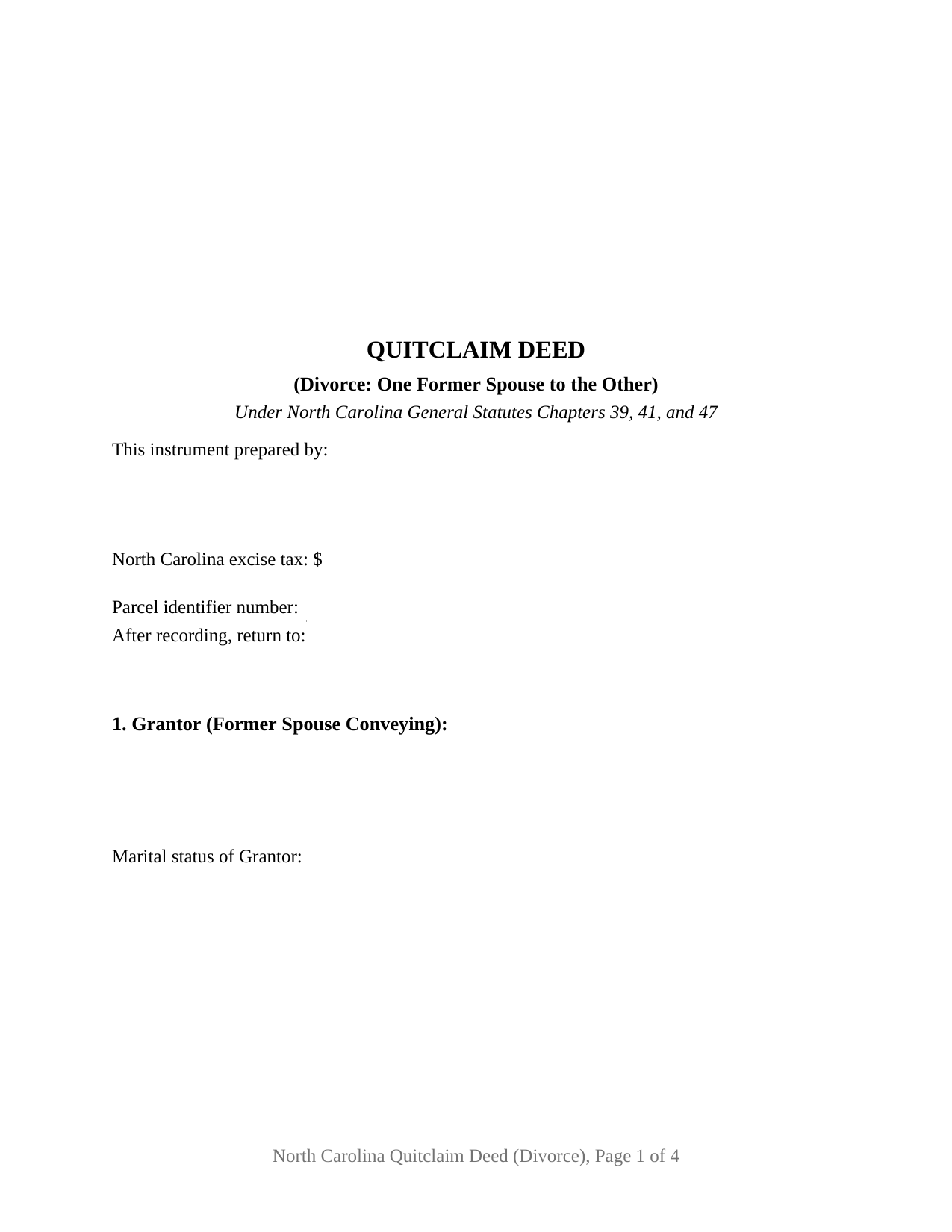
Mcdowell County Quitclaim Deed (Divorce) Form
Fill in the blank Quitclaim Deed (Divorce) form formatted to comply with all North Carolina recording and content requirements.
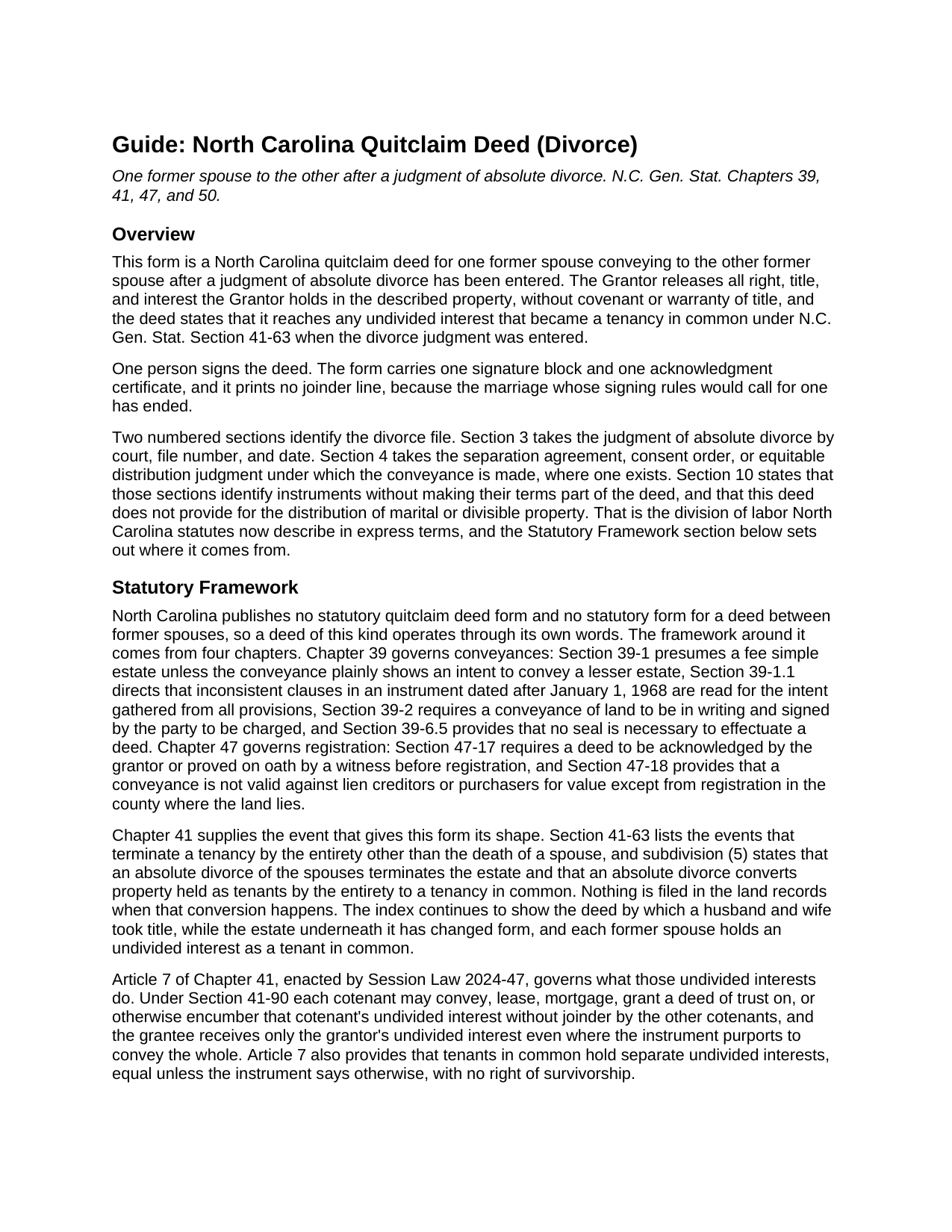
Mcdowell County Quitclaim Deed (Divorce) Guide
Line by line guide explaining every blank on the Quitclaim Deed (Divorce) form.
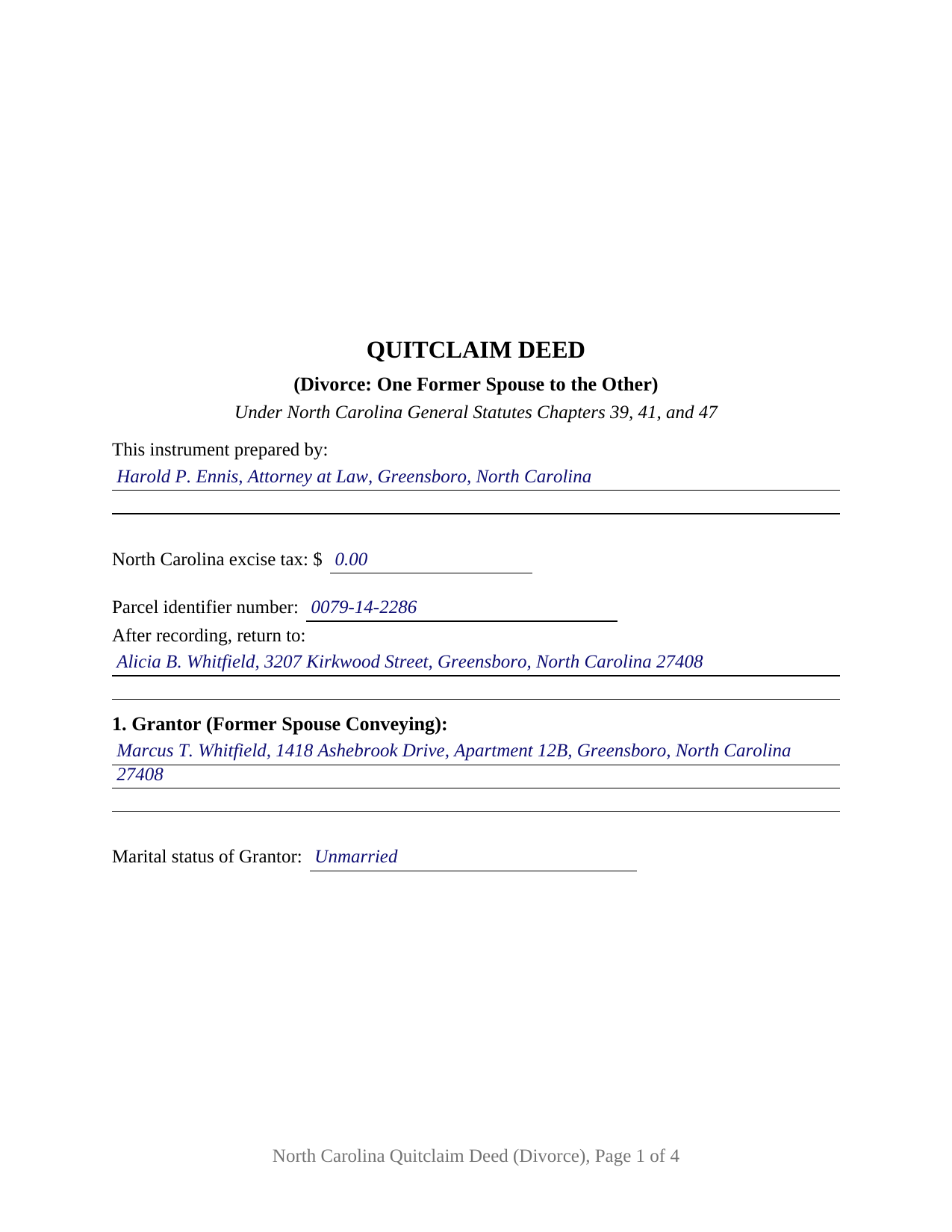
Mcdowell County Completed Example of the Quitclaim Deed (Divorce) Document
Example of a properly completed North Carolina Quitclaim Deed (Divorce) document for reference.
All 3 documents above included • One-time purchase • No recurring fees
Immediate Download • Secure Checkout
Additional North Carolina and Mcdowell County documents included at no extra charge:
Where to Record Your Documents
McDowell County Register of Deeds
Marion, North Carolina 28752
Hours: 8:30am-5:00pm M-F
Phone: (828) 652-4727
Recording Tips for Mcdowell County:
- Bring your driver's license or state-issued photo ID
- Ensure all signatures are in blue or black ink
- Request a receipt showing your recording numbers
- Ask about accepted payment methods when you call ahead
- Ask for certified copies if you need them for other transactions
Cities and Jurisdictions in Mcdowell County
Properties in any of these areas use Mcdowell County forms:
- Glenwood
- Little Switzerland
- Marion
- Nebo
- Old Fort
Hours, fees, requirements, and more for Mcdowell County
How do I get my forms?
Forms are available for immediate download after payment. The Mcdowell County forms will be in your account ready to download to your computer. An account is created for you during checkout if you don't have one. Forms are NOT emailed.
Are these forms guaranteed to be recordable in Mcdowell County?
Yes. Our form blanks are guaranteed to meet or exceed the applicable formatting requirements used for recording in Mcdowell County, including margin requirements, font requirements, and other layout standards. This guarantee applies to formatting, not to the legal sufficiency of information entered by the user or the suitability of a form for a particular transaction.
Can I reuse these forms?
Yes. You can reuse the forms for your personal use. For example, if you have multiple properties in Mcdowell County you only need to order once.
What do I need to use these forms?
The forms are PDFs that you fill out on your computer. The free Adobe Acrobat Reader is recommended, and most PDF apps also work. You do NOT enter your property information online - you download the blank forms and complete them privately on your own computer.
Are there any recurring fees?
No. This is a one-time purchase. Nothing to cancel, no memberships, no recurring fees.
How much does it cost to record in Mcdowell County?
Recording fees in Mcdowell County vary. Contact the recorder's office at (828) 652-4727 for current fees.
Questions answered? Let's get started!
The judgment came first. By the time this deed is signed, a North Carolina absolute divorce has already changed the estate: G.S. 41-63(5) converts property held as tenants by the entirety into a tenancy in common, so two former spouses hold undivided shares of what used to be the marital residence. This fillable quitclaim deed moves one of those shares. One former spouse signs as Grantor, the other is named as Grantee, and the instrument releases the Grantor's interest with no covenant or warranty of title.
What the divorce already did to the title
Tenancy by the entirety depends on the marriage that created it. G.S. 41-63 lists the events that end it short of death, and subdivision (5) supplies the consequence: an absolute divorce of the spouses converts entireties property to a tenancy in common. Nothing reaches the registry when that happens. The index still shows a deed running to a husband and wife while the estate beneath it has changed form, and each former spouse holds an undivided interest that G.S. 41-90 lets that cotenant convey alone. Section 10 names the conversion expressly, so the page states what the release reaches.
The division belongs to the order, not to the deed
North Carolina draws that line in statutory text. G.S. 50-20(d) lets the parties provide for distribution of marital and divisible property by written agreement acknowledged under G.S. 52-10 and G.S. 52-10.1, then adds, citing G.S. 39-13.3(a)(2) and G.S. 41-63(4)b., that the parties shall not provide for this distribution in an instrument of conveyance of real property. Session Law 2025-25 rewrote G.S. 39-13.3(a)(2) to the same effect on October 1, 2025: a right or claim for equitable distribution shall not be waived or released in the instrument of conveyance. So this form carries identification blanks and no division terms. Section 3 takes the judgment by court, file number, and date; Section 4 takes the separation agreement, consent order, or equitable distribution judgment the conveyance carries out, each prepared separately and not part of this package.
One signature, and the joinder line that is absent
What is missing from this deed says as much as what it carries. G.S. 29-30 supplies the elective life estate that G.S. 39-7 asks a spouse to sign away, and G.S. 41-58 calls for written joinder of both spouses on entireties property; the judgment named in Section 3 ended the marriage both provisions run with. So the form recites one Grantor, one signature line, one printed name line for the register's index, and one certificate carrying the substance of G.S. 10B-41(a). A marital status line earns its place, because a Grantor who has remarried holds the land during a new marriage, which G.S. 39-7 reaches through the current spouse's execution. Positions appearing in the records here include a former spouse releasing the residence to the one keeping it under a consent order, a departing owner clearing the chain before a refinance, and an undivided half interest a title search surfaced years after a divorce. The form is not set up for two conveying owners, for spouses still married when they sign, for an entity or trustee Grantor, or for an agent's signature.
A release, and the figures page one reports
No North Carolina statute prescribes a quitclaim, so the operative words do the work: the deed passes what the Grantor has, if any, and G.S. 39-1 sends the whole of that estate unless the deed shows less. A deed of trust both former spouses signed rides through untouched, and so does the note behind it. Page one keeps the three inch band G.S. 161-14(b) requires, names the instrument type beneath it, then gathers what the counter reads: the drafter name G.S. 47-17.1 puts on a first page as a condition of acceptance, the excise figure G.S. 105-228.32 makes the presenter's report, a parcel identifier line under G.S. 161-30, and the return address. Where no consideration in property or money is due or paid by the transferee, G.S. 105-228.29 places the transfer outside the tax. Searchers find it as a quit claim deed, a quitclaim, a non-warranty deed, or a divorce deed; under every label, G.S. 47-18 measures priority from registration where the land lies.
The download holds this deed as a fillable PDF, a completed example worked through a Guilford County release following an absolute divorce, and a plain language guide covering each section, the divorce and vesting statutes, excise reporting, and recording. Nothing here is legal advice; it describes North Carolina law generally.
Important: Your property must be located in Mcdowell County to use these forms. Documents should be recorded at the county recording office listed above.
This Quitclaim Deed (Divorce) meets all recording requirements specific to Mcdowell County.
Our Promise
The documents you receive here are guaranteed to meet or exceed the applicable Mcdowell County recording format requirements. If there is a rejection caused by our formatting, we will correct the issue or refund your payment. This guarantee applies to document formatting only and does not extend to information entered by the user, the selection of the form, or the legal effect of the completed document.
Save Time and Money
Get your Mcdowell County Quitclaim Deed (Divorce) form done right the first time with Deeds.com Uniform Conveyancing Blanks. At Deeds.com, we understand that your time and money are valuable resources, and we don't want you to face a penalty fee or rejection imposed by a county recorder for submitting nonstandard documents. We constantly review and update our forms to meet rapidly changing state and county recording requirements for roughly 3,500 counties and local jurisdictions.
4.8 out of 5 - ( 4,845 Reviews )
Deidre E. 5 out of 5 stars
Best thing since sliced bread. Do your homework. Find the documents with Deeds.com and bypass expensive and unnecessary lawyers fees.
We deeply appreciate the trust you have placed in our services. Thank you for your valuable feedback and for choosing us.
Andrew M. 5 out of 5 stars
Awesome service, I don’t know how much it saved me but I know it was a lot cheaper than going to a lawyer.
We are delighted to have been of service. Thank you for the positive review!
JAY R. 5 out of 5 stars
Easy to use service to download all needed forms
Your feedback is valuable to us and helps us improve. Thank you for sharing your thoughts!
Lisa M. 5 out of 5 stars
This site was awesome And received what I wanted the same day.
Thank you for your feedback. We really appreciate it. Have a great day!
Ron D. 3 out of 5 stars
The State form I chose was valid and accurate. However, I found the ability to enter information was inadequate and difficult. Converted the form to a Word document and was then able to enter the information I needed to.
Your feedback is valuable to us and helps us improve. Thank you for sharing your thoughts!
Julie S. 5 out of 5 stars
I am really impressed by this website. Not only is it affordable, but they give a detailed description, instructions, and an example to follow. Also there are additional forms included. And it's State, even county, specific. They do not require a subscription either as you can just order what you want. Thank you!
We appreciate your business and value your feedback. Thank you. Have a wonderful day!
Timothy M. 5 out of 5 stars
I like what I see so far!
Thank you!
Tiffany P. 5 out of 5 stars
Very quick and gave me exactly what I needed! I would have had to go down to the courts and take off work to get this info otherwise.
Thank you for your feedback. We really appreciate it. Have a great day!
Wendy S. 4 out of 5 stars
Good template that met my needs. Much better than another draft template that I found on another site. Would have been helpful if the template had been provided in a Word format instead of PDF so that I could remove the sections that are not applicable.
We appreciate your business and value your feedback. Thank you. Have a wonderful day!
James R. 5 out of 5 stars
This site is a blessing in disguise-/>
Thank you!
CYNTHIA Z. 5 out of 5 stars
So easy to use and fast.
Thank you!
Camesha Y. 5 out of 5 stars
Was working with a notary client that need to do a deed. We got on this site, ordered the blank forms, he filled them out and we printed them so he could sign. Really clean forms, easy to understand and complete in a hurry. I will be letting all my clients know about this site.
That's terrific Camesha, glad to hear. Have a great day!
Kim K. 5 out of 5 stars
Your service was easy to use and fee was reasonable. I would recommend to other lawyers who are in private practice.
We appreciate your business and value your feedback. Thank you. Have a wonderful day!
Kevin C. 2 out of 5 stars
I like your service, but the error message I received yesterday was confusing. It said that Utah County does not record cover pages, so I should either remove the cover page or change the “order“ of the documents being submitted. This is ambiguous. I examined my package and it looked like the cover page was already being submitted separately, as a supporting document at the end, and there was no way to explicitly change the ordering of the submitted documents, that is up to your service. So I removed the cover page. But that makes me nervous, how will they know where to route it when it is done? So now I’m not sure if it was submitted correctly.
Thank you for the review, Kevin, and for laying out exactly what you saw.
The message you received ("Utah County does not accept cover pages for recording. Please remove or reorder to the back. Thank you.") came directly from the Utah County Recorder. We pass recorder rejection notes along as written, and we agree it was ambiguous. Rejection notes from recording offices often are, since they are written for people who file in that county every day.
Supporting documents always travel behind the main document they belong to, so there was nothing for you to reorder, and by your description the cover page was already at the back. With the cover page removed, the package matched what the recorder's note asked for.
On routing: nothing is mailed back with e-recording. The recorder records the document image, adds the recording information, and returns the recorded copy electronically through the e-recording system to us. It then appears on your package in your account and you get a message from us. A cover page plays no part in that, so leaving it out did not affect where your document goes.
Donna R. 5 out of 5 stars
This was a seamless process. It probably took one minute to fill out my information and upload the document. It was formatted and sent immediately. It was processed the next day at the county recorders office. I have zero complaints. Before finding this company I spent an entire day calling and leaving messages at other e-filing companies like simplfile and others but they all required subscriptions. I just needed to file a single document now and then so that was not a good fit. (And those companies I found out still require the customer to do all the work!). Deeds.com kept me informed throughout the process every step. I'm happy to write this review. Thank you
Thank you for your feedback. We really appreciate it. Have a great day!