Duplin County Quitclaim Deed Form
Last validated October 5, 2026 by our Forms Development TeamFormatted for recording in Duplin County, for property anywhere in the county: rural and unincorporated areas as well as Albertson, Beulaville, Calypso, Chinquapin, Faison, Kenansville, Magnolia, Rose Hill and 3 more.
- 3 documents included
- Immediate PDF download
- Formatting guarantee
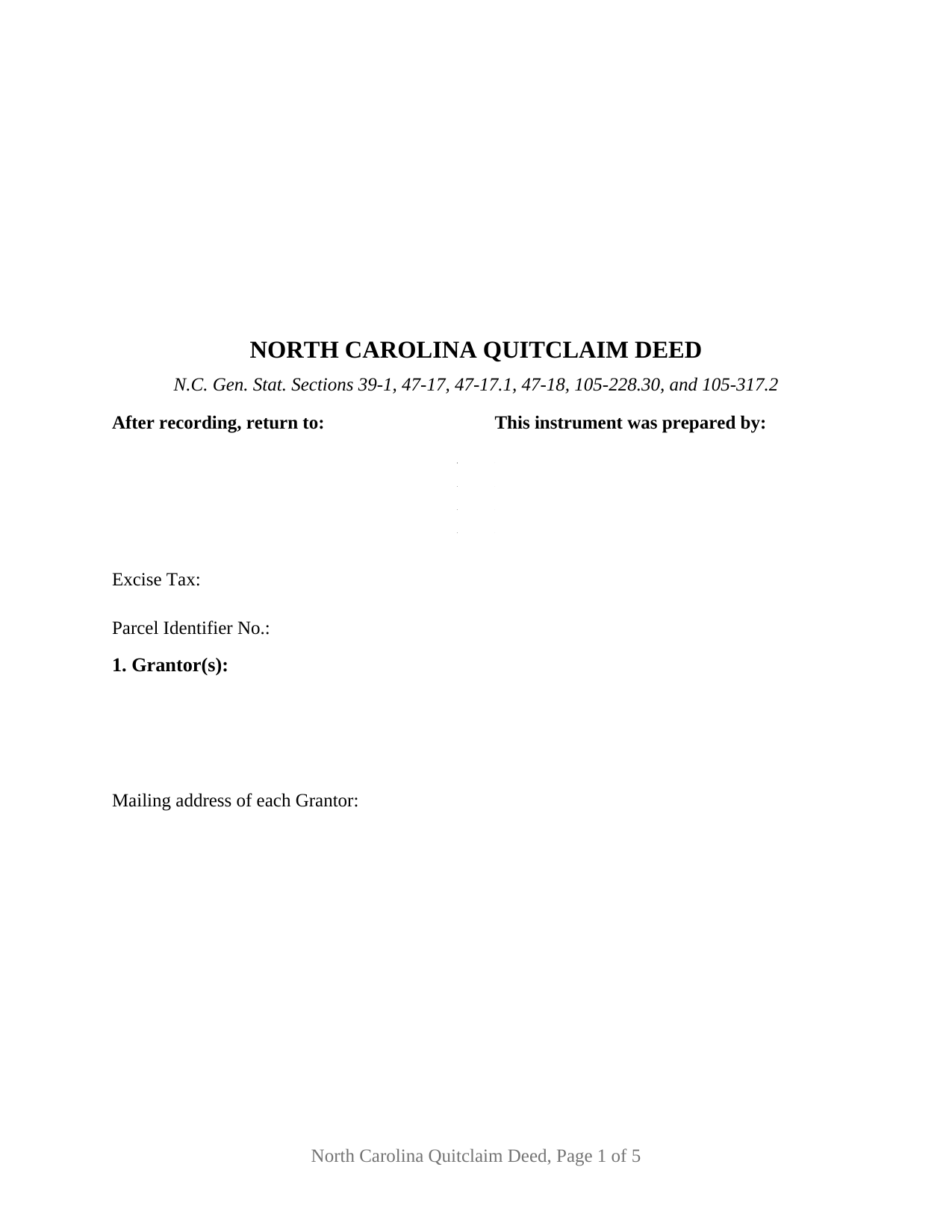
Duplin County Quitclaim Deed Form
Fill in the blank Quitclaim Deed form formatted to comply with all North Carolina recording and content requirements.
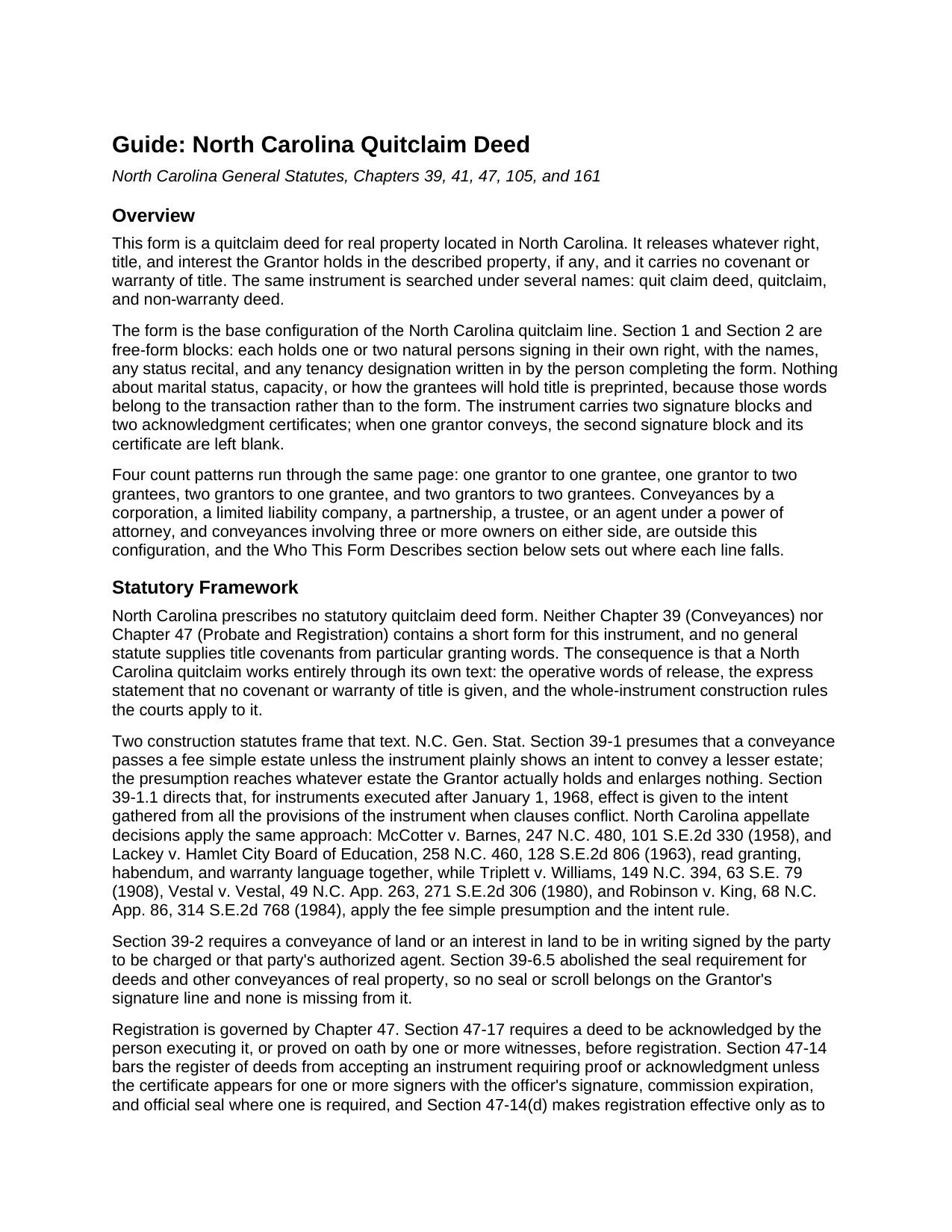
Duplin County Quitclaim Deed Guide
Line by line guide explaining every blank on the Quitclaim Deed form.
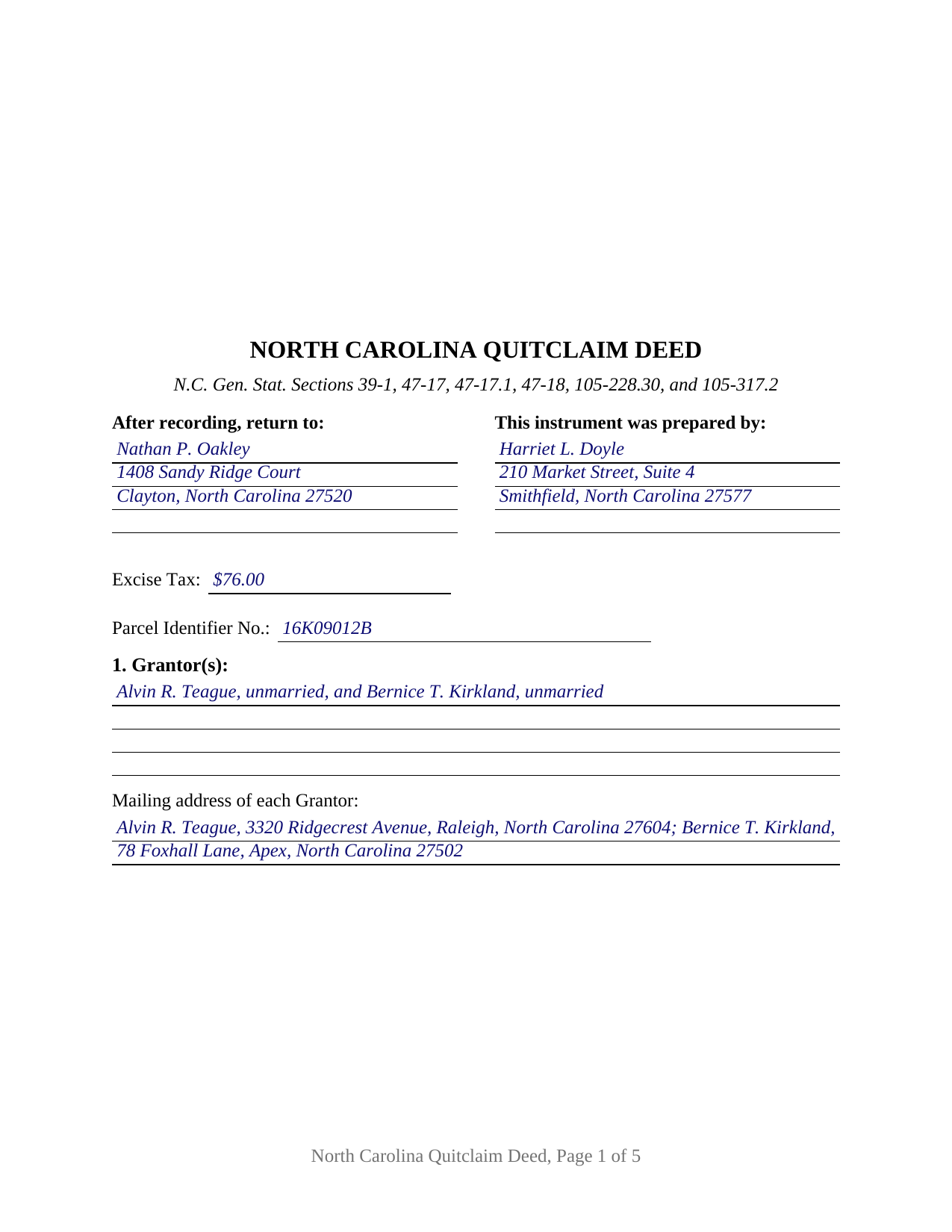
Duplin County Completed Example of the Quitclaim Deed Document
Example of a properly completed North Carolina Quitclaim Deed document for reference.
All 3 documents above included • One-time purchase • No recurring fees
Immediate Download • Secure Checkout
Additional North Carolina and Duplin County documents included at no extra charge:
Where to Record Your Documents
Duplin County Register of Deeds
Kenansville, North Carolina 28349
Hours: 8:00 to 5:00 M-F
Phone: (910) 296-2108
Recording Tips for Duplin County:
- Bring your driver's license or state-issued photo ID
- Ensure all signatures are in blue or black ink
- Bring extra funds - fees can vary by document type and page count
- Check margin requirements - usually 1-2 inches at top
- Leave recording info boxes blank - the office fills these
Cities and Jurisdictions in Duplin County
Properties in any of these areas use Duplin County forms:
- Albertson
- Beulaville
- Calypso
- Chinquapin
- Faison
- Kenansville
- Magnolia
- Rose Hill
- Teachey
- Wallace
- Warsaw
Hours, fees, requirements, and more for Duplin County
How do I get my forms?
Forms are available for immediate download after payment. The Duplin County forms will be in your account ready to download to your computer. An account is created for you during checkout if you don't have one. Forms are NOT emailed.
Are these forms guaranteed to be recordable in Duplin County?
Yes. Our form blanks are guaranteed to meet or exceed the applicable formatting requirements used for recording in Duplin County, including margin requirements, font requirements, and other layout standards. This guarantee applies to formatting, not to the legal sufficiency of information entered by the user or the suitability of a form for a particular transaction.
Can I reuse these forms?
Yes. You can reuse the forms for your personal use. For example, if you have multiple properties in Duplin County you only need to order once.
What do I need to use these forms?
The forms are PDFs that you fill out on your computer. The free Adobe Acrobat Reader is recommended, and most PDF apps also work. You do NOT enter your property information online - you download the blank forms and complete them privately on your own computer.
Are there any recurring fees?
No. This is a one-time purchase. Nothing to cancel, no memberships, no recurring fees.
How much does it cost to record in Duplin County?
Recording fees in Duplin County vary. Contact the recorder's office at (910) 296-2108 for current fees.
Questions answered? Let's get started!
Everything a North Carolina quitclaim deed accomplishes is decided by words someone writes onto it. The state prescribes no form for the instrument, supplies no covenants from particular granting words, and, since the 2024 rewrite of Chapter 41, spreads the language that fixes how two grantees hold across three separate Articles. This fillable deed is built for that reality: one or two individuals release whatever interest they hold in North Carolina land, to one or two named grantees, with no covenant of title and nothing about status, capacity, or co-ownership printed on the page in advance.
Three Articles behind one grantee blank
What the receiving side gets is settled by the words typed after the grantee names, and Session Law 2024-47 reorganized where those words come from. Article 7 of Chapter 41 supplies the fallback: co-ownership is a tenancy in common unless something else is created, and G.S. 41-90 lets each cotenant deal with that cotenant's own share alone. Article 6 supplies survivorship between individuals, but only where the intent is expressed, and it lists the phrases that express it, from joint tenants with right of survivorship down to with right of survivorship, subject to the 120 hour rule in G.S. 41-74. Article 5 supplies the marital estate, which under G.S. 41-56 arises by default where two grantees are then married to each other and no contrary intention appears.
A page that preprints nothing about the parties
The Grantor block and the Grantee block are open multi-line fields. Each holds one or two natural persons signing in their own right, with the names, status recitals, and any tenancy designation supplied by whoever completes the form, so four count patterns run through one instrument: one to one, one to two, two to one, and two to two. Section 9 makes that work in prose, defining Grantor and Grantee by reference to the numbered blocks and providing that the singular includes the plural. Execution follows, with two signature blocks and a certificate under each, the second pair left empty where a single owner conveys. Positions appearing in the records under this shape include co-owners consolidating a parcel into one name and two owners releasing land to a pair taking it together. The form does not recite an entity, a trustee, an agent under a power of attorney, three or more owners on a side, or a joinder line for a spouse holding no record title.
What the label does not decide
No statute defines a North Carolina quitclaim, so the operative sentence carries the load: the Grantor remises, releases, and forever quitclaims all right, title, claim, and interest, if any, and a sentence of its own states that the deed passes only what the Grantor holds at delivery, without covenant or warranty of title, express or implied. G.S. 39-1 sends the whole of that estate unless the deed plainly shows a smaller one, and G.S. 39-1.1 tells a court to read every provision together when clauses pull against each other, which is why the disclaimer sits in the text rather than in the title. Deeds of trust, easements, and restrictions ride through untouched. Searches reach the instrument as a quit claim deed, a quitclaim, and a non-warranty deed.
The entries a register reads before indexing
Page one keeps the three inch band G.S. 161-14(b) reserves, names the instrument type below it, then gathers what gets read at the counter: the drafter entry G.S. 47-17.1 makes a condition of acceptance, the excise figure the presenter reports under G.S. 105-228.32 at the G.S. 105-228.30 rate of a dollar for each five hundred dollars or fraction, a parcel identifier blank for the county systems of G.S. 161-30, and a return address. Inside, the deed states each party's mailing address and whether the land takes in a grantor's primary residence, as G.S. 105-317.2 directs. Then sequence decides the rest: under G.S. 47-18 a conveyance counts against lien creditors and later purchasers for value only once registered where the land sits, and competing instruments rank in the order they reach the record.
The download carries this deed as a fillable PDF, a completed example worked through a Johnston County release by two cotenants to a couple taking as joint tenants with right of survivorship, and a plain language guide covering each section, the signing and marital statutes, the vesting menu, excise treatment, and recording. These materials describe North Carolina law in general terms and are not legal advice.
Important: Your property must be located in Duplin County to use these forms. Documents should be recorded at the county recording office listed above.
This Quitclaim Deed meets all recording requirements specific to Duplin County.
Our Promise
The documents you receive here are guaranteed to meet or exceed the applicable Duplin County recording format requirements. If there is a rejection caused by our formatting, we will correct the issue or refund your payment. This guarantee applies to document formatting only and does not extend to information entered by the user, the selection of the form, or the legal effect of the completed document.
Save Time and Money
Get your Duplin County Quitclaim Deed form done right the first time with Deeds.com Uniform Conveyancing Blanks. At Deeds.com, we understand that your time and money are valuable resources, and we don't want you to face a penalty fee or rejection imposed by a county recorder for submitting nonstandard documents. We constantly review and update our forms to meet rapidly changing state and county recording requirements for roughly 3,500 counties and local jurisdictions.
4.8 out of 5 - ( 4,823 Reviews )
Pamela B. 5 out of 5 stars
Fantastic system, so easy to use even for a simpleton like me.
Thank you!
Laura J. 5 out of 5 stars
Very satisfied. Highly recommend!
Thank you!
Melody P. 5 out of 5 stars
Thank you for always providing great service!
We appreciate your business and value your feedback. Thank you. Have a wonderful day!
Roberta J B. 5 out of 5 stars
User friendly
Thank you!
Arnie M. 5 out of 5 stars
I found this to be a great experience, it was Fairley easy to upload my documents and your customer service was awsome.
We appreciate your business and value your feedback. Thank you. Have a wonderful day!
Jing H. 5 out of 5 stars
Excellent work. I have recommended some friends to your website and will continue. Thanks.
Thank you Jing. Have a fantastic day!
Ronald D. 5 out of 5 stars
very quick and easy to find, confirm, pay, and download documents, well worth the money for peace of mind.
Thank you!
Edward S. 5 out of 5 stars
Great Form and Easy to Use Guides and Samples
We appreciate your business and value your feedback. Thank you. Have a wonderful day!
ronnie y. 5 out of 5 stars
nice to get everything I need for the county that the property is located.
Thank you for your feedback. We really appreciate it. Have a great day!
Rasheedah M. 5 out of 5 stars
Excellent service. Received the exact quit claim form and additional information promptly. Thank you so much!
We appreciate your business and value your feedback. Thank you. Have a wonderful day!
Marci C. 5 out of 5 stars
Excellent Service! Quick and easy! Will definitely be using again!
Knowing our customers are happy is our top priority. Thank you for the wonderful feedback!
Delba O. 5 out of 5 stars
This was the easiest process ever. Thank you for making this so easy. No hassle, just upload your docs, pay the invoice and done. It didn't even take 2 business days to get my deed recorded. If I ever need to record anything I will definitely use your services again.
We appreciate your business and value your feedback. Thank you. Have a wonderful day!
Dorothea H. 5 out of 5 stars
I am so glad I chose Deeds.com for my forms! The directions were clear and comprehensive, and the form allowed for customization far beyond the free forms I had looked at before. I highly recommend this site!
Thank you for your feedback. We really appreciate it. Have a great day!
Eric S. 5 out of 5 stars
Very easy and efficient to use. Thank you!
We appreciate your business and value your feedback. Thank you. Have a wonderful day!
Carl S. 5 out of 5 stars
Complete and easy to order. Helpful other documents were included.
Thank you for your feedback. We really appreciate it. Have a great day!