Wells County Quitclaim Deed (Trustee Grantor) Form
Last validated October 7, 2026 by our Forms Development TeamFormatted for recording in Wells County, for property anywhere in the county: rural and unincorporated areas as well as Bowdon, Cathay, Chaseley, Fessenden, Harvey, Hurdsfield, Sykeston.
- 3 documents included
- Immediate PDF download
- Formatting guarantee
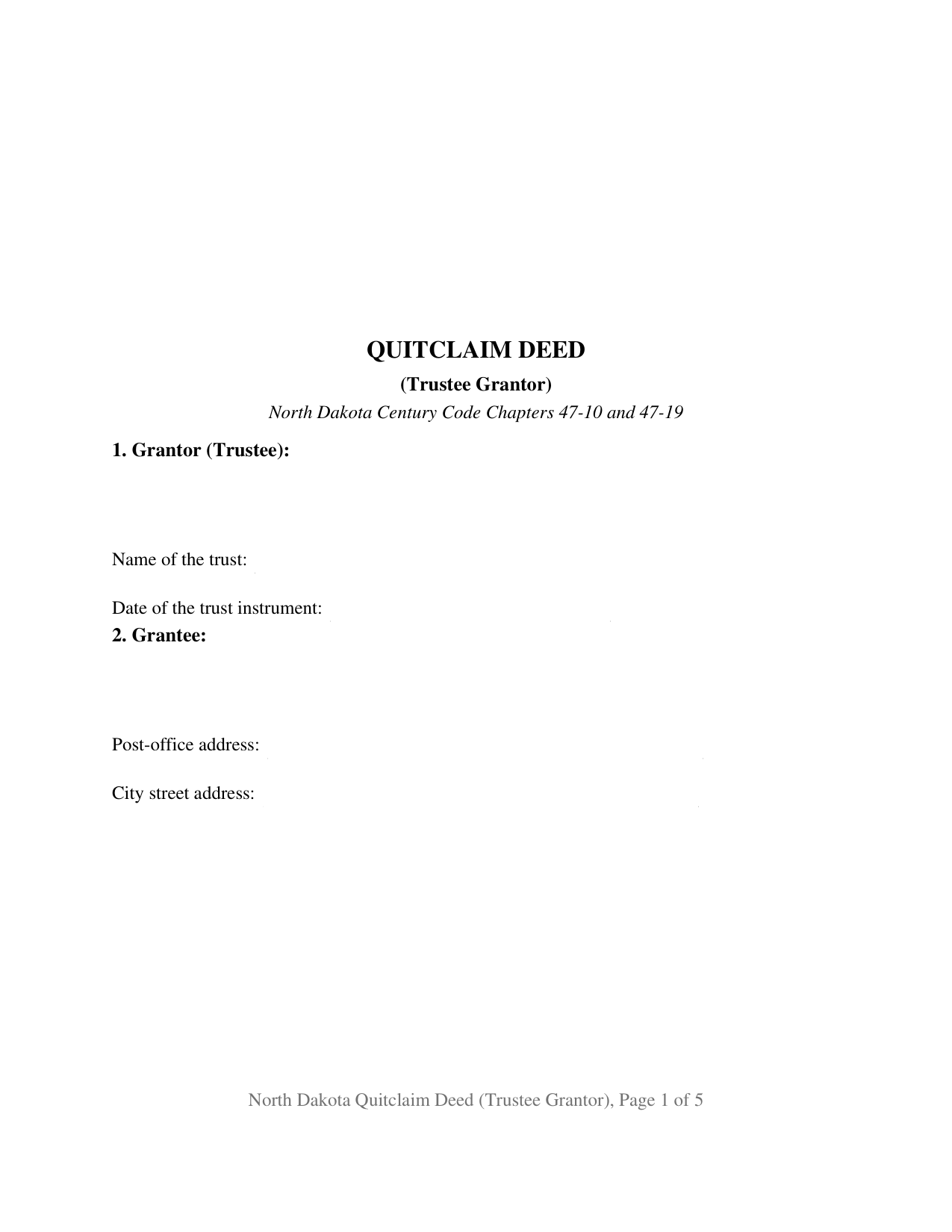
Wells County Quitclaim Deed (Trustee Grantor) Form
Fill in the blank Quitclaim Deed (Trustee Grantor) form formatted to comply with all North Dakota recording and content requirements.
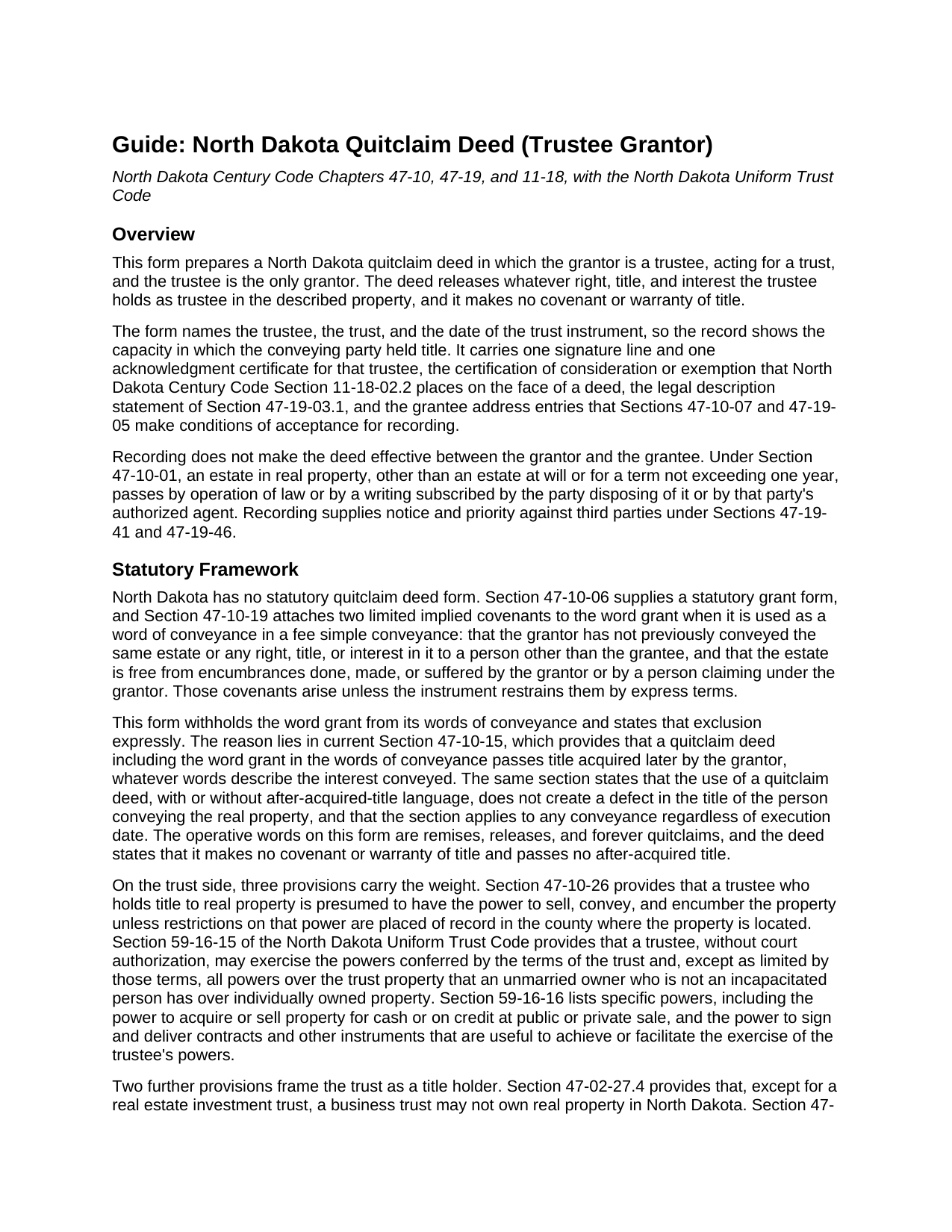
Wells County Quitclaim Deed (Trustee Grantor) Guide
Line by line guide explaining every blank on the Quitclaim Deed (Trustee Grantor) form.
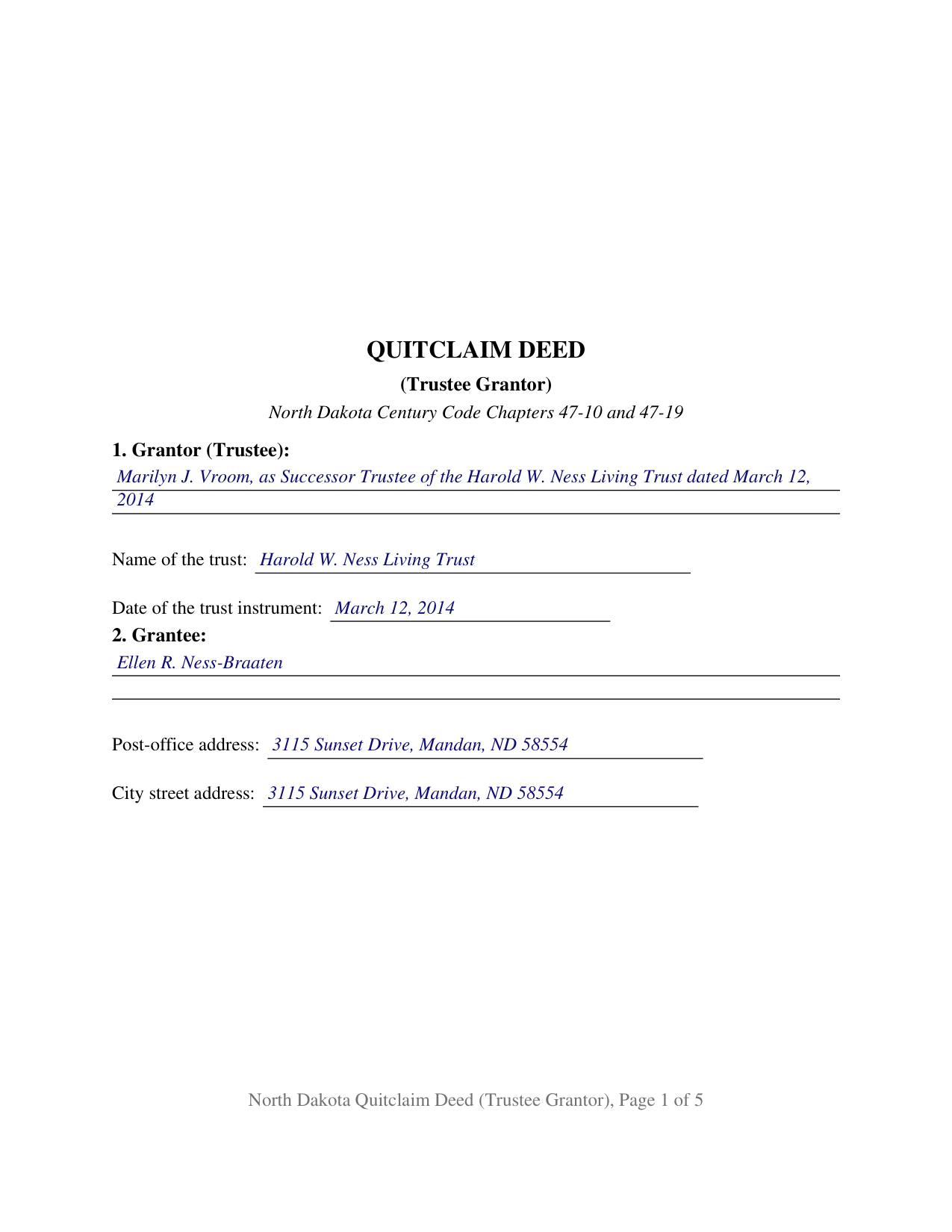
Wells County Completed Example of the Quitclaim Deed (Trustee Grantor) Document
Example of a properly completed North Dakota Quitclaim Deed (Trustee Grantor) document for reference.
All 3 documents above included • One-time purchase • No recurring fees
Immediate Download • Secure Checkout
Additional North Dakota and Wells County documents included at no extra charge:
Where to Record Your Documents
Wells County Recorder
Fessenden, North Dakota 58438
Hours: 8:00 to 12:00 & 12:30 to 4:00 M-F
Phone: (701) 547-3141
Recording Tips for Wells County:
- Bring your driver's license or state-issued photo ID
- Ensure all signatures are in blue or black ink
- White-out or correction fluid may cause rejection
- Ask about their eRecording option for future transactions
- Avoid the last business day of the month when possible
Cities and Jurisdictions in Wells County
Properties in any of these areas use Wells County forms:
- Bowdon
- Cathay
- Chaseley
- Fessenden
- Harvey
- Hurdsfield
- Sykeston
Hours, fees, requirements, and more for Wells County
How do I get my forms?
Forms are available for immediate download after payment. The Wells County forms will be in your account ready to download to your computer. An account is created for you during checkout if you don't have one. Forms are NOT emailed.
Are these forms guaranteed to be recordable in Wells County?
Yes. Our form blanks are guaranteed to meet or exceed the applicable formatting requirements used for recording in Wells County, including margin requirements, font requirements, and other layout standards. This guarantee applies to formatting, not to the legal sufficiency of information entered by the user or the suitability of a form for a particular transaction.
Can I reuse these forms?
Yes. You can reuse the forms for your personal use. For example, if you have multiple properties in Wells County you only need to order once.
What do I need to use these forms?
The forms are PDFs that you fill out on your computer. The free Adobe Acrobat Reader is recommended, and most PDF apps also work. You do NOT enter your property information online - you download the blank forms and complete them privately on your own computer.
Are there any recurring fees?
No. This is a one-time purchase. Nothing to cancel, no memberships, no recurring fees.
How much does it cost to record in Wells County?
Recording fees in Wells County vary. Contact the recorder's office at (701) 547-3141 for current fees.
Questions answered? Let's get started!
The person signing this North Dakota quitclaim deed owns nothing here personally. The form is set up for a trustee as the only grantor, so the grantor entry states a fiduciary capacity, names the trust, and dates its governing instrument. What moves is whatever interest the trust holds, released with no covenant or warranty of title behind it.
An office on the grantor line
Record title to trust real estate in North Dakota ordinarily stands in the trustee, so the party who signs is signing for an office rather than for a personal holding. This deed keeps that distinction on its face. The grantor entry carries the capacity, Section 9 states that the interest released is trust property rather than property held individually, and the printed name line under the signature repeats the title, as the example does for a successor trustee. Nothing here reaches what that same individual owns in an individual name.
Where the power to sign comes from
Three provisions stand behind that signature. Section 47-10-26 of the North Dakota Century Code presumes that a trustee holding title to real property has the power to sell, convey, and encumber it, and it puts the exception in the county records: restrictions on the power operate when they are placed of record where the land lies. Section 59-16-15 of the North Dakota Uniform Trust Code gives a trustee, absent a limit in the trust's terms, the powers an unmarried owner who is not incapacitated has over individually owned property, and Section 59-16-16 adds specific powers, among them selling property at public or private sale. Where an examiner or a lender asks who currently serves and what the trust permits, the certification of trust described in Section 59-18-13 answers in its own document, which is not part of this package.
A release with nothing promised
The words of conveyance are remises, releases, and forever quitclaims, and the word grant is kept out of them deliberately. Under Section 47-10-19 that word carries two limited covenants about the grantor's own acts, and under current Section 47-10-15 a quitclaim carrying it reaches title the grantor picks up afterward. This form excludes both results in terms and adds that no covenant or warranty of title is made. What the grantee receives is the trust's interest as it stands at delivery, with the easements, severed minerals, restrictive covenants, mortgages, and tax liens of record riding through untouched, a result the section restates in one bold closing line.
One trustee, one signature line
The form recites exactly one serving trustee and one grantee, so it carries a single signature block and a single acknowledgment certificate; a trust whose cotrustees all sign, an estate conveyance made by a personal representative, and a release by an individual owner in an individual name each follow a different architecture. Three patterns bring this one forward. A successor trustee distributes real property to a beneficiary after the settlor's death, as the example does in Morton County. A trustee releases the trust's interest to a co-owner or buyer without putting the trust behind any title covenant. A trustee unwinds a funding transfer, returning a parcel to the settlor who placed it in trust. Searches for a quit claim deed out of a trust, or for a trustee's quitclaim deed, land on this configuration.
The entries a North Dakota recorder looks for
Two statutory entries print on the deed. Section 10 carries the certification of Section 11-18-02.2 designating subdivision h of subsection 6, the exemption for a transfer of ownership of property for which a quitclaim deed is given; the grantee or the presenting agent signs and dates it, and no notarial officer takes part. Section 5 carries the legal description statement of Section 47-19-03.1 for a metes and bounds description, completed in the example with the surveyor who wrote it. Section 2 collects the grantee address entries that Sections 47-10-07 and 47-19-05 make conditions of acceptance. The county auditor's certificate under Section 11-18-02 comes before the recorder may take the deed at all, recording then runs twenty dollars through six pages, and North Dakota collects no transfer or deed tax.
Three files arrive with the purchase: the fillable blank deed, the Morton County example filled in end to end, and a guide that walks the numbered sections, the trustee's signing formalities, the ownership choices a grantee may take, and both counters this deed passes through. Everything in the package is a general description of North Dakota law, not legal advice.
Important: Your property must be located in Wells County to use these forms. Documents should be recorded at the county recording office listed above.
This Quitclaim Deed (Trustee Grantor) meets all recording requirements specific to Wells County.
Our Promise
The documents you receive here are guaranteed to meet or exceed the applicable Wells County recording format requirements. If there is a rejection caused by our formatting, we will correct the issue or refund your payment. This guarantee applies to document formatting only and does not extend to information entered by the user, the selection of the form, or the legal effect of the completed document.
Save Time and Money
Get your Wells County Quitclaim Deed (Trustee Grantor) form done right the first time with Deeds.com Uniform Conveyancing Blanks. At Deeds.com, we understand that your time and money are valuable resources, and we don't want you to face a penalty fee or rejection imposed by a county recorder for submitting nonstandard documents. We constantly review and update our forms to meet rapidly changing state and county recording requirements for roughly 3,500 counties and local jurisdictions.
4.8 out of 5 - ( 4,829 Reviews )
Michael M. 5 out of 5 stars
Thanks worked out great as the form was perfect and no problems filing it with the county.
Thank you for your feedback. We really appreciate it. Have a great day!
Kimberly S. 4 out of 5 stars
I wasted a lot of my time because I didn't do any research to know what I needed. Nobody fault but mine.
Thank you!
Leo b. 5 out of 5 stars
Awesome site great paperwork EZ Forms great.
Thank you Leo.
Gerlinde H. 5 out of 5 stars
This was fantastic. I downloaded the document, filled it out, printed it, had it notarized and drove to the recorders office and had it recorded within less than 15 minutes. Instructions are precise and easy to understand. You saved me hundreds of dollars a lawyer would have charged for the same work.
We appreciate your business and value your feedback. Thank you. Have a wonderful day!
Billy R. 5 out of 5 stars
Thank you...........easy process........Billy C
Thank you!
Margaret A. 5 out of 5 stars
Thank for the help. Needed that disclaimer to avoid filing a full ITR tax return to get an L-9
We appreciate your business and value your feedback. Thank you. Have a wonderful day!
MARY LACEY M. 5 out of 5 stars
The recording process was done perfectly. We much appreciate your communication, prompt service and highly professional assistance. Thank you.
Thank you so much for the kind words. We're glad the recording went smoothly and that our team kept you informed along the way. Keeping things prompt and professional is exactly what we aim for, so it means a lot to hear it landed. We appreciate you taking the time to share this, and we're here whenever you need us again.
Maggie C. 5 out of 5 stars
Easy to use fantastic website. Immediately found the Sheriff's Deed I needed.
Thank you!
Gloria S. 5 out of 5 stars
Hard to find, obscure, forms were available. I did not think I was going to be able to find them, let alone find such high quality docs, great job!
Thank you for your feedback. We really appreciate it. Have a great day!
Vernon H. 5 out of 5 stars
Great process and very easy to complete
Thank you!
Sherilyn L. 5 out of 5 stars
Easy to use & cost is great Thank you
We appreciate your business and value your feedback. Thank you. Have a wonderful day!
Roger W H. 5 out of 5 stars
So far GOOD, just can't locate legal description. Will sign in later when have correct info. Thanx!! Rog
Thank you!
Debra C. 5 out of 5 stars
Excellent service. Love the site.
Thank you for your feedback. We really appreciate it. Have a great day!
Robin F. 5 out of 5 stars
Very Convenient and easy to use
We appreciate your business and value your feedback. Thank you. Have a wonderful day!
Joni Y. 5 out of 5 stars
Deeds.com is a very up to date & easy instruction website. I recommend this site to all who are looking for forms dealing with deeds. Thank you for making life easy in this aspect.
We appreciate your business and value your feedback. Thank you. Have a wonderful day!