Rolette County Transfer on Death Affidavit Form
Last validated October 27, 2026 by our Forms Development TeamFormatted for recording in Rolette County, for property anywhere in the county: rural and unincorporated areas as well as Agate, Belcourt, Dunseith, Mylo, Rolette, Rolla, Saint John.
- 3 documents included
- Immediate PDF download
- Formatting guarantee
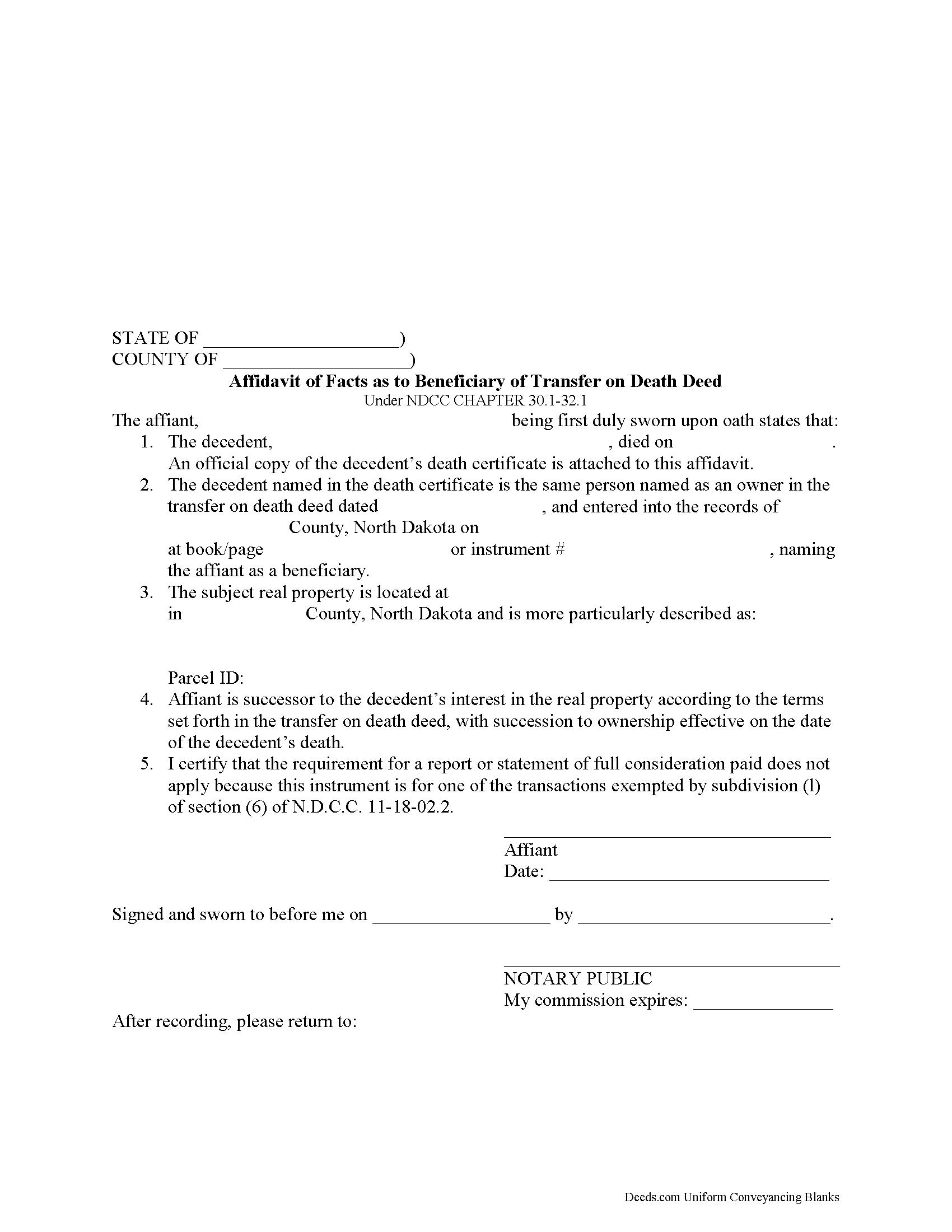
Rolette County Transfer on Death Affidavit Form
Fill in the blank form formatted to comply with all recording and content requirements.
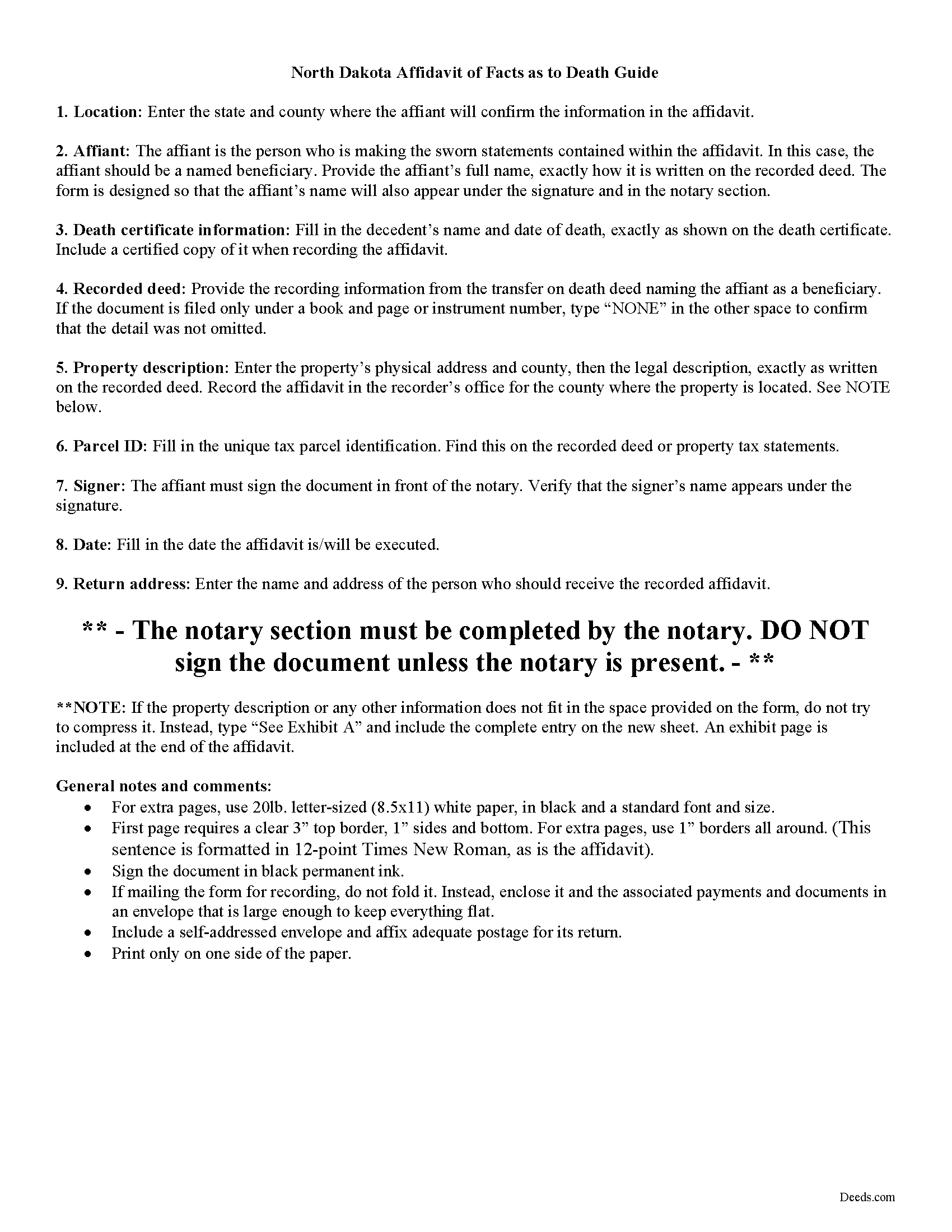
Rolette County Transfer on Death Affidavit Guide
Line by line guide explaining every blank on the form.
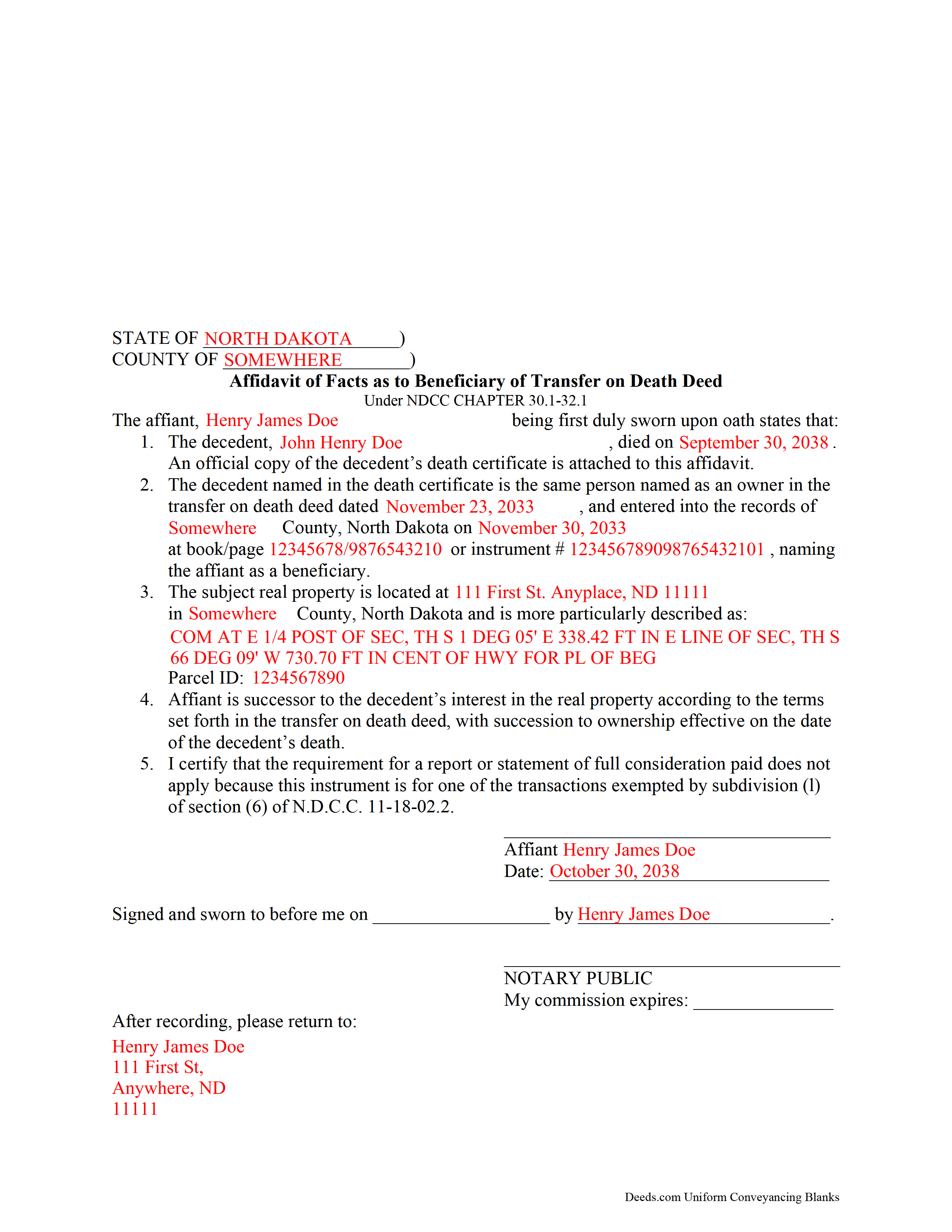
Rolette County Completed Example of the Transfer on Death Affidavit Document
Example of a properly completed form for reference.
All 3 documents above included • One-time purchase • No recurring fees
Immediate Download • Secure Checkout
Additional North Dakota and Rolette County documents included at no extra charge:
Where to Record Your Documents
Rolette County Recorder
Rolla, North Dakota 58367
Hours: 8:30 to 12:30 & 1:00 to 4:30 M-F
Phone: (701) 477-3166
Recording Tips for Rolette County:
- Bring your driver's license or state-issued photo ID
- Ensure all signatures are in blue or black ink
- Verify all names are spelled correctly before recording
- White-out or correction fluid may cause rejection
- Ask about their eRecording option for future transactions
Cities and Jurisdictions in Rolette County
Properties in any of these areas use Rolette County forms:
- Agate
- Belcourt
- Dunseith
- Mylo
- Rolette
- Rolla
- Saint John
Hours, fees, requirements, and more for Rolette County
How do I get my forms?
Forms are available for immediate download after payment. The Rolette County forms will be in your account ready to download to your computer. An account is created for you during checkout if you don't have one. Forms are NOT emailed.
Are these forms guaranteed to be recordable in Rolette County?
Yes. Our form blanks are guaranteed to meet or exceed the applicable formatting requirements used for recording in Rolette County, including margin requirements, font requirements, and other layout standards. This guarantee applies to formatting, not to the legal sufficiency of information entered by the user or the suitability of a form for a particular transaction.
Can I reuse these forms?
Yes. You can reuse the forms for your personal use. For example, if you have multiple properties in Rolette County you only need to order once.
What do I need to use these forms?
The forms are PDFs that you fill out on your computer. The free Adobe Acrobat Reader is recommended, and most PDF apps also work. You do NOT enter your property information online - you download the blank forms and complete them privately on your own computer.
Are there any recurring fees?
No. This is a one-time purchase. Nothing to cancel, no memberships, no recurring fees.
How much does it cost to record in Rolette County?
Recording fees in Rolette County vary. Contact the recorder's office at (701) 477-3166 for current fees.
Questions answered? Let's get started!
Taking Ownership of Property from a North Dakota Transfer on Death Deed
In 2011, North Dakota enacted the Uniform Real Property Transfer on Death Act, found in the North Dakota Century Code (NDCC) at Chapter 30.1-32.1.
Under this statute, owners of North Dakota real property may transfer title to one or more beneficiaries, effective at the transferor's death, by lawfully executing and recording a transfer on death deed in the county or counties where the property is located (NDCC 32.1-02).
This transfer is nontestamentary, meaning it is not included in the owner's will (30.1-32.1-04). As a result, it does not require probate distribution. Instead, the beneficiary gains ownership of the property when the transferor dies.
To formalize the change in ownership, beneficiaries complete and record an affidavit, confirming their acceptance of the transfer. Along with the affidavit, they must submit an official copy of the deceased owner's death certificate. This process enters the new information into public records and maintains a clear chain of title (ownership history).
Contact an attorney with specific questions or for complex situations.
(North Dakota TOD Affidavit Package includes form, guidelines, and completed example)
Important: Your property must be located in Rolette County to use these forms. Documents should be recorded at the county recording office listed above.
This Transfer on Death Affidavit meets all recording requirements specific to Rolette County.
Our Promise
The documents you receive here are guaranteed to meet or exceed the applicable Rolette County recording format requirements. If there is a rejection caused by our formatting, we will correct the issue or refund your payment. This guarantee applies to document formatting only and does not extend to information entered by the user, the selection of the form, or the legal effect of the completed document.
Save Time and Money
Get your Rolette County Transfer on Death Affidavit form done right the first time with Deeds.com Uniform Conveyancing Blanks. At Deeds.com, we understand that your time and money are valuable resources, and we don't want you to face a penalty fee or rejection imposed by a county recorder for submitting nonstandard documents. We constantly review and update our forms to meet rapidly changing state and county recording requirements for roughly 3,500 counties and local jurisdictions.
4.8 out of 5 - ( 4,852 Reviews )
Thomas E. 4 out of 5 stars
For the most part the process went smoothly. However, I have some suggestions to make the photo verification process better. 1) State up front that you must configure your appearance to conform with the photo on your state issued ID. In other words, take off you glasses if you are not wearing them in the photo. I know you issued that suggestion AFTER a couple of failed attempts. 2) I do not need glasses for driving, but I do need them for reading and close up work. I had difficulty reading the instructions about turning my head right and left on the screen without my glasses.
Thank you, Thomas. Both suggestions are fair and we have passed them along for the ID verification step. Glad the rest of the process went smoothly.
Janet M. 5 out of 5 stars
This site is amazing! What a time saver from driving somewhere and standing around waiting.
Thank you!
Frank C. 5 out of 5 stars
It was easy
Thank you Frank.
ANA I p. 5 out of 5 stars
Wow this was nice that I could used the service . Love it
We appreciate your business and value your feedback. Thank you. Have a wonderful day!
Marilyn L. 5 out of 5 stars
Good!!
Thank you!
William S. 5 out of 5 stars
The forms worked well for entering information. I have finished without much trouble. Since the forms are Adobe PDF files you need the free app to use them but you can't edit unless you have the paid Adobe program. And, it was a reasonable price.
Thank you for your feedback. We really appreciate it. Have a great day!
Elizabeth N. 5 out of 5 stars
I love how easy it is to understand and complete.
We appreciate your business and value your feedback. Thank you. Have a wonderful day!
Geraldine B. 5 out of 5 stars
Top notch real estate forms. Easy to use, printed out nice, and the guide and example are priceless. You're not going to find anything better anywhere.
Thank you for the kind words Geraldine! Have an incredible day!
Mallah B. 5 out of 5 stars
I think this company offers a great service that is non-discriminatory and allows me to save time going downtown and hassle dealing with different personalities.
Thank you for your feedback. We really appreciate it. Have a great day!
mary c. 5 out of 5 stars
Really good product, included guide to filling out forms. Totally pleased with that part. Customer service however was terrible. Did not hear back after I sent two emails. The site signed me up but after I was accepted they would not allow me to download a form, with the notation my account was closed. Had to use another email. Had problems with that. Finally got off of site and went to a login site that allowed me to download the forms. If you can get past setting up your account, it is fantastic site. Nice price compared to alternatives. Also I recieved two validation codes. Have no idea why they were sent.
Thank you!
Lloyd T. 5 out of 5 stars
Example deed given did not apply to married couples as joint owners with both being grantors. The example and directions also did not show how to write more than one grantee as equal grantees. Both would have been helpful when husband and wife are granting their property to their children equally. Also when attaching the exhibit A with the property description the example did not say "see exhibit A"in the property description area, so I didn't write that. Luckily the recorder of deeds allowed me to write it in. I think directions and examples for multiple scenarios would be helpful.
Thank you for your feedback. We really appreciate it. Have a great day!
Diana M. 5 out of 5 stars
Awesome service. Quick and easy. Complete directions on how to complete the forms with examples for further assistance.
We appreciate your business and value your feedback. Thank you. Have a wonderful day!
Maureen F. 5 out of 5 stars
Forms were delivered quickly and were easily filled out. State specific!
Thank you!
Herbert R. 5 out of 5 stars
Your website was very helpful. Hopefully, I will have it completed correctly prior to use.
Thank you for your feedback. We really appreciate it. Have a great day!
Greg R. 5 out of 5 stars
I really had no problem navigating the forms. It was helpful!
Appreciate you taking the time to share that, Greg. Glad it was a smooth experience