Griggs County Transfer on Death Deed Revocation Form
Last validated October 28, 2026 by our Forms Development TeamFormatted for recording in Griggs County, for property anywhere in the county: rural and unincorporated areas as well as Binford, Cooperstown, Hannaford, Jessie, Sutton.
- 3 documents included
- Immediate PDF download
- Formatting guarantee
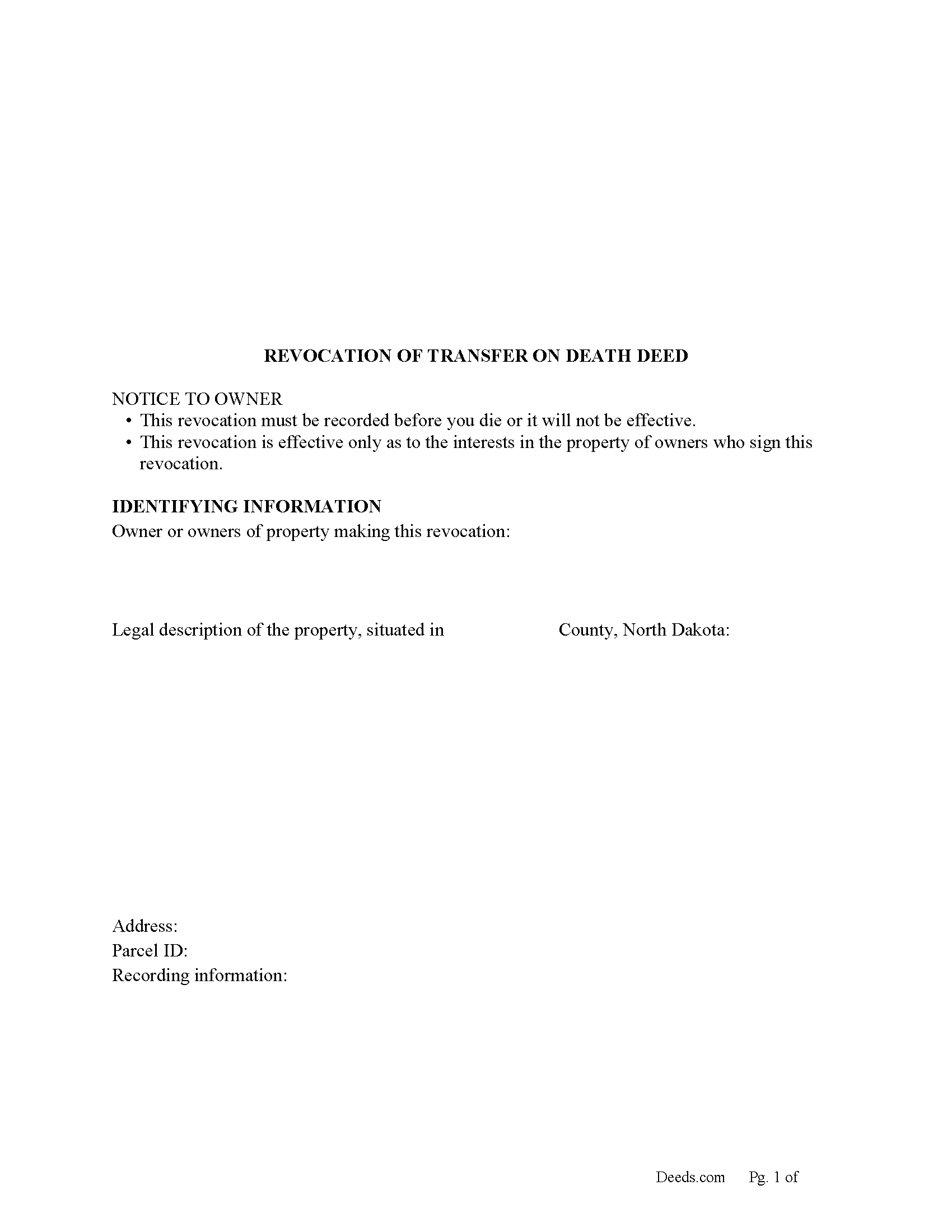
Griggs County Transfer on Death Revocation Form
Fill in the blank form formatted to comply with all recording and content requirements.
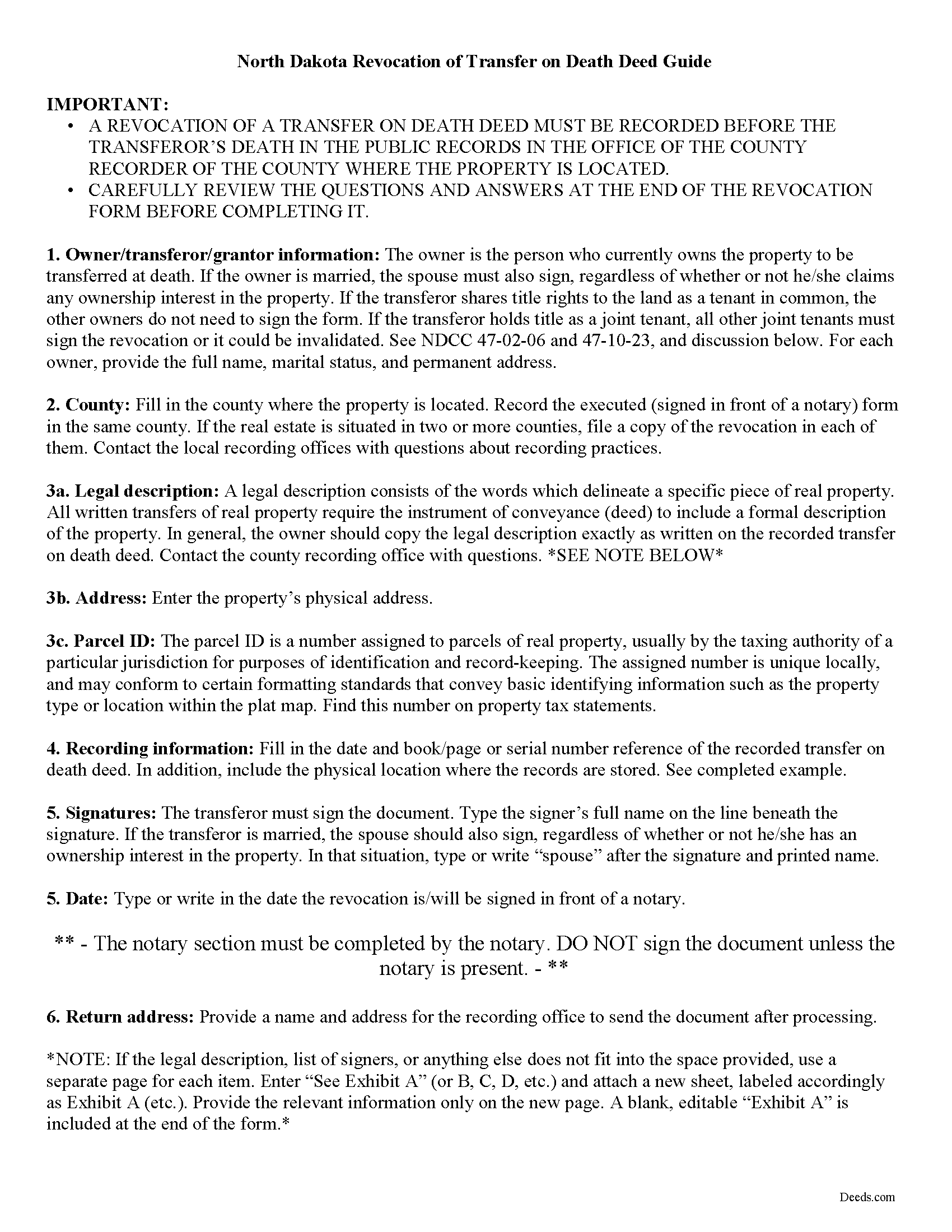
Griggs County Transfer of Death Revocation Guide
Line by line guide explaining every blank on the form.
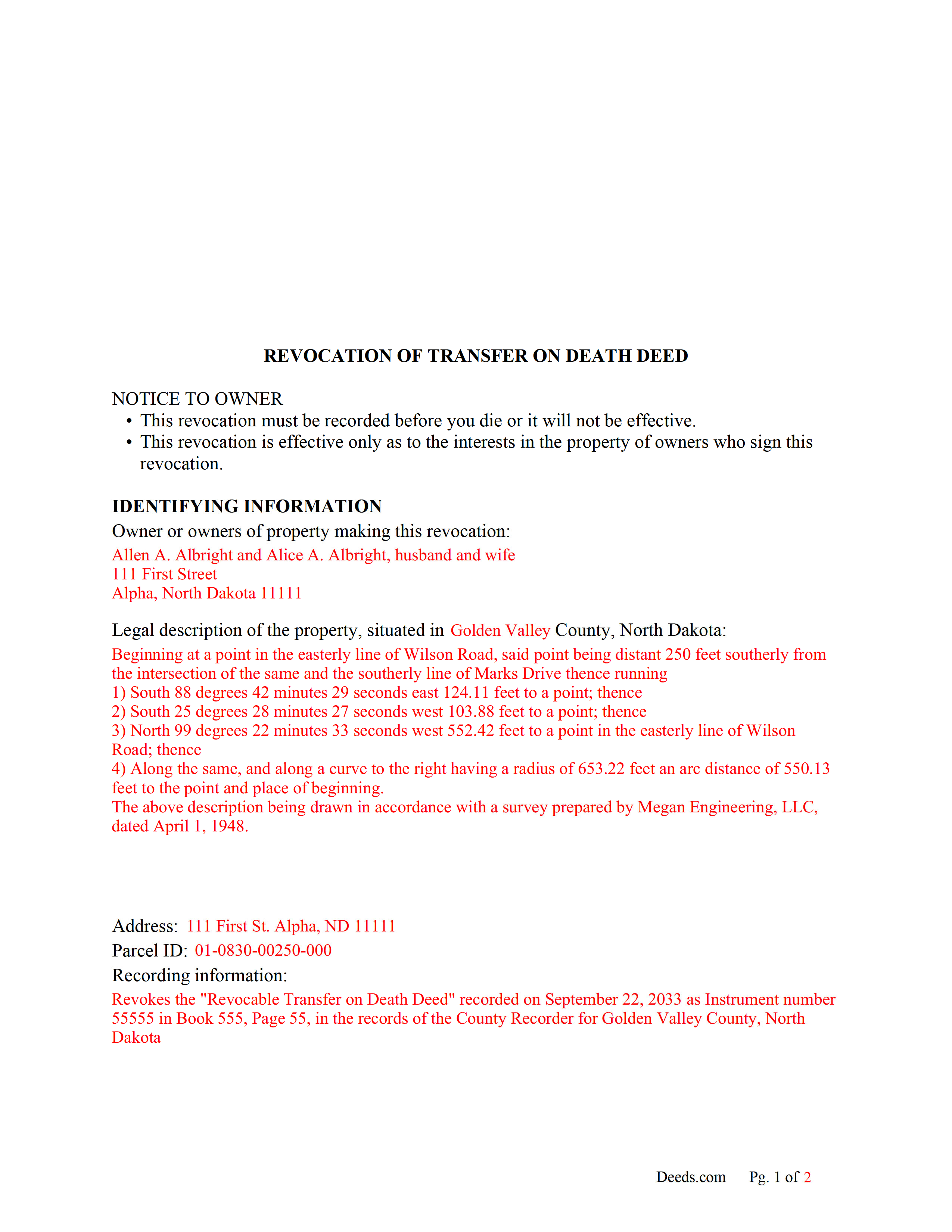
Griggs County Completed Example of the Transfer on Death Revocation Document
Example of a properly completed form for reference.
All 3 documents above included • One-time purchase • No recurring fees
Immediate Download • Secure Checkout
Additional North Dakota and Griggs County documents included at no extra charge:
Where to Record Your Documents
Griggs County Recorder
Cooperstown, North Dakota 58425
Hours: 8:00am to 4:30pm M-F (excluding lunch hour)
Phone: (701) 797-2771
Recording Tips for Griggs County:
- Bring your driver's license or state-issued photo ID
- Ensure all signatures are in blue or black ink
- Documents must be on 8.5 x 11 inch white paper
- Double-check legal descriptions match your existing deed
- Verify all names are spelled correctly before recording
Cities and Jurisdictions in Griggs County
Properties in any of these areas use Griggs County forms:
- Binford
- Cooperstown
- Hannaford
- Jessie
- Sutton
Hours, fees, requirements, and more for Griggs County
How do I get my forms?
Forms are available for immediate download after payment. The Griggs County forms will be in your account ready to download to your computer. An account is created for you during checkout if you don't have one. Forms are NOT emailed.
Are these forms guaranteed to be recordable in Griggs County?
Yes. Our form blanks are guaranteed to meet or exceed the applicable formatting requirements used for recording in Griggs County, including margin requirements, font requirements, and other layout standards. This guarantee applies to formatting, not to the legal sufficiency of information entered by the user or the suitability of a form for a particular transaction.
Can I reuse these forms?
Yes. You can reuse the forms for your personal use. For example, if you have multiple properties in Griggs County you only need to order once.
What do I need to use these forms?
The forms are PDFs that you fill out on your computer. The free Adobe Acrobat Reader is recommended, and most PDF apps also work. You do NOT enter your property information online - you download the blank forms and complete them privately on your own computer.
Are there any recurring fees?
No. This is a one-time purchase. Nothing to cancel, no memberships, no recurring fees.
How much does it cost to record in Griggs County?
Recording fees in Griggs County vary. Contact the recorder's office at (701) 797-2771 for current fees.
Questions answered? Let's get started!
Revoking North Dakota's Transfer on Death Deeds
Note that revocations of transfer on death deeds must be recorded during the owner's life or they have no effect.
In 2011, North Dakota enacted the Uniform Real Property Transfer on Death Act, found in the North Dakota Century Code (NDCC) at Chapter 30.1-32.1.
According to this statute, owners of North Dakota real property may transfer property to one or more beneficiaries effective, at the transferor's death, by lawfully executing and recording a transfer on death deed (TODD) in the county or counties where the property is located (NDCC 32.1-02). The instruments must contain all the information required for traditional deeds, as well as a statement that the transfer will occur at the owner's death (30.1-32.1-06).
This transfer is nontestamentary, meaning it is not included in the owner's will (30.1-32.1-04). As a result, it does not require probate distribution. Even so, best practices dictate that the will and any other transfers should not contain any conflicting instructions.
Deeds under this law allow the owners to retain absolute ownership of and control over the land until death, including the ability to cancel or change the beneficiary designation, and to sell the property outright to someone else (30.1-32.1-09). Because the transfer is revocable (30.1-32.1-03), there is no obligation to notify the beneficiary or to collect consideration (money) for the potential future interest (30.1-32.1-07).
Revocability is one of the unique features of TODDs. It gives property owners the flexibility to adapt to changing circumstances by modifying or cancelling future transfers with relative ease. In addition, if the owner decides to sell the real estate to someone else, executing and recording a revocation provides a firm end point for a recorded TODD. This action reduces the potential for confusion about the title, and contributes to the property's clear chain of title (ownership history).
Section 30.1-32.1-08 provides the rules for revoking a recorded TODD. There are three main options, all of which must be executed and recorded while the owner is still alive:
- a new transfer on death deed that revokes all or part of the earlier deed
- an instrument of revocation that specifically revokes the earlier deed
- a tradition deed, such as a warranty or quitclaim deed, that conveys all the owner's interest in the property.
(North Dakota TODD Revocation Package includes form, guidelines, and completed example)
Important: Your property must be located in Griggs County to use these forms. Documents should be recorded at the county recording office listed above.
This Transfer on Death Deed Revocation meets all recording requirements specific to Griggs County.
Our Promise
The documents you receive here are guaranteed to meet or exceed the applicable Griggs County recording format requirements. If there is a rejection caused by our formatting, we will correct the issue or refund your payment. This guarantee applies to document formatting only and does not extend to information entered by the user, the selection of the form, or the legal effect of the completed document.
Save Time and Money
Get your Griggs County Transfer on Death Deed Revocation form done right the first time with Deeds.com Uniform Conveyancing Blanks. At Deeds.com, we understand that your time and money are valuable resources, and we don't want you to face a penalty fee or rejection imposed by a county recorder for submitting nonstandard documents. We constantly review and update our forms to meet rapidly changing state and county recording requirements for roughly 3,500 counties and local jurisdictions.
4.8 out of 5 - ( 4,852 Reviews )
Joan B. 5 out of 5 stars
So quick and easy! No searching for a parking place or waiting in line. Thank you!
We appreciate your business and value your feedback. Thank you. Have a wonderful day!
Barbara S. 5 out of 5 stars
I found your site easy to use, though I would prefer an option to download to MWords but Adobe works well. The cost is very, very reasonable and provides documents I didn't know were needed. I would recommend this to anyone trying to deal with legal documents.
Thank you!
Linda D. 5 out of 5 stars
This is a very nice service. Easy to use and reasonable. I especially appreciated the helpful explanations of each of the fields on the form. I will positively use this service again.
Thank you for your feedback. We really appreciate it. Have a great day!
Willard V. 3 out of 5 stars
While it's nice to get all the forms and info in one package for a reasonable cost, the fixed format of the form does not allow for a lengthy meet and bounds property description for real property. Also, the Cover Sheet has big fillable sections with no instructions about what's supposed to go there. I tried the "Contact Us" link, but all it does is spin saying it's trying verify the security of my connection. Looks like I;m going to have to create my own deed in MS Word instead of just filling in the blacks of the PDF file that I downloaded. Bummer!
Your feedback is a crucial part of our dedication to ongoing improvement. Thank you for your insightful comments.
John B. 4 out of 5 stars
I purchased the Notice of Completion form because the City of Chula Vista did not have a "fillable" version of this form on their website. The Deeds.com version of this form is somewhat different than the City's version (8 numbered paragraphs vs. 11 numbered paragraphs.) However, it contains the same information in a different format. This form provided more blank space to fill in important items- like a long ownership name- than the version on the City's website. The recorder's office was satisfied with this form as I hand-delivered it to the Recorder's Office and they approved it for recording. Overall, I found this form easy to use and found the extra blank space for writing on the form helpful. My one comment for possible improvement is: it would be even more helpful (particularly for attorney users) to have strike-out capability. I would have liked having the ability to strike-out inapplicable portions of long awkward sentences. Still, I would use this form again.
Your feedback means a lot to us. Thank you.
Wendy S. 5 out of 5 stars
Very easy and affordable.
We appreciate your business and value your feedback. Thank you. Have a wonderful day!
Coby A. 5 out of 5 stars
great service and quick filing.
Thank you!
Dianne W. 5 out of 5 stars
Thank you for responding so quickly to my question. I was able to locate the form and get everything downloaded. Once I saw the icon, it was easy peasy!!
Thank you!
Roman F. 5 out of 5 stars
You form was good the only thing that did not work was the download to fill it out !!! I use a Mac system and maybe that's what the issue was. I filled it out by hand and it worked for the purpose .
Thanks for the kind words, Roman. Glad the form worked for you. For the fillable fields, the PDF opens best in a dedicated reader like Preview or Adobe Acrobat rather than inside a browser window, which can sometimes flatten them out. We appreciate your business.
Joseph I. 5 out of 5 stars
Your instructions and sample are geared towards businesses. It would have been helpful to have included some for us individuals as married couples as well. I also recall one or two spelling errors on the form that I could not fix, and the instructions seem to be for a prior form. This particular registry also required a stamped self-addressed envelope for return of documents. Hey, you asked! Overall, pleased.
Thank you for your feedback. We really appreciate it. Have a great day!
Gregory K. 5 out of 5 stars
Easy to work with. Fair price. Nice, efficient service. Would definitely use Deeds.com again for any legal documents.
We appreciate your business and value your feedback. Thank you. Have a wonderful day!
Betty H. S. 5 out of 5 stars
I have no complaints thank you.
Thanks Betty, Have a great day!
GAYNELL G. 5 out of 5 stars
THANKS
Thank you!
DONALD S. 5 out of 5 stars
Using the Administrators Deed, pay attention to "Exhibit A". The blank will allow you to type a full legal description BUT it will not save it. Use "Exhibit A" to type the legal description. The form was great and I filed it this morning with no problems.
Thank you for your feedback. We really appreciate it. Have a great day!
MARTI M. 4 out of 5 stars
The transaction was fairly simple. thank you
Your feedback is greatly appreciated. Thank you for taking the time to share your experience!