Darke County Affidavit of Confirmation (Trustee Beneficiary) Form
Last validated October 23, 2026 by our Forms Development TeamFormatted for recording in Darke County, for property anywhere in the county: rural and unincorporated areas as well as Ansonia, Arcanum, Gettysburg, Greenville, Hollansburg, New Madison, New Weston, North Star and 7 more.
- 3 documents included
- Immediate PDF download
- Formatting guarantee
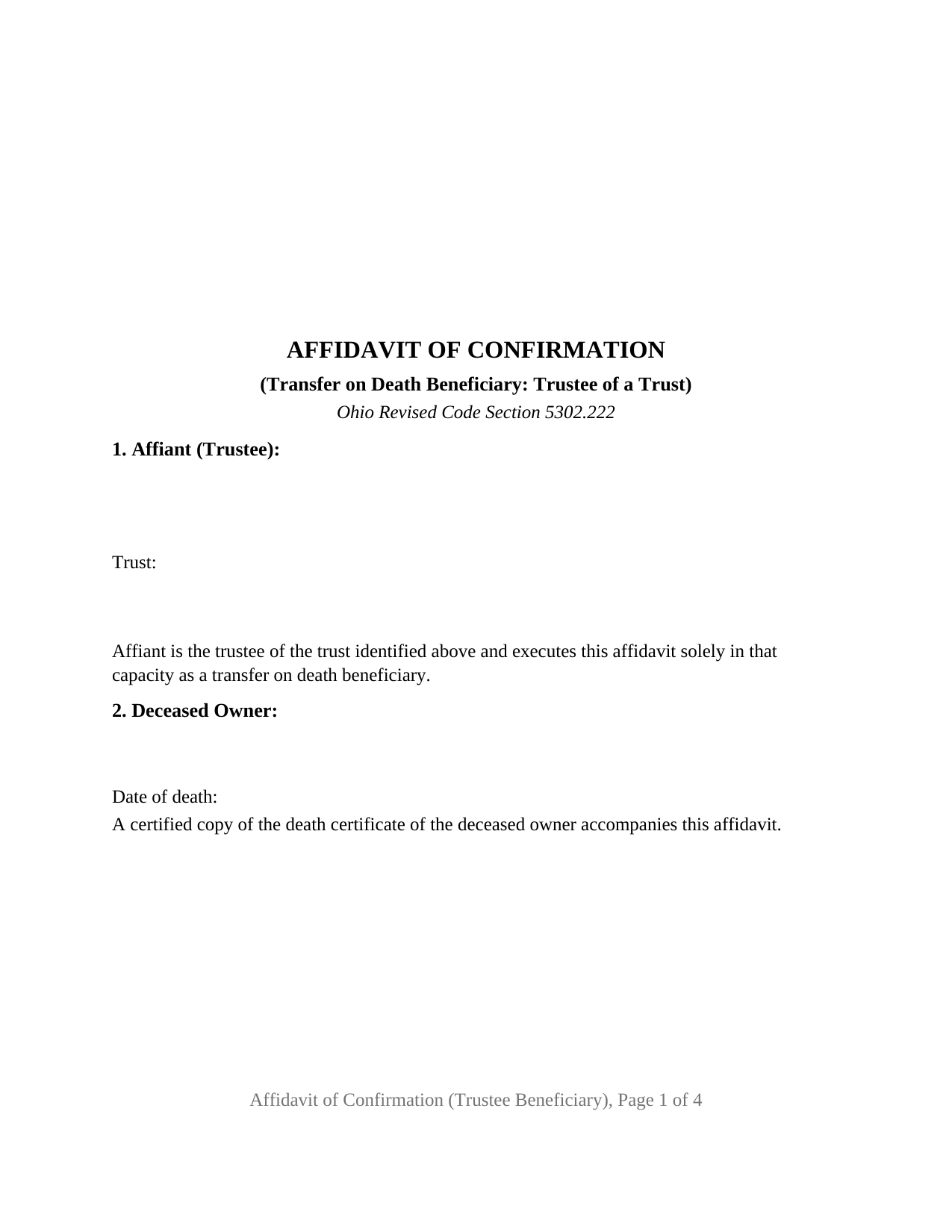
Darke County Affidavit of Confirmation (Trustee Beneficiary) Form
Fill in the blank Affidavit of Confirmation (Trustee Beneficiary) form formatted to comply with all Ohio recording and content requirements.
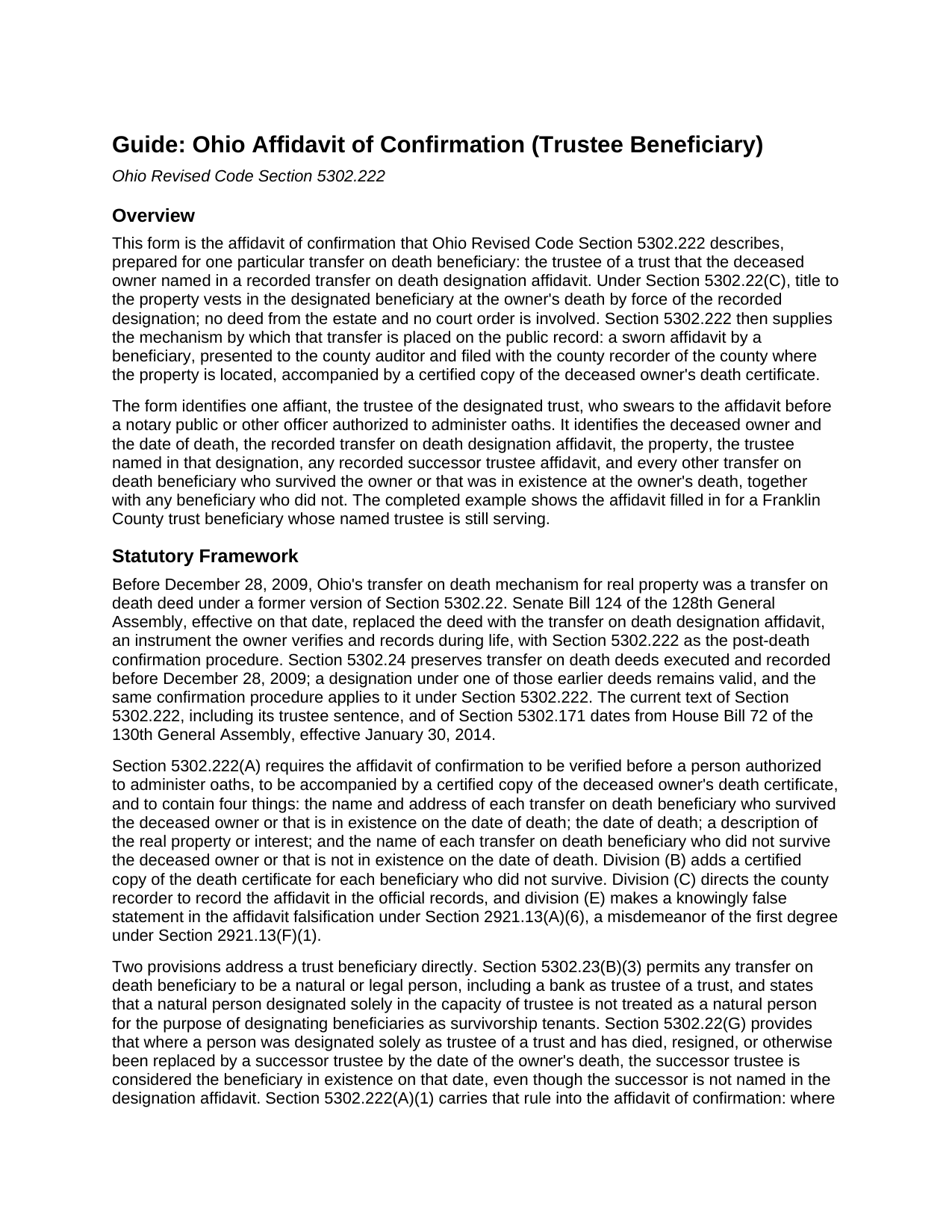
Darke County Affidavit of Confirmation (Trustee Beneficiary) Guide
Line by line guide explaining every blank on the Affidavit of Confirmation (Trustee Beneficiary) form.
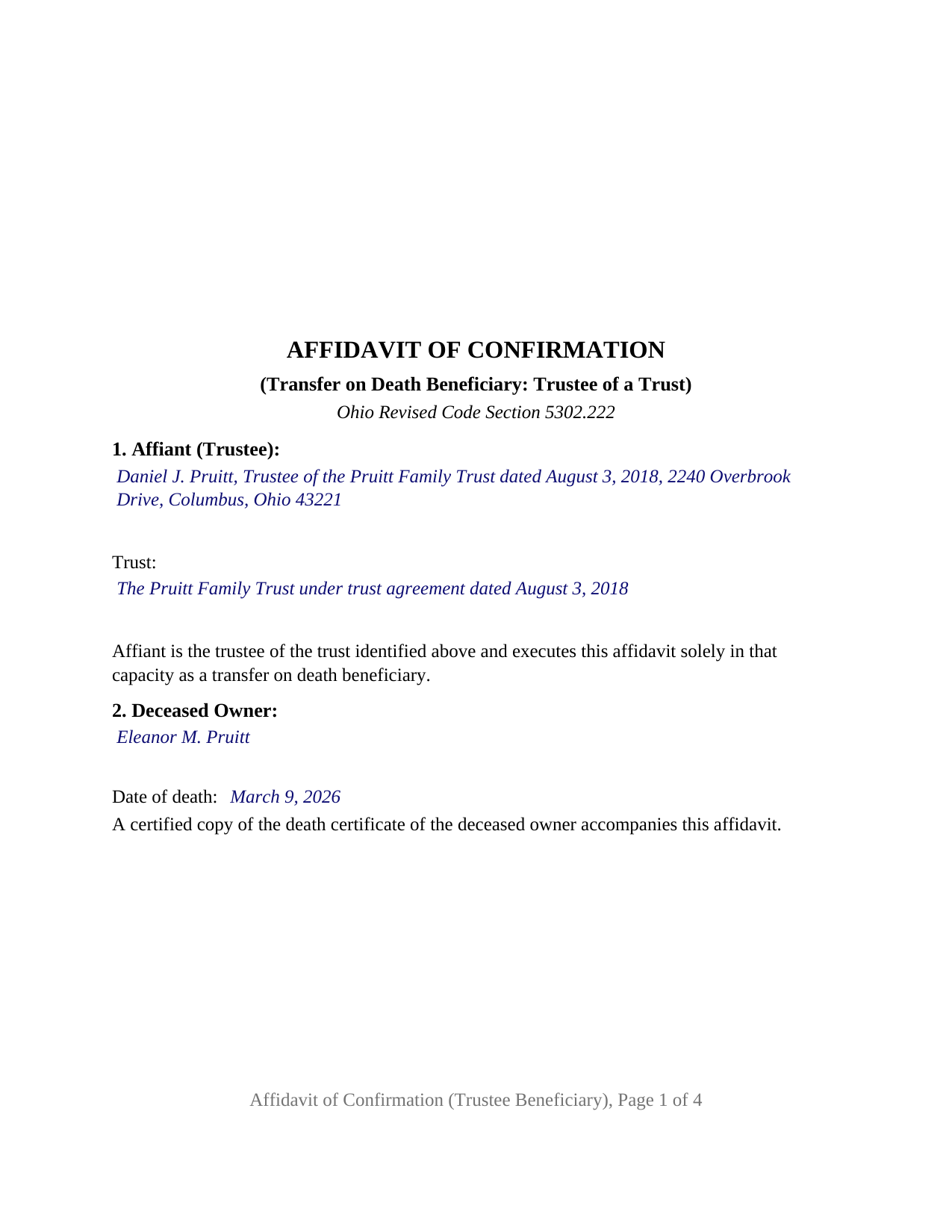
Darke County Completed Example of the Affidavit of Confirmation (Trustee Beneficiary) Document
Example of a properly completed Ohio Affidavit of Confirmation (Trustee Beneficiary) document for reference.
All 3 documents above included • One-time purchase • No recurring fees
Immediate Download • Secure Checkout
Additional Ohio and Darke County documents included at no extra charge:
Where to Record Your Documents
Darke County Recorder
Greenville, Ohio 45331
Hours: 8:30 to 4:30 Monday through Friday
Phone: 937-547-7390
Recording Tips for Darke County:
- Bring your driver's license or state-issued photo ID
- Ensure all signatures are in blue or black ink
- Ask about their eRecording option for future transactions
- Avoid the last business day of the month when possible
- Both spouses typically need to sign if property is jointly owned
Cities and Jurisdictions in Darke County
Properties in any of these areas use Darke County forms:
- Ansonia
- Arcanum
- Gettysburg
- Greenville
- Hollansburg
- New Madison
- New Weston
- North Star
- Osgood
- Palestine
- Pitsburg
- Rossburg
- Union City
- Versailles
- Yorkshire
Hours, fees, requirements, and more for Darke County
How do I get my forms?
Forms are available for immediate download after payment. The Darke County forms will be in your account ready to download to your computer. An account is created for you during checkout if you don't have one. Forms are NOT emailed.
Are these forms guaranteed to be recordable in Darke County?
Yes. Our form blanks are guaranteed to meet or exceed the applicable formatting requirements used for recording in Darke County, including margin requirements, font requirements, and other layout standards. This guarantee applies to formatting, not to the legal sufficiency of information entered by the user or the suitability of a form for a particular transaction.
Can I reuse these forms?
Yes. You can reuse the forms for your personal use. For example, if you have multiple properties in Darke County you only need to order once.
What do I need to use these forms?
The forms are PDFs that you fill out on your computer. The free Adobe Acrobat Reader is recommended, and most PDF apps also work. You do NOT enter your property information online - you download the blank forms and complete them privately on your own computer.
Are there any recurring fees?
No. This is a one-time purchase. Nothing to cancel, no memberships, no recurring fees.
How much does it cost to record in Darke County?
Recording fees in Darke County vary. Contact the recorder's office at 937-547-7390 for current fees.
Questions answered? Let's get started!
When an Ohio property owner names a trust as the transfer on death beneficiary of real estate and later dies, the trustee holds title the moment the owner dies, but the county records still show the owner's name. This Ohio Affidavit of Confirmation (Trustee Beneficiary) is the sworn instrument under Ohio Revised Code Section 5302.222 that a trustee presents to the county auditor and files with the county recorder to place that transfer on the public record. One affiant signs it: the trustee of the designated trust.
A beneficiary that exists rather than survives
Section 5302.22(G) transfers the deceased owner's interest to the beneficiaries named in the designation affidavit who survive the owner or that are in existence on the date of death, and Section 5302.23(B)(3) permits a beneficiary to be any natural or legal person, including a bank as trustee of a trust. A trust does not survive anyone; it exists or it does not. The affidavit of confirmation therefore states that the trust was in existence on the date of the owner's death and identifies the trust by name and date beside the trustee who signs.
When the trustee named in the designation has changed
Where the trustee named in the designation affidavit has died, resigned, or been replaced by the owner's death, Section 5302.22(G) treats the successor trustee as the beneficiary in existence on the date of death even though the designation never named the successor, and Section 5302.222(A)(1) then adds two requirements to the affidavit of confirmation: the name and address of the successor trustee and a copy of the recorded successor trustee affidavit described in Section 5302.171. The form carries a block for the trustee as originally named and a block for the recorded successor trustee affidavit; a trustee who has served from the start enters None, as in the completed example.
What the trustee swears to
Section 5302.222 lists the contents of the affidavit, and the form follows the list: the deceased owner and the date of death, the recorded designation affidavit by recording date, instrument number, and county, the property by legal description, parcel number, and street address, the interest the designation covered, every other transfer on death beneficiary who survived the owner or that was in existence at death, with a mailing address for each, and every beneficiary who did not. Certified death certificates accompany it for the owner and for each deceased beneficiary named. The confirmation section states that the transfer covers only the interest the deceased owner held on the date of death, subject to all encumbrances, reservations, and exceptions, the limit Section 5302.23(B)(7)(a) places on every transfer on death beneficiary. A knowingly false statement in the affidavit is falsification under Section 2921.13(A)(6), a point Section 5302.222(E) makes expressly.
The trustee configuration
The form carries one signature block, captioned for the affiant as trustee, and one jurat certificate rather than an acknowledgment, because Section 5302.222 requires the affidavit to be verified before a person authorized to administer oaths. A trust whose trustee has served without change, one whose named trustee has been succeeded, and a bank serving as trustee each present the pattern this affidavit describes. The form is not set up as an affidavit by a beneficiary signing in that person's own right, by an entity taking in its own name, or by two or more beneficiaries signing together; any one beneficiary to whom the transfer is made may execute the affidavit, and the trustee's affidavit lists the others.
Auditor first, then recorder
The affidavit goes first to the county auditor of the county where the property is located, with the auditor's conveyance fee statement, form DTE 100EX where an exemption under Section 319.54(G)(3) is claimed, and the certified death certificate; the auditor endorses it and moves the parcel into the trustee's name for tax purposes. It is then filed with the county recorder, who records it under Section 5302.222(C). The form follows the Section 317.114 recording standard, including the 3 inch blank top margin on the first page that Ohio reserves for the auditor's and recorder's endorsements, and carries the preparer block Section 317.111 requires.
The package includes the fillable affidavit, a completed example filled in for a Franklin County trust beneficiary, and the guide that walks through every numbered section, the jurat, and the auditor and recorder steps. This description and the guide describe the form and the governing Ohio statutes in general terms; they are not legal advice.
Important: Your property must be located in Darke County to use these forms. Documents should be recorded at the county recording office listed above.
This Affidavit of Confirmation (Trustee Beneficiary) meets all recording requirements specific to Darke County.
Our Promise
The documents you receive here are guaranteed to meet or exceed the applicable Darke County recording format requirements. If there is a rejection caused by our formatting, we will correct the issue or refund your payment. This guarantee applies to document formatting only and does not extend to information entered by the user, the selection of the form, or the legal effect of the completed document.
Save Time and Money
Get your Darke County Affidavit of Confirmation (Trustee Beneficiary) form done right the first time with Deeds.com Uniform Conveyancing Blanks. At Deeds.com, we understand that your time and money are valuable resources, and we don't want you to face a penalty fee or rejection imposed by a county recorder for submitting nonstandard documents. We constantly review and update our forms to meet rapidly changing state and county recording requirements for roughly 3,500 counties and local jurisdictions.
4.8 out of 5 - ( 4,831 Reviews )
QINGXIONG L. 2 out of 5 stars
The major problem is too expensive, particularly sometime, only few words need to file correction deed which cost 20 dollars!!
Thank you for your feedback. We really appreciate it. Have a great day!
DONNA F. 5 out of 5 stars
very easy and fast thank you would recommend
We appreciate your business and value your feedback. Thank you. Have a wonderful day!
Yvette G. 5 out of 5 stars
We were extremely satisfied with DEEDS.COM. We spent countless hours trying to contact the Queens County Clerk's Office without succeeding to get through. We needed to obtain an Executor's Deed to transfer the name on my beloved deceased father's property to my name as the executrix of his will. DEEDS.COM is the most efficient and painless way to get the forms you need. To top it all off, they send you, free of charge, additional forms that you may need for your filing purposes. We are truly thankful for their kind assistance!!
We appreciate your business and value your feedback. Thank you. Have a wonderful day!
Juston P. 5 out of 5 stars
The service provided was exactly what I needed. The downloadable deed and supporting documents allowed me to move forward with the days project. Everything I needed to file my documents from two states away and at two in the morning! I highly recommend this site. I found it to be the easiest, most expedient and cost effective method to get up to date legal forms for filing land deeds.
We appreciate your business and value your feedback. Thank you. Have a wonderful day!
Flordeliza R. 5 out of 5 stars
Once I was able to get my scanner working and provide good quality scans, the turnaround was quick and my documents were recorded and returned to me the same day with the Recorder's Stamp for download. Deeds.com staff was able to guide me to make sure my package was complete. Thank you!
We appreciate your business and value your feedback. Thank you. Have a wonderful day!
Rachel C. 5 out of 5 stars
This service is a game-changer. I work all over and being able to e-record so easily has been so effective for my business.
Thank you for your feedback. We really appreciate it. Have a great day!
Charles C. 5 out of 5 stars
I found this site to be very easy to use . I found and printed what I needed in just a few minutes after getting on the sit . Good work setting up this site . Thank you .
Thank you!
Thomas B. 5 out of 5 stars
My deeds were filed with Pinellas County Florida with a simple process and with no problems. 5 star for sure.
We appreciate your business and value your feedback. Thank you. Have a wonderful day!
Michael K. 5 out of 5 stars
I haven't used them yet. So far so good.
Thank you!
Charmaine D. 5 out of 5 stars
Very easy to use.
Thank you!
Lori A. 5 out of 5 stars
My county accessors office recommended this site. My Uncle passed away and did not leave a will and I needed to have his deed transferred into my name. I was able to do it using the sample Deeds.com provided. I used it as a guide to fill out the paperwork that I printed off of the Deeds.com site. I had no problem when I went to the county and turned in the paperwork and the clerk said everything looked great.
Thank you so much for taking the time to share your experience Lori. We are deeply sorry for your loss and understand how challenging managing affairs can be during such a difficult time. It's heartening to hear that our resources were helpful to you in transferring your uncle's deed into your name.
We strive to make complex processes more accessible and manageable, and your feedback affirms the value of our work. Knowing that the county assessor's office recommended us and that the clerk found everything in order with your paperwork is incredibly gratifying.
Ronald L. 3 out of 5 stars
There is not enough room on the form to describe my property which was taken directly from the previous deed. Other than that worked as expected.
Thank you for your feedback. We really appreciate it. Have a great day!
Eddy C & Tina H. 2 out of 5 stars
did not use, much to expensive.
Thank you for your feedback. We do hope that you found something more suitable to your needs elsewhere. Have a wondaful day.
Darrell J. 5 out of 5 stars
Easy to use, rapid response, excellent service.
Thank you for your feedback. We really appreciate it. Have a great day!
Eileen B. 5 out of 5 stars
Great form needs more instructions however but aside from that is perfect solution for my needs.
We appreciate your business and value your feedback. Thank you. Have a wonderful day!