Hocking County Affidavit of Confirmation Form
Last validated October 14, 2026 by our Forms Development TeamFormatted for recording in Hocking County, for property anywhere in the county: rural and unincorporated areas as well as Carbon Hill, Haydenville, Laurelville, Logan, Murray City, Rockbridge, South Bloomingville, Union Furnace.
- 5 documents included
- Immediate PDF download
- Formatting guarantee
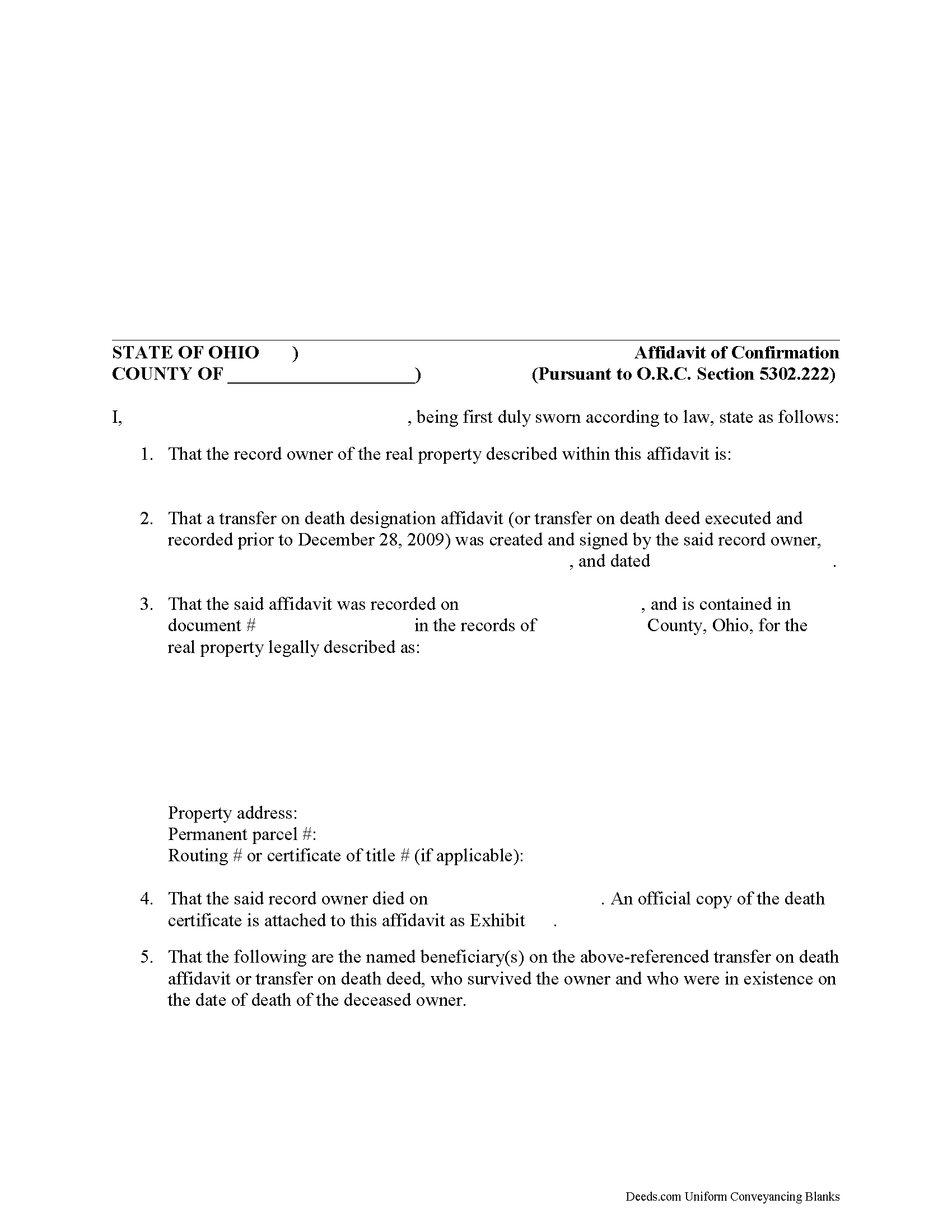
Hocking County Affirmation of Confirmation Form
Fill in the blank form formatted to comply with all recording and content requirements.
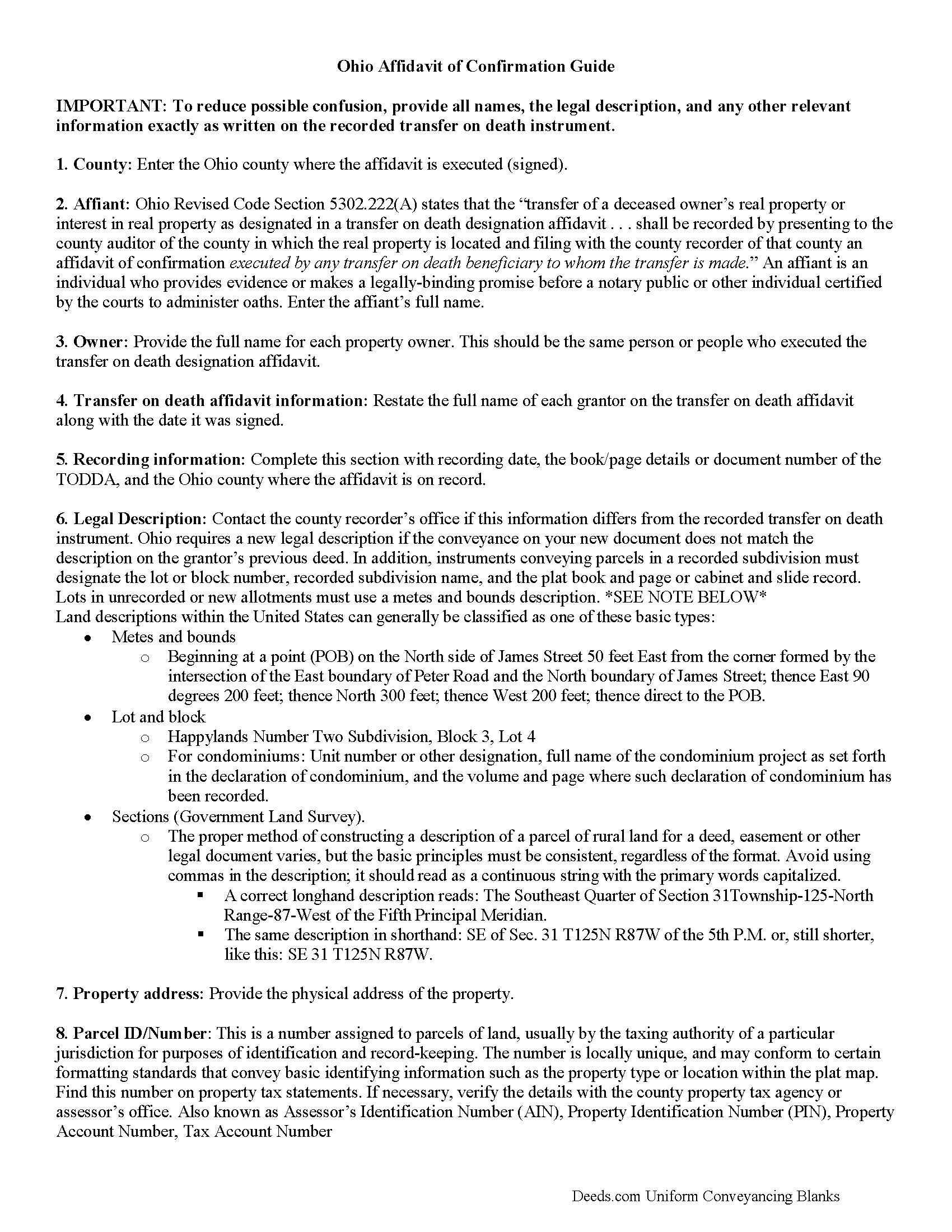
Hocking County Affidavit of Confirmation Guide
Line by line guide explaining every blank on the form.
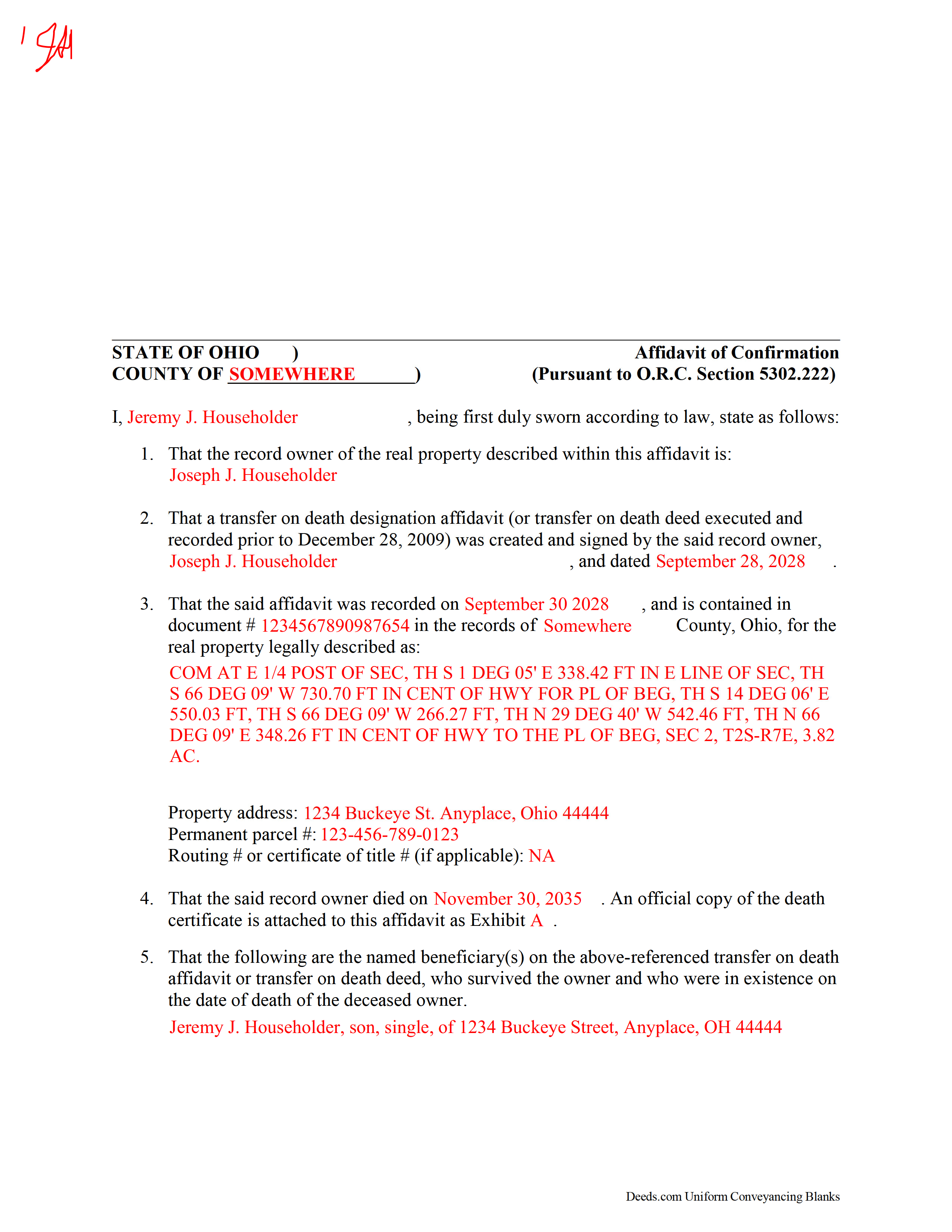
Hocking County Completed Example of the Affidavit of Confirmation Document
Example of a properly completed form for reference.
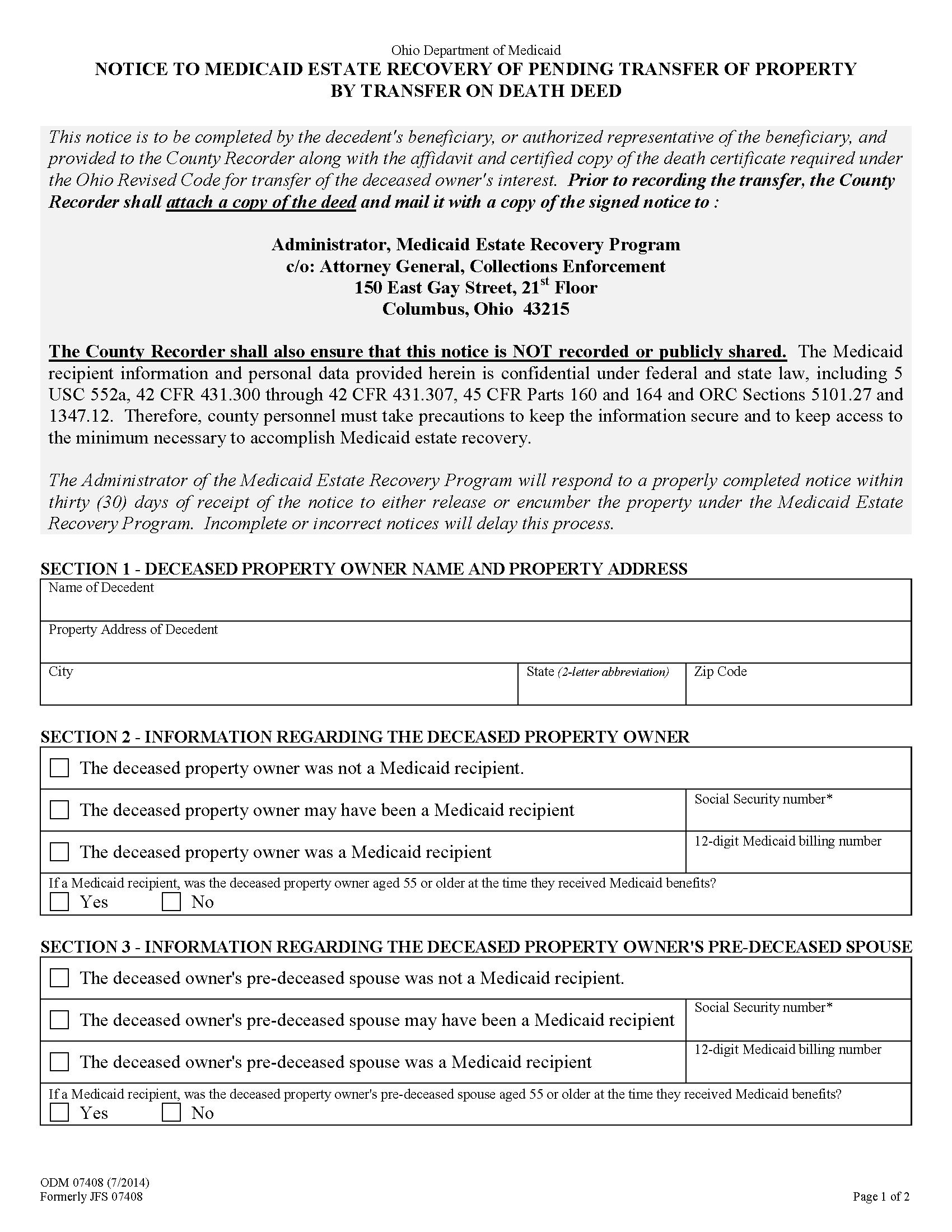
Hocking County Notice to Medicaid Estate Recovery Program Form
Beneficiaries of Ohio transfer on death deeds (prior to 2009) or Ohio transfer on death designation affidavits must include this state-required form when recording an affidavit of confirmation to finalize the transfer of the real property designated by the instrument.
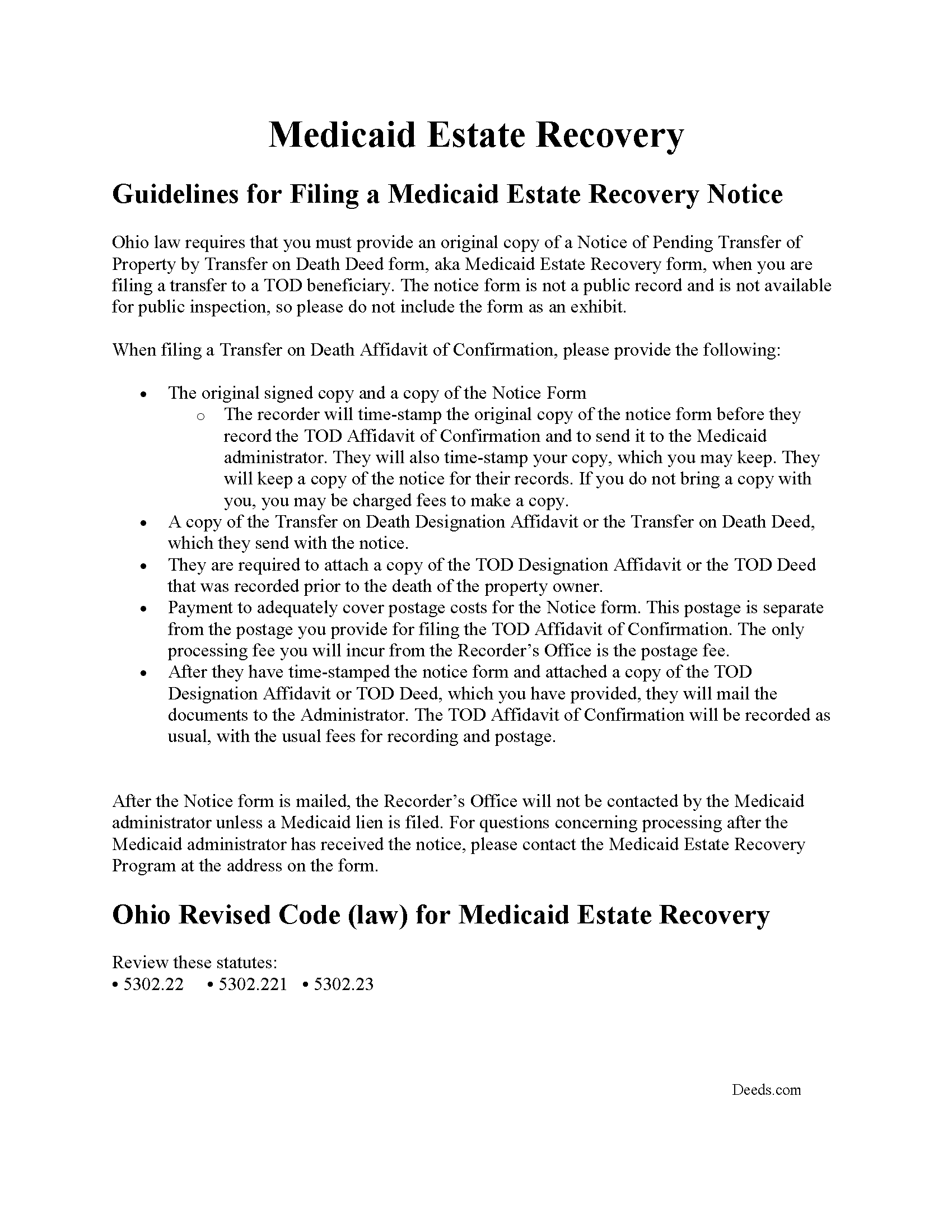
Hocking County Notice to Medicaid Estate Recovery Program Guide
Guidelines explaining the recording process of the Notice.
All 5 documents above included • One-time purchase • No recurring fees
Immediate Download • Secure Checkout
Additional Ohio and Hocking County documents included at no extra charge:
Where to Record Your Documents
Hocking County Recorder
Logan, Ohio 43138
Hours: 8:30 a.m. - 4:00 p.m. Monday - Friday
Phone: 740-385-2031
Recording Tips for Hocking County:
- Bring your driver's license or state-issued photo ID
- Ensure all signatures are in blue or black ink
- Both spouses typically need to sign if property is jointly owned
- Bring extra funds - fees can vary by document type and page count
- Check margin requirements - usually 1-2 inches at top
Cities and Jurisdictions in Hocking County
Properties in any of these areas use Hocking County forms:
- Carbon Hill
- Haydenville
- Laurelville
- Logan
- Murray City
- Rockbridge
- South Bloomingville
- Union Furnace
Hours, fees, requirements, and more for Hocking County
How do I get my forms?
Forms are available for immediate download after payment. The Hocking County forms will be in your account ready to download to your computer. An account is created for you during checkout if you don't have one. Forms are NOT emailed.
Are these forms guaranteed to be recordable in Hocking County?
Yes. Our form blanks are guaranteed to meet or exceed the applicable formatting requirements used for recording in Hocking County, including margin requirements, font requirements, and other layout standards. This guarantee applies to formatting, not to the legal sufficiency of information entered by the user or the suitability of a form for a particular transaction.
Can I reuse these forms?
Yes. You can reuse the forms for your personal use. For example, if you have multiple properties in Hocking County you only need to order once.
What do I need to use these forms?
The forms are PDFs that you fill out on your computer. The free Adobe Acrobat Reader is recommended, and most PDF apps also work. You do NOT enter your property information online - you download the blank forms and complete them privately on your own computer.
Are there any recurring fees?
No. This is a one-time purchase. Nothing to cancel, no memberships, no recurring fees.
How much does it cost to record in Hocking County?
Recording fees in Hocking County vary. Contact the recorder's office at 740-385-2031 for current fees.
Questions answered? Let's get started!
Use this form to finalize the conveyance started under an Ohio transfer on death deed or transfer on death designation affidavit.
In addition to finalizing the transfer of property rights, the recording process provides public notice that the ownership status has changed and preserves the chain of title (ownership history). See O.R.C. 5302.222
(Ohio Affidavit of Confirmation Package includes form, guidelines, and completed example)
Important: Your property must be located in Hocking County to use these forms. Documents should be recorded at the county recording office listed above.
This Affidavit of Confirmation meets all recording requirements specific to Hocking County.
Our Promise
The documents you receive here are guaranteed to meet or exceed the applicable Hocking County recording format requirements. If there is a rejection caused by our formatting, we will correct the issue or refund your payment. This guarantee applies to document formatting only and does not extend to information entered by the user, the selection of the form, or the legal effect of the completed document.
Save Time and Money
Get your Hocking County Affidavit of Confirmation form done right the first time with Deeds.com Uniform Conveyancing Blanks. At Deeds.com, we understand that your time and money are valuable resources, and we don't want you to face a penalty fee or rejection imposed by a county recorder for submitting nonstandard documents. We constantly review and update our forms to meet rapidly changing state and county recording requirements for roughly 3,500 counties and local jurisdictions.
4.8 out of 5 - ( 4,828 Reviews )
Fred P. 5 out of 5 stars
Great website to get your state and county forms.
Thank you!
Arthur S. 5 out of 5 stars
It is great and fast you get 5 stars from me
We appreciate your business and value your feedback. Thank you. Have a wonderful day!
Margaret T. 5 out of 5 stars
Had a difficult time finding my download after purchase. Thankfully I had printed the form and had. However it was read only and I'm not experienced enough to be able to change that. So I went into my word program and typed in the form. I should be able to use it for my purpose. Just glad I was finally able to find it after hours of searching online. I'm in my 70's and not real computer intelligent which may have been part of the problem
Sorry to hear of your struggle Margaret, we will try harder to make our forms easier for everyone.
Dianne J. 5 out of 5 stars
Thought we would just do a quit claim to remove a name on a deed but after read your instruction and all that is needed we decided to meet with a lawyer. Appreciate all the info that you supplied.
Glad to hear that Dianne. We always recommend seeking the advice of a professional if you are not completely sure of what you are doing. Have a great day!
Lisa B. 5 out of 5 stars
Very helpful and fast.
Thank you!
Henry J. 5 out of 5 stars
Worked out Great!
We appreciate your business and value your feedback. Thank you. Have a wonderful day!
Larry H. 5 out of 5 stars
Nice
Thank you!
Toni C. 4 out of 5 stars
The system was simple to use. The rep that answered my questions could have been a little more forthcoming, but that being said I would use the service again.
Thank you!
Shane T. 4 out of 5 stars
The Transfer on Death Deed form package was very good. But like anything, could use some improvements. There is not enough space to fill more than one beneficiary with any level of additional detail like "as his sole and separate property" The area for the legal description could be a bit bigger and potentially fit many legal descriptions. Or it could be made to simply say "See Exhibit A" as is likely necessary for most anyway. The guide should indicate what "homestead property" means so the user doesn't have to research the legal definition. (which turns out to be obvious, at least in my state, if you live there, it's your homestead.) It would be helpful if an "Affidavit of Death" form were included in the package for instances where the current deed hasn't been updated to reflect a widowed owner as the sole owner before recording with only the one signature.
Thank you for your feedback. We really appreciate it. Have a great day!
Thomas W. 5 out of 5 stars
easy to use, no problems except in beneficiary box. Need to make the box bigger because I have 4 beneficiaries to list. how do I enlarge the box.
Thanks for reaching out. All available space on the document is being used. As is noted in the guide, if you have information that does not fit in the available space the included exhibit page should be used.
George S. 4 out of 5 stars
Very good, very expensive. I hope that this is what my lawyer needed for us to finish our wills. George
Thank you!
Robert R. 5 out of 5 stars
Big savings and easy to use. Thanks so much.
We appreciate your business and value your feedback. Thank you. Have a wonderful day!
Bea Lou H. 5 out of 5 stars
easy access and easy to find what I was looking for. Thank you
Thank you for your feedback. We really appreciate it. Have a great day!
Robin G. 5 out of 5 stars
Easy to navigate! Will use your services again!
Thank you!
YU LI K. 5 out of 5 stars
Very easy to find the document I need and easy to download
Your feedback is valuable to us and helps us improve. Thank you for sharing your thoughts!