Hocking County Survivorship Deed Form
Last validated October 21, 2026 by our Forms Development TeamFormatted for recording in Hocking County, for property anywhere in the county: rural and unincorporated areas as well as Carbon Hill, Haydenville, Laurelville, Logan, Murray City, Rockbridge, South Bloomingville, Union Furnace.
- 3 documents included
- Immediate PDF download
- Formatting guarantee
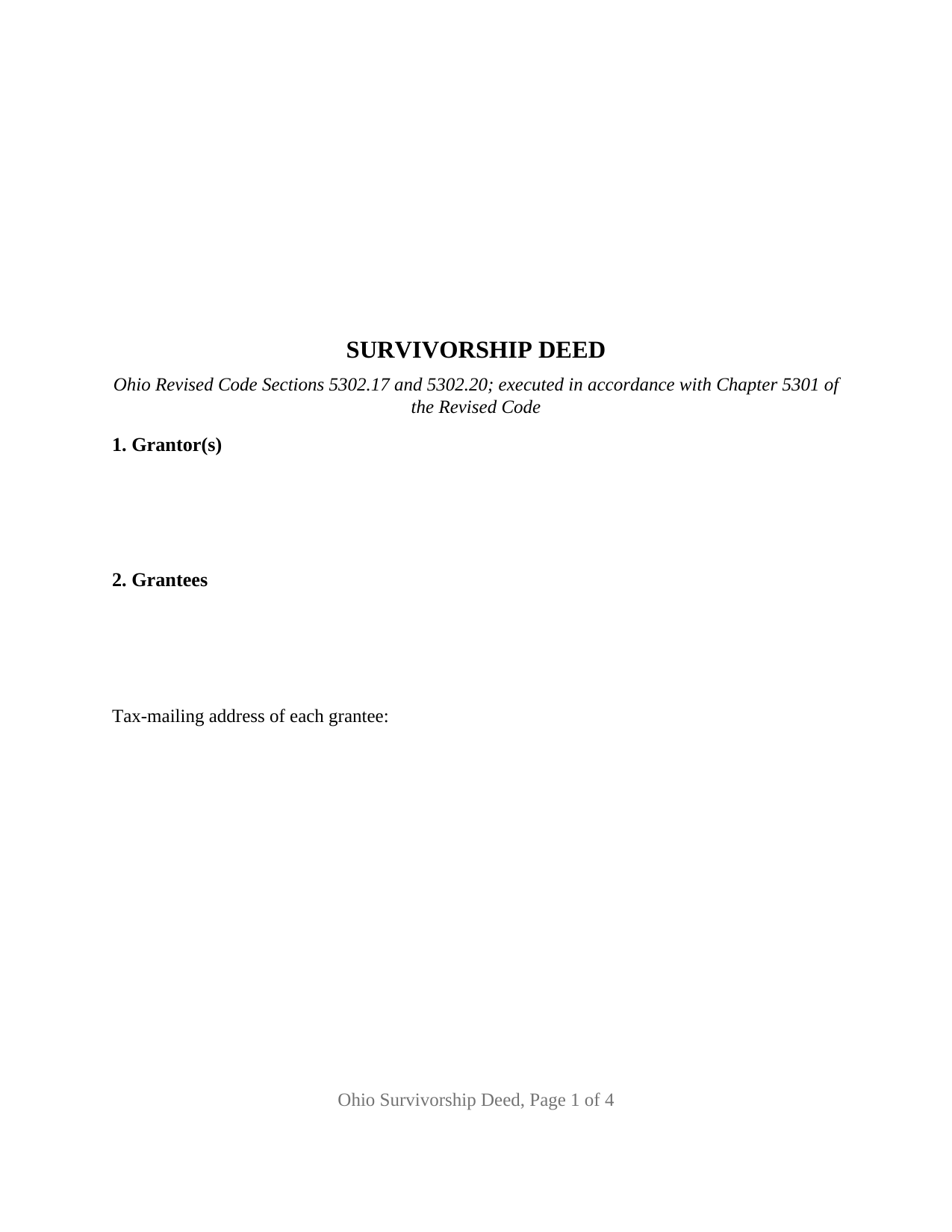
Hocking County Survivorship Deed Form
Fill in the blank Survivorship Deed form formatted to comply with all Ohio recording and content requirements.
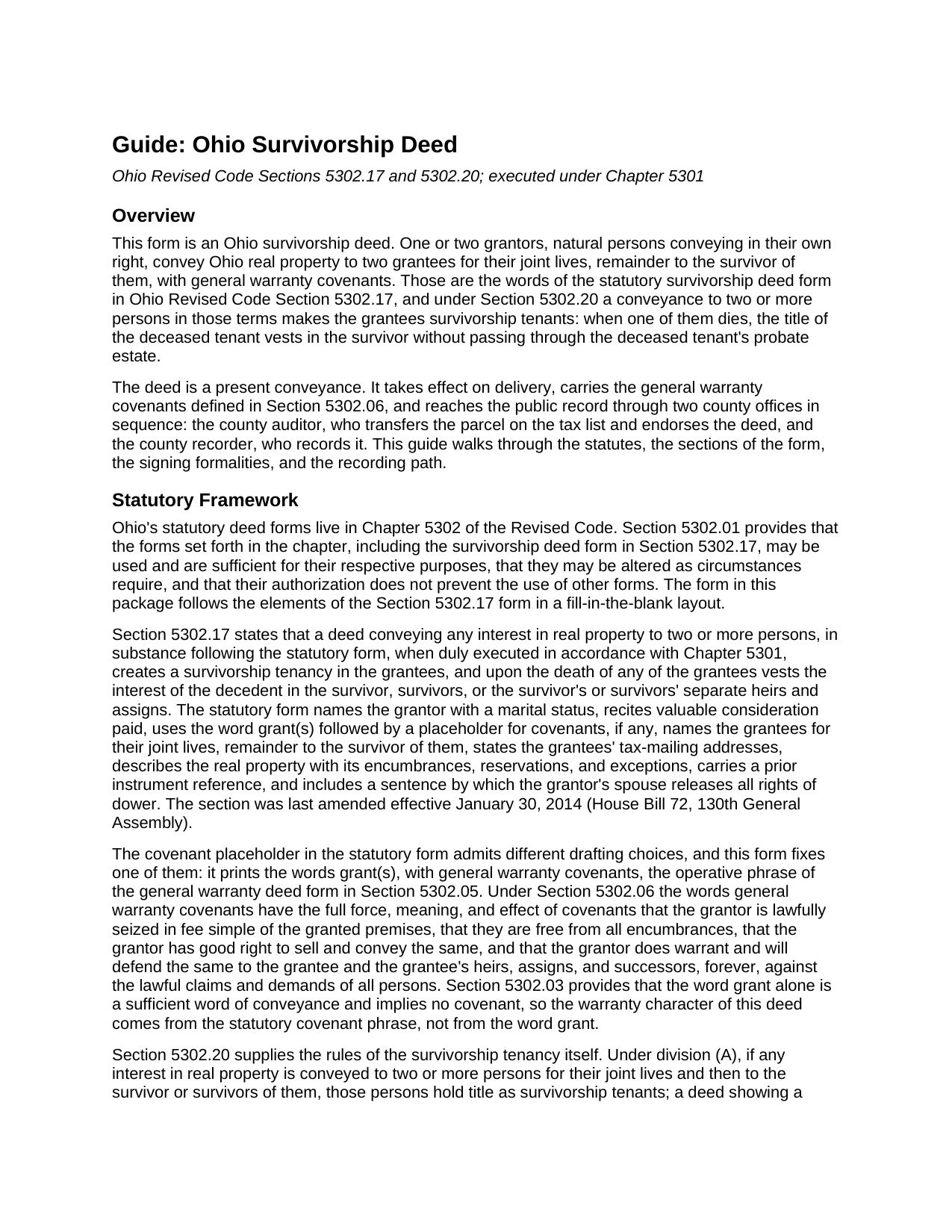
Hocking County Survivorship Deed Guide
Line by line guide explaining every blank on the Survivorship Deed form.
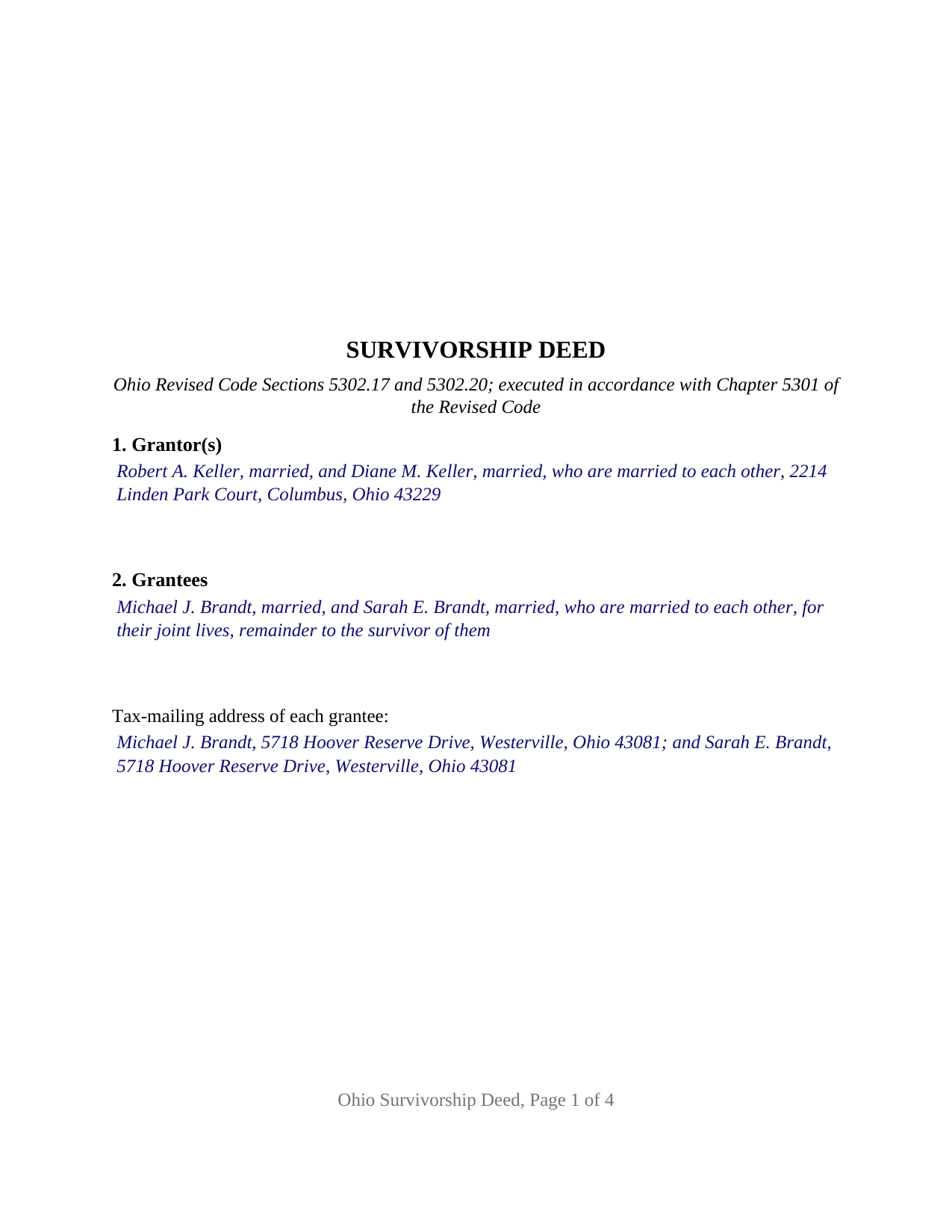
Hocking County Completed Example of the Survivorship Deed Document
Example of a properly completed Ohio Survivorship Deed document for reference.
All 3 documents above included • One-time purchase • No recurring fees
Immediate Download • Secure Checkout
Additional Ohio and Hocking County documents included at no extra charge:
Where to Record Your Documents
Hocking County Recorder
Logan, Ohio 43138
Hours: 8:30 a.m. - 4:00 p.m. Monday - Friday
Phone: 740-385-2031
Recording Tips for Hocking County:
- Bring your driver's license or state-issued photo ID
- Ensure all signatures are in blue or black ink
- Ask about their eRecording option for future transactions
- Avoid the last business day of the month when possible
- Both spouses typically need to sign if property is jointly owned
Cities and Jurisdictions in Hocking County
Properties in any of these areas use Hocking County forms:
- Carbon Hill
- Haydenville
- Laurelville
- Logan
- Murray City
- Rockbridge
- South Bloomingville
- Union Furnace
Hours, fees, requirements, and more for Hocking County
How do I get my forms?
Forms are available for immediate download after payment. The Hocking County forms will be in your account ready to download to your computer. An account is created for you during checkout if you don't have one. Forms are NOT emailed.
Are these forms guaranteed to be recordable in Hocking County?
Yes. Our form blanks are guaranteed to meet or exceed the applicable formatting requirements used for recording in Hocking County, including margin requirements, font requirements, and other layout standards. This guarantee applies to formatting, not to the legal sufficiency of information entered by the user or the suitability of a form for a particular transaction.
Can I reuse these forms?
Yes. You can reuse the forms for your personal use. For example, if you have multiple properties in Hocking County you only need to order once.
What do I need to use these forms?
The forms are PDFs that you fill out on your computer. The free Adobe Acrobat Reader is recommended, and most PDF apps also work. You do NOT enter your property information online - you download the blank forms and complete them privately on your own computer.
Are there any recurring fees?
No. This is a one-time purchase. Nothing to cancel, no memberships, no recurring fees.
How much does it cost to record in Hocking County?
Recording fees in Hocking County vary. Contact the recorder's office at 740-385-2031 for current fees.
Questions answered? Let's get started!
An Ohio survivorship deed conveys real property to two people for their joint lives, remainder to the survivor of them. Those words, from the statutory form in Ohio Revised Code Section 5302.17, are what make the deed work: when one grantee dies, that grantee's title vests in the survivor by the terms of the deed itself, with no probate in between. This form prepares that deed for Ohio real property, with general warranty covenants, from one or two grantors to two grantees.
Why Ohio calls it a survivorship tenancy
What many states call a joint tenancy with right of survivorship, Ohio's statutes call a survivorship tenancy. Under Section 5302.20, a conveyance to two or more persons for their joint lives and then to the survivor of them makes them survivorship tenants, while a deed to two people that says nothing about survivorship vests a tenancy in common under Section 5302.19. A joint and survivorship deed, a survivorship warranty deed, and an Ohio joint tenancy deed are the same instrument: the deed whose granting clause carries those words.
While both grantees live, each holds an equal share unless the deed provides otherwise. When one survivorship tenant remains, Section 5302.20(B) vests the whole title in that survivor, and the record is brought current by an affidavit with a certified death certificate under Section 5302.17, an instrument prepared and recorded separately and not included in this package.
A deed with full warranty covenants
The statutory form leaves a placeholder for covenants, if any, and this form fills it with Ohio's strongest title promise: grant(s), with general warranty covenants. Under Section 5302.06 those words carry the full force of covenants of seisin, freedom from encumbrances, good right to convey, and warranty and defense of the title against the lawful claims of all persons. Section 5 of the form lists the encumbrances, reservations, and exceptions the conveyance is subject to, where recorded easements, restrictions, and current taxes are carved out of the covenant. The general warranty is fixed in the conveyance paragraph; the form prints no covenant selection.
One or two grantors, two grantees, two certificates
The form recites one or two grantors, natural persons conveying in their own right, each entered with the marital status the statutory form calls for, and exactly two grantees, the persons between whom the survivorship tenancy runs. Nothing about status, vesting, or capacity is preprinted. The instrument carries two signature blocks, GRANTOR and SECOND GRANTOR (if applicable), each followed by its own acknowledgment certificate in the wording of the Section 147.55(A) short form, so two signers may acknowledge on different dates or before different officers; on a single-grantor deed the second block and its certificate stay blank. A sole owner conveying to a couple, parents conveying to two adult children, and an owner conveying to the owner and one other person present the patterns this deed recites. An entity grantor, a trustee, an attorney-in-fact, a single grantee, or three or more persons on either side are configurations the form is not set up as.
Dower is built in. Ohio still gives a married person's spouse a dower interest under Section 2103.02, and the conveyance paragraph provides that a spouse of a grantor, by signing the deed, releases all rights of dower in the property; a spouse who joins only for that purpose is entered beside the grantor in Section 1 and signs the second block.
From the auditor to the recorder
An Ohio deed reaches the public record through two county offices in order. The county auditor transfers the parcel on the tax list, which is why the form carries the grantee tax-mailing address and prior instrument reference Section 319.20 requires, the parcel number, and the survey-maker line of Section 5301.25(B). The conveyance fee statement, DTE 100, or the exemption statement, DTE 100EX, is filed with the auditor, whose stamp and transfer endorsement go on the face of the deed; under Section 317.22 the recorder does not accept a deed of absolute conveyance without them. The form follows the Section 317.114 format standard, with the three inch blank top margin on the first page reserved for county endorsements.
The package includes the fillable survivorship deed form, a completed example filled in for a realistic Franklin County fact pattern, and the guide that walks through every section and the auditor and recorder steps. This description and the guide describe the form and the governing Ohio statutes in general terms; they are not legal advice.
Important: Your property must be located in Hocking County to use these forms. Documents should be recorded at the county recording office listed above.
This Survivorship Deed meets all recording requirements specific to Hocking County.
Our Promise
The documents you receive here are guaranteed to meet or exceed the applicable Hocking County recording format requirements. If there is a rejection caused by our formatting, we will correct the issue or refund your payment. This guarantee applies to document formatting only and does not extend to information entered by the user, the selection of the form, or the legal effect of the completed document.
Save Time and Money
Get your Hocking County Survivorship Deed form done right the first time with Deeds.com Uniform Conveyancing Blanks. At Deeds.com, we understand that your time and money are valuable resources, and we don't want you to face a penalty fee or rejection imposed by a county recorder for submitting nonstandard documents. We constantly review and update our forms to meet rapidly changing state and county recording requirements for roughly 3,500 counties and local jurisdictions.
4.8 out of 5 - ( 4,829 Reviews )
Nancy C. 5 out of 5 stars
Amazing every that you need right at your fingertips. Extremely easy to navigate and very informative. I would highly recommend this site!!!
We appreciate your business and value your feedback. Thank you. Have a wonderful day!
Margo M. 4 out of 5 stars
So far help has been good given some of the information you don't have as far as making corrections. This is my first time using your service so maybe I will be better at utilizing it if I have to again.
Thank you for your feedback. We really appreciate it. Have a great day!
Daniel B. 5 out of 5 stars
Very well organized and easy to understand. Will probably use your service again in the future for other forms
Thank you for your feedback. We really appreciate it. Have a great day!
Wilma D. 5 out of 5 stars
The certification of trust looks fine to me. I printed it and filled it out and had it notarized today. I have not sent it to the company that wants it yet so that will be the test. They are very picky. If they have any comment I will let you know.
Thank you for your feedback. We really appreciate it. Have a great day!
Douglas C. 5 out of 5 stars
Even for a novice like me, this site was easy to use, with very clear & simple options and instructions. I wish every web site was as good!
Thank you for your feedback. We really appreciate it. Have a great day!
Allen H. 5 out of 5 stars
Your program was invaluable to us, I used it for my Mom's estate and when she passed the transition was seamless and no probate was involved. I am going to use this for myself to transfer my property over to my children in upon my death. Can't say enough positive things about it. Thanks, Allen
Thank you!
Rebecca M. 5 out of 5 stars
Great service! fast turnaround! I’ve used Deeds.com multiple times, and the software interface is easy to use. I was able to get Deeds for Nevada re-recorded (errors on my lawyers part), quickly with Deeds.com support. Thanks Deeds.com!!
It was a pleasure serving you. Thank you for the positive feedback!
Thomas K. 5 out of 5 stars
Very easy to navigate, download,and print forms!
Thank you!
Ken J. 5 out of 5 stars
I liked the software, it's very easy to use. Once it's saved as a .pdf document on your computer, the source document is lost when you log out. I wish it could be saved and then edited on their site later instead of having to create a new document from scratch each time.
Thank you for your feedback. We really appreciate it. Have a great day!
catheirne o. 5 out of 5 stars
Easy to use!
Thank you!
Daniel B. 5 out of 5 stars
The staff at Deeds.com was very patient and ensured the deed was in the correct format for recording. Had I tried to record it myself, it would have been rejected, as I did not have the home address for the 2 witnesses. I would definitely recommend deeds.com
Thanks for the kind words, Daniel. Witness address requirements catch a lot of people off guard. Glad we could get everything squared away before it hit the recorder's desk. We appreciate the recommendation.
Lori B. 5 out of 5 stars
Great service. Very easy to follow instructions and examples. I would use again.
We appreciate your business and value your feedback. Thank you. Have a wonderful day!
Jina N. 5 out of 5 stars
Awesome site!! You guys really make it simple to understand and access any Deeds that I need. I know you keep very up to date forms, as my county is hard core when it comes to the smallest of details, even compared to every other county across the state. Yet you made it simple and quick, and I never had to redo anything. Even the clerk was impressed that I had it filled out correctly the first time, as that usually never happened. Even the size of type/font and the margins were perfect. That saved a lot of time, money and most of all, frustration. I've recommended you to relatives, friends and co-workers. Thanks to the staff at deeds dot com !! I truly appreciate you. j
Thank you!
Daniel N. 5 out of 5 stars
Deeds.com provided the document template and instructions I needed, right when I needed them. I was able to navigate through an unfamiliar process with exactly the support I needed at an affordable and fair price. Thank you!
We appreciate your business and value your feedback. Thank you. Have a wonderful day!
Sharon B. 3 out of 5 stars
Downloaded pdf form was difficult to use,/modify and has too much space between sections.
Your feedback is valuable to us and helps us improve. Thank you for sharing your thoughts!