Mahoning County Assignment of Leases and Rents (Individual) Form
Last validated October 29, 2026 by our Forms Development TeamFormatted for recording in Mahoning County, for property anywhere in the county: rural and unincorporated areas as well as Beloit, Berlin Center, Campbell, Canfield, Damascus, Ellsworth, Greenford, Lake Milton and 9 more.
- 3 documents included
- Immediate PDF download
- Formatting guarantee
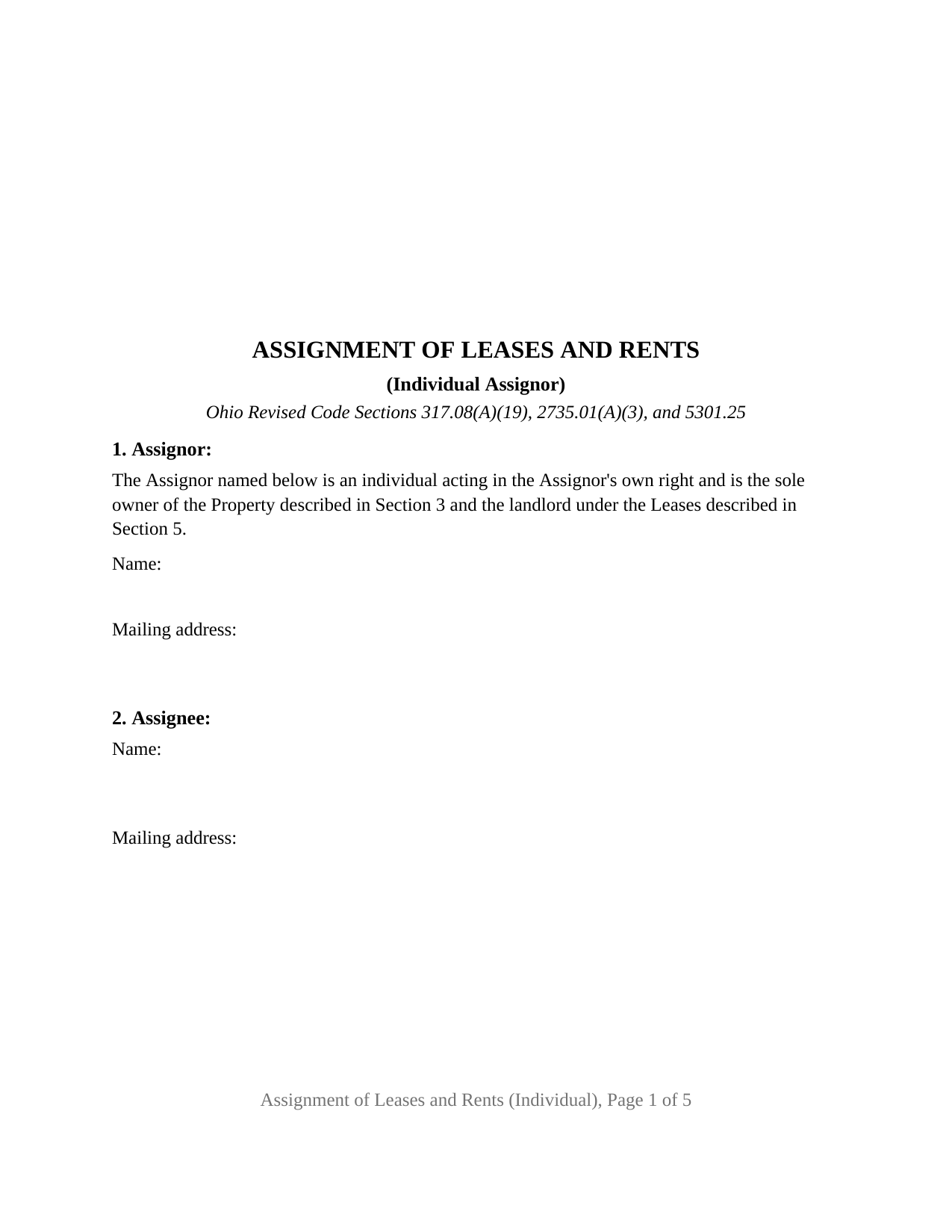
Mahoning County Assignment of Leases and Rents (Individual) Form
Fill in the blank Assignment of Leases and Rents (Individual) form formatted to comply with all Ohio recording and content requirements.
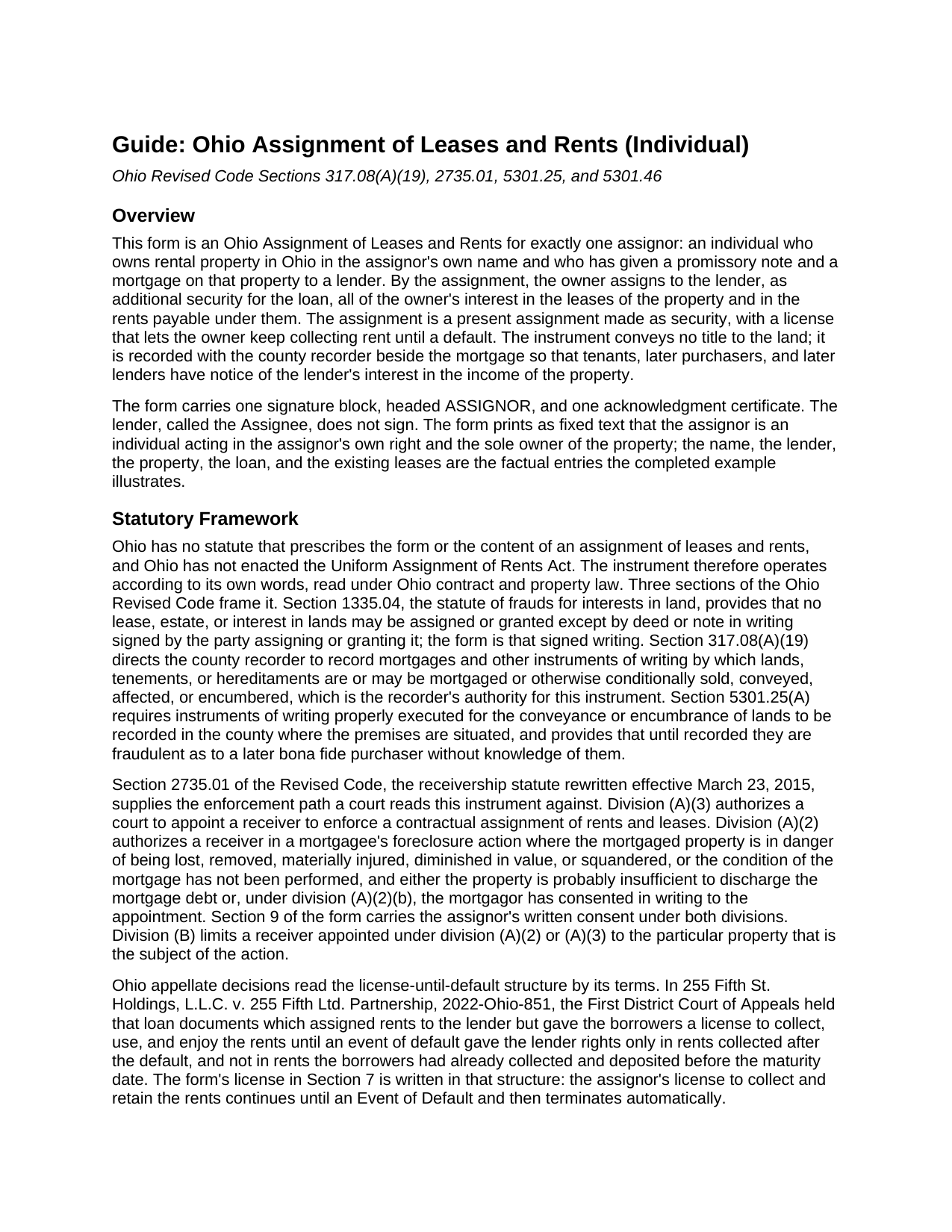
Mahoning County Assignment of Leases and Rents (Individual) Guide
Line by line guide explaining every blank on the Assignment of Leases and Rents (Individual) form.
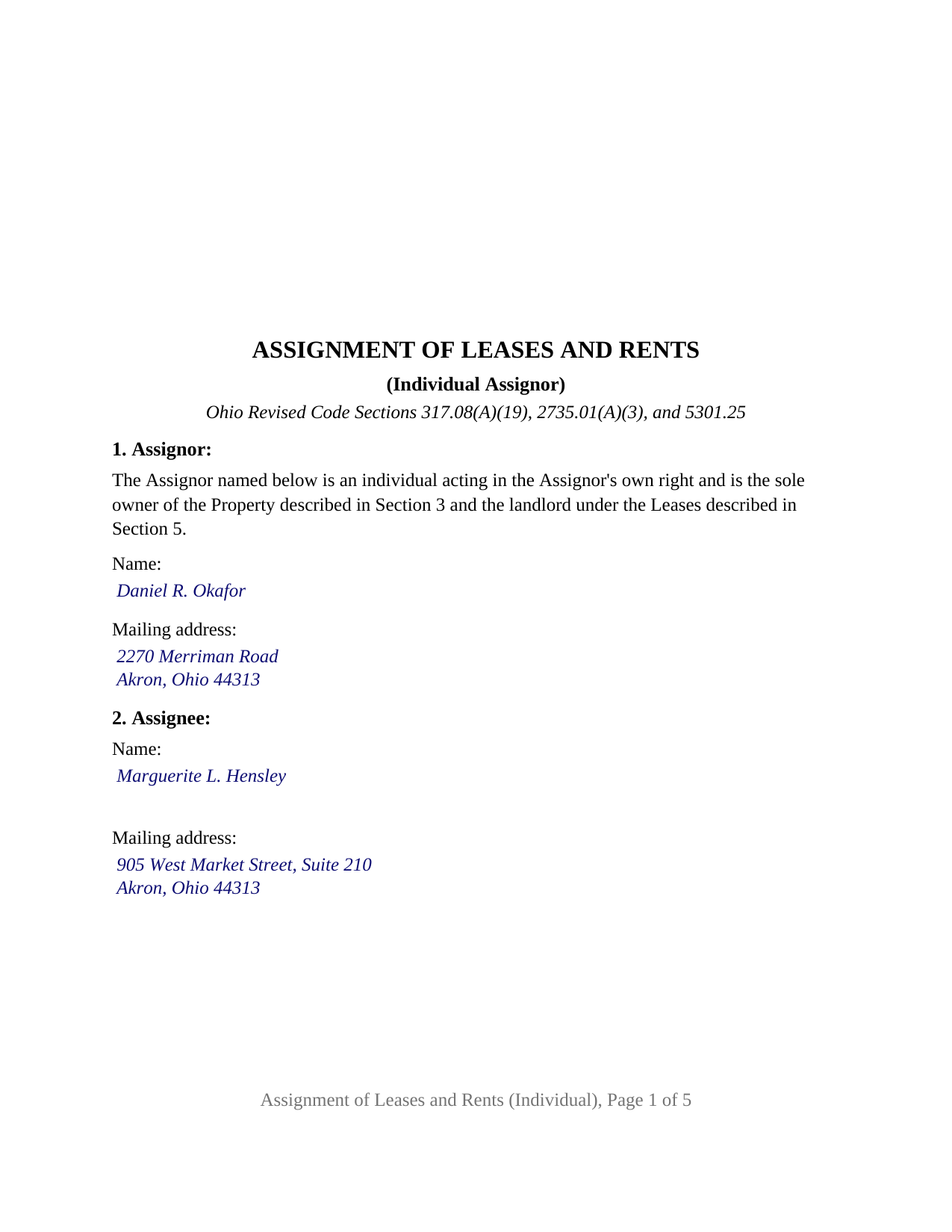
Mahoning County Completed Example of the Assignment of Leases and Rents (Individual) Document
Example of a properly completed Ohio Assignment of Leases and Rents (Individual) document for reference.
All 3 documents above included • One-time purchase • No recurring fees
Immediate Download • Secure Checkout
Additional Ohio and Mahoning County documents included at no extra charge:
Where to Record Your Documents
Mahoning County Recorder
Youngstown, Ohio 44503
Hours: 8:00 to 4:30 M-F
Phone: 330-740-2345
Recording Tips for Mahoning County:
- Bring your driver's license or state-issued photo ID
- Ensure all signatures are in blue or black ink
- Check margin requirements - usually 1-2 inches at top
- Leave recording info boxes blank - the office fills these
- Make copies of your documents before recording - keep originals safe
Cities and Jurisdictions in Mahoning County
Properties in any of these areas use Mahoning County forms:
- Beloit
- Berlin Center
- Campbell
- Canfield
- Damascus
- Ellsworth
- Greenford
- Lake Milton
- Lowellville
- New Middletown
- New Springfield
- North Jackson
- North Lima
- Petersburg
- Sebring
- Struthers
- Youngstown
Hours, fees, requirements, and more for Mahoning County
How do I get my forms?
Forms are available for immediate download after payment. The Mahoning County forms will be in your account ready to download to your computer. An account is created for you during checkout if you don't have one. Forms are NOT emailed.
Are these forms guaranteed to be recordable in Mahoning County?
Yes. Our form blanks are guaranteed to meet or exceed the applicable formatting requirements used for recording in Mahoning County, including margin requirements, font requirements, and other layout standards. This guarantee applies to formatting, not to the legal sufficiency of information entered by the user or the suitability of a form for a particular transaction.
Can I reuse these forms?
Yes. You can reuse the forms for your personal use. For example, if you have multiple properties in Mahoning County you only need to order once.
What do I need to use these forms?
The forms are PDFs that you fill out on your computer. The free Adobe Acrobat Reader is recommended, and most PDF apps also work. You do NOT enter your property information online - you download the blank forms and complete them privately on your own computer.
Are there any recurring fees?
No. This is a one-time purchase. Nothing to cancel, no memberships, no recurring fees.
How much does it cost to record in Mahoning County?
Recording fees in Mahoning County vary. Contact the recorder's office at 330-740-2345 for current fees.
Questions answered? Let's get started!
The Ohio Assignment of Leases and Rents (Individual) is written around one owner. A single natural person who holds an Ohio rental property in that person's own name, and who has signed a promissory note and mortgage to a lender, assigns to that lender the owner's whole interest in the property's leases and in the rent they produce, as additional security for the loan. The form recites that configuration in fixed text, carries one signature block headed ASSIGNOR, and closes with one acknowledgment certificate.
A recital that fixes the owner before the assignment begins
Section 1 prints, above the name blank, that the Assignor is an individual acting in the Assignor's own right and is the sole owner of the Property and the landlord under the Leases. That sentence is fixed text, not a blank or a box to check; the name entered beneath it is the name on the vesting deed and the mortgage, and the recital states the status the owner asserts while the recorded deed remains the source of the title. The lender, the Assignee, is named from the note and mortgage and does not sign. Ohio prescribes no form for an assignment of rents, so the instrument does its work through its own words: Revised Code Section 1335.04 asks for a signed writing to assign an interest in land, Section 317.08(A)(19) gives the county recorder authority to record an instrument by which land is encumbered, and Section 5301.25 makes recording the step that gives later purchasers notice.
Rents that stay with the owner until a default
The assignment in Section 6 is a present one, made as security and not as a mere pledge. Section 7 then grants the owner a revocable license to collect and keep the rents, never more than a month ahead, for as long as no Event of Default exists under the note, the mortgage, or the assignment. When a default does occur the license ends by itself; the lender may collect from the tenants, apply the money to the debt and to the costs of running the property, and step into the landlord's rights, and a tenant who pays the lender after written notice of the default is discharged to that extent.
Consent to a receiver, recorded with the instrument
Ohio's receivership statute, Revised Code Section 2735.01, authorizes a court to appoint a receiver to enforce a contractual assignment of rents and leases and, in a mortgage foreclosure, where the mortgagor has consented in writing. Section 9 of the form places the owner's consent under both provisions on the face of the recorded assignment, so the written consent travels with the title record rather than sitting in a loan file. Section 10 confirms that the lender takes on none of the landlord's duties by accepting the assignment and that the assignment ends when the loan is paid in full.
What the single-owner configuration carries
The form is set up for exactly one assignor, a natural person signing in that person's own right as the sole owner of the property. It carries one signature block, one acknowledgment certificate printed with the Section 147.55(A) short form for an individual, and no second-assignor block, no spousal signature line, and no dower release; the mortgage the assignment accompanies is where Ohio practice places a dower release, and the guide describes the dower statutes as they bear on a married owner. A landlord who inherited a rental house, took title alone, and later borrowed against it, and an owner refinancing a duplex titled in one name, present the single-owner pattern this form recites. The form is not set up for two or more co-owners, for a limited liability company or other entity, for a trustee, or for an attorney-in-fact, each of which changes the recital and the certificate. The property section collects the permanent parcel number and the municipal corporation or township beside the legal description, the items Section 5301.46(B) names for a separate instrument of assignment in a sectional-index county, and because the instrument conveys no title it goes to the recorder directly rather than through the auditor's transfer process.
The package contains the fillable Ohio Assignment of Leases and Rents (Individual) form, a completed example showing a Summit County owner assigning the leases and rents of a two-unit rental to a lender, and a guide covering each section, signing and notarization, and recording. The guide and this description explain the form and the statutes in general terms and are not legal advice.
Important: Your property must be located in Mahoning County to use these forms. Documents should be recorded at the county recording office listed above.
This Assignment of Leases and Rents (Individual) meets all recording requirements specific to Mahoning County.
Our Promise
The documents you receive here are guaranteed to meet or exceed the applicable Mahoning County recording format requirements. If there is a rejection caused by our formatting, we will correct the issue or refund your payment. This guarantee applies to document formatting only and does not extend to information entered by the user, the selection of the form, or the legal effect of the completed document.
Save Time and Money
Get your Mahoning County Assignment of Leases and Rents (Individual) form done right the first time with Deeds.com Uniform Conveyancing Blanks. At Deeds.com, we understand that your time and money are valuable resources, and we don't want you to face a penalty fee or rejection imposed by a county recorder for submitting nonstandard documents. We constantly review and update our forms to meet rapidly changing state and county recording requirements for roughly 3,500 counties and local jurisdictions.
4.8 out of 5 - ( 4,858 Reviews )
Sharon B. 3 out of 5 stars
Downloaded pdf form was difficult to use,/modify and has too much space between sections.
Your feedback is valuable to us and helps us improve. Thank you for sharing your thoughts!
Maureen M. 5 out of 5 stars
Easy to use and download. Will use in the future, if ever needed.
Thank you for your feedback. We really appreciate it. Have a great day!
Russell R. 5 out of 5 stars
This a seamless way to get a beneficiary deed recorded. Everything was easier than I imagined including the visit to the county. The website and downloads work well and I have no complaints.
Thank you for your kind words and for choosing us.
Jana H. 5 out of 5 stars
This company has made my life so much easier. I'm not driving 25 miles twice a week to record a document. I'm almost giddy! Thank you for making my job so much faster! Jana Hamilton
We appreciate your business and value your feedback. Thank you. Have a wonderful day!
Deirdre M. 5 out of 5 stars
Thank for you guidance to amend & correct & recover my home with evidence you provide in Dead Fraud. I'll keep you updated.
Thank you!
Luz G. 5 out of 5 stars
very user friendly
Thank you for taking a moment to share your thoughts.
Jacqueline G. 5 out of 5 stars
Great site, user friendly. Exactly what we needed and the detailed instructions/completed sample were a nice touch.
We appreciate your business and value your feedback. Thank you. Have a wonderful day!
Lorna D. 4 out of 5 stars
Haven't used the form yet. But hopefully it's the correct one.
Thank you!
George R. 5 out of 5 stars
One of the most satisfactory and easy to use websites I have come across. Being able to record documents in the court records without having to pay an atty $500 per hour and accomplish the recording in about 24 hours instead of days and even weeks i s invaluable. Worked perfectly.
Thank you!
Michael C. 4 out of 5 stars
Overall positive experience; especially liked immediate access to downloaded documents and instructions. My only concern was lack of adequate space in portions of your beneficiary deed blank form which then required me to use 3 exhibits to complete all necessary documents for the county recorders office. Assuming they accept them I will call this a strong win. Thanks.
We appreciate your business and value your feedback. Thank you. Have a wonderful day!
Sarah C. 5 out of 5 stars
Great, but I'd like to see the actual filings/documents in my account, PDF, not only the blank forms. Thank you.
Thank you for your feedback. We really appreciate it. Have a great day!
ALFRED B. 5 out of 5 stars
The product was just what I needed. Not being the sharpest computer user I stumbled a little but after reading more carefully I navigated the process and I am very satisfied with my experience. deeds certainly saved me a lot of time.
Thank you!
Richard B. 4 out of 5 stars
Had trouble filling in the forms not very user friendly. The text always had to be manipulated to look in the best place. Could not easily move existing text to look more professional with the text being inserted.
Thank you for your feedback. We really appreciate it. Have a great day!
LeVivian H. 5 out of 5 stars
I loved the forms. One suggestion a large family msy need more space to type all sisters and brothers names. Very informative. Thanks.
Thank you for your feedback. We really appreciate it. Have a great day!
CECIL E C. 5 out of 5 stars
You made it easy to attain the documents I needed. The cost was very reasonable...thanks
Thank you for your feedback Cecil, we really appreciate it.