Washington County Assignment of Mortgage Form
Last validated October 28, 2026 by our Forms Development TeamFormatted for recording in Washington County, for property anywhere in the county: rural and unincorporated areas as well as Barlow, Bartlett, Belpre, Beverly, Coal Run, Cutler, Fleming, Graysville and 13 more.
- 3 documents included
- Immediate PDF download
- Formatting guarantee
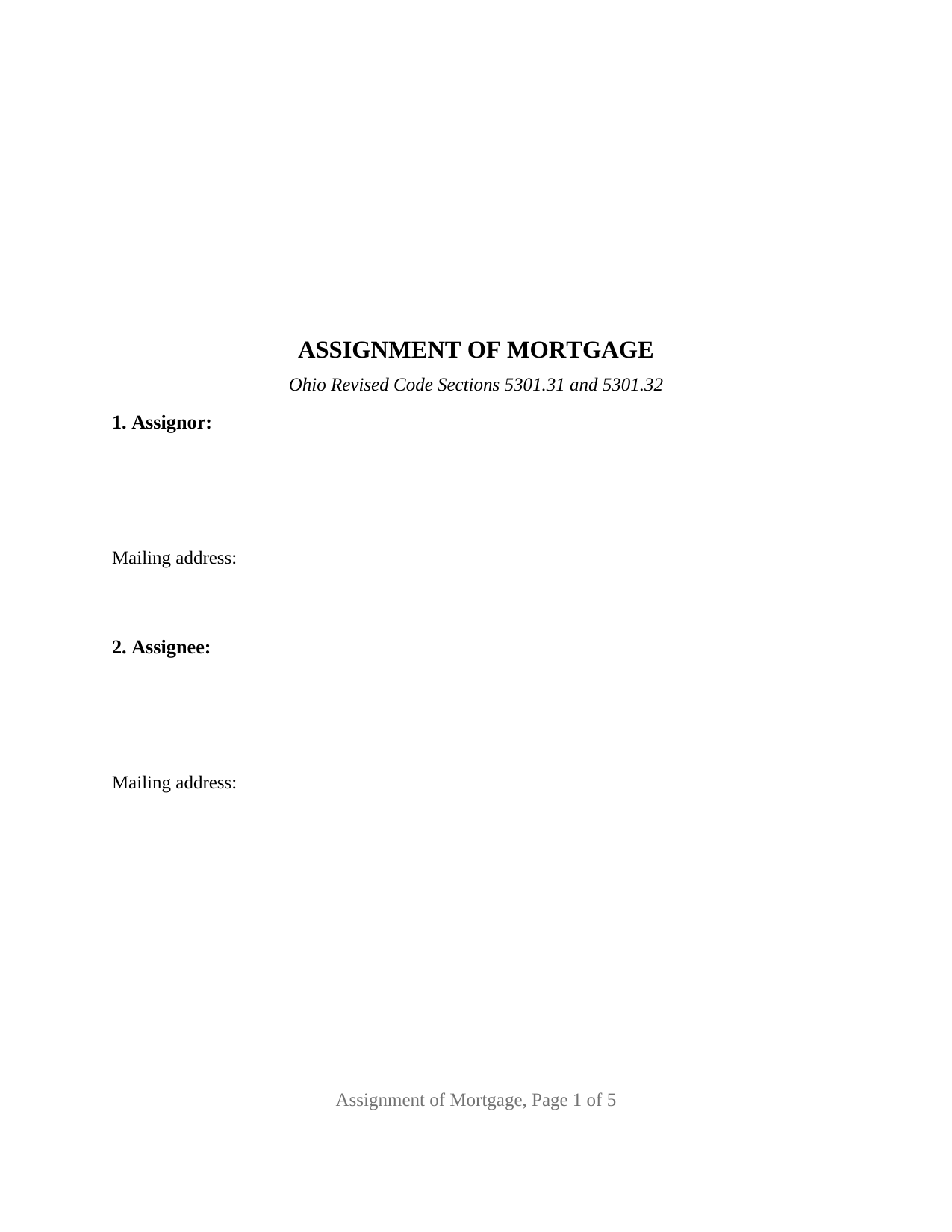
Washington County Assignment of Mortgage Form
Fill in the blank Assignment of Mortgage form formatted to comply with all Ohio recording and content requirements.
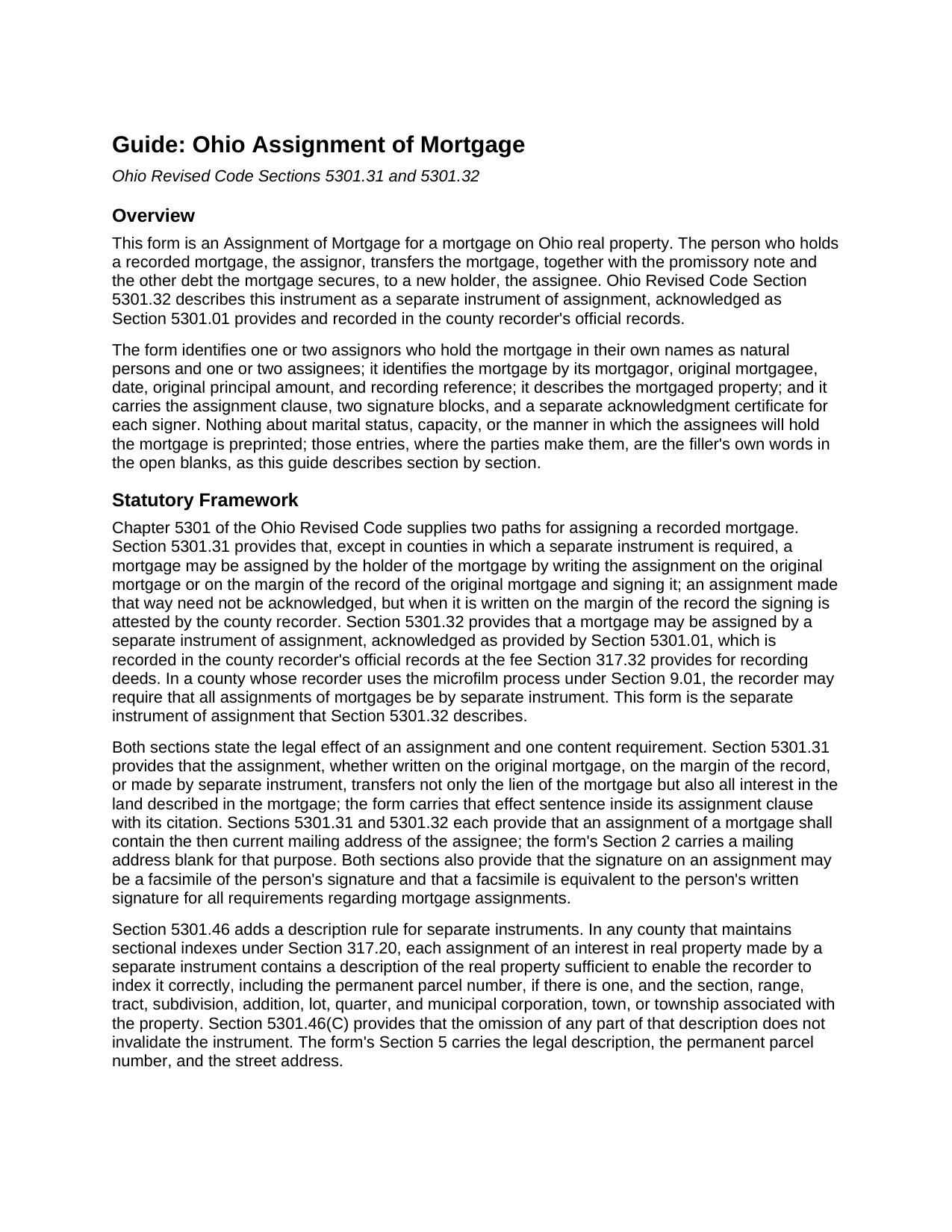
Washington County Assignment of Mortgage Guide
Line by line guide explaining every blank on the Assignment of Mortgage form.
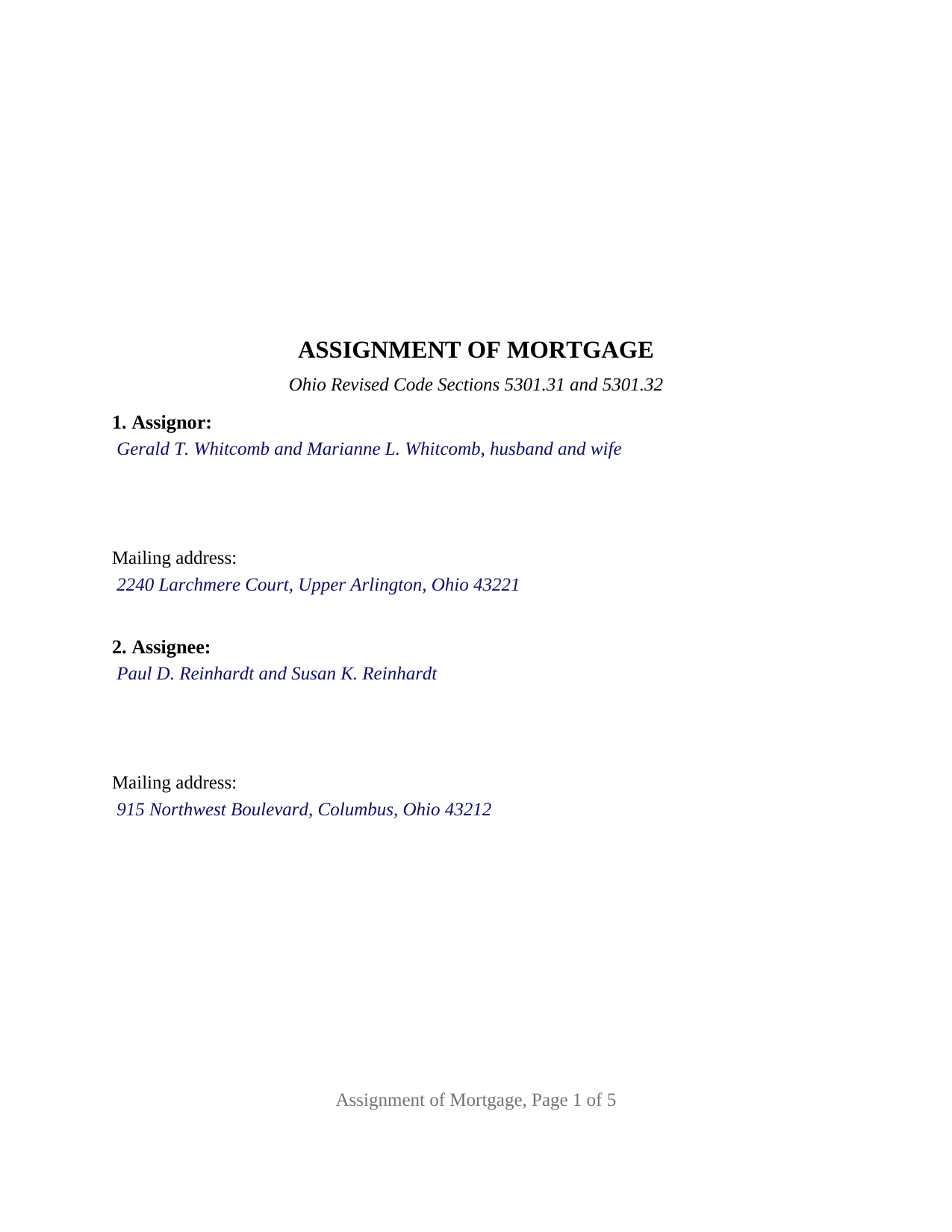
Washington County Completed Example of the Assignment of Mortgage Document
Example of a properly completed Ohio Assignment of Mortgage document for reference.
All 3 documents above included • One-time purchase • No recurring fees
Immediate Download • Secure Checkout
Additional Ohio and Washington County documents included at no extra charge:
Where to Record Your Documents
Washington County Recorder
Marietta, Ohio 45750
Hours: 8:00am to 5:00pm Monday through Friday / Recording until 4:15pm
Phone: 740-373-6623 Ext 235 or 236
Recording Tips for Washington County:
- Bring your driver's license or state-issued photo ID
- Ensure all signatures are in blue or black ink
- Recording fees may differ from what's posted online - verify current rates
- Request a receipt showing your recording numbers
- Ask about accepted payment methods when you call ahead
Cities and Jurisdictions in Washington County
Properties in any of these areas use Washington County forms:
- Barlow
- Bartlett
- Belpre
- Beverly
- Coal Run
- Cutler
- Fleming
- Graysville
- Little Hocking
- Lowell
- Lower Salem
- Macksburg
- Marietta
- New Matamoras
- Newport
- Reno
- Vincent
- Waterford
- Watertown
- Whipple
- Wingett Run
Hours, fees, requirements, and more for Washington County
How do I get my forms?
Forms are available for immediate download after payment. The Washington County forms will be in your account ready to download to your computer. An account is created for you during checkout if you don't have one. Forms are NOT emailed.
Are these forms guaranteed to be recordable in Washington County?
Yes. Our form blanks are guaranteed to meet or exceed the applicable formatting requirements used for recording in Washington County, including margin requirements, font requirements, and other layout standards. This guarantee applies to formatting, not to the legal sufficiency of information entered by the user or the suitability of a form for a particular transaction.
Can I reuse these forms?
Yes. You can reuse the forms for your personal use. For example, if you have multiple properties in Washington County you only need to order once.
What do I need to use these forms?
The forms are PDFs that you fill out on your computer. The free Adobe Acrobat Reader is recommended, and most PDF apps also work. You do NOT enter your property information online - you download the blank forms and complete them privately on your own computer.
Are there any recurring fees?
No. This is a one-time purchase. Nothing to cancel, no memberships, no recurring fees.
How much does it cost to record in Washington County?
Recording fees in Washington County vary. Contact the recorder's office at 740-373-6623 Ext 235 or 236 for current fees.
Questions answered? Let's get started!
An Ohio Assignment of Mortgage moves a recorded mortgage, and the promissory note it secures, from the person who holds it to a new holder, and places that change on the county record. This form prepares the separate instrument of assignment that Ohio Revised Code Section 5301.32 describes, for one or two individual assignors signing in their own names.
Two ways Ohio assigns a mortgage
Ohio law offers two paths. Under Section 5301.31 the holder may write the assignment on the original mortgage or on the margin of the recorder's record and sign it. Under Section 5301.32 the holder signs a separate instrument of assignment, acknowledged as Section 5301.01 provides, which the recorder records in the official records at the fee charged for recording a deed. The separate instrument is the path this form takes. Ohio prescribes no statutory form for a mortgage assignment, so the instrument's words are the conventional words of an assignment, drawn around what the statutes require it to contain.
What the assignment carries with it
Section 5301.31 states the effect in one sentence: an assignment, whether on the mortgage, on the margin, or by separate instrument, transfers not only the lien of the mortgage but also all interest in the land described in the mortgage. The form carries that sentence inside its assignment clause, beside the operative words: the assignor assigns, transfers, and sets over to the assignee all of the assignor's right, title, and interest in the mortgage, together with the note and the other indebtedness it secures. In Fed. Home Loan Mtge. Corp. v. Schwartzwald, 2012-Ohio-5017, the Supreme Court of Ohio held that a foreclosing party with no established interest in the note or mortgage at filing had no standing, and that an assignment obtained afterward did not cure the defect; the recorded chain of assignments is where that interest is shown.
The assignee's address and the indexing description
Sections 5301.31 and 5301.32 each require an assignment of a mortgage to contain the then current mailing address of the assignee, and the form's assignee section carries a dedicated address blank for it. Section 5301.46 adds that, in a county with sectional indexes, a separate instrument of assignment carries a description of the land sufficient for indexing, including the permanent parcel number; the property section receives the legal description copied from the mortgage, the parcel number, and the street address. The mortgage itself is identified by mortgagor, original mortgagee, date, original principal amount, and recording reference, and a separate section identifies any earlier assignment of record under which the assignor holds.
One or two individual assignors
The form recites one or two assignors who are natural persons holding the mortgage in their own names, and one or two assignees. A seller who financed the buyer's purchase and later sells the loan, two spouses who took back a purchase-money mortgage on the home they sold, and an individual investor passing along a mortgage acquired by an earlier recorded assignment present the patterns this form recites. Nothing about marital status, capacity, or how two assignees will hold the mortgage is preprinted; those entries are the filler's own words in open blanks. The form is not set up as an assignment by a corporation, limited liability company, bank, trustee, executor, or attorney-in-fact, or by three or more assignors; its acknowledgment certificates carry the individual short form of Section 147.55(A).
Signing and recording
Each assignor signs before a notary public or another officer Section 5301.01 names, and the form carries a separate acknowledgment certificate for each signer, so two assignors may acknowledge on different dates or before different notaries. The instrument is formatted to Section 317.114, with a three inch blank top margin on the first page, one inch side and bottom margins, and twelve point type above the ten point minimum. It carries the preparer statement Section 317.111 requires and a return address block, and it records with the county recorder at the deed fee of Section 317.32: thirty-four dollars for the first two pages plus any county preservation surcharge, eight dollars for each further page, and four dollars for the marginal reference to the mortgage being assigned.
The package includes the fillable Assignment of Mortgage form, a completed example filled in for a Franklin County mortgage held by two spouses, and the guide that walks through each section, the acknowledgment requirements, and county recording. This description and the guide describe the form and the governing Ohio statutes in general terms; they are not legal advice.
Important: Your property must be located in Washington County to use these forms. Documents should be recorded at the county recording office listed above.
This Assignment of Mortgage meets all recording requirements specific to Washington County.
Our Promise
The documents you receive here are guaranteed to meet or exceed the applicable Washington County recording format requirements. If there is a rejection caused by our formatting, we will correct the issue or refund your payment. This guarantee applies to document formatting only and does not extend to information entered by the user, the selection of the form, or the legal effect of the completed document.
Save Time and Money
Get your Washington County Assignment of Mortgage form done right the first time with Deeds.com Uniform Conveyancing Blanks. At Deeds.com, we understand that your time and money are valuable resources, and we don't want you to face a penalty fee or rejection imposed by a county recorder for submitting nonstandard documents. We constantly review and update our forms to meet rapidly changing state and county recording requirements for roughly 3,500 counties and local jurisdictions.
4.8 out of 5 - ( 4,837 Reviews )
IVAN G. 5 out of 5 stars
This Guys are accurate and FAST, Thanks Staff- KVH.!!!! you were awesome!!
We appreciate your business and value your feedback. Thank you. Have a wonderful day!
Laurie S. 5 out of 5 stars
This was super easy and fast!
We appreciate your business and value your feedback. Thank you. Have a wonderful day!
Marlin M. 5 out of 5 stars
all round GREAT!
Always great to hear kind words from such a long time customer Marlin, thank you.
Dianna B. 5 out of 5 stars
Amazingly easy! I absolutely love it because it is so efficient and I only have to pay for when I use it. I use to have to drive to the recorders office or to a Kiosk station. The turn-around time was really quick as well.
Thank you!
Carolyn N. 5 out of 5 stars
It worked! It was exactly what I needed and was easily understood.
Thank you!
Shelly S. 5 out of 5 stars
Was able to sell a property with the information obtained from your website without using an attorney! Extremely happy.
Thank you!
Hanna M. 5 out of 5 stars
Very helpful information! Thank you for your service!
Thank you!
Karen B. 5 out of 5 stars
Easy to download and fill out forms needed. Highly recommend them instead of paying for Attorney to do.
We truly value your business and appreciate your review.
Camesha Y. 5 out of 5 stars
Was working with a notary client that need to do a deed. We got on this site, ordered the blank forms, he filled them out and we printed them so he could sign. Really clean forms, easy to understand and complete in a hurry. I will be letting all my clients know about this site.
That's terrific Camesha, glad to hear. Have a great day!
Michael T. 5 out of 5 stars
Very easy to find what I was looking for and the cost was reasonable. The documents saved me a lot of time and were easy to use.
Thank you for your feedback. We really appreciate it. Have a great day!
Heather G. 5 out of 5 stars
This entire process was painless. I couldn't be happier with how simple and easy it was to get the document I needed.
We’re so glad the process was smooth and easy, Heather—thanks for sharing your experience!
Susann T. 5 out of 5 stars
I have been very happy with the prompt assistance that I have received from deeds.com! How refreshing this is when so often good customer service seems rare these days!
Thank you for your feedback. We really appreciate it. Have a great day!
Mary C. 5 out of 5 stars
The fillable form was usable but awkward as most of these forms are. The example and guide were both helpful. I'm satisfied with what I received.
Great to hear — thank you for taking the time to write a review.
Raymond L. 5 out of 5 stars
Delivered as promised. Highly recommend!
Great to hear — thank you for taking the time to write a review.
Angela W. 5 out of 5 stars
Very helpful and very quick to respond. Thank you!
We appreciate your business and value your feedback. Thank you. Have a wonderful day!