Lawrence County Correction Deed Form
Last validated October 12, 2026 by our Forms Development TeamFormatted for recording in Lawrence County, for property anywhere in the county: rural and unincorporated areas as well as Chesapeake, Ironton, Kitts Hill, Pedro, Proctorville, Rock Camp, Scottown, South Point and 2 more.
- 3 documents included
- Immediate PDF download
- Formatting guarantee
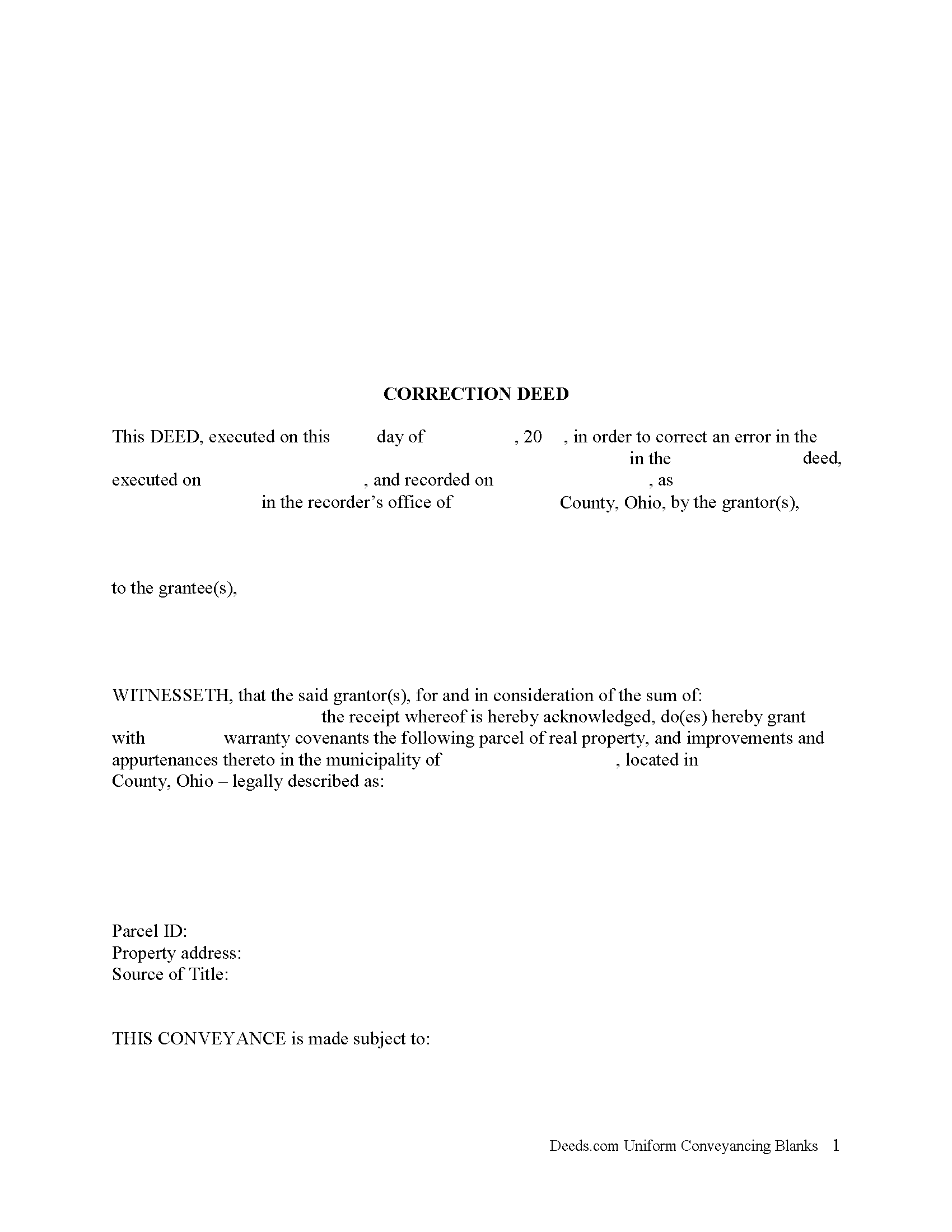
Lawrence County Correction Deed Form
Fill in the blank form formatted to comply with all recording and content requirements.
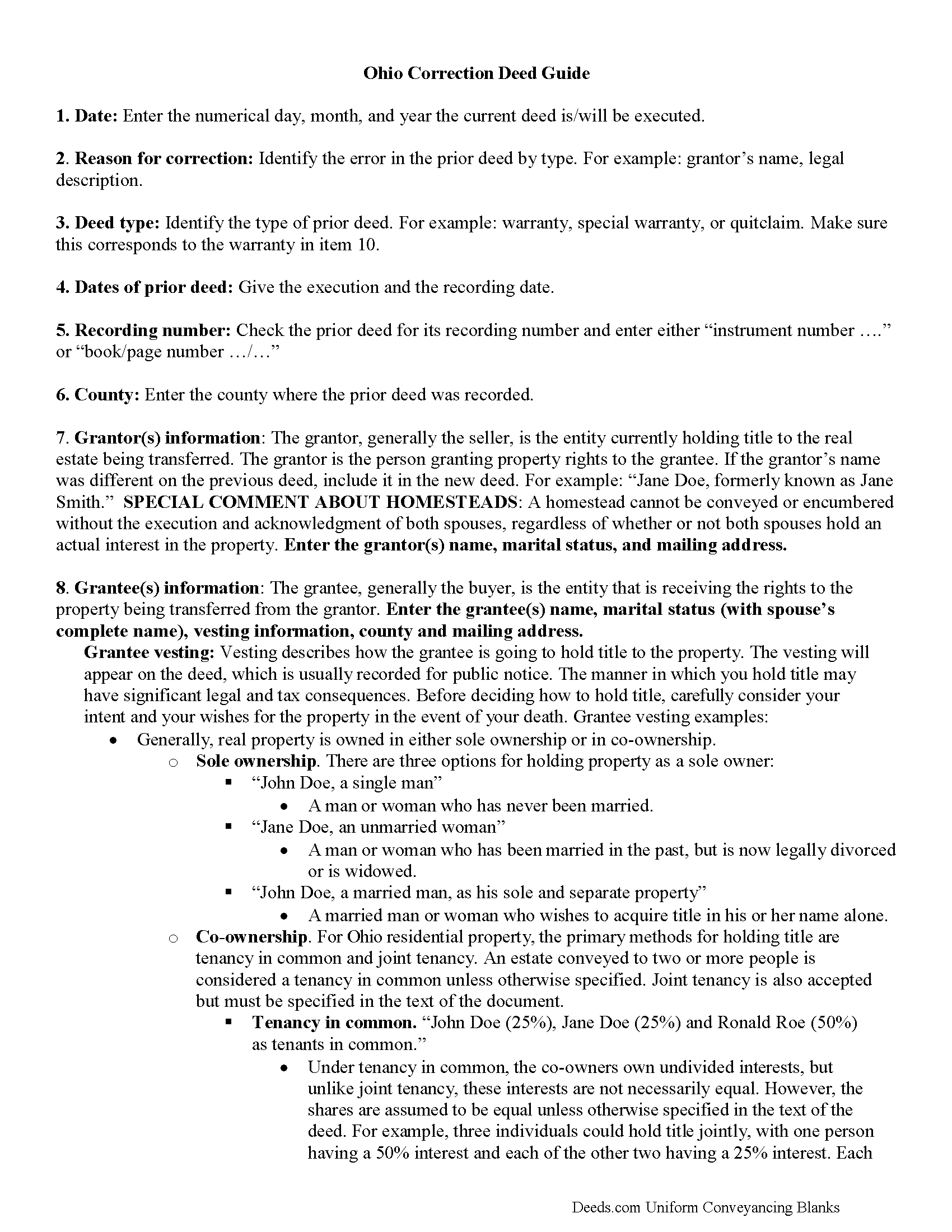
Lawrence County Correction Deed Guide
Line by line guide explaining every blank on the form.
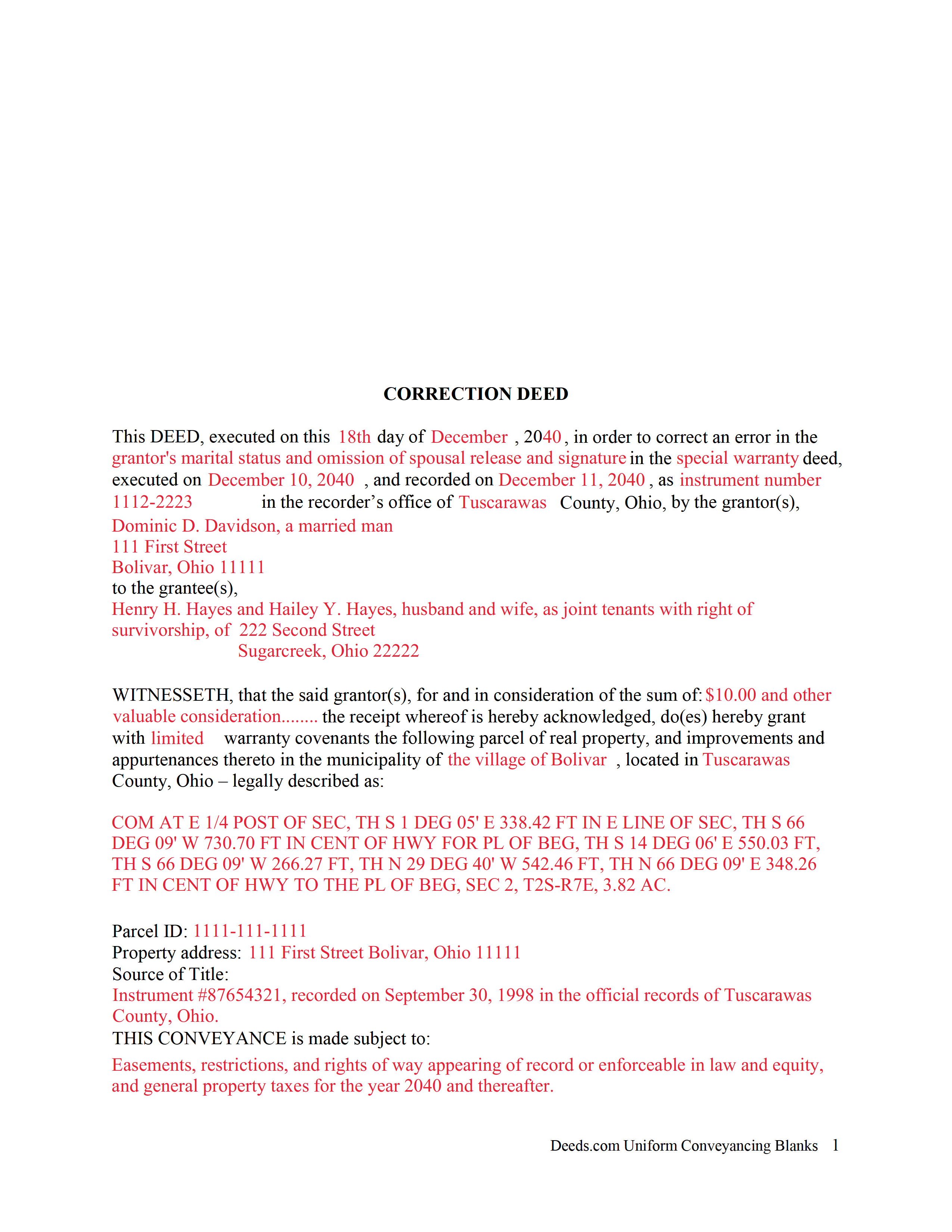
Lawrence County Completed Example of the Correction Deed Document
Example of a properly completed form for reference.
All 3 documents above included • One-time purchase • No recurring fees
Immediate Download • Secure Checkout
Additional Ohio and Lawrence County documents included at no extra charge:
Where to Record Your Documents
Lawrence County Recorder
Ironton, Ohio 45638
Hours: 8:00 a.m. - 4:00 p.m. Monday - Friday
Phone: (740) 533-4314
Recording Tips for Lawrence County:
- Bring your driver's license or state-issued photo ID
- Ensure all signatures are in blue or black ink
- Ask about their eRecording option for future transactions
- Avoid the last business day of the month when possible
- Both spouses typically need to sign if property is jointly owned
Cities and Jurisdictions in Lawrence County
Properties in any of these areas use Lawrence County forms:
- Chesapeake
- Ironton
- Kitts Hill
- Pedro
- Proctorville
- Rock Camp
- Scottown
- South Point
- Waterloo
- Willow Wood
Hours, fees, requirements, and more for Lawrence County
How do I get my forms?
Forms are available for immediate download after payment. The Lawrence County forms will be in your account ready to download to your computer. An account is created for you during checkout if you don't have one. Forms are NOT emailed.
Are these forms guaranteed to be recordable in Lawrence County?
Yes. Our form blanks are guaranteed to meet or exceed the applicable formatting requirements used for recording in Lawrence County, including margin requirements, font requirements, and other layout standards. This guarantee applies to formatting, not to the legal sufficiency of information entered by the user or the suitability of a form for a particular transaction.
Can I reuse these forms?
Yes. You can reuse the forms for your personal use. For example, if you have multiple properties in Lawrence County you only need to order once.
What do I need to use these forms?
The forms are PDFs that you fill out on your computer. The free Adobe Acrobat Reader is recommended, and most PDF apps also work. You do NOT enter your property information online - you download the blank forms and complete them privately on your own computer.
Are there any recurring fees?
No. This is a one-time purchase. Nothing to cancel, no memberships, no recurring fees.
How much does it cost to record in Lawrence County?
Recording fees in Lawrence County vary. Contact the recorder's office at (740) 533-4314 for current fees.
Questions answered? Let's get started!
In Ohio, a deed can be corrected either by re-recording the prior deed with corrections made directly on it, or by recording a new deed, called correction or corrective deed. In both cases, the reason for the correction, the recording number and execution/recording dates need to be stated. The choice between the two options may depend on county preference or the nature of the defect. Correction in general is only effective when it clarifies or completes the title of the prior deed. Altering the nature of the document by means of a correction deed is not advisable.
Thus, correcting the name or missing initial in the grantor's or grantee's name, the grantee's tax address, a minor error in the acknowledgement or even in the legal description can all be achieved through a correction deed. If the grantor re-acknowledges the corrected deed, errors of omission can be resolved as well, as can the marital status and spousal release and more serious errors in the legal description.
The Ohio Bar Association publishes guidelines for title standards and advise to never use a correction deed in order to add or delete a grantee, to make major changes in the legal description, such as a changing the lot number, or to add or delete restrictive covenants or easements. Taking minimal requirements for sufficiency and definiteness as the standard for effective conveyances, they list and explain errors that may not impair the marketability of a title and indicate that "lapse of time, subsequent conveyances, the manifest or typographical nature of errors or omission, accepted rules of construction and other considerations should be relied upon to approve marginally sufficient or questionable descriptions" (Ohio Title Standards, section 3.2, 2012).
In many counties, submit all deeds to the assessor prior to recording. Sometimes, only changes to the legal description need to be approved by the auditor before they can be recorded. The statement of value form DTE 100-EX needs to accompany the correction deed and indicate the reason for exemption. Bear in mind, however, that any changes to the legal description may affect transfer tax assessment. Spend time considering the different outcomes of each option and contact the local authorities, either the recorder's or the auditor's office for specific requirements and practices.
(Ohio Correction Deed Package includes form, guidelines, and completed example)
Important: Your property must be located in Lawrence County to use these forms. Documents should be recorded at the county recording office listed above.
This Correction Deed meets all recording requirements specific to Lawrence County.
Our Promise
The documents you receive here are guaranteed to meet or exceed the applicable Lawrence County recording format requirements. If there is a rejection caused by our formatting, we will correct the issue or refund your payment. This guarantee applies to document formatting only and does not extend to information entered by the user, the selection of the form, or the legal effect of the completed document.
Save Time and Money
Get your Lawrence County Correction Deed form done right the first time with Deeds.com Uniform Conveyancing Blanks. At Deeds.com, we understand that your time and money are valuable resources, and we don't want you to face a penalty fee or rejection imposed by a county recorder for submitting nonstandard documents. We constantly review and update our forms to meet rapidly changing state and county recording requirements for roughly 3,500 counties and local jurisdictions.
4.8 out of 5 - ( 4,828 Reviews )
Karin G. 5 out of 5 stars
All went well. Forms easy to download and instructions were super. Very pleased with the service.
Thank you!
Susan M. 5 out of 5 stars
Purchased and received immediately w/instructions for completion.
We appreciate your business and value your feedback. Thank you. Have a wonderful day!
Eleanor E. 5 out of 5 stars
Not knowing I could down load these forms, I first went to the local recording office thinking I could get info on the forms I needed. I was told that obviously you dont know what you are doing so find someone who does. This snippy clerk obviously didnt know the forms were accessible on line; either that or she was needing to feel her phony superiority.
Thank you for your feedback. We really appreciate it. Have a great day!
LEIGH M. 3 out of 5 stars
Skamania County, WA tax affidavit wouldn't download. Otherwise, a good program
Thank you!
Melody P. 5 out of 5 stars
5 Stars isn't enough! I worked with KVH today (12-30-20) to get some deeds filed in Dallas County before the end of the year. Timing was critical and I thought my only option was to record in person. Someone suggested I try Deeds.com, and I'm very glad I did. KVH provided excellent service. Everything was quick and efficient, and I highly recommend using this service. Thanks!
We appreciate your business and value your feedback. Thank you. Have a wonderful day!
Robyn R. 5 out of 5 stars
Deeds.com was so simple and easy to use! My local recorders office is closed due to COVID-19 and their recording said to use Deeds.com. I thought it was going to either be very complicated or very expensive and it was neither!!! The site walked me through step by step and the price of their service was very fair and affordable. They were very timely and efficient and my documents were recorded almost immediately! Thank you Deeds.com!!!
Thank you Robyn, glad we could help.
Ralph L. 5 out of 5 stars
Thank you.Very good.
Thank you for your feedback. We really appreciate it. Have a great day!
Troy D. 5 out of 5 stars
Excellent Service. Great time savings over having to send someone to the recording office. Am planning on utilizing this service for our recording needs.
We appreciate your business and value your feedback. Thank you. Have a wonderful day!
Karen F. 5 out of 5 stars
The documents' format contained information needed to complete the necessary paperwork for filing with Georgia. However, the fields were not large enough to put the legal description in, and there was no way to enlarge the area. These were only semi-helpful in providing what I needed per Georgia's filing requirement.
Thank you!
brian o. 5 out of 5 stars
I was needing some forms from another state. I am a lawyer but don't have ready access to out of state forms. I was impressed with how thorough the intake process was. Very nice that I could download the form in Word so that I could adjust a few things. Very fine service. I recommend.
Thank you!
ALI T. 5 out of 5 stars
It is very easy to use Deeds.Com to perform eRecording. The case staff are very professional and punctual. My eRecording package was completed within a day where it usually takes months. Thank You
We appreciate your business and value your feedback. Thank you. Have a wonderful day!
Michael D. 5 out of 5 stars
Your Guide is very good but does not explain precisely where one can find the Instrument Number for the originally filed Claim of Lien.
Thank you for your feedback. We really appreciate it. Have a great day!
Connie E. 5 out of 5 stars
Great service! Easy to download and view. Florida should have the Revocable Transfer on Death (TOD)deed, that many other States have. That's the one I really wanted. This one will do in the meantime.
We appreciate your business and value your feedback. Thank you. Have a wonderful day!
Nancy E. 5 out of 5 stars
Easy to complete. I would suggest, since it is 2 pages, make a bigger space for land descriptions & sources.
Thank you for your feedback. We really appreciate it. Have a great day!
Marilyn O. 5 out of 5 stars
Good resource. Got what I needed easily
Thank you for your feedback. We really appreciate it. Have a great day!