Montgomery County Gift Deed (LLC Grantor) Form
Last validated October 20, 2026 by our Forms Development TeamFormatted for recording in Montgomery County, for property anywhere in the county: rural and unincorporated areas as well as Brookville, Clayton, Dayton, Englewood, Farmersville, Germantown, Miamisburg, New Lebanon and 2 more.
- 3 documents included
- Immediate PDF download
- Formatting guarantee
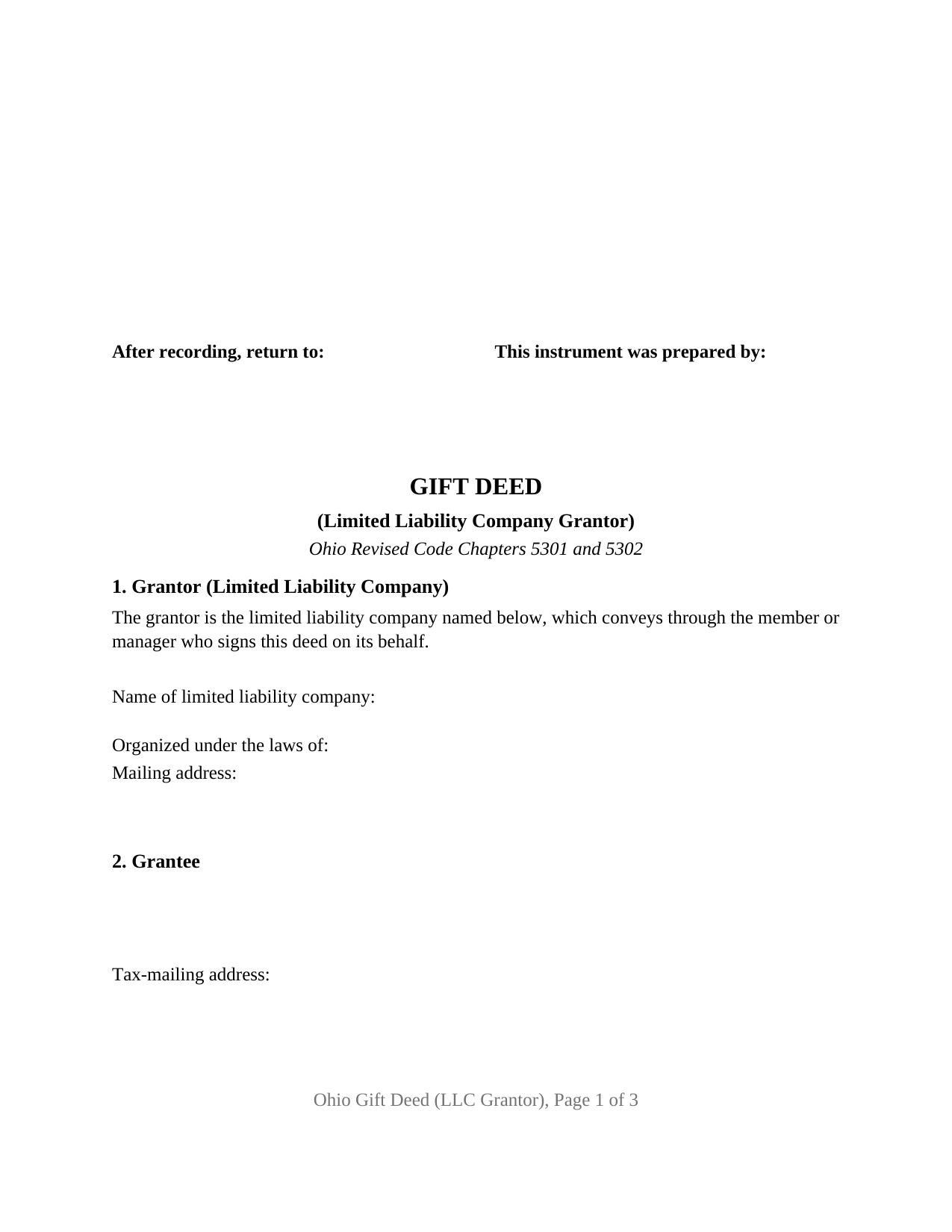
Montgomery County Gift Deed (LLC Grantor) Form
Fill in the blank Gift Deed (LLC Grantor) form formatted to comply with all Ohio recording and content requirements.
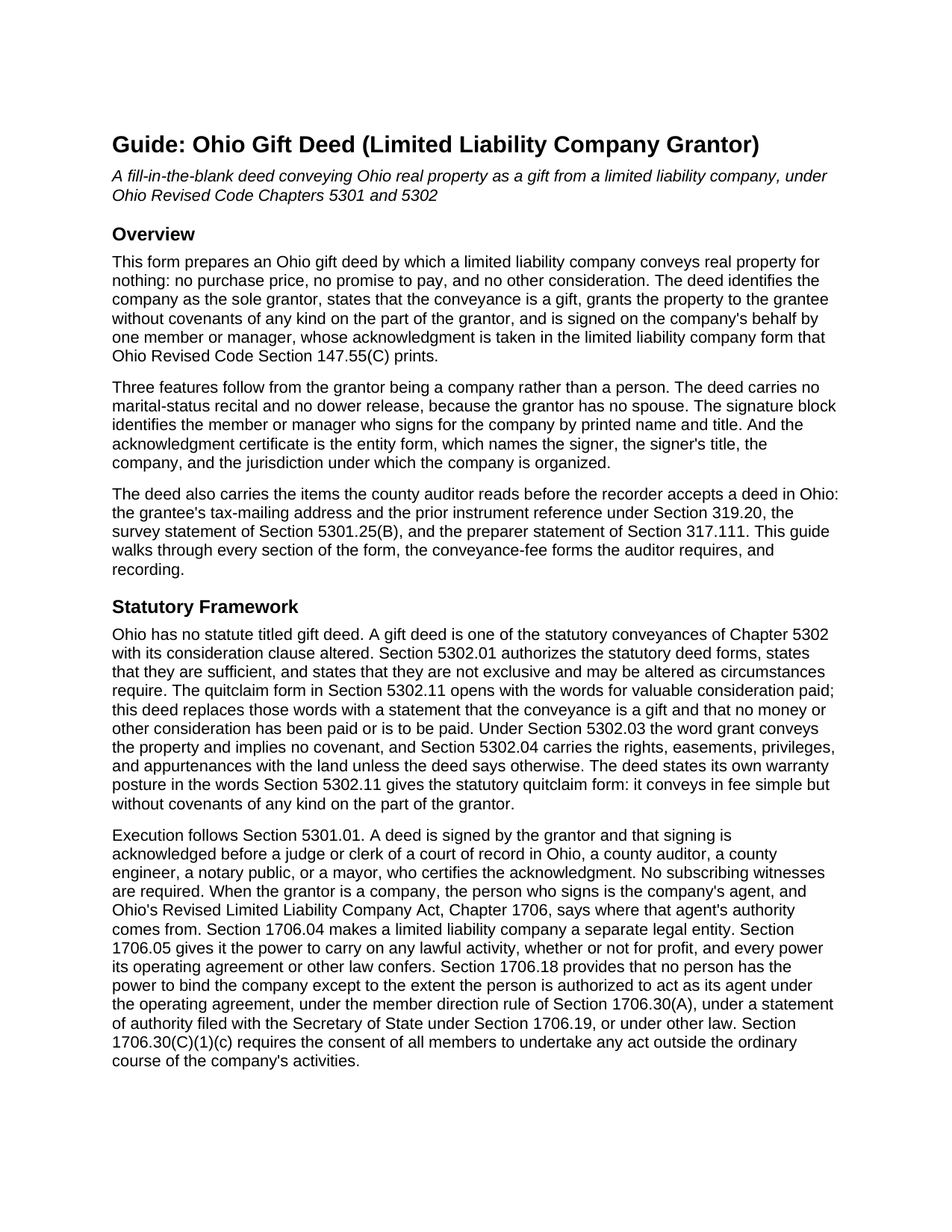
Montgomery County Gift Deed (LLC Grantor) Guide
Line by line guide explaining every blank on the Gift Deed (LLC Grantor) form.
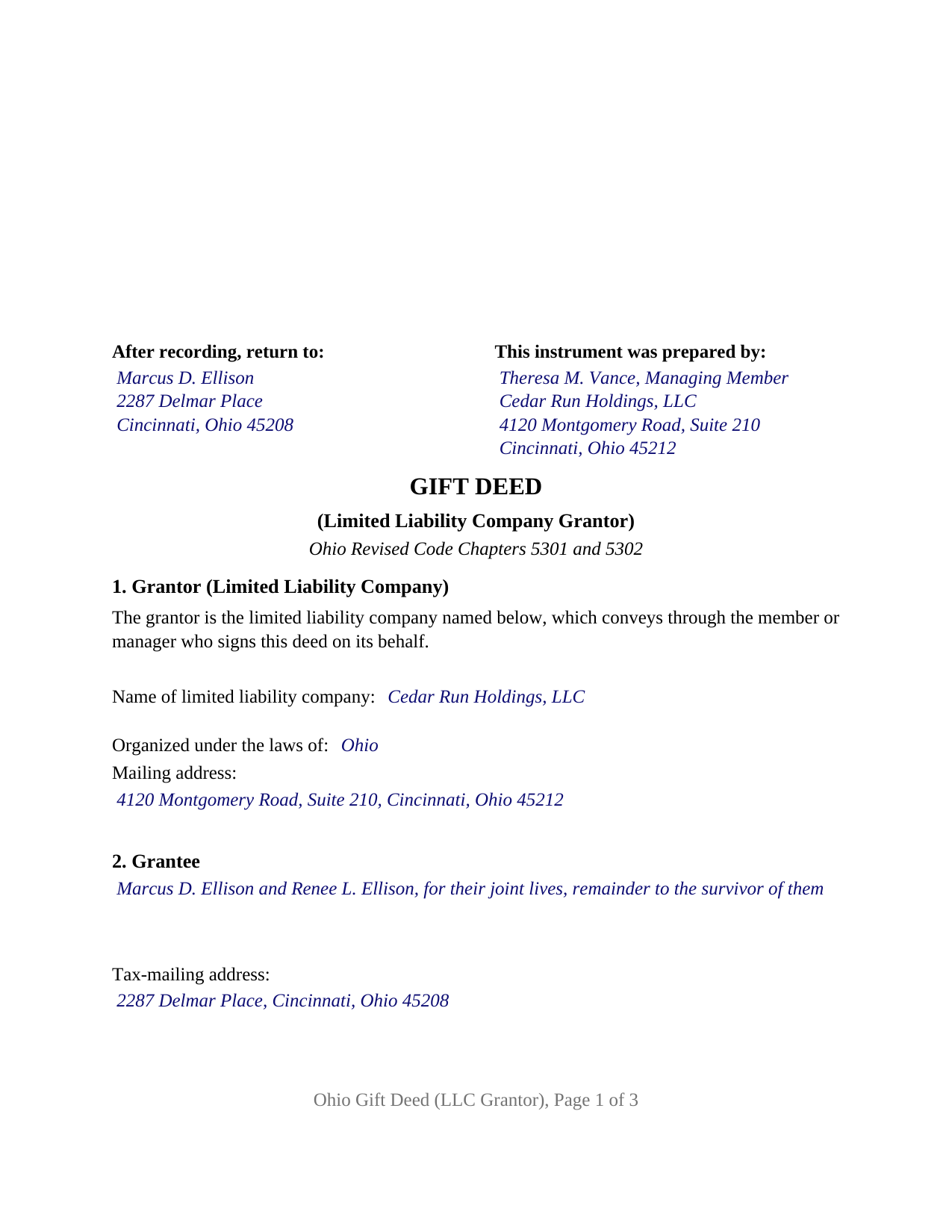
Montgomery County Completed Example of the Gift Deed (LLC Grantor) Document
Example of a properly completed Ohio Gift Deed (LLC Grantor) document for reference.
All 3 documents above included • One-time purchase • No recurring fees
Immediate Download • Secure Checkout
Additional Ohio and Montgomery County documents included at no extra charge:
Where to Record Your Documents
Montgomery County Recorder
Dayton, Ohio 45422-1387
Hours: 8:00 a.m. - 5:00 p.m. Monday - Friday / Documents recorded 8:00 – 4:00
Phone: (937) 225-4275
Recording Tips for Montgomery County:
- Bring your driver's license or state-issued photo ID
- Ensure all signatures are in blue or black ink
- Check margin requirements - usually 1-2 inches at top
- Leave recording info boxes blank - the office fills these
- Make copies of your documents before recording - keep originals safe
Cities and Jurisdictions in Montgomery County
Properties in any of these areas use Montgomery County forms:
- Brookville
- Clayton
- Dayton
- Englewood
- Farmersville
- Germantown
- Miamisburg
- New Lebanon
- Phillipsburg
- Vandalia
Hours, fees, requirements, and more for Montgomery County
How do I get my forms?
Forms are available for immediate download after payment. The Montgomery County forms will be in your account ready to download to your computer. An account is created for you during checkout if you don't have one. Forms are NOT emailed.
Are these forms guaranteed to be recordable in Montgomery County?
Yes. Our form blanks are guaranteed to meet or exceed the applicable formatting requirements used for recording in Montgomery County, including margin requirements, font requirements, and other layout standards. This guarantee applies to formatting, not to the legal sufficiency of information entered by the user or the suitability of a form for a particular transaction.
Can I reuse these forms?
Yes. You can reuse the forms for your personal use. For example, if you have multiple properties in Montgomery County you only need to order once.
What do I need to use these forms?
The forms are PDFs that you fill out on your computer. The free Adobe Acrobat Reader is recommended, and most PDF apps also work. You do NOT enter your property information online - you download the blank forms and complete them privately on your own computer.
Are there any recurring fees?
No. This is a one-time purchase. Nothing to cancel, no memberships, no recurring fees.
How much does it cost to record in Montgomery County?
Recording fees in Montgomery County vary. Contact the recorder's office at (937) 225-4275 for current fees.
Questions answered? Let's get started!
When the giver of Ohio real property is a limited liability company rather than a person, the gift deed changes shape: a company has no spouse to release dower, it signs through an agent whose authority comes from the company's own documents, and its notary certificate is a different statutory form. This Ohio Gift Deed (LLC Grantor) is the gift deed built for that giver. It recites one limited liability company as grantor, conveys for no consideration under Ohio Revised Code Chapters 5301 and 5302, and is signed by one member or manager on the company's behalf.
A company gives through its agent
A limited liability company is a separate legal entity under Section 1706.04 of the Ohio Revised Limited Liability Company Act and acts only through people. Section 1706.18 names the four sources of a person's power to bind the company: the operating agreement, the member direction rule of Section 1706.30, a statement of authority filed under Section 1706.19, and other law; Section 1706.30 requires the consent of all members for any act outside the company's ordinary course. The deed does not supply that authority; it recites it, and Section 5 carries the signer's signature, printed name, date, and title under a heading naming the company as grantor signing by its authorized member or manager.
The certificate names the company, not a spouse
Ohio prints a separate acknowledgment short form for a limited liability company in Section 147.55(C), and this deed carries it: acknowledged before me by a named member or manager with that person's title, of a named company, a limited liability company of a stated jurisdiction, on behalf of the company. One certificate follows the one signature block, and its venue lines record wherever the signer appears before the officer, in Ohio or elsewhere under Section 147.51(B).
Ohio keeps dower, the spouse's life estate in one third of real property under Section 2103.02, but land titled in a limited liability company belongs to the company, and a member's interest is personal property under Section 1706.34. This deed prints no marital-status recital, no spouse signature line, and no dower release.
The gift exemption that a company can reach
Under Section 317.22 the county auditor stamps a deed before the recorder accepts it, and the auditor reads the gift recital against Section 319.54(G)(3). The family gift exemption in division (d) covers gifts between spouses and between parent and child; a company is neither, so a company's gift to an individual pays the conveyance fee on the open-market value Section 319.202(D) assigns to a gift. Division (r) is the exemption an entity gift can reach: a transfer to or from a 501(c)(3) organization, without consideration and in furtherance of its charitable or public purposes, claimed on the DTE 100EX.
One company grantor, an open grantee block
The form is the limited liability company configuration of the Ohio gift deed. Its grantor section recites exactly one company, by name, jurisdiction of organization, and mailing address, with no selector and no second grantor. Its grantee section is an open block for one or two grantees, natural persons or an entity, with room for the words that decide how two grantees hold title, from the Section 5302.19 tenancy in common to the survivorship tenancy the Section 5302.17 words create. A family holding company passing a lot to two relatives as survivorship tenants, and a company donating land to a nonprofit, present the patterns this deed recites. The form is not set up as a conveyance by a natural person, a corporation, a partnership, a trustee, or an attorney in fact, or to three or more grantees.
Quitclaim effect on three recorded pages
The deed grants, the Section 5302.03 word of conveyance, without covenants of any kind on the part of the grantor, the effect Section 5302.11 gives the statutory quitclaim form, so the grantee takes the company's interest with no promise about title. It carries the grantee's tax-mailing address and Prior Instrument Reference under Section 319.20, the Section 5301.25(B) survey statement, and the Section 317.111 preparer statement, laid out to the Section 317.114 margins and type size on three recorded pages.
The package includes the fillable deed, a completed example for a Hamilton County gift by an Ohio limited liability company to two grantees as survivorship tenants, and the guide that walks through every section, the signer's authority, the auditor's conveyance-fee statement, and recording. This description and the form describe Ohio law in general terms only and are not legal advice.
Important: Your property must be located in Montgomery County to use these forms. Documents should be recorded at the county recording office listed above.
This Gift Deed (LLC Grantor) meets all recording requirements specific to Montgomery County.
Our Promise
The documents you receive here are guaranteed to meet or exceed the applicable Montgomery County recording format requirements. If there is a rejection caused by our formatting, we will correct the issue or refund your payment. This guarantee applies to document formatting only and does not extend to information entered by the user, the selection of the form, or the legal effect of the completed document.
Save Time and Money
Get your Montgomery County Gift Deed (LLC Grantor) form done right the first time with Deeds.com Uniform Conveyancing Blanks. At Deeds.com, we understand that your time and money are valuable resources, and we don't want you to face a penalty fee or rejection imposed by a county recorder for submitting nonstandard documents. We constantly review and update our forms to meet rapidly changing state and county recording requirements for roughly 3,500 counties and local jurisdictions.
4.8 out of 5 - ( 4,828 Reviews )
Jann H. 5 out of 5 stars
Was helpful information
Thank you!
Ron D. 5 out of 5 stars
No choice since the county does not seem to provide info you supplied.
Thank Ron, have a great day!
Linda A. 5 out of 5 stars
This was perfect for providing the necessary forms. Easy to enter needed information. I would recommend this for legal documents.
We appreciate your business and value your feedback. Thank you. Have a wonderful day!
Marc P. 5 out of 5 stars
Simple and fast!
Thank you for your feedback. We really appreciate it. Have a great day!
Craig W. 5 out of 5 stars
This is a great way to get paper work to the land love it
We appreciate your business and value your feedback. Thank you. Have a wonderful day!
Debra H. 5 out of 5 stars
I find this site easy to use and every form I may need. Now to figure out how to fill in on line. :)
Thank you for your feedback Debra. Be sure to download the forms and fill them out on your computer, they should not be filled out "online". Have a great day.
Elizabeth J. 5 out of 5 stars
It is very good and I would use the site again.
We appreciate your business and value your feedback. Thank you. Have a wonderful day!
Robert K. 5 out of 5 stars
Very user friendly - I found the affidavit I needed right away together with the guide to filling it out.
Thank you!
Brian H. 2 out of 5 stars
Forms are good. But need to be able to fill in information and blanks so these can be filed. Disappointed.
Thank you for your feedback. The forms are fill in the blank, Adobe PDFs. As is noted on the site, make sure you download the documents to your computer and open them with Adobe. Sounds like you may be trying to complete them online in your browser.
Harry C. 3 out of 5 stars
I got the wrong state and now they want to charge me again for the proper state. My fault, BUT!!!!
Sorry to hear that Harry. We've gone ahead and canceled the order you made in error. Have a wonderful day.
Edwardo O. 5 out of 5 stars
The form provided was a perfect fill in form. Was able to complete with no problems. The instructions and the sample were a big help. Thank you
Thanks so much, Edwardo! We’re happy everything went smoothly.
Tracy B. 5 out of 5 stars
I was happy with the way this worked and the quick responses. Unfortunately, my documents could not be pulled. I will use this service again in the future.
Thank you for your feedback. We really appreciate it. Have a great day!
Susan N. 5 out of 5 stars
Very easy to use and I received the information in a timely manner. I will use this service again.
Thank you!
Deborah C. 5 out of 5 stars
I just printed out my documents and they are so helpful. Now I will sit and fill out my documents and submit them to the PG County deed Office. Thanks for having this infomation online. Regards,
Thank you!
Kevin C. 2 out of 5 stars
I like your service, but the error message I received yesterday was confusing. It said that Utah County does not record cover pages, so I should either remove the cover page or change the “order“ of the documents being submitted. This is ambiguous. I examined my package and it looked like the cover page was already being submitted separately, as a supporting document at the end, and there was no way to explicitly change the ordering of the submitted documents, that is up to your service. So I removed the cover page. But that makes me nervous, how will they know where to route it when it is done? So now I’m not sure if it was submitted correctly.
Thank you for the review, Kevin, and for laying out exactly what you saw.
The message you received ("Utah County does not accept cover pages for recording. Please remove or reorder to the back. Thank you.") came directly from the Utah County Recorder. We pass recorder rejection notes along as written, and we agree it was ambiguous. Rejection notes from recording offices often are, since they are written for people who file in that county every day.
Supporting documents always travel behind the main document they belong to, so there was nothing for you to reorder, and by your description the cover page was already at the back. With the cover page removed, the package matched what the recorder's note asked for.
On routing: nothing is mailed back with e-recording. The recorder records the document image, adds the recording information, and returns the recorded copy electronically through the e-recording system to us. It then appears on your package in your account and you get a message from us. A cover page plays no part in that, so leaving it out did not affect where your document goes.