Fulton County Lis Pendens Discharge Form
Last validated October 29, 2026 by our Forms Development TeamFormatted for recording in Fulton County, for property anywhere in the county: rural and unincorporated areas as well as Archbold, Delta, Fayette, Lyons, Metamora, Pettisville, Swanton, Wauseon.
- 3 documents included
- Immediate PDF download
- Formatting guarantee
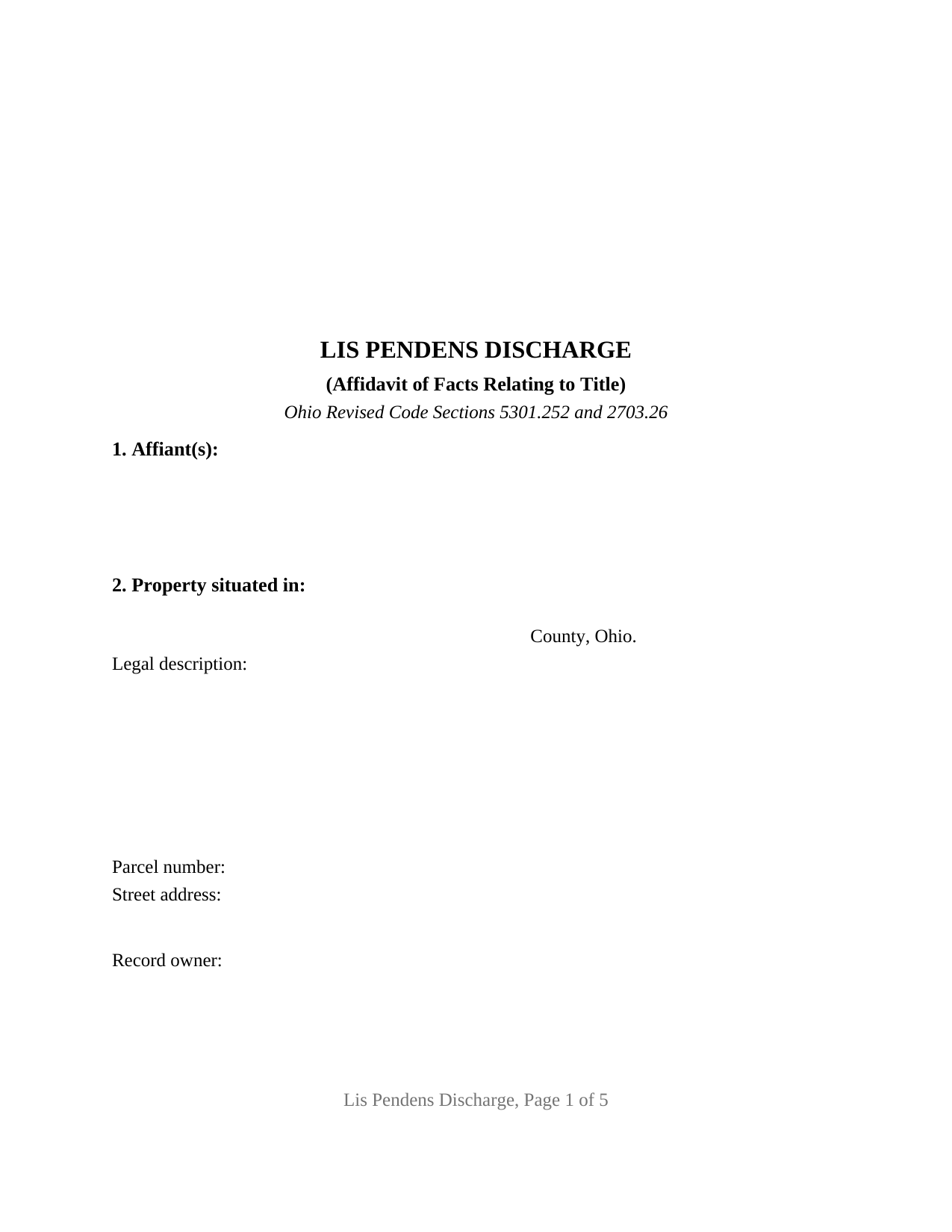
Fulton County Lis Pendens Discharge Form
Fill in the blank Lis Pendens Discharge form formatted to comply with all Ohio recording and content requirements.
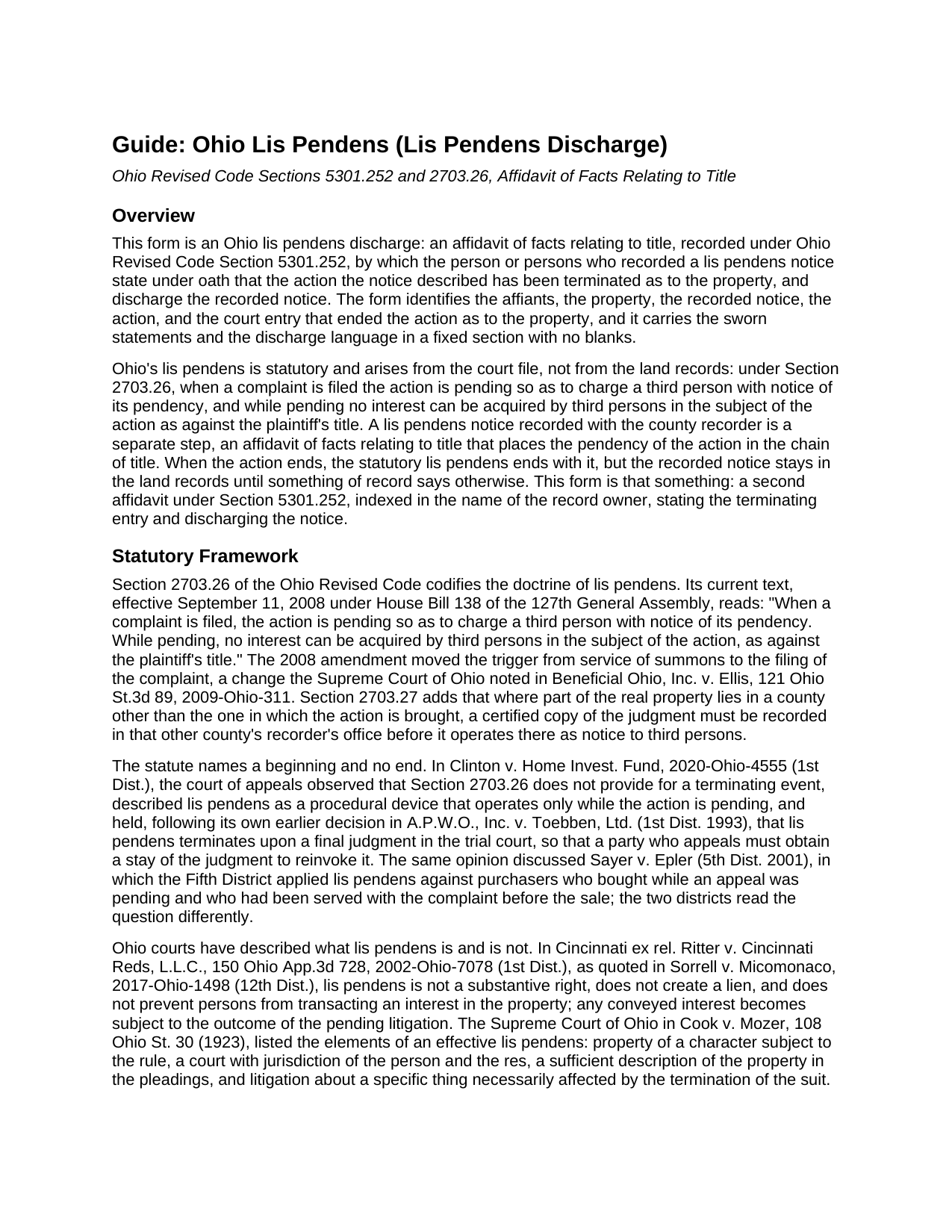
Fulton County Lis Pendens Discharge Guide
Line by line guide explaining every blank on the Lis Pendens Discharge form.
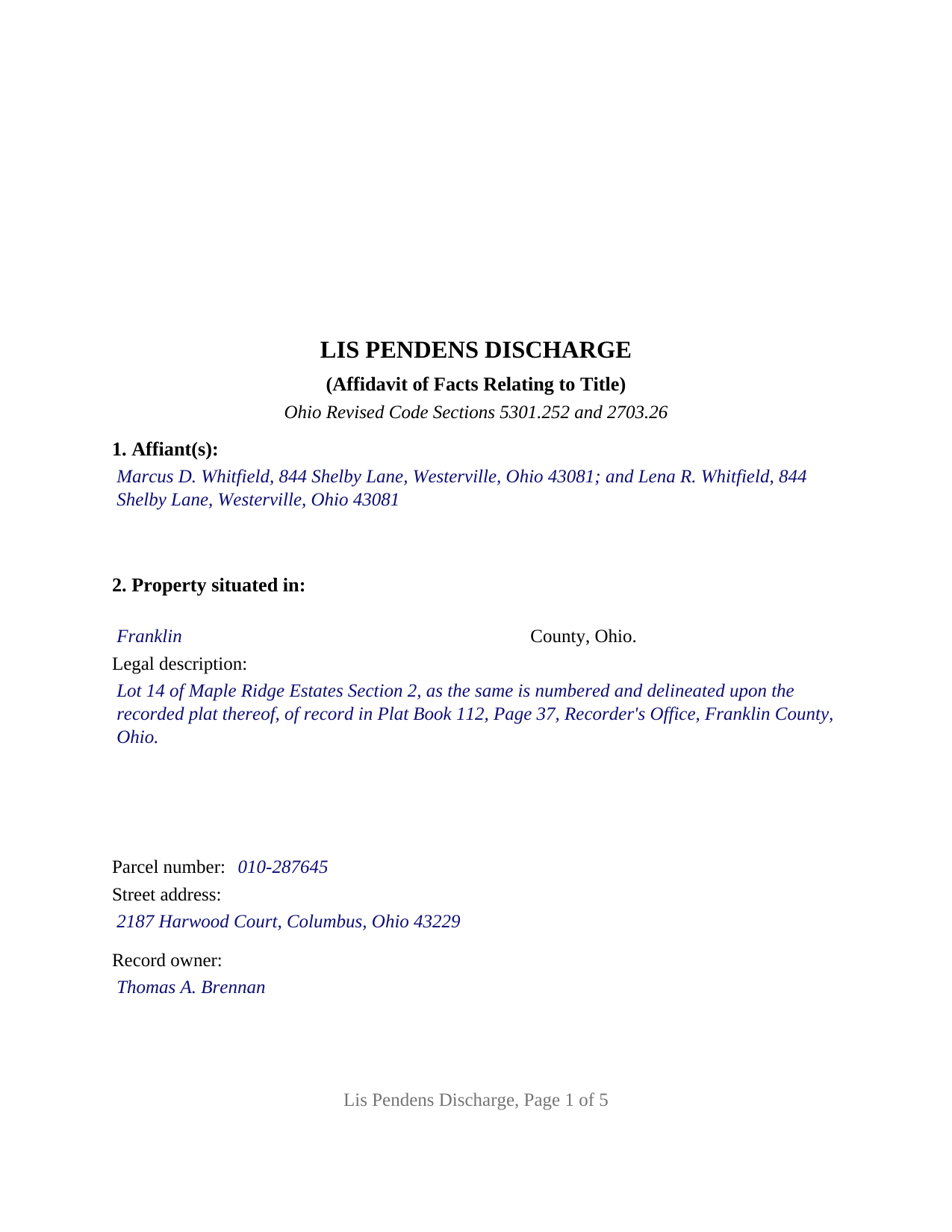
Fulton County Completed Example of the Lis Pendens Discharge Document
Example of a properly completed Ohio Lis Pendens Discharge document for reference.
All 3 documents above included • One-time purchase • No recurring fees
Immediate Download • Secure Checkout
Additional Ohio and Fulton County documents included at no extra charge:
Where to Record Your Documents
Fulton County Recorder
Wauseon, Ohio 43567
Hours: 8:30 to 4:30 M-F
Phone: 419-337-9232
Recording Tips for Fulton County:
- Bring your driver's license or state-issued photo ID
- Ensure all signatures are in blue or black ink
- Double-check legal descriptions match your existing deed
- Verify all names are spelled correctly before recording
- White-out or correction fluid may cause rejection
Cities and Jurisdictions in Fulton County
Properties in any of these areas use Fulton County forms:
- Archbold
- Delta
- Fayette
- Lyons
- Metamora
- Pettisville
- Swanton
- Wauseon
Hours, fees, requirements, and more for Fulton County
How do I get my forms?
Forms are available for immediate download after payment. The Fulton County forms will be in your account ready to download to your computer. An account is created for you during checkout if you don't have one. Forms are NOT emailed.
Are these forms guaranteed to be recordable in Fulton County?
Yes. Our form blanks are guaranteed to meet or exceed the applicable formatting requirements used for recording in Fulton County, including margin requirements, font requirements, and other layout standards. This guarantee applies to formatting, not to the legal sufficiency of information entered by the user or the suitability of a form for a particular transaction.
Can I reuse these forms?
Yes. You can reuse the forms for your personal use. For example, if you have multiple properties in Fulton County you only need to order once.
What do I need to use these forms?
The forms are PDFs that you fill out on your computer. The free Adobe Acrobat Reader is recommended, and most PDF apps also work. You do NOT enter your property information online - you download the blank forms and complete them privately on your own computer.
Are there any recurring fees?
No. This is a one-time purchase. Nothing to cancel, no memberships, no recurring fees.
How much does it cost to record in Fulton County?
Recording fees in Fulton County vary. Contact the recorder's office at 419-337-9232 for current fees.
Questions answered? Let's get started!
An Ohio lis pendens notice does not leave the land records on its own. The statutory lis pendens under Ohio Revised Code Section 2703.26 ends with the lawsuit, but the affidavit recorded to publicize it stays in the chain of title until something of record withdraws it. This form is that instrument: an Ohio Lis Pendens Discharge, a second affidavit of facts relating to title under Section 5301.252 by which the person or persons who recorded the notice swear that the court has ended the action as to the property and discharge, release, and withdraw the recorded notice.
A notice that outlives the lawsuit
Ohio's lis pendens arises from the court file: under Section 2703.26 the filing of the complaint charges third persons with notice, and while the action is pending no interest can be acquired by third persons in the subject of the action as against the plaintiff's title. The section names no ending; Ohio courts have held that lis pendens operates only while the action is pending and terminates upon final judgment. A dismissal entry in the court file does not reach the recorded notice; the discharge, recorded in the same county and indexed under the same record owner, states the terminating entry under oath.
What the affidavit swears to
Section 5301.252 permits any person having knowledge of the facts, or competent to testify to them in open court, to record an affidavit stating facts that may affect title to Ohio real estate, and makes the recorded affidavit evidence of those facts. The form's sworn section recites that qualification, recites that the affiant caused the earlier notice to be recorded, identifies the court entry that terminated the action as to the property, and states that the action is no longer pending within the meaning of Section 2703.26. On those facts the affiant discharges, releases, and withdraws the recorded notice and gives notice of record that the action no longer affects title. A closing sentence keeps the instrument in its lane: it is not a judgment, decree, or order, it does not vacate or modify any court entry, and it creates, releases, or satisfies no lien.
The statute fixes three things every affidavit of facts carries, a description of the land, a reference to an instrument of record containing it, and the name of the record owner under which the recorder indexes it, and the form collects each along with the recording reference of the notice, the court, case number, and parties, and the title and date of the terminating entry.
One or two affiants, each under oath
The form carries two affiant signature blocks, AFFIANT and SECOND AFFIANT, and two jurat certificates, one for each, because an affidavit is sworn rather than acknowledged and Ohio's notarial statute keeps the two acts apart. Each certificate has its own venue lines, date, and officer block, so two affiants may swear on different days or before different officers. A single plaintiff leaves the second block and its certificate blank; two co-plaintiffs who recorded one notice, the pattern the completed example shows, sign both. The form is set up for natural persons signing in their own right; a representative signer follows a different pattern.
Recording in the county where the land lies
The affidavit is recorded with the county recorder of the county in which the real estate is situated, the office that recorded the notice, at the deed recording fee of 34 dollars for the first two pages and 8 dollars for each page after, plus a preservation surcharge of up to 5 dollars where the county levies one. The affidavit conveys nothing, so the auditor's conveyance fee and transfer process that a deed passes through does not apply to it. The form follows Ohio's standard format statute, with the three inch blank top margin on the first page and 12 point body text, so it records at the base fee. For registered land, and for an action filed in a county other than the one where the property lies, the clerk's certificates under Section 5309.58 and Civil Rule 3(G) remain the statutory filings; the guide explains where this affidavit sits beside them.
The package includes the fillable Ohio Lis Pendens Discharge form, a completed example filled in for a realistic Franklin County fact pattern, and the guide that walks through each section, the governing law, signing, and recording. The description and the guide describe the form and Ohio law in general terms; they are not legal advice.
Important: Your property must be located in Fulton County to use these forms. Documents should be recorded at the county recording office listed above.
This Lis Pendens Discharge meets all recording requirements specific to Fulton County.
Our Promise
The documents you receive here are guaranteed to meet or exceed the applicable Fulton County recording format requirements. If there is a rejection caused by our formatting, we will correct the issue or refund your payment. This guarantee applies to document formatting only and does not extend to information entered by the user, the selection of the form, or the legal effect of the completed document.
Save Time and Money
Get your Fulton County Lis Pendens Discharge form done right the first time with Deeds.com Uniform Conveyancing Blanks. At Deeds.com, we understand that your time and money are valuable resources, and we don't want you to face a penalty fee or rejection imposed by a county recorder for submitting nonstandard documents. We constantly review and update our forms to meet rapidly changing state and county recording requirements for roughly 3,500 counties and local jurisdictions.
4.8 out of 5 - ( 4,864 Reviews )
AJ H. 5 out of 5 stars
What a wonderful service to offer! Very impressed, and grateful for the forms and instructions!
We appreciate your business and value your feedback. Thank you. Have a wonderful day!
Tonni L. 5 out of 5 stars
Quick and easy with great instructions and accurate documents. I plan to make this site a part of our financial planning. Highly recommend. Saved big by this DIY process. TL
Thank you for your feedback. We really appreciate it. Have a great day!
William G. 5 out of 5 stars
Exactly what I needed and saved me a bundle by not having to hire an attorney. My county clerk said it was exactly correct.
We appreciate your business and value your feedback. Thank you. Have a wonderful day!
TIFFANY B. 5 out of 5 stars
THIS SERVICE IS AMAZING! IT SAVES ME SO MUCH TIME!
We are grateful for your engagement and feedback, which help us to serve you better. Thank you for being an integral part of our community.
Sharon D. 5 out of 5 stars
Very easy to understand forms...
We appreciate your business and value your feedback. Thank you. Have a wonderful day!
Daniel R. 4 out of 5 stars
Could have had Clerk's certification of mailing form after it is recorded. Not fatal, but I did have to resort to reading the statute as well.
Thank you!
Robert S. 5 out of 5 stars
Documents available immediately as advertised. Was easy to understand the guide and complete the deed form for notarization and filing for recording.
Thank you!
Gary K. 5 out of 5 stars
Easy to use site. Good job, it works with no stress.
Thank you!
David Y. 5 out of 5 stars
Really great forms. Did the quitclaim, everything was perfect, recorded with no problems at all. Thanks!
Thank you!
Thomas D. 2 out of 5 stars
The documents themselves are fine and the information provided with them is helpful. I find the actual processing of the documents, however, to be difficult particularly once the document has been saved. First, I note that the box for the date only allows entry of the last 2 digits of the year. Unfortunately, my download only allows me to enter one of the 2 digits required. When I delete it repeatedly, it eventually allows both digits to be entered but puts them in extremely small text and in superscrypt. I have not found a solution to this problem and am not sure the deed can even be recorded with this problem. Another problem is that if you try to revise the document after you have saved it the curser goes to the end of the line after each key entry. This means that there basically is no way to efficiently save the document for reworking later since you will have to delete everything you have entered in the text box unless you only need to make a single keystroke change or are willing to replace the curser after each entry. Try that with a long property description! Please note that I am using a Mac to prepare my documents and perhaps this is part of an "incompatibility problem". However, I didn't see a disclaimer regarding Mac use and so would expect the documents to perform correctly. Overall, I give the program a "2 star" rating because I am experiencing significant difficulties in entering dates in the documents even before saving them and because saving your work for later revision appears to be basically unworkable.
Thank you for your feedback Thomas, we appreciate you being specific about the issues you encountered. Adobe and Mac have a fairly long history of issues working together.
Beaugwynn Wigley S. 5 out of 5 stars
Thanks so much for all your help! That was painless.
Thank you!
Linda D. 3 out of 5 stars
It was easy to download the form I wanted BUT there were 2 other options listed for "open/download." I didn't want to risk more charges for something I couldn't determine I needed so I passed them up. There were a few others listed with the option to "view" so I did that, without down-loading, and there were no additional charges. I would've liked that opportunity for 2 others that didn't offer "view" so maybe deeds.com missed a sale?
Thank you for your feedback Linda. All the documents available for download in your account are included with your payment, no additional charges.
Angeline P. 5 out of 5 stars
Great service! I downloaded the Quit Claim Deed package and I'm so grateful I did. It contained detailed directions on how to fill out all the forms, an example of a finalized copy, and excellent customer service. Also, if you choose to use their digital service, they will digitally submit the documents into the County Recorder's Office for you. Going through DEEDS.COM for the service I chose saved me over $300. Recording my new deed was a breeze. Thank you again DEEDS.com!
We appreciate your business and value your feedback. Thank you. Have a wonderful day!
Ryan K. 5 out of 5 stars
Excellent service! Quick and much easier than having to do everything through the mail. The agent was quick to answer questions and everything was processed and submitted from Deeds.com within a couple of hours. Will definitely use again if the need arises.
We appreciate your business and value your feedback. Thank you. Have a wonderful day!
John M. 5 out of 5 stars
I found just what I needed at a very good price.
We appreciate your business and value your feedback. Thank you. Have a wonderful day!