Seneca County Lis Pendens Discharge Form
Last validated October 19, 2026 by our Forms Development TeamFormatted for recording in Seneca County, for property anywhere in the county: rural and unincorporated areas as well as Alvada, Attica, Bascom, Bettsville, Bloomville, Flat Rock, Fostoria, Green Springs and 6 more.
- 3 documents included
- Immediate PDF download
- Formatting guarantee
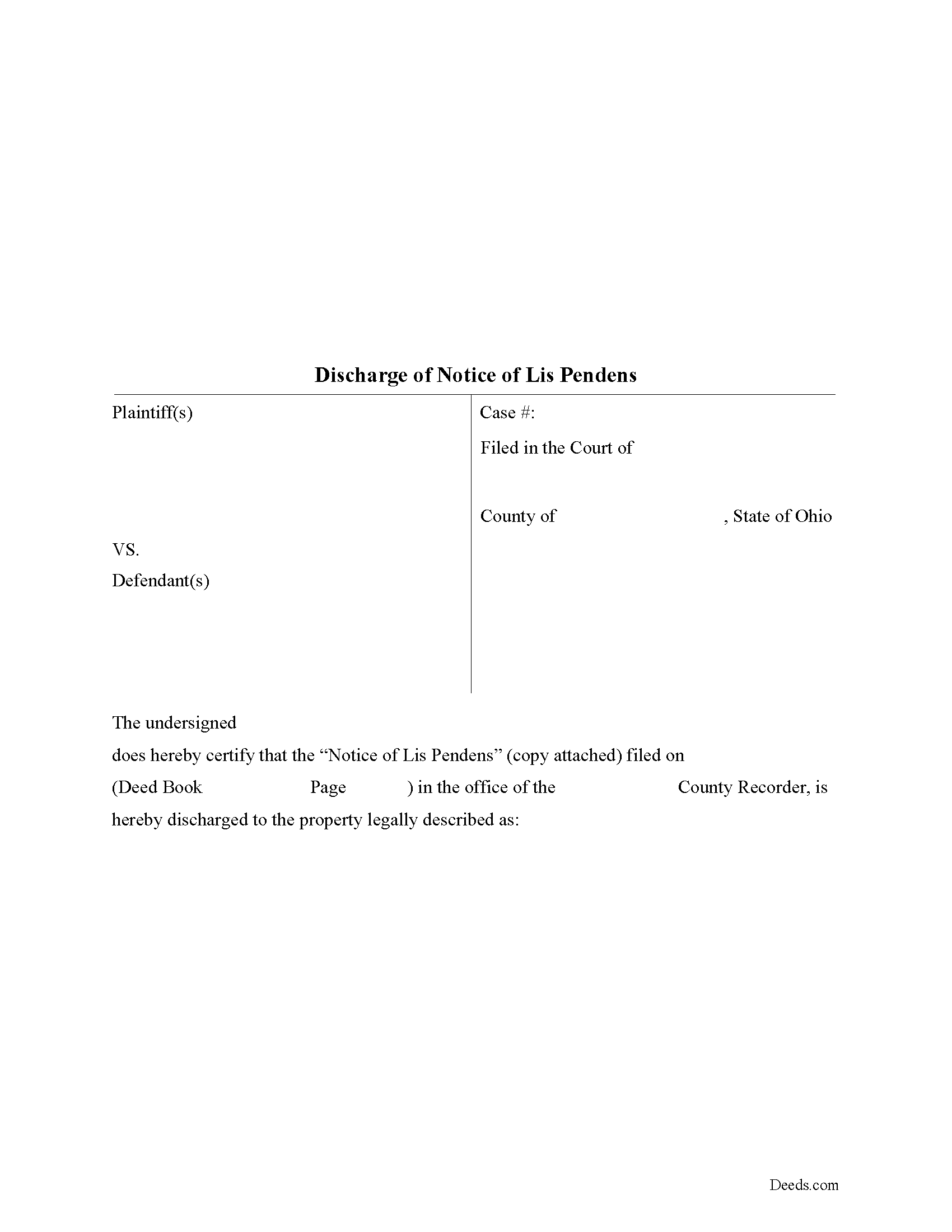
Seneca County Lis Pendens Discharge Form
Fill in the blank form formatted to comply with all recording and content requirements.
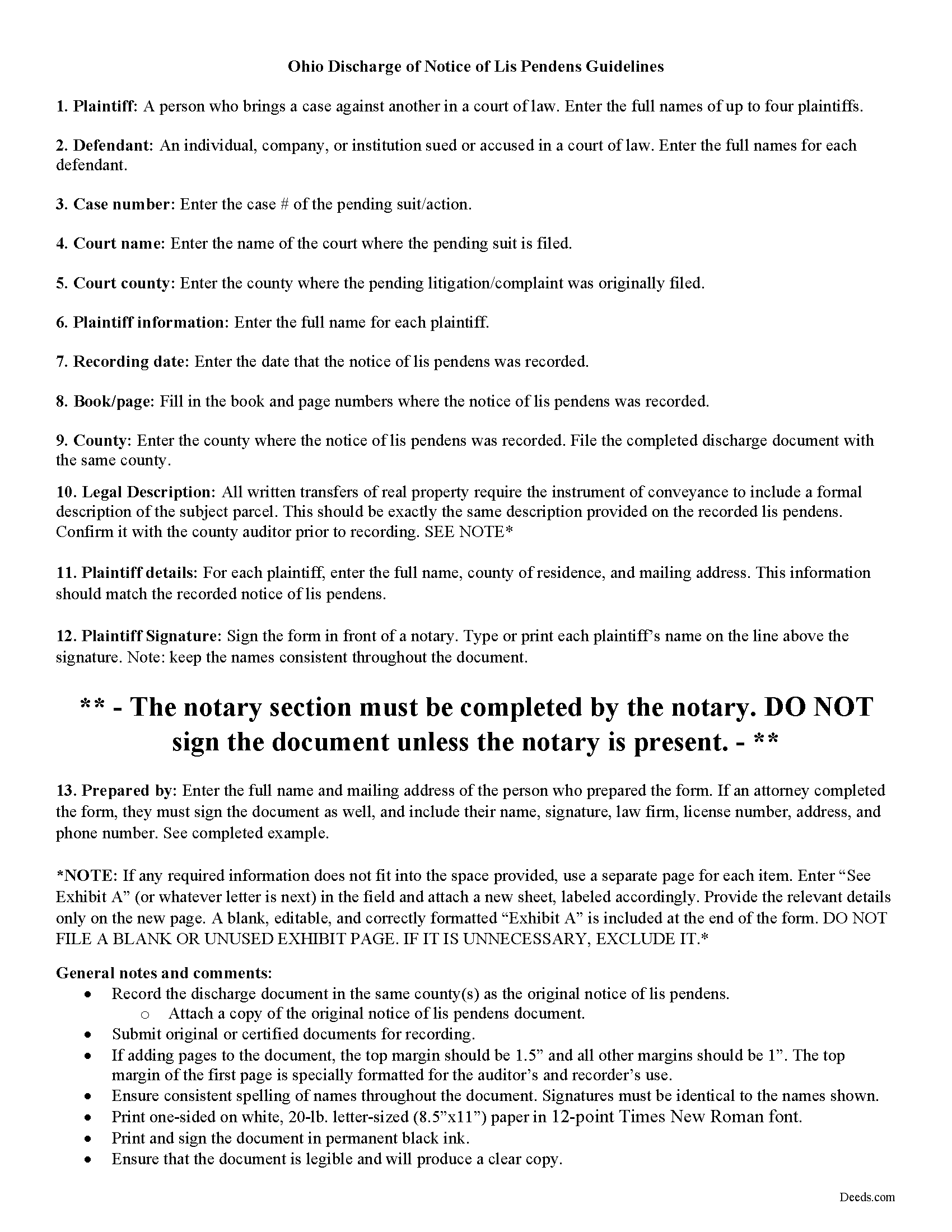
Seneca County Lis Pendens Discharge Guide
Line by line guide explaining every blank on the form.
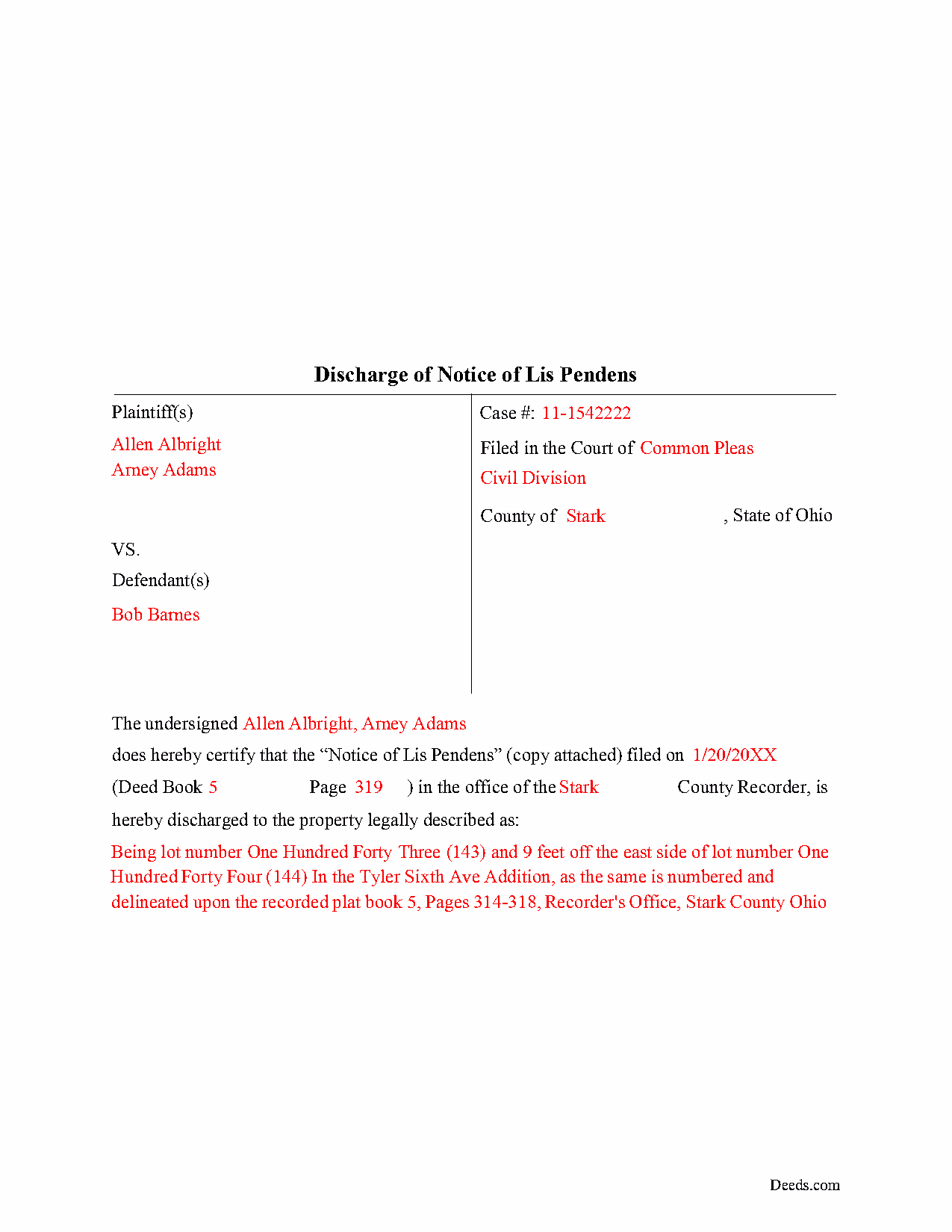
Seneca County Completed Example of the Lis Pendens Discharge Document
Example of a properly completed form for reference.
All 3 documents above included • One-time purchase • No recurring fees
Immediate Download • Secure Checkout
Additional Ohio and Seneca County documents included at no extra charge:
Where to Record Your Documents
Seneca County Recorder
Tiffin, Ohio 44883
Hours: 8:30am to 4:30pm Monday through Friday
Phone: (419) 447-4434
Recording Tips for Seneca County:
- Bring your driver's license or state-issued photo ID
- Ensure all signatures are in blue or black ink
- Ask for certified copies if you need them for other transactions
- Ask if they accept credit cards - many offices are cash/check only
- Check that your notary's commission hasn't expired
Cities and Jurisdictions in Seneca County
Properties in any of these areas use Seneca County forms:
- Alvada
- Attica
- Bascom
- Bettsville
- Bloomville
- Flat Rock
- Fostoria
- Green Springs
- Kansas
- Melmore
- New Riegel
- Old Fort
- Republic
- Tiffin
Hours, fees, requirements, and more for Seneca County
How do I get my forms?
Forms are available for immediate download after payment. The Seneca County forms will be in your account ready to download to your computer. An account is created for you during checkout if you don't have one. Forms are NOT emailed.
Are these forms guaranteed to be recordable in Seneca County?
Yes. Our form blanks are guaranteed to meet or exceed the applicable formatting requirements used for recording in Seneca County, including margin requirements, font requirements, and other layout standards. This guarantee applies to formatting, not to the legal sufficiency of information entered by the user or the suitability of a form for a particular transaction.
Can I reuse these forms?
Yes. You can reuse the forms for your personal use. For example, if you have multiple properties in Seneca County you only need to order once.
What do I need to use these forms?
The forms are PDFs that you fill out on your computer. The free Adobe Acrobat Reader is recommended, and most PDF apps also work. You do NOT enter your property information online - you download the blank forms and complete them privately on your own computer.
Are there any recurring fees?
No. This is a one-time purchase. Nothing to cancel, no memberships, no recurring fees.
How much does it cost to record in Seneca County?
Recording fees in Seneca County vary. Contact the recorder's office at (419) 447-4434 for current fees.
Questions answered? Let's get started!
Discharging Lis Pendens in Ohio
Lis pendens, Latin for "suit pending," is written notice that a lawsuit has been filed which concerns the title to, or interest in, a specific parcel of real property. The notice alerts potential lenders or buyers that the title to the property has come into question because of the pending legal action.
Ohio's statutes do not provide much guidance regarding lis pendens. Sections 2703.26-27 of the Ohio Revised Code discuss recording locations for the notice and restrict property transfers while the title is subject to lawsuit. Section 5309.58 clarifies the same details for registered land.
Once a lis pendens is filed, what about removing it? The process varies by state, but in general, removal happens one of two ways: expungement (removal) or discharge. Expungement requires a judicial directive to cancel the notice. The judge's order gets recorded, according to state and local requirements, and anything else necessary for the specific situation. For discharge, the party who filed the original notice completes and records a document that officially withdraws the complaint.
The discharge form identifies the parties, the property subject to lawsuit, court details and case number, and any other information relevant to the specific situation. Because it gets entered into the property records, the form should meet state and local recording standards.
Discharging a lis pendens can be tricky. Take time to understand the rules. Don't hesitate to speak to an attorney with questions about the lis pendens process, or for any other issue related to real property in Ohio.
(Ohio Lis Pendens Discharge Package includes form, guidelines, and completed example)
Important: Your property must be located in Seneca County to use these forms. Documents should be recorded at the county recording office listed above.
This Lis Pendens Discharge meets all recording requirements specific to Seneca County.
Our Promise
The documents you receive here are guaranteed to meet or exceed the applicable Seneca County recording format requirements. If there is a rejection caused by our formatting, we will correct the issue or refund your payment. This guarantee applies to document formatting only and does not extend to information entered by the user, the selection of the form, or the legal effect of the completed document.
Save Time and Money
Get your Seneca County Lis Pendens Discharge form done right the first time with Deeds.com Uniform Conveyancing Blanks. At Deeds.com, we understand that your time and money are valuable resources, and we don't want you to face a penalty fee or rejection imposed by a county recorder for submitting nonstandard documents. We constantly review and update our forms to meet rapidly changing state and county recording requirements for roughly 3,500 counties and local jurisdictions.
4.8 out of 5 - ( 4,836 Reviews )
Thomas H. 1 out of 5 stars
Absolute crap. I would give it 0 stars for user-friendliness.
Sorry to hear that we failed you Thomas. We do hope that you found something more suitable to your needs elsewhere.
Darlene T. 5 out of 5 stars
Worth the cost. Quick and easy!
We deeply appreciate the trust you have placed in our services. Thank you for your valuable feedback and for choosing us.
Ronald P. 3 out of 5 stars
Forms easy to download but experienced problems trying to type in my information into the forms. Then when I went to print a form, Adobe wanted to charge me for printing. I ended up printing the blank forms and then filling them out manually.
Thank you, Ronald. We're glad you found the forms easy to download, though we're sorry to hear about the printing and fill-in experience. Our forms are designed to be fillable and printable using free software like Adobe Reader. If you ever run into issues, our support team is happy to help!
Pat A. 5 out of 5 stars
I was impressed that the forms were easy to read and the directions were helpful. Thank you for providing this.
Thank you!
Noble Mikhail F. 5 out of 5 stars
The system is wonderful, and makes recording and searching simple, thanks a lot
Thank you!
Kimberly J H. 5 out of 5 stars
The Washington State Transfer on Death Deed I purchased worked perfectly.
Thank you for your feedback. We really appreciate it. Have a great day!
Nancy E. 3 out of 5 stars
Took me awhile to figure out and get the information printed so I can use it later. Thank you.
Your insights are invaluable to us and help us strive for better service. Thank you for taking the time to share your thoughts.
clenio o. 5 out of 5 stars
Very helpful. The Register office is closed in Detroit due to covid, but after using it, I would do it regardless. Thank you.
Thank you for your feedback. We really appreciate it. Have a great day!
Greg R. 5 out of 5 stars
I really had no problem navigating the forms. It was helpful!
Appreciate you taking the time to share that, Greg. Glad it was a smooth experience
Ira S. 5 out of 5 stars
Hi, 1. I need a password to be able to copy and paste from the deed. 2. It would be more convenient if all documents could be downloaded together. Ira
Thank you for your feedback. We really appreciate it. Have a great day!
Cynthia W. 5 out of 5 stars
I like the support documents that go along with the easement template and the fact that the format is specific to a state and county.
We appreciate your business and value your feedback. Thank you. Have a wonderful day!
Caroline E. 5 out of 5 stars
VERY easy to register, to request relevant deeds that apply to your own county/state, and to download. And bonus - you get instructional materials too! Highly recommend! Thank you!
Thank you for your feedback. We really appreciate it. Have a great day!
Sarah H. 5 out of 5 stars
Very helpful and great price
Thank you!
Delroy S. 5 out of 5 stars
Simple and complete. I found all the forms and Instructions I was looking for. Thank You.
We appreciate your business and value your feedback. Thank you. Have a wonderful day!
Gordon J. 5 out of 5 stars
The experience was generally very satisfactory. I was able to fill out the Trust Deed and send it via email no problem. However, I was not able to send the filled out form of the Note. It always erased my fill-ins when it was sent. I found that very frustrating.
Thank you, Gordon. Glad the Trust Deed worked well. Issues like the one you reported with the Note can sometimes be related to how the file is opened or sent. Using Adobe Reader to fill, save, and send the form is recommended. We also pass along all feedback like this to our team to confirm there are no issues.