Wood County Lis Pendens Discharge Form
Last validated September 11, 2026 by our Forms Development TeamFormatted for recording in Wood County, for property anywhere in the county: rural and unincorporated areas as well as Bloomdale, Bowling Green, Bradner, Custar, Cygnet, Dunbridge, Grand Rapids, Haskins and 21 more.
- 3 documents included
- Immediate PDF download
- Formatting guarantee
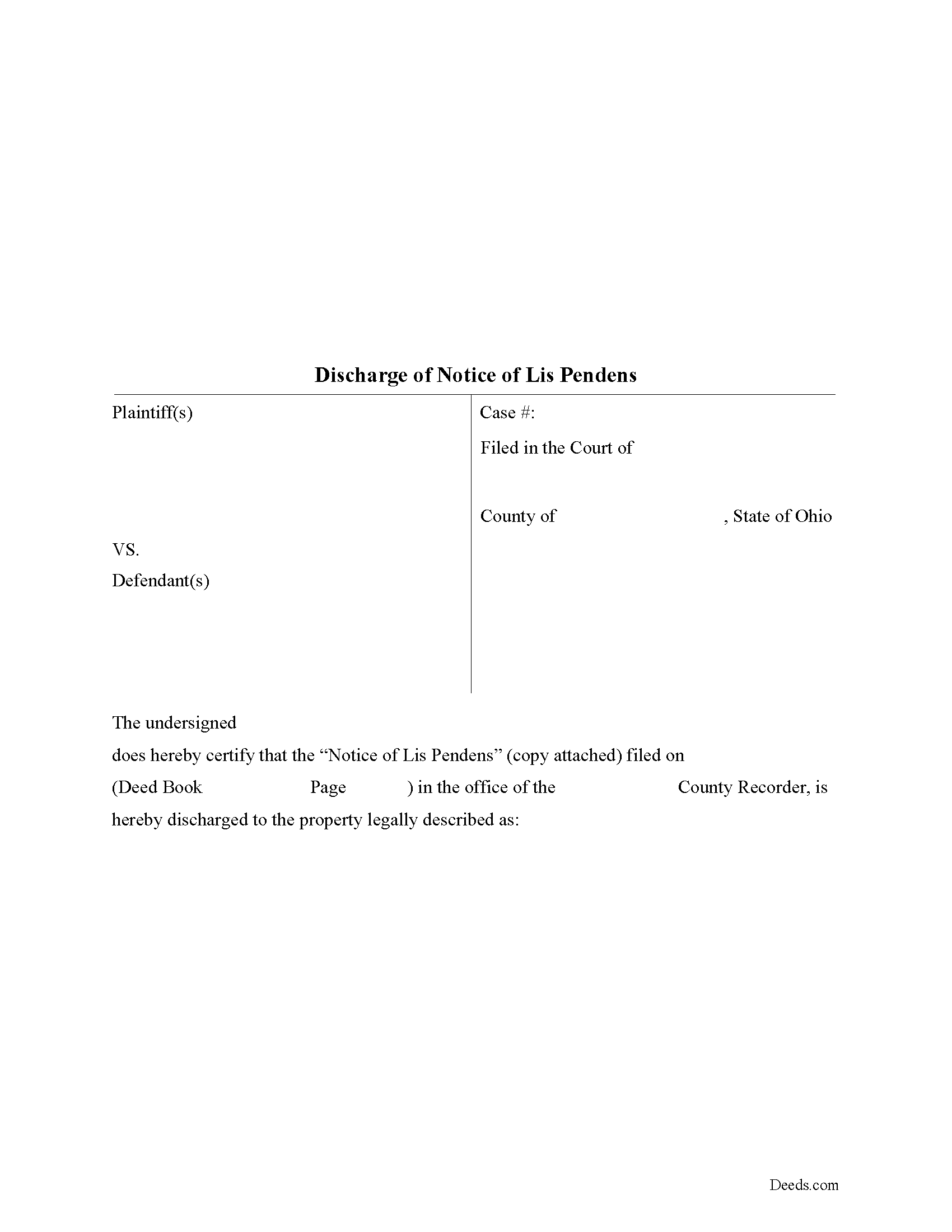
Wood County Lis Pendens Discharge Form
Fill in the blank form formatted to comply with all recording and content requirements.
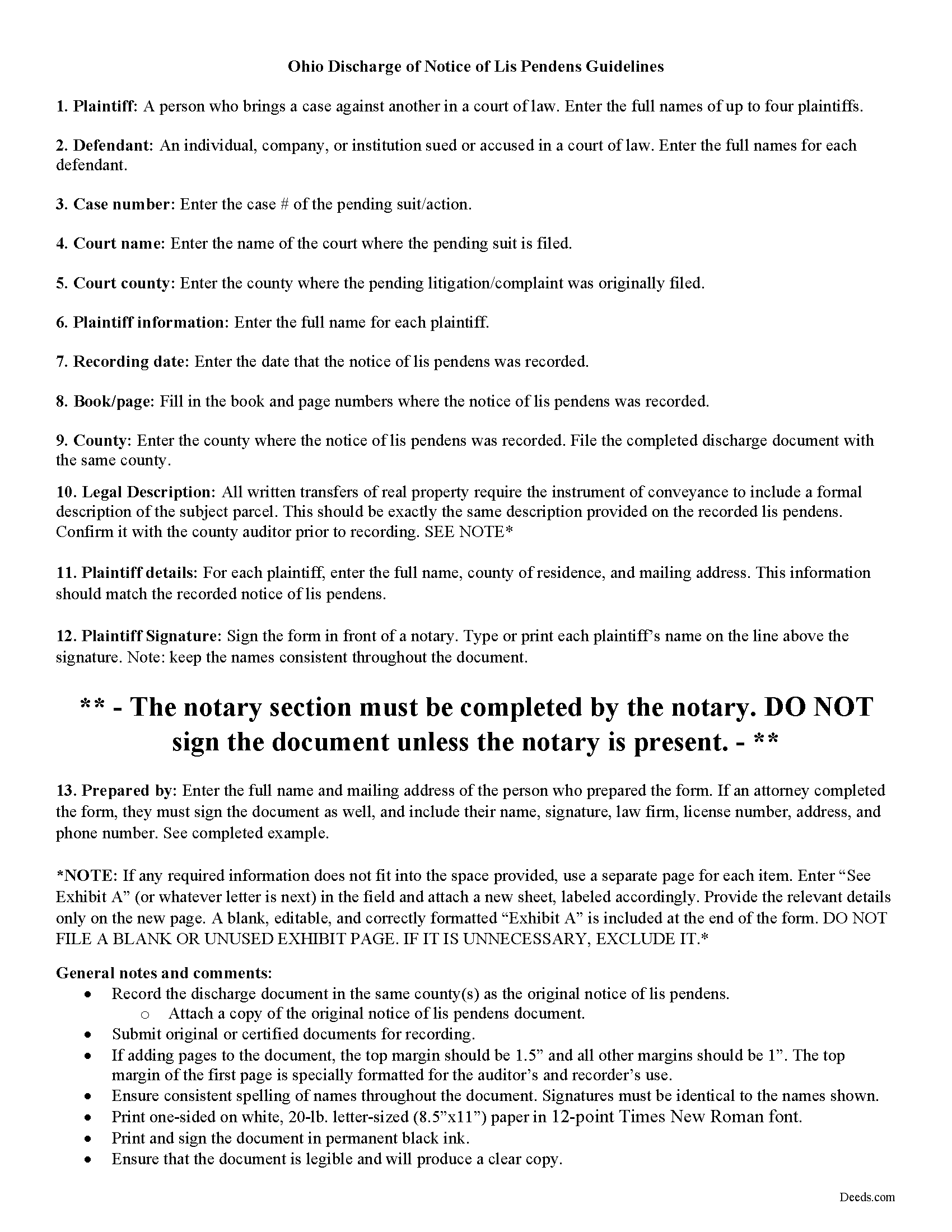
Wood County Lis Pendens Discharge Guide
Line by line guide explaining every blank on the form.
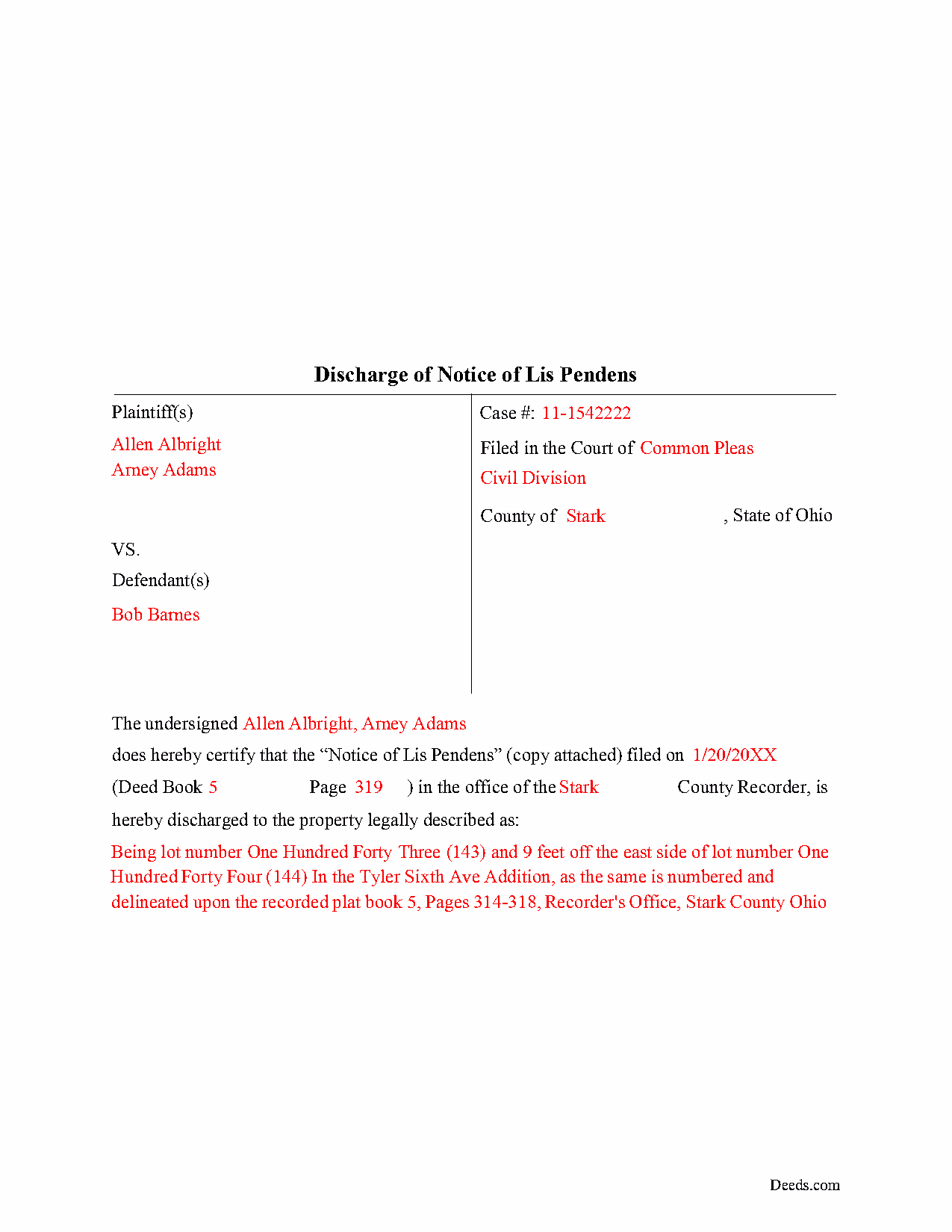
Wood County Completed Example of the Lis Pendens Discharge Document
Example of a properly completed form for reference.
All 3 documents above included • One-time purchase • No recurring fees
Immediate Download • Secure Checkout
Additional Ohio and Wood County documents included at no extra charge:
Where to Record Your Documents
Wood County Recorder
Bowling Green, Ohio 43402
Hours: 8:30 to 4:30 M-F
Phone: (419) 354-9140
Recording Tips for Wood County:
- Bring your driver's license or state-issued photo ID
- Ensure all signatures are in blue or black ink
- Make copies of your documents before recording - keep originals safe
- Recorded documents become public record - avoid including SSNs
- Recording fees may differ from what's posted online - verify current rates
Cities and Jurisdictions in Wood County
Properties in any of these areas use Wood County forms:
- Bloomdale
- Bowling Green
- Bradner
- Custar
- Cygnet
- Dunbridge
- Grand Rapids
- Haskins
- Hoytville
- Jerry City
- Lemoyne
- Luckey
- Millbury
- Milton Center
- North Baltimore
- Northwood
- Pemberville
- Perrysburg
- Portage
- Risingsun
- Rossford
- Rudolph
- Stony Ridge
- Toledo
- Tontogany
- Walbridge
- Wayne
- West Millgrove
- Weston
Hours, fees, requirements, and more for Wood County
How do I get my forms?
Forms are available for immediate download after payment. The Wood County forms will be in your account ready to download to your computer. An account is created for you during checkout if you don't have one. Forms are NOT emailed.
Are these forms guaranteed to be recordable in Wood County?
Yes. Our form blanks are guaranteed to meet or exceed the applicable formatting requirements used for recording in Wood County, including margin requirements, font requirements, and other layout standards. This guarantee applies to formatting, not to the legal sufficiency of information entered by the user or the suitability of a form for a particular transaction.
Can I reuse these forms?
Yes. You can reuse the forms for your personal use. For example, if you have multiple properties in Wood County you only need to order once.
What do I need to use these forms?
The forms are PDFs that you fill out on your computer. The free Adobe Acrobat Reader is recommended, and most PDF apps also work. You do NOT enter your property information online - you download the blank forms and complete them privately on your own computer.
Are there any recurring fees?
No. This is a one-time purchase. Nothing to cancel, no memberships, no recurring fees.
How much does it cost to record in Wood County?
Recording fees in Wood County vary. Contact the recorder's office at (419) 354-9140 for current fees.
Questions answered? Let's get started!
Discharging Lis Pendens in Ohio
Lis pendens, Latin for "suit pending," is written notice that a lawsuit has been filed which concerns the title to, or interest in, a specific parcel of real property. The notice alerts potential lenders or buyers that the title to the property has come into question because of the pending legal action.
Ohio's statutes do not provide much guidance regarding lis pendens. Sections 2703.26-27 of the Ohio Revised Code discuss recording locations for the notice and restrict property transfers while the title is subject to lawsuit. Section 5309.58 clarifies the same details for registered land.
Once a lis pendens is filed, what about removing it? The process varies by state, but in general, removal happens one of two ways: expungement (removal) or discharge. Expungement requires a judicial directive to cancel the notice. The judge's order gets recorded, according to state and local requirements, and anything else necessary for the specific situation. For discharge, the party who filed the original notice completes and records a document that officially withdraws the complaint.
The discharge form identifies the parties, the property subject to lawsuit, court details and case number, and any other information relevant to the specific situation. Because it gets entered into the property records, the form should meet state and local recording standards.
Discharging a lis pendens can be tricky. Take time to understand the rules. Don't hesitate to speak to an attorney with questions about the lis pendens process, or for any other issue related to real property in Ohio.
(Ohio Lis Pendens Discharge Package includes form, guidelines, and completed example)
Important: Your property must be located in Wood County to use these forms. Documents should be recorded at the county recording office listed above.
This Lis Pendens Discharge meets all recording requirements specific to Wood County.
Our Promise
The documents you receive here are guaranteed to meet or exceed the applicable Wood County recording format requirements. If there is a rejection caused by our formatting, we will correct the issue or refund your payment. This guarantee applies to document formatting only and does not extend to information entered by the user, the selection of the form, or the legal effect of the completed document.
Save Time and Money
Get your Wood County Lis Pendens Discharge form done right the first time with Deeds.com Uniform Conveyancing Blanks. At Deeds.com, we understand that your time and money are valuable resources, and we don't want you to face a penalty fee or rejection imposed by a county recorder for submitting nonstandard documents. We constantly review and update our forms to meet rapidly changing state and county recording requirements for roughly 3,500 counties and local jurisdictions.
4.8 out of 5 - ( 4,828 Reviews )
Evelyn N. 5 out of 5 stars
Great website, efficient and informational. Very helpful!
We appreciate your business and value your feedback. Thank you. Have a wonderful day!
Cecelia C. 5 out of 5 stars
Service was fantastic. So helpful and they promptly get back with you. No reason to drive if you are out of state and need to get a deed filed. Safe way to file if you don't want to go to public office or can't physically get there.
Thank you for your feedback. We really appreciate it. Have a great day!
James A. 5 out of 5 stars
Very easy to navigate and start your process.
Thank you for your positive words! We’re thrilled to hear about your experience.
Robert R. 5 out of 5 stars
Just joined. Recommended by a strong source. Looking forward to doing business.
Thank you!
Bernadette K. 2 out of 5 stars
Your system is completely unfriendly to the user. There is no clear way, unless you are a lawyer, to go through the the process without making mistakes. Very disappointed attempted user
Sorry to hear that we failed you Bernadette. We do hope that you were able to find something more suitable to your needs elsewhere.
William C. 5 out of 5 stars
Excellent service. Reasonably priced. Highly recommend.
Thank you for your feedback. We really appreciate it. Have a great day!
Pegi B. 5 out of 5 stars
This service is fast and easy to use. We will definitely use this service again. Thank you.
We appreciate your business and value your feedback. Thank you. Have a wonderful day!
CHARMAINE G. 5 out of 5 stars
Would have paid double for these forms. Thankfully there are professionals making these things, I would have surely messed it up if I tried to do it myself based on my incorrect preconceived ideas.
Thank you!
Theodore K. 2 out of 5 stars
This does the job but we are not able to save this in our account and if you don't pay for Adobe and only have Adobe reader, I cannot save any information on the form online in my account. I do understand why they do this because they would lose money. A huge issue is that when I got to the end of the document and was adding an Exhibit A, as I typed, the page kept jumping back up the to top and I couldn't see what I was typing. I had to type a little then scroll back down and when I would type more, it would jump up again. This was a real problem.
Thank you for your feedback. We really appreciate it. Have a great day!
Milica K. 5 out of 5 stars
Very fast and reliable service.
Thank you for your feedback. We really appreciate it. Have a great day!
Terriana H. 5 out of 5 stars
Order processed and fulfilled in the same day!
Thank you!
Mack H. 5 out of 5 stars
I got what I was looking for! Turned out well and like I thought it would.
Thank you!
Jacqueline J. 1 out of 5 stars
Unable to use.
Sorry to hear that Jacqueline.
Kris S. 5 out of 5 stars
Being a real estate agent I know just enough about legal documents to get in trouble. Thankfully the pros here know what they are doing.
Thank you for your feedback. We really appreciate it. Have a great day!
Nancy A. 5 out of 5 stars
First time user and I was pleasantly surprised how quick and easy it was to get my Deed recorded. And the fee was not outrageous.
We appreciate your business and value your feedback. Thank you. Have a wonderful day!