Ashtabula County Mortgage Instrument and Promissory Note Form
Last validated October 14, 2026 by our Forms Development TeamFormatted for recording in Ashtabula County, for property anywhere in the county: rural and unincorporated areas as well as Andover, Ashtabula, Austinburg, Conneaut, Dorset, Geneva, Jefferson, Kingsville and 8 more.
- 7 documents included
- Immediate PDF download
- Formatting guarantee
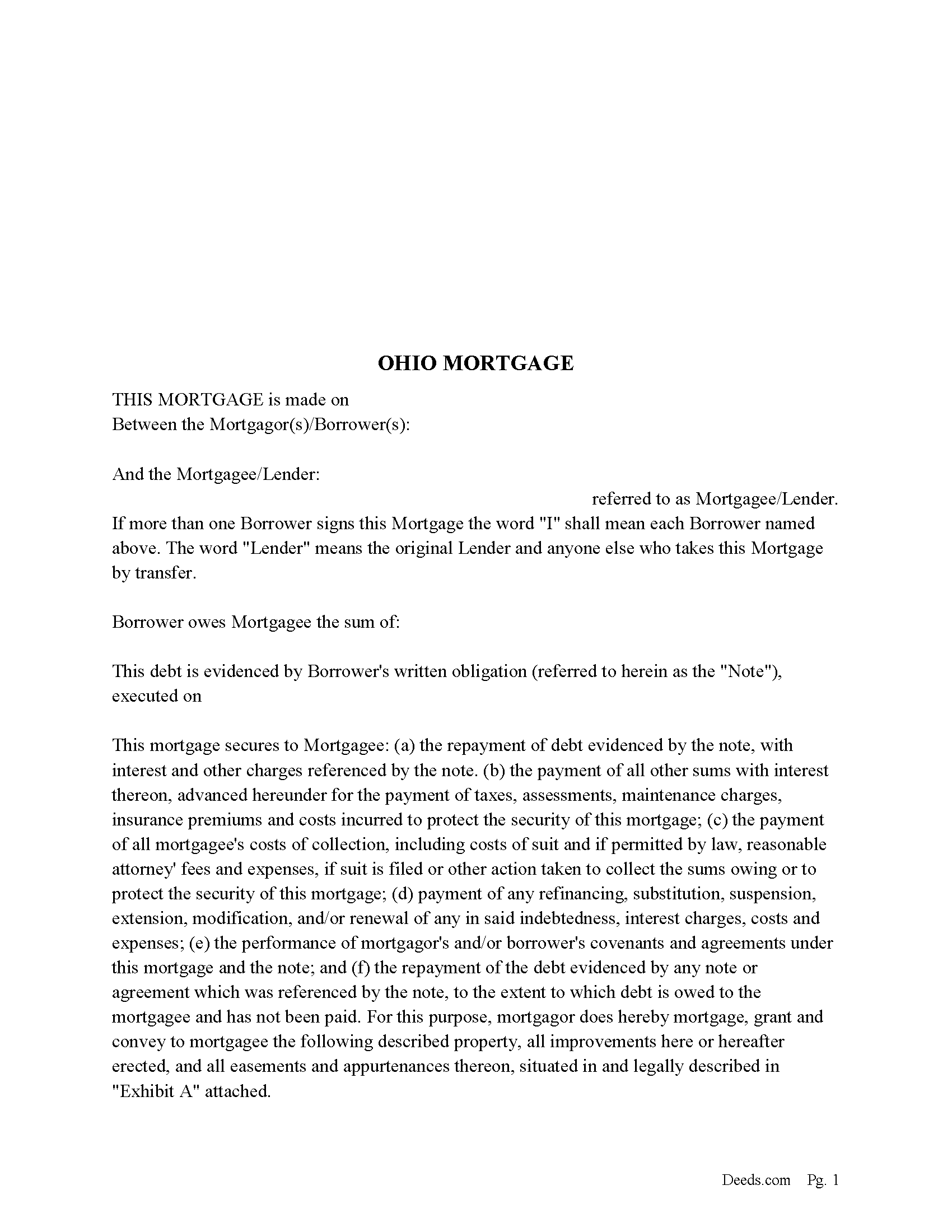
Ashtabula County Mortgage Form
Fill in the blank form formatted to comply with all recording and content requirements.
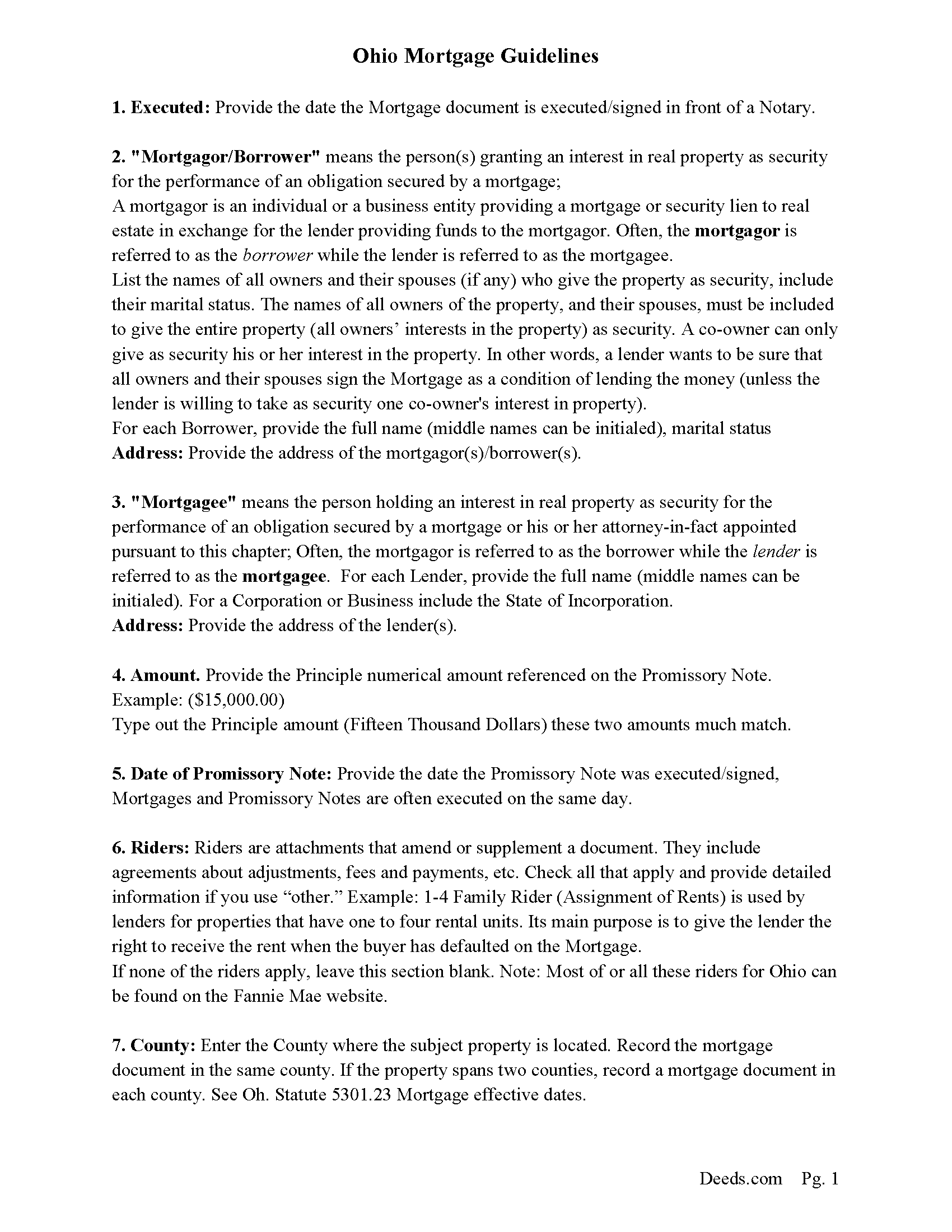
Ashtabula County Mortgage Guidelines
Line by line guide explaining every blank on the form.
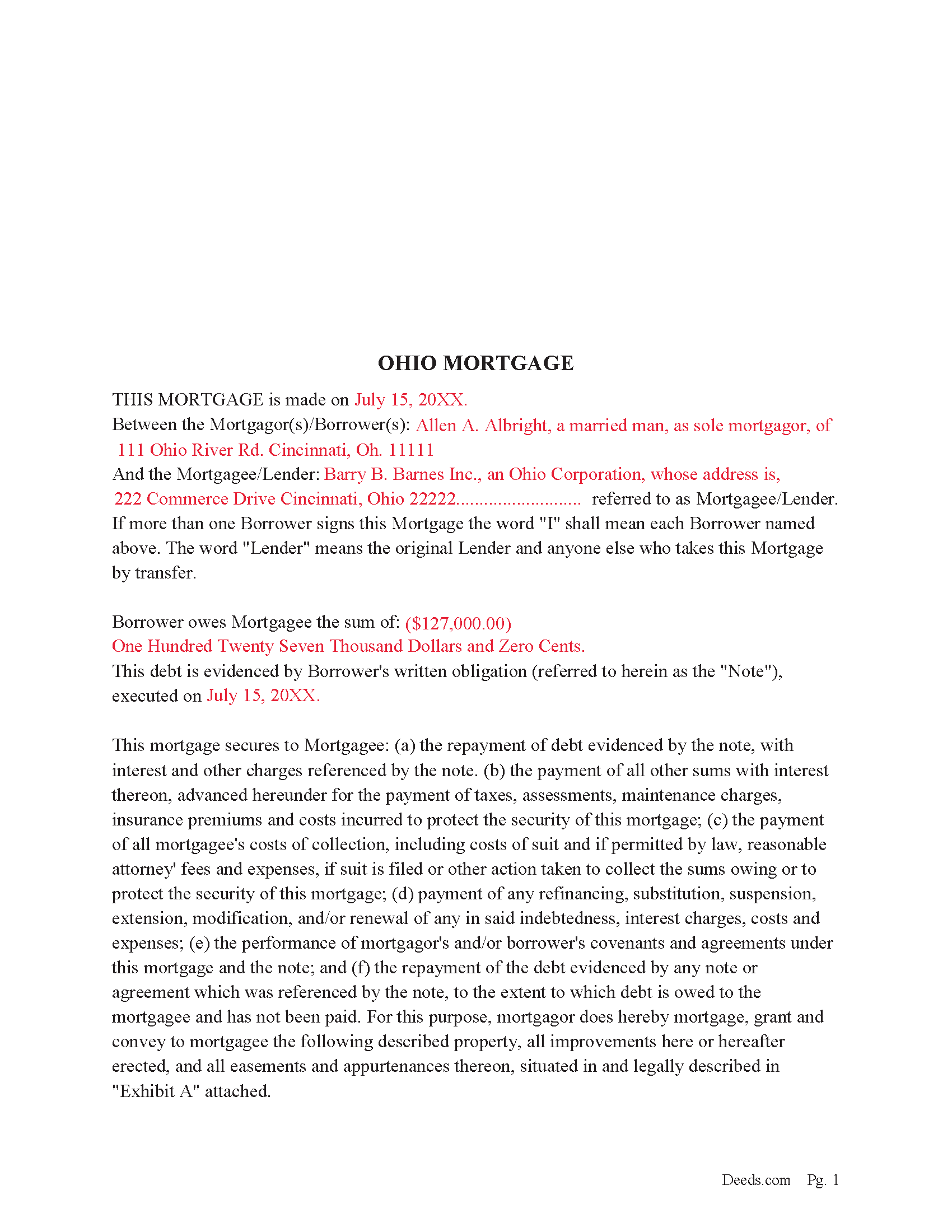
Ashtabula County Completed Example of the Mortgage Document
Example of a properly completed form for reference.
Ashtabula County Promissory Note Form
Promissory Note secured by Mortgage Agreement.
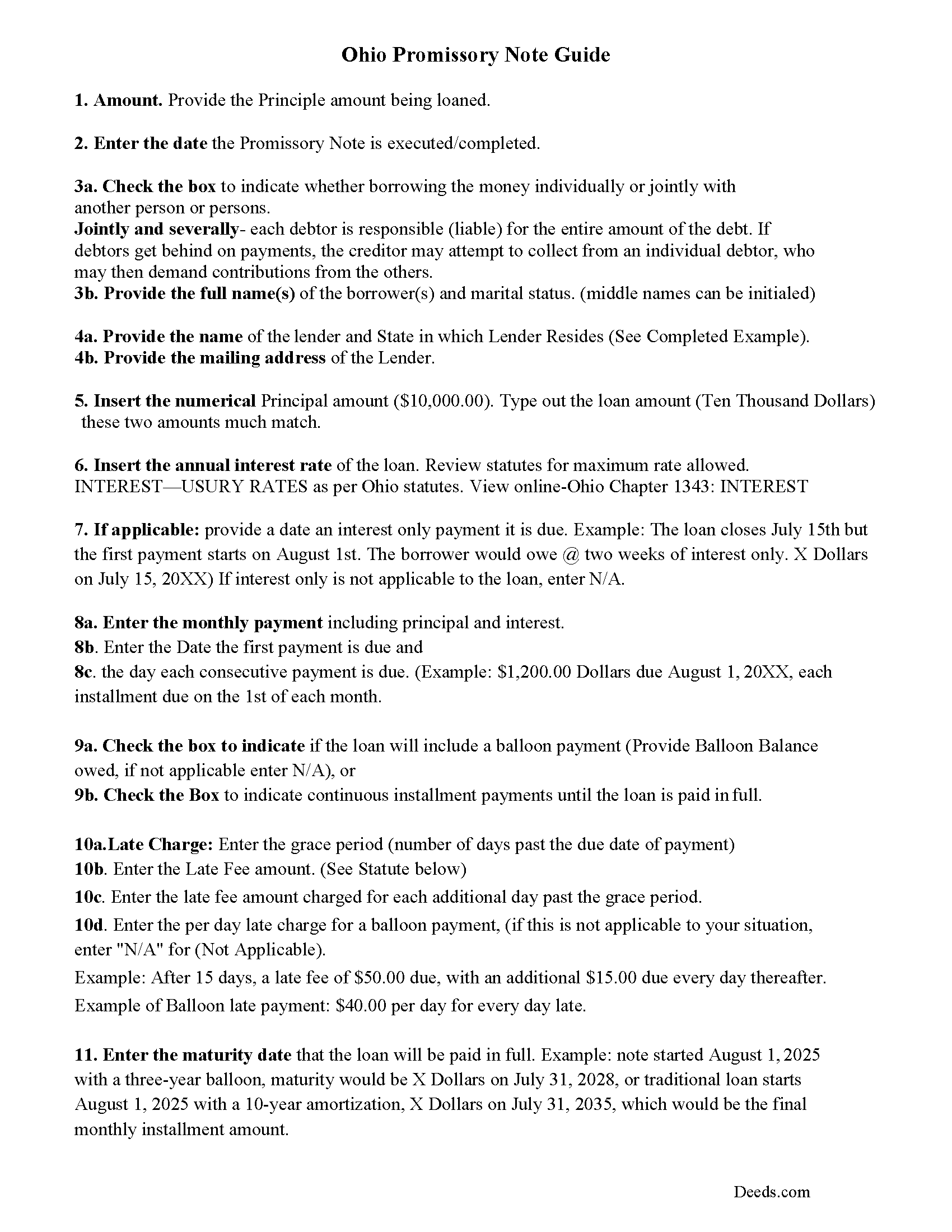
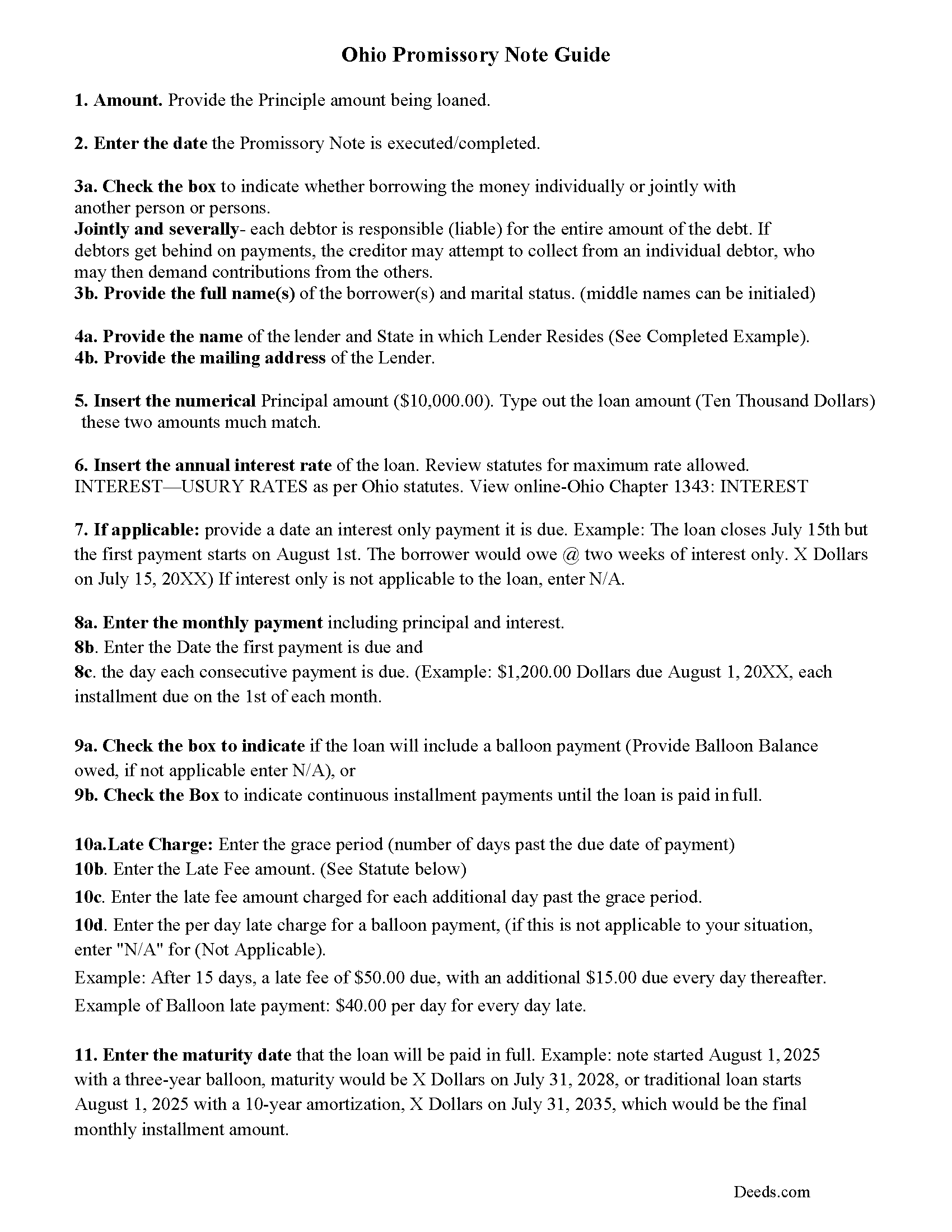
Ashtabula County Promissory Note Guidelines
Line by line guide explaining every blank on the form.
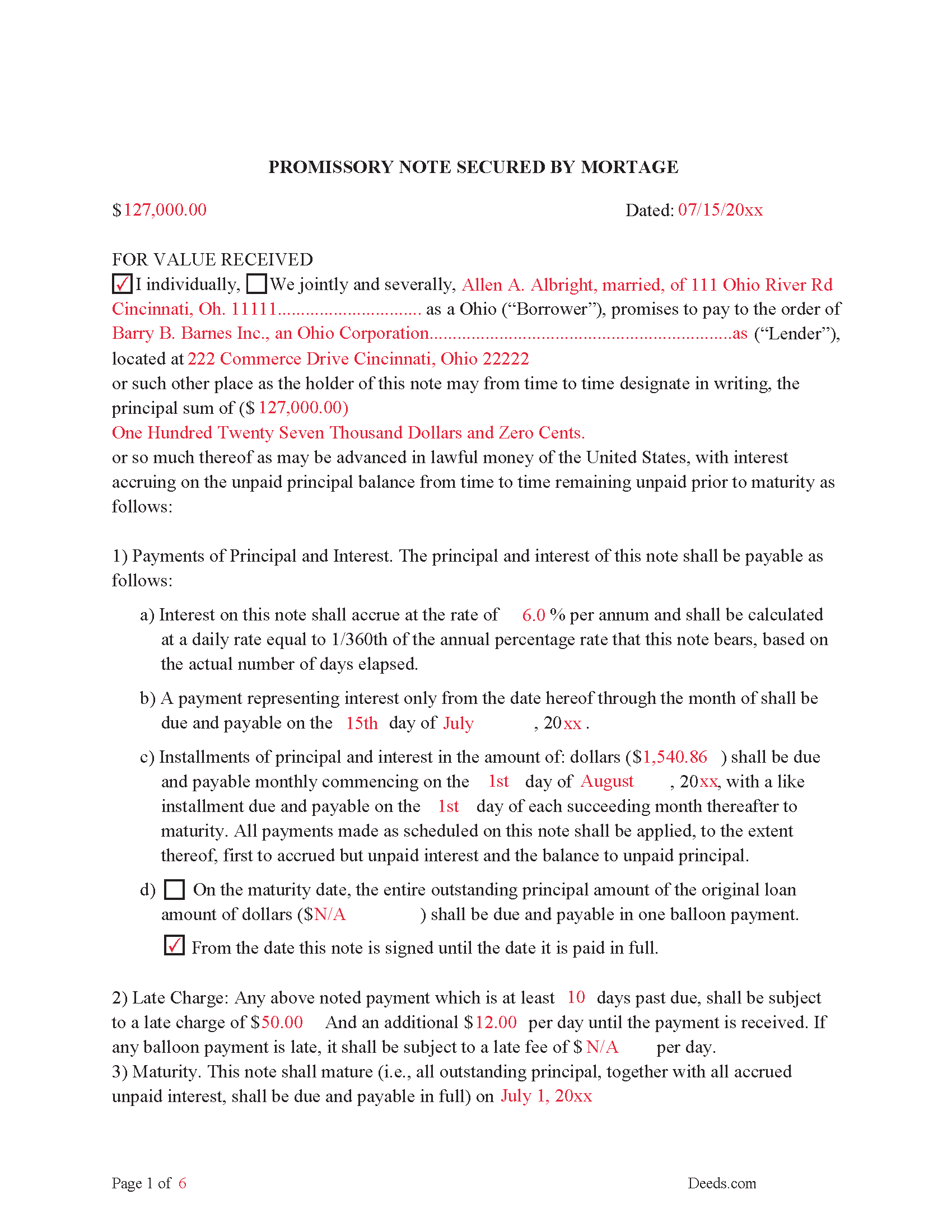
Ashtabula County Completed Example of the Promissory Note Document
This Promissory Note is filled in and highlighted, showing how the guideline information, can be interpreted into the document.
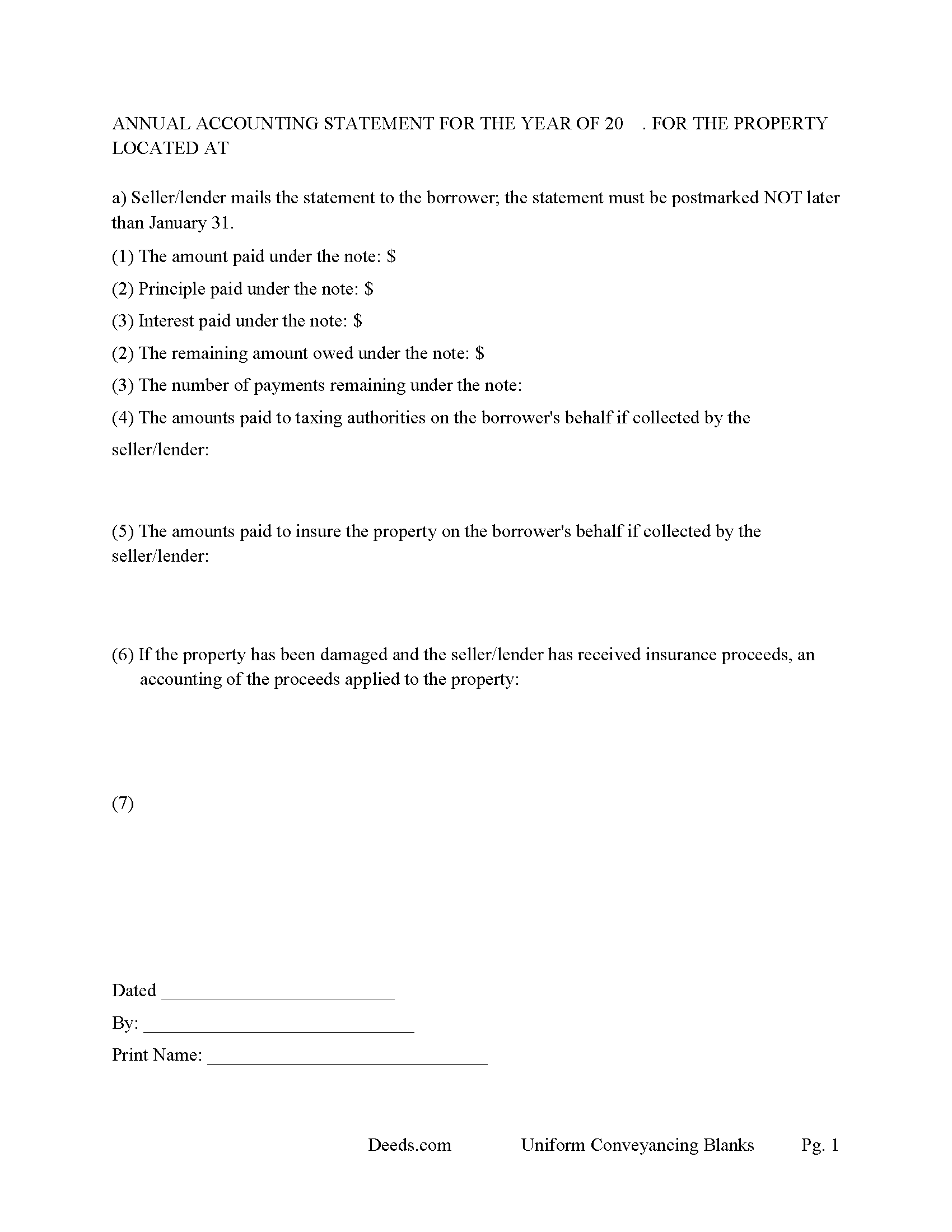
Ashtabula County Annual Accounting Statement Form
Mail to borrower for fiscal year reporting.
All 7 documents above included • One-time purchase • No recurring fees
Immediate Download • Secure Checkout
Additional Ohio and Ashtabula County documents included at no extra charge:
Where to Record Your Documents
Ashtabula County Recorder
Jefferson, Ohio 44047
Hours: 8:00 to 12:00 and 1:00 to 4:30 Monday through Friday
Phone: (440) 576-3767
Recording Tips for Ashtabula County:
- Bring your driver's license or state-issued photo ID
- Ensure all signatures are in blue or black ink
- Recording fees may differ from what's posted online - verify current rates
- Request a receipt showing your recording numbers
- Ask about accepted payment methods when you call ahead
Cities and Jurisdictions in Ashtabula County
Properties in any of these areas use Ashtabula County forms:
- Andover
- Ashtabula
- Austinburg
- Conneaut
- Dorset
- Geneva
- Jefferson
- Kingsville
- North Kingsville
- Orwell
- Pierpont
- Rock Creek
- Rome
- Unionville
- Williamsfield
- Windsor
Hours, fees, requirements, and more for Ashtabula County
How do I get my forms?
Forms are available for immediate download after payment. The Ashtabula County forms will be in your account ready to download to your computer. An account is created for you during checkout if you don't have one. Forms are NOT emailed.
Are these forms guaranteed to be recordable in Ashtabula County?
Yes. Our form blanks are guaranteed to meet or exceed the applicable formatting requirements used for recording in Ashtabula County, including margin requirements, font requirements, and other layout standards. This guarantee applies to formatting, not to the legal sufficiency of information entered by the user or the suitability of a form for a particular transaction.
Can I reuse these forms?
Yes. You can reuse the forms for your personal use. For example, if you have multiple properties in Ashtabula County you only need to order once.
What do I need to use these forms?
The forms are PDFs that you fill out on your computer. The free Adobe Acrobat Reader is recommended, and most PDF apps also work. You do NOT enter your property information online - you download the blank forms and complete them privately on your own computer.
Are there any recurring fees?
No. This is a one-time purchase. Nothing to cancel, no memberships, no recurring fees.
How much does it cost to record in Ashtabula County?
Recording fees in Ashtabula County vary. Contact the recorder's office at (440) 576-3767 for current fees.
Questions answered? Let's get started!
These forms are used for financing residential property, condominiums, rental units, small commercial, vacant land, and planned unit developments. They include special provisions and exhibit pages making them adaptable and flexible for unique situations. Ohio recognizes dower rights, which means that if a married man or woman owns an interest in real property, his or her spouse holds a 1/3 interest in the property, Review Oh. statute 2103.02. Dower rights can become problematic when it comes to mortgages. Oftentimes, banks require a release of dower if only one spouse is on the promissory note. Otherwise, if the paying spouse defaults, a spouse may be able to enforce their dower rights if the spouse is not on the deed. This mortgage can release rights of dower if applicable to the situation. These forms have stringent default terms, typical uses - lender who is financing investment property, owner financing, etc.
(Ohio Mortgage Package includes forms, guidelines, and completed examples) For use in Ohio only.
Important: Your property must be located in Ashtabula County to use these forms. Documents should be recorded at the county recording office listed above.
This Mortgage Instrument and Promissory Note meets all recording requirements specific to Ashtabula County.
Our Promise
The documents you receive here are guaranteed to meet or exceed the applicable Ashtabula County recording format requirements. If there is a rejection caused by our formatting, we will correct the issue or refund your payment. This guarantee applies to document formatting only and does not extend to information entered by the user, the selection of the form, or the legal effect of the completed document.
Save Time and Money
Get your Ashtabula County Mortgage Instrument and Promissory Note form done right the first time with Deeds.com Uniform Conveyancing Blanks. At Deeds.com, we understand that your time and money are valuable resources, and we don't want you to face a penalty fee or rejection imposed by a county recorder for submitting nonstandard documents. We constantly review and update our forms to meet rapidly changing state and county recording requirements for roughly 3,500 counties and local jurisdictions.
4.8 out of 5 - ( 4,828 Reviews )
Kenneth H. 5 out of 5 stars
The deeds.com website is incredibly easy to navigate and the nearly instantaneous chat function allowed me to quickly correct an entry error I made uploading a document. The day after enrolling and uploading the document I had a copy of the document properly filed. Very efficient; very effective.
Thank you for your feedback. We really appreciate it. Have a great day!
Melissa S. 5 out of 5 stars
Simple & easy to navigate. At time of writing this, guide & example of purchased deed is included. Plus lots of extra information to help secure your property. Would recommend to anyone.
We appreciate your business and value your feedback. Thank you. Have a wonderful day!
Judith O. 1 out of 5 stars
Unfortunately, it wasn't the information I needed. I wanted something that could remove my husbands name on our deed, because he passed away last month.
Sorry to hear about your situation Judith. The document you selected is one that would need to be used during the grantor's lifetime. Under the circumstances, we have canceled your order and refunded your payment.
Kimberly F. 5 out of 5 stars
Ordered and received the quitclaim form. Exactly what I expected, perfect.
Thank you for your feedback. We really appreciate it. Have a great day!
Robert D. 5 out of 5 stars
I was trying to register a financial statement (non real estate document). There was no link or statement on the home page to indicate that this could be done. All I had to do was to create an account, name and then upload the document. It took me over a day and several phone calls to the local deed recording office to try to figure this out. A simple link or statement to this effect would have saved me a lot of time
Thank you for your feedback. We really appreciate it. Have a great day!
Celestine U. 5 out of 5 stars
Very well done
Thank you!
Michael M. 5 out of 5 stars
Amazing time saver, fantastic resource if you have an idea of what you are looking for and you can read. No one is going to hold your hand so be prepared to do the research yourself... it is DIY after all.
Thanks for the kind words Michael. Have a wonderful day.
Ken D. 5 out of 5 stars
The service was easy, fast, and worked well. I will be back.
We appreciate your business and value your feedback. Thank you. Have a wonderful day!
Barbara K. 5 out of 5 stars
Very impressive...Thank you
Thank you for your feedback. We really appreciate it. Have a great day!
Gary A. 5 out of 5 stars
I believe this is the way to go without the need of a lawyer. Fast downloads, very informative, Now the work starts
Thank you Gary.
Liza B. 5 out of 5 stars
Fantastic forms and service, could not be happier, wish you girls did more than deed forms.
Thank you!
Sander G. 4 out of 5 stars
Good but knocked off a star because the download file names are mostly numbers instead of recognizable names of the file contents (e.g., Promissory_Note_blank.pdf). Renaming would be a great help!
Thank you for your feedback. We really appreciate it. Have a great day!
Earnest K. 4 out of 5 stars
I used the "personal representative's deed." There were a few errors, after I went to record it at the county recorder's office. For #7, it should've stated "The estate of Joe Schmoe, hereby grants Mr. Personal Representative....." instead of, "I Mr. Personal Representative, as personal representative, hereby grant to personal representative...." The person at the recorder's office said you cannot state "you are granting property to yourself." Just fix that, and everything else is fine.
Your insights are invaluable to us and help us strive for better service. Thank you for taking the time to share your thoughts.
Jennifer B. 3 out of 5 stars
I didn't care for it because I was having to do other things in between filling it out and all of a sudden it would not allow me back in it to make changes. Luckily I had saved it and then had to do FILL/SIGN option which looks ugly but that was the only way I could add what I needed.
We appreciate your business and value your feedback. Thank you. Have a wonderful day!
Tiffany Dawn J. 3 out of 5 stars
Would be nice to have a better description on how to complete the forms if it is separated couple and one is signing the deed over to the other. I am still unsure how it should be worded. Disappointed that the guide didn't have better explanations.
Thank you for your feedback. We really appreciate it. Have a great day!