Monroe County Notice of Commencement Form
Last validated October 30, 2026 by our Forms Development TeamFormatted for recording in Monroe County, for property anywhere in the county: rural and unincorporated areas as well as Beallsville, Cameron, Clarington, Hannibal, Jerusalem, Laings, Lewisville, Malaga and 4 more.
- 3 documents included
- Immediate PDF download
- Formatting guarantee
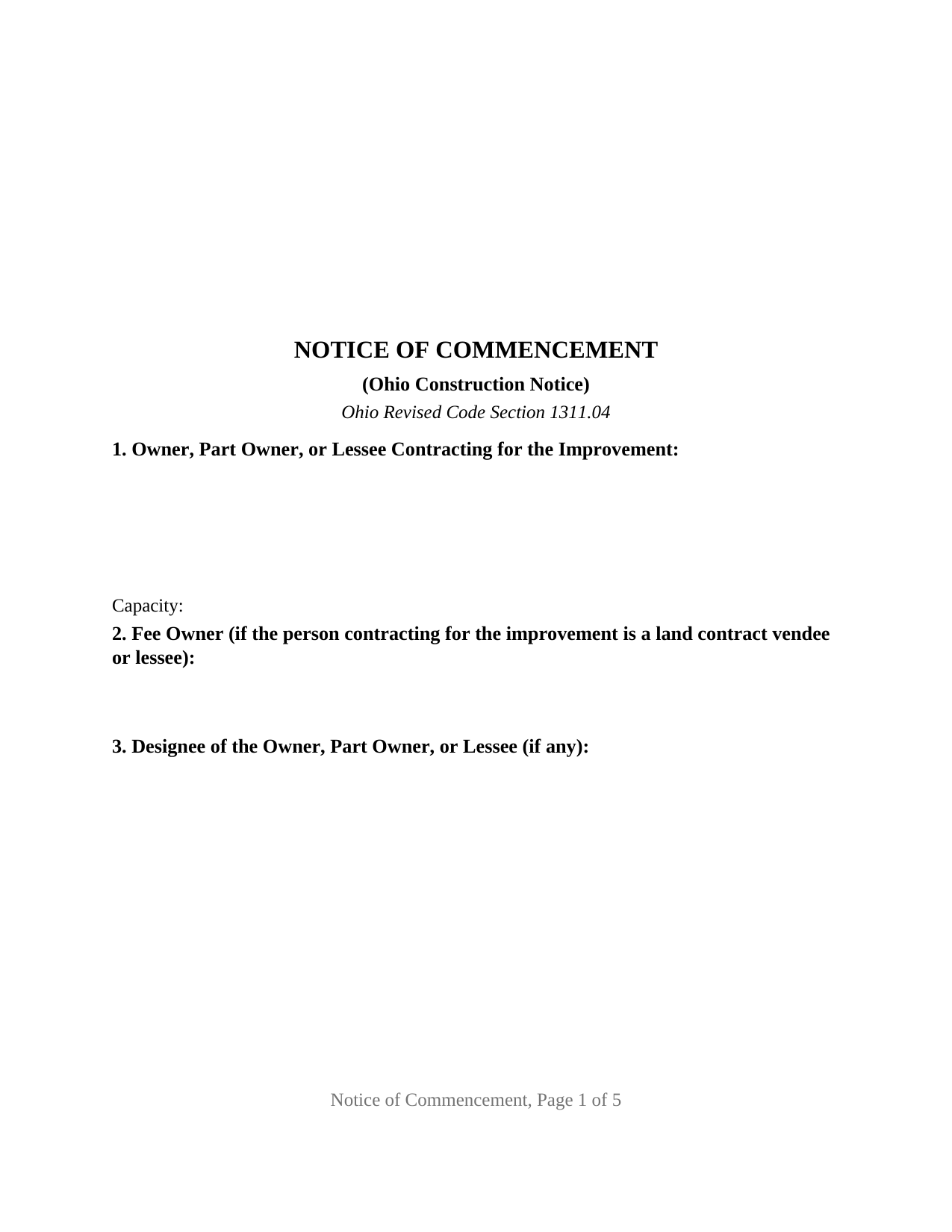
Monroe County Notice of Commencement Form
Fill in the blank Notice of Commencement form formatted to comply with all Ohio recording and content requirements.
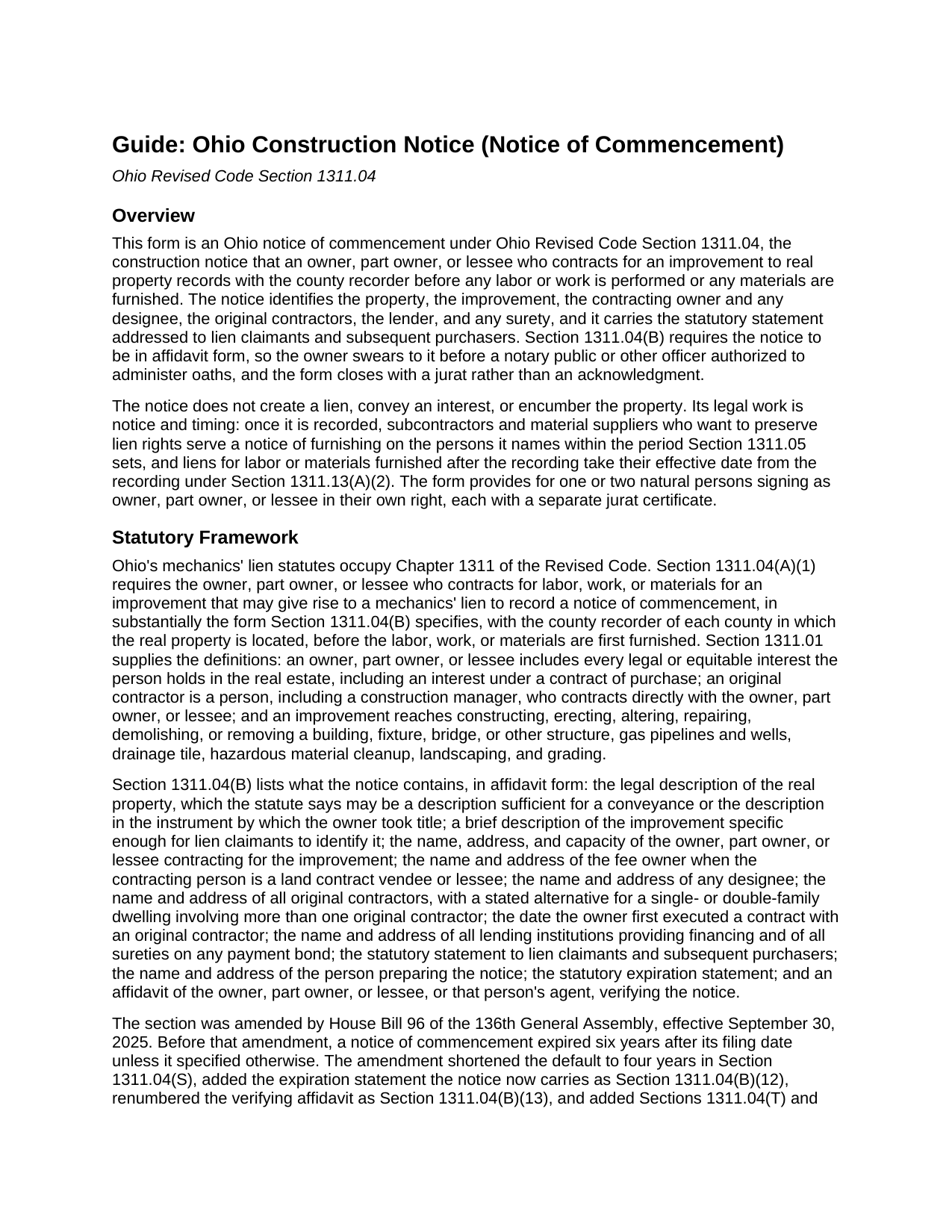
Monroe County Notice of Commencement Guide
Line by line guide explaining every blank on the Notice of Commencement form.
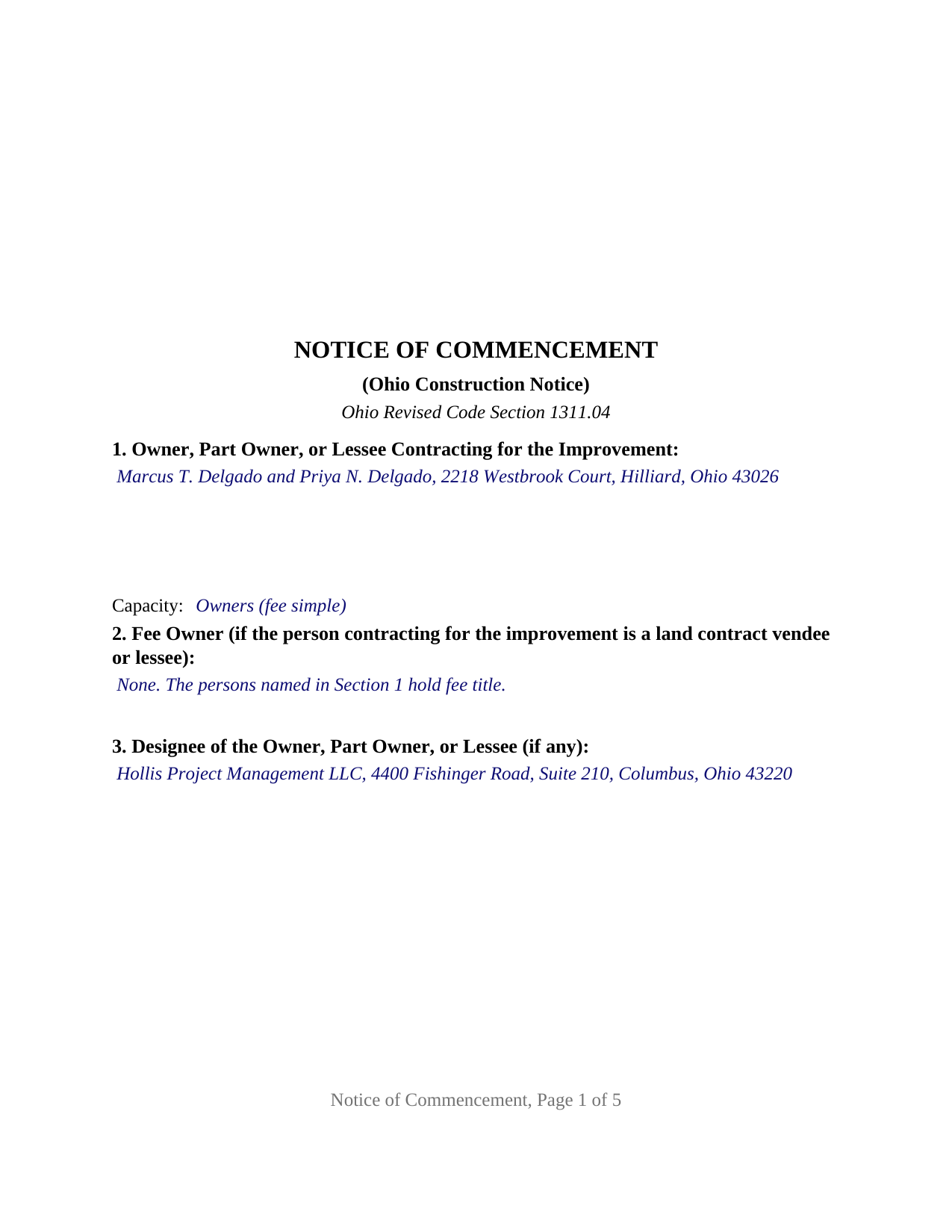
Monroe County Completed Example of the Notice of Commencement Document
Example of a properly completed Ohio Notice of Commencement document for reference.
All 3 documents above included • One-time purchase • No recurring fees
Immediate Download • Secure Checkout
Additional Ohio and Monroe County documents included at no extra charge:
Where to Record Your Documents
Monroe County Recorder
Woodsfield, Ohio 43793
Hours: 8:00 a.m. - 4:00 p.m. Monday - Friday
Phone: (740) 472-5264
Recording Tips for Monroe County:
- Bring your driver's license or state-issued photo ID
- Ensure all signatures are in blue or black ink
- Request a receipt showing your recording numbers
- Ask about accepted payment methods when you call ahead
- Ask for certified copies if you need them for other transactions
Cities and Jurisdictions in Monroe County
Properties in any of these areas use Monroe County forms:
- Beallsville
- Cameron
- Clarington
- Hannibal
- Jerusalem
- Laings
- Lewisville
- Malaga
- Sardis
- Stafford
- Sycamore Valley
- Woodsfield
Hours, fees, requirements, and more for Monroe County
How do I get my forms?
Forms are available for immediate download after payment. The Monroe County forms will be in your account ready to download to your computer. An account is created for you during checkout if you don't have one. Forms are NOT emailed.
Are these forms guaranteed to be recordable in Monroe County?
Yes. Our form blanks are guaranteed to meet or exceed the applicable formatting requirements used for recording in Monroe County, including margin requirements, font requirements, and other layout standards. This guarantee applies to formatting, not to the legal sufficiency of information entered by the user or the suitability of a form for a particular transaction.
Can I reuse these forms?
Yes. You can reuse the forms for your personal use. For example, if you have multiple properties in Monroe County you only need to order once.
What do I need to use these forms?
The forms are PDFs that you fill out on your computer. The free Adobe Acrobat Reader is recommended, and most PDF apps also work. You do NOT enter your property information online - you download the blank forms and complete them privately on your own computer.
Are there any recurring fees?
No. This is a one-time purchase. Nothing to cancel, no memberships, no recurring fees.
How much does it cost to record in Monroe County?
Recording fees in Monroe County vary. Contact the recorder's office at (740) 472-5264 for current fees.
Questions answered? Let's get started!
Before the first shovel goes in the ground on an Ohio improvement, Ohio Revised Code Section 1311.04 calls for the owner, part owner, or lessee who contracted for the work to record a notice of commencement with the county recorder. This Ohio Construction Notice (Notice of Commencement) prepares that filing as the statute describes it: a sworn notice, in affidavit form, naming the property, the improvement, the contracting owner, the designee, the original contractors, the lender, and any surety, and carrying the two statutory statements word for word, for one or two natural persons signing as owner, part owner, or lessee in their own right.
A notice that starts the clock
The notice of commencement creates no lien and conveys nothing. Its work is timing. Once it is of record, a subcontractor or material supplier who wants to preserve lien rights serves a notice of furnishing on the designee and the original contractor it names within twenty-one days after first furnishing labor or materials, under Section 1311.05, and liens for work performed after the recording take their effective date from the recording itself under Section 1311.13. Where no notice is recorded, Section 1311.04 drops the notice of furnishing requirement altogether.
A list, not a printed form
Section 1311.04(B) describes the notice as a list of contents in affidavit form rather than a printed form, and this form follows the list in the statute's order, from the legal description, which may be the one in the deed by which the owner took title, through the designee who becomes the address for notices of furnishing, the original contractors, the lender and surety, the preparer, and the two statutory statements.
Four years, not six
House Bill 96 of the 136th General Assembly, effective September 30, 2025, rewrote the life of an Ohio notice of commencement. The notice now expires four years after its filing date unless it specifies a different date, and the notice itself must say so; the earlier six-year default is gone. The same amendment added a completion affidavit the owner may record once the improvement is finished, after which the recorder marks the notice expired; that affidavit is recorded separately and is not included in this package. This form prints the current four-year statement verbatim and leaves a blank for a different date where the owner specifies one.
Sworn, not acknowledged
Because the statute requires the notice in affidavit form, the signer swears to it rather than acknowledging it. The form closes with a jurat for each signer, carrying the sworn-to-and-subscribed wording Section 147.542 accepts and the venue, date, signature, printed name, seal, and commission expiration every Ohio notarial certificate includes. Two owners may swear on different days or before different officers, because each signature block has its own certificate.
One or two owners signing in their own right
The form recites one or two natural persons as the owner, part owner, or lessee contracting for the improvement, each signing personally, with a capacity line recording which of the three statutory roles the signer holds. A married couple building out a commercial lot they own together, or a single owner contracting alone, presents the pattern the form recites. The form is not set up as a notice signed by an entity officer, a trustee, or an agent of the owner, and it carries no statement for a notice recorded by a mortgage holder or original contractor on the owner's behalf under Section 1311.04(N). A home construction contract on an owner's personal residence sits outside the section under Section 1311.04(O) unless the construction lender requires the notice.
Built for the Ohio recorder
The notice is recorded in each county where the land lies. The form is laid out to Section 317.114, Ohio's standard format statute: a three-inch blank top margin on the first page for the recorder's endorsement, one-and-one-half-inch top margins on later pages, one-inch side and bottom margins, and twelve-point body type against the ten-point minimum. Recording fees follow Section 317.32, 34 dollars for the first two pages and 8 dollars for each page after, plus any county preservation surcharge.
The package includes the fillable notice of commencement form, a completed example filled in for a two-owner commercial improvement in Franklin County, and the guide that walks through each numbered section and the consequences of recording, posting, and serving the notice. This description and the guide describe the form and the governing Ohio statutes in general terms; they are not legal advice.
Important: Your property must be located in Monroe County to use these forms. Documents should be recorded at the county recording office listed above.
This Notice of Commencement meets all recording requirements specific to Monroe County.
Our Promise
The documents you receive here are guaranteed to meet or exceed the applicable Monroe County recording format requirements. If there is a rejection caused by our formatting, we will correct the issue or refund your payment. This guarantee applies to document formatting only and does not extend to information entered by the user, the selection of the form, or the legal effect of the completed document.
Save Time and Money
Get your Monroe County Notice of Commencement form done right the first time with Deeds.com Uniform Conveyancing Blanks. At Deeds.com, we understand that your time and money are valuable resources, and we don't want you to face a penalty fee or rejection imposed by a county recorder for submitting nonstandard documents. We constantly review and update our forms to meet rapidly changing state and county recording requirements for roughly 3,500 counties and local jurisdictions.
4.8 out of 5 - ( 4,864 Reviews )
Bill M. 3 out of 5 stars
I found the path from the home page to actually ordering the document I wanted extremely convoluted and non-intuitive. I went around in circles several times before I figured out how to actually buy the document.
Thank you for your feedback. We really appreciate it. Have a great day!
Debora A. 5 out of 5 stars
Website easy to use and explanations available
Thank you!
Robert B. 5 out of 5 stars
Liked the fact that the forms were fill in the blank. Good to have the option of re-doing them if needed, and I needed ;)
Thank you for your feedback. We really appreciate it. Have a great day!
Ben G. 5 out of 5 stars
Faster AND less expensive than recording in person. Will be using again (and not just because of COVID).
Thank you!
Jenny E. 5 out of 5 stars
I thought the website was good. But once I paid the money and downloaded the papers I needed for Grays Harbor. I had to end up calling a escrow company that we had worked with only to find out that they work with a slightly different version. The escrow company was kind enough to email me the version Grays Harbor recommends and uses. There is a chance I could use theses in the future.
Thank you for your feedback. We really appreciate it. Have a great day!
Joseph D. 5 out of 5 stars
Exellent and easy! Thqanks!
Thank you for your feedback. We really appreciate it. Have a great day!
ERHAN S. 5 out of 5 stars
amazing time and cost saving service for me. Thank you.
Thank you!
Vernon A L. 3 out of 5 stars
They are forms....no magic there. I still have to round up the details.
We appreciate your business and value your feedback. Thank you. Have a wonderful day!
KATHLEEN S. 5 out of 5 stars
Excellent service, great feedback and recommendations by the deed preparer, and I really appreciate the personalized service. The website is amazing, everything is well thought out, and all messages are saved, clear and easy to read. I wish my website was so easy to navigate! Seriously, the person who worked on my account is awesome. They made recommendations about what to include and what not to include. They didn't make me feel dumb for asking questions about out-of-state service and filing procedures, and I will be using Deeds.com exclusively on my cases. Five stars !
We appreciate your business and value your feedback. Thank you. Have a wonderful day!
Nancy J M. 5 out of 5 stars
Site is easy to navigate and forms are as described. Too bad there is no secure payment link service (PayPal, Apple Pay, etc. So after I verify charge has hit my credit card I will delete my Deeds.com account.
Thank you!
Maribel I. 5 out of 5 stars
It would be helpful to be able to edit verbiage on the form. I was preparing a Deed of Distribution; therefore, there was no consideration paid. I had to type the language into a Word document instead.
Thank you for your feedback. We really appreciate it. Have a great day!
Sharon B. 5 out of 5 stars
My questions were answered promptly. I was not able to locate the deed I was searching for because my county has not uploaded the documents to be accessed through this system. I am sure I could have found what I was looking for had the information been available through the system. Thank you for your assistance.
Thank you!
Janice S. 5 out of 5 stars
Really easy downloading the forms the directions everything was really easy thanks!
We appreciate your business and value your feedback. Thank you. Have a wonderful day!
Jonathan F. 5 out of 5 stars
An excellent service. Makes filing deeds so much easier than having to go to the courthouse or use FedEx. I will be a customer for the rest of my legal career.
Thank you!
Harry S. 5 out of 5 stars
This is my first time using the service. Wow! How efficient and effortless! Keep up the good work!
Thank you!