Lawrence County Partial Release of Mortgage (Entity) Form
Last validated October 28, 2026 by our Forms Development TeamFormatted for recording in Lawrence County, for property anywhere in the county: rural and unincorporated areas as well as Chesapeake, Ironton, Kitts Hill, Pedro, Proctorville, Rock Camp, Scottown, South Point and 2 more.
- 3 documents included
- Immediate PDF download
- Formatting guarantee
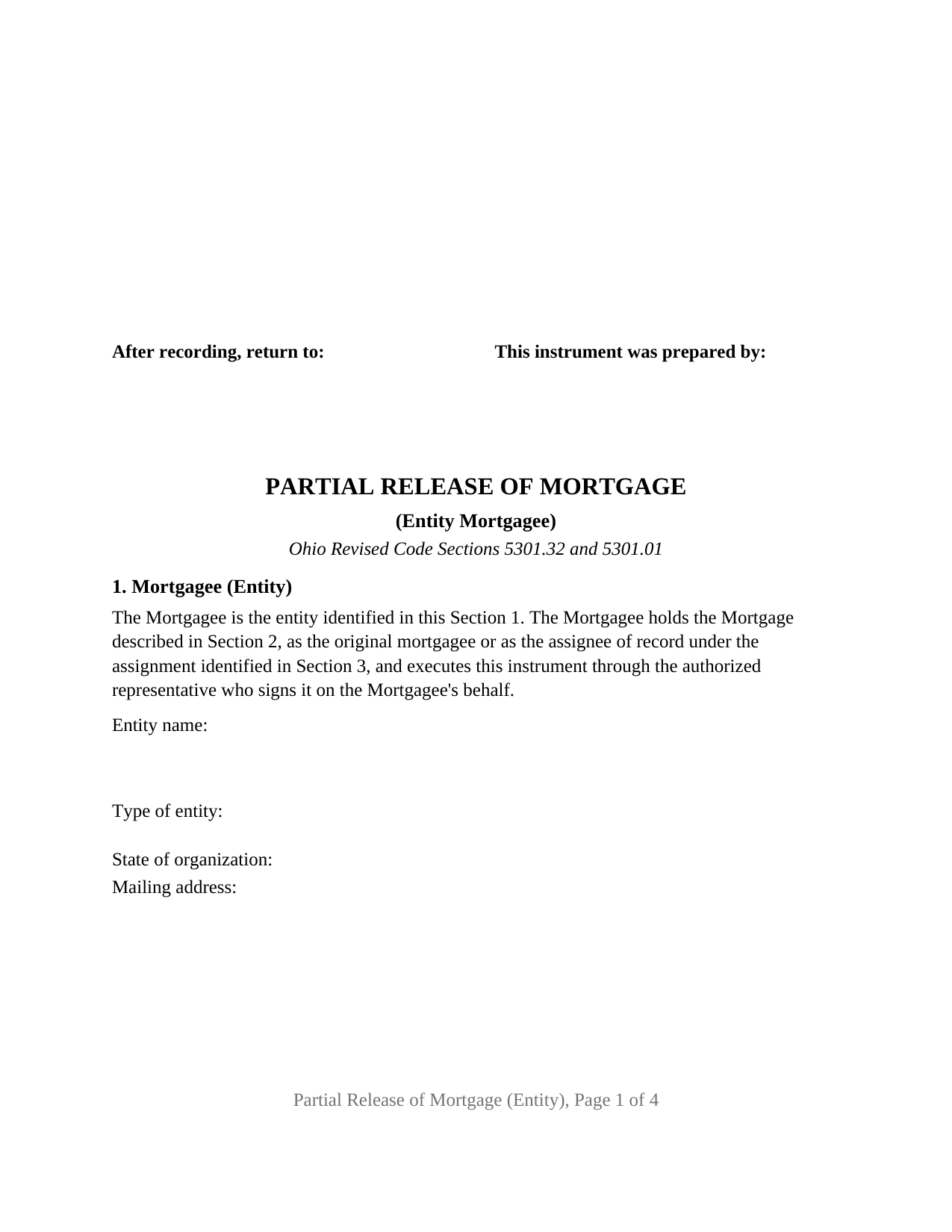
Lawrence County Partial Release of Mortgage (Entity) Form
Fill in the blank Partial Release of Mortgage (Entity) form formatted to comply with all Ohio recording and content requirements.
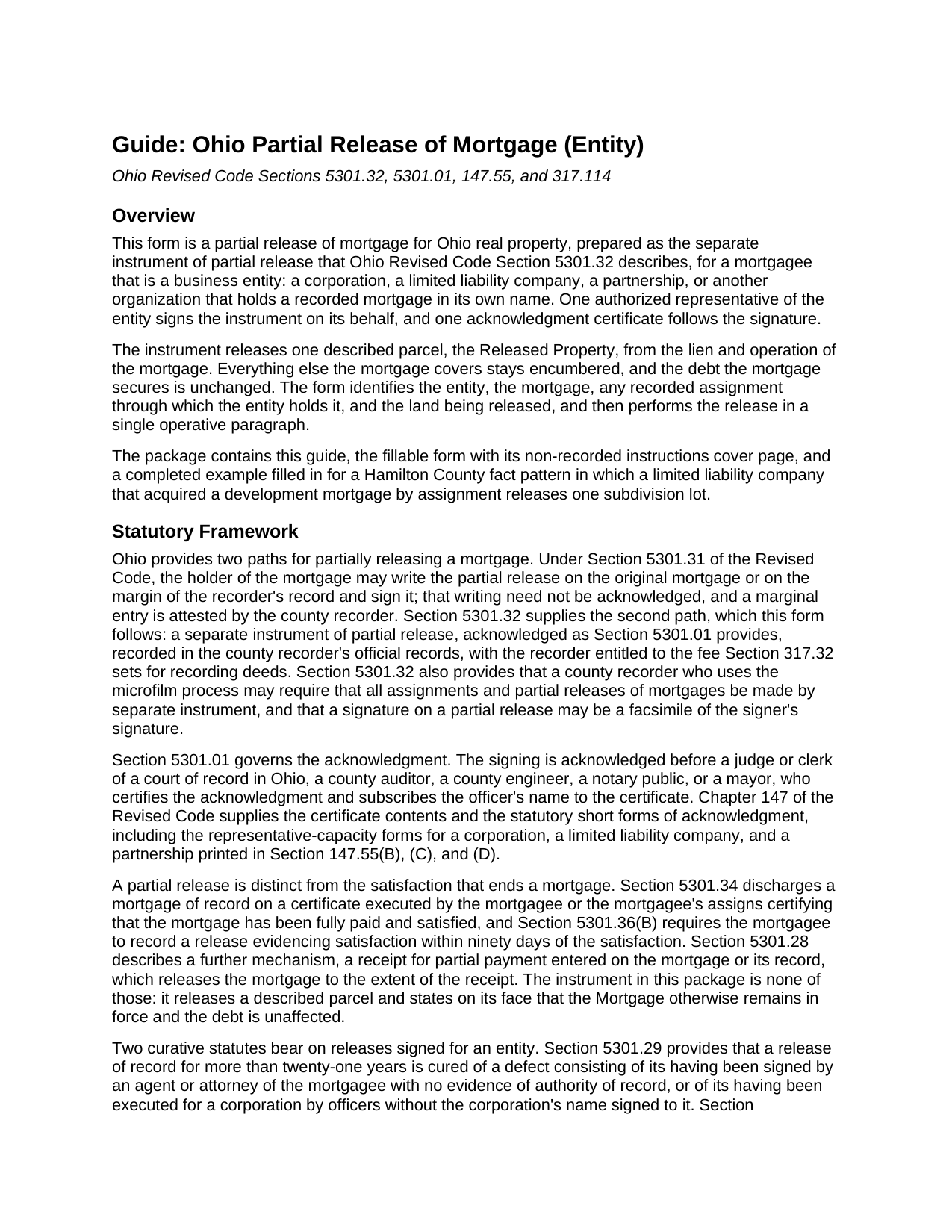
Lawrence County Partial Release of Mortgage (Entity) Guide
Line by line guide explaining every blank on the Partial Release of Mortgage (Entity) form.
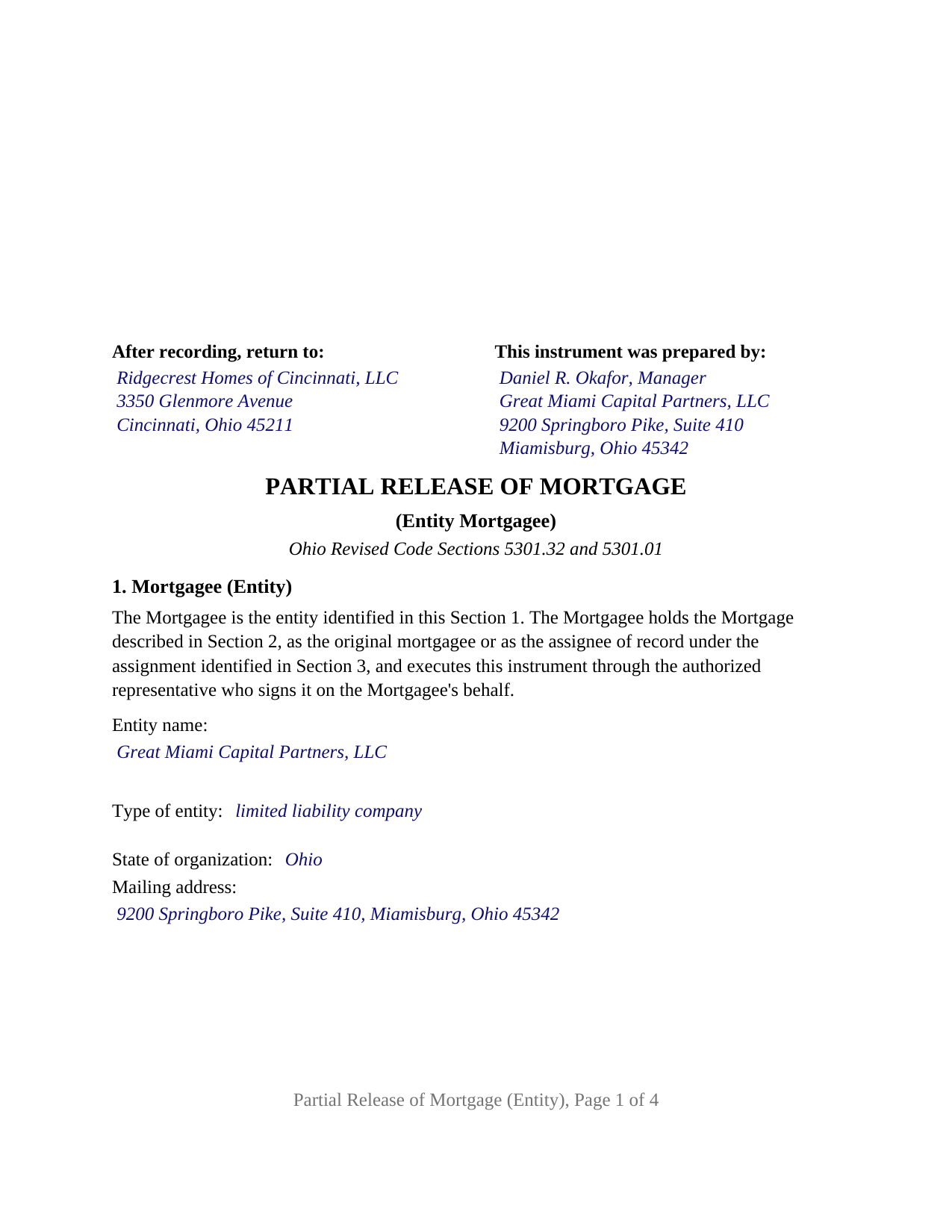
Lawrence County Completed Example of the Partial Release of Mortgage (Entity) Document
Example of a properly completed Ohio Partial Release of Mortgage (Entity) document for reference.
All 3 documents above included • One-time purchase • No recurring fees
Immediate Download • Secure Checkout
Additional Ohio and Lawrence County documents included at no extra charge:
Where to Record Your Documents
Lawrence County Recorder
Ironton, Ohio 45638
Hours: 8:00 a.m. - 4:00 p.m. Monday - Friday
Phone: (740) 533-4314
Recording Tips for Lawrence County:
- Bring your driver's license or state-issued photo ID
- Ensure all signatures are in blue or black ink
- White-out or correction fluid may cause rejection
- Ask about their eRecording option for future transactions
- Avoid the last business day of the month when possible
Cities and Jurisdictions in Lawrence County
Properties in any of these areas use Lawrence County forms:
- Chesapeake
- Ironton
- Kitts Hill
- Pedro
- Proctorville
- Rock Camp
- Scottown
- South Point
- Waterloo
- Willow Wood
Hours, fees, requirements, and more for Lawrence County
How do I get my forms?
Forms are available for immediate download after payment. The Lawrence County forms will be in your account ready to download to your computer. An account is created for you during checkout if you don't have one. Forms are NOT emailed.
Are these forms guaranteed to be recordable in Lawrence County?
Yes. Our form blanks are guaranteed to meet or exceed the applicable formatting requirements used for recording in Lawrence County, including margin requirements, font requirements, and other layout standards. This guarantee applies to formatting, not to the legal sufficiency of information entered by the user or the suitability of a form for a particular transaction.
Can I reuse these forms?
Yes. You can reuse the forms for your personal use. For example, if you have multiple properties in Lawrence County you only need to order once.
What do I need to use these forms?
The forms are PDFs that you fill out on your computer. The free Adobe Acrobat Reader is recommended, and most PDF apps also work. You do NOT enter your property information online - you download the blank forms and complete them privately on your own computer.
Are there any recurring fees?
No. This is a one-time purchase. Nothing to cancel, no memberships, no recurring fees.
How much does it cost to record in Lawrence County?
Recording fees in Lawrence County vary. Contact the recorder's office at (740) 533-4314 for current fees.
Questions answered? Let's get started!
When the lender that holds an Ohio mortgage is a company rather than a person, the partial release that frees one parcel from that mortgage is signed by someone who is not the mortgagee at all: an officer, manager, or partner acting for the entity. This form prepares an Ohio partial release of mortgage by separate instrument under Section 5301.32 of the Revised Code for a mortgagee that is a corporation, limited liability company, partnership, or other organization, executed on its behalf by one authorized representative.
The mortgagee is named twice, the signer once
An entity cannot hold a pen, so the instrument makes clear both which organization is giving up part of its lien and which individual speaks for it. Section 1 identifies the entity by its exact legal name, type of entity, state of organization, and mailing address, and states as fixed text that the entity holds the mortgage and acts through the representative who signs. The signature block repeats the entity's name above the signature, then carries the representative's printed name, date, and title. That arrangement answers a quiet warning in Section 5301.29, which treats a release signed by an agent with no evidence of authority of record, or executed for a corporation by officers without the corporation's name, as a defect the record cures only after twenty-one years.
One certificate, written for the entity's kind
Ohio prints separate statutory short forms of acknowledgment for a corporation, a limited liability company, and a partnership in Section 147.55(B), (C), and (D), and each opens with the same sentence. The certificate on this form prints that common opening and leaves a two-line by-line for the rest, so the notary completes it with the wording that fits the signer: an officer on behalf of the corporation, a member or manager on behalf of the company, or a partner on behalf of the partnership. The guide sets out each statutory sentence verbatim.
A lien that lets go of one lot and holds the rest
A construction lender whose mortgage blankets a subdivision reaches a familiar moment when the borrower sells one lot: that lot needs to go free of the mortgage while the lender keeps its security on everything else. The operative paragraph releases and discharges the described parcel from the lien and operation of the mortgage and nothing more; the paragraph after it states that the mortgage remains in full force on the land not released, that the debt is untouched, and that the document is not the certificate of full satisfaction Section 5301.34 describes. A separate section identifies each recorded assignment through which the entity came to hold the mortgage.
What this configuration is and is not set up as
The form recites exactly one mortgagee, an entity signing through one authorized representative, with one signature block headed MORTGAGEE, by its authorized representative, and one acknowledgment certificate. A bank organized as a corporation, a mortgage company organized as a limited liability company, and a lending partnership each present the pattern this instrument recites. The form is not set up as a release by a natural person holding the mortgage in that person's own name, by two or more holders, by a trustee for a trust, by an attorney-in-fact, or by a deceased mortgagee's personal representative; each is a different signing capacity with a different certificate. The authority behind the signer's title rests on the entity's own governing documents, which the form neither reproduces nor verifies.
Recording a release, not a deed
A partial release conveys no title, so it skips the county auditor: no transfer stamp, no conveyance fee statement, no Section 317.22 endorsement. It goes to the county recorder of the county where the released land lies, at the fee Section 317.32 sets for deeds, thirty-four dollars for the first two pages and eight dollars for each page after that before any county surcharge or marginal reference fee. Section 5301.46 asks a release by separate instrument to carry the permanent parcel number and the subdivision, lot, and municipal corporation or township, and the property section has a line for each.
The package includes the fillable partial release form, a completed example filled in for a limited liability company lender releasing one subdivision lot in Hamilton County, and the guide that walks through each section, the entity acknowledgment forms, and the recording rules. The description and the guide explain the form and the Ohio statutes that govern it in general terms only; neither is legal advice.
Important: Your property must be located in Lawrence County to use these forms. Documents should be recorded at the county recording office listed above.
This Partial Release of Mortgage (Entity) meets all recording requirements specific to Lawrence County.
Our Promise
The documents you receive here are guaranteed to meet or exceed the applicable Lawrence County recording format requirements. If there is a rejection caused by our formatting, we will correct the issue or refund your payment. This guarantee applies to document formatting only and does not extend to information entered by the user, the selection of the form, or the legal effect of the completed document.
Save Time and Money
Get your Lawrence County Partial Release of Mortgage (Entity) form done right the first time with Deeds.com Uniform Conveyancing Blanks. At Deeds.com, we understand that your time and money are valuable resources, and we don't want you to face a penalty fee or rejection imposed by a county recorder for submitting nonstandard documents. We constantly review and update our forms to meet rapidly changing state and county recording requirements for roughly 3,500 counties and local jurisdictions.
4.8 out of 5 - ( 4,858 Reviews )
Myron M. 5 out of 5 stars
This is what we need and it was very helpful and easy to fill out. Thanks
We appreciate your business and value your feedback. Thank you. Have a wonderful day!
Mark B. 3 out of 5 stars
I had to download forms one by one: would be more convenient to have a single download for all.
Thank you for your feedback. We really appreciate it. Have a great day!
Jena S. 5 out of 5 stars
I love how quick the turnaround is, my only request would be for an email notification be sent once an invoice is ready and then once a document is recorded and ready to download (only because I have a large caseload and it's very easy to forget things sometimes).
Thank you!
CEDRIC D. 3 out of 5 stars
need more instructions for each form
Thank you for your feedback. We really appreciate it. Have a great day!
JOHN L. 5 out of 5 stars
Not just good, very good. Very intuitive and very responsive. It just works!
Thank you for your feedback. We really appreciate it. Have a great day!
William W. 5 out of 5 stars
No fuss-No muss. Very easy!
Thank you!
Deborah D. 5 out of 5 stars
What I thought was gonna be a long drawn out tedious process was literally 10min tops... The help was quick and a load off. Thanks y'all.
We appreciate your business and value your feedback. Thank you. Have a wonderful day!
Bverly C. 5 out of 5 stars
I got the form and guide just fine, but the "completed example" showed up as another blank form.
Thank you for your feedback. We really appreciate it. Have a great day!
Julie K. 4 out of 5 stars
The process for obtaining document itself was easy, and the included guide and example are great! I do have an issue with the format itself, though. The form has pre-defined text boxes, which cannot be altered without partially rebuilding the entire document. For the 'property description' field on the Mineral Deed form, the text box is not large enough for the rather lengthy legal description entered on my original plat. Fortunately, I have a copy of Adobe Pro, so I have been able to re-build the doc to accommodate this short-coming.
Thank you for taking the time to provide feedback on our legal form. We're pleased to hear that you found the process for obtaining the document and the included guide beneficial.
We understand and appreciate your concern regarding the formatting and size limitations of certain fields, especially the 'property description' field. Our forms are designed to adhere to specific formatting requirements that are often mandated for legal compliance. Making direct alterations to the document can result in them becoming non-conforming, which is why we advise customers to use an exhibit page when their legal description is extensive or does not fit.
Brian W. 5 out of 5 stars
Easy, but it would be nice if there was an option for font size. It looks tiny, like 6 or 8.
Thank you for your feedback. We really appreciate it. Have a great day!
SHERRI B. 5 out of 5 stars
World class forms and service. Downloaded and prepared the deed in minutes. Used the recording service (digital), so convenient.
Thank you for the kind words Sherri. Have an amazing day!
Barry N. 5 out of 5 stars
The form was straight forward and very easy to complete. It took me less than 15 minutes to complete. Make sure you have the "current deed' available' when completing the form.
Thank you for your feedback Barry. Have a fantastic day!
Laureen M. 5 out of 5 stars
This service was extremely helpful. I truly appreciated the way I was communicated with every step of the way in getting my Deed recorded.
Thank you!
Barbara W. 5 out of 5 stars
Easy website to navigate. Found the form I needed within seconds. Thank you
Thank you for your feedback. We really appreciate it. Have a great day!
Giustino C. 5 out of 5 stars
I am pleased with this electronic service in making a time sensitive deed transfer since very few options exist currently with the Covid 19 Crisis. This was the only rapid and available option to record the deed transfer and the fee was reasonable. I was able to upload my notarized and executed document and had a record number as well as the official document within 24 hours. It was simple and easy to use. Thank you deeds.com!!
Thank you Giustino, glad we could help.