Williams County Quitclaim Deed (Individual Grantor) Form
Last validated October 13, 2026 by our Forms Development TeamFormatted for recording in Williams County, for property anywhere in the county: rural and unincorporated areas as well as Alvordton, Blakeslee, Bryan, Edgerton, Edon, Kunkle, Montpelier, Pioneer and 2 more.
- 3 documents included
- Immediate PDF download
- Formatting guarantee
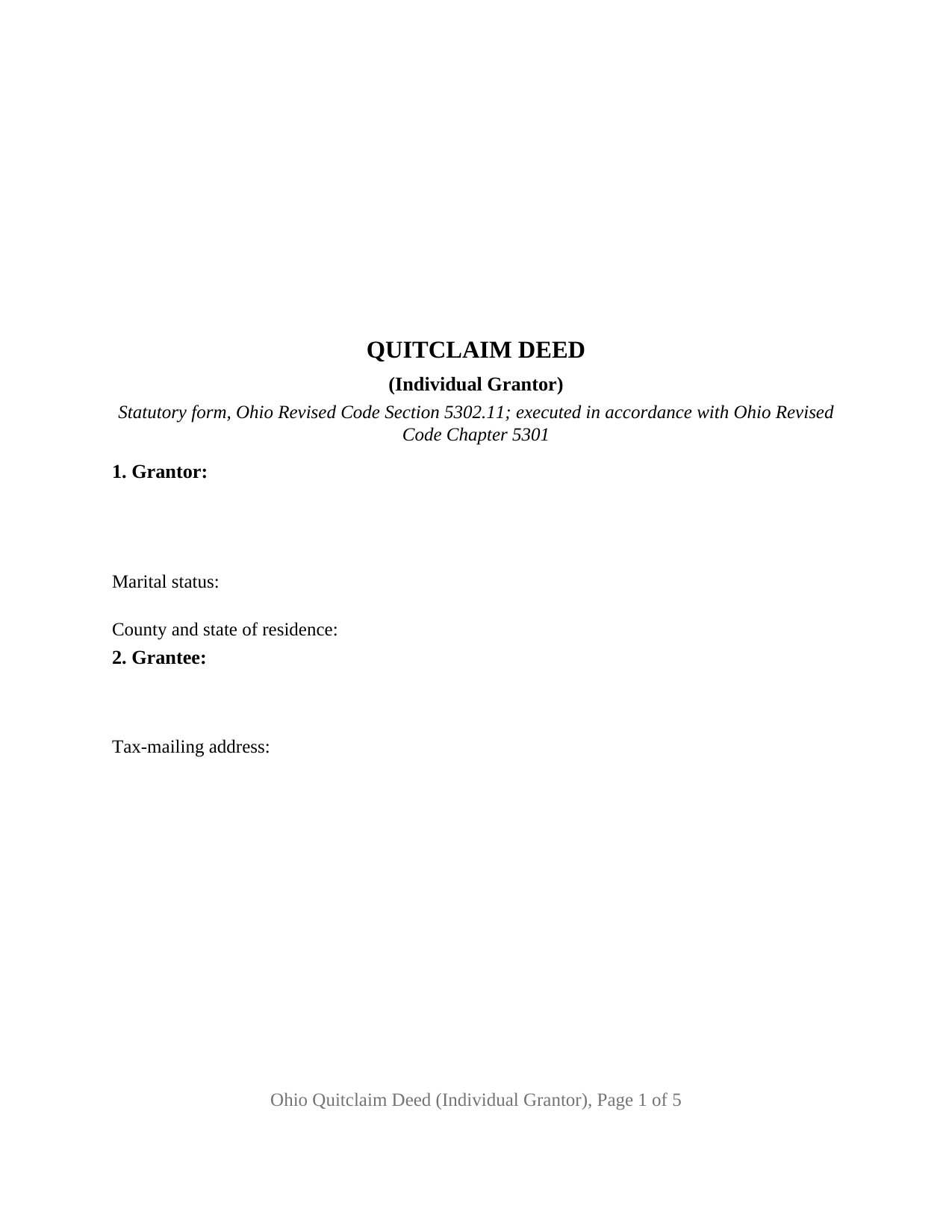
Williams County Quitclaim Deed (Individual Grantor) Form
Fill in the blank Quitclaim Deed (Individual Grantor) form formatted to comply with all Ohio recording and content requirements.
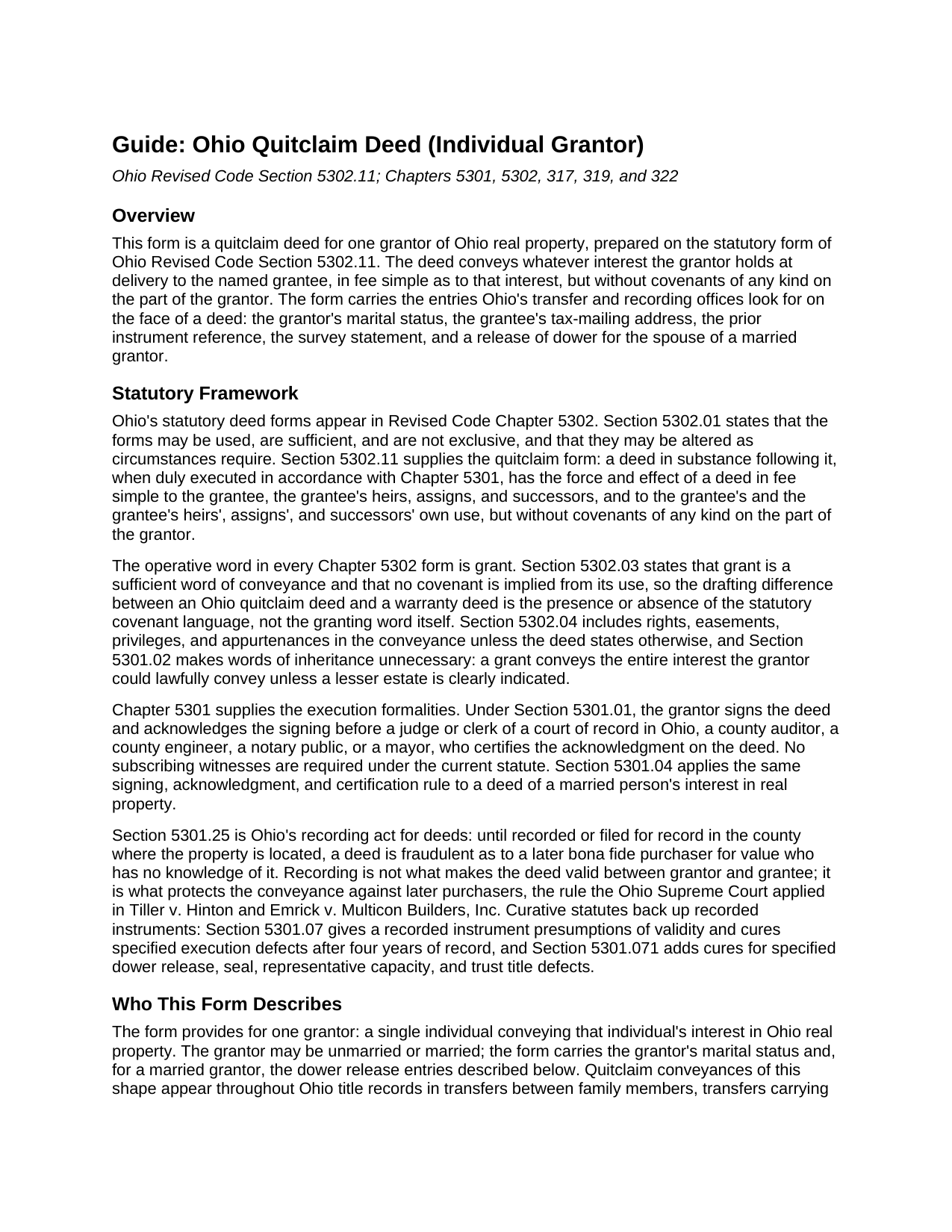
Williams County Quitclaim Deed (Individual Grantor) Guide
Line by line guide explaining every blank on the Quitclaim Deed (Individual Grantor) form.
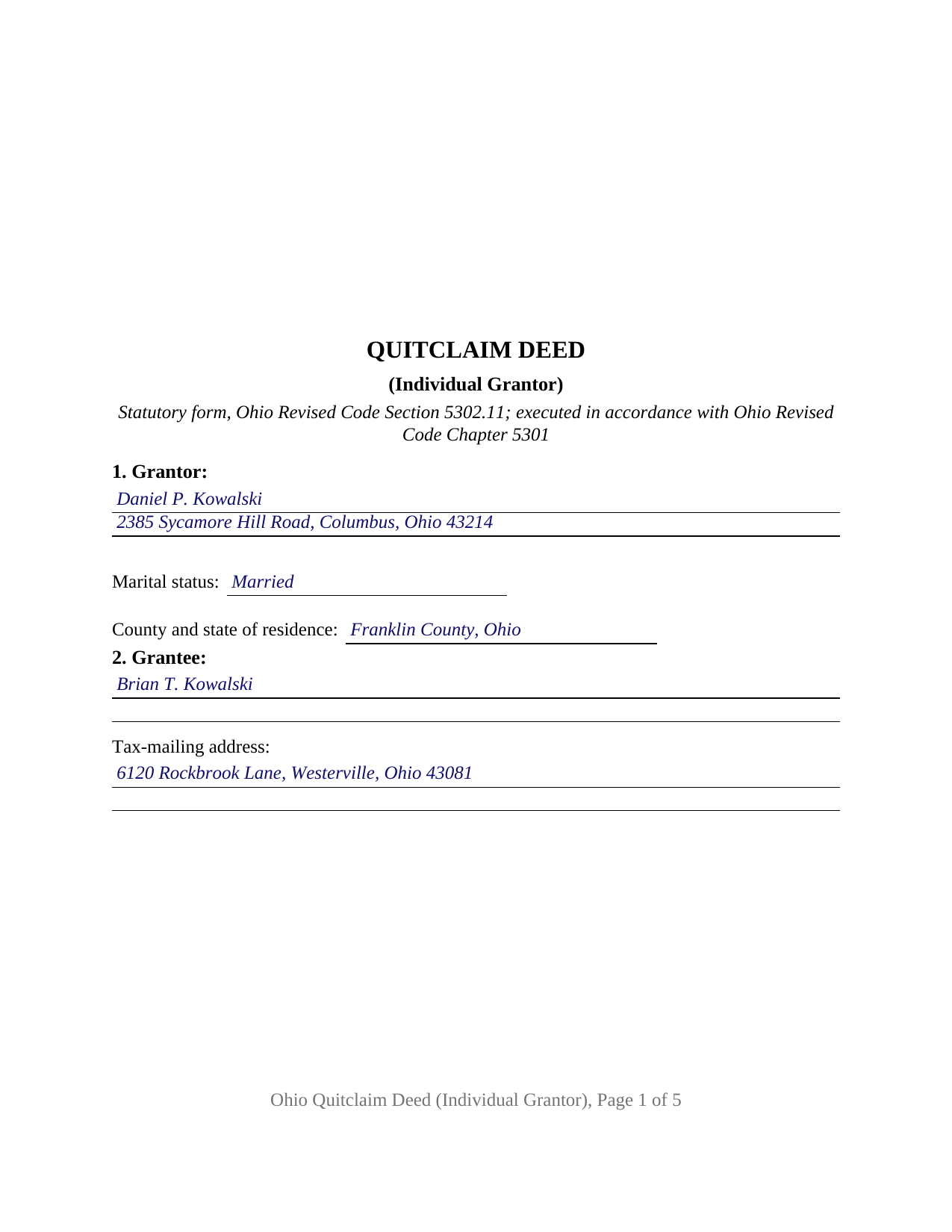
Williams County Completed Example of the Quitclaim Deed (Individual Grantor) Document
Example of a properly completed Ohio Quitclaim Deed (Individual Grantor) document for reference.
All 3 documents above included • One-time purchase • No recurring fees
Immediate Download • Secure Checkout
Additional Ohio and Williams County documents included at no extra charge:
Where to Record Your Documents
Williams County Recorder
Bryan, Ohio 43506
Hours: 8:30am to 4:30pm Monday through Friday / Recording until 4:15
Phone: 419-636-3259
Recording Tips for Williams County:
- Bring your driver's license or state-issued photo ID
- Ensure all signatures are in blue or black ink
- Both spouses typically need to sign if property is jointly owned
- Bring extra funds - fees can vary by document type and page count
- Check margin requirements - usually 1-2 inches at top
Cities and Jurisdictions in Williams County
Properties in any of these areas use Williams County forms:
- Alvordton
- Blakeslee
- Bryan
- Edgerton
- Edon
- Kunkle
- Montpelier
- Pioneer
- Stryker
- West Unity
Hours, fees, requirements, and more for Williams County
How do I get my forms?
Forms are available for immediate download after payment. The Williams County forms will be in your account ready to download to your computer. An account is created for you during checkout if you don't have one. Forms are NOT emailed.
Are these forms guaranteed to be recordable in Williams County?
Yes. Our form blanks are guaranteed to meet or exceed the applicable formatting requirements used for recording in Williams County, including margin requirements, font requirements, and other layout standards. This guarantee applies to formatting, not to the legal sufficiency of information entered by the user or the suitability of a form for a particular transaction.
Can I reuse these forms?
Yes. You can reuse the forms for your personal use. For example, if you have multiple properties in Williams County you only need to order once.
What do I need to use these forms?
The forms are PDFs that you fill out on your computer. The free Adobe Acrobat Reader is recommended, and most PDF apps also work. You do NOT enter your property information online - you download the blank forms and complete them privately on your own computer.
Are there any recurring fees?
No. This is a one-time purchase. Nothing to cancel, no memberships, no recurring fees.
How much does it cost to record in Williams County?
Recording fees in Williams County vary. Contact the recorder's office at 419-636-3259 for current fees.
Questions answered? Let's get started!
An Ohio quitclaim deed conveys whatever interest the grantor holds in real property, without covenants of any kind. This version of the form prepares that conveyance for a single grantor under Ohio Revised Code Section 5302.11, with the marital status line, the grantee's tax-mailing address, the prior instrument reference, and the release of dower entries that Ohio county transfer offices look for on the face of a deed.
A conveyance without covenants
Ohio wrote its quitclaim form into statute. A deed in substance following Section 5302.11, executed in accordance with Chapter 5301, has the force and effect of a deed in fee simple to the grantee, but without covenants of any kind on the part of the grantor. The word grant carries the conveyance, and Section 5302.03 confirms that no covenant is implied from it, so the grantee receives exactly the interest the grantor holds, subject to whatever encumbrances travel with the title. That mechanism is why this instrument, searched about as often as a quit claim deed as under its statutory spelling, appears constantly in Ohio family transfers, conveyances carrying out a divorce decree, corrective deeds, and transfers consolidating fractional interests in a single name.
One grantor, and the dower line Ohio still draws
The form recites a single grantor, states the grantor's marital status, and carries a numbered release of dower section with a second signature line and its own acknowledgment certificate. Ohio remains a dower state: Section 2103.02 of the Revised Code gives a spouse a life estate in one third of the real property of which the other spouse held an estate of inheritance during the marriage, so the deed of a married grantor conventionally carries the spouse's release, the sentence the statutory quitclaim form itself supplies. An unmarried grantor signs alone, and the dower entries stay blank. The form recites exactly one individual grantor; co-owner, entity, and fiduciary conveyances present different execution patterns.
No subscribing witnesses appear on the form, because Section 5301.01 requires signing and acknowledgment before a notary public or other authorized officer and nothing more. A printed name line sits under each signature, matching Section 317.11, which keeps an illegibly signed instrument out of the record unless the signer's name appears legibly beneath the signature.
The auditor comes before the recorder
Recording an Ohio deed is a two stop path. The deed goes first to the county auditor with a real property conveyance fee statement, form DTE 100, or the DTE 100EX exemption statement for transfers exempt under Section 319.54(G)(3). The auditor collects the statewide conveyance fee of ten cents per one hundred dollars of value, never less than one dollar, plus any county permissive transfer tax of up to thirty cents per one hundred dollars under Chapter 322, enters the transfer under Section 319.20, and stamps the deed; Section 317.22 keeps an unstamped deed of absolute conveyance out of the record. The county recorder then records it, at thirty-four dollars for the first two pages and eight dollars for each additional page under Sections 317.32 and 317.36, with a preservation surcharge of up to five dollars added in some counties.
The form is drawn to the standard document format of Section 317.114: a three inch blank top margin on the first page reserved for recording endorsements, one inch margins on the sides and bottom, an inch and a half at the top of later pages, and type above the statutory 10 point minimum, so it records without the twenty dollar nonstandard format fee. It also carries the two entries Section 319.20 requires before the auditor transfers a parcel, the grantee's tax-mailing address and the prior instrument reference, along with the Section 5301.25(B) survey statement line for a conveyance that follows a boundary survey.
What the download delivers
The purchase delivers three pieces: the Ohio quitclaim deed for an individual grantor as a fillable PDF, a completed example showing the deed filled in for a Franklin County fact pattern, and a plain language guide that walks through every numbered section, the signing and dower rules, the ways Ohio grantees may hold title, and the auditor and recorder steps in order. The materials describe Ohio law and this form in general terms; they are not legal advice.
Important: Your property must be located in Williams County to use these forms. Documents should be recorded at the county recording office listed above.
This Quitclaim Deed (Individual Grantor) meets all recording requirements specific to Williams County.
Our Promise
The documents you receive here are guaranteed to meet or exceed the applicable Williams County recording format requirements. If there is a rejection caused by our formatting, we will correct the issue or refund your payment. This guarantee applies to document formatting only and does not extend to information entered by the user, the selection of the form, or the legal effect of the completed document.
Save Time and Money
Get your Williams County Quitclaim Deed (Individual Grantor) form done right the first time with Deeds.com Uniform Conveyancing Blanks. At Deeds.com, we understand that your time and money are valuable resources, and we don't want you to face a penalty fee or rejection imposed by a county recorder for submitting nonstandard documents. We constantly review and update our forms to meet rapidly changing state and county recording requirements for roughly 3,500 counties and local jurisdictions.
4.8 out of 5 - ( 4,828 Reviews )
Griselle M. 5 out of 5 stars
Great service - it was my first time using the service and really recommend it. Due to COVID-19, my County Recorder's Office is closed and I was able to create the document using their vast templates, notarize it, and upload it into the system. The recording process took about 7 working days which is not bad considering that most people are working remotely. I will share this website and its many resources with my relatives and friends.
Thank you Griselle, glad we could help.
GISELLE G. 5 out of 5 stars
Quick and easy. I will definitely use this services again.
Thank you!
Bradley F. 5 out of 5 stars
WOW!!! Deeds.com came through with shinning colors. when I needed something recorded in a hurry and the county still shut down because of COVID, Deeds.com got the job done with very little trouble on my part and very quickly. I couldn't be happier. Will definitely recommend to anyone and everyone! Thank you to the staff for the quick work!
We appreciate your business and value your feedback. Thank you. Have a wonderful day!
Paul A. 4 out of 5 stars
The website worked fast but the information was limited and the actual deed of trust was what i was looking for from the county --- the info was limited the website is fast and seemed accurate just limited the information I needed
Thank you!
Patrick N. 5 out of 5 stars
Everything I expected. Faster and less expensive than my lawyer.
Thank you!
harriet l. 5 out of 5 stars
Worked very smoothly and got the job done
Thank you for your feedback. We really appreciate it. Have a great day!
Valarie H. 5 out of 5 stars
Thank you for offering this service. We were getting several different answers on how to solve our problem, and all of them involved getting an attorney. You saved us a ton of money and using your document made everything super easy...no attorney needed! Thank you!
Thank you for your feedback. We really appreciate it. Have a great day!
Hal M. 5 out of 5 stars
Very good, and easy and fast to use.
Thank you!
Blaine G. 3 out of 5 stars
Pretty good promissory note...but unable to delete some of the not needed stuff. Fill in blanks are fine but not all the template language is appropriate in my situation
Thank you for your feedback. We really appreciate it. Have a great day!
Annelie A. 1 out of 5 stars
Unfortunately the forms were not useful to me, I still had to go pay a lawyer to create a deed for me.
Thank you for your feedback. We really appreciate it. Have a great day!
Barbara S. 5 out of 5 stars
I had an issue due to the fact that I had many beneficiaries. I was and still am not sure how to handle this. We do have Adobe Pro and can modify the form, if needed. But I would like to talk to your organization for more information.
While we are unable to assist you specifically with completing the document we can note that this is addressed in the guide. Information that does not fit in the available space should be included in an exhibit page.
Kristen H. 5 out of 5 stars
This was such a money saver. I was told by someone at the courthouse that I had to have a lawyer prepare the paper work for my mom. They stated that family members couldn't prepare the papers. I was hopeful when I found that I could prepare the survivorship affidavit on Deeds. I was able to prepare everything myself and had no issues today when at the courthouse for all the changes. Thank you!
We appreciate your business and value your feedback. Thank you. Have a wonderful day!
Steven N. 5 out of 5 stars
I was introduced to Deeds.com from my title company. I wanted the title company to do a courtesy recording for me and they suggested Deeds.com. Best suggestion in a while. The interface to use the website was seemlessly easy. The communication with the service staff was thorough and prompt. After the initial verification process (which the photo app was a little tricky), everything was easy. Will use them again.
Your feedback is greatly appreciated. Thank you for taking the time to share your experience!
Carol M. 5 out of 5 stars
Great service
Thank you!
Tom L. 5 out of 5 stars
An excellent service that I would be happy to use again.
Thank you for your feedback. We really appreciate it. Have a great day!