Van Wert County Quitclaim Deed (Married Couple as Grantors) Form
Last validated October 5, 2026 by our Forms Development TeamFormatted for recording in Van Wert County, for property anywhere in the county: rural and unincorporated areas as well as Convoy, Elgin, Middle Point, Ohio City, Scott, Van Wert, Venedocia, Willshire and 1 more.
- 3 documents included
- Immediate PDF download
- Formatting guarantee
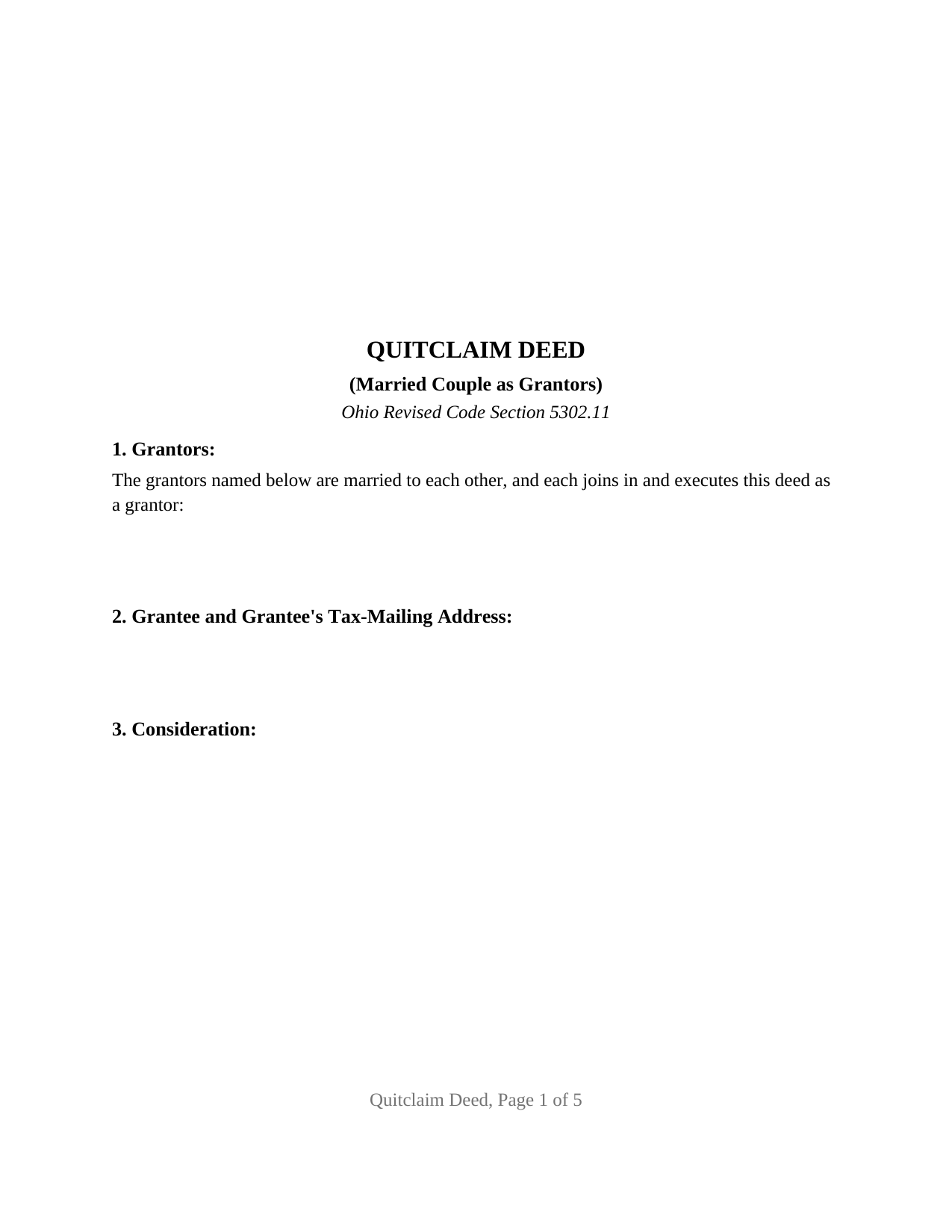
Van Wert County Quitclaim Deed (Married Couple as Grantors) Form
Fill in the blank Quitclaim Deed (Married Couple as Grantors) form formatted to comply with all Ohio recording and content requirements.
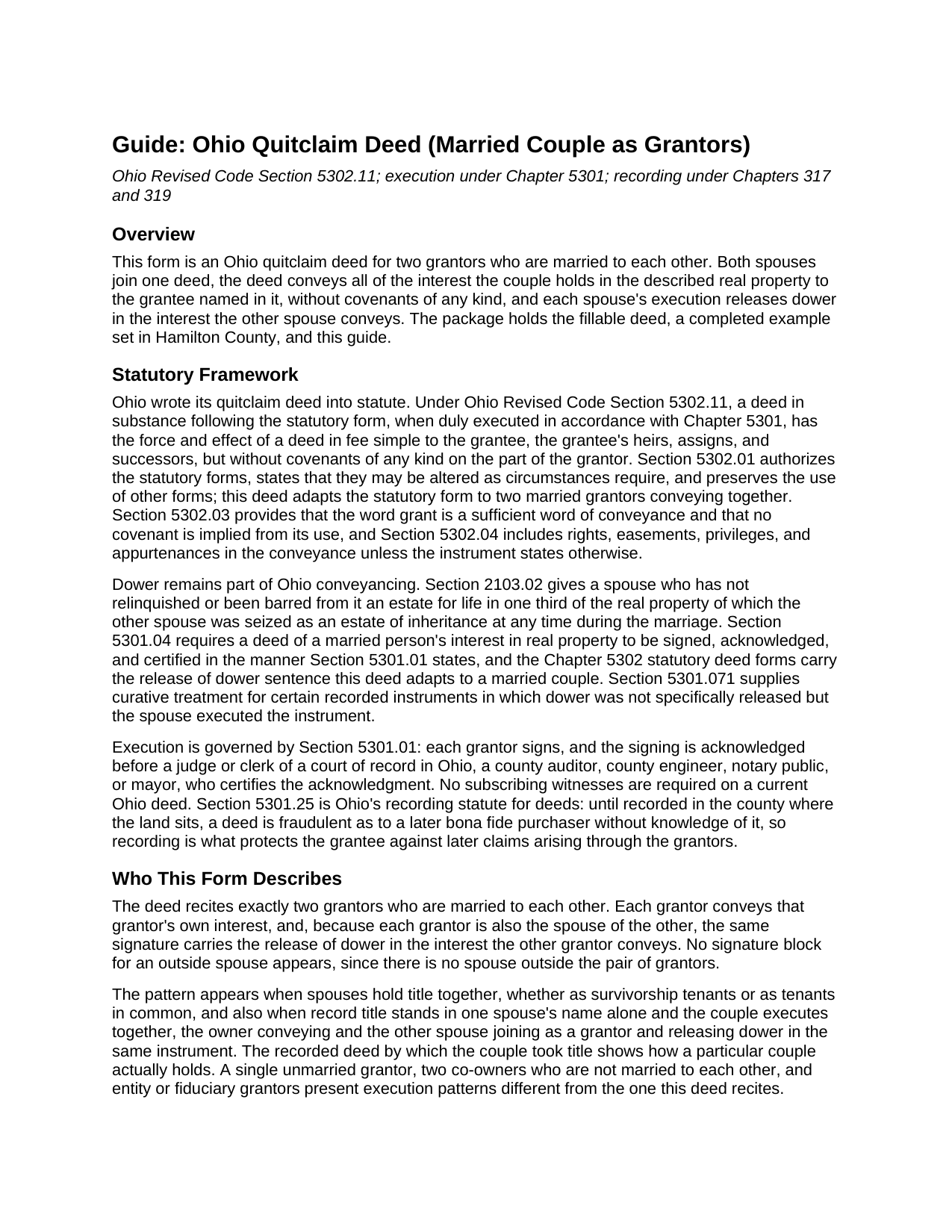
Van Wert County Quitclaim Deed (Married Couple as Grantors) Guide
Line by line guide explaining every blank on the Quitclaim Deed (Married Couple as Grantors) form.
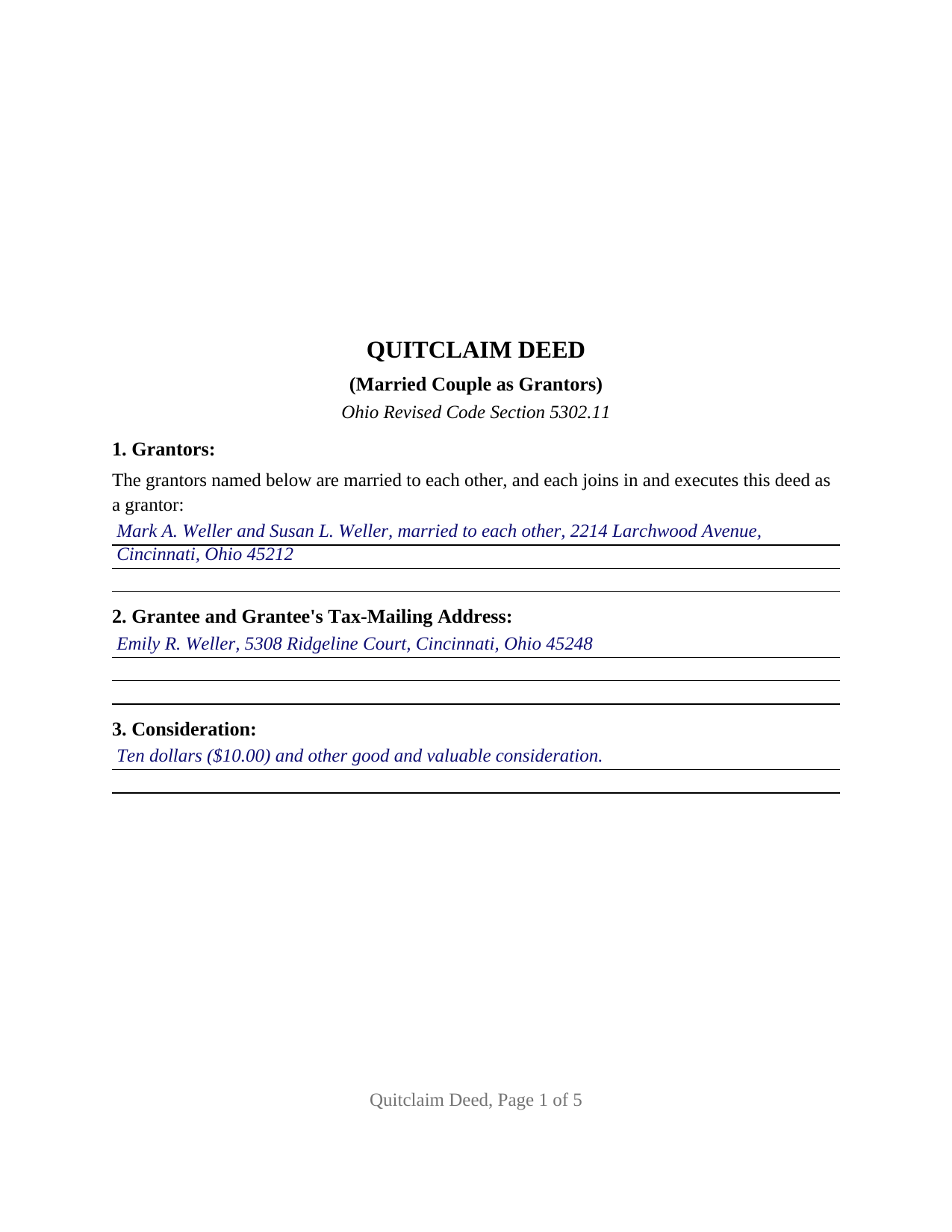
Van Wert County Completed Example of the Quitclaim Deed (Married Couple as Grantors) Document
Example of a properly completed Ohio Quitclaim Deed (Married Couple as Grantors) document for reference.
All 3 documents above included • One-time purchase • No recurring fees
Immediate Download • Secure Checkout
Additional Ohio and Van Wert County documents included at no extra charge:
Where to Record Your Documents
Van Wert County Recorder
Van Wert, Ohio 45891
Hours: 8:30 to 5:00 Monday; 8:30 - 4:00 Tuesday through Friday
Phone: 419-238-2558
Recording Tips for Van Wert County:
- Bring your driver's license or state-issued photo ID
- Ensure all signatures are in blue or black ink
- Ask for certified copies if you need them for other transactions
- Ask if they accept credit cards - many offices are cash/check only
- Check that your notary's commission hasn't expired
Cities and Jurisdictions in Van Wert County
Properties in any of these areas use Van Wert County forms:
- Convoy
- Elgin
- Middle Point
- Ohio City
- Scott
- Van Wert
- Venedocia
- Willshire
- Wren
Hours, fees, requirements, and more for Van Wert County
How do I get my forms?
Forms are available for immediate download after payment. The Van Wert County forms will be in your account ready to download to your computer. An account is created for you during checkout if you don't have one. Forms are NOT emailed.
Are these forms guaranteed to be recordable in Van Wert County?
Yes. Our form blanks are guaranteed to meet or exceed the applicable formatting requirements used for recording in Van Wert County, including margin requirements, font requirements, and other layout standards. This guarantee applies to formatting, not to the legal sufficiency of information entered by the user or the suitability of a form for a particular transaction.
Can I reuse these forms?
Yes. You can reuse the forms for your personal use. For example, if you have multiple properties in Van Wert County you only need to order once.
What do I need to use these forms?
The forms are PDFs that you fill out on your computer. The free Adobe Acrobat Reader is recommended, and most PDF apps also work. You do NOT enter your property information online - you download the blank forms and complete them privately on your own computer.
Are there any recurring fees?
No. This is a one-time purchase. Nothing to cancel, no memberships, no recurring fees.
How much does it cost to record in Van Wert County?
Recording fees in Van Wert County vary. Contact the recorder's office at 419-238-2558 for current fees.
Questions answered? Let's get started!
Ohio still recognizes dower, and a deed from a married couple answers the dower question twice. This quitclaim deed form is arranged for exactly that execution: two grantors who are married to each other convey Ohio real property together under Ohio Revised Code Section 5302.11, and each spouse's signature does double duty, conveying that spouse's own interest and releasing dower in the interest the other spouse conveys.
Two signatures, each doing double work
Section 2103.02 of the Revised Code gives each spouse a life estate in one third of the real property of which the other spouse holds an estate of inheritance during the marriage, and Section 5301.04 folds a married owner's conveyance into the ordinary signing and acknowledgment rules. On a deed whose two grantors are married to each other, that statutory picture collapses into something simple: the release of dower needs no third signer, no separate spouse signature line, and no extra certificate, because everyone whose dower could attach is already a grantor. The deed recites the marriage once and releases dower in both directions in a single sentence, the arrangement county transfer offices expect when a couple conveys together; Montgomery County's transfer checklist, for one, expressly asks after the grantor's marital status and the spouse's dower release on the face of a deed.
A quitclaim's reach when a couple conveys
The operative words stay statutory: for valuable consideration paid, the grantors grant to the grantee, whose tax-mailing address follows the name. A deed in substance following Section 5302.11 takes effect as a deed in fee simple but without covenants of any kind, so the grantee receives whatever the couple holds, however the couple holds it, whether the spouses took title as survivorship tenants, as tenants in common, or with record title standing in one name and dower attaching in the other. Spouses conveying a strip of their lot to the adjoining owner after a lot line survey, and a couple deeding unimproved acreage to a relative in a transfer the auditor treats as an exempt gift, present the married couple record this deed recites; the same instrument answers searches for a quit claim deed or the hyphenated quit-claim spelling. A sole grantor's deed, and deeds by co-owners with no marriage between them, follow other execution patterns.
Entries the transfer counter reads first
An Ohio deed earns recording in two stops, and this form carries the entry each stop reads. For the county auditor there are the tax-mailing address of the grantee and the reference to the prior recorded instrument, both under Section 319.20, plus a parcel number line and a consideration entry; the conveyance fee statement, DTE 100, or the exemption statement, DTE 100EX, travels alongside, and Section 317.22 holds the deed out of the record until the auditor's stamp appears on it. For the recorder, the page layout tracks the Section 317.114 standard document format, and the Section 5301.25(B) survey sentence has its own line for a conveyance following a fresh boundary survey. A printed name sits beneath each signature per Section 317.11, and the preparer statement of Section 317.111 closes the final page.
Notarization on the couple's schedule
Both spouses sign before a notary public or another officer Section 5301.01 authorizes, with no subscribing witnesses anywhere on the deed. The form carries an acknowledgment certificate for each grantor, so a couple may acknowledge at one sitting or separately, one spouse signing before a different notary in a different state while the other signs at home. Ohio permits a single certificate to name both signers; the per-grantor certificate layout is the form's own accommodation for signatures gathered apart, and Ohio's online notarization statutes, Sections 147.60 through 147.66, reach a deed like this one as well.
What arrives with the purchase
The download contains the married couple Ohio quitclaim deed as a fillable PDF, a completed example presenting a Hamilton County conveyance by two spouses to their adult daughter, and a plain language guide walking the numbered sections, the dower release mechanics, the forms in which grantees may take Ohio title, and the auditor and recorder steps in order. The materials describe this form and Ohio law in general terms and are not legal advice.
Important: Your property must be located in Van Wert County to use these forms. Documents should be recorded at the county recording office listed above.
This Quitclaim Deed (Married Couple as Grantors) meets all recording requirements specific to Van Wert County.
Our Promise
The documents you receive here are guaranteed to meet or exceed the applicable Van Wert County recording format requirements. If there is a rejection caused by our formatting, we will correct the issue or refund your payment. This guarantee applies to document formatting only and does not extend to information entered by the user, the selection of the form, or the legal effect of the completed document.
Save Time and Money
Get your Van Wert County Quitclaim Deed (Married Couple as Grantors) form done right the first time with Deeds.com Uniform Conveyancing Blanks. At Deeds.com, we understand that your time and money are valuable resources, and we don't want you to face a penalty fee or rejection imposed by a county recorder for submitting nonstandard documents. We constantly review and update our forms to meet rapidly changing state and county recording requirements for roughly 3,500 counties and local jurisdictions.
4.8 out of 5 - ( 4,830 Reviews )
Kerianne B. 5 out of 5 stars
I would definitely recommend Deeds.com. It was so easy! I wish we knew about them a long time ago.
Thank you for your feedback. We really appreciate it. Have a great day!
sandra f. 5 out of 5 stars
excellent transaction...very informative prior to purchase..
We appreciate your business and value your feedback. Thank you. Have a wonderful day!
Rick L. 5 out of 5 stars
I love it! Very convenience.
Thank you!
Shelba M. 3 out of 5 stars
The web site is alright, not the easiest to navigate and the wording on the papers could be simpler to understand.
Thank you for your feedback! We appreciate your input regarding the website's navigation and the wording on our documents. We'll definitely take your suggestions into account to improve the user experience and make the content more accessible and easier to understand. Your insights are valuable to us as we strive to enhance our services. If you have any further suggestions or concerns, please feel free to share them with us. Thank you again for your feedback!
Marie B. 5 out of 5 stars
Easily found what I needed. Very helpful. Downloaded the documents, saved to my computer and printed what I needed.
We appreciate your business and value your feedback. Thank you. Have a wonderful day!
Michael S. 5 out of 5 stars
So convenient.
Knowing our customers are happy is our top priority. Thank you for the wonderful feedback!
Howard T. 5 out of 5 stars
Easy to use and it is very user friendly.
Thank you!
fran g. 5 out of 5 stars
To hard for me. But with that being said it's a great option for most people.
Thank you!
Larry H. 5 out of 5 stars
Wow! So easy and such a cost savings. Thanks
Thanks Larry, we appreciate your feedback.
Donna S. 5 out of 5 stars
Very easy forms to fill out and convenient since my county does not carry these forms , great service .
Thank you for your feedback. We really appreciate it. Have a great day!
Jo Ellen H. 5 out of 5 stars
So very easy to fill out, very satisfied.
Thank you, Jo Ellen! We’re glad the form was easy to complete and that you’re satisfied. We appreciate your business.
Andrea H. 5 out of 5 stars
Easy! Reasonable cost over and above the actual recording cost. Will save me the time I would have spent driving to the county offices.
We appreciate your business and value your feedback. Thank you. Have a wonderful day!
Brian W. 5 out of 5 stars
Easy, but it would be nice if there was an option for font size. It looks tiny, like 6 or 8.
Thank you for your feedback. We really appreciate it. Have a great day!
Angela D. 5 out of 5 stars
The only problem I had was that it doesn't let you create a file for all documents to go into as one. Mahalo Angie
Thank you for your feedback. We really appreciate it. Have a great day!
Kathleen M. 5 out of 5 stars
Your Service was excellent. Very responsive. Thank you.
Thank you!