Marion County Quitclaim Deed (Two Grantors) Form
Last validated September 14, 2026 by our Forms Development TeamFormatted for recording in Marion County, for property anywhere in the county: rural and unincorporated areas as well as Caledonia, Green Camp, La Rue, Marion, Martel, Morral, New Bloomington, Prospect and 1 more.
- 3 documents included
- Immediate PDF download
- Formatting guarantee
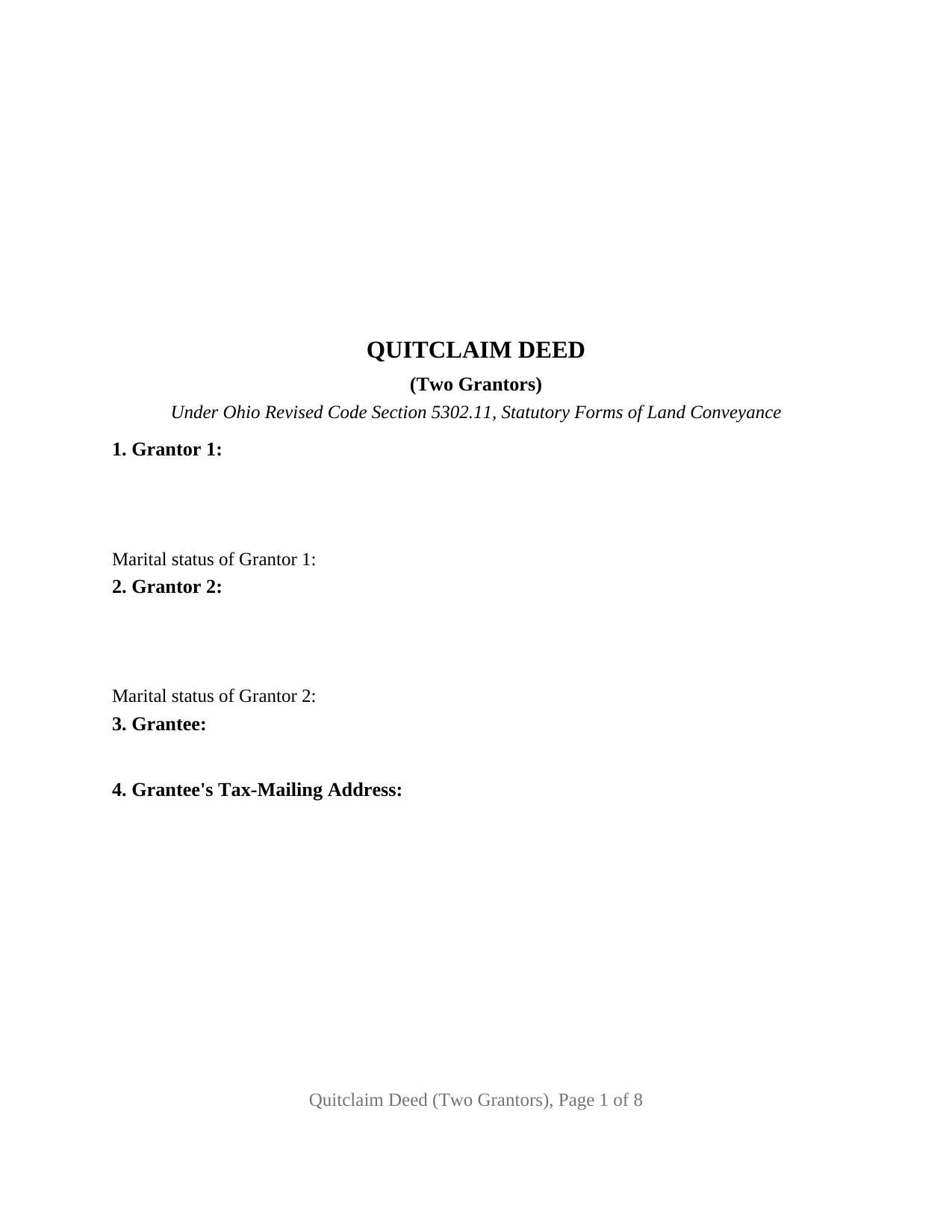
Marion County Quitclaim Deed (Two Grantors) Form
Fill in the blank Quitclaim Deed (Two Grantors) form formatted to comply with all Ohio recording and content requirements.
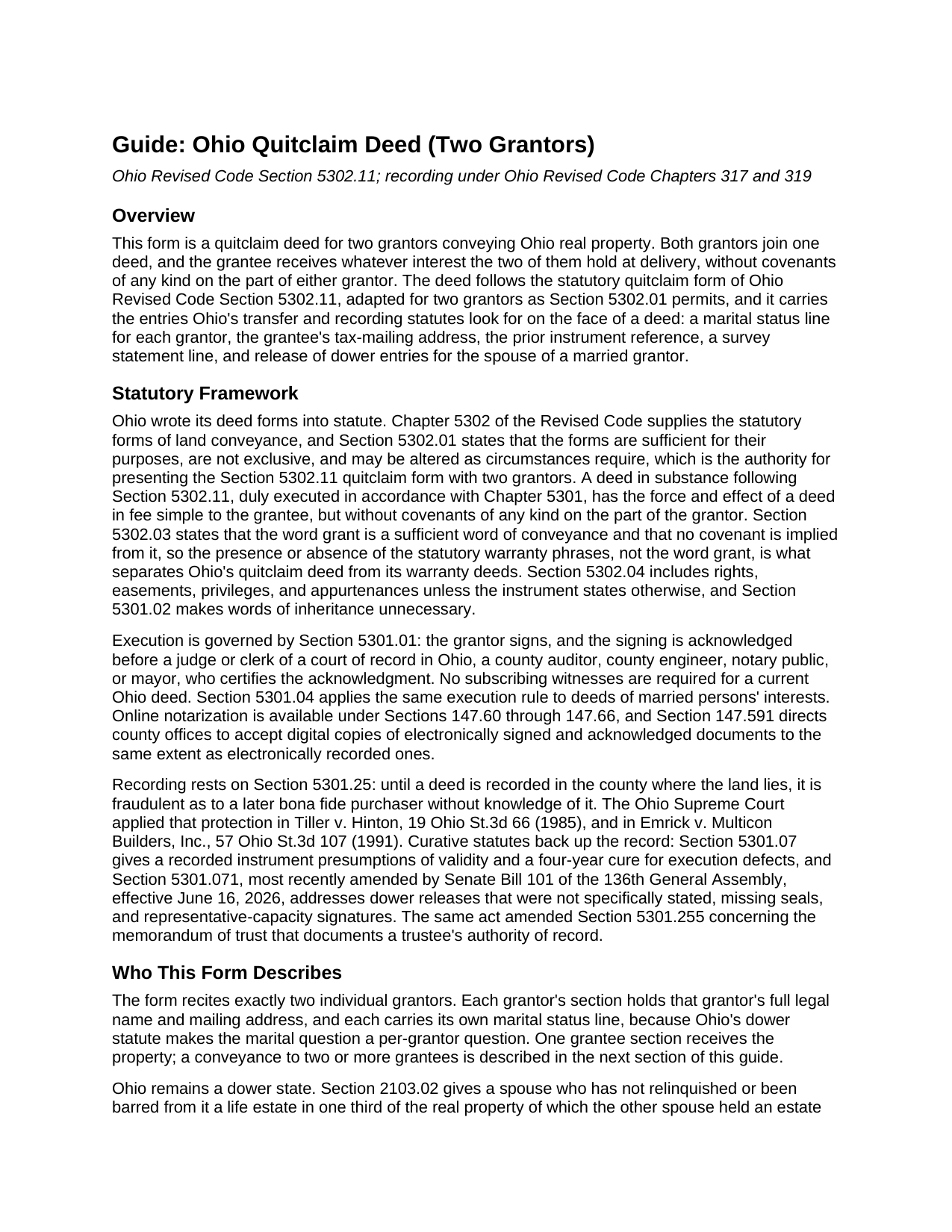
Marion County Quitclaim Deed (Two Grantors) Guide
Line by line guide explaining every blank on the Quitclaim Deed (Two Grantors) form.
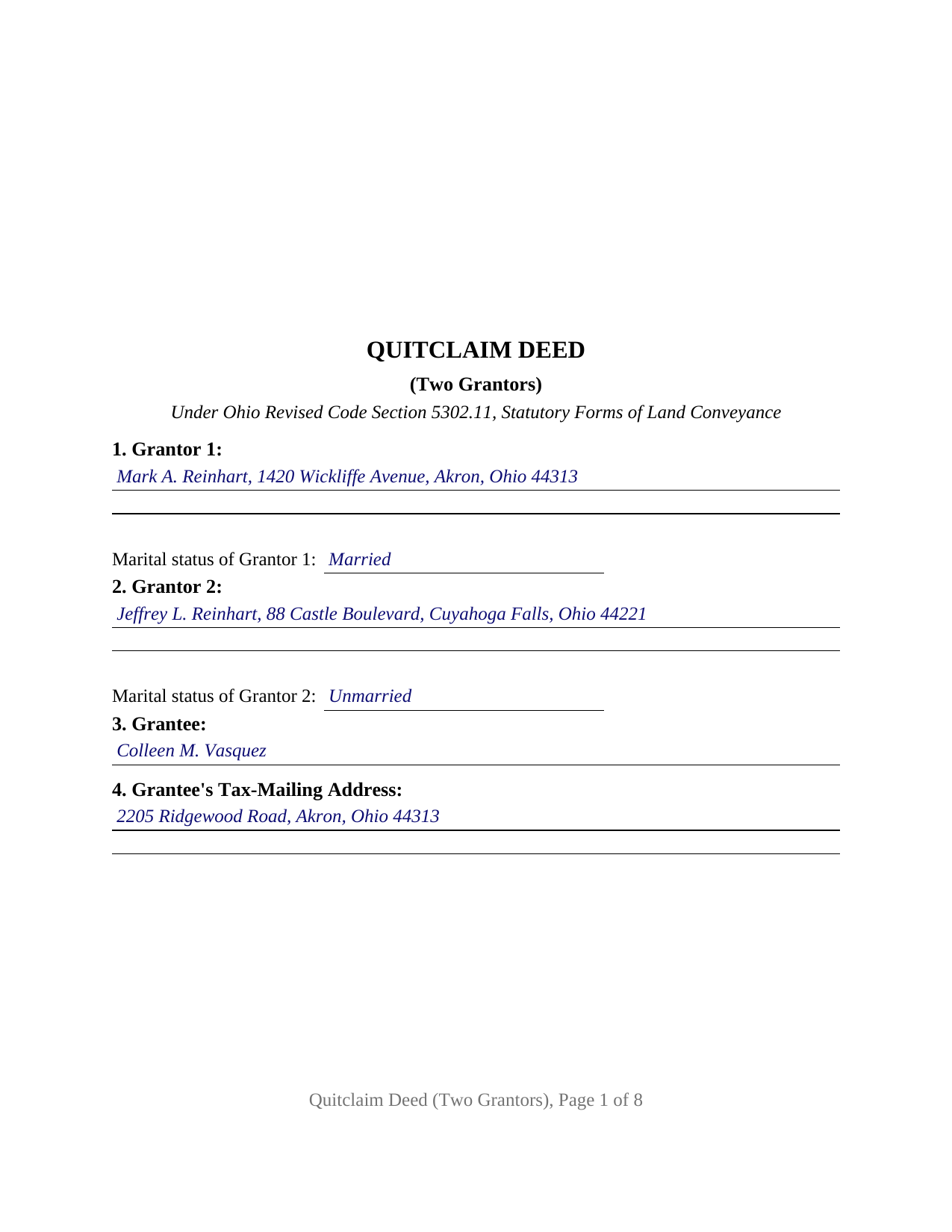
Marion County Completed Example of the Quitclaim Deed (Two Grantors) Document
Example of a properly completed Ohio Quitclaim Deed (Two Grantors) document for reference.
All 3 documents above included • One-time purchase • No recurring fees
Immediate Download • Secure Checkout
Additional Ohio and Marion County documents included at no extra charge:
Where to Record Your Documents
Marion County Recorder
Marion, Ohio 43302
Hours: 8:30am - 4:30pm M-F
Phone: 740-223-4100
Recording Tips for Marion County:
- Bring your driver's license or state-issued photo ID
- Ensure all signatures are in blue or black ink
- Make copies of your documents before recording - keep originals safe
- Recorded documents become public record - avoid including SSNs
- Recording fees may differ from what's posted online - verify current rates
Cities and Jurisdictions in Marion County
Properties in any of these areas use Marion County forms:
- Caledonia
- Green Camp
- La Rue
- Marion
- Martel
- Morral
- New Bloomington
- Prospect
- Waldo
Hours, fees, requirements, and more for Marion County
How do I get my forms?
Forms are available for immediate download after payment. The Marion County forms will be in your account ready to download to your computer. An account is created for you during checkout if you don't have one. Forms are NOT emailed.
Are these forms guaranteed to be recordable in Marion County?
Yes. Our form blanks are guaranteed to meet or exceed the applicable formatting requirements used for recording in Marion County, including margin requirements, font requirements, and other layout standards. This guarantee applies to formatting, not to the legal sufficiency of information entered by the user or the suitability of a form for a particular transaction.
Can I reuse these forms?
Yes. You can reuse the forms for your personal use. For example, if you have multiple properties in Marion County you only need to order once.
What do I need to use these forms?
The forms are PDFs that you fill out on your computer. The free Adobe Acrobat Reader is recommended, and most PDF apps also work. You do NOT enter your property information online - you download the blank forms and complete them privately on your own computer.
Are there any recurring fees?
No. This is a one-time purchase. Nothing to cancel, no memberships, no recurring fees.
How much does it cost to record in Marion County?
Recording fees in Marion County vary. Contact the recorder's office at 740-223-4100 for current fees.
Questions answered? Let's get started!
Ohio real property held in two names leaves the record in one instrument when both owners join a single deed. This quitclaim deed form is built for that execution pattern: two grantors conveying together under Ohio Revised Code Section 5302.11, each with a marital status entry, a signature block, and an acknowledgment certificate of their own, plus release of dower entries covering the spouse of either grantor. The grantee takes whatever interest the two grantors hold, without covenants of any kind.
Two grantors, one conveyance
Section 5302.11 supplies Ohio's statutory quitclaim form, and Section 5302.01 lets the statutory forms be altered as circumstances require, which is exactly what a two-owner conveyance calls for. The operative words stay statutory: for valuable consideration paid, the grantors grant to the grantee, and under Section 5302.03 the word grant implies no covenant, so the deed passes each grantor's interest as it stands. Buyers searching for a quit claim deed, or for the hyphenated quit-claim spelling Ohio's code itself uses, find the same instrument under every spelling. Two siblings conveying inherited acreage to a single buyer, co-owners winding up a shared rental, and a couple moving jointly held land into a family trust all present the two-grantor record this deed recites; a sole owner's conveyance, and entity or fiduciary grantors, follow different execution patterns than the two-individual pattern set up here.
Two marital status lines, two dower questions
Because dower survives in Ohio under Section 2103.02 of the Revised Code, a deed with two grantors asks the marital question twice. Each grantor's section carries its own marital status entry, and the release of dower section provides a signature block and a matching certificate for the spouse of each married grantor, who joins under Section 5301.04 to release the statutory life estate in one third of the real property of which a married owner held an estate of inheritance during the marriage. Where a grantor is unmarried, that grantor's spouse blocks simply stay empty. The face of the deed also carries the entries Ohio's transfer statutes expect: the grantee's tax-mailing address and the prior instrument reference under Section 319.20, and the survey statement line of Section 5301.25(B).
Four certificates, gathered on any schedule
Ohio law does not require a separate acknowledgment certificate for each signer; one certificate naming every person who appeared before the officer satisfies Section 147.542. The form nevertheless carries a certificate for each of its four possible signers, two grantors and two releasing spouses, so signatures can be collected on different days, before different notaries, or in different states, a practical matter when co-owners no longer live in the same place. No subscribing witnesses appear anywhere on the deed, Section 5301.01 asking only for signing and acknowledgment, and a printed name line under each signature keeps Section 317.11 satisfied.
Built for the auditor's counter and the recorder's scanner
An Ohio deed earns its auditor stamp before it earns a file number. The county auditor processes the conveyance fee statement, DTE 100, or the DTE 100EX exemption statement under Section 319.54(G)(3), collects the statewide fee of one dollar per thousand dollars of value together with any county transfer tax of up to three dollars per thousand, and endorses the transfer; Section 317.22 holds an unstamped deed of absolute conveyance out of the record. The recorder's charge starts at thirty-four dollars covering two pages, eight dollars each page after, and a handful of counties stack a preservation surcharge of as much as five dollars on top. The document geometry tracks Section 317.114 throughout, from the three inch recording reserve on page one down to the type size floor, so the twenty dollar nonstandard format fee never enters the math.
Inside the package
The download holds three items: the two-grantor Ohio quitclaim deed as a fillable PDF, a completed example recording a Summit County transfer by one married and one unmarried co-owner, and a section-by-section guide covering the entries, the dower release mechanics, the forms of ownership Ohio grantees may take, and the path from auditor to recorder. The materials describe the form and Ohio law generally; they are not legal advice.
Important: Your property must be located in Marion County to use these forms. Documents should be recorded at the county recording office listed above.
This Quitclaim Deed (Two Grantors) meets all recording requirements specific to Marion County.
Our Promise
The documents you receive here are guaranteed to meet or exceed the applicable Marion County recording format requirements. If there is a rejection caused by our formatting, we will correct the issue or refund your payment. This guarantee applies to document formatting only and does not extend to information entered by the user, the selection of the form, or the legal effect of the completed document.
Save Time and Money
Get your Marion County Quitclaim Deed (Two Grantors) form done right the first time with Deeds.com Uniform Conveyancing Blanks. At Deeds.com, we understand that your time and money are valuable resources, and we don't want you to face a penalty fee or rejection imposed by a county recorder for submitting nonstandard documents. We constantly review and update our forms to meet rapidly changing state and county recording requirements for roughly 3,500 counties and local jurisdictions.
4.8 out of 5 - ( 4,829 Reviews )
Lisa J. 5 out of 5 stars
I ordered a Lis Pendens form and it was exactly what I needed. Saved me a lot of time since I am self representing. Already filed it at courthouse! No problem!
Thank you for your feedback. We really appreciate it. Have a great day!
Courtney V. 3 out of 5 stars
I didn't have a chance to judge your services because I received a message saying that my requested title could not be searched. I will say, the website is easy to navigate. I'm not sure how many who use these services are laymen, but I would suggest adding a detailed explanation of each service. I had to Google the difference between each type of title search, but I might just be more uninformed than the average person, or I just didn't see it on your website
Thank you for your feedback. We really appreciate it. Have a great day!
darryl c. 5 out of 5 stars
very easy to use website
Thank you!
Michael T. 5 out of 5 stars
Quick, simple and easy.
Thank you!
SHIRLEY H. 3 out of 5 stars
I like that they have all the forms, but I could not find it they would submit the forms to the recorders office
Thank you!
Kimberly G. 3 out of 5 stars
It would be helpful if there were a specific example of putting a deed into a trust. Also, the limitation of characters on the description of the property was not enough.
Thank you for your feedback. We really appreciate it. Have a great day!
Terry W. 5 out of 5 stars
Loved it no recurring fees easy to use your app
Thank you!
David D. 5 out of 5 stars
Two thumbs up!
Thank you!
Tajsha N. 5 out of 5 stars
I would absolutely use this service again. It was very convenient and I was pleasantly surprised at how responsive the staff was letting me know updates to my recording package. Also, my documents recorded immediately. I did have trouble uploading my document in the beginning because I didn't realize it had to be a pdf file. Once I figured that out, it was immediately accepted. Great service!
We appreciate your business and value your feedback. Thank you. Have a wonderful day!
Dave W. 5 out of 5 stars
Very handy when clueless about filling out a form. Saved hours of research.
Your appreciative words mean the world to us. Thank you and we look forward to serving you again!
W J C. 5 out of 5 stars
Good documents. Very helpful.
Thank you!
Carol C. 5 out of 5 stars
Thanks. So easy to navigate. Also very useful. I recommend.
We appreciate your business and value your feedback. Thank you. Have a wonderful day!
Thomas F. 5 out of 5 stars
Very convenient!
Thank you!
Francine B. 5 out of 5 stars
Looks like all forms are available. Hope they are as easy to use as it was to obtain. Thank you.
We appreciate your business and value your feedback. Thank you. Have a wonderful day!
Don M. 5 out of 5 stars
ONCE A PERSON STARTS THE PROCESS, IT IS QUITE EASY, THE PROCESS THAT IS.
We appreciate your business and value your feedback. Thank you. Have a wonderful day!