Cuyahoga County Unconditional Lien Waiver Form
Last validated October 30, 2026 by our Forms Development TeamFormatted for recording in Cuyahoga County, for property anywhere in the county: rural and unincorporated areas as well as Bay Village, Beachwood, Bedford, Berea, Brecksville, Broadview Heights, Brook Park, Chagrin Falls and 13 more.
- 3 documents included
- Immediate PDF download
- Formatting guarantee

Cuyahoga County Unconditional Lien Waiver Form
Fill in the blank Unconditional Lien Waiver form formatted to comply with all Ohio recording and content requirements.
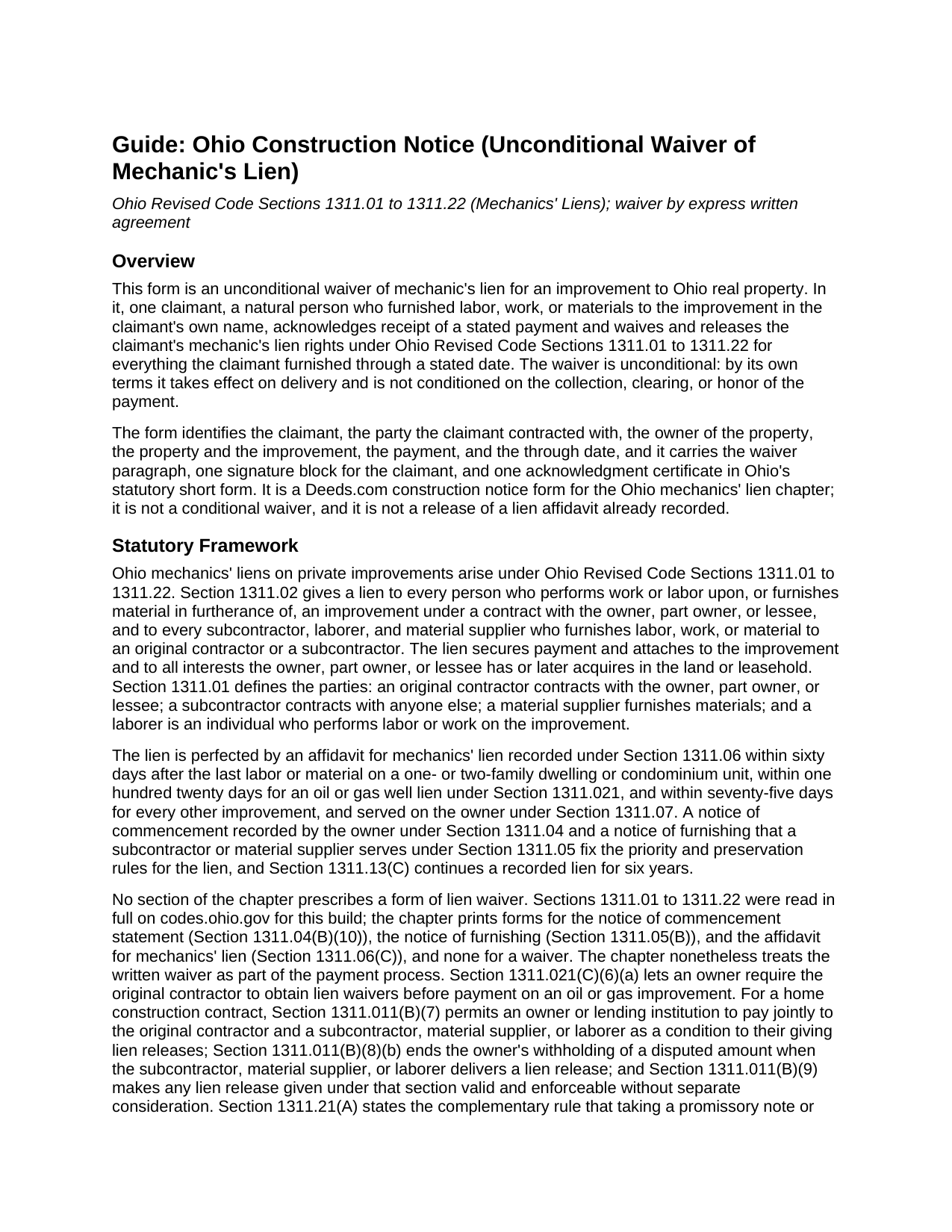
Cuyahoga County Unconditional Lien Waiver Guide
Line by line guide explaining every blank on the Unconditional Lien Waiver form.
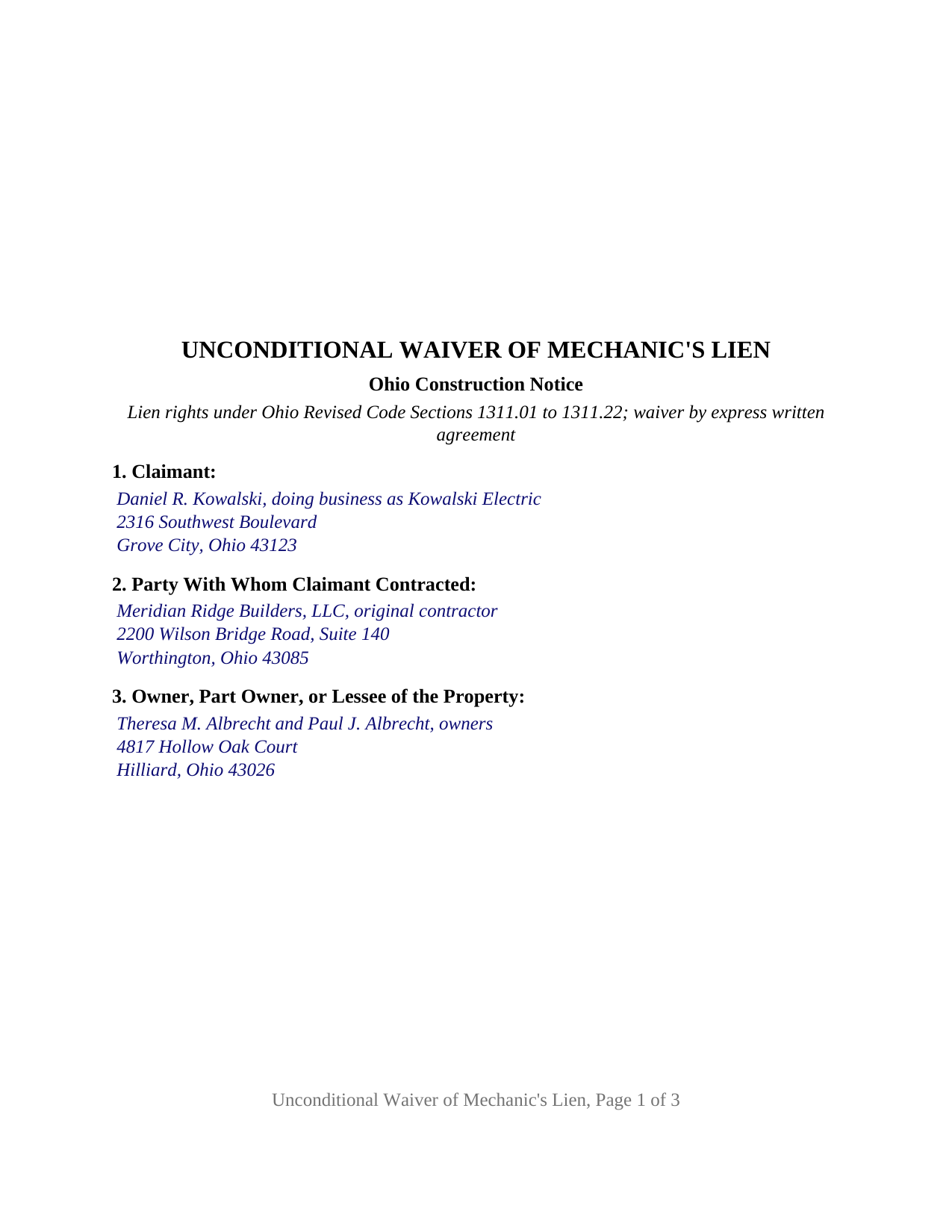
Cuyahoga County Completed Example of the Unconditional Lien Waiver Document
Example of a properly completed Ohio Unconditional Lien Waiver document for reference.
All 3 documents above included • One-time purchase • No recurring fees
Immediate Download • Secure Checkout
Additional Ohio and Cuyahoga County documents included at no extra charge:
Where to Record Your Documents
Cuyahoga County Fiscal Office: Transfer and Recording Department
Cleveland, Ohio 44115
Hours: 8:30 to 4:30 M-F
Phone: 216-443-7020
Recording Tips for Cuyahoga County:
- Bring your driver's license or state-issued photo ID
- Ensure all signatures are in blue or black ink
- White-out or correction fluid may cause rejection
- Ask about their eRecording option for future transactions
- Avoid the last business day of the month when possible
Cities and Jurisdictions in Cuyahoga County
Properties in any of these areas use Cuyahoga County forms:
- Bay Village
- Beachwood
- Bedford
- Berea
- Brecksville
- Broadview Heights
- Brook Park
- Chagrin Falls
- Cleveland
- Euclid
- Gates Mills
- Independence
- Lakewood
- Maple Heights
- North Olmsted
- North Royalton
- Olmsted Falls
- Rocky River
- Solon
- Strongsville
- Westlake
Hours, fees, requirements, and more for Cuyahoga County
How do I get my forms?
Forms are available for immediate download after payment. The Cuyahoga County forms will be in your account ready to download to your computer. An account is created for you during checkout if you don't have one. Forms are NOT emailed.
Are these forms guaranteed to be recordable in Cuyahoga County?
Yes. Our form blanks are guaranteed to meet or exceed the applicable formatting requirements used for recording in Cuyahoga County, including margin requirements, font requirements, and other layout standards. This guarantee applies to formatting, not to the legal sufficiency of information entered by the user or the suitability of a form for a particular transaction.
Can I reuse these forms?
Yes. You can reuse the forms for your personal use. For example, if you have multiple properties in Cuyahoga County you only need to order once.
What do I need to use these forms?
The forms are PDFs that you fill out on your computer. The free Adobe Acrobat Reader is recommended, and most PDF apps also work. You do NOT enter your property information online - you download the blank forms and complete them privately on your own computer.
Are there any recurring fees?
No. This is a one-time purchase. Nothing to cancel, no memberships, no recurring fees.
How much does it cost to record in Cuyahoga County?
Recording fees in Cuyahoga County vary. Contact the recorder's office at 216-443-7020 for current fees.
Questions answered? Let's get started!
An Ohio unconditional waiver of mechanic's lien gives up a claimant's lien rights the moment it is delivered, whether or not the check behind it ever clears. This form prepares that waiver for one claimant, a natural person who furnished labor, work, or materials to an improvement on Ohio real property in the claimant's own name, releasing the claimant's lien rights under Ohio Revised Code Sections 1311.01 to 1311.22 for everything furnished through a stated date in exchange for a stated payment.
A waiver that does not wait for the check to clear
The word unconditional is the whole point of this document. The waiver paragraph acknowledges receipt of the payment entered in Section 5 and states that the waiver takes effect on delivery and is not conditioned on the collection, clearing, or honor of any check or other payment. A conditional waiver holds its effect back until the money arrives; this one does not, which is why a paying party asks for the unconditional lien waiver after funds have actually moved.
Two entries fix the reach of the waiver
Ohio prescribes no lien waiver form. Sections 1311.01 to 1311.22 print forms for the notice of commencement, the notice of furnishing, and the lien affidavit, and leave the waiver to the parties' written agreement; Section 1311.21(A) adds that taking a note or other security waives nothing absent a written agreement that it does. Ohio courts read that agreement by its plain words. In Thompson Thrift Constr. v. Lynn, 2017-Ohio-1530, the Fifth District held that partial unconditional waivers released the labor and materials due and owing through their effective dates and left untouched the retainage and change-order amounts that had not yet come due. The two entries that fix the reach of this form are therefore the amount of payment received and the through date. The waiver paragraph ties itself to both, states that nothing furnished after the through date is waived, and states that retainage not included in the payment and not yet due on that date is not waived.
What the form recites
The form is set up for one claimant signing in the claimant's own right, including an individual doing business under a trade name, and it carries one signature block headed CLAIMANT and one acknowledgment certificate in the individual short form of Revised Code Section 147.55(A), with the venue, signature, printed name, and commission details Section 147.542(F) lists. Sections 1 through 3 identify the claimant, the party the claimant contracted with, and the owner, part owner, or lessee; Section 4 locates the land and describes the improvement; Section 5 holds the payment and the through date; and Section 6 is the fixed waiver paragraph with no blanks. The claimant may be an original contractor, subcontractor, material supplier, or laborer. A corporation or limited liability company signing through an officer or member, an attorney-in-fact, or two claimants on one waiver each present a different pattern from the one this form recites. No Ohio statute sets an execution formality for a lien waiver; the acknowledgment certificate is house architecture, not a statutory requirement.
Delivered, not recorded
A lien waiver in Ohio does its work by delivery. The lien chapter describes the lien release as a document the claimant gives to the owner, original contractor, or lender in the course of payment, and for a home construction contract Section 1311.011(B)(9) makes a lien release valid and enforceable without separate consideration. Nothing in the chapter requires a waiver to be recorded, the recorder's list in Section 317.08(A) names mechanic's lien affidavits but not waivers, and Section 317.13(B)(1) lets a recorder decline a document the Revised Code does not authorize for record. The form is nonetheless drawn to the Section 317.114 recording format, with a three inch blank top margin on page one and twelve point type, and carries the Section 317.111 preparer block. Where an affidavit for mechanics' lien is already of record, clearing the record takes a release under Section 1311.20, which is prepared and recorded separately and is not included in this package.
The package includes the fillable waiver form, a completed example filled in for a Franklin County electrical subcontract, and the guide that walks through every numbered section, the Ohio lien statutes the waiver operates under, and how the signed waiver is delivered. The description and the guide describe the form and the governing law in general terms; they are not legal advice.
Important: Your property must be located in Cuyahoga County to use these forms. Documents should be recorded at the county recording office listed above.
This Unconditional Lien Waiver meets all recording requirements specific to Cuyahoga County.
Our Promise
The documents you receive here are guaranteed to meet or exceed the applicable Cuyahoga County recording format requirements. If there is a rejection caused by our formatting, we will correct the issue or refund your payment. This guarantee applies to document formatting only and does not extend to information entered by the user, the selection of the form, or the legal effect of the completed document.
Save Time and Money
Get your Cuyahoga County Unconditional Lien Waiver form done right the first time with Deeds.com Uniform Conveyancing Blanks. At Deeds.com, we understand that your time and money are valuable resources, and we don't want you to face a penalty fee or rejection imposed by a county recorder for submitting nonstandard documents. We constantly review and update our forms to meet rapidly changing state and county recording requirements for roughly 3,500 counties and local jurisdictions.
4.8 out of 5 - ( 4,845 Reviews )
Tammy B. 5 out of 5 stars
I am so happy that I was able to get these forms. So simple to get and seems like will be easy to fill out . Thank you
We appreciate your business and value your feedback. Thank you. Have a wonderful day!
RUSSELL E. 5 out of 5 stars
The process sure was easy and fast. Not sure why a rep would question why I am requesting an exhibit page on the Deed when that's a common practice here in AZ. They recorded it the way I sent it so all good.
Thank you!
Allan y. 5 out of 5 stars
I liked the guide and example to follow to fill out the form. Very helpful!!
Thank you!
Jennifer K. 5 out of 5 stars
User friendly!
Thank you!
Carolyn N. 5 out of 5 stars
It worked! It was exactly what I needed and was easily understood.
Thank you!
Charlie T. 5 out of 5 stars
I really like the service and will be definitely be using it again to submit future deeds.
Thank you!
Lisa M. 5 out of 5 stars
This site was awesome And received what I wanted the same day.
Thank you for your feedback. We really appreciate it. Have a great day!
Robert O. 5 out of 5 stars
A very easy site to use and got the documents that I needed without any problems. Would highly recommend this site.
Thank you Robert, Have a great day!
Brenda K R. 5 out of 5 stars
Hello, I like how easy the form is to follow. I'm unsure however of how to proceed as what I am trying to do is have my name added to the deed so in event of death I have ownership.
Thank you for your feedback. We really appreciate it. Have a great day!
Cessaly D H. 5 out of 5 stars
Excellent service bc you create your own account and have immediate access to documents!
We appreciate your business and value your feedback. Thank you. Have a wonderful day!
Robert H. 5 out of 5 stars
I am very pleased with your service.
Thank you!
ray r. 5 out of 5 stars
excellent service
Thank you!
Georgana T. 3 out of 5 stars
Not clear information on ownership, which is what I wanted.
Sorry to hear that we were unable to find the information you need Georgana. Your account has been credited. Have a wonderful day.
Michael S. 5 out of 5 stars
So easy.
Happy we could assist. Thank you for sharing your experience.
Annette H. 5 out of 5 stars
Clear directions. Giving a sample filled-in set of forms was great! Economical cost. Will refer others & use Deeds.com again.
We appreciate your business and value your feedback. Thank you. Have a wonderful day!