Ottawa County Mineral Deed with Quitclaim Covenants Form
Last validated October 5, 2026 by our Forms Development TeamFormatted for recording in Ottawa County, for property anywhere in the county: rural and unincorporated areas as well as Afton, Bluejacket, Cardin, Commerce, Fairland, Miami, North Miami, Picher and 2 more.
- 3 documents included
- Immediate PDF download
- Formatting guarantee
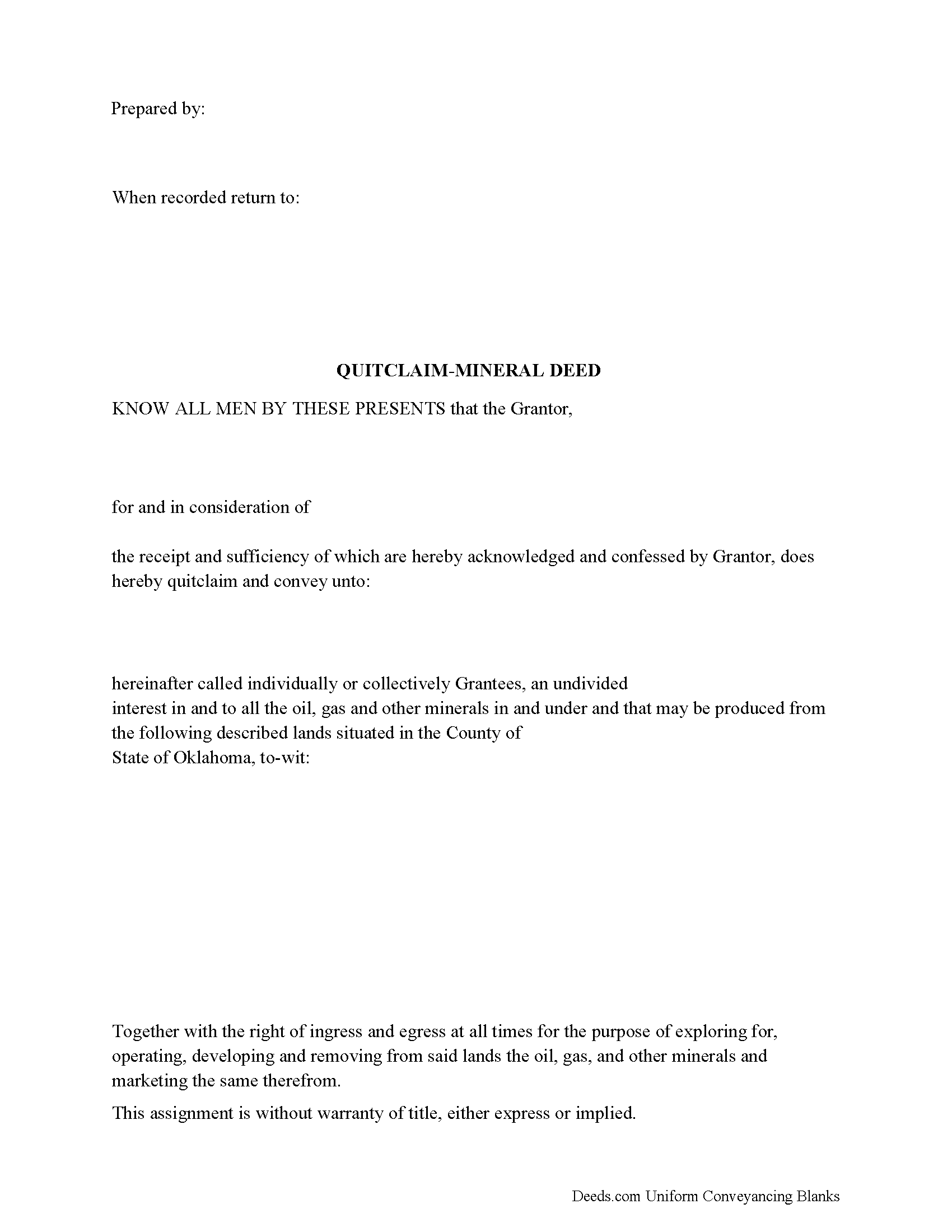
Ottawa County Mineral Deed with Quitclaim Covenants Form
Fill in the blank Mineral Deed with Quitclaim Covenants form formatted to comply with all Oklahoma recording and content requirements.
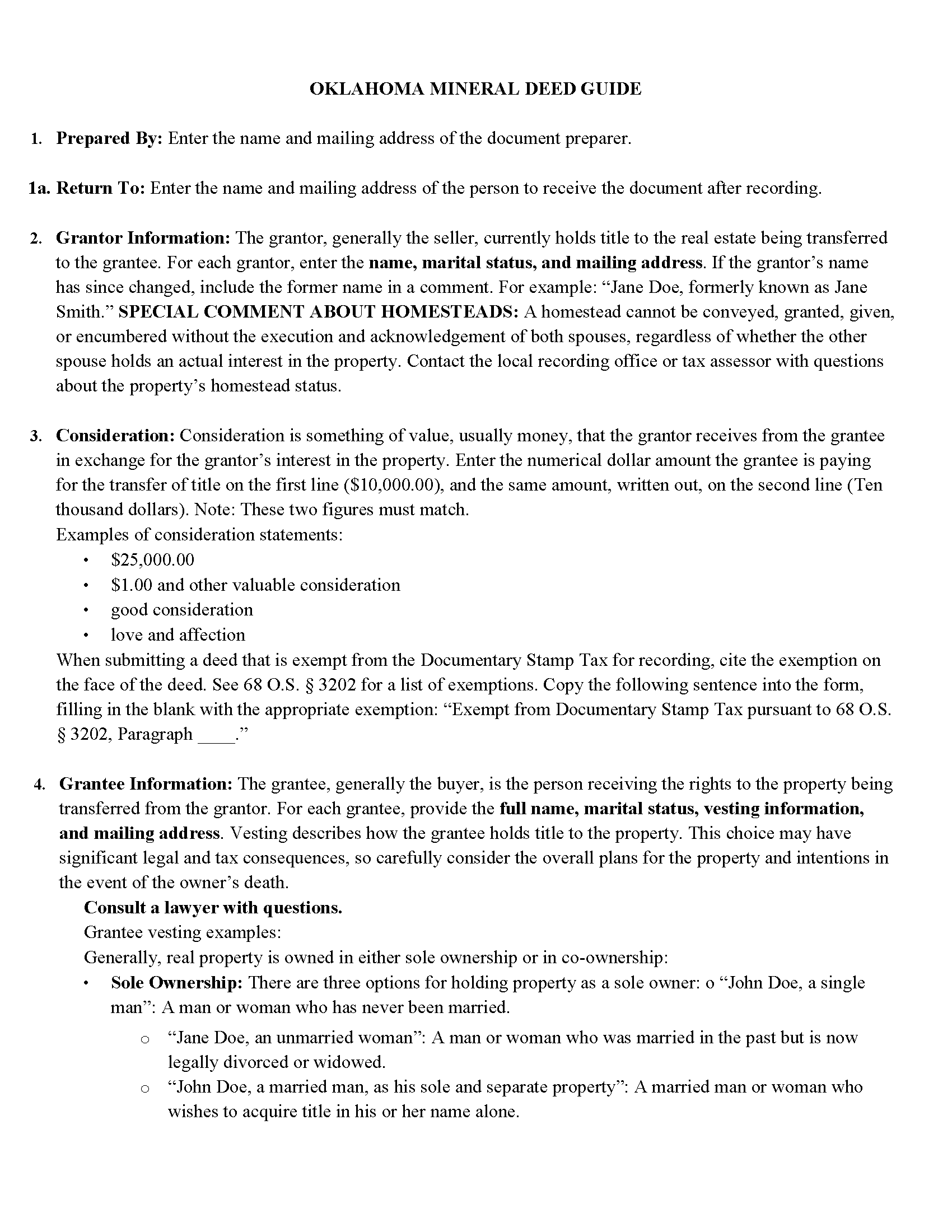
Ottawa County Mineral Deed with Quitclaim Covenants Guide
Line by line guide explaining every blank on the Mineral Deed with Quitclaim Covenants form.
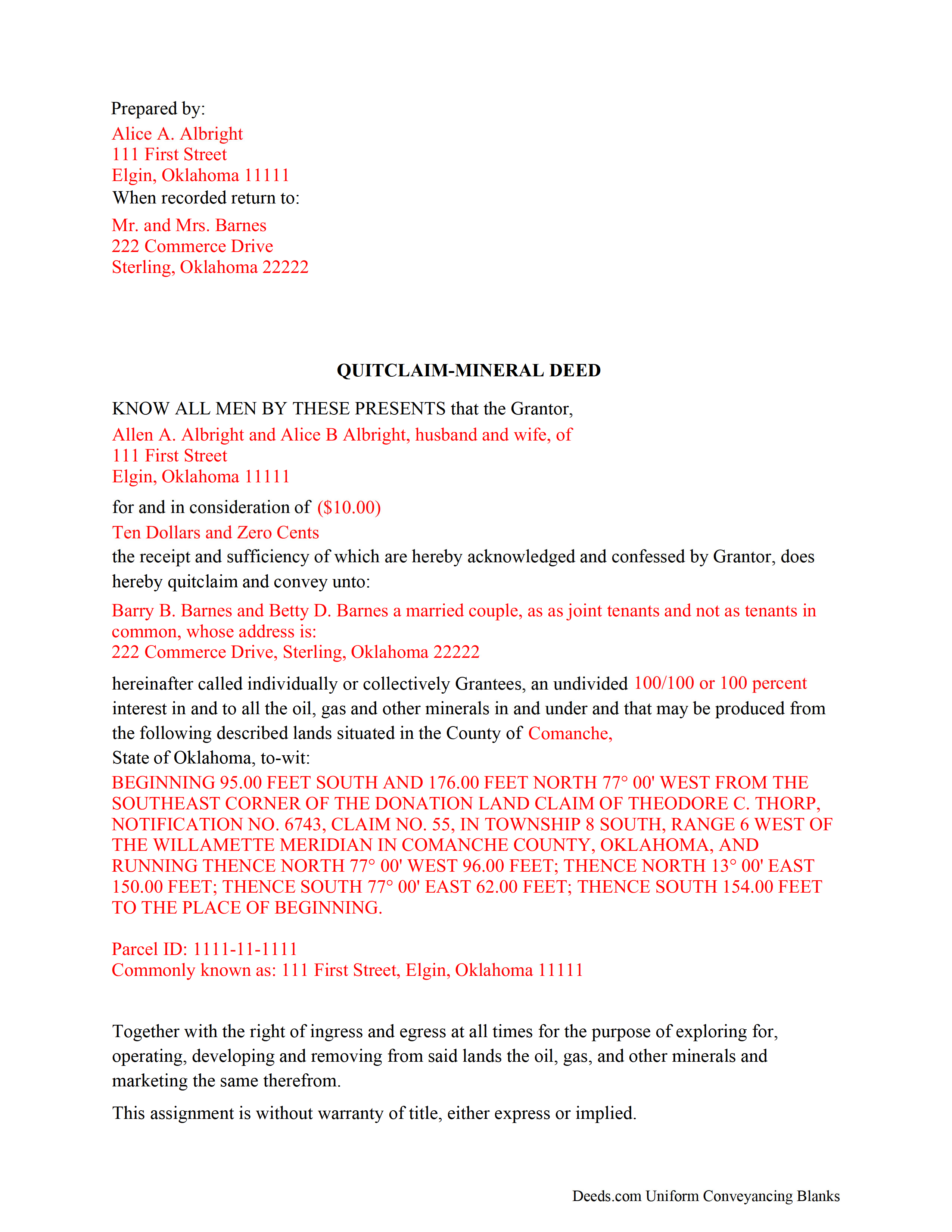
Ottawa County Completed Example of the Mineral Deed with Quitclaim Covenants Document
Example of a properly completed Oklahoma Mineral Deed with Quitclaim Covenants document for reference.
All 3 documents above included • One-time purchase • No recurring fees
Immediate Download • Secure Checkout
Additional Oklahoma and Ottawa County documents included at no extra charge:
Where to Record Your Documents
Ottawa County Clerk
Miami, Oklahoma 74354-7008
Hours: 9:00 to 5:00 M-F
Phone: (918) 542-3332
Recording Tips for Ottawa County:
- Bring your driver's license or state-issued photo ID
- Ensure all signatures are in blue or black ink
- Verify all names are spelled correctly before recording
- White-out or correction fluid may cause rejection
- Ask about their eRecording option for future transactions
Cities and Jurisdictions in Ottawa County
Properties in any of these areas use Ottawa County forms:
- Afton
- Bluejacket
- Cardin
- Commerce
- Fairland
- Miami
- North Miami
- Picher
- Quapaw
- Wyandotte
Hours, fees, requirements, and more for Ottawa County
How do I get my forms?
Forms are available for immediate download after payment. The Ottawa County forms will be in your account ready to download to your computer. An account is created for you during checkout if you don't have one. Forms are NOT emailed.
Are these forms guaranteed to be recordable in Ottawa County?
Yes. Our form blanks are guaranteed to meet or exceed the applicable formatting requirements used for recording in Ottawa County, including margin requirements, font requirements, and other layout standards. This guarantee applies to formatting, not to the legal sufficiency of information entered by the user or the suitability of a form for a particular transaction.
Can I reuse these forms?
Yes. You can reuse the forms for your personal use. For example, if you have multiple properties in Ottawa County you only need to order once.
What do I need to use these forms?
The forms are PDFs that you fill out on your computer. The free Adobe Acrobat Reader is recommended, and most PDF apps also work. You do NOT enter your property information online - you download the blank forms and complete them privately on your own computer.
Are there any recurring fees?
No. This is a one-time purchase. Nothing to cancel, no memberships, no recurring fees.
How much does it cost to record in Ottawa County?
Recording fees in Ottawa County vary. Contact the recorder's office at (918) 542-3332 for current fees.
Questions answered? Let's get started!
The General Mineral Deed in Oklahoma Quitclaims oil, gas, and mineral rights from the grantor to the grantee. THIS IS NOT A LEASE. There are no Exceptions or Reservations included.
The transfer includes the oil, gas and other minerals of every kind and nature. The Grantor can stipulate the percentage of Mineral Rights the Grantee will receive.
This general mineral deed gives the grantee the right to access, for the purpose of mining, drilling, exploring, operating and developing said lands for oil, gas, and other minerals, and storing handling, transporting and marketing of such.
The seller, or grantor Quitclaims the mineral rights and does NOT accept responsibility to any discrepancy of title (This assignment is without warranty of title, either express or implied)
Uses: Mineral deeds with quitclaim are often used in situations where the grantor wants to quickly release any interest they might have in mineral rights, such as in settling estates, resolving disputes, clearing up uncertainties about ownership in a title's history or when mineral rights have previously been severed or fragmented from surface rights and cloud a title, making it difficult to transfer property. Resolution often involves the holder(s) of the mineral rights, quit-claiming any rights he/she/they have or might have in the subject property.
Use of this document can have a permanent effect on your rights to the property, if you are not completely sure of what you are executing seek the advice of a legal professional.
(Oklahoma MD with Quitclaim Package includes form, guidelines, and completed example)
Important: Your property must be located in Ottawa County to use these forms. Documents should be recorded at the county recording office listed above.
This Mineral Deed with Quitclaim Covenants meets all recording requirements specific to Ottawa County.
Our Promise
The documents you receive here are guaranteed to meet or exceed the applicable Ottawa County recording format requirements. If there is a rejection caused by our formatting, we will correct the issue or refund your payment. This guarantee applies to document formatting only and does not extend to information entered by the user, the selection of the form, or the legal effect of the completed document.
Save Time and Money
Get your Ottawa County Mineral Deed with Quitclaim Covenants form done right the first time with Deeds.com Uniform Conveyancing Blanks. At Deeds.com, we understand that your time and money are valuable resources, and we don't want you to face a penalty fee or rejection imposed by a county recorder for submitting nonstandard documents. We constantly review and update our forms to meet rapidly changing state and county recording requirements for roughly 3,500 counties and local jurisdictions.
4.8 out of 5 - ( 4,820 Reviews )
Evaristo R. 2 out of 5 stars
I was very excited to use the website but unfortunately they had a problem retrieving my Deed but thank you for the opportunity.
Thank you for your feedback. We really appreciate it. Have a great day!
Rebecca M. 5 out of 5 stars
I found the process of uploading documentation / deeds simple and easy. Will use this service again!
Thank you for your positive words! We’re thrilled to hear about your experience.
William P. 1 out of 5 stars
VERY difficult to work with. Nice people. But difficult system. Ask for MANY changes. Why dont you do that as a
Sorry to hear of your struggle William. We do hope that you found something more suitable to your needs elsewhere.
Betty M. 5 out of 5 stars
Glad to find the Easement Forms for Halifax County, NC online. Thanks
Thank you for your feedback. We really appreciate it. Have a great day!
Joanne K. 5 out of 5 stars
I haven't used the forms yet, but was at the county recorders office and they looked at it and said it looked fine. The instructions were easy to read and the forms easy to complete and save for a next time, if there is need.
Thank you for your feedback. We really appreciate it. Have a great day!
John S. 5 out of 5 stars
Your service is refreshingly clear, simple, and free of superfluous claims or unnecessary marketing. And, more affordable than other online legal document providers I've looked at. So nice! I forgot I had used it some years ago for another deed so glad you are still around for this time.
Thank you for the kind words John. Have a fantastic day!
Hal M. 5 out of 5 stars
Very good, and easy and fast to use.
Thank you!
Robert H. 5 out of 5 stars
I am very pleased with your service.
Thank you!
Corinna N. 5 out of 5 stars
The website made it easy to find and print out the documents I needed. The whole process was straightforward and user-friendly. Highly recommend!
We are grateful for your feedback and looking forward to serving you again. Thank you!
Louise S. 5 out of 5 stars
The form was easy to download and complete however you should be able to convert to a word document.
Thank you for your feedback. We really appreciate it. Have a great day!
Teresa F. 5 out of 5 stars
Great! Received documents to download immediately and was able to do the needed with the information and instructions. Thank you
Thank you!
Z. L. 5 out of 5 stars
I appreciate a service that can reach any county in Texas to file deed distribution deeds. It is convenient, time and money saving for our clients and takes the headache out of estate administration. Thanks.
Thank you!
Michael K. 5 out of 5 stars
I haven't used them yet. So far so good.
Thank you!
Stephanie P. 5 out of 5 stars
It was a seamless process, inexpensive, and probably saved me thousands by having an attorney draw this same form us. Highly recommend!
Thank you!
Deborah G. 5 out of 5 stars
Absolutely wonderful customer service. I am very pleased with the service I received and highly recommend this to everyone.
We appreciate your business and value your feedback. Thank you. Have a wonderful day!