Pushmataha County Quitclaim Deed (Trustee Grantor) Form
Last validated October 20, 2026 by our Forms Development TeamFormatted for recording in Pushmataha County, for property anywhere in the county: rural and unincorporated areas as well as Albion, Antlers, Clayton, Finley, Moyers, Nashoba, Rattan, Snow and 1 more.
- 3 documents included
- Immediate PDF download
- Formatting guarantee
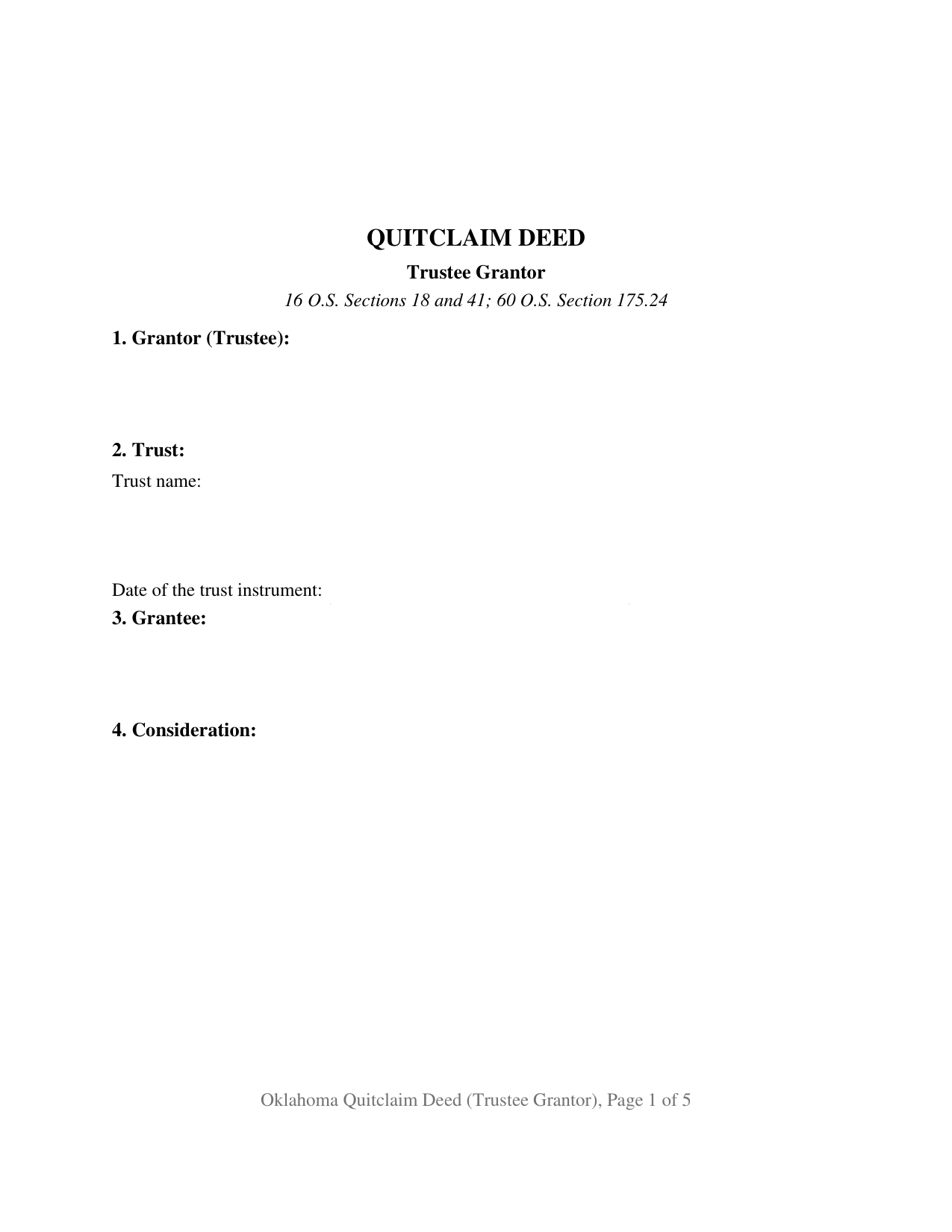
Pushmataha County Quitclaim Deed (Trustee Grantor) Form
Fill in the blank Quitclaim Deed (Trustee Grantor) form formatted to comply with all Oklahoma recording and content requirements.
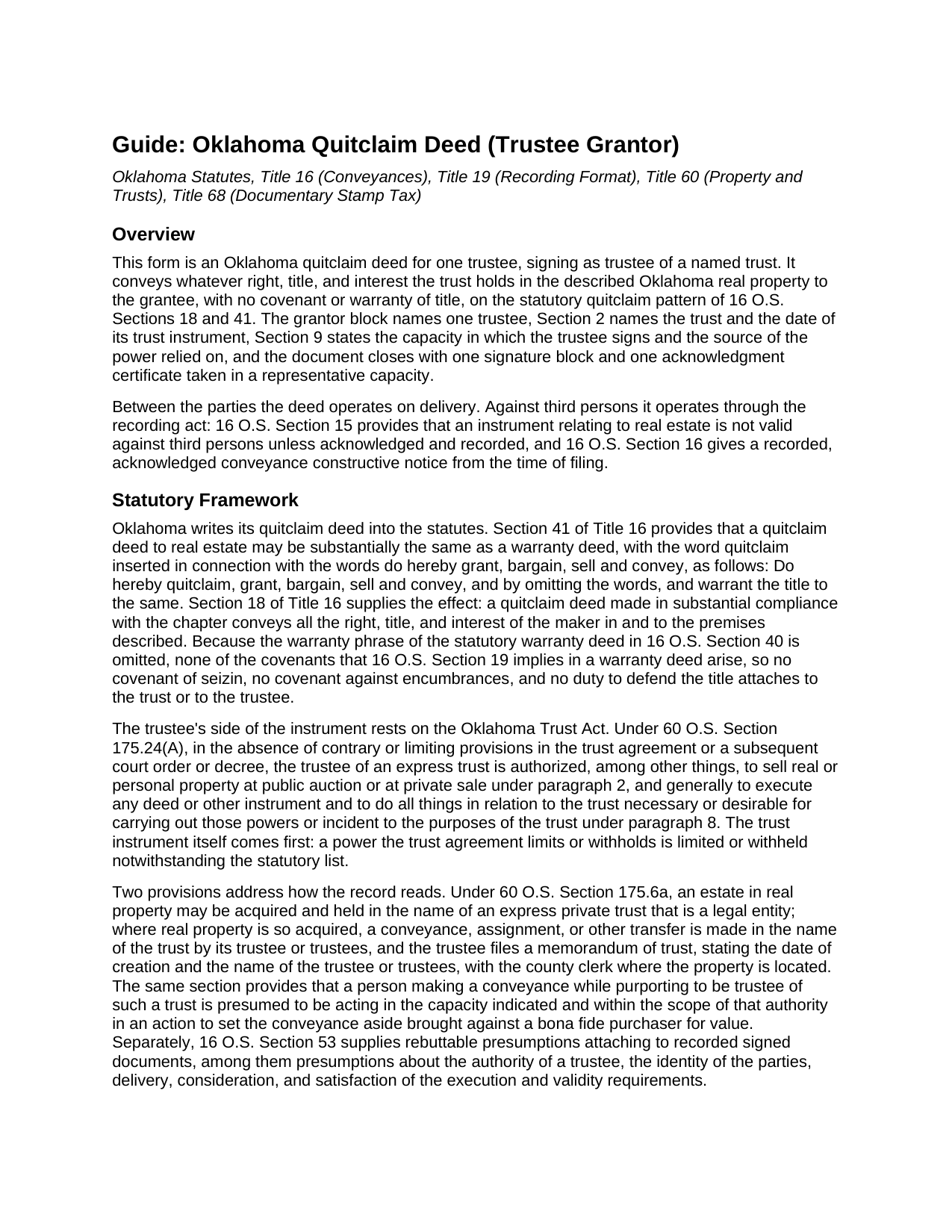
Pushmataha County Quitclaim Deed (Trustee Grantor) Guide
Line by line guide explaining every blank on the Quitclaim Deed (Trustee Grantor) form.
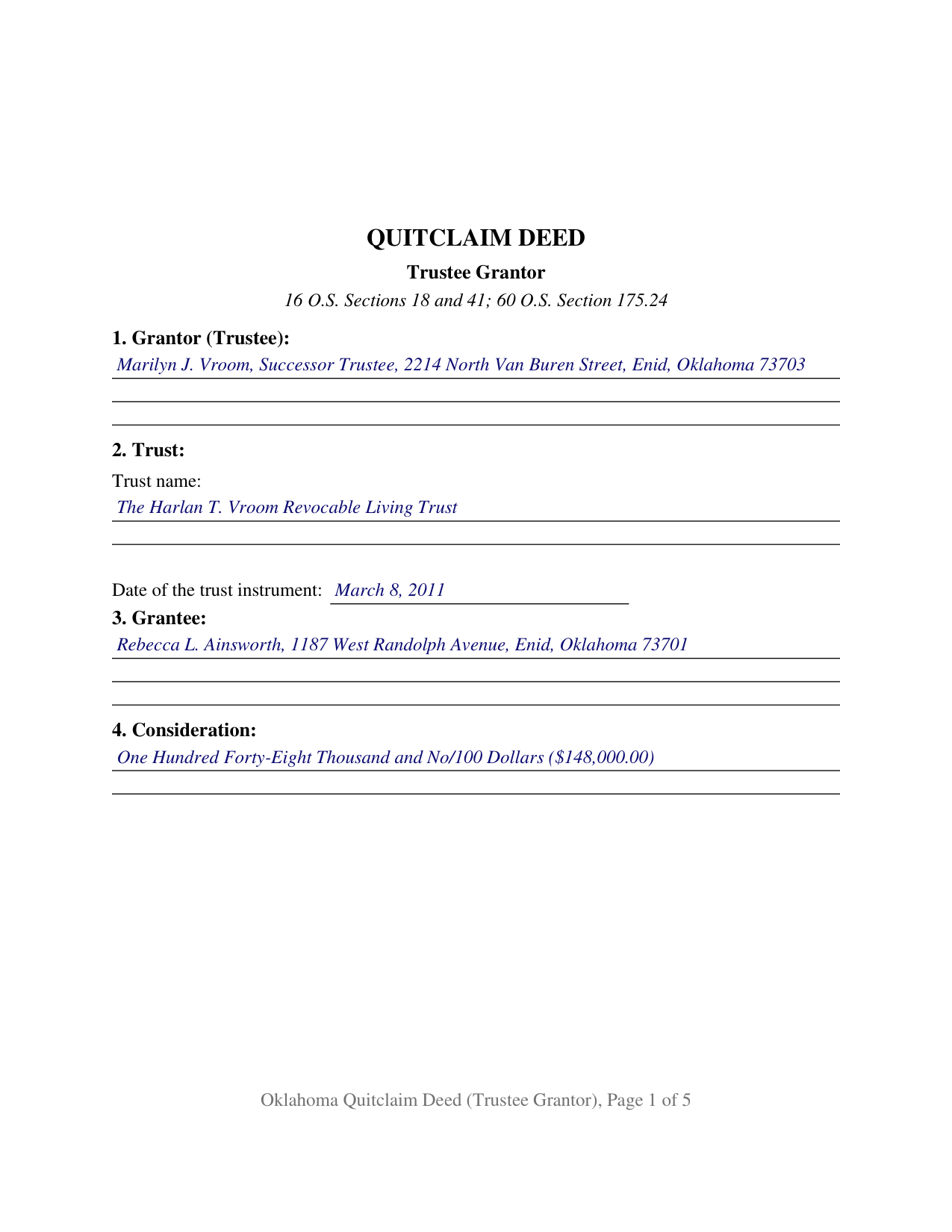
Pushmataha County Completed Example of the Quitclaim Deed (Trustee Grantor) Document
Example of a properly completed Oklahoma Quitclaim Deed (Trustee Grantor) document for reference.
All 3 documents above included • One-time purchase • No recurring fees
Immediate Download • Secure Checkout
Additional Oklahoma and Pushmataha County documents included at no extra charge:
Where to Record Your Documents
Pushmataha County Clerk
Antlers, Oklahoma 74523
Hours: 8:00 to 4:30 M-F
Phone: (580) 298-3626
Recording Tips for Pushmataha County:
- Bring your driver's license or state-issued photo ID
- Ensure all signatures are in blue or black ink
- Ask about their eRecording option for future transactions
- Avoid the last business day of the month when possible
- Both spouses typically need to sign if property is jointly owned
Cities and Jurisdictions in Pushmataha County
Properties in any of these areas use Pushmataha County forms:
- Albion
- Antlers
- Clayton
- Finley
- Moyers
- Nashoba
- Rattan
- Snow
- Tuskahoma
Hours, fees, requirements, and more for Pushmataha County
How do I get my forms?
Forms are available for immediate download after payment. The Pushmataha County forms will be in your account ready to download to your computer. An account is created for you during checkout if you don't have one. Forms are NOT emailed.
Are these forms guaranteed to be recordable in Pushmataha County?
Yes. Our form blanks are guaranteed to meet or exceed the applicable formatting requirements used for recording in Pushmataha County, including margin requirements, font requirements, and other layout standards. This guarantee applies to formatting, not to the legal sufficiency of information entered by the user or the suitability of a form for a particular transaction.
Can I reuse these forms?
Yes. You can reuse the forms for your personal use. For example, if you have multiple properties in Pushmataha County you only need to order once.
What do I need to use these forms?
The forms are PDFs that you fill out on your computer. The free Adobe Acrobat Reader is recommended, and most PDF apps also work. You do NOT enter your property information online - you download the blank forms and complete them privately on your own computer.
Are there any recurring fees?
No. This is a one-time purchase. Nothing to cancel, no memberships, no recurring fees.
How much does it cost to record in Pushmataha County?
Recording fees in Pushmataha County vary. Contact the recorder's office at (580) 298-3626 for current fees.
Questions answered? Let's get started!
One signature closes this Oklahoma quitclaim deed, and the person who signs it conveys nothing of their own. The grantor block names a trustee; Section 2 carries the trust's name and the date of the instrument that created it; Section 9 states that the signer acts solely as trustee and not individually, together with the source of the power relied on. Whatever interest the trust holds in the described Oklahoma property passes to the grantee, released rather than warranted, under the quitclaim form Oklahoma writes into 16 O.S. Sections 18 and 41.
Why a fiduciary releases instead of warranting
A deed built on the statutory warranty form of 16 O.S. Section 40 carries the covenants 16 O.S. Section 19 reads into it: an indefeasible fee simple, freedom from encumbrances, quiet possession, and a duty to defend the title. A trustee who signs those words puts the trust estate behind every one of them. Section 41 supplies the alternative in the statute's own words, inserting quitclaim into the granting phrase and leaving the warranty clause out, and Section 18 fixes the reach: all the right, title, and interest of the maker in the premises described. Section 12 then states on the deed's face that no covenant or warranty binds the trustee individually and none binds the trust estate.
The authority line the record carries
Section 9 collects something an ordinary deed never asks for: where the power to convey comes from. Under 60 O.S. Section 175.24(A), absent contrary or limiting provisions in the trust agreement or a later court order, a trustee of an express trust may sell real property at public auction or private sale and may generally execute any deed needed to carry out that power. The trust instrument speaks first, so the blank takes the article or section granting the power to sell, with the statute behind it. Oklahoma adds two presumptions on the record side: under 60 O.S. Section 175.6a a person conveying while purporting to be trustee is presumed to have acted within the scope of that authority, in an action against a bona fide purchaser for value to set the conveyance aside, and 16 O.S. Section 53 attaches rebuttable presumptions to recorded signed documents, trustee authority among them.
One certificate, taken in a capacity
Because a single trustee signs, the document closes with one signature block and one acknowledgment certificate. The by-line takes the signer's name with the representative capacity, in the style Marilyn J. Vroom, as Successor Trustee of a named trust dated a stated day, the content the representative-capacity short form of 49 O.S. Section 119 calls for. No subscribing witness is needed on an Oklahoma deed under 16 O.S. Section 2, while 16 O.S. Section 26 keeps an unacknowledged instrument off the record. A successor trustee deeding a parcel out as a trust winds up, a trustee selling trust land to a buyer who accepts title as the record leaves it, and a trustee returning a parcel to the person who set up the trust present the single-trustee pattern this deed recites. Shoppers looking for a quit claim deed, a quick claim deed, or a deed out of a trust in Oklahoma are reading about this instrument; the statutes spell the word quitclaim.
What the county clerk looks for
Documentary stamp tax attaches under 68 O.S. Section 3201 at seventy-five cents for each $500 of consideration or value, and Section 10 takes the exemption paragraph of 68 O.S. Section 3202 where one applies; Paragraph 4 reaches a deed between a person and an express revocable trust that person or that person's spouse created, and the Tax Commission rule at OAC 710:30-1-9 lists a conveyance without consideration among transfers the tax leaves alone. Section 11 answers 60 O.S. Section 121, the gate standing since November 1, 2023: a covered deed reaches the record only when the party taking title attaches its notarized land ownership affidavit as an exhibit, or when an exemption appears on the deed's face. The pages track 19 O.S. Section 298 as SB57 rewrote it in 2024, a two inch top margin on every page, one inch on the other three sides, and 12 point body type.
The download delivers the trustee-grantor deed as a fillable PDF, a completed example worked through a Garfield County parcel sold by a successor trustee, and a plain language guide covering the thirteen sections, the certificate, and the recording steps. The materials describe Oklahoma law in general terms and are not legal advice.
Important: Your property must be located in Pushmataha County to use these forms. Documents should be recorded at the county recording office listed above.
This Quitclaim Deed (Trustee Grantor) meets all recording requirements specific to Pushmataha County.
Our Promise
The documents you receive here are guaranteed to meet or exceed the applicable Pushmataha County recording format requirements. If there is a rejection caused by our formatting, we will correct the issue or refund your payment. This guarantee applies to document formatting only and does not extend to information entered by the user, the selection of the form, or the legal effect of the completed document.
Save Time and Money
Get your Pushmataha County Quitclaim Deed (Trustee Grantor) form done right the first time with Deeds.com Uniform Conveyancing Blanks. At Deeds.com, we understand that your time and money are valuable resources, and we don't want you to face a penalty fee or rejection imposed by a county recorder for submitting nonstandard documents. We constantly review and update our forms to meet rapidly changing state and county recording requirements for roughly 3,500 counties and local jurisdictions.
4.8 out of 5 - ( 4,832 Reviews )
Jim D. 5 out of 5 stars
A bit pricey for someone on a fixed income.
Thank you!
Michael G. 5 out of 5 stars
Very helpful and easy to use
Your appreciative words mean the world to us. Thank you.
CHARLES V. 5 out of 5 stars
Legit. Reasonable prices.
Thank you for your feedback. We really appreciate it. Have a great day!
Gerald S. 5 out of 5 stars
Very pleased with the services provided by deeds.com. Quick response time after information was provided.
We appreciate your business and value your feedback. Thank you. Have a wonderful day!
REBECCA B. 5 out of 5 stars
Documents arrived instantly. Performed exactly as stated. Will use website again.
We appreciate your business and value your feedback. Thank you. Have a wonderful day!
Armstrong K. 5 out of 5 stars
Very smooth and speedy process. Thank you.
Thank you!
Roger A. 5 out of 5 stars
Easy peasy to use! It's great to have the guide for completing the form and an example of a completed form.
It was a pleasure serving you. Thank you for the positive feedback!
Dale S. 5 out of 5 stars
I used the Affidavit of Death form provided by Deeds.com. The form and directions were easy to follow. I took the form to the county clerk's office for filing after getting it notarized. They accepted the form with no issues. A task that many people go to a lawyer complete was completed easily by me in less than an hour.
Thanks, Dale! Glad it worked exactly as it should — clear form, smooth filing, no issues at the clerk's office. That's the goal every time.
george k. 5 out of 5 stars
Thank u the site helped me get the quick deed forms I needed for TN.i will use it in the furture.
Thank you for your feedback. We really appreciate it. Have a great day!
Candy A. 5 out of 5 stars
Super simple to download all necessary forms. BIG thank you for this service.
Thank you!
Kimberly G. 3 out of 5 stars
It would be helpful if there were a specific example of putting a deed into a trust. Also, the limitation of characters on the description of the property was not enough.
Thank you for your feedback. We really appreciate it. Have a great day!
John L. 5 out of 5 stars
Everything worked great. I hope I can get back to the document if I need to make changes. Thanks, John Lazur
Thank you!
Linda M. 5 out of 5 stars
Quick easy
Thank you!
Judith A. 5 out of 5 stars
Excellent
Thank you!
Patrick M. 5 out of 5 stars
Very useful and easy to use. Great value too. Especially liked the example.
Thank you for your feedback. We really appreciate it. Have a great day!