Josephine County Transfer on Death Revocation Form
Last validated September 11, 2026 by our Forms Development TeamFormatted for recording in Josephine County, for property anywhere in the county: rural and unincorporated areas as well as Cave Junction, Grants Pass, Kerby, Merlin, Murphy, O Brien, Selma, Wilderville and 2 more.
- 3 documents included
- Immediate PDF download
- Formatting guarantee
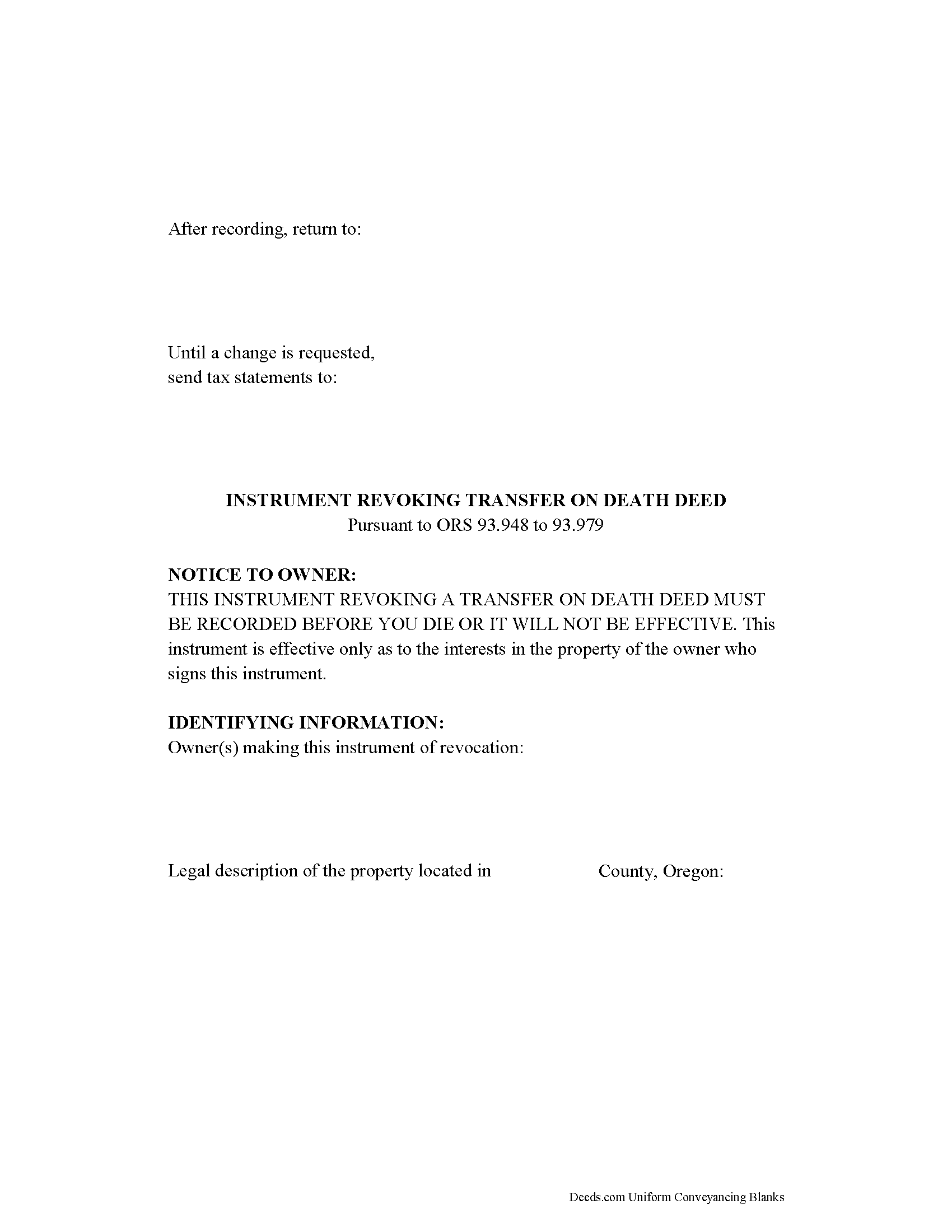
Josephine County Transfer on Death Revocation Form
Fill in the blank form formatted to comply with all recording and content requirements.
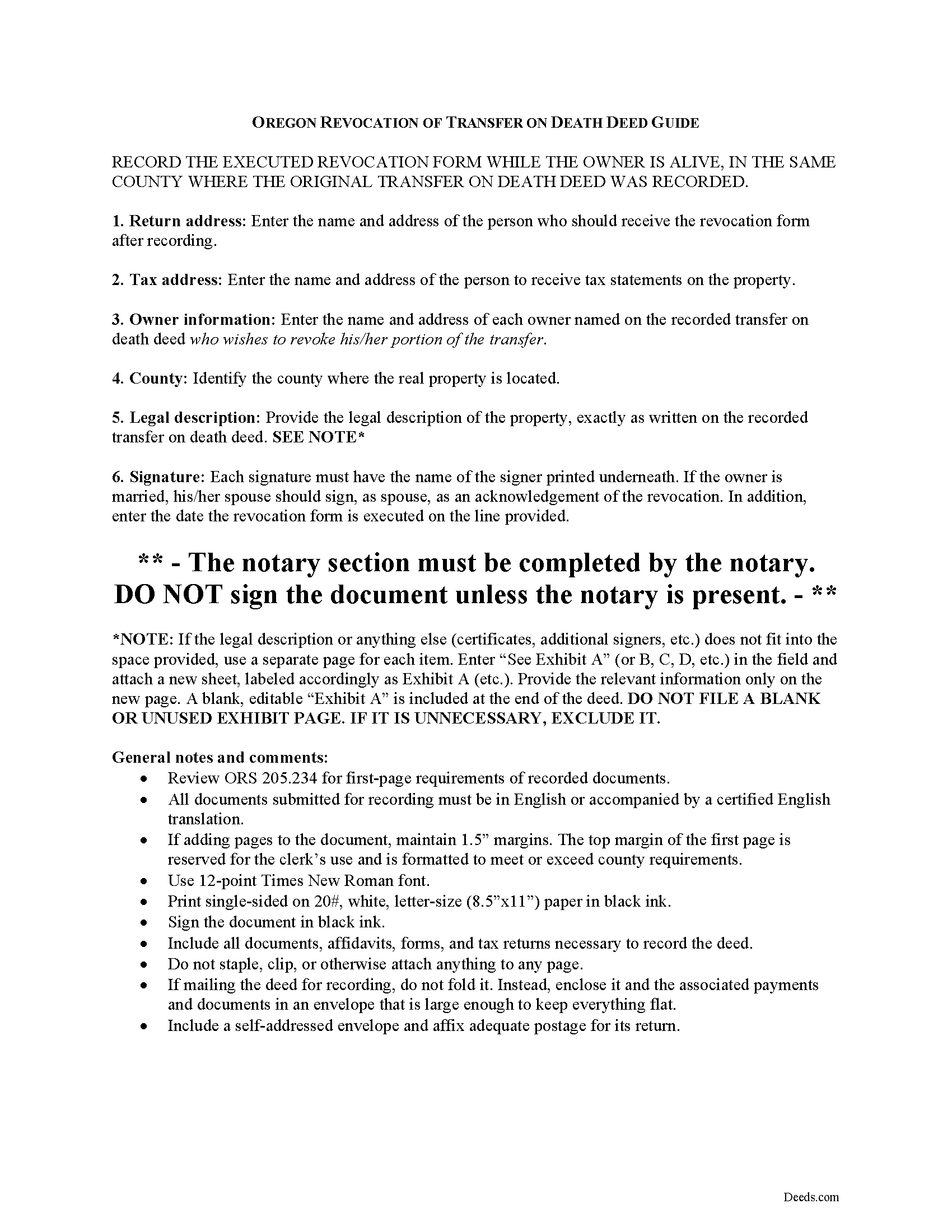
Josephine County Transfer on Death Deed Revocation Guide
Line by line guide explaining every blank on the form.
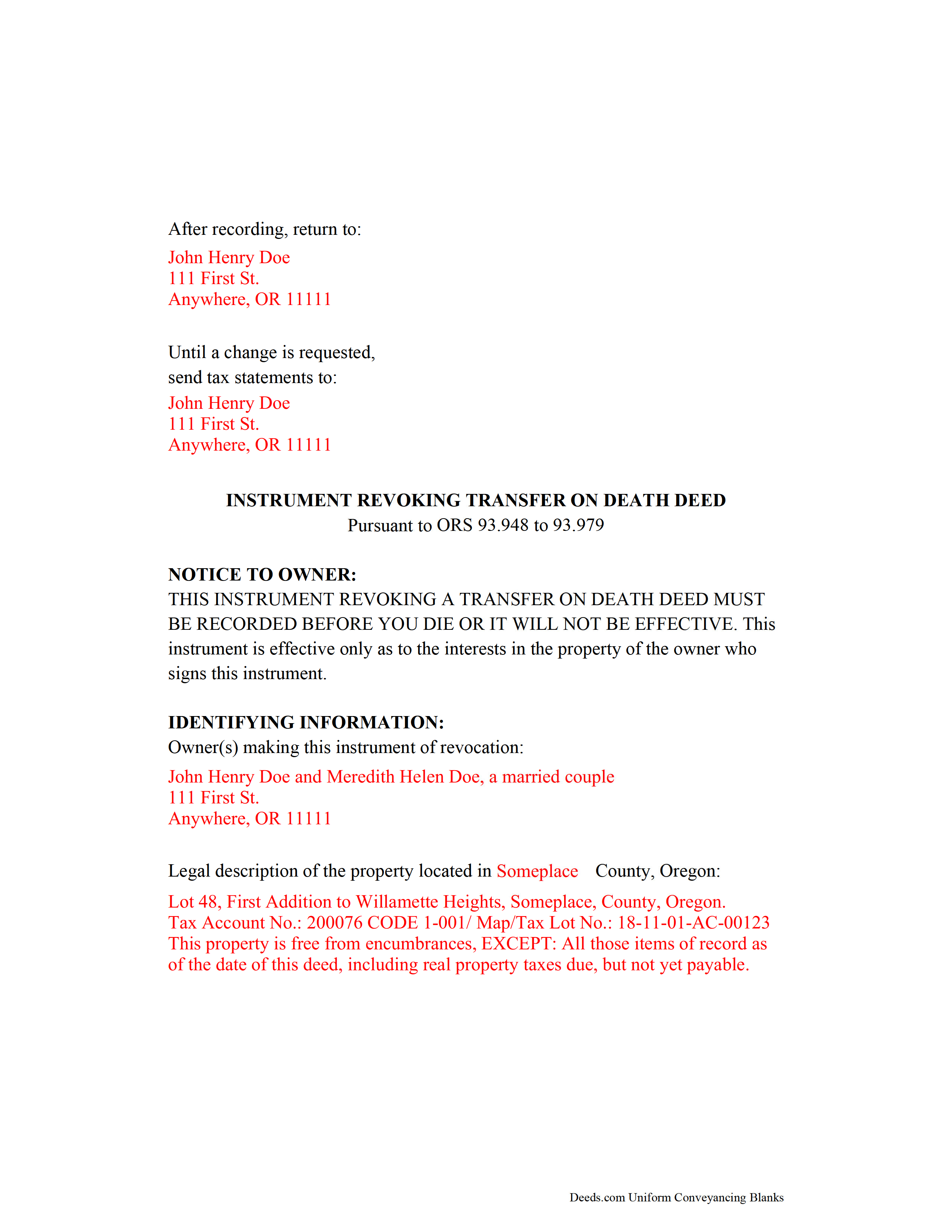
Josephine County Completed Example of the Transfer on Death Revocation Document
Example of a properly completed form for reference.
All 3 documents above included • One-time purchase • No recurring fees
Immediate Download • Secure Checkout
Additional Oregon and Josephine County documents included at no extra charge:
Where to Record Your Documents
Josephine County Clerk
Grants Pass, Oregon 97526 / 97528
Hours: 8:30 to 12:00 & 1:00 to 4:00 M-F
Phone: (541) 474-5240
Recording Tips for Josephine County:
- Bring your driver's license or state-issued photo ID
- Ensure all signatures are in blue or black ink
- Ask if they accept credit cards - many offices are cash/check only
- Check that your notary's commission hasn't expired
- Documents must be on 8.5 x 11 inch white paper
Cities and Jurisdictions in Josephine County
Properties in any of these areas use Josephine County forms:
- Cave Junction
- Grants Pass
- Kerby
- Merlin
- Murphy
- O Brien
- Selma
- Wilderville
- Williams
- Wolf Creek
Hours, fees, requirements, and more for Josephine County
How do I get my forms?
Forms are available for immediate download after payment. The Josephine County forms will be in your account ready to download to your computer. An account is created for you during checkout if you don't have one. Forms are NOT emailed.
Are these forms guaranteed to be recordable in Josephine County?
Yes. Our form blanks are guaranteed to meet or exceed the applicable formatting requirements used for recording in Josephine County, including margin requirements, font requirements, and other layout standards. This guarantee applies to formatting, not to the legal sufficiency of information entered by the user or the suitability of a form for a particular transaction.
Can I reuse these forms?
Yes. You can reuse the forms for your personal use. For example, if you have multiple properties in Josephine County you only need to order once.
What do I need to use these forms?
The forms are PDFs that you fill out on your computer. The free Adobe Acrobat Reader is recommended, and most PDF apps also work. You do NOT enter your property information online - you download the blank forms and complete them privately on your own computer.
Are there any recurring fees?
No. This is a one-time purchase. Nothing to cancel, no memberships, no recurring fees.
How much does it cost to record in Josephine County?
Recording fees in Josephine County vary. Contact the recorder's office at (541) 474-5240 for current fees.
Questions answered? Let's get started!
Revoking a Transfer on Death Deed in Oregon
Based on the Uniform Real Property Transfer on Death Act and located at ORS 93.948-93.979 (2011), this statute governs the use and applications of TODDs in the state of Oregon.
Estate plans are most effective when they're kept up to date. Flexible tools like transfer on death deeds help real estate owners control the distribution of what is often their most significant asset. While most deeds involve permanent, immediate transfers of a present interest in real property, TODDs allow the transferor the opportunity, during life, to readjust or even revoke the potential future interest to be conveyed at death ( 93.955 ).
The statutes set forth the rules for revoking a transfer on death deed at 93.965. Just as with a TODD, the revocation MUST be recorded while the owner is still alive or it has no effect. Once recorded, any modifications must be made by instrument. There are three primary ways to change or revoke a TODD: 1) executing and recording a new TODD that changes the details of the previous deed; 2) executing and recording an inter vivos deed, such as a warranty deed or quitclaim deed, conveying the owner's interest in the property to someone else---the transferor no longer owns the property, so it cannot be conveyed at death; or 3) executing and recording an instrument of revocation, thereby cancelling the entire TODD.
Note that all documents related to revoking a transfer on death deed must be recorded in the same county where the land is located.
(Oregon TOD Revocation Package includes form, guidelines, and completed example)
Important: Your property must be located in Josephine County to use these forms. Documents should be recorded at the county recording office listed above.
This Transfer on Death Revocation meets all recording requirements specific to Josephine County.
Our Promise
The documents you receive here are guaranteed to meet or exceed the applicable Josephine County recording format requirements. If there is a rejection caused by our formatting, we will correct the issue or refund your payment. This guarantee applies to document formatting only and does not extend to information entered by the user, the selection of the form, or the legal effect of the completed document.
Save Time and Money
Get your Josephine County Transfer on Death Revocation form done right the first time with Deeds.com Uniform Conveyancing Blanks. At Deeds.com, we understand that your time and money are valuable resources, and we don't want you to face a penalty fee or rejection imposed by a county recorder for submitting nonstandard documents. We constantly review and update our forms to meet rapidly changing state and county recording requirements for roughly 3,500 counties and local jurisdictions.
4.8 out of 5 - ( 4,836 Reviews )
Koko H. 5 out of 5 stars
Five star. Prompt and easy way to obtain information. Good value.
We appreciate your business and value your feedback. Thank you. Have a wonderful day!
Ed C. 5 out of 5 stars
I purchased the DIY quitclaim deed forms for Florida and couldn’t be happier. The forms were clear, professional, and easy to follow. I had everything filled out and recorded without a single issue. Worth every penny — the site is great, and the forms are exactly what I needed. Highly recommend!
Thanks so much, Ed! We’re thrilled to hear that the Florida quitclaim deed forms worked perfectly for you and that the recording process went smoothly. We appreciate your trust and recommendation!
RICHARD MANUEL F. 5 out of 5 stars
I never could even think to solve an important issue involving even overseas individuals without even a lawyer within 24 h. This service works for real and I'll keep using it from now for any future needs, referring to and proposing it as a legitimate, trusted real Optimus service. I'm extremely satisfied and being a Public Official myself I got to say that these guys have really impressed me!
Thank you!
Gale W. 5 out of 5 stars
Haven't filled them out yet, but extremely pleased with the beneficiary deed forms, including the instructions and a completed sample. 5-stars.
Thank you, Gale! Glad to hear you’re happy with the beneficiary deed package. We appreciate your feedback and wish you the best as you complete your forms.
Charlotte B. 5 out of 5 stars
I was very impressed with this service. It's a very important tool to be able to get the documents filed properly. I was not able to understand how to fill in the blanks on line.
Thank you for your feedback. We really appreciate it. Have a great day!
Tyler F. 5 out of 5 stars
worked great!!!
Awesome, great to hear. Thank you.
Bonnie A. 5 out of 5 stars
I wish you could send copy in mail
Thank you for your feedback. We really appreciate it. Have a great day!
Renata L. 3 out of 5 stars
Was a bit difficult to navigate. I feel a fee to access the site and a fee to print is a bit much. I am in the real estate business and find the deeds very useful
Thank you for your feedback. We really appreciate it. Have a great day!
Debra M. 5 out of 5 stars
Since the recorder's office is closed, due to Covid, this worked well to submit my Quit Claim Deed. I was a bit confused with the direction and download. But, I think I got her done! We'll see if I get recorded and confirmation is received. I may be back
Thank you for your feedback. We really appreciate it. Have a great day!
Katie G. 5 out of 5 stars
I haven't used the forms yet but it appears, with your tutelage, that they should not be too difficult to fill out and file. Your site was easy to navigate. Thank You
Thank you for the kinds words Katie. have a fantastic day!
Shonda S. 5 out of 5 stars
This is the best thing I have ever done with this being my first time doing a quick claim. This has save me and my family money instead of paying a lawyer. Thanks again.
We appreciate your business and value your feedback. Thank you. Have a wonderful day!
Allen O. 5 out of 5 stars
The website was easy to use and the forms will guide me as our family sells interest in property to other family members in Central New York.
Thank you for your feedback. We really appreciate it. Have a great day!
Blanche S. 5 out of 5 stars
Thank you I hope I've done it all right!!
Thank you!
Lance T. W. 4 out of 5 stars
All in all an easy, cost-effective approach to simple legal work.
Thank you for your feedback. We really appreciate it. Have a great day!
Natasha M. 5 out of 5 stars
Your forms, guides, sample deeds and submission process were accessible, easy to understand and simple. I also was pleasantly surprised by the efficiency, professionalism and ease of staff communicating with me after I uploaded the document to ensure the county accepted it. I will continue to use this website to record deeds. Thank you!
Thank you for your feedback. We really appreciate it. Have a great day!