Allegheny County Assignment of Lien Form
Last validated October 9, 2026 by our Forms Development TeamFormatted for recording in Allegheny County, for property anywhere in the county: rural and unincorporated areas as well as Allison Park, Bairdford, Bakerstown, Bethel Park, Brackenridge, Braddock, Bradfordwoods, Bridgeville and 52 more.
- 3 documents included
- Immediate PDF download
- Formatting guarantee
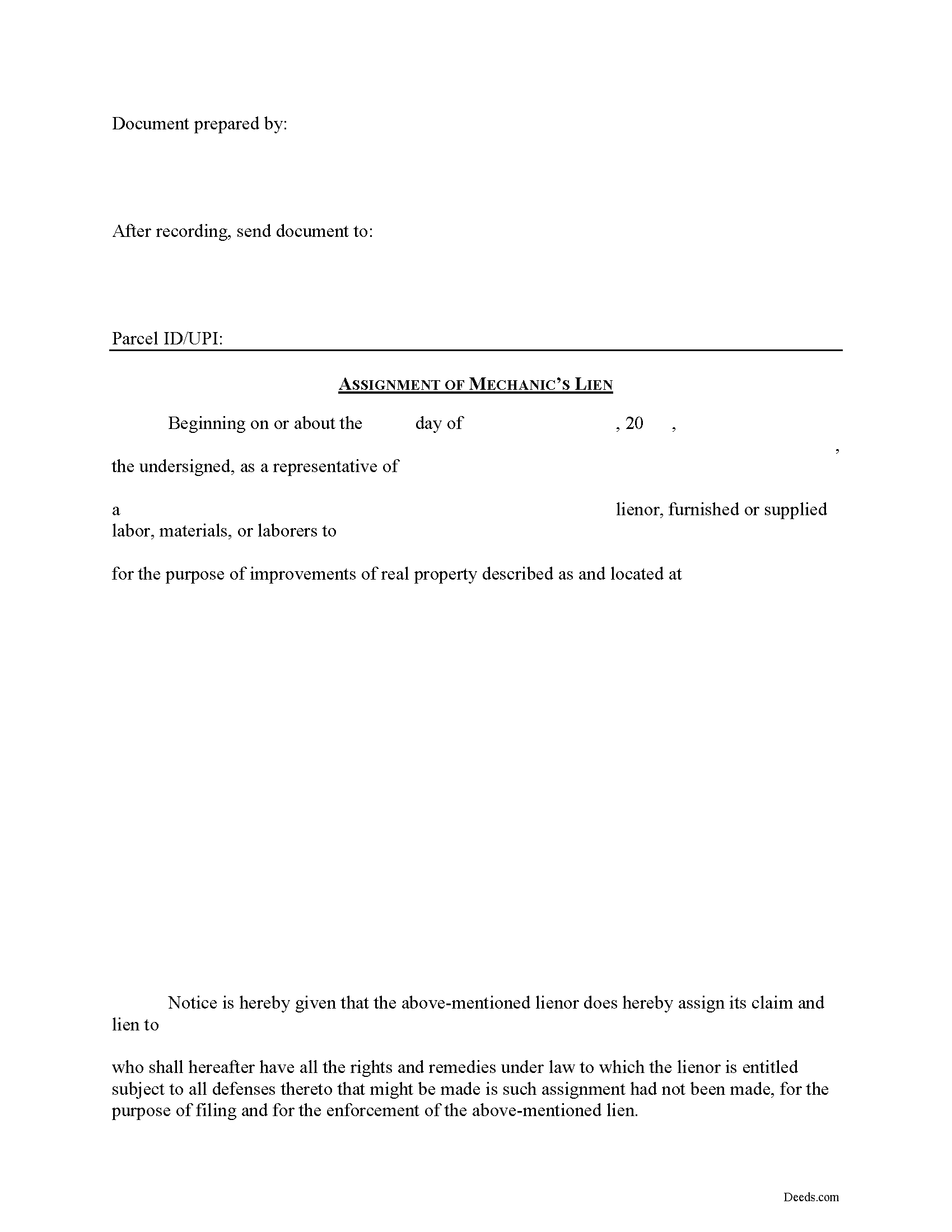
Allegheny County Assignment of Lien Form
Fill in the blank Assignment of Lien form formatted to comply with all Pennsylvania recording and content requirements.
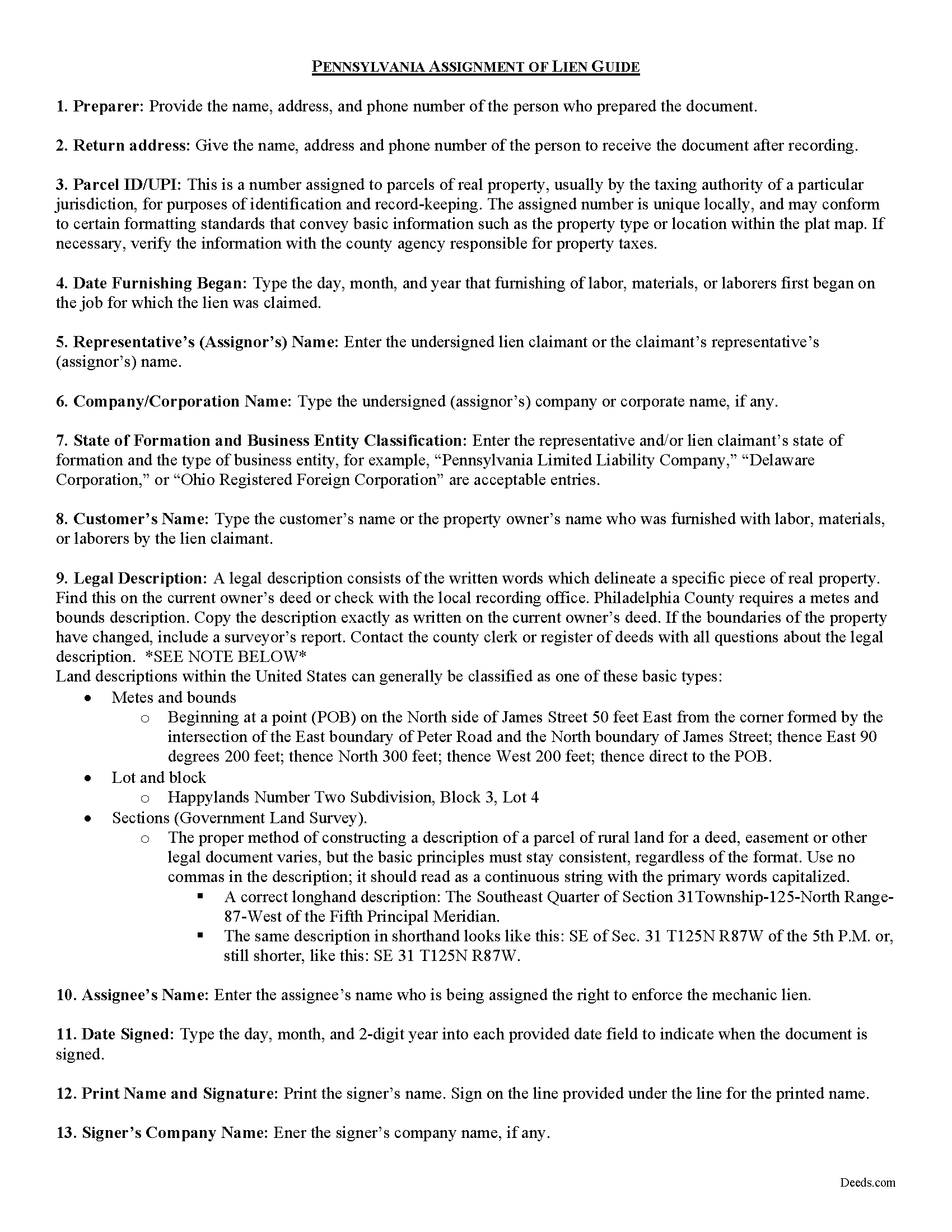
Allegheny County Assignment of Lien Guide
Line by line guide explaining every blank on the form.
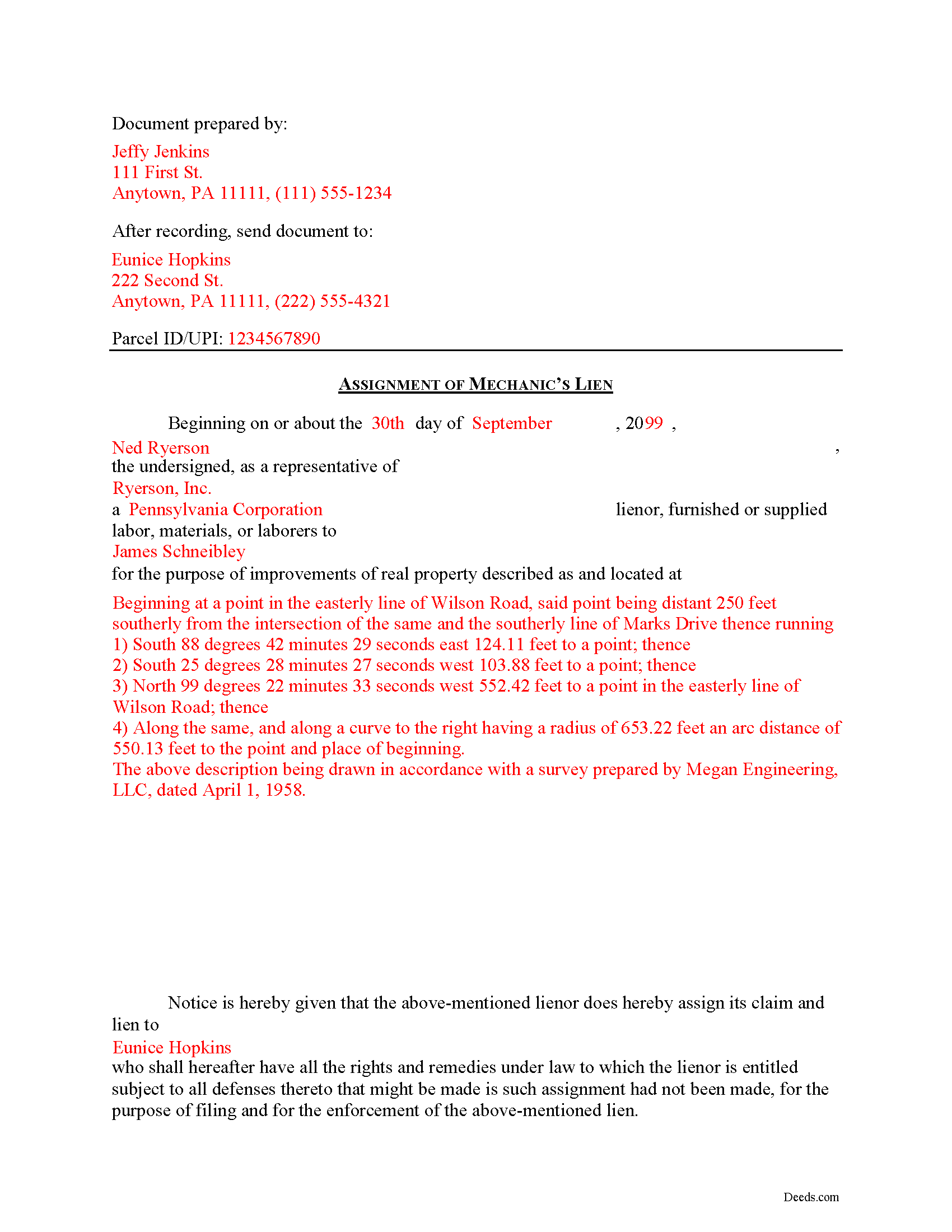
Allegheny County Completed Example of the Assignment of Lien Document
Example of a properly completed form for reference.
All 3 documents above included • One-time purchase • No recurring fees
Immediate Download • Secure Checkout
Additional Pennsylvania and Allegheny County documents included at no extra charge:
Where to Record Your Documents
Department of Real Estate - County Office Building
Pittsburgh, Pennsylvania 15219
Hours: 8:30 to 4:30 M-F
Phone: (412) 350-4226
Recording Tips for Allegheny County:
- Bring your driver's license or state-issued photo ID
- Ensure all signatures are in blue or black ink
- Ask about accepted payment methods when you call ahead
- Ask for certified copies if you need them for other transactions
- Ask if they accept credit cards - many offices are cash/check only
Cities and Jurisdictions in Allegheny County
Properties in any of these areas use Allegheny County forms:
- Allison Park
- Bairdford
- Bakerstown
- Bethel Park
- Brackenridge
- Braddock
- Bradfordwoods
- Bridgeville
- Buena Vista
- Bunola
- Carnegie
- Cheswick
- Clairton
- Coraopolis
- Coulters
- Creighton
- Crescent
- Cuddy
- Curtisville
- Dravosburg
- Duquesne
- East Mc Keesport
- East Pittsburgh
- Elizabeth
- Gibsonia
- Glassport
- Glenshaw
- Greenock
- Harwick
- Homestead
- Imperial
- Indianola
- Ingomar
- Leetsdale
- Mc Kees Rocks
- Mckeesport
- Monroeville
- Morgan
- Natrona Heights
- North Versailles
- Oakdale
- Oakmont
- Pitcairn
- Pittsburgh
- Presto
- Rural Ridge
- Russellton
- Sewickley
- South Park
- Springdale
- Sturgeon
- Tarentum
- Turtle Creek
- Verona
- Warrendale
- West Elizabeth
- West Mifflin
- Wexford
- Wildwood
- Wilmerding
Hours, fees, requirements, and more for Allegheny County
How do I get my forms?
Forms are available for immediate download after payment. The Allegheny County forms will be in your account ready to download to your computer. An account is created for you during checkout if you don't have one. Forms are NOT emailed.
Are these forms guaranteed to be recordable in Allegheny County?
Yes. Our form blanks are guaranteed to meet or exceed the applicable formatting requirements used for recording in Allegheny County, including margin requirements, font requirements, and other layout standards. This guarantee applies to formatting, not to the legal sufficiency of information entered by the user or the suitability of a form for a particular transaction.
Can I reuse these forms?
Yes. You can reuse the forms for your personal use. For example, if you have multiple properties in Allegheny County you only need to order once.
What do I need to use these forms?
The forms are PDFs that you fill out on your computer. The free Adobe Acrobat Reader is recommended, and most PDF apps also work. You do NOT enter your property information online - you download the blank forms and complete them privately on your own computer.
Are there any recurring fees?
No. This is a one-time purchase. Nothing to cancel, no memberships, no recurring fees.
How much does it cost to record in Allegheny County?
Recording fees in Allegheny County vary. Contact the recorder's office at (412) 350-4226 for current fees.
Questions answered? Let's get started!
Mechanic's Lien assignments can be accomplished by filing an assignment of lien document with the county recorder or prothonotary office where the subject property is located and where the lien was originally recorded.
One of the fundamental principles of contract law is the right to assign contract rights to a third party. For example, Bill contracts with Ted to build a house for Ted. Bill then assigns the right to payment for the house to Fred (maybe he owes Fred some money on a debt). This is called an "assignment." With the basic legal terminology clarified, let's move on to how lien assignments work in Pennsylvania.
Typically, under the rule on assignments, all rights of either seller or buyer can be assigned except where the assignment would materially change the duty of the other party, or increase materially the burden or risk imposed on the other party by the contract, or impair materially the other party's chance of obtaining return performance. In general, as long as there is no increased burden or risk, or the duties required by the party subject to the lien somehow change, an assignment is permissible.
A valid assignment identifies the parties, the subject property, relevant dates, fees, and payments, and any other details needed for the specific situation. In addition, the document must meet all state and local standards for recorded documents.
Mechanic's Liens are governed by Title 49 of the Pennsylvania Consolidated Statutes.
This article is offered for informational purposes only and is not legal advice. This information should not be relied upon as a substitute for speaking with an attorney. Please speak with an attorney familiar with lien laws for questions regarding lien assignments or any other issues related to mechanic's liens in Pennsylvania.
Important: Your property must be located in Allegheny County to use these forms. Documents should be recorded at the county recording office listed above.
This Assignment of Lien meets all recording requirements specific to Allegheny County.
Our Promise
The documents you receive here are guaranteed to meet or exceed the applicable Allegheny County recording format requirements. If there is a rejection caused by our formatting, we will correct the issue or refund your payment. This guarantee applies to document formatting only and does not extend to information entered by the user, the selection of the form, or the legal effect of the completed document.
Save Time and Money
Get your Allegheny County Assignment of Lien form done right the first time with Deeds.com Uniform Conveyancing Blanks. At Deeds.com, we understand that your time and money are valuable resources, and we don't want you to face a penalty fee or rejection imposed by a county recorder for submitting nonstandard documents. We constantly review and update our forms to meet rapidly changing state and county recording requirements for roughly 3,500 counties and local jurisdictions.
4.8 out of 5 - ( 4,828 Reviews )
Marjorie D. 5 out of 5 stars
The process was easy and efficient. I will definitely be using this service!
Thank you for your feedback. We really appreciate it. Have a great day!
Joseph K. 5 out of 5 stars
I'm very impressed. We're a small nonprofit, and we usually walk our documents into our county offices for recording. So I was a little bit skeptical about how things would work if we did it electronically. But it was a smooth, quick, painless, and reasonably priced process. I expect that this will be our preferred method even after county offices re-open.
Thank you for your feedback. We really appreciate it. Have a great day!
Maurice C. 5 out of 5 stars
This is a great service! Very much needed.
Thank you!
MARY LACEY M. 5 out of 5 stars
Great service! Recording was smooth and swiftly performed. Deeds.com is an excellent service.
We are delighted to have been of service. Thank you for the positive review!
Rochelle C. 5 out of 5 stars
Very prompt service. Thank you.
Thank you!
Solomon L. 5 out of 5 stars
Great communication, this was my first e-recording.
Your feedback is greatly appreciated. Thank you for taking the time to share your experience!
Nancy B. 5 out of 5 stars
This was the easiest, quickest, most understandable way I've seen yet to retrieve deeds from various counties. The government websites are "clunky" and each one seems different than the other. I like this service and will use them again in the future. NANCY
Thank you for your feedback. We really appreciate it. Have a great day!
Karen D. 5 out of 5 stars
Very easy to use and understand. Thank you.
Thank you!
Gary S. 5 out of 5 stars
Thank you! Quick, timely and excellent quality document!
Thank you for your feedback. We really appreciate it. Have a great day!
Jayne S. 5 out of 5 stars
Very prompt and excellent service!
Thank you for your feedback. We really appreciate it. Have a great day!
John G. 5 out of 5 stars
Great on line help with the recording process!
We appreciate your business and value your feedback. Thank you. Have a wonderful day!
Corinne S. 5 out of 5 stars
Did not need power to "serve" contractor. All work done well, paid for, nothing more. Worth noting when things could go awry!
Thank you!
David H. 5 out of 5 stars
Thank You the form is easy to use.
Thank you!
Barry C. 5 out of 5 stars
prompt, complete and efficient process --- kudos to you
Thank you so much Barry. Have a great day!
John D. 5 out of 5 stars
Forms were easy to complete, with the instructions that were provided. Very satisfied!
Thank you!