Montgomery County Notice to Contractor Form
Last validated October 15, 2026 by our Forms Development TeamFormatted for recording in Montgomery County, for property anywhere in the county: rural and unincorporated areas as well as Abington, Ambler, Arcola, Ardmore, Audubon, Bala Cynwyd, Blue Bell, Bridgeport and 70 more.
- 3 documents included
- Immediate PDF download
- Formatting guarantee
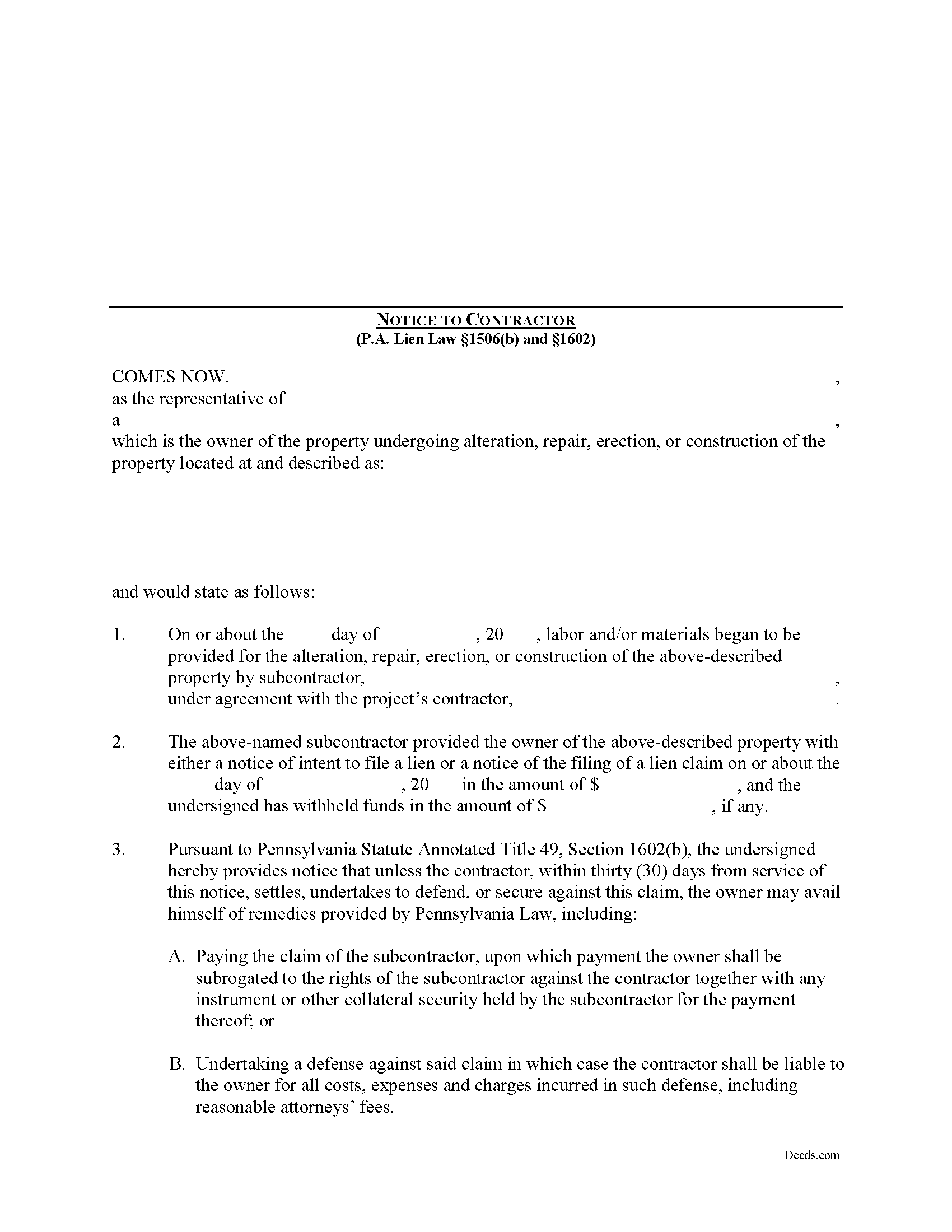
Montgomery County Notice to Contractor Form
Fill in the blank Notice to Contractor form formatted to comply with all Pennsylvania recording and content requirements.
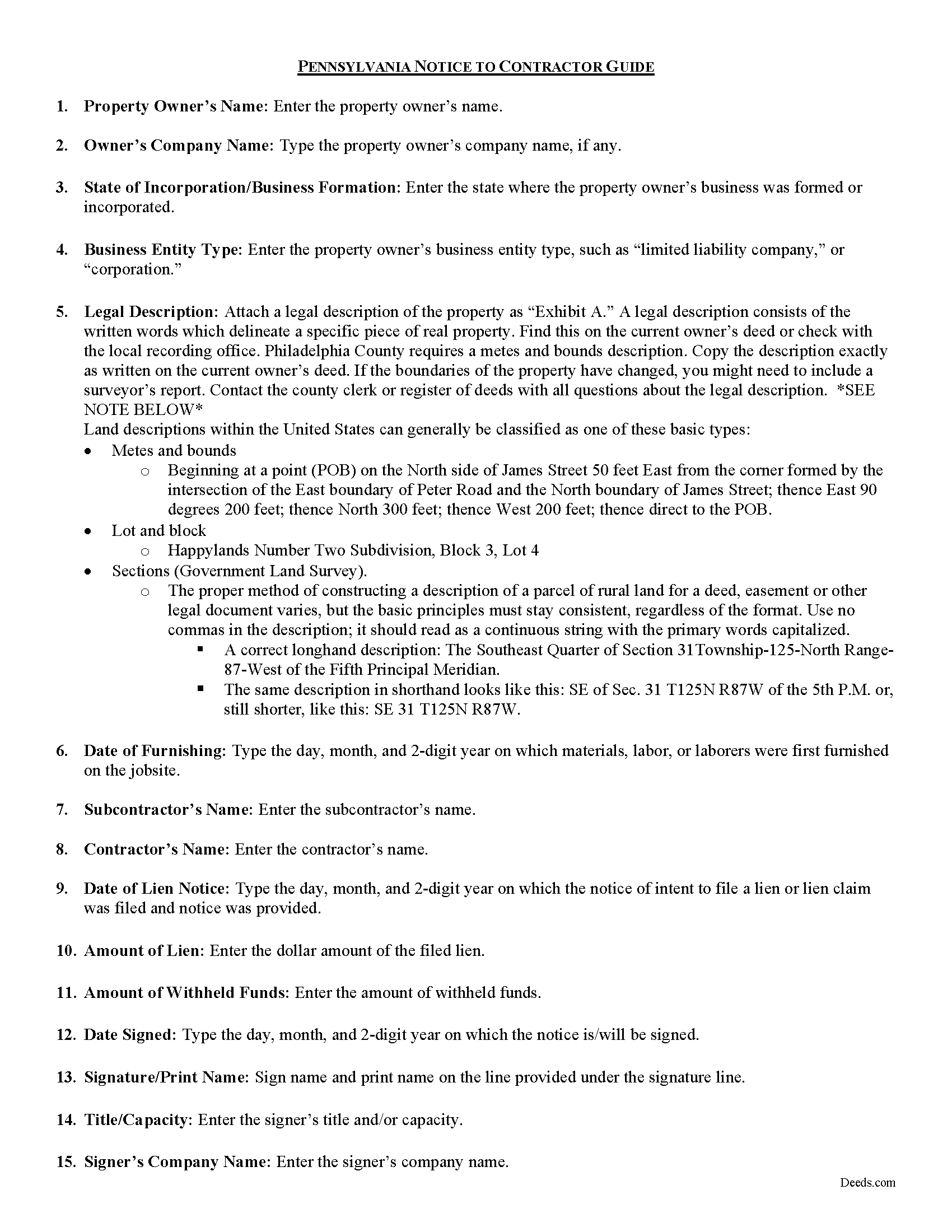
Montgomery County Notice to Contractor Guide
Line by line guide explaining every blank on the form.
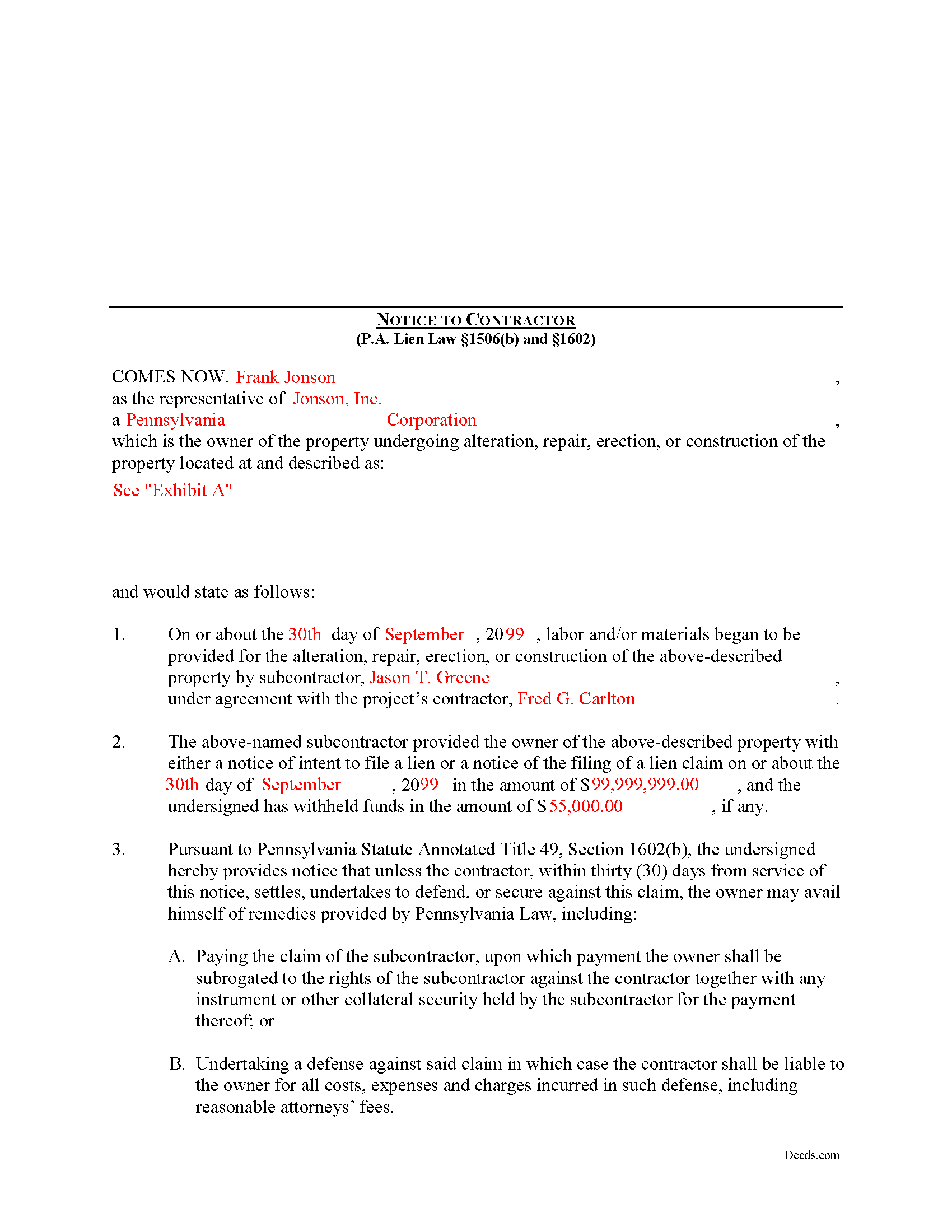
Montgomery County Completed Example of the Notice to Contractor Document
Example of a properly completed form for reference.
All 3 documents above included • One-time purchase • No recurring fees
Immediate Download • Secure Checkout
Additional Pennsylvania and Montgomery County documents included at no extra charge:
Where to Record Your Documents
Montgomery County Recorder of Deeds
Norristown, Pennsylvania 19404-0311
Hours: 8:30 to 4:15 M-F
Phone: (610) 278-3289
Recording Tips for Montgomery County:
- Bring your driver's license or state-issued photo ID
- Ensure all signatures are in blue or black ink
- White-out or correction fluid may cause rejection
- Ask about their eRecording option for future transactions
- Avoid the last business day of the month when possible
Cities and Jurisdictions in Montgomery County
Properties in any of these areas use Montgomery County forms:
- Abington
- Ambler
- Arcola
- Ardmore
- Audubon
- Bala Cynwyd
- Blue Bell
- Bridgeport
- Bryn Athyn
- Cedars
- Cheltenham
- Collegeville
- Colmar
- Conshohocken
- Creamery
- Dresher
- Eagleville
- Earlington
- East Greenville
- Elkins Park
- Fairview Village
- Flourtown
- Fort Washington
- Franconia
- Frederick
- Gilbertsville
- Gladwyne
- Glenside
- Green Lane
- Gwynedd
- Gwynedd Valley
- Harleysville
- Hatboro
- Hatfield
- Haverford
- Horsham
- Huntingdon Valley
- Jenkintown
- King Of Prussia
- Kulpsville
- Lafayette Hill
- Lansdale
- Lederach
- Mainland
- Merion Station
- Mont Clare
- Montgomeryville
- Narberth
- Norristown
- North Wales
- Oaks
- Oreland
- Palm
- Pennsburg
- Perkiomenville
- Plymouth Meeting
- Pottstown
- Red Hill
- Royersford
- Salford
- Salfordville
- Sassamansville
- Schwenksville
- Skippack
- Souderton
- Spring House
- Spring Mount
- Sumneytown
- Telford
- Tylersport
- Valley Forge
- West Point
- Willow Grove
- Worcester
- Woxall
- Wyncote
- Wynnewood
- Zieglerville
Hours, fees, requirements, and more for Montgomery County
How do I get my forms?
Forms are available for immediate download after payment. The Montgomery County forms will be in your account ready to download to your computer. An account is created for you during checkout if you don't have one. Forms are NOT emailed.
Are these forms guaranteed to be recordable in Montgomery County?
Yes. Our form blanks are guaranteed to meet or exceed the applicable formatting requirements used for recording in Montgomery County, including margin requirements, font requirements, and other layout standards. This guarantee applies to formatting, not to the legal sufficiency of information entered by the user or the suitability of a form for a particular transaction.
Can I reuse these forms?
Yes. You can reuse the forms for your personal use. For example, if you have multiple properties in Montgomery County you only need to order once.
What do I need to use these forms?
The forms are PDFs that you fill out on your computer. The free Adobe Acrobat Reader is recommended, and most PDF apps also work. You do NOT enter your property information online - you download the blank forms and complete them privately on your own computer.
Are there any recurring fees?
No. This is a one-time purchase. Nothing to cancel, no memberships, no recurring fees.
How much does it cost to record in Montgomery County?
Recording fees in Montgomery County vary. Contact the recorder's office at (610) 278-3289 for current fees.
Questions answered? Let's get started!
In Pennsylvania, the Notice to Contractor is used by property owners to defend against lien claims. The notice is especially useful when dealing with lien claims filed by a subcontractor working under a general contractor, because the owner may have no knowledge of their agreements.
Where a lien claim is filed by a subcontractor, the owner may give a written notice thereof to the contractor in the manner, and upon the giving of such notice the owner may avail himself of the remedies provided under the law. 49 P.S. 1506(b).
When the notice is served on the contractor, the undersigned is providing notice that unless the contractor, within thirty (30) days from service of the notice, settles, undertakes to defend, or secures against this claim, the owner may avail himself of remedies provided by Pennsylvania Law, including: 1) Paying the claim of the subcontractor, upon which payment the owner shall be subrogated to the rights of the subcontractor against the contractor together with any instrument or other collateral security held by the subcontractor for the payment thereof; or 2) Undertaking a defense against said claim in which case the contractor shall be liable to the owner for all costs, expenses and charges incurred in such defense, including reasonable attorneys' fees. 49 P.S. 1602.
The notice shall state: (1) the name of the subcontractor, the amount of the claim and the amount withheld, if any, by the owner; that unless the contractor within thirty (30) days from service of the notice settles, undertakes to defend, or secures against the claim as provided by section 603, and (2) the owner may avail himself of the remedies provided by section 604.3. 49 P.S. 1602(b).
The owner or his agent may deliver the notice to the contractor personally, or to the contractor's manager, executive or principal officer or other agent, or if none of these persons can be found, by sending a copy of the notice by first class, registered or certified mail to the contractor at his last known office address. 49 P.S. 1602(c).
Mechanic's Liens are governed by Title 49 of the Pennsylvania Consolidated Statutes.
This article is provided for informational purposes only and does not constitute legal advice. Contact an attorney with questions about the Notice to Contractor, or for any other issues related to mechanic's liens in Pennsylvania.
Important: Your property must be located in Montgomery County to use these forms. Documents should be recorded at the county recording office listed above.
This Notice to Contractor meets all recording requirements specific to Montgomery County.
Our Promise
The documents you receive here are guaranteed to meet or exceed the applicable Montgomery County recording format requirements. If there is a rejection caused by our formatting, we will correct the issue or refund your payment. This guarantee applies to document formatting only and does not extend to information entered by the user, the selection of the form, or the legal effect of the completed document.
Save Time and Money
Get your Montgomery County Notice to Contractor form done right the first time with Deeds.com Uniform Conveyancing Blanks. At Deeds.com, we understand that your time and money are valuable resources, and we don't want you to face a penalty fee or rejection imposed by a county recorder for submitting nonstandard documents. We constantly review and update our forms to meet rapidly changing state and county recording requirements for roughly 3,500 counties and local jurisdictions.
4.8 out of 5 - ( 4,836 Reviews )
Ondina S. 5 out of 5 stars
Am very happy with the wealth of forms that were available with my purchase! This site is an awesome resource which I plan to use in the future.
We appreciate your business and value your feedback. Thank you. Have a wonderful day!
Stephen D. 5 out of 5 stars
Excellent service!
Thank you!
Barry C. 5 out of 5 stars
prompt, complete and efficient process --- kudos to you
Thank you so much Barry. Have a great day!
katherine a. 5 out of 5 stars
loved the ease of use for the forms. went on line to find out about Adobe Reader, too. Had a test to see if I had it. Took few seconds. Then on to ordering and downloading which took only 5 minutes for the three forms I wanted. Thanks, Katie Anderson
Thank you for your feedback. We really appreciate it. Have a great day!
RUSSELL E. 5 out of 5 stars
The process sure was easy and fast. Not sure why a rep would question why I am requesting an exhibit page on the Deed when that's a common practice here in AZ. They recorded it the way I sent it so all good.
Thank you!
Peter & Bonnie Higgins H. 5 out of 5 stars
We were very pleased with the advice and forms provided. We were able to complete our special project. Just what we were looking for. I give you 41/2 stars
Thank you!
Reliant Roofers, Inc. N. 5 out of 5 stars
Great communication. Quick response. deeds.com is timely and efficient.
We appreciate your business and value your feedback. Thank you. Have a wonderful day!
Camesha Y. 5 out of 5 stars
Was working with a notary client that need to do a deed. We got on this site, ordered the blank forms, he filled them out and we printed them so he could sign. Really clean forms, easy to understand and complete in a hurry. I will be letting all my clients know about this site.
That's terrific Camesha, glad to hear. Have a great day!
Lillian F. 5 out of 5 stars
Very well satisfy with my results. I could not ask for better service d
Thank you for your feedback. We really appreciate it. Have a great day!
James B. 5 out of 5 stars
Reliable and fast. A great assest.
Thank you!
Robert K. 5 out of 5 stars
This deed helped me a lot
Glad to hear that Robert. Have a great day!
Noelle V. 5 out of 5 stars
I requested a copy of some documents and within the hour, they were waiting for me in PDF form. It was easy and helped a great deal to have this service available.
Your feedback is valuable to us and helps us improve. Thank you for sharing your thoughts!
Yvonne A. 5 out of 5 stars
love your Deeds.com website...
Thank you!
Robert P. 5 out of 5 stars
Excellent product. Wish I had found this site a week earlier. It would have saved me many hours of struggle and $40.00 in notary fees. Thanks and I will recommend to anyone needing forms.
Thank you for your feedback. We really appreciate it. Have a great day!
Renee M. 5 out of 5 stars
My sister in law is in a hospital ICU with Covid, so we were trying to get her affairs in order. Deeds.com made this difficult situation so much better by making this process very easy to understand and do.
Glad we could help Renee, hoping the very best for you and your family.