Northumberland County Trustee Deed Form
Last validated August 10, 2026 by our Forms Development TeamFormatted for recording in Northumberland County, for property anywhere in the county: rural and unincorporated areas as well as Coal Township, Dalmatia, Dewart, Dornsife, Elysburg, Herndon, Kulpmont, Leck Kill and 17 more.
- 3 documents included
- Immediate PDF download
- Formatting guarantee
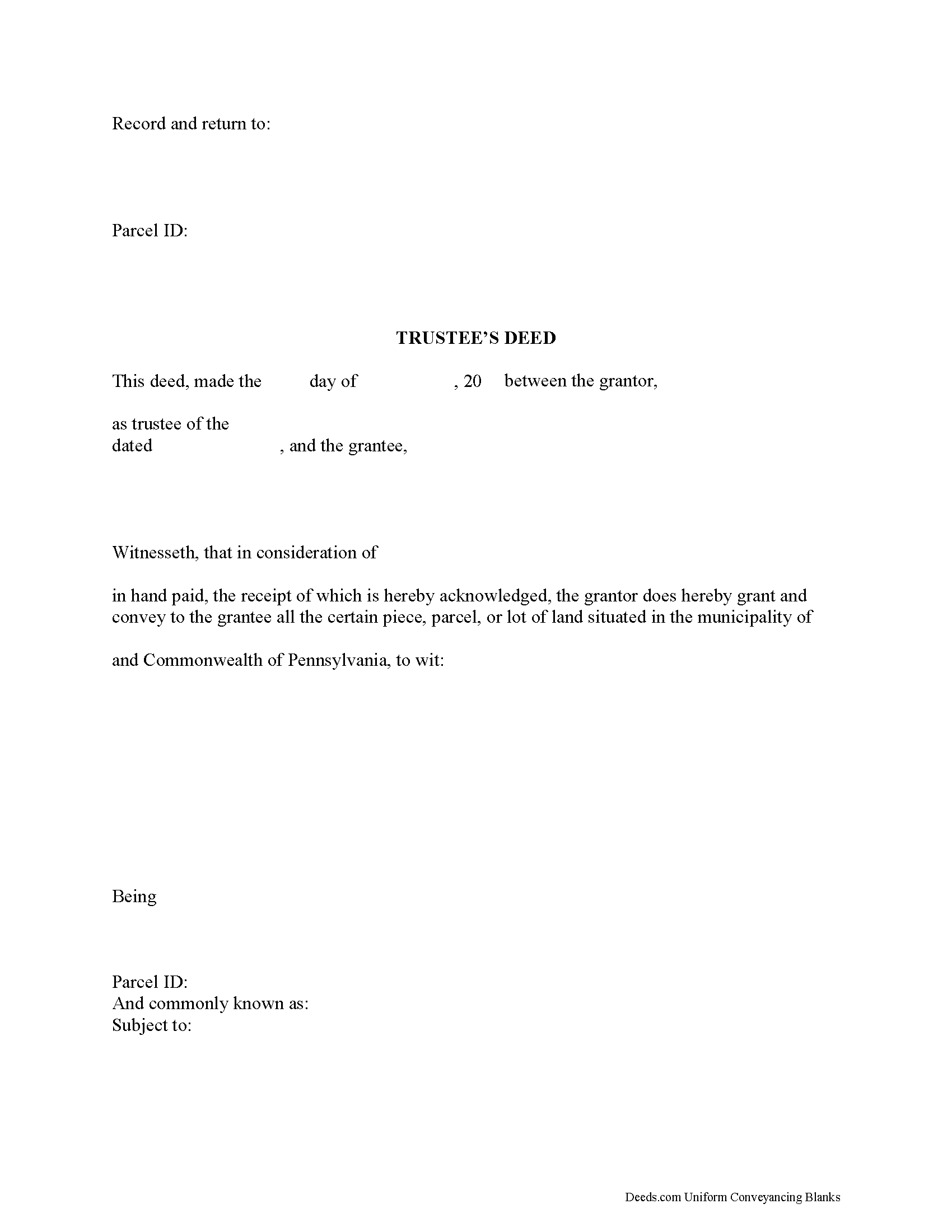
Northumberland County Trustee Deed Form
Fill in the blank form formatted to comply with all recording and content requirements.
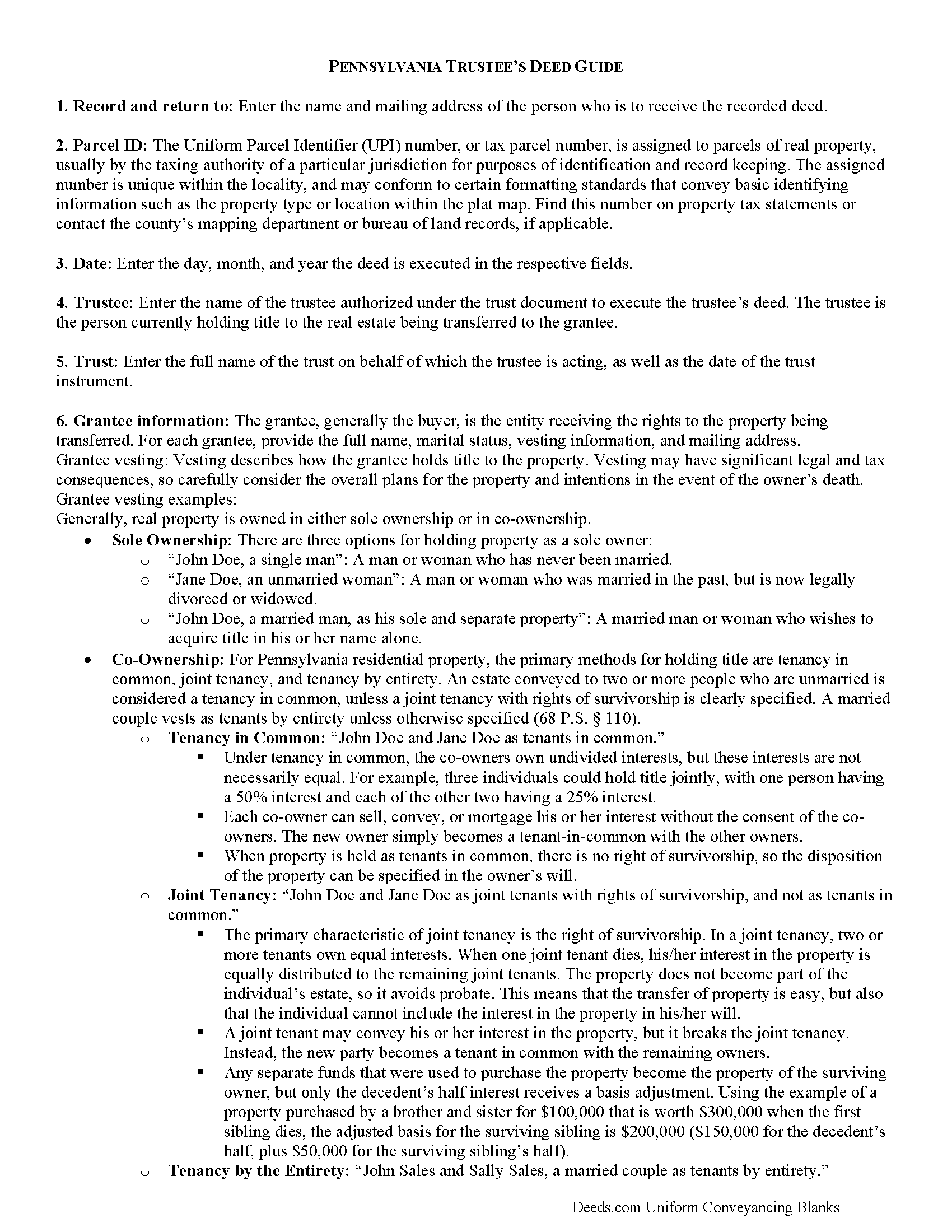
Northumberland County Trustee Deed Guide
Line by line guide explaining every blank on the form.
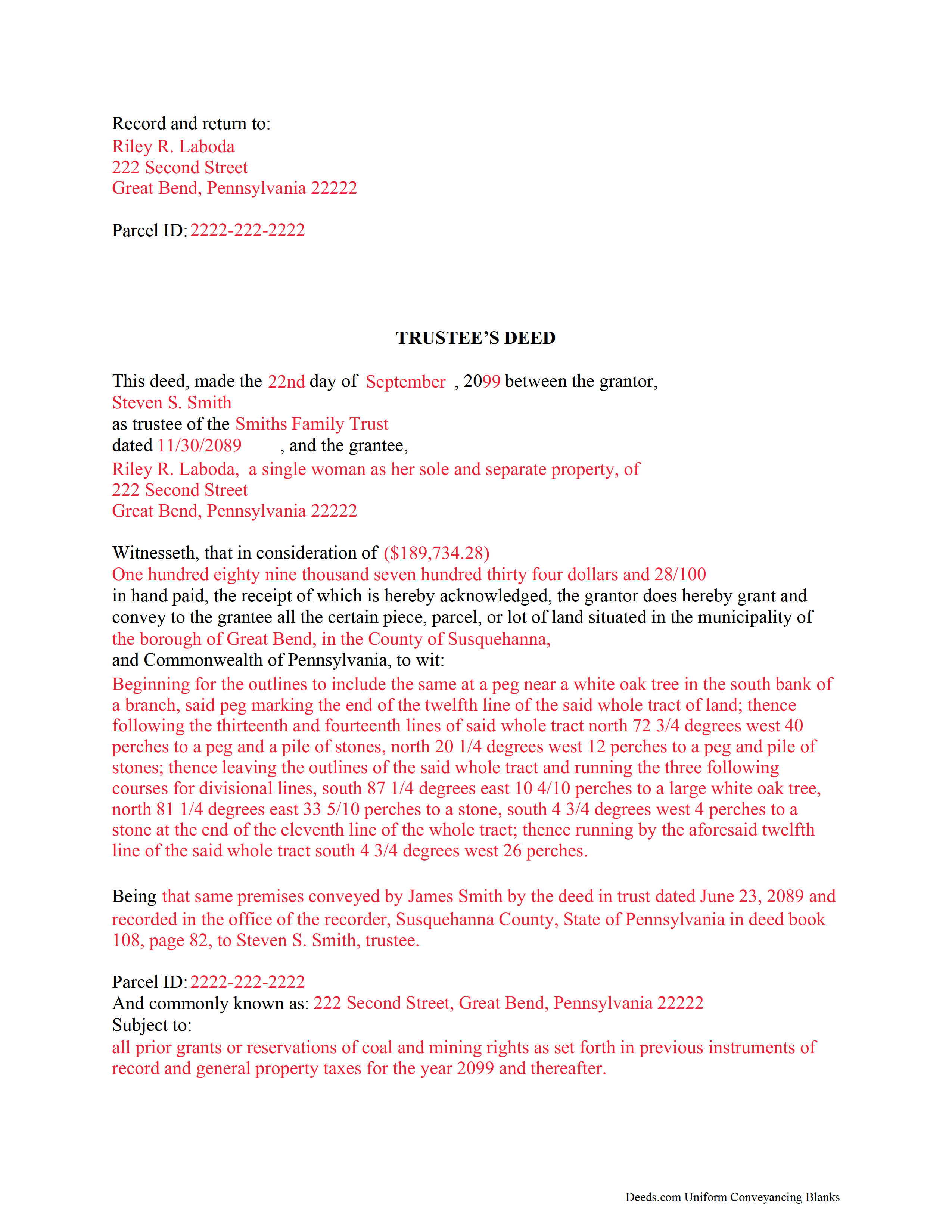
Northumberland County Completed Example of the Trustee Deed Document
Example of a properly completed form for reference.
All 3 documents above included • One-time purchase • No recurring fees
Immediate Download • Secure Checkout
Additional Pennsylvania and Northumberland County documents included at no extra charge:
Where to Record Your Documents
Recorder of Deeds - County Courthouse
Sunbury, Pennsylvania 17801
Hours: Mon 9:00 - 4:45; Tue-Fri 9:00 - 4:15
Phone: (570) 988-4143
Recording Tips for Northumberland County:
- Bring your driver's license or state-issued photo ID
- Ensure all signatures are in blue or black ink
- Bring extra funds - fees can vary by document type and page count
- Check margin requirements - usually 1-2 inches at top
- Leave recording info boxes blank - the office fills these
Cities and Jurisdictions in Northumberland County
Properties in any of these areas use Northumberland County forms:
- Coal Township
- Dalmatia
- Dewart
- Dornsife
- Elysburg
- Herndon
- Kulpmont
- Leck Kill
- Locust Gap
- Marion Heights
- Mc Ewensville
- Milton
- Montandon
- Mount Carmel
- Northumberland
- Paxinos
- Potts Grove
- Rebuck
- Riverside
- Shamokin
- Snydertown
- Sunbury
- Trevorton
- Turbotville
- Watsontown
Hours, fees, requirements, and more for Northumberland County
How do I get my forms?
Forms are available for immediate download after payment. The Northumberland County forms will be in your account ready to download to your computer. An account is created for you during checkout if you don't have one. Forms are NOT emailed.
Are these forms guaranteed to be recordable in Northumberland County?
Yes. Our form blanks are guaranteed to meet or exceed the applicable formatting requirements used for recording in Northumberland County, including margin requirements, font requirements, and other layout standards. This guarantee applies to formatting, not to the legal sufficiency of information entered by the user or the suitability of a form for a particular transaction.
Can I reuse these forms?
Yes. You can reuse the forms for your personal use. For example, if you have multiple properties in Northumberland County you only need to order once.
What do I need to use these forms?
The forms are PDFs that you fill out on your computer. The free Adobe Acrobat Reader is recommended, and most PDF apps also work. You do NOT enter your property information online - you download the blank forms and complete them privately on your own computer.
Are there any recurring fees?
No. This is a one-time purchase. Nothing to cancel, no memberships, no recurring fees.
How much does it cost to record in Northumberland County?
Recording fees in Northumberland County vary. Contact the recorder's office at (570) 988-4143 for current fees.
Questions answered? Let's get started!
Title 20, Chapter 77 of the Pennsylvania Statutes governs trusts in the State of Pennsylvania.
A trust is a wealth management tool commonly used in estate planning. There are three main parties to a trust: the settlor, who funds the trust by conveying assets into it; the trustee, who administers the trust and controls its assets; and the beneficiary, who has a present or future interest in the trust (P.S. 7703). Note that a sole trustee cannot also be the sole beneficiary (P.S. 7732(a)(5)).
Under a trust, the acting trustee manages the trust as directed by the settlor. This arrangement works, in part, because the trustee holds what amounts to a proxy title to the trust's assets. If the trust contains real property that the settlor wishes to sell, the trustee executes and records a document called a trustee's deed to transfer the title to the grantee/buyer -- the settlor is not identified in the transaction.
In most cases, trustee's deeds are modified quitclaim or special warranty deeds. Quitclaim deeds contain no warranties of title, and special warranty deeds only offer the grantee protection against title claims originating while grantor controlled the property. Generally, a trustee uses a quitclaim deed if the settlor and grantee are close relatives (spouses, parent to child, etc.). A trustee of a living trust might also use a quitclaim deed to transfer property out of the trust and to himself as an individual. Third-party purchasers might require a special warranty deed in order to obtain a mortgage or title insurance.
Besides fulfilling the requirements for all instruments affecting real property in the State of Pennsylvania (tax parcel number, legal description, prior deed information, certificate of residence, and so on), the trustee's deed names the trustee as the grantor and gives the date and the name of the trust under which the trustee is acting. A certificate of trust is sometimes included to verify the trust's existence and the trustee's authority to act on behalf of the trust. As with other instruments, the deed must be signed and acknowledged in the presence of a notary, then recorded in the county where the property is situated.
Trust law can be thorny, and each situation is unique. Consult an attorney with specific questions or for complicated circumstances.
(Pennsylvania TD Package includes form, guidelines, and completed example)
Important: Your property must be located in Northumberland County to use these forms. Documents should be recorded at the county recording office listed above.
This Trustee Deed meets all recording requirements specific to Northumberland County.
Our Promise
The documents you receive here are guaranteed to meet or exceed the applicable Northumberland County recording format requirements. If there is a rejection caused by our formatting, we will correct the issue or refund your payment. This guarantee applies to document formatting only and does not extend to information entered by the user, the selection of the form, or the legal effect of the completed document.
Save Time and Money
Get your Northumberland County Trustee Deed form done right the first time with Deeds.com Uniform Conveyancing Blanks. At Deeds.com, we understand that your time and money are valuable resources, and we don't want you to face a penalty fee or rejection imposed by a county recorder for submitting nonstandard documents. We constantly review and update our forms to meet rapidly changing state and county recording requirements for roughly 3,500 counties and local jurisdictions.
4.8 out of 5 - ( 4,837 Reviews )
Arletta B. 5 out of 5 stars
Fantastic service, saved me a ton of time and running around. Thanks!
Thank you!
Scott R. 5 out of 5 stars
Thanks that was great.
Thank you for your feedback. We really appreciate it. Have a great day!
Charles K. 5 out of 5 stars
Was successful, I'm happy. Tks
Glad to hear everything went smoothly. Thanks for your feedback, Charles!
Elizabeth F. 5 out of 5 stars
This was great other than exemption codes did not populate and I couldn't refer to it.
Thank you for your feedback. We really appreciate it. Have a great day!
Jeffrey G. 5 out of 5 stars
We had a one-time-only recording to make in the District of Columbia. We could not have e-filed the document without the assistance Deeds.com! The service they provided was wonderful.
Thank you for your feedback. We really appreciate it. Have a great day!
Cathy W. 5 out of 5 stars
Just what I was looking for
Thank you!
Mildred S. 5 out of 5 stars
This was an excellent service to amend a deed. It was a little frustrating at first, but well worth it, as they review your documents before submission to your "Recorder of Deeds" to make sure they are not rejected. Would definitely use them again.
We appreciate your business and value your feedback. Thank you. Have a wonderful day!
Pamela L. 5 out of 5 stars
Well this could not have been any easier for me! Deeds made this whole process very efficient, and simple. I will definitely be a return customer when needed. Thank You!
Thank you Pamela, we appreciate you!
Jennifer C. 5 out of 5 stars
Fast turnaround. Very much appreciated!
Thank you!
Katherine N. 5 out of 5 stars
Very easy to understand and complete.
We appreciate your business and value your feedback. Thank you. Have a wonderful day!
RICHARD M. 5 out of 5 stars
EASY TO USE AND GREAT I COULD DOWNLOAD MULTIPLE DOCUMENTS
Thank you!
George W. 5 out of 5 stars
Phenomenal service! If only every request and transaction with other companies could be this seamless and efficient!
We appreciate your business and value your feedback. Thank you. Have a wonderful day!
Thomas T. 5 out of 5 stars
Amazing site, been using it since 2018 for forms and never an issue.
Thank you for your feedback. We really appreciate it. Have a great day!
CEDRIC D. 3 out of 5 stars
need more instructions for each form
Thank you for your feedback. We really appreciate it. Have a great day!
Steve B. 5 out of 5 stars
Awesome. Last time I needed to f Ile a document it cost $300.00 gor a lawyer. This time $53.00.
Thank you!