Calhoun County Mortgage Secured by Promissory Note Form
Last validated October 2, 2026 by our Forms Development TeamFormatted for recording in Calhoun County, for property anywhere in the county: rural and unincorporated areas as well as Cameron, Saint Matthews.
- 7 documents included
- Immediate PDF download
- Formatting guarantee
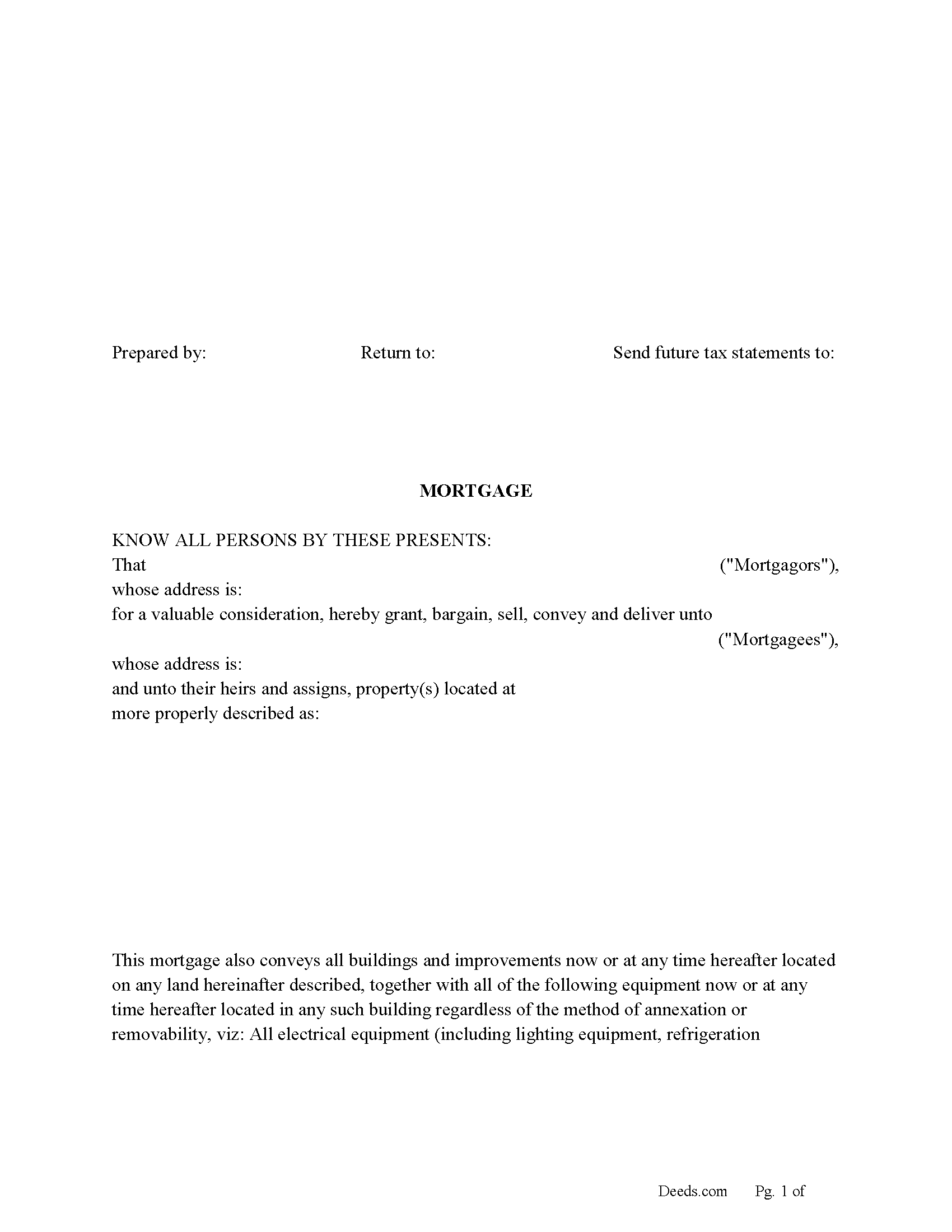
Calhoun County Mortgage Form
Fill in the blank form formatted to comply with all recording and content requirements.
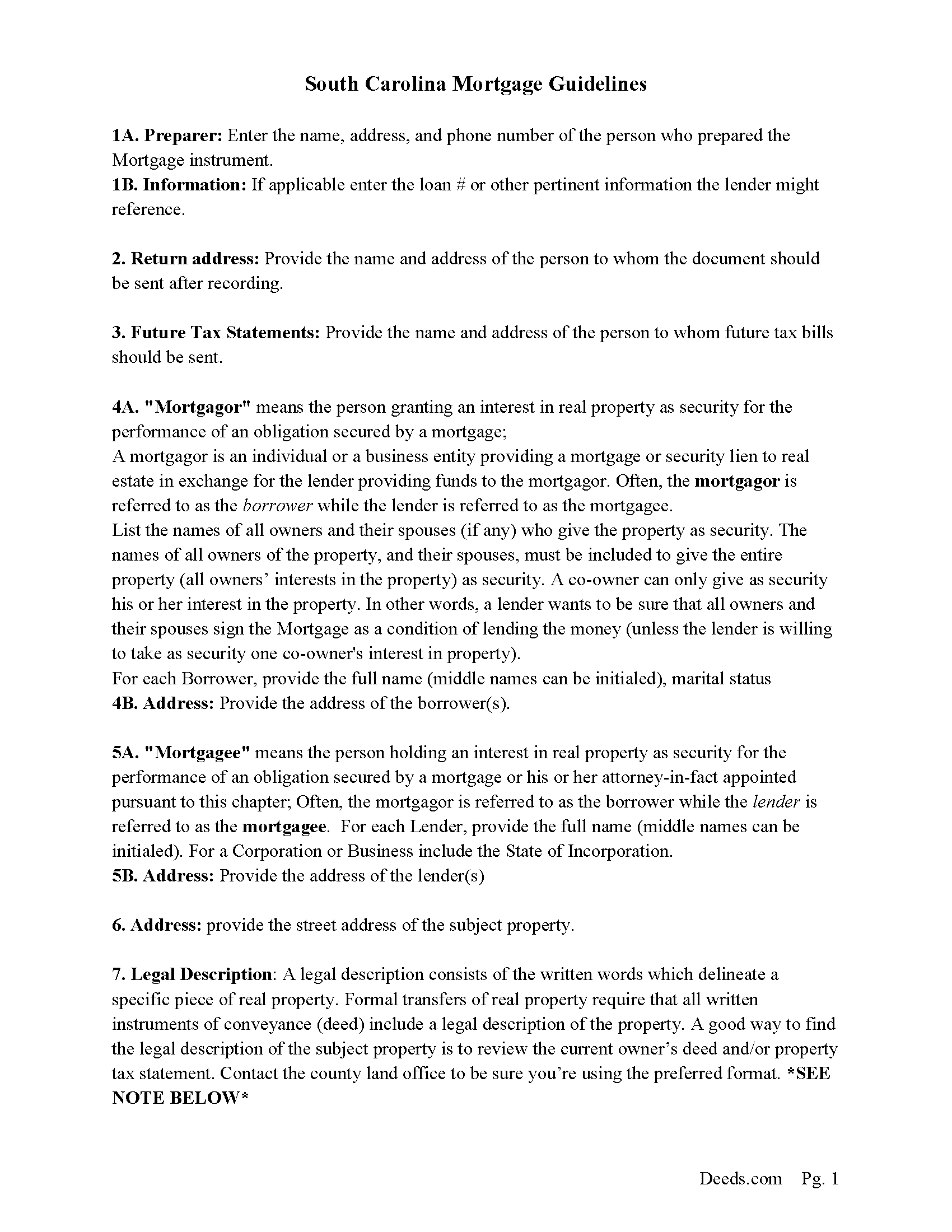
Calhoun County Mortgage Guidelines
Line by line guide explaining every blank on the form.
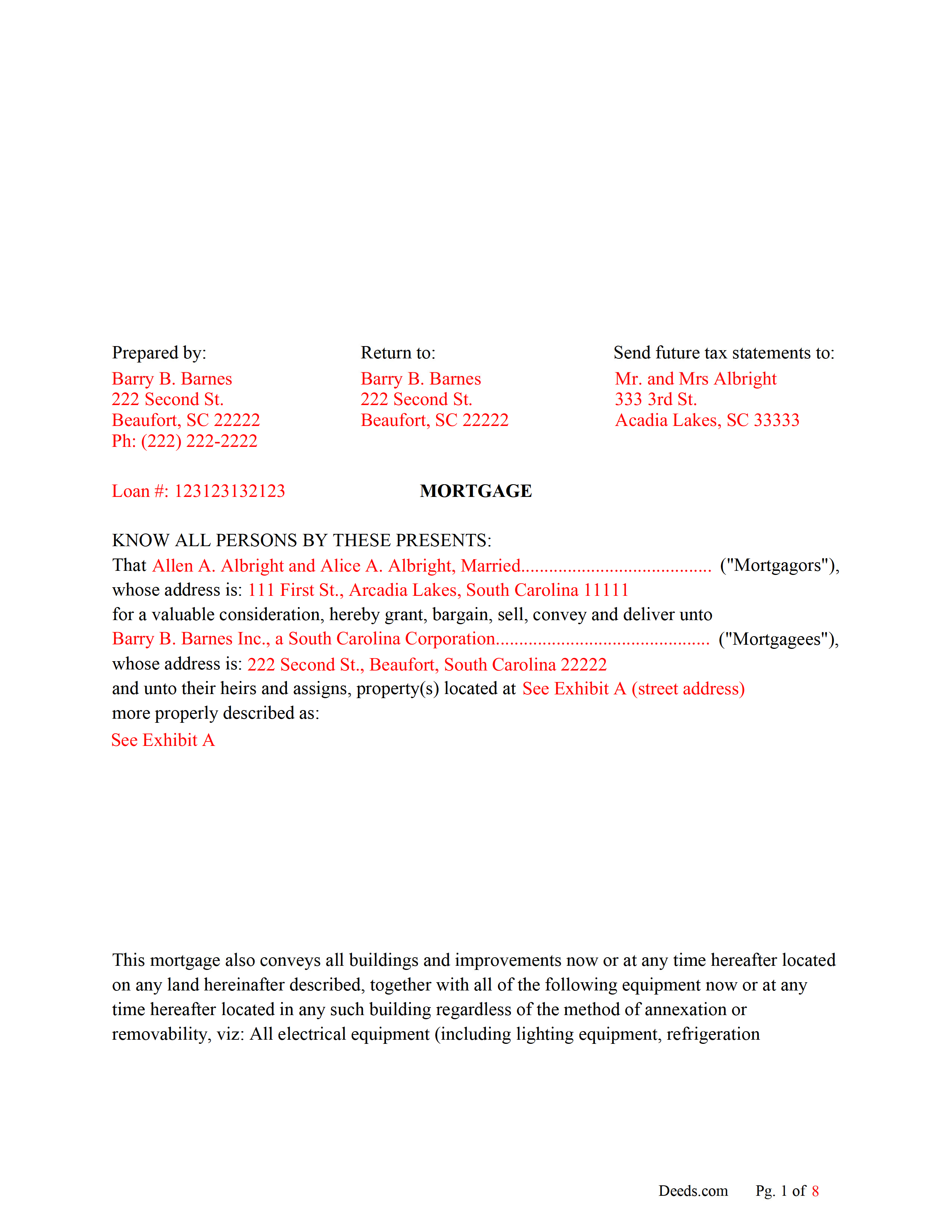
Calhoun County Completed Example of the Mortgage Document
Line by line guide explaining every blank on the form.
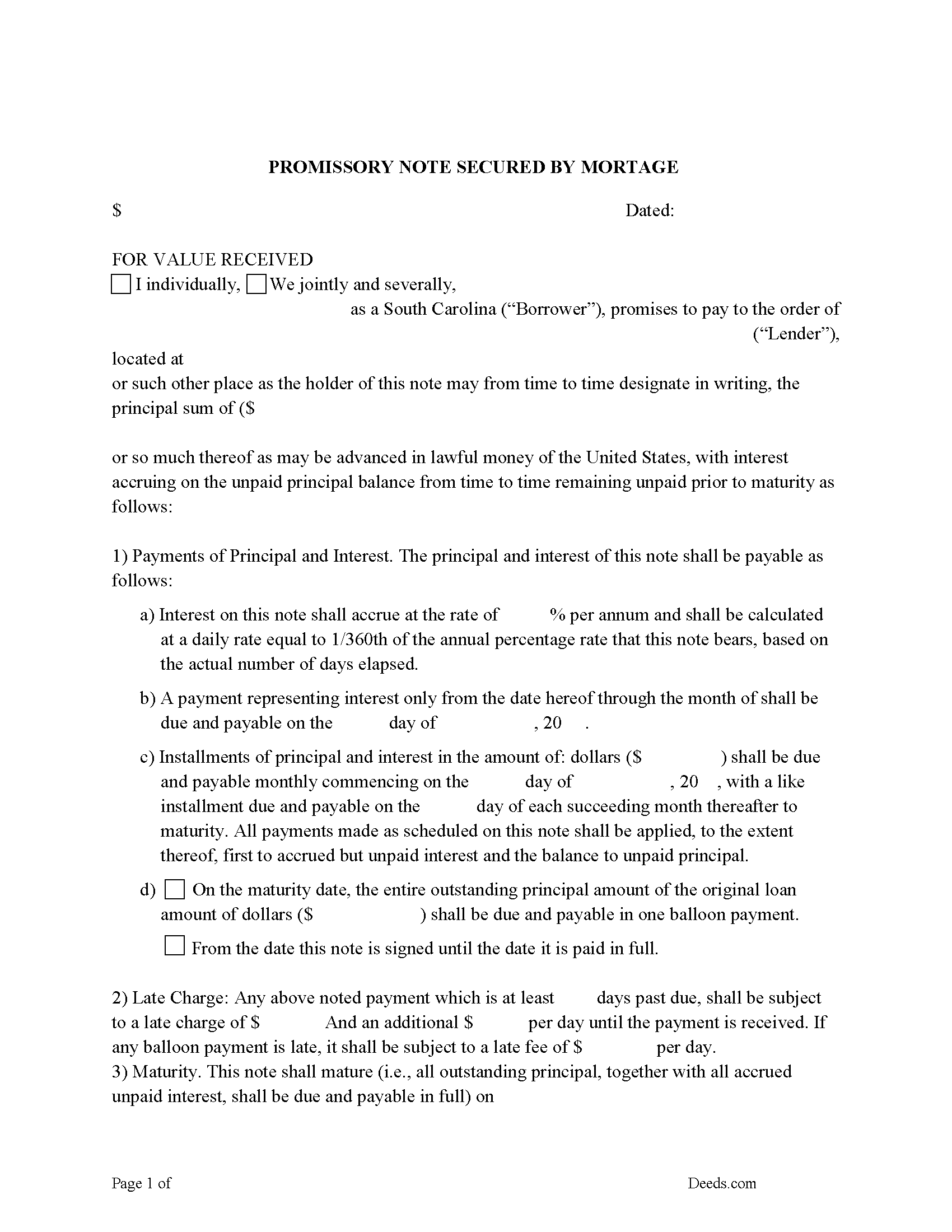
Calhoun County Promissory Note Form
P/N can be used for installment or balloon payment(s).
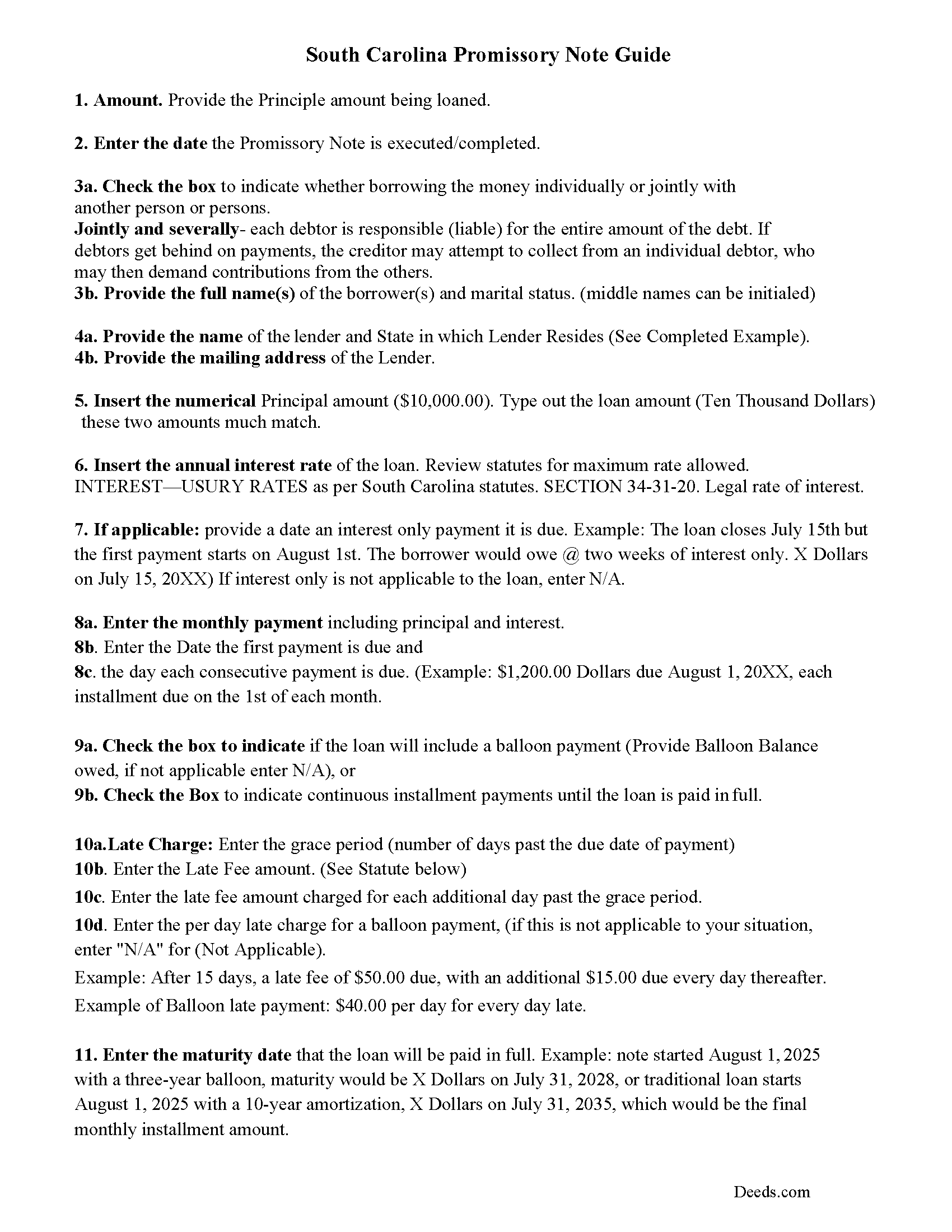
Calhoun County Promissory Note Guidelines
Line by line guide explaining every blank on the form.
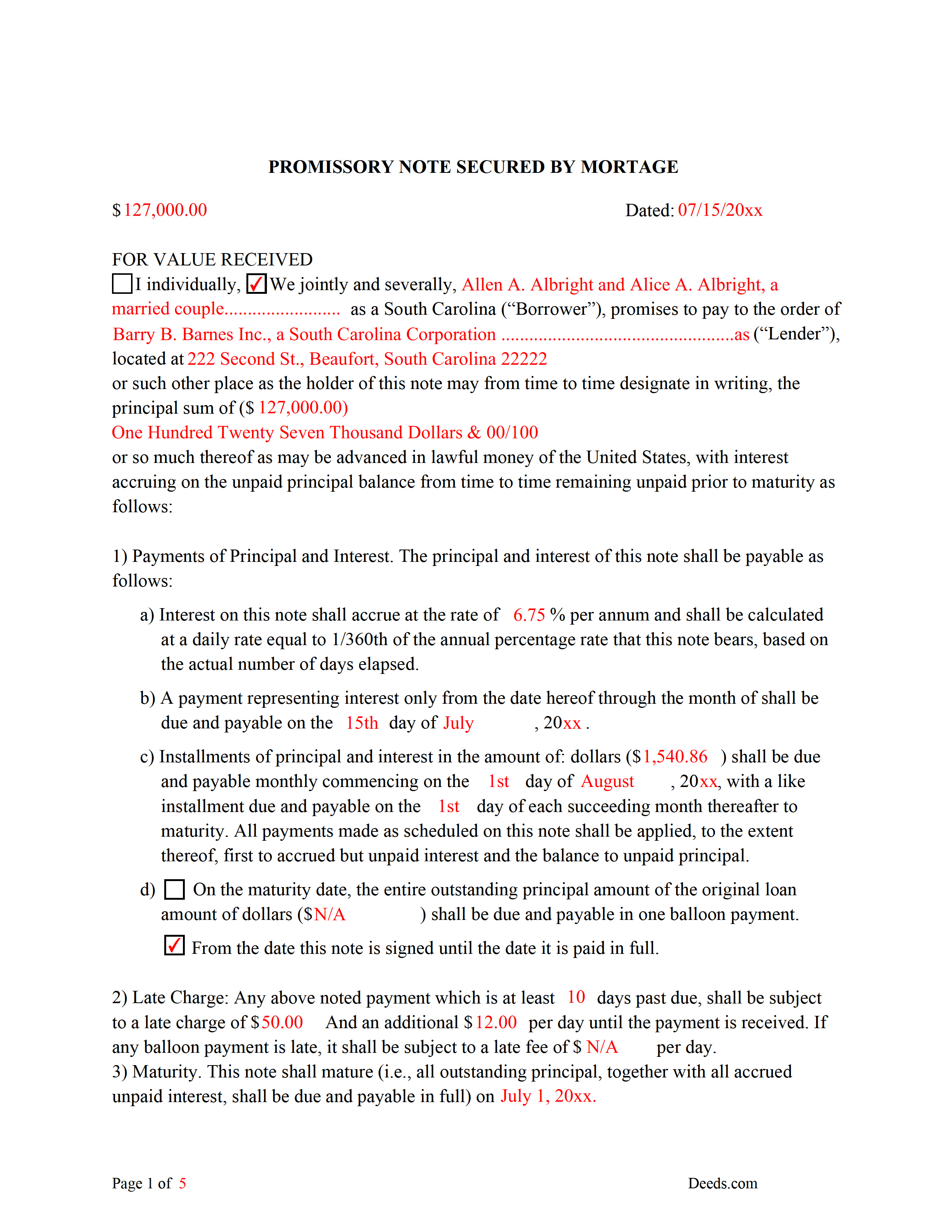
Calhoun County Completed Example of the Promissory Note Document
This Promissory Note is filled in and highlighted, showing how the guideline information, can be interpreted into the document.
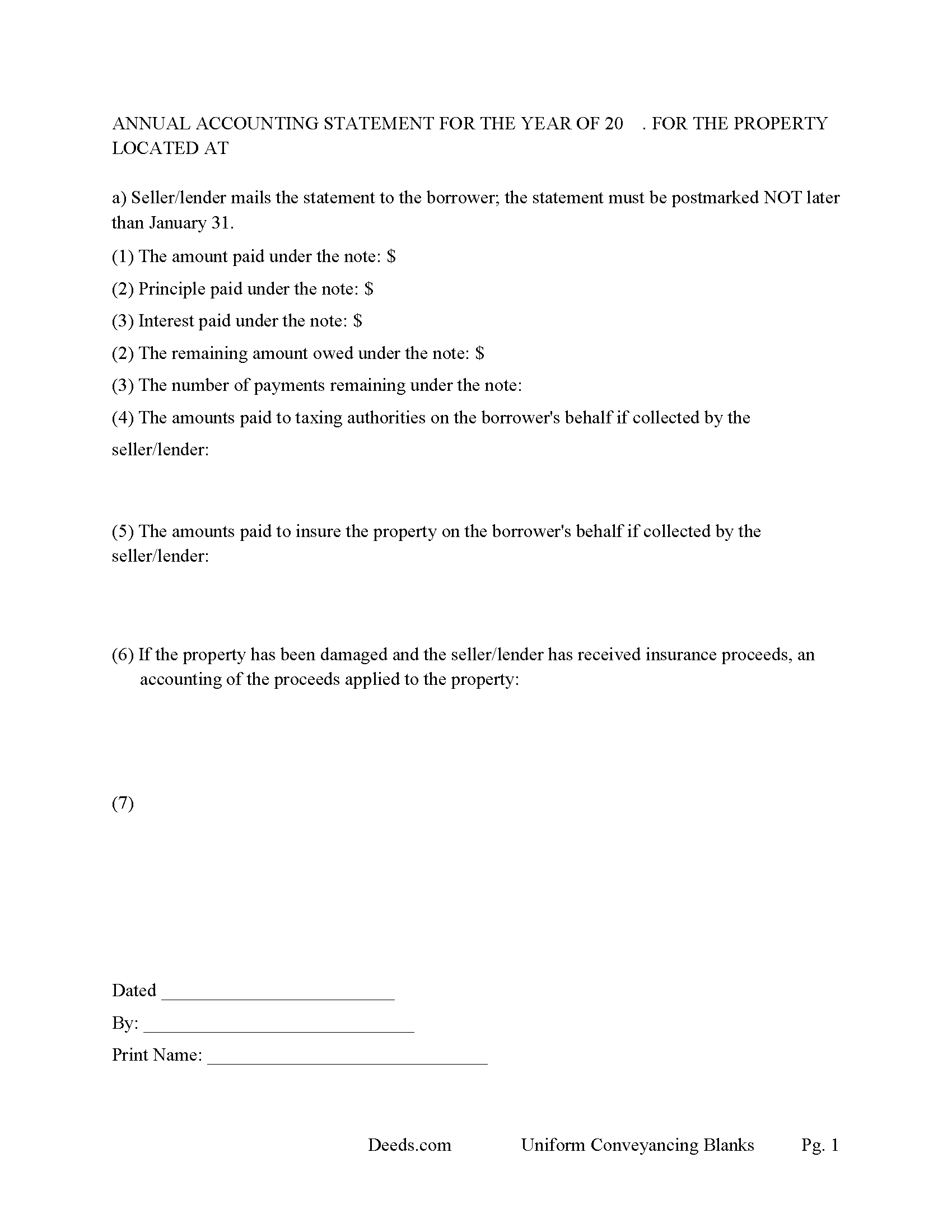
Calhoun County Annual Accounting Statement Form
Mail to borrower for fiscal year reporting.
All 7 documents above included • One-time purchase • No recurring fees
Immediate Download • Secure Checkout
Additional South Carolina and Calhoun County documents included at no extra charge:
Where to Record Your Documents
Calhoun County Clerk of Court
St. Matthews, South Carolina 29135
Hours: 9:00 to 5:00 M-F
Phone: 803-874-3524
Recording Tips for Calhoun County:
- Bring your driver's license or state-issued photo ID
- Ensure all signatures are in blue or black ink
- Ask if they accept credit cards - many offices are cash/check only
- Check that your notary's commission hasn't expired
- Documents must be on 8.5 x 11 inch white paper
Cities and Jurisdictions in Calhoun County
Properties in any of these areas use Calhoun County forms:
- Cameron
- Saint Matthews
Hours, fees, requirements, and more for Calhoun County
How do I get my forms?
Forms are available for immediate download after payment. The Calhoun County forms will be in your account ready to download to your computer. An account is created for you during checkout if you don't have one. Forms are NOT emailed.
Are these forms guaranteed to be recordable in Calhoun County?
Yes. Our form blanks are guaranteed to meet or exceed the applicable formatting requirements used for recording in Calhoun County, including margin requirements, font requirements, and other layout standards. This guarantee applies to formatting, not to the legal sufficiency of information entered by the user or the suitability of a form for a particular transaction.
Can I reuse these forms?
Yes. You can reuse the forms for your personal use. For example, if you have multiple properties in Calhoun County you only need to order once.
What do I need to use these forms?
The forms are PDFs that you fill out on your computer. The free Adobe Acrobat Reader is recommended, and most PDF apps also work. You do NOT enter your property information online - you download the blank forms and complete them privately on your own computer.
Are there any recurring fees?
No. This is a one-time purchase. Nothing to cancel, no memberships, no recurring fees.
How much does it cost to record in Calhoun County?
Recording fees in Calhoun County vary. Contact the recorder's office at 803-874-3524 for current fees.
Questions answered? Let's get started!
Use this form to mortgage residential property, rental property (up to 4 units), small commercial, condominiums and planned unit developments. A mortgagor is often referred to as the borrower and the mortgagee as the lender. (The mortgagor shall be deemed the owner of the land and the mortgagee as owner of the money lent or due and the mortgagee shall be entitled to recover satisfaction for such money out of the land by foreclosure and sale according to law. But notwithstanding the foregoing provision all releases of the equity of redemption shall be binding and effectual in law.) (SECTION 29-3-10. Rights and title of mortgagor and mortgagee.) This form meets recording requirements for a South Carolina Mortgage:
- Signature of mortgagor (borrower)
- Name and address of mortgagee (lender)
- Two witnesses
- SC Probate or Acknowledgement
- Property description
- Derivation Clause
A mortgage and promissory note with stringent default terms can be advantageous to the lender in the case of a default. Compatible with investor/owner financing.
(South Carolina Mortgage Package includes forms, guidelines, and completed examples) For use in South Carolina only.
Important: Your property must be located in Calhoun County to use these forms. Documents should be recorded at the county recording office listed above.
This Mortgage Secured by Promissory Note meets all recording requirements specific to Calhoun County.
Our Promise
The documents you receive here are guaranteed to meet or exceed the applicable Calhoun County recording format requirements. If there is a rejection caused by our formatting, we will correct the issue or refund your payment. This guarantee applies to document formatting only and does not extend to information entered by the user, the selection of the form, or the legal effect of the completed document.
Save Time and Money
Get your Calhoun County Mortgage Secured by Promissory Note form done right the first time with Deeds.com Uniform Conveyancing Blanks. At Deeds.com, we understand that your time and money are valuable resources, and we don't want you to face a penalty fee or rejection imposed by a county recorder for submitting nonstandard documents. We constantly review and update our forms to meet rapidly changing state and county recording requirements for roughly 3,500 counties and local jurisdictions.
4.8 out of 5 - ( 4,828 Reviews )
John B. 5 out of 5 stars
I bought a Quitclaim Deed package for Fayette County, Kentucky, to transfer my house into a Living Trust that I had set up previously. Creating my Quitclaim Deed was pretty straightforward, using the form, the instructions, and the sample Quitclaim Deed. I signed my Quitclaim Deed at a nearby Notary Public, then took it to the Fayette County Clerk's office to be recorded. The clerk there asked me to make two small changes to the Quitclaim Deed, which she let me do in pen on the spot: * In the signature block for the receiver of the property, filled in "Capacity" as "Grantee as Trustee ______________________________ Living Trust". * In the notary's section, changed "were acknowledged before me" to "were acknowledged and sworn to before me".
Thank you for your feedback. We really appreciate it. Have a great day!
Laurie S. 5 out of 5 stars
This was amazingly easy to access.
We appreciate your business and value your feedback. Thank you. Have a wonderful day!
Mary D. 5 out of 5 stars
So far, understanding the process involved to get these forms was simple. I would like to have known or received some information as to charges for filing these documents. Or, be directed to a place that lists charges.
Thank you for your feedback. We really appreciate it. Have a great day!
David B. 5 out of 5 stars
fast and easy.
Thank you!
Patricia D. 5 out of 5 stars
It worked great- I had a little trouble at first with the site, figuring out where to do what, but the form was much better than the one we purchased at Staples, loved being able to fill out with the computer. We did need the other form as per the screen prior to ordering but couldn't figure out which one. The ladies at the recorders were great too.
We appreciate your business and value your feedback. Thank you. Have a wonderful day!
Cynthia D. 5 out of 5 stars
It turned out I didn't need the information was taken care of by my husband. Thank you.
Thank you!
Terry W. 5 out of 5 stars
Loved it no recurring fees easy to use your app
Thank you!
FREDERICK T C. 5 out of 5 stars
simple to follow and easy to use. Thanks
Thank you!
Michelle M. 5 out of 5 stars
The website was easy to navigate and great communication on every step of the process.
Thank you for your feedback. We really appreciate it. Have a great day!
Stephen S. 5 out of 5 stars
This is awesome. Making sure not only that everything is worded correctly but also formatted correctly is great. Thank you.
Thank you for your feedback. We really appreciate it. Have a great day!
Deborah D. 5 out of 5 stars
Very easy to use, got everything I needed. Reasonable price.
Thank you!
Joanne K. 5 out of 5 stars
I haven't used the forms yet, but was at the county recorders office and they looked at it and said it looked fine. The instructions were easy to read and the forms easy to complete and save for a next time, if there is need.
Thank you for your feedback. We really appreciate it. Have a great day!
Michael H. 5 out of 5 stars
Very straightforward website. Helpful in getting county specific documents.
Thank you!
Saul N. 5 out of 5 stars
Great and fast service. Would have been grate to have seen a little more detail or a pre-filled sample in the fields. Had a little confussion in some of the lines to fill out since the guide only explains a few of the lines not all of them. Otherwise, is really great to have this service with low cost. Thank you.
Thank you for taking the time to provide us with your feedback Saul, we appreciate you.
joseph p. 5 out of 5 stars
As i am not very computer ready,i had one heck of a time filling,printing,and copying this document.But with your patience and understanding of older ways,WE DID IT SUCCESSFULLY.Thank you for your time.I will recommend this site to all that inquire
Thank you for your feedback. We really appreciate it. Have a great day!