Horry County Quitclaim Deed (Two Grantors) Form
Last validated October 9, 2026 by our Forms Development TeamFormatted for recording in Horry County, for property anywhere in the county: rural and unincorporated areas as well as Aynor, Conway, Galivants Ferry, Green Sea, Little River, Longs, Loris, Murrells Inlet and 3 more.
- 3 documents included
- Immediate PDF download
- Formatting guarantee
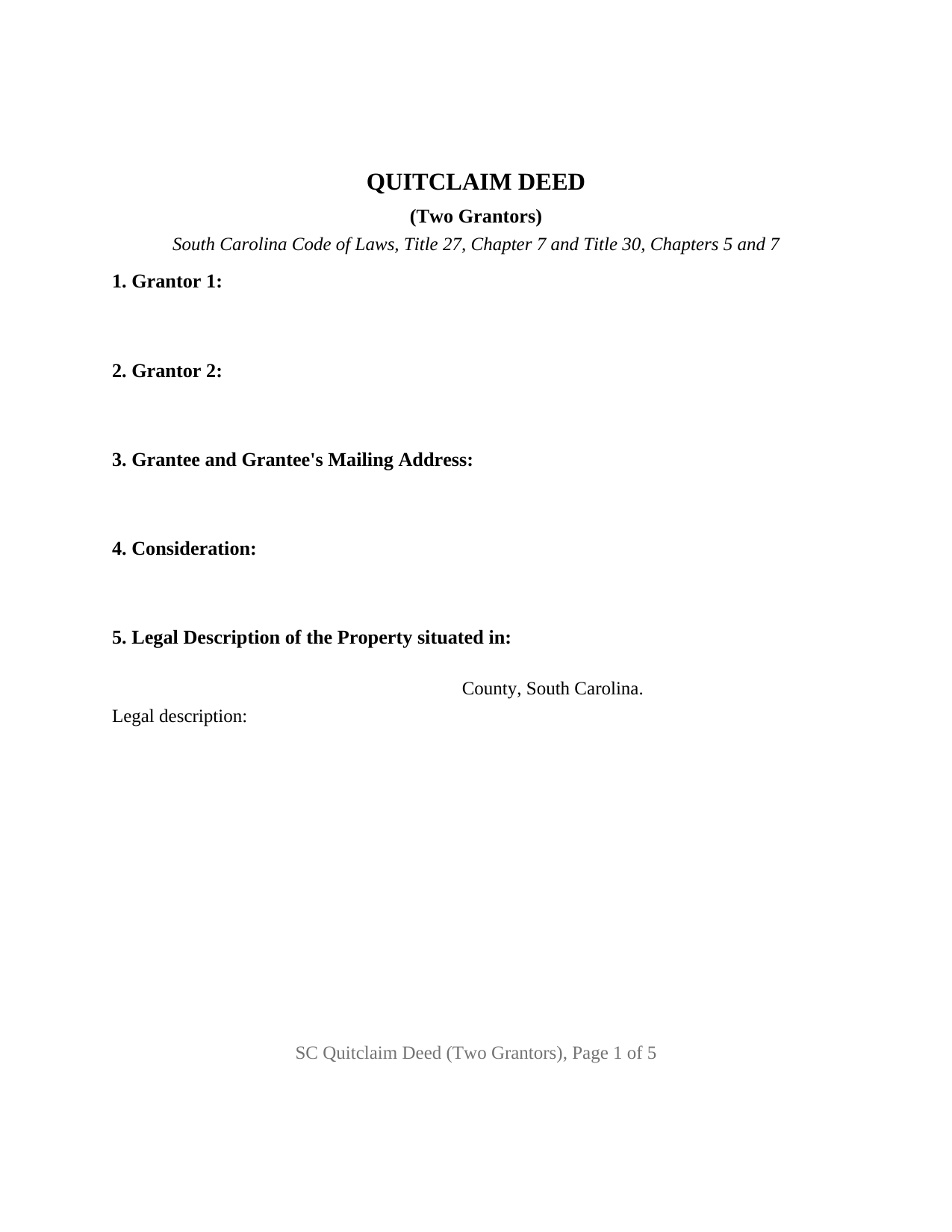
Horry County Quitclaim Deed (Two Grantors) Form
Fill in the blank Quitclaim Deed (Two Grantors) form formatted to comply with all South Carolina recording and content requirements.
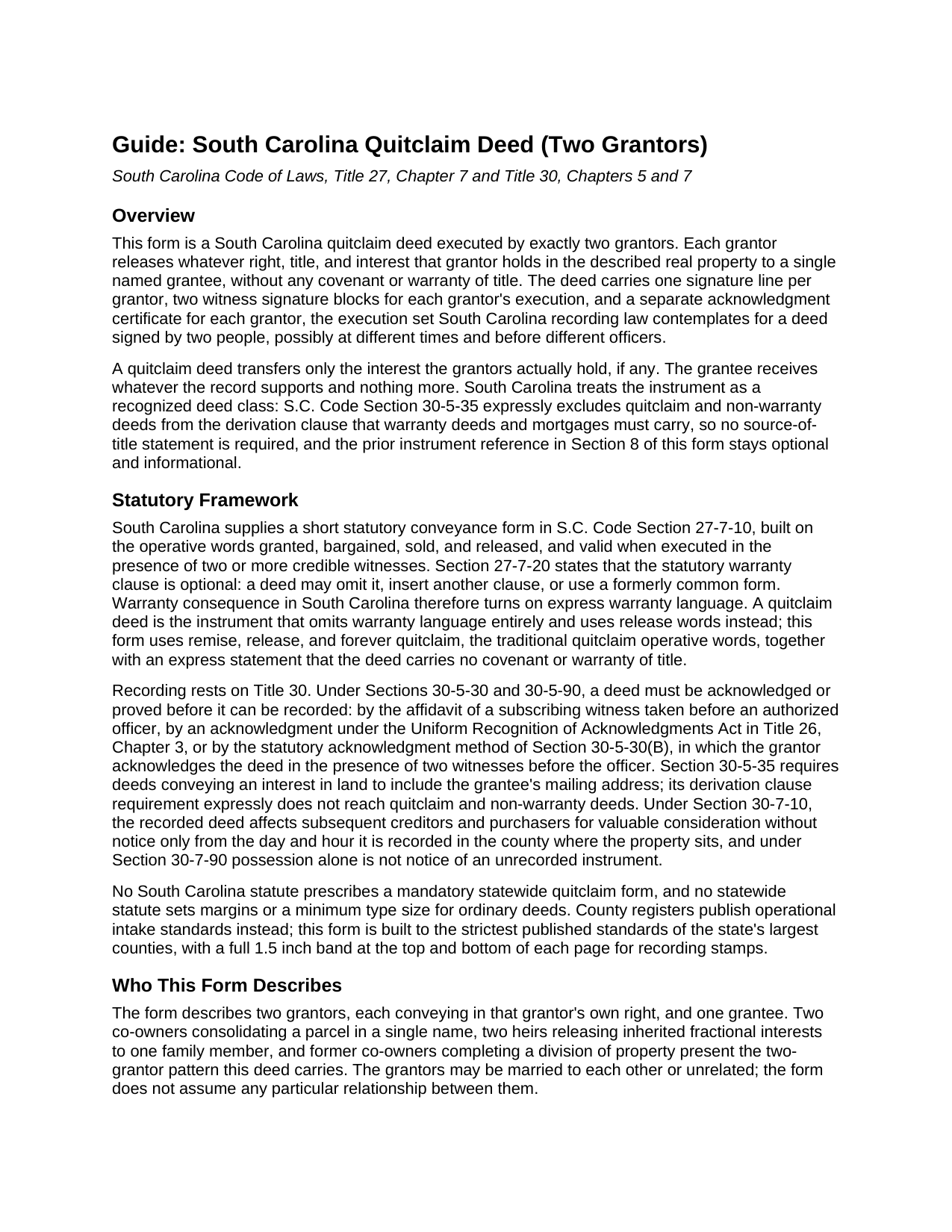
Horry County Quitclaim Deed (Two Grantors) Guide
Line by line guide explaining every blank on the Quitclaim Deed (Two Grantors) form.
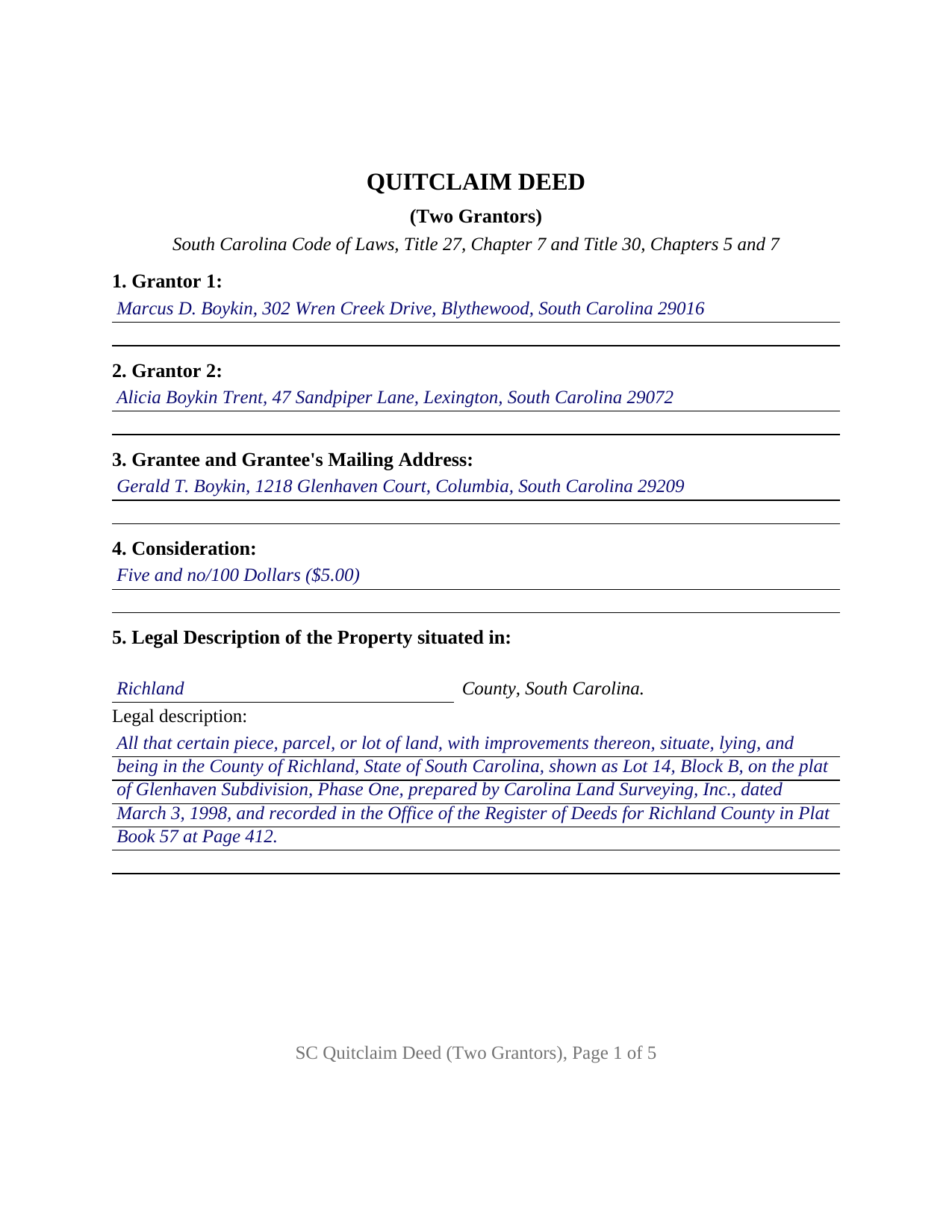
Horry County Completed Example of the Quitclaim Deed (Two Grantors) Document
Example of a properly completed South Carolina Quitclaim Deed (Two Grantors) document for reference.
All 3 documents above included • One-time purchase • No recurring fees
Immediate Download • Secure Checkout
Additional South Carolina and Horry County documents included at no extra charge:
Where to Record Your Documents
Horry County Register of Deeds
Conway, South Carolina 29526 / 29528
Hours: 8:00am to 5:00pm Monday through Friday / Recording until 4:45pm
Phone: (843) 915-5430
Recording Tips for Horry County:
- Bring your driver's license or state-issued photo ID
- Ensure all signatures are in blue or black ink
- Double-check legal descriptions match your existing deed
- Verify all names are spelled correctly before recording
- White-out or correction fluid may cause rejection
Cities and Jurisdictions in Horry County
Properties in any of these areas use Horry County forms:
- Aynor
- Conway
- Galivants Ferry
- Green Sea
- Little River
- Longs
- Loris
- Murrells Inlet
- Myrtle Beach
- Nichols
- North Myrtle Beach
Hours, fees, requirements, and more for Horry County
How do I get my forms?
Forms are available for immediate download after payment. The Horry County forms will be in your account ready to download to your computer. An account is created for you during checkout if you don't have one. Forms are NOT emailed.
Are these forms guaranteed to be recordable in Horry County?
Yes. Our form blanks are guaranteed to meet or exceed the applicable formatting requirements used for recording in Horry County, including margin requirements, font requirements, and other layout standards. This guarantee applies to formatting, not to the legal sufficiency of information entered by the user or the suitability of a form for a particular transaction.
Can I reuse these forms?
Yes. You can reuse the forms for your personal use. For example, if you have multiple properties in Horry County you only need to order once.
What do I need to use these forms?
The forms are PDFs that you fill out on your computer. The free Adobe Acrobat Reader is recommended, and most PDF apps also work. You do NOT enter your property information online - you download the blank forms and complete them privately on your own computer.
Are there any recurring fees?
No. This is a one-time purchase. Nothing to cancel, no memberships, no recurring fees.
How much does it cost to record in Horry County?
Recording fees in Horry County vary. Contact the recorder's office at (843) 915-5430 for current fees.
Questions answered? Let's get started!
This South Carolina quitclaim deed is configured for two grantors: two record owners of the same parcel who each give up their right, title, and interest to one named grantee on a single instrument. The form carries a signature line for each grantor, two witness signature blocks for each grantor's execution, and its own acknowledgment certificate for each grantor, so the pair can sign together in one ceremony or complete their signings on different dates, in different counties, before different notaries.
Two owners, one deed
The two-grantor configuration is the architecture of this form. Sections 1 and 2 identify the two owners by name and mailing address, the operative section joins them in a single release using the traditional words remise, release, and forever quitclaim, and the habendum runs to one grantee and that grantee's heirs, successors, and assigns. Two heirs releasing inherited fractional shares to a single family member, and co-owners consolidating a jointly held parcel under one name, present the pattern this configuration serves. The form recites exactly two individual grantors conveying in their own right; a deed executed by a sole owner, by three or more owners, or by an entity officer, trustee, or attorney-in-fact follows a different signing pattern than the one printed here.
Executions that can travel
South Carolina deed execution runs on witnesses as well as a notary. Each grantor signs before two witnesses, and county recording offices across the state publish that the notary may stand as one of the two, so each signing needs only the grantor, one additional witness, and the officer. The witness blocks on this form are paired with each grantor, and the two acknowledgment certificates let each execution be proved on its own: South Carolina law does not require a separate certificate for each signer, but the two-certificate layout means a grantor in Columbia and a grantor in Charlotte never have to appear in the same room. Acknowledgment or proof of execution remains the gateway to the record under S.C. Code Section 30-5-30, whichever way the signings happen.
Lighter intake for a non-warranty deed
A quitclaim deed, also searched as a quit claim deed or non-warranty deed, promises nothing about title, and South Carolina's recording statute reflects that posture: Section 30-5-35 leaves quitclaim and non-warranty deeds outside its derivation clause, so the source-of-title reference on this form is optional and informational. The statute still calls for the grantee's mailing address, which the grantee section collects, and county intake lists add the parcel's tax map number, which has its own numbered section. Both stamp bands, at the top and bottom of the first page, stay clear at a full one and one half inches so the register's recording information has a place to land.
One value affidavit covers both grantors
South Carolina's deed recording fee, the charge counties call deed stamps, attaches to the deed rather than to each signer, so a two-grantor release records with a single affidavit of value under Title 12, Chapter 24, signed by one responsible person connected with the transaction. Family releases of the kind that arrive on two-grantor quitclaim deeds frequently qualify for a statutory exemption, and the affidavit then states the exemption reason in place of a value; the guide walks through the fee calculation, the exemption categories, and the statewide fifteen dollar recording charge that applies either way.
The purchase delivers three pieces: the fillable two-grantor quitclaim deed, a completed example prepared on a Richland County family-transfer fact pattern showing every section filled in, and a plain language guide covering each numbered entry, the witness and acknowledgment mechanics for two signers, and the recording and deed stamp steps. The materials describe South Carolina law in general terms and are not legal advice.
Important: Your property must be located in Horry County to use these forms. Documents should be recorded at the county recording office listed above.
This Quitclaim Deed (Two Grantors) meets all recording requirements specific to Horry County.
Our Promise
The documents you receive here are guaranteed to meet or exceed the applicable Horry County recording format requirements. If there is a rejection caused by our formatting, we will correct the issue or refund your payment. This guarantee applies to document formatting only and does not extend to information entered by the user, the selection of the form, or the legal effect of the completed document.
Save Time and Money
Get your Horry County Quitclaim Deed (Two Grantors) form done right the first time with Deeds.com Uniform Conveyancing Blanks. At Deeds.com, we understand that your time and money are valuable resources, and we don't want you to face a penalty fee or rejection imposed by a county recorder for submitting nonstandard documents. We constantly review and update our forms to meet rapidly changing state and county recording requirements for roughly 3,500 counties and local jurisdictions.
4.8 out of 5 - ( 4,828 Reviews )
Viola G. 4 out of 5 stars
Some of the forms I ordered didn't have enough space for all of the information, but were useful as a guide for creating what I needed. Now I'll be trying the e-recording to see how that goes.
Thank you!
Griselle M. 5 out of 5 stars
This is my third time using Deeds.com and they don't disappoint. Their customer service is outstanding - absolutely excellent - via messages, I communicated with them immediately and 24/7 - on weekends and at night. I would not even try another service as they provide excellence which is so rare these days.
We appreciate your business and value your feedback. Thank you. Have a wonderful day!
Nina L. 5 out of 5 stars
I needed a specific form. I found it, printed it and saved myself $170 because I didn't need a lawyer. Thank you
Thank you for your feedback. We really appreciate it. Have a great day!
Janet J. 5 out of 5 stars
The download process was quick and efficient. Here's hoping the printing process will be as easy. Appreciate this access to forms so much.
Thank you for your feedback. We really appreciate it. Have a great day!
Edwart D. 5 out of 5 stars
I tend to not pay attention to the details and then blame other people. Thankfully Deeds.com has my back when I make silly mistakes.
Thank you!
Howard N. 5 out of 5 stars
I tried several other online sites for lady bird deed. The county said they didn't contain the correct information. The form from Deeds.com was the right one. Thank you Howard Nielsen
Thank you for your positive words! We’re thrilled to hear about your experience.
Julie A. 5 out of 5 stars
After receiving the forms online and reviewing them, it was very easy to fill this out and the additional information was very helpful. Saved a lot of money by not having to use a lawyer/paralegal to do this simple task. Will definitely use Deeds.com in the future for any further needs. Thank you
Thank you Julie. We appreciate you taking the time to leave your review. Have a wonderful day.
Morgan K. 5 out of 5 stars
When I brought this deed to the county assessor, they were so impressed that I had done it correctly on my first try, and said they wished everyone would do such a good job on their paperwork.
Thank you for your feedback. We really appreciate it. Have a great day!
John W. 5 out of 5 stars
I wish that I had known about Deed.com years ago! Very easy and time saving!
Thank you!
Lillian F. 5 out of 5 stars
Very well satisfy with my results. I could not ask for better service d
Thank you for your feedback. We really appreciate it. Have a great day!
Gerald N. 5 out of 5 stars
Very nice website!
Thank you!
Clarence H. 5 out of 5 stars
Deeds.com had exactly the forms I needed! One of the easiest sites to navigate. Well worth the money, and I didn't have to fill out the form first in order to get it delivered. Free isn't always best! Thanks Deeds.com for a flawless transaction!
Clarence, thank you for the great review. We’re glad you found the forms you needed, had an easy time navigating the site, and were happy with the transaction. We appreciate your business.
Barbara A. 5 out of 5 stars
Much easier than going to the courthouse!
Thank you for your feedback. We really appreciate it. Have a great day!
Cheryl W. 5 out of 5 stars
Have yet to use. Appears over whelming, we will see.
Thank you for your feedback. We really appreciate it. Have a great day!
Jimmy P. 5 out of 5 stars
They sent me everything I would need to do this. Easy purchase -Easy download. Great!! I'll be back here for all my document needs.
We appreciate your business and value your feedback. Thank you. Have a wonderful day!