Douglas County Quitclaim Deed (Partnership or Limited Partnership Grantor) Form
Last validated September 18, 2026 by our Forms Development TeamFormatted for recording in Douglas County, for property anywhere in the county: rural and unincorporated areas as well as Armour, Corsica, Delmont, Harrison, New Holland.
- 3 documents included
- Immediate PDF download
- Formatting guarantee
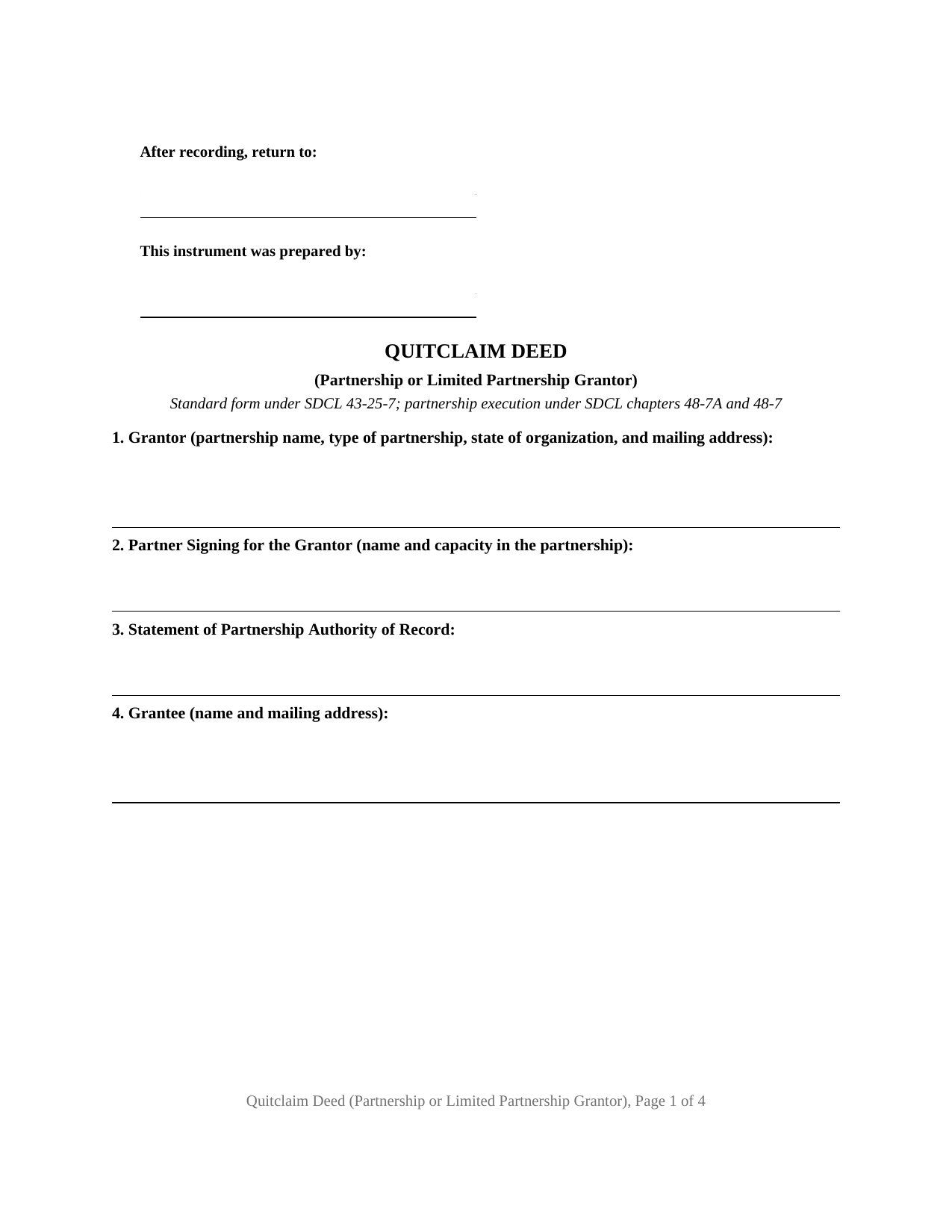
Douglas County Quitclaim Deed (Partnership or Limited Partnership Grantor) Form
Fill in the blank Quitclaim Deed (Partnership or Limited Partnership Grantor) form formatted to comply with all South Dakota recording and content requirements.
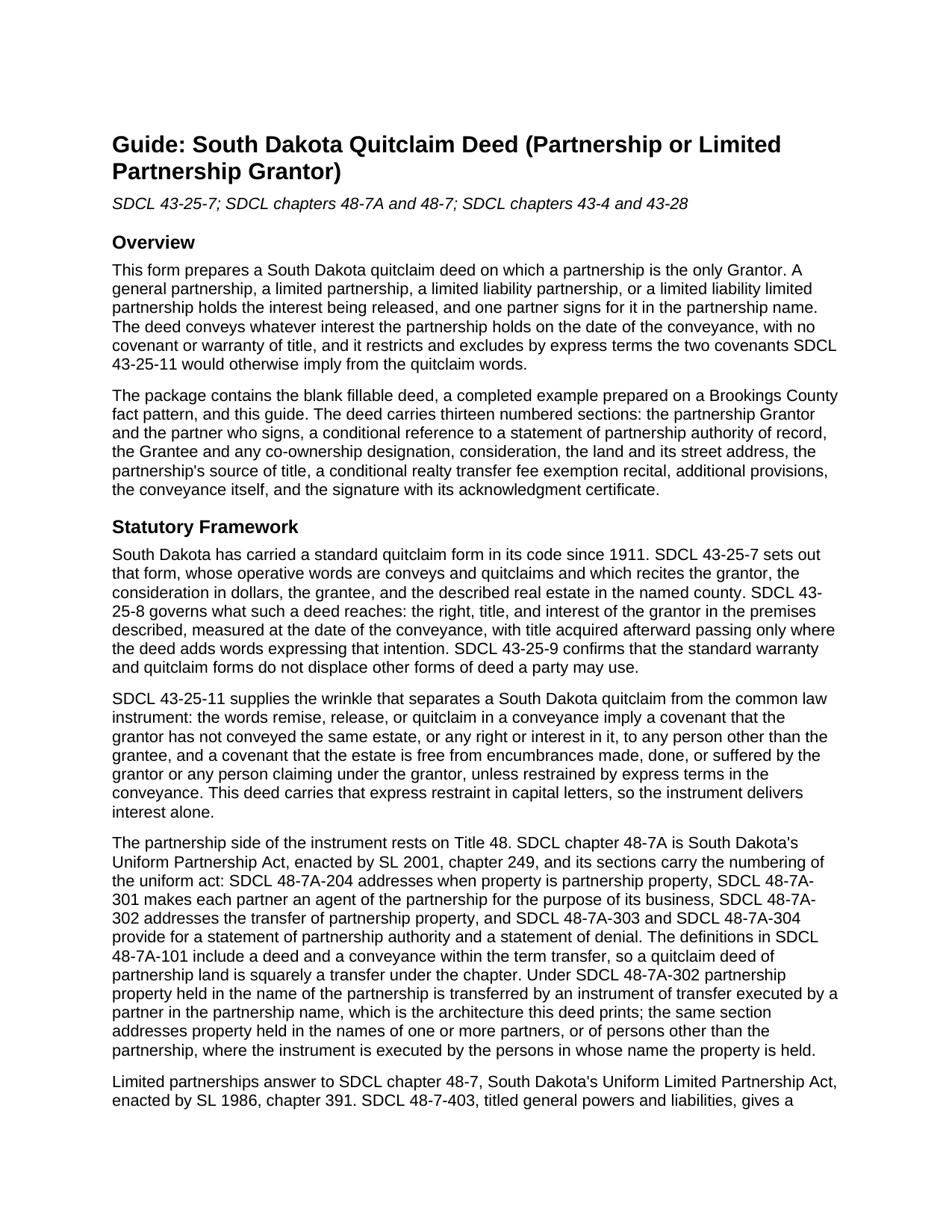
Douglas County Quitclaim Deed (Partnership or Limited Partnership Grantor) Guide
Line by line guide explaining every blank on the Quitclaim Deed (Partnership or Limited Partnership Grantor) form.
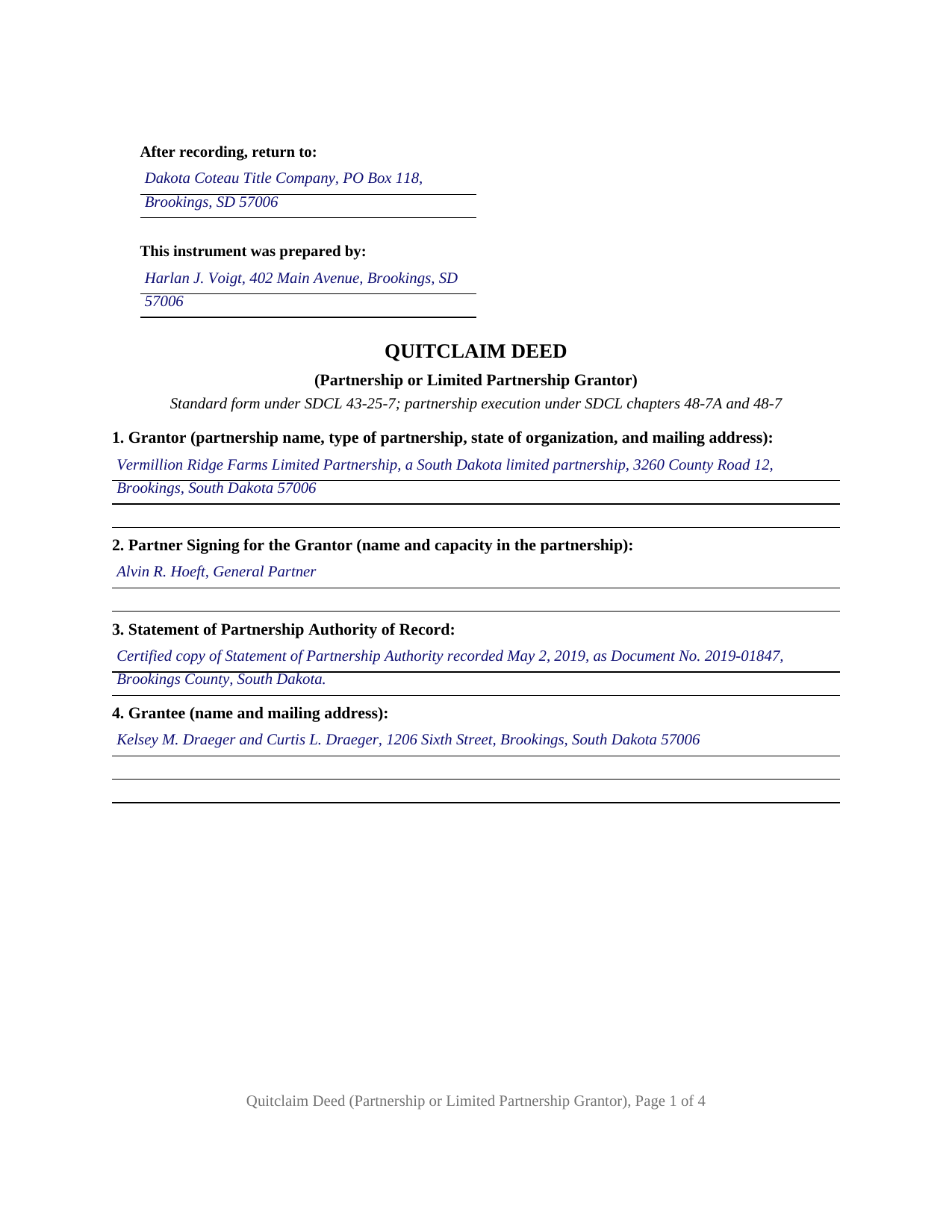
Douglas County Completed Example of the Quitclaim Deed (Partnership or Limited Partnership Grantor) Document
Example of a properly completed South Dakota Quitclaim Deed (Partnership or Limited Partnership Grantor) document for reference.
All 3 documents above included • One-time purchase • No recurring fees
Immediate Download • Secure Checkout
Additional South Dakota and Douglas County documents included at no extra charge:
Where to Record Your Documents
Douglas County Register of Deeds
Armour, South Dakota 57313-0267
Hours: 8:30 to 4:30 M-F
Phone: (605) 724-2204
Recording Tips for Douglas County:
- Bring your driver's license or state-issued photo ID
- Ensure all signatures are in blue or black ink
- Request a receipt showing your recording numbers
- Ask about accepted payment methods when you call ahead
- Ask for certified copies if you need them for other transactions
Cities and Jurisdictions in Douglas County
Properties in any of these areas use Douglas County forms:
- Armour
- Corsica
- Delmont
- Harrison
- New Holland
Hours, fees, requirements, and more for Douglas County
How do I get my forms?
Forms are available for immediate download after payment. The Douglas County forms will be in your account ready to download to your computer. An account is created for you during checkout if you don't have one. Forms are NOT emailed.
Are these forms guaranteed to be recordable in Douglas County?
Yes. Our form blanks are guaranteed to meet or exceed the applicable formatting requirements used for recording in Douglas County, including margin requirements, font requirements, and other layout standards. This guarantee applies to formatting, not to the legal sufficiency of information entered by the user or the suitability of a form for a particular transaction.
Can I reuse these forms?
Yes. You can reuse the forms for your personal use. For example, if you have multiple properties in Douglas County you only need to order once.
What do I need to use these forms?
The forms are PDFs that you fill out on your computer. The free Adobe Acrobat Reader is recommended, and most PDF apps also work. You do NOT enter your property information online - you download the blank forms and complete them privately on your own computer.
Are there any recurring fees?
No. This is a one-time purchase. Nothing to cancel, no memberships, no recurring fees.
How much does it cost to record in Douglas County?
Recording fees in Douglas County vary. Contact the recorder's office at (605) 724-2204 for current fees.
Questions answered? Let's get started!
A partnership is neither a corporation nor a limited liability company, and South Dakota gives it its own deed rule. Under SDCL 48-7A-302, real estate held in the partnership name is transferred by an instrument executed by a partner in the partnership name. That is the architecture of this fillable quitclaim deed: the partnership alone is the Grantor, and Section 2 records the signing partner's name and capacity.
The signature the partnership act contemplates
Chapter 48-7A is South Dakota's Uniform Partnership Act, and its definitions at SDCL 48-7A-101 count a deed as a transfer. Each partner is an agent of the partnership for the purpose of its business under SDCL 48-7A-301, and SDCL 48-7A-303 lets a partnership file a statement of partnership authority naming the partners authorized to execute an instrument transferring real property held in the partnership name. That section's real property provisions run through a certified copy of record, so Section 3 takes the recording reference of one, or the word None.
When the record shows partners' names instead
SDCL 48-7A-302 sorts the question by how record title reads: title in the partnership name is one case, and title in the names of one or more partners is another, where the statute describes an instrument executed by the persons in whose name the property is held. Farm and ranch partnerships meet that split often, because ground contributed decades ago sometimes never left the contributors' names. Section 9 collects the vesting instrument, so the face of the deed shows which case the parcel belongs to.
Four labels, one signature line
A general partnership, a limited partnership, a limited liability partnership, and a limited liability limited partnership reach the same signing page. SDCL 48-7-403, in South Dakota's Uniform Limited Partnership Act, gives a general partner the rights and powers of a partner in a partnership without limited partners, subject to that chapter and the partnership agreement. Section 1 records the label and state of organization; Section 2 the capacity, where a limited partner's absence shows.
Interest passes, with the implied covenants shut off
The operative words come from the 1911 standard form now at SDCL 43-25-7: conveys and quitclaims. SDCL 43-25-8 measures their reach at the date of the conveyance, and later-acquired title stays behind unless the deed adds words expressing that intention. Two narrow covenants otherwise arrive with quitclaim words unless express terms restrain them, one against an earlier conveyance of the same estate, one against encumbrances traceable to this grantor. The conveyance section restrains both in capital letters, and adds the line an entity deed needs: the signing partner makes no personal covenant.
One partner signs, and nobody else
One signature block carries the printed-name line SDCL 43-28-23 requires, and one notary certificate takes the signer's name with the representative capacity. No seal waits on this quit claim deed, since SDCL 43-25-25 leaves a grant intact without one. Homestead concurrence under SDCL 43-31-17 speaks to an owner who is married, and a partnership has no spouse; nor does a partner's own marriage reach the land, since SDCL 48-7A-501 makes a partner no co-owner of partnership property. Configurations appearing in the record include a farming partnership selling a quarter section held in the partnership name, and a family limited partnership releasing a platted lot to its majority-interest owner. Partners who must all sign, a partnership winding up under SDCL 48-7-803, an individual conveying personally, and corporate, company, or trustee grantors each print a different configuration. Grantees may be one or several, with Section 5 taking a co-ownership designation measured against the interest-in-common default of SDCL 43-2-12.
The partnership entry in the exemption list
Thirty dollars covers a deed's first fifty pages under SDCL 7-9-15. The SDCL 43-4-21 transfer fee runs fifty cents per five hundred dollars of value, collected before recording; the example's $196,000.00 consideration yields $196.00. One subdivision of SDCL 43-4-22 is written for these entities: (14) reaches a transfer between an individual grantor or grantors and a limited or general partnership where the grantors and the owner of the majority interest are the same person. SDCL 43-4-23 has an exemption marked on the instrument, which Section 10 receives, and the SDCL 7-9-7 certificate of real estate value files separately.
The package holds three files: the blank deed as a fillable PDF, a completed example on a Brookings County sale by a South Dakota limited partnership, and a plain-language guide to the thirteen sections and the recording package. The materials are informational and are not legal advice.
Important: Your property must be located in Douglas County to use these forms. Documents should be recorded at the county recording office listed above.
This Quitclaim Deed (Partnership or Limited Partnership Grantor) meets all recording requirements specific to Douglas County.
Our Promise
The documents you receive here are guaranteed to meet or exceed the applicable Douglas County recording format requirements. If there is a rejection caused by our formatting, we will correct the issue or refund your payment. This guarantee applies to document formatting only and does not extend to information entered by the user, the selection of the form, or the legal effect of the completed document.
Save Time and Money
Get your Douglas County Quitclaim Deed (Partnership or Limited Partnership Grantor) form done right the first time with Deeds.com Uniform Conveyancing Blanks. At Deeds.com, we understand that your time and money are valuable resources, and we don't want you to face a penalty fee or rejection imposed by a county recorder for submitting nonstandard documents. We constantly review and update our forms to meet rapidly changing state and county recording requirements for roughly 3,500 counties and local jurisdictions.
4.8 out of 5 - ( 4,829 Reviews )
BRIAN M. 5 out of 5 stars
Excellent Service, Fast and efficient. Thank You!
Thank you!
Philip S. 5 out of 5 stars
This was our first time using Deeds.Com. We were tremendously impressed. The website works well, but the customer service really makes this organization special. The prompt, professional and knowledgeable responses to inquiries and recording issues was refreshing.
We appreciate your business and value your feedback. Thank you. Have a wonderful day!
PETER A. 5 out of 5 stars
Got the forms I needed after getting forms for the wrong county and paying twice. My bad!
Thanks for your feedback! Just to clarify—when an order is placed for the wrong county, we’re happy to help. In this case, we canceled the original order and refunded the payment so there was no duplicate charge. Glad you got the correct forms in the end!
Susan E. 5 out of 5 stars
Great experience from a great staff at Deeds.com. Highly recommended!
So glad we could help Susan. Thanks for the kind words.
Terrence L. 5 out of 5 stars
Awesome service! 4 services wouldn't handle a 1-time filing, but Deeds.com got the job done in less than 21 hours, for only $15 (plus filing fees). This saved me days of difficulty and aggravation, esp. during COVID-19 lockdown!
Thank you for your feedback. We really appreciate it. Have a great day!
Diane C. 5 out of 5 stars
Website is very user friendly and provided a variety of forms to download for use
Thank you!
Connie B. 5 out of 5 stars
Needed to remove a deceased person from my mother's title. I live in another state. Deeds.com made it SO EASY to accomplish. I loved the example forms showing me how to fill out the forms that were provided. It went incredibly well at the County offices (all 3 departments!). Definitely will use Deeds.com again!
We appreciate your business and value your feedback. Thank you. Have a wonderful day!
MATTHEW R. 5 out of 5 stars
Absolutely amazing throughout the whole process
Thank you!
Elizabeth K. 5 out of 5 stars
I found what I needed easily.
We are delighted to have been of service. Thank you for the positive review!
Brenda W. 5 out of 5 stars
Good.
Thank you for your feedback. We really appreciate it. Have a great day!
Deborah P. 5 out of 5 stars
Very helpful! Easy and clear guidance. Good examples on sample forms.
We appreciate your business and value your feedback. Thank you. Have a wonderful day!
Nancy O. 5 out of 5 stars
Have not actually filed as yet but package seems to answer all my questions and believe this will be a walk in the park instead a a headache or expensive endeavor. Thanks.
Thank you for your feedback. We really appreciate it. Have a great day!
John B. 4 out of 5 stars
I purchased the Notice of Completion form because the City of Chula Vista did not have a "fillable" version of this form on their website. The Deeds.com version of this form is somewhat different than the City's version (8 numbered paragraphs vs. 11 numbered paragraphs.) However, it contains the same information in a different format. This form provided more blank space to fill in important items- like a long ownership name- than the version on the City's website. The recorder's office was satisfied with this form as I hand-delivered it to the Recorder's Office and they approved it for recording. Overall, I found this form easy to use and found the extra blank space for writing on the form helpful. My one comment for possible improvement is: it would be even more helpful (particularly for attorney users) to have strike-out capability. I would have liked having the ability to strike-out inapplicable portions of long awkward sentences. Still, I would use this form again.
Your feedback means a lot to us. Thank you.
Gerlinde H. 5 out of 5 stars
This was fantastic. I downloaded the document, filled it out, printed it, had it notarized and drove to the recorders office and had it recorded within less than 15 minutes. Instructions are precise and easy to understand. You saved me hundreds of dollars a lawyer would have charged for the same work.
We appreciate your business and value your feedback. Thank you. Have a wonderful day!
ALI T. 5 out of 5 stars
It is very easy to use Deeds.Com to perform eRecording. The case staff are very professional and punctual. My eRecording package was completed within a day where it usually takes months. Thank You
We appreciate your business and value your feedback. Thank you. Have a wonderful day!