Franklin County Administrator Deed Form
Last validated October 7, 2026 by our Forms Development TeamFormatted for recording in Franklin County, for property anywhere in the county: rural and unincorporated areas as well as Belvidere, Cowan, Decherd, Estill Springs, Huntland, Sewanee, Sherwood, Winchester.
- 3 documents included
- Immediate PDF download
- Formatting guarantee
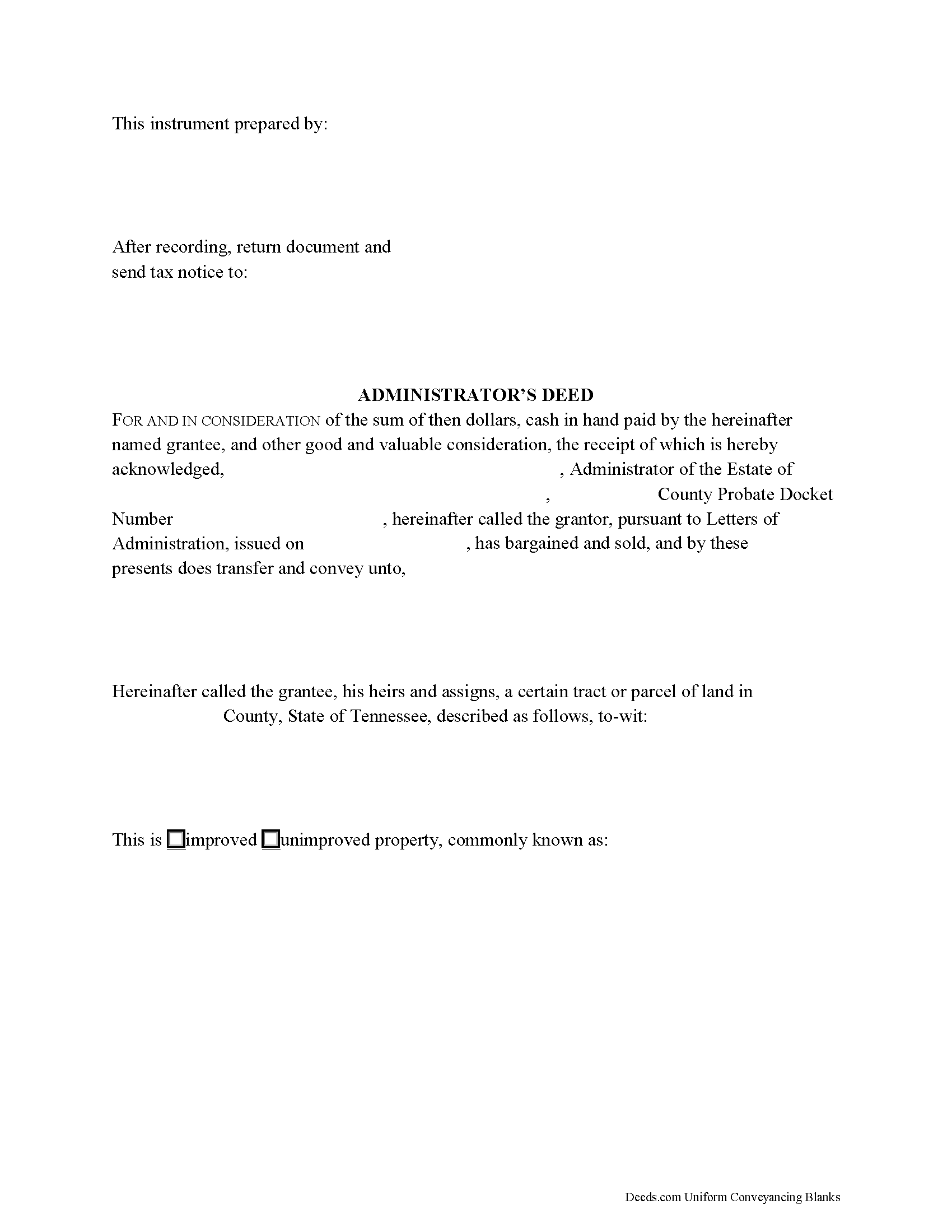
Franklin County Administrator Deed Form
Fill in the blank form formatted to comply with all recording and content requirements.
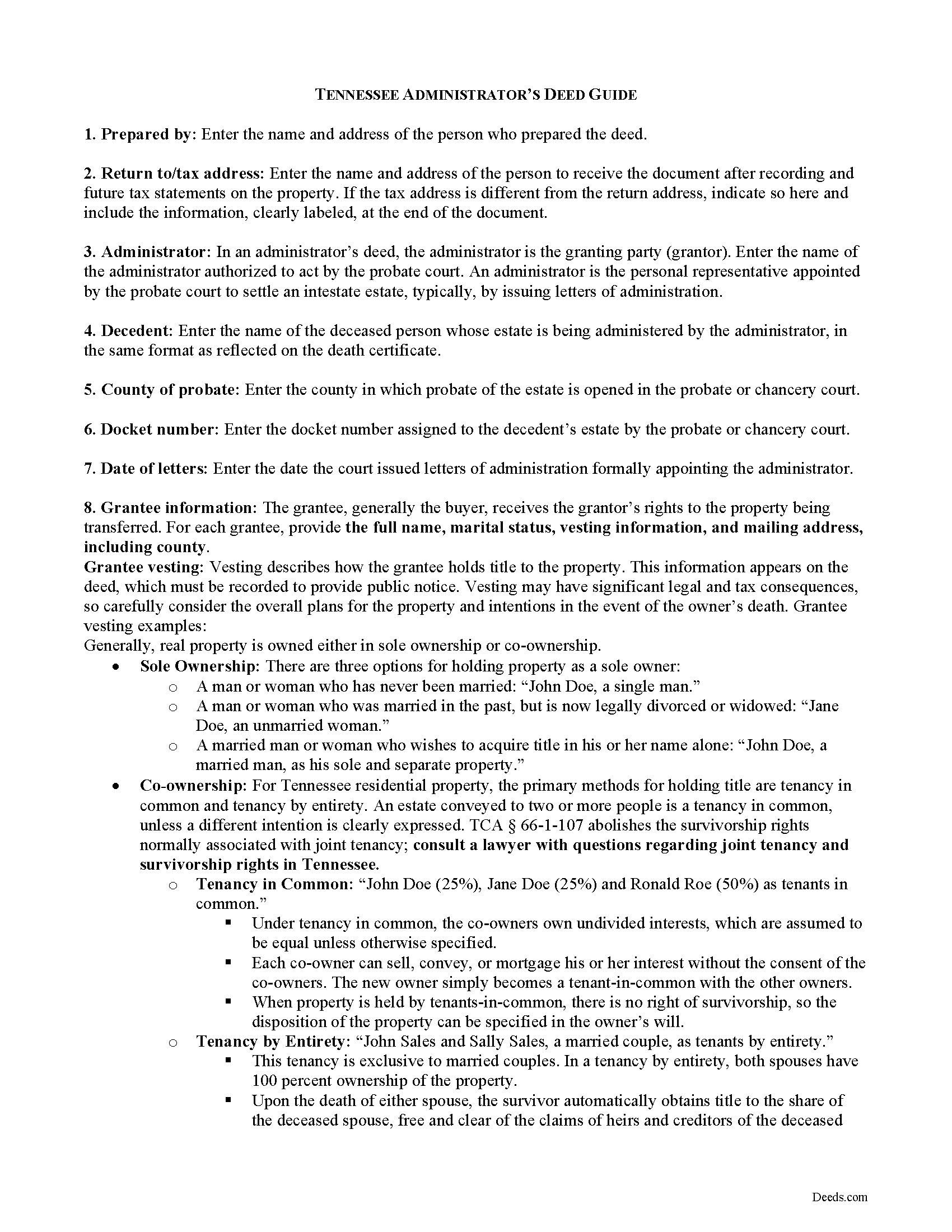
Franklin County Administrator Deed Guide
Line by line guide explaining every blank on the form.
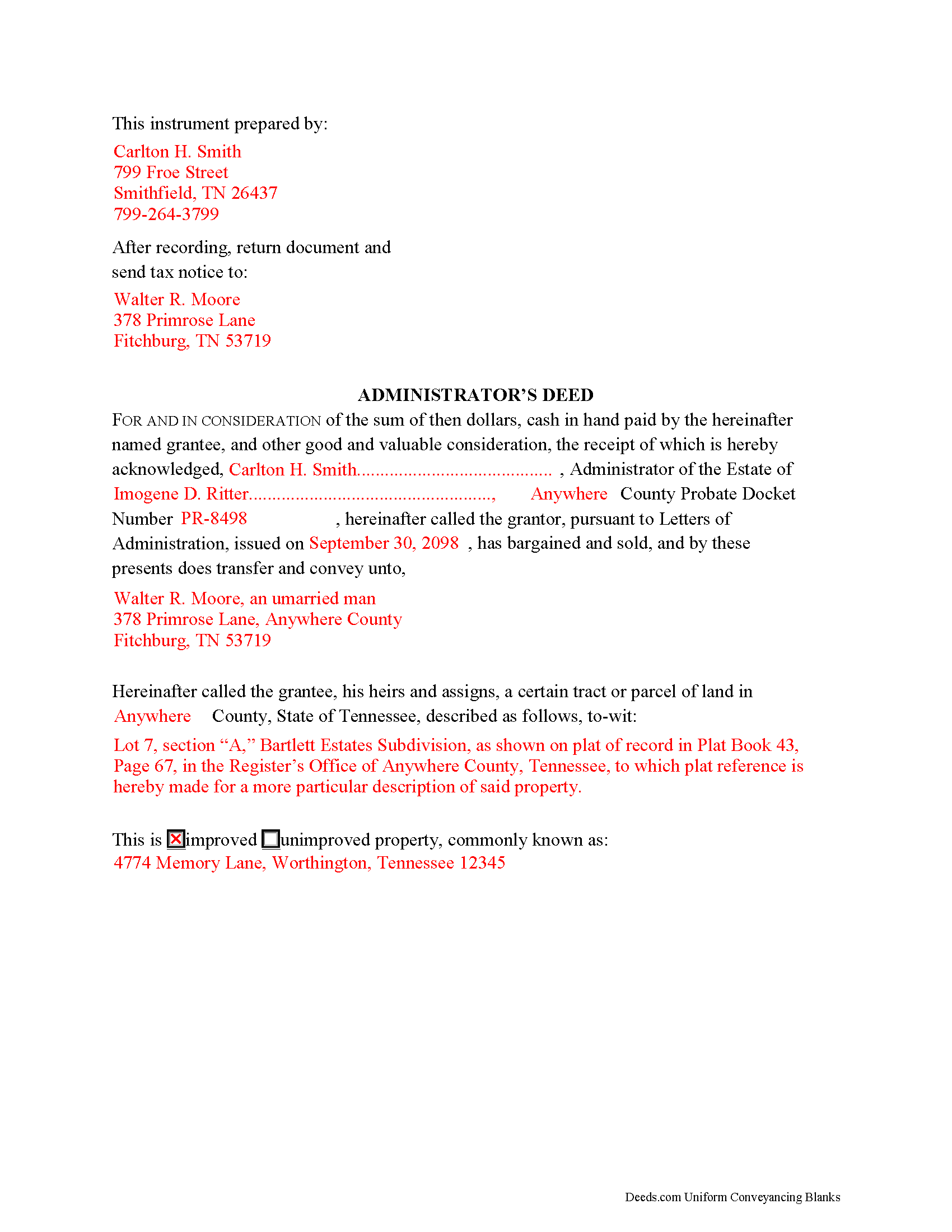
Franklin County Completed Example of the Administrator Deed Document
Example of a properly completed form for reference.
All 3 documents above included • One-time purchase • No recurring fees
Immediate Download • Secure Checkout
Additional Tennessee and Franklin County documents included at no extra charge:
Where to Record Your Documents
Franklin County Register of Deeds
Winchester, Tennessee 37398
Hours: 8:00 to 4:30 Monday through Friday
Phone: (931) 967-2840
Recording Tips for Franklin County:
- Bring your driver's license or state-issued photo ID
- Ensure all signatures are in blue or black ink
- Avoid the last business day of the month when possible
- Both spouses typically need to sign if property is jointly owned
- Bring extra funds - fees can vary by document type and page count
Cities and Jurisdictions in Franklin County
Properties in any of these areas use Franklin County forms:
- Belvidere
- Cowan
- Decherd
- Estill Springs
- Huntland
- Sewanee
- Sherwood
- Winchester
Hours, fees, requirements, and more for Franklin County
How do I get my forms?
Forms are available for immediate download after payment. The Franklin County forms will be in your account ready to download to your computer. An account is created for you during checkout if you don't have one. Forms are NOT emailed.
Are these forms guaranteed to be recordable in Franklin County?
Yes. Our form blanks are guaranteed to meet or exceed the applicable formatting requirements used for recording in Franklin County, including margin requirements, font requirements, and other layout standards. This guarantee applies to formatting, not to the legal sufficiency of information entered by the user or the suitability of a form for a particular transaction.
Can I reuse these forms?
Yes. You can reuse the forms for your personal use. For example, if you have multiple properties in Franklin County you only need to order once.
What do I need to use these forms?
The forms are PDFs that you fill out on your computer. The free Adobe Acrobat Reader is recommended, and most PDF apps also work. You do NOT enter your property information online - you download the blank forms and complete them privately on your own computer.
Are there any recurring fees?
No. This is a one-time purchase. Nothing to cancel, no memberships, no recurring fees.
How much does it cost to record in Franklin County?
Recording fees in Franklin County vary. Contact the recorder's office at (931) 967-2840 for current fees.
Questions answered? Let's get started!
Use an administrator's deed to transfer title to a decedent's real property to a purchaser following a sale. An administrator's deed names the duly authorized and acting administrator of the estate of the deceased as the granting party. This is the person to whom the probate court has issued letters of administration.
Typically, administrators' deeds contain fiduciary covenants akin to those found in a special warranty deed, and the deed may even be indexed as a special warranty deed in the county land records. The warranty of title in a special (limited) warranty deed only covers the period that the grantor held title to the property, along with covenants that the grantor is lawfully seized and possessed of the property in fee simple and has a good right to convey it, and that the property is unencumbered, unless noted on the face of the deed.
A sale of realty from the decedent's estate may be required when the decedent's personal property is insufficient to pay the estate's debts. A petition of the court for a decree of sale is required before an administrator can make a sale (T.C.A. 30-2-402). The court may order a sale if there is sufficient evidence, upon hearing, that the land should be sold.
Fiduciary deeds follow the same formalities as any deed affecting title to real property, which include a legal description of the subject parcel, the parcel and map numbers assigned by the taxing authority, and a recitation of the grantor's source of title. In addition, the deed notes whether the subject parcel is improved or unimproved property. Any restrictions on the property should be noted on the face of the deed.
Instruments in Tennessee also require an oath of value (T.C.A. 67-4-409(a)). On any type of warranty deed, the oath reflects the consideration made for the transfer or what was given for the transfer, or the value of the property, whichever is greater. This oath is made and signed by the grantee or the grantee's buyer or agent, typically at the time of recording, as directed by the document's preparer. Conveyance tax is levied based on the amount reflected in the oath of consideration and is due upon recording.
Record deeds and instruments relating to real property in the Register of Deeds' office of the county where the subject land is situated. Instruments affecting interests in real property must meet state and county requirements for form and content, and should reflect the preparer's name and address, the property tax address, and signature of the granting party, made in the presence of a notary public. Include any requisite documentation with the deed, which may include a certificate of probate, certified copies of a will, and/or related probate orders.
The information provided here is not a substitute for legal advice and does not address specific probate situations. Consult an attorney licensed in the State of Tennessee with questions regarding administrators' deeds and probate procedures in that state, as each situation is unique.
(Tennessee AD Package includes form, guidelines, and completed example)
Important: Your property must be located in Franklin County to use these forms. Documents should be recorded at the county recording office listed above.
This Administrator Deed meets all recording requirements specific to Franklin County.
Our Promise
The documents you receive here are guaranteed to meet or exceed the applicable Franklin County recording format requirements. If there is a rejection caused by our formatting, we will correct the issue or refund your payment. This guarantee applies to document formatting only and does not extend to information entered by the user, the selection of the form, or the legal effect of the completed document.
Save Time and Money
Get your Franklin County Administrator Deed form done right the first time with Deeds.com Uniform Conveyancing Blanks. At Deeds.com, we understand that your time and money are valuable resources, and we don't want you to face a penalty fee or rejection imposed by a county recorder for submitting nonstandard documents. We constantly review and update our forms to meet rapidly changing state and county recording requirements for roughly 3,500 counties and local jurisdictions.
4.8 out of 5 - ( 4,845 Reviews )
John W. 5 out of 5 stars
The forms were easy to acquire and easy to use
Thank you for your feedback. We really appreciate it. Have a great day!
Sharon B. 5 out of 5 stars
My questions were answered promptly. I was not able to locate the deed I was searching for because my county has not uploaded the documents to be accessed through this system. I am sure I could have found what I was looking for had the information been available through the system. Thank you for your assistance.
Thank you!
William G. 5 out of 5 stars
So far so good. I will be taking the report to the Marion County Clerks office this week to see if it meets their requirements. If so, I will definitely be able to recommend Deeds.com to others.
Thank you for your feedback. We really appreciate it. Have a great day!
Merry K. 5 out of 5 stars
I am a WA State Attorney and just made my first purchase. The experience was flawless, and I appreciate the sample and the guide, too. The price was extremely reasonable. This was a huge time-saver for me - thank you!
We appreciate your business and value your feedback. Thank you. Have a wonderful day!
Rosa D. 5 out of 5 stars
Obtaining a quick claim deed from this website was easy and friendly I must say. Thank you so much.
Thank you for your feedback. We really appreciate it. Have a great day!
Sherry A L. 5 out of 5 stars
fAST AND REASONABLE.. WOULD DO IT AGAIN IF I NEED TO. THANK YOU
Thank you!
Richard S. 5 out of 5 stars
Prompt and reliable service!!
Thank you!
Esfir K. 5 out of 5 stars
I had to call 3 times, two calls were hanged up on me. Thank you to 3rd representative, who helped me with my question. Unfortunately, I do not know her name. She was very patient, kind, professional. I am very thankful for her help.
Thank you!
Jennifer A. 5 out of 5 stars
Great site
Thank you!
Karin H. 5 out of 5 stars
Awesome same-day service!
We appreciate your business and value your feedback. Thank you. Have a wonderful day!
Karen O. 5 out of 5 stars
I often think I am smarter than I am. Thankfully there are people that know what they are doing so I can focus on my business and the big picture without worrying about the little things.
Thank you!
janelle s. 5 out of 5 stars
Uncertain about use as I am new to online forms. Through use I am sure it will feel more comfortable. I like the storage of filled in info forms because I might be using I will be using them or the info in the future.
Thank you for your feedback. We really appreciate it. Have a great day!
Charles F. 5 out of 5 stars
Hi Please do not take time to respond to my previous inquiry - - - I figured it out. Deeds.com is a great tool for those of us who have occasional need for your type of services. Thanks ! Chuck
Thank you!
Ralph E. 5 out of 5 stars
I wish I had found this site earlier!!! Not only was it helpful and just what I needed but I got my information so fast AND on the weekend. I would recommend this site to everyone. I plan on using it more. Its cheap and I can get my information while sitting at home. Very impressed!
Thank you for the kinds words Ralph. Have a great day!
Gabriel R. 4 out of 5 stars
So far the service seems good, simple to use. One criticism, the password change feature should require the user to re-enter their old password, new password, and re-enter the new password to make sure there is no typos. Thanks.
Thank you for your feedback. We really appreciate it. Have a great day!