Putnam County Notice of Transfer Form
Last validated October 29, 2026 by our Forms Development TeamFormatted for recording in Putnam County, for property anywhere in the county: rural and unincorporated areas as well as Baxter, Bloomington Springs, Buffalo Valley, Cookeville, Monterey, Silver Point.
- 3 documents included
- Immediate PDF download
- Formatting guarantee
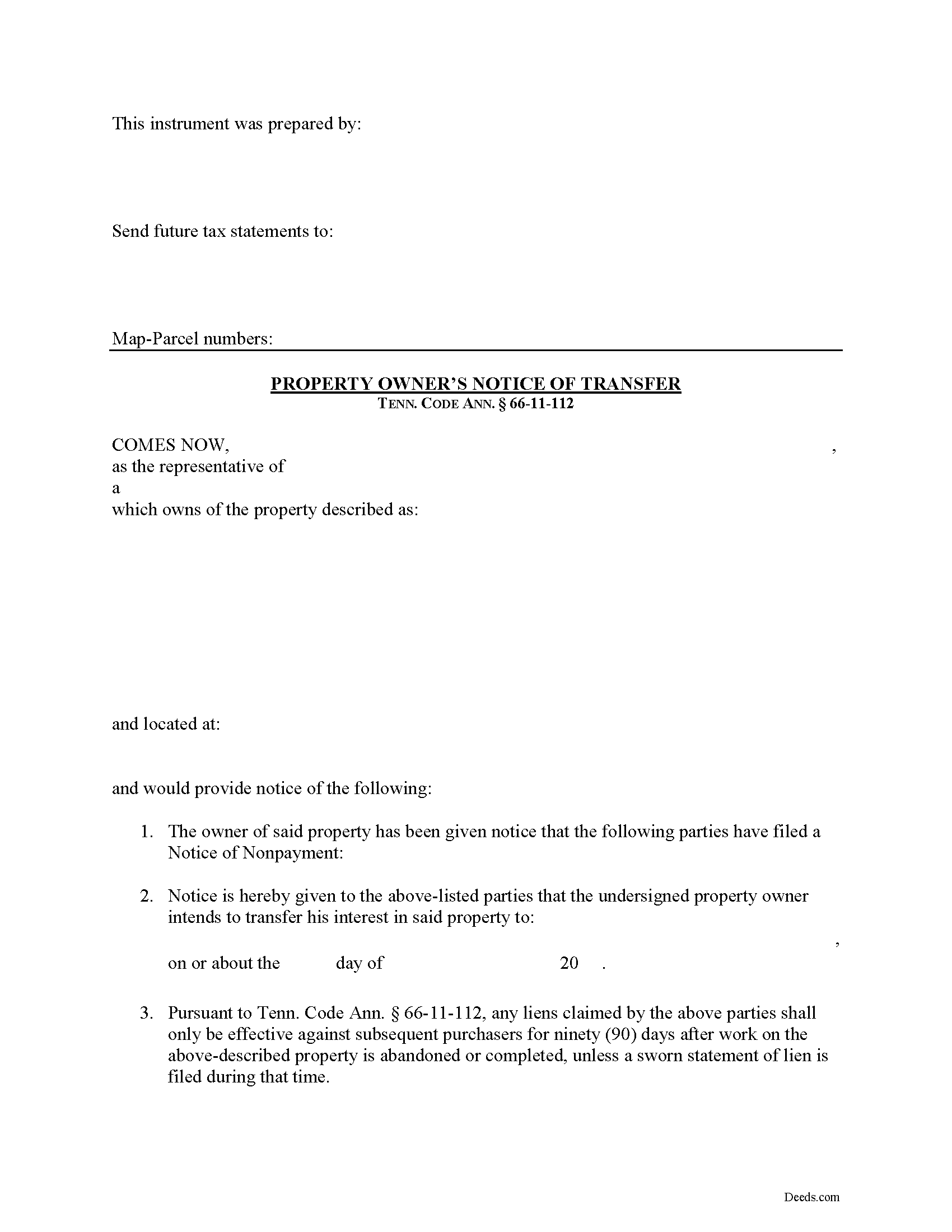
Putnam County Notice of Transfer Form
Fill in the blank Notice of Transfer form formatted to comply with all Tennessee recording and content requirements.
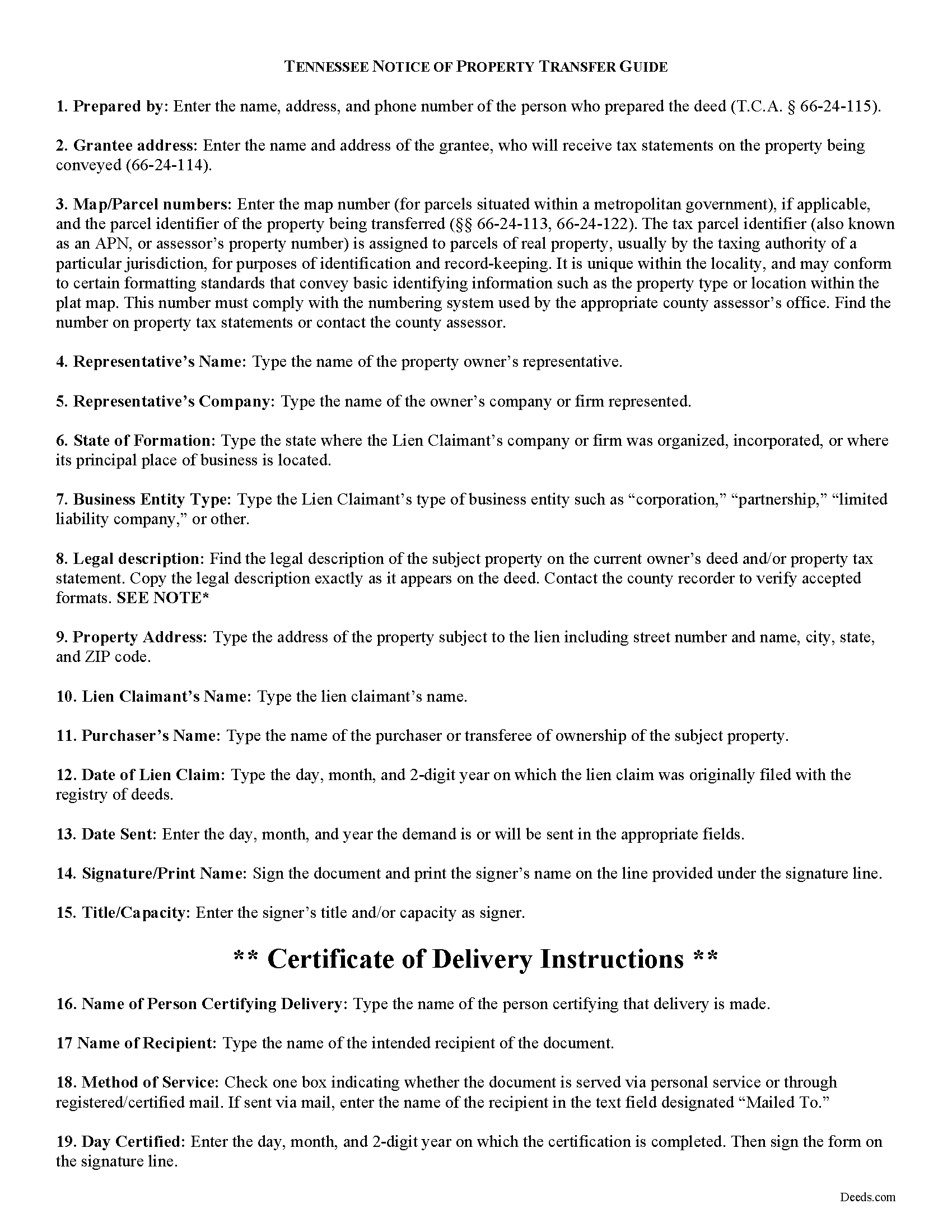
Putnam County Notice of Transfer Guide
Line by line guide explaining every blank on the form.
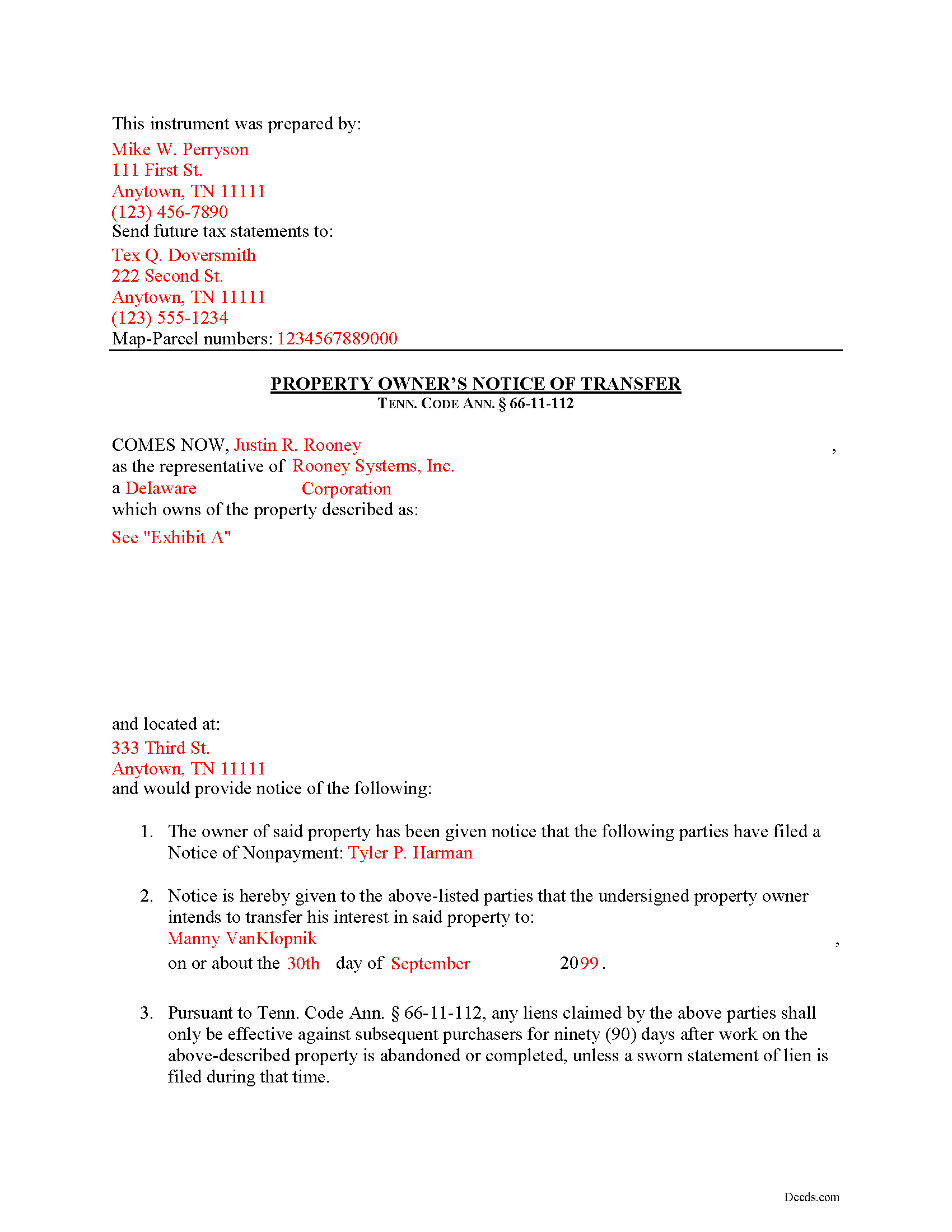
Putnam County Completed Example of the Notice of Transfer Document
Example of a properly completed form for reference.
All 3 documents above included • One-time purchase • No recurring fees
Immediate Download • Secure Checkout
Additional Tennessee and Putnam County documents included at no extra charge:
Where to Record Your Documents
Putnam County Register of Deeds
Cookeville, Tennessee 38503
Hours: 8:00 to 4:00 M-F
Phone: (931) 526-7101
Recording Tips for Putnam County:
- Bring your driver's license or state-issued photo ID
- Ensure all signatures are in blue or black ink
- Leave recording info boxes blank - the office fills these
- Make copies of your documents before recording - keep originals safe
- Recorded documents become public record - avoid including SSNs
Cities and Jurisdictions in Putnam County
Properties in any of these areas use Putnam County forms:
- Baxter
- Bloomington Springs
- Buffalo Valley
- Cookeville
- Monterey
- Silver Point
Hours, fees, requirements, and more for Putnam County
How do I get my forms?
Forms are available for immediate download after payment. The Putnam County forms will be in your account ready to download to your computer. An account is created for you during checkout if you don't have one. Forms are NOT emailed.
Are these forms guaranteed to be recordable in Putnam County?
Yes. Our form blanks are guaranteed to meet or exceed the applicable formatting requirements used for recording in Putnam County, including margin requirements, font requirements, and other layout standards. This guarantee applies to formatting, not to the legal sufficiency of information entered by the user or the suitability of a form for a particular transaction.
Can I reuse these forms?
Yes. You can reuse the forms for your personal use. For example, if you have multiple properties in Putnam County you only need to order once.
What do I need to use these forms?
The forms are PDFs that you fill out on your computer. The free Adobe Acrobat Reader is recommended, and most PDF apps also work. You do NOT enter your property information online - you download the blank forms and complete them privately on your own computer.
Are there any recurring fees?
No. This is a one-time purchase. Nothing to cancel, no memberships, no recurring fees.
How much does it cost to record in Putnam County?
Recording fees in Putnam County vary. Contact the recorder's office at (931) 526-7101 for current fees.
Questions answered? Let's get started!
Transferring Property Subject to Lien Claims in Tennessee
Lots of things can happen with a property that can cause the owner to sell or otherwise transfer ownership while a lien is pending. Luckily, in Tennessee offers a procedure for accelerating the time to enforce a lien when transferring property to a purchaser. Drafting and recording a Notice of Transfer will effectively limit the time that the lien claimant can enforce any lien against a subsequent purchaser.
Under Tenn. Prop. Code 66-11-112(a), any liens claimed only remain effective against subsequent purchasers for ninety (90) days after work on the above-described property is abandoned or completed, unless a sworn statement of lien is filed during that time.
The notice identifies the parties, the location of the work or improvement, intended date of the transfer, and any other information relevant to the specific situation.
This article is provided for informational purposes only and should not be considered legal advice or relied upon as any substitute for speaking with an attorney. Please consult a Tennessee attorney familiar with construction law for any questions about the Notice of Transfer or for any other issues regarding mechanic's liens.
Important: Your property must be located in Putnam County to use these forms. Documents should be recorded at the county recording office listed above.
This Notice of Transfer meets all recording requirements specific to Putnam County.
Our Promise
The documents you receive here are guaranteed to meet or exceed the applicable Putnam County recording format requirements. If there is a rejection caused by our formatting, we will correct the issue or refund your payment. This guarantee applies to document formatting only and does not extend to information entered by the user, the selection of the form, or the legal effect of the completed document.
Save Time and Money
Get your Putnam County Notice of Transfer form done right the first time with Deeds.com Uniform Conveyancing Blanks. At Deeds.com, we understand that your time and money are valuable resources, and we don't want you to face a penalty fee or rejection imposed by a county recorder for submitting nonstandard documents. We constantly review and update our forms to meet rapidly changing state and county recording requirements for roughly 3,500 counties and local jurisdictions.
4.8 out of 5 - ( 4,862 Reviews )
Greg G. 5 out of 5 stars
Easiest Filing I've ever done, and filed in 24 hours.
Thank you!
Dana G. 5 out of 5 stars
This service is WONDERUL. I spent 14 years trying to get a deed recorded properly. Deeds.com kept submitting and resubmitting after corrections until it was finally accepted. They did in one day what I couldn't get done in 14 years!
Thank you!
Shonda S. 5 out of 5 stars
This is the best thing I have ever done with this being my first time doing a quick claim. This has save me and my family money instead of paying a lawyer. Thanks again.
We appreciate your business and value your feedback. Thank you. Have a wonderful day!
Debra C. 5 out of 5 stars
Excellent service. Love the site.
Thank you for your feedback. We really appreciate it. Have a great day!
Johnny H. 5 out of 5 stars
The format presented is exactly what is needed to produce a perfect listing in the registry of The Maricopa County Office of the Recorder. Thanks for an effective solution to a very important document.
Thank you!
Gary M. 5 out of 5 stars
This was such an easy experience
We are grateful for your feedback and looking forward to serving you again. Thank you!
Zerrin M. 5 out of 5 stars
I’m in Clearwater, FL and needed to record a something in Palm Beach County. Deeds.com made the entire process incredibly simple. I submitted the documents, they sent it back once (same day) for a small correction, I fixed it and returned them, and everything was completed within the same day. It was even much faster and more convenient than going to my local recorder’s office. In-person usually means planning when to go, driving across town, paying for parking, and waiting in line — all of which I avoid with Deeds.com. Highly recommended!
Thank you, Zerrin! Glad we could save you the trip across town. We appreciate you taking the time to share your experience.
Phuoc M. 5 out of 5 stars
Deeds.com is helpful to help me finish my forms and submit my forms to the County successfully. Very nice to do business with your company! Thanks!
We’re glad to hear things went well. Thank you for the review.
Raymond L. 5 out of 5 stars
Delivered as promised. Highly recommend!
Great to hear — thank you for taking the time to write a review.
Joan H. 5 out of 5 stars
Your service was fine but as a newly widowed senior, I wish your price was lower.
Thank you for your feedback. We really appreciate it. Have a great day!
Kate J. 5 out of 5 stars
Easy to use.
Thank you!
ROBIN C. 5 out of 5 stars
The process was very easy but I did not realize before I paid to get this form , that I could have gotten it free from Tulsa county clerks office. Other than that, it was fine.
Thank you for the honest feedback, Robin, and we're glad the process was easy for you. You're right that the Tulsa County Clerk publishes a free transfer on death deed form, and we'd never want anyone to feel they overpaid. Our version isn't that same blank, though: it adds an alternate beneficiary designation so the property still passes as you intend if your first choice doesn't survive you, it's built to handle one or two owners, and it comes with a plain-language guide and a completed example. We appreciate your business.
Susan B. 5 out of 5 stars
This package of documents from Deeds.com has been extremely helpful, particularly for one who has never needed this kind of service before and is unfamiliar with legal documents in general. It is well worth the price; I would recommend this company to anyone needing help with legal documents and information.
We appreciate your business and value your feedback. Thank you. Have a wonderful day!
Jeri M. 5 out of 5 stars
Your form was accepted by my county. The form I downloaded from eforms was not.
Thanks for sharing your experience, Jeri. We’re glad your county accepted your form. Local recording requirements are why we prepare our deed forms county by county.
PAMELA D. 5 out of 5 stars
great response!! Thank you
Thank you!