Gregg County Administrator Deed Form
Last validated June 10, 2026 by our Forms Development Team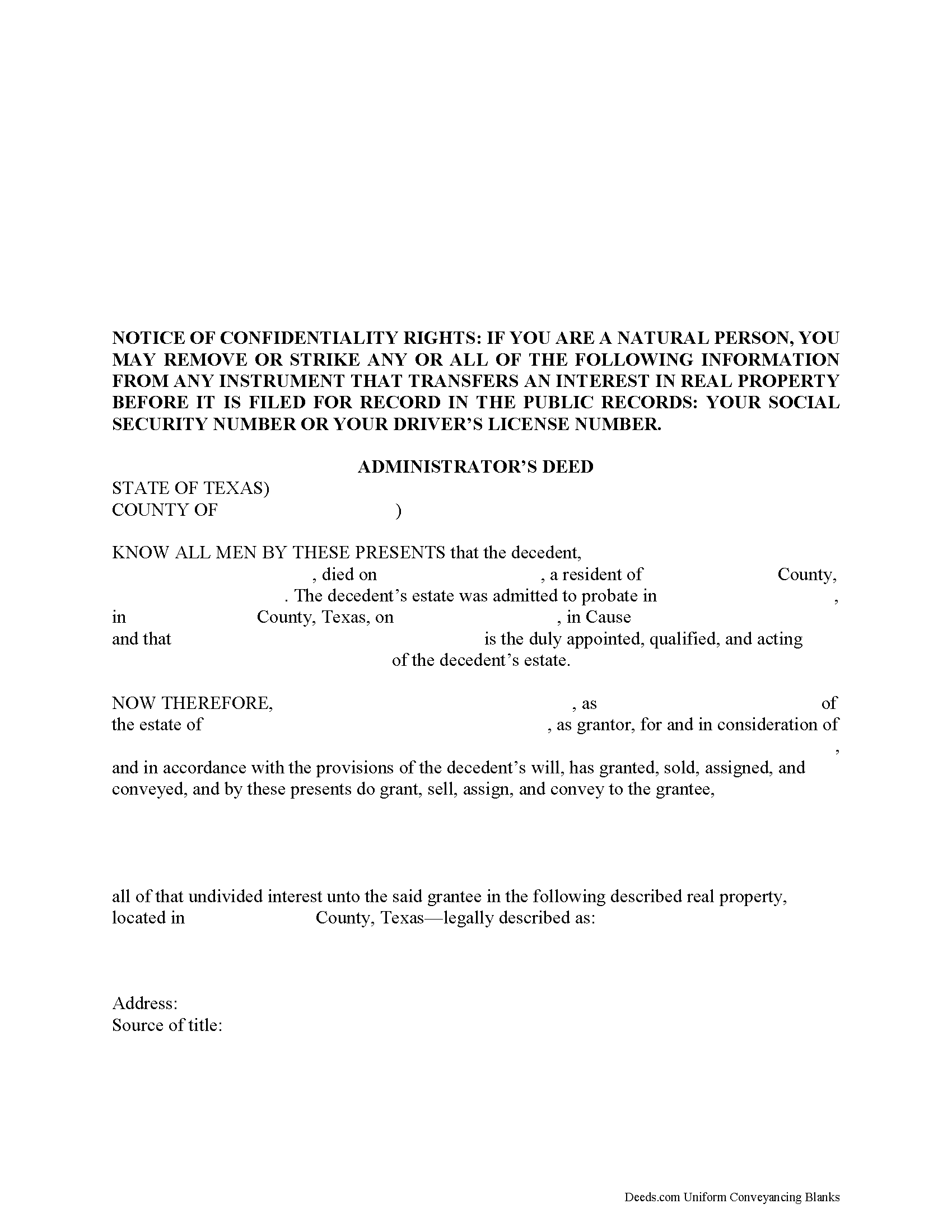
Gregg County Administrator Deed Form
Fill in the blank form formatted to comply with all recording and content requirements.
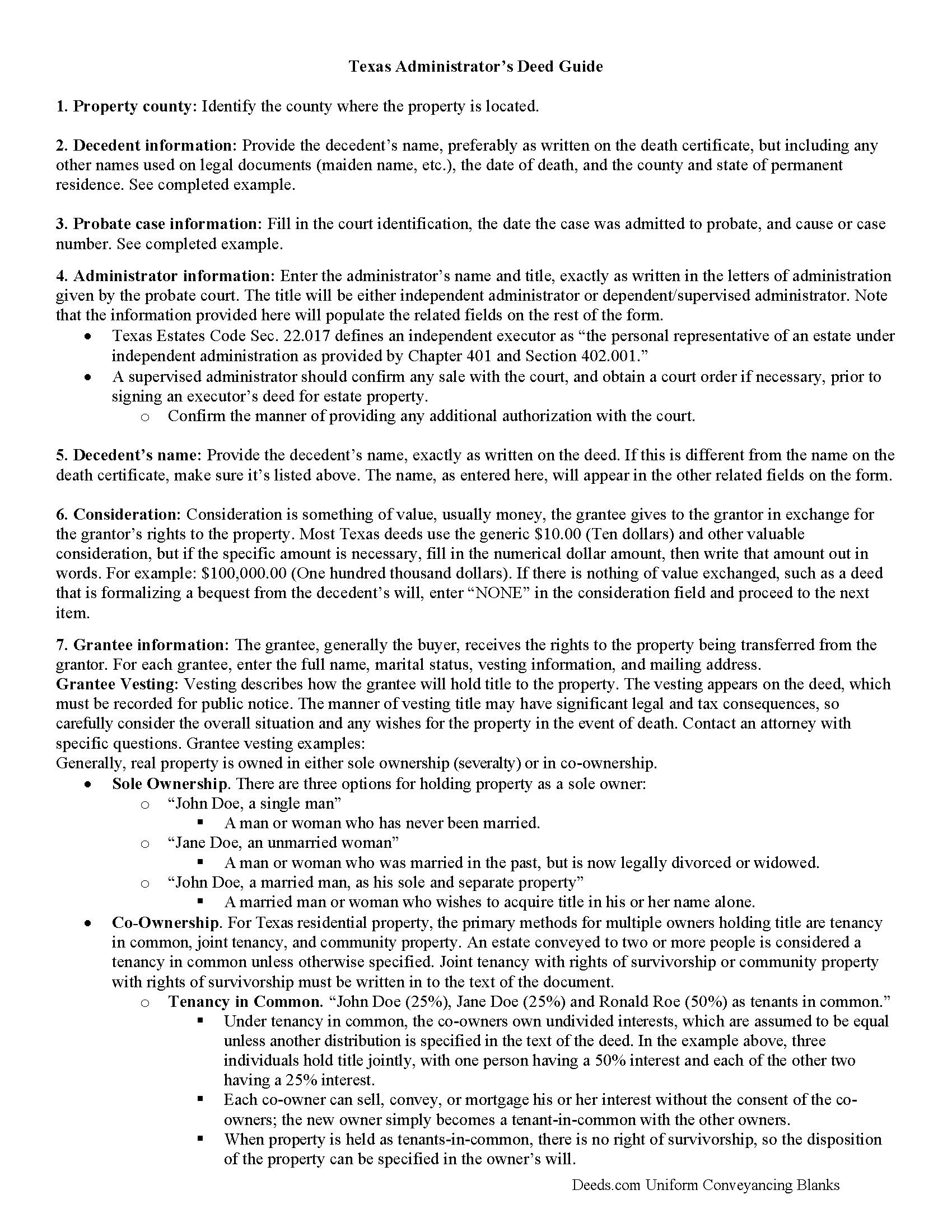
Gregg County Administrator Deed Guide
Line by line guide explaining every blank on the form.
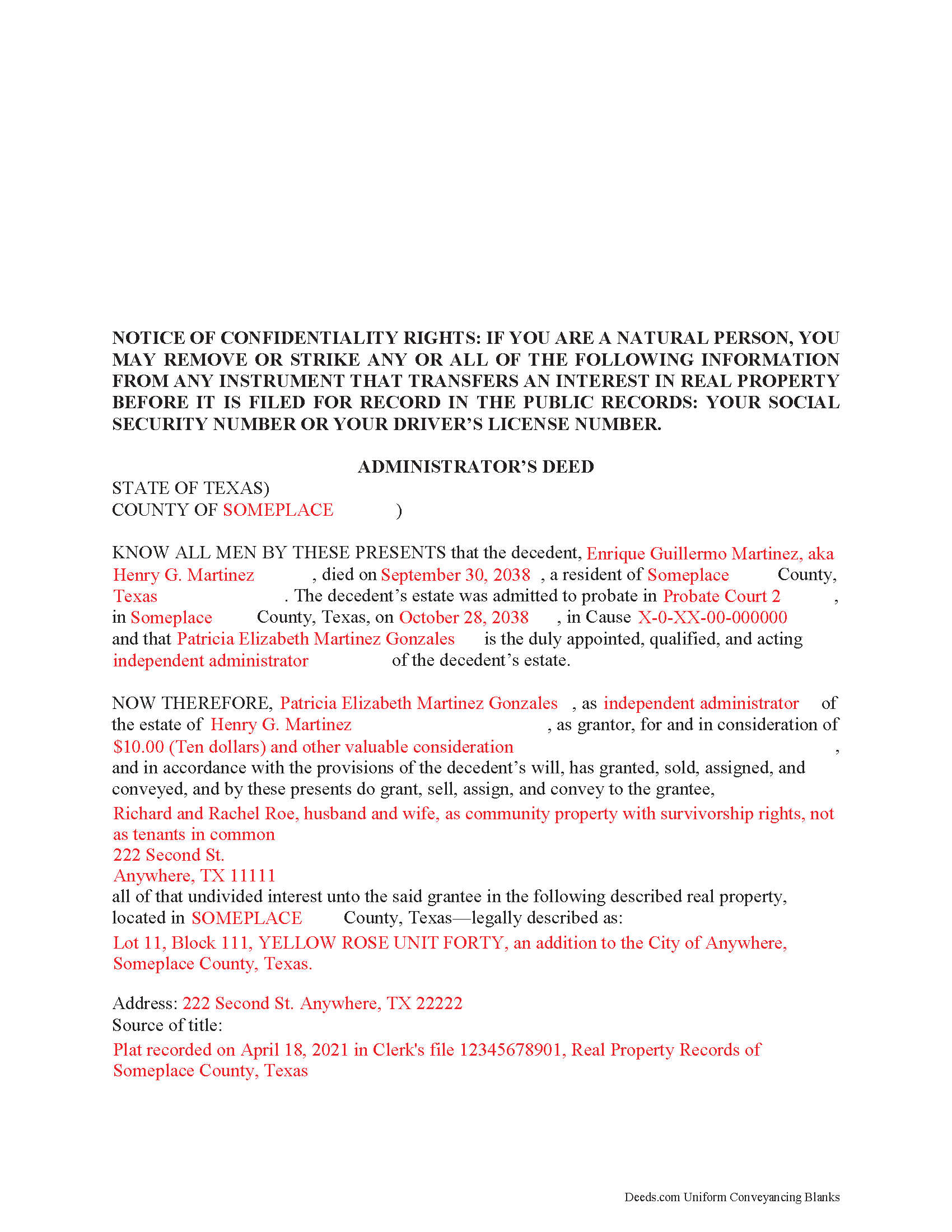
Gregg County Completed Example of the Administrator Deed Document
Example of a properly completed form for reference.
All 3 documents above included • One-time purchase • No recurring fees
Immediate Download • Secure Checkout
Additional Texas and Gregg County documents included at no extra charge:
Where to Record Your Documents
Gregg County Clerk - County Courthouse
Longview, Texas 75601
Hours: Monday - Friday 8:00am - 5:00pm
Phone: (903) 236-8430
Recording Tips for Gregg County:
- Bring your driver's license or state-issued photo ID
- Check that your notary's commission hasn't expired
- Bring extra funds - fees can vary by document type and page count
Cities and Jurisdictions in Gregg County
Properties in any of these areas use Gregg County forms:
- Easton
- Gladewater
- Judson
- Kilgore
- Longview
- White Oak
Hours, fees, requirements, and more for Gregg County
How do I get my forms?
Forms are available for immediate download after payment. The Gregg County forms will be in your account ready to download to your computer. An account is created for you during checkout if you don't have one. Forms are NOT emailed.
Are these forms guaranteed to be recordable in Gregg County?
Yes. Our form blanks are guaranteed to meet or exceed the applicable formatting requirements used for recording in Gregg County, including margin requirements, font requirements, and other layout standards. This guarantee applies to formatting, not to the legal sufficiency of information entered by the user or the suitability of a form for a particular transaction.
Can I reuse these forms?
Yes. You can reuse the forms for your personal use. For example, if you have multiple properties in Gregg County you only need to order once.
What do I need to use these forms?
The forms are PDFs that you fill out on your computer. You'll need Adobe Reader (free software that most computers already have). You do NOT enter your property information online - you download the blank forms and complete them privately on your own computer.
Are there any recurring fees?
No. This is a one-time purchase. Nothing to cancel, no memberships, no recurring fees.
How much does it cost to record in Gregg County?
Recording fees in Gregg County vary. Contact the recorder's office at (903) 236-8430 for current fees.
Questions answered? Let's get started!
The Texas Statutes cover the rules for selling a decedent's property from a probate estate in Chapter 356 of the Estates Code.
When an estate is admitted to probate, the court officer authorizes a personal representative (PR) to manage, and eventually close, the estate. Among other duties, this involves identifying the assets and liabilities, paying the bills, and distributing property according to the terms specified in Texas law. If the property owner died with a will (testate), the PR is called an executor. If the individual died without a will (intestate), however, the court appoints a PR known as an administrator.
Many estates contain real property to distribute. Depending on the circumstances, the administrator might transfer the title to heirs as directed by the court or sell the property outright. These transfers require a specific document, known as an administrator's deed, to complete the change in ownership.
An administrator's deed is used to transfer real property out of an estate. These instruments must meet the same requirements for form and content as warranty or quitclaim deeds, as well as providing additional information about the probate case. Additionally, some transfers might need supporting documentation such as copies of the letters of administration, court orders, the death certificate, signatures from heirs or beneficiaries, etc.
Note that administrator's deeds do NOT typically include a general warranty on the title. Some administrators may offer a special warranty, meaning that they have the right to sell the property, and will only defend the title against claims on their actions.
Settling probate estates can be complicated, so take the time to understand the issues. Before buying or selling real property from an estate, review all the risks and benefits, and contact an attorney with questions.
(Texas Administrator Deed Package includes form, guidelines, and completed example)
Important: Your property must be located in Gregg County to use these forms. Documents should be recorded at the office below.
This Administrator Deed meets all recording requirements specific to Gregg County.
Our Promise
The documents you receive here are guaranteed to meet or exceed the applicable Gregg County recording format requirements. If there is a rejection caused by our formatting, we will correct the issue or refund your payment. This guarantee applies to document formatting only and does not extend to information entered by the user, the selection of the form, or the legal effect of the completed document.
Save Time and Money
Get your Gregg County Administrator Deed form done right the first time with Deeds.com Uniform Conveyancing Blanks. At Deeds.com, we understand that your time and money are valuable resources, and we don't want you to face a penalty fee or rejection imposed by a county recorder for submitting nonstandard documents. We constantly review and update our forms to meet rapidly changing state and county recording requirements for roughly 3,500 counties and local jurisdictions.
4.8 out of 5 - ( 4735 Reviews )
Charles C.
August 29th, 2021
While most of the material is available elsewhere, this puts it all together and can save a lot of time. It included some additional information on California SB2 exemptions that was a big help.
We appreciate your business and value your feedback. Thank you. Have a wonderful day!
Wilma D.
August 7th, 2020
The certification of trust looks fine to me. I printed it and filled it out and had it notarized today. I have not sent it to the company that wants it yet so that will be the test. They are very picky. If they have any comment I will let you know.
Thank you for your feedback. We really appreciate it. Have a great day!
DEBORAH G.
April 1st, 2019
This product is good but the text boxes are not large enough to contain the information required for the form. Even dates do not display with the entry you make.
Thank you for your feedback. We really appreciate it. Have a great day!
Roger S.
August 19th, 2020
status was canceled. said i needed to record directly. would be 5 stars if it worked.
Sorry for the inconvenience Roger. Unfortunately, not all jurisdictions in the country have progressed to the point of being able to accept all document types for e-recording.
JUDITH-DIAN W.
June 28th, 2023
I didn't have any problem downloading and filling out the form on my computer and printing it yesterday. I didn't know what to put for "Source of Title". I called the county recording office; they didn't know either and said to leave it blank. I got the form notarized at my bank and took it in to the recording office. They checked it, accepted it, I paid a fee, and it's done. So easy. My children will appreciate that I've done this. Added note: You do have one typo on your form--you left out 'at'. It should read: "You should carefully read all information at the end of this form."
Thank you for your feedback. We really appreciate it. Have a great day!
Thomas D.
April 30th, 2020
The documents themselves are fine and the information provided with them is helpful. I find the actual processing of the documents, however, to be difficult particularly once the document has been saved. First, I note that the box for the date only allows entry of the last 2 digits of the year. Unfortunately, my download only allows me to enter one of the 2 digits required. When I delete it repeatedly, it eventually allows both digits to be entered but puts them in extremely small text and in superscrypt. I have not found a solution to this problem and am not sure the deed can even be recorded with this problem. Another problem is that if you try to revise the document after you have saved it the curser goes to the end of the line after each key entry. This means that there basically is no way to efficiently save the document for reworking later since you will have to delete everything you have entered in the text box unless you only need to make a single keystroke change or are willing to replace the curser after each entry. Try that with a long property description! Please note that I am using a Mac to prepare my documents and perhaps this is part of an "incompatibility problem". However, I didn't see a disclaimer regarding Mac use and so would expect the documents to perform correctly. Overall, I give the program a "2 star" rating because I am experiencing significant difficulties in entering dates in the documents even before saving them and because saving your work for later revision appears to be basically unworkable.
Thank you for your feedback Thomas, we appreciate you being specific about the issues you encountered. Adobe and Mac have a fairly long history of issues working together.
chris a.
February 17th, 2021
It was easy to complete the deed but on the third page I only need one signature in stead of 3 I need to delete 2 or put n//a in those blocks I will continue to use your services and have recommended it to others
Thank you for your feedback. We really appreciate it. Have a great day!
Joan P.
March 18th, 2020
Thank you for combining all necessary documents in one simple location.
Thank you!
Susan J.
June 6th, 2023
I was pleased that I could send the documents this way rather than having to mail it or take time out of my day to go down to the records office.
Thank you for taking the time to leave your feedback Susan, we really appreciate you. Have an amazing day.
Rosie M.
March 13th, 2025
I found exactly what I was looking for, and the documents are a complete package. Great service!
Thank you, Rosie! We're so glad you found exactly what you needed and that the documents met your expectations. We appreciate your kind words and your support! If you ever need anything else, we're here to help.
Christine L.
May 17th, 2020
I was very pleased with your service. You got me the information I required within one day. Thank you!
Thank you!
Jim A.
January 26th, 2022
Your website is user friendly and when I brought up issues they were quickly addressed. thank you so much! jim atkinson
Thank you!
Filomena G.
March 8th, 2025
very helpful
Thank you!
Edward E.
December 22nd, 2024
Easy to use.
Your feedback is valuable to us and helps us improve. Thank you for sharing your thoughts!
Magdy G.
July 13th, 2020
Very fast and efficient service. Everything was done online. Did not need any help.
Thank you!