Mills County Deed Without Warranty (Signed by Attorney-in-Fact) Form
Last validated October 26, 2026 by our Forms Development TeamFormatted for recording in Mills County, for property anywhere in the county: rural and unincorporated areas as well as Goldthwaite, Mullin, Priddy, Star.
- 3 documents included
- Immediate PDF download
- Formatting guarantee
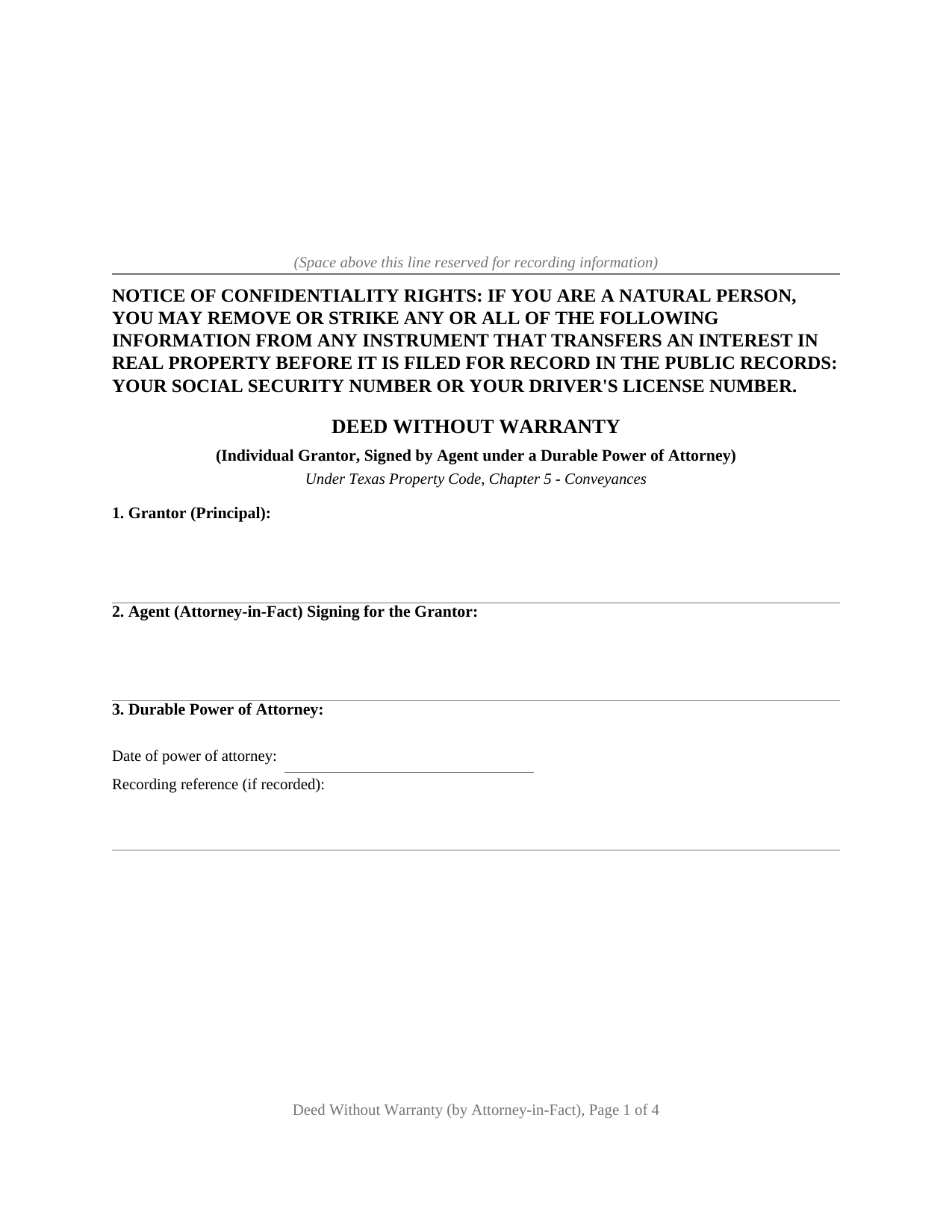
Mills County Deed Without Warranty (Signed by Attorney-in-Fact) Form
Fill in the blank Deed Without Warranty (Signed by Attorney-in-Fact) form formatted to comply with all Texas recording and content requirements.
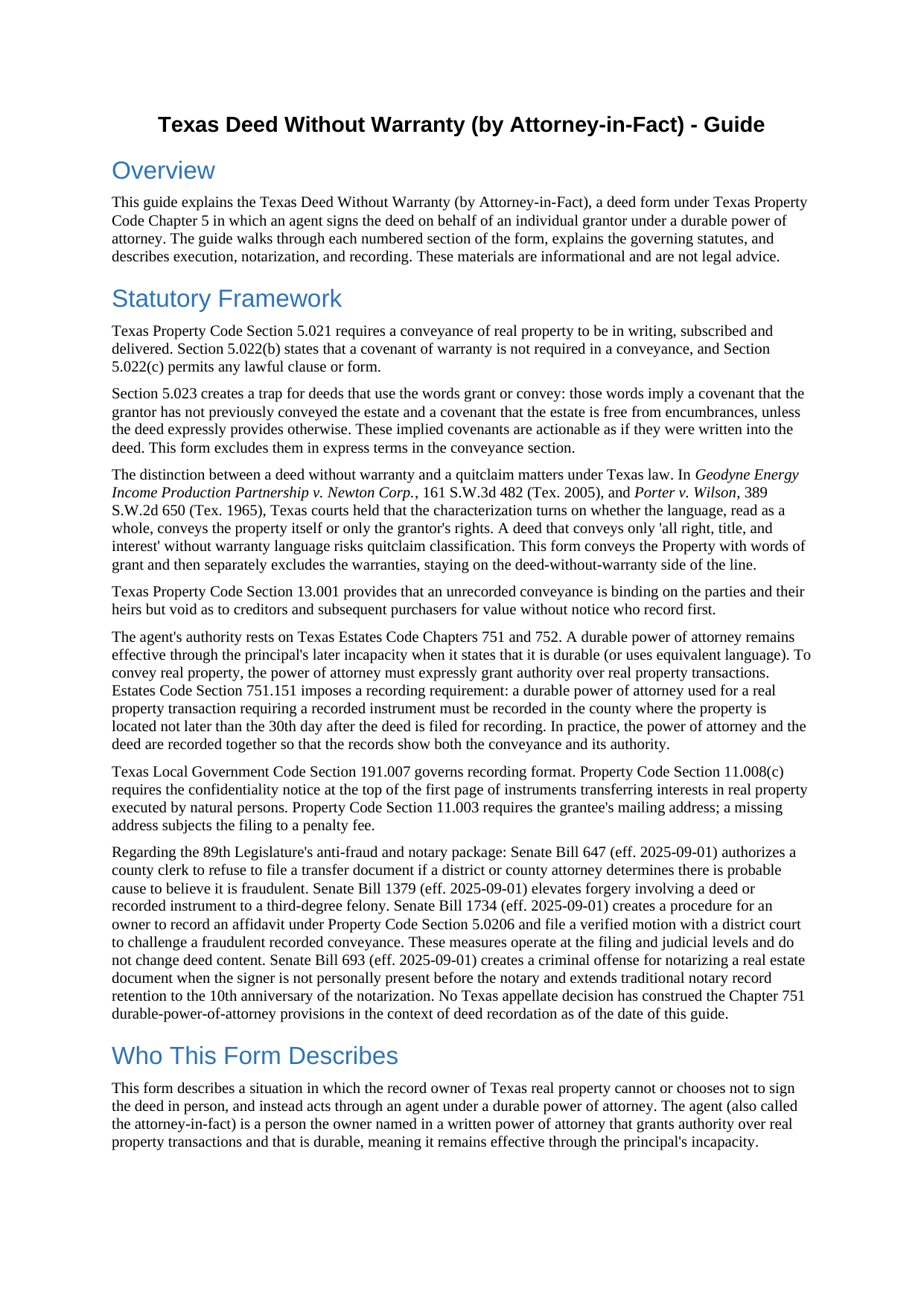
Mills County Deed Without Warranty (Signed by Attorney-in-Fact) Guide
Line by line guide explaining every blank on the Deed Without Warranty (Signed by Attorney-in-Fact) form.
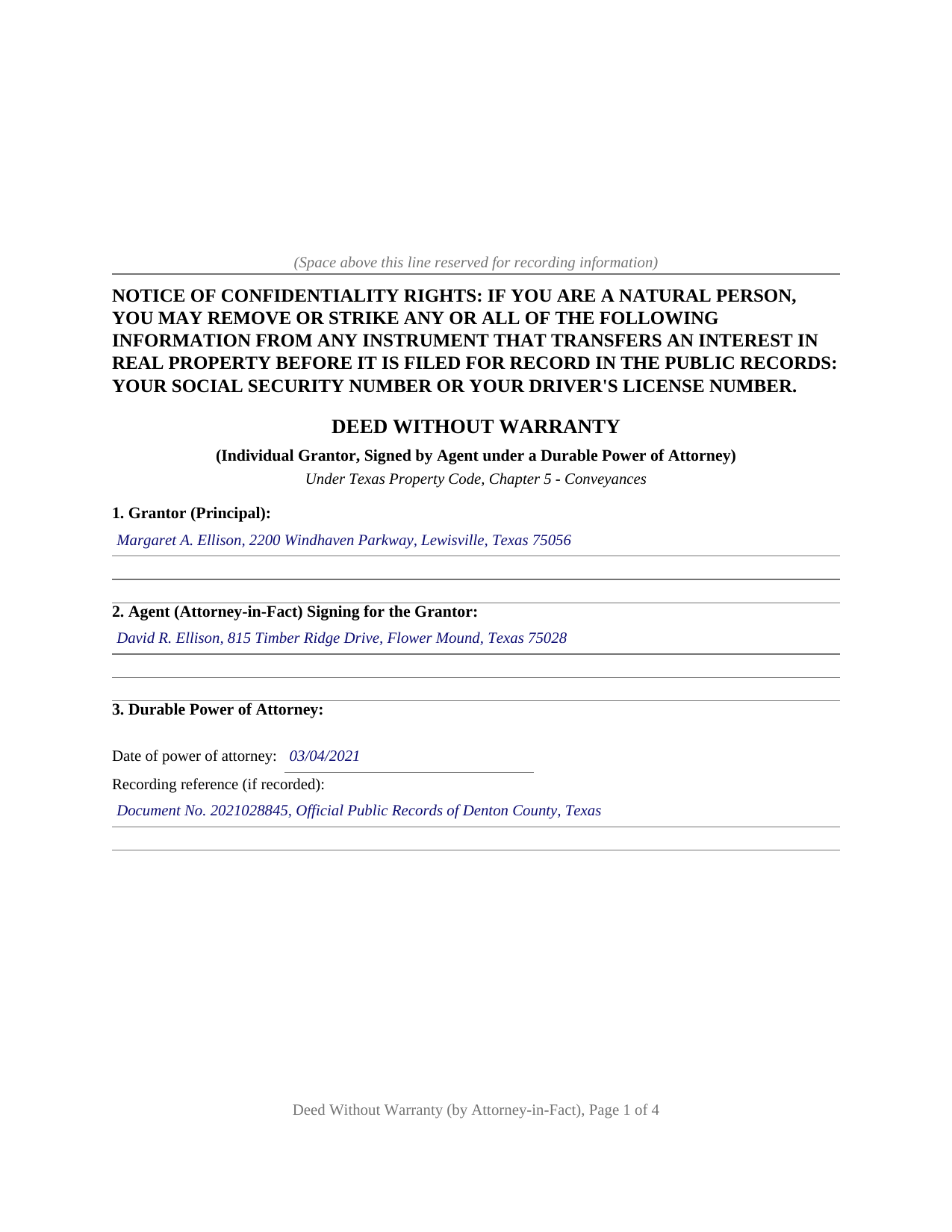
Mills County Completed Example of the Deed Without Warranty (Signed by Attorney-in-Fact) Document
Example of a properly completed Texas Deed Without Warranty (Signed by Attorney-in-Fact) document for reference.
All 3 documents above included • One-time purchase • No recurring fees
Immediate Download • Secure Checkout
Additional Texas and Mills County documents included at no extra charge:
Where to Record Your Documents
Mills County Clerk Office
Goldthwaite, Texas 76844
Hours: Monday - Friday 8:00am - 12:00 & 1:00 - 5:00pm / Recording until 4:30pm
Phone: (325) 648-2711
Recording Tips for Mills County:
- Bring your driver's license or state-issued photo ID
- Ensure all signatures are in blue or black ink
- Request a receipt showing your recording numbers
- Ask about accepted payment methods when you call ahead
- Ask for certified copies if you need them for other transactions
Cities and Jurisdictions in Mills County
Properties in any of these areas use Mills County forms:
- Goldthwaite
- Mullin
- Priddy
- Star
Hours, fees, requirements, and more for Mills County
How do I get my forms?
Forms are available for immediate download after payment. The Mills County forms will be in your account ready to download to your computer. An account is created for you during checkout if you don't have one. Forms are NOT emailed.
Are these forms guaranteed to be recordable in Mills County?
Yes. Our form blanks are guaranteed to meet or exceed the applicable formatting requirements used for recording in Mills County, including margin requirements, font requirements, and other layout standards. This guarantee applies to formatting, not to the legal sufficiency of information entered by the user or the suitability of a form for a particular transaction.
Can I reuse these forms?
Yes. You can reuse the forms for your personal use. For example, if you have multiple properties in Mills County you only need to order once.
What do I need to use these forms?
The forms are PDFs that you fill out on your computer. The free Adobe Acrobat Reader is recommended, and most PDF apps also work. You do NOT enter your property information online - you download the blank forms and complete them privately on your own computer.
Are there any recurring fees?
No. This is a one-time purchase. Nothing to cancel, no memberships, no recurring fees.
How much does it cost to record in Mills County?
Recording fees in Mills County vary. Contact the recorder's office at (325) 648-2711 for current fees.
Questions answered? Let's get started!
When a Texas property owner cannot sign a deed in person, a durable power of attorney lets an agent handle the transaction. This form prepares a deed without warranty for exactly that situation: the grantor's agent, called the attorney-in-fact, signs the deed on the owner's behalf, and the deed itself conveys the property while making no warranty of title.
What the Agent's Signature Means for the Deed
A deed without warranty conveys the property itself, using words of grant, while telling the grantee plainly that no title warranty accompanies the transfer. That combination places this form between a warranty deed, which stands behind the title, and a quitclaim, which releases only whatever the grantor holds. The agent's signature does not change the legal character of the conveyance; it changes only who physically signs. The operative clause grants, sells, and conveys the property through the agent and under the authority of the durable power of attorney, and the without-warranty character of the deed is stated in express terms in the same section.
The Section 5.023 Exclusion
Texas Property Code Section 5.023 provides that the words grant or convey imply two covenants unless the deed expressly provides otherwise: a covenant that the grantor has not already conveyed the estate and a covenant that the estate is free from encumbrances. A deed that says nothing about those covenants can carry them into the transaction regardless of its caption. This form provides otherwise in plain language, excluding both the Section 5.023 implied covenants and any common-law warranty of title, so the words of grant convey the property without importing promises the grantor did not intend to make.
The Power of Attorney in the Chain of Records
Texas Estates Code Section 751.151 requires that a durable power of attorney used for a real property transaction requiring a recorded instrument be recorded in the county where the property sits, not later than the 30th day after the deed is filed. In practice, the power of attorney and the deed go to the county clerk together, so the records show both the conveyance and the authority behind it. The form carries the agent's name and the power of attorney's date and recording reference in its own numbered section, making that connection visible on the face of the deed.
How the Agent Signs
The agent signs in a representative capacity, not as a principal. The conventional signature form is the grantor's name followed by the agent's name and the designation attorney-in-fact. The acknowledgment certificate names the agent as attorney-in-fact on behalf of the principal, which is the form Texas Civil Practice and Remedies Code Section 121.008 supports for a person signing in a representative capacity. The grantor does not sign. The form carries one acknowledgment certificate for the agent, reflecting that the agent is this deed's sole signer.
Included in This Package
The download contains the fillable deed as a blank PDF, a completed example built on a Denton County fact pattern showing an agent conveying an individual's property, and a plain-language guide that covers every section, the power-of-attorney recitals, and the dual-recording requirement at the clerk's office. The materials are informational and are not legal advice.
Important: Your property must be located in Mills County to use these forms. Documents should be recorded at the county recording office listed above.
This Deed Without Warranty (Signed by Attorney-in-Fact) meets all recording requirements specific to Mills County.
Our Promise
The documents you receive here are guaranteed to meet or exceed the applicable Mills County recording format requirements. If there is a rejection caused by our formatting, we will correct the issue or refund your payment. This guarantee applies to document formatting only and does not extend to information entered by the user, the selection of the form, or the legal effect of the completed document.
Save Time and Money
Get your Mills County Deed Without Warranty (Signed by Attorney-in-Fact) form done right the first time with Deeds.com Uniform Conveyancing Blanks. At Deeds.com, we understand that your time and money are valuable resources, and we don't want you to face a penalty fee or rejection imposed by a county recorder for submitting nonstandard documents. We constantly review and update our forms to meet rapidly changing state and county recording requirements for roughly 3,500 counties and local jurisdictions.
4.8 out of 5 - ( 4,843 Reviews )
Paul D. 5 out of 5 stars
Easy to use! The forms were perfect and everything was explained well! Will use again!
We appreciate your business and value your feedback. Thank you. Have a wonderful day!
Kimberly M. 5 out of 5 stars
Love Deeds.com. Fast turnaround and easy to work with.
We appreciate your business and value your feedback. Thank you. Have a wonderful day!
Rhonda L. 5 out of 5 stars
This was one of the most simple but efficient process. Walked me thru every step. Total process was less than 2 weeks.
Thank you!
Billy G. 5 out of 5 stars
Bought the wrong form and they refunded my money Honest company
Your feedback is greatly appreciated. Thank you for taking the time to share your experience!
Novella M T. 5 out of 5 stars
Amazing forms, nice to have something specific and not generic like some other sites. Getting the other required forms included is a nice bonus.
Great to hear Novella. We appreciate you taking the time to leave your feedback.
Mark S. 5 out of 5 stars
The forms were easy and convenient to use
Thank you Mark. We appreciate your feedback.
Patricia W. 5 out of 5 stars
Easy to use with the itemized instruction.
Thank you for your feedback. We really appreciate it. Have a great day!
Arletta B. 5 out of 5 stars
Fantastic service, saved me a ton of time and running around. Thanks!
Thank you!
Qingqiu H. 5 out of 5 stars
I ordered the wrong forms at first because I'm an idiot and didn't do my research. When I told the customer service about my error they were understanding.
Thank you for your feedback. We really appreciate it. Have a great day!
Eleody L. 5 out of 5 stars
I mistakenly ordered the wrong package and within 3 minutes of asking for a replacement, I was given one by the company. I am extremely impressed with the prompt response and the forms! I will use this site again if I needed other deed forms!!!!
We appreciate your business and value your feedback. Thank you. Have a wonderful day!
william w. 5 out of 5 stars
Simple, straight forward, and easy to use.
We appreciate your business and value your feedback. Thank you. Have a wonderful day!
Cindy A. 5 out of 5 stars
Needed a deed and the form provided with example and guide were of the most help. Thank you
Thank you, Cindy! We’re so glad the form, example, and guide were helpful in getting your deed taken care of. We appreciate your feedback!
Kelli B. 5 out of 5 stars
Amazingly simple and fast. A great service.
Thank you!
Linda T. 5 out of 5 stars
All downloaded now I just have to fill them out. Will let you know how it does. Thanks for the service. Linda
Thank you for your feedback. We really appreciate it. Have a great day!
Linda C. 5 out of 5 stars
If I hadn't spent my career as an escrow officer (albeit in another state), I may have had a hard time figuring out exactly which deed I needed and how to prepare them, even with the back-up informational, how-to pdf documents, without an attorney. My experience speaks to how much the general public doesn't understand and how confusing it can be. Nonetheless, the access to so many documents at a fairly reasonable cost, the basic how-to docs made available along with the purchased doc makes all the difference. I appreciate having such things available to the public. Many thanks.
We appreciate your business and value your feedback. Thank you. Have a wonderful day!