Calhoun County Release of Lien (Deed of Trust) Form
Last validated October 9, 2026 by our Forms Development TeamFormatted for recording in Calhoun County, for property anywhere in the county: rural and unincorporated areas as well as Point Comfort, Port Lavaca, Port O Connor, Seadrift.
- 3 documents included
- Immediate PDF download
- Formatting guarantee
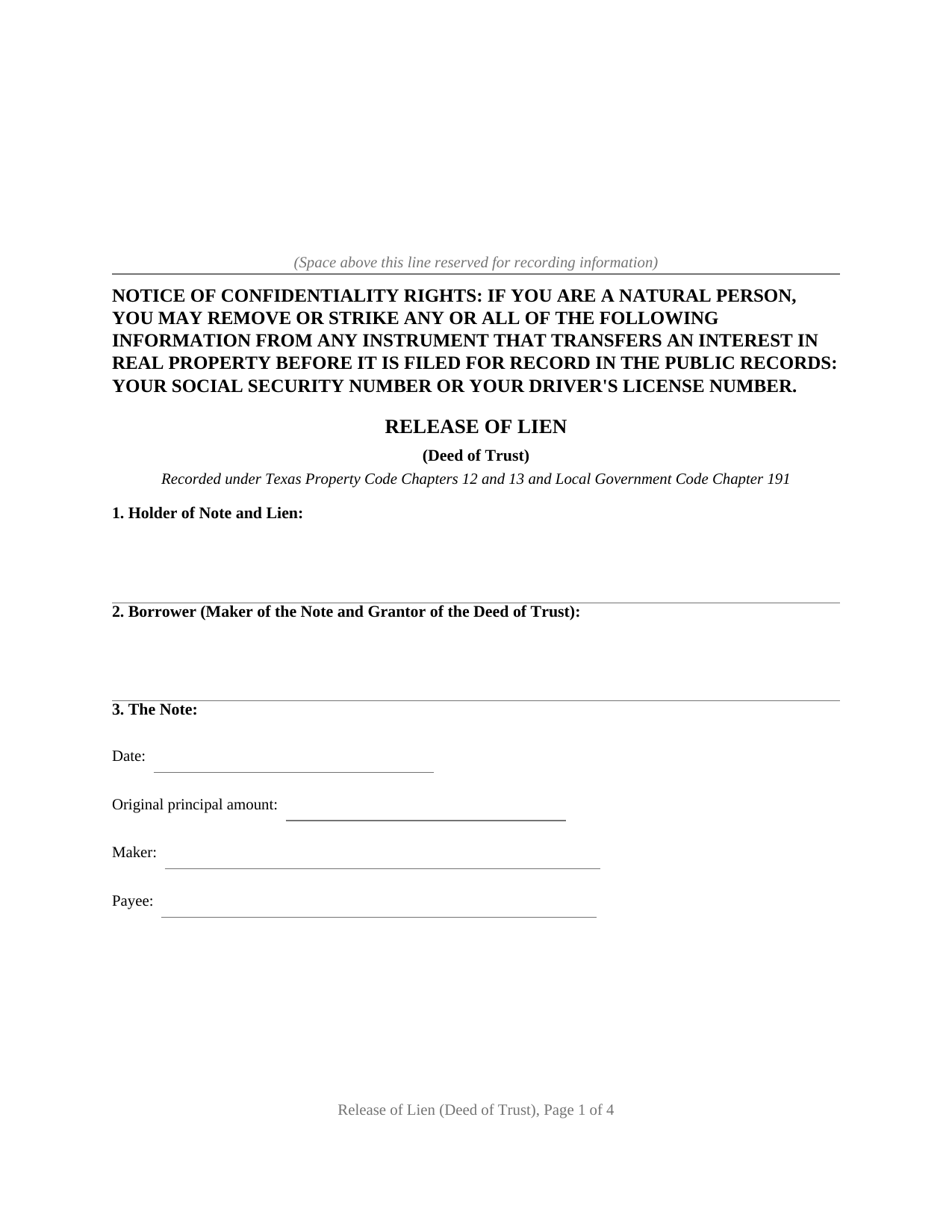
Calhoun County Release of Lien (Deed of Trust) Form
Fill in the blank Release of Lien (Deed of Trust) form formatted to comply with all Texas recording and content requirements.
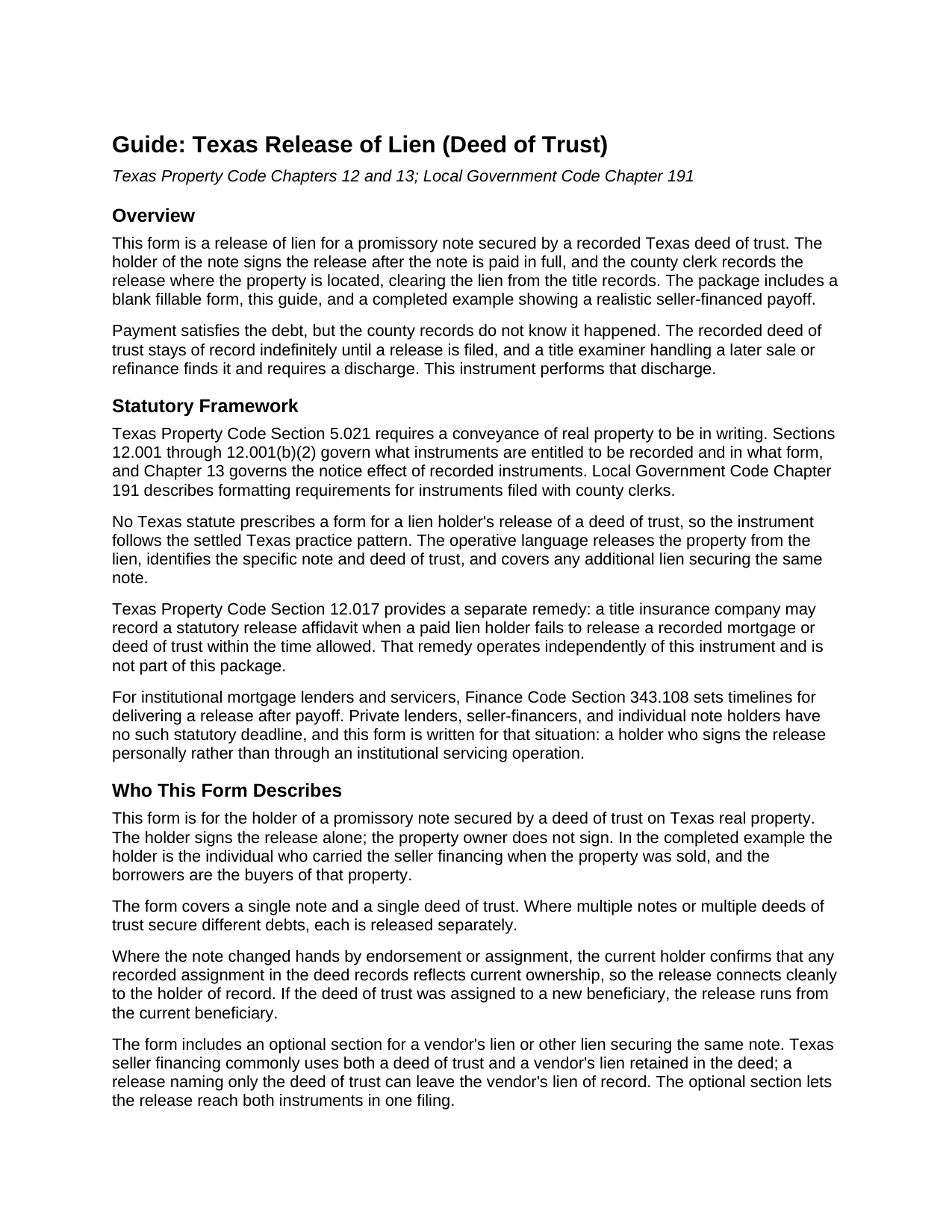
Calhoun County Release of Lien (Deed of Trust) Guide
Line by line guide explaining every blank on the Release of Lien (Deed of Trust) form.
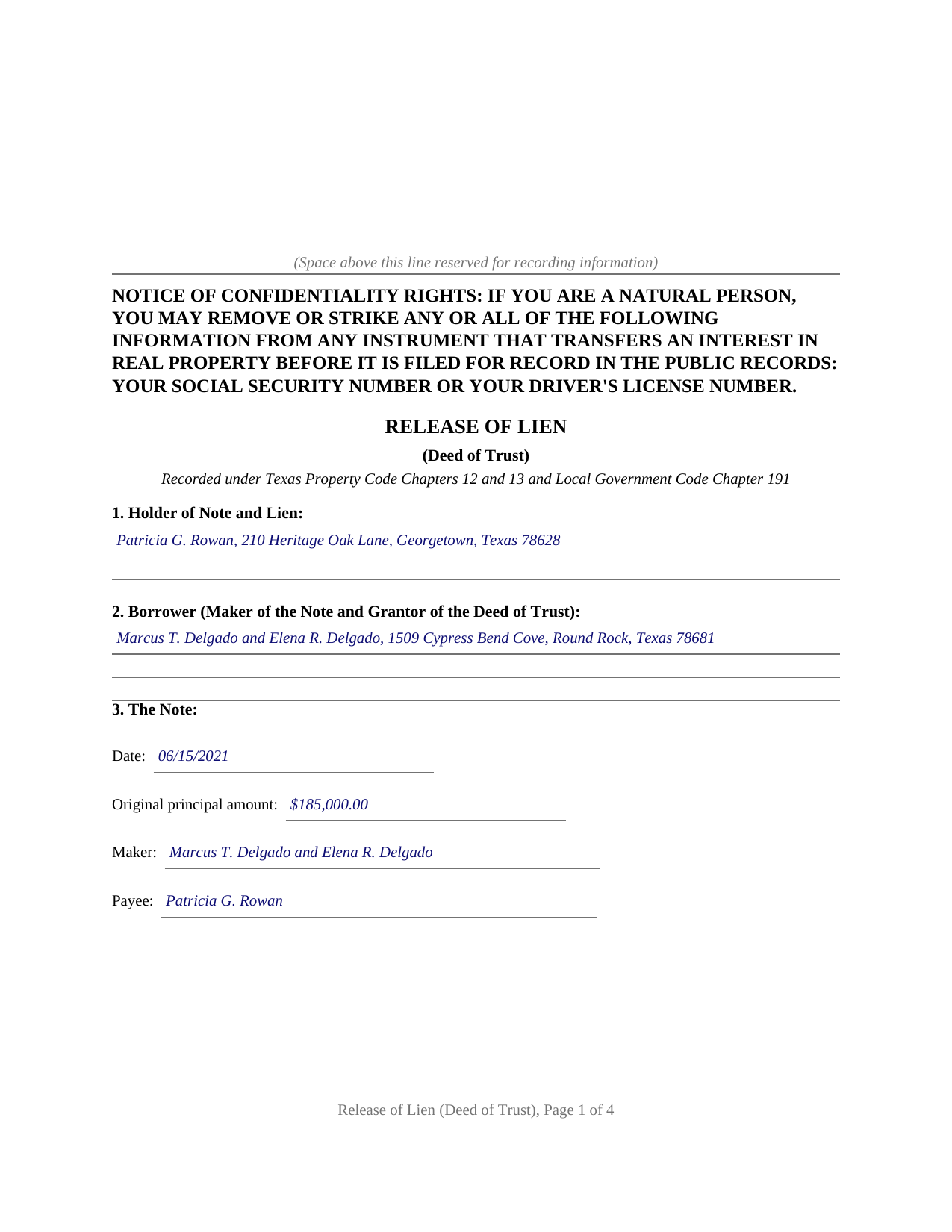
Calhoun County Completed Example of the Release of Lien (Deed of Trust) Document
Example of a properly completed Texas Release of Lien (Deed of Trust) document for reference.
All 3 documents above included • One-time purchase • No recurring fees
Immediate Download • Secure Checkout
Additional Texas and Calhoun County documents included at no extra charge:
Where to Record Your Documents
Calhoun County Clerk
Port Lavaca, Texas 77979
Hours: Monday - Thursday 8:00 to 5:00 / Friday 8:30 to 5:00
Phone: 361-553-4411
Recording Tips for Calhoun County:
- Bring your driver's license or state-issued photo ID
- Ensure all signatures are in blue or black ink
- Bring extra funds - fees can vary by document type and page count
- Check margin requirements - usually 1-2 inches at top
- Leave recording info boxes blank - the office fills these
Cities and Jurisdictions in Calhoun County
Properties in any of these areas use Calhoun County forms:
- Point Comfort
- Port Lavaca
- Port O Connor
- Seadrift
Hours, fees, requirements, and more for Calhoun County
How do I get my forms?
Forms are available for immediate download after payment. The Calhoun County forms will be in your account ready to download to your computer. An account is created for you during checkout if you don't have one. Forms are NOT emailed.
Are these forms guaranteed to be recordable in Calhoun County?
Yes. Our form blanks are guaranteed to meet or exceed the applicable formatting requirements used for recording in Calhoun County, including margin requirements, font requirements, and other layout standards. This guarantee applies to formatting, not to the legal sufficiency of information entered by the user or the suitability of a form for a particular transaction.
Can I reuse these forms?
Yes. You can reuse the forms for your personal use. For example, if you have multiple properties in Calhoun County you only need to order once.
What do I need to use these forms?
The forms are PDFs that you fill out on your computer. The free Adobe Acrobat Reader is recommended, and most PDF apps also work. You do NOT enter your property information online - you download the blank forms and complete them privately on your own computer.
Are there any recurring fees?
No. This is a one-time purchase. Nothing to cancel, no memberships, no recurring fees.
How much does it cost to record in Calhoun County?
Recording fees in Calhoun County vary. Contact the recorder's office at 361-553-4411 for current fees.
Questions answered? Let's get started!
In Texas, paying off a note secured by real estate finishes the debt but not the paperwork. The deed of trust recorded when the loan was made stays in the county records until the lien holder signs and records a release, and until then every title search on the property shows an apparently live lien. This form prepares that release: the instrument the holder of a paid note records to clear a Texas deed of trust lien, with a plain language guide and a completed example included.
A lien does not clear itself
No Texas statute releases a paid deed of trust automatically, and no statute prescribes a form for the holder's release, so the instrument follows the settled Texas practice pattern. It identifies the holder of the note and lien, the borrower, the note by date, amount, maker, and payee, the deed of trust by trustee, document number, recording date, and county, and the property by its formal legal description. It then performs the act the records are waiting for: the holder acknowledges that the note has been paid in full and releases and forever discharges the property from the deed of trust lien and from every other lien or security interest the holder holds for the same note. Recorded with the county clerk of the county where the property is located, that language closes the loop the deed of trust opened.
Written for the private and seller financed note
Institutional mortgage servicing has its own machinery and its own clock: Finance Code Section 343.108, added in 2023, gives a home loan mortgagee or servicer 60 days after receiving the correct payoff amount to deliver or file a release, and 30 days where the borrower delivers a written request soon after payoff. Private lending has no such machinery. A seller who carried the financing on a sale, a family member who funded a purchase, or a small entity holding a note secured by Texas real estate signs the release personally, and this form recites that direct release, signed and acknowledged before a notary. The guide also describes the backstop for the opposite problem, a lien holder who never acts: Property Code Section 12.017 lets a title insurance company record a statutory affidavit that operates as a release when a paid mortgage sits unreleased.
The vendor's lien rides along
Texas seller financing typically secures one note twice. The deed from seller to buyer retains a vendor's lien, and the buyer signs a deed of trust on top of it. A release naming only the deed of trust can leave the vendor's lien sitting of record. The form carries an optional section identifying the deed that retained the vendor's lien, and the operative release language expressly reaches it, along with any other lien securing the same note, so one recorded instrument discharges the whole arrangement.
The package includes the blank release as a fillable PDF, a guide that walks through each numbered section with an example entry for every blank, and a completed example showing a realistic seller financed payoff. The confidentiality notice of Property Code Section 11.008 appears at the top of the first page, and the layout follows the recording standards of Local Government Code Section 191.007. The materials are informational and are not legal advice.
Important: Your property must be located in Calhoun County to use these forms. Documents should be recorded at the county recording office listed above.
This Release of Lien (Deed of Trust) meets all recording requirements specific to Calhoun County.
Our Promise
The documents you receive here are guaranteed to meet or exceed the applicable Calhoun County recording format requirements. If there is a rejection caused by our formatting, we will correct the issue or refund your payment. This guarantee applies to document formatting only and does not extend to information entered by the user, the selection of the form, or the legal effect of the completed document.
Save Time and Money
Get your Calhoun County Release of Lien (Deed of Trust) form done right the first time with Deeds.com Uniform Conveyancing Blanks. At Deeds.com, we understand that your time and money are valuable resources, and we don't want you to face a penalty fee or rejection imposed by a county recorder for submitting nonstandard documents. We constantly review and update our forms to meet rapidly changing state and county recording requirements for roughly 3,500 counties and local jurisdictions.
4.8 out of 5 - ( 4,850 Reviews )
KIMBER M. 5 out of 5 stars
It took me a while to locate my documents. Check out was a breeze.
Thank you!
Charles B. 5 out of 5 stars
The support received was far above expectations.
We are grateful for your feedback and looking forward to serving you again. Thank you!
Christina W. 5 out of 5 stars
I stand corrected. I received my report and it was exactly what I requested.
Thank you!
Amanda M. 5 out of 5 stars
Was very easy to use.
Thank you!
Jena S. 5 out of 5 stars
I love how quick the turnaround is, my only request would be for an email notification be sent once an invoice is ready and then once a document is recorded and ready to download (only because I have a large caseload and it's very easy to forget things sometimes).
Thank you!
Robert A. 5 out of 5 stars
First timer with Deeds.com - excellent experience. I am a lawyer and do not record often. Did not have to pay membership- fast and easy upload of documents- fast response - fast recording time from county recorder- very legible documents- very reasonable price. I give 6 stars out of 5!
We appreciate your business and value your feedback. Thank you. Have a wonderful day!
Jayne C. 5 out of 5 stars
It was very easy to navigate and find what I needed. Very happy with the app.
Thank you for your feedback. We really appreciate it. Have a great day!
Julie L. 5 out of 5 stars
Great documents! with complete instructions and the CTC as well. I work with a lot of recordings and transfers, this is a great comprehensive set..
Thank you!
Toni M. 5 out of 5 stars
I liked having the forms. Some may need to know they can look at the legal Description from online county records, then type up in Word document line by line, the degree sign in Word program is achieved by using alt and 248 on number pad. Then on the form page one write SEE Exibit A and title your Word program description as Exibit A. Goes without saying the legal description should be looked over many times and it is easier to do so if you format your Word the same lineage as the legal description online which is usually not text which is why you have to retype it.
Thank you for your feedback. We really appreciate it. Have a great day!
Lara T. 5 out of 5 stars
Made recording my document so much easier and faster. First attempt failed due to illegible blue ink, got that fixed and deeds.com resubmitted and doc was recorded within a couple of hours, all from the comfort of my home.
Thank you for your feedback. We really appreciate it. Have a great day!
Robert S. 5 out of 5 stars
Were unable to help me because of the recorders office but credited my account promptly
Thank you for your feedback. We really appreciate it. Have a great day!
Maria D. 5 out of 5 stars
Deeds.com has done a great job. I really recommend to everyone who needs this service, fast & reliable. Thank you
We appreciate your business and value your feedback. Thank you. Have a wonderful day!
Terry K. 1 out of 5 stars
Thought from the reviews and claims, it would be able to do our quit claim deed. Maybe for simple situations it works but ours required more room for the description and parcel numbers. Ended up being a total waste of $40.00. Wouldn't buy again. It is no better than the free forms you can find online.
Hi Terry, thanks for the feedback. Your order was canceled and fully refunded. To clarify for other customers: our quitclaim deed package includes an exhibit/attachment page for legal descriptions and parcel numbers that run long, with instructions on when and how to use it, this is a standard approach for multi-page legal descriptions and is accepted by recorders.
Larry H. 5 out of 5 stars
Wow! So easy and such a cost savings. Thanks
Thanks Larry, we appreciate your feedback.
Elaine S. 4 out of 5 stars
Being new at this, the system was somewhat difficult to understand at first. It took a couple of tries before I got it. It seems to be somewhat slow as well. However, it's a wonderful idea to have documents recorded from the comfort of your home, especially in the times that we are in with COVID19. I definitely don't mind paying the fee which I thought was reasonable.
Thank you!