Calhoun County Special Warranty Deed Form
Last validated November 3, 2026 by our Forms Development TeamFormatted for recording in Calhoun County, for property anywhere in the county: rural and unincorporated areas as well as Point Comfort, Port Lavaca, Port O Connor, Seadrift.
- 3 documents included
- Immediate PDF download
- Formatting guarantee
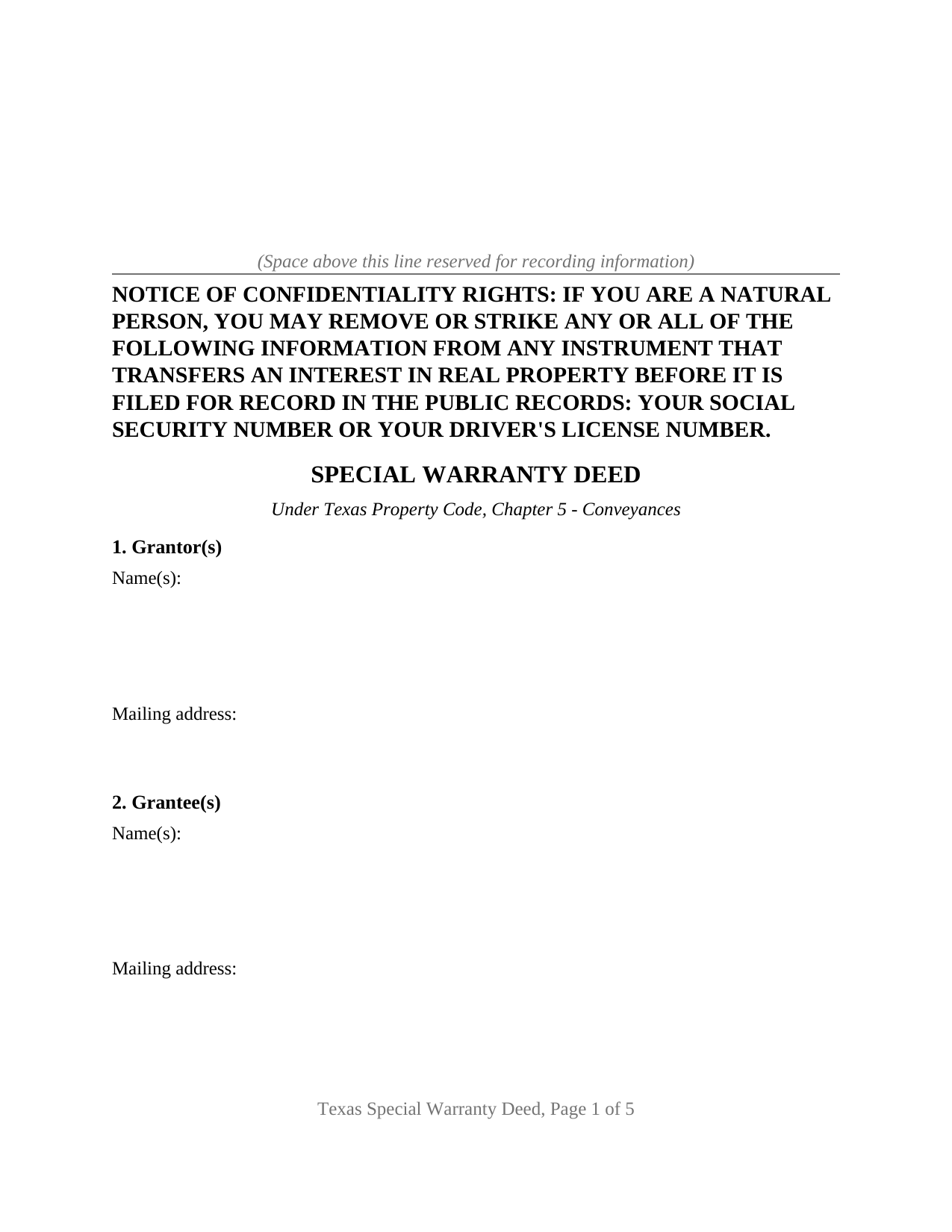
Calhoun County Special Warranty Deed Form
Fill in the blank Special Warranty Deed form formatted to comply with all Texas recording and content requirements.
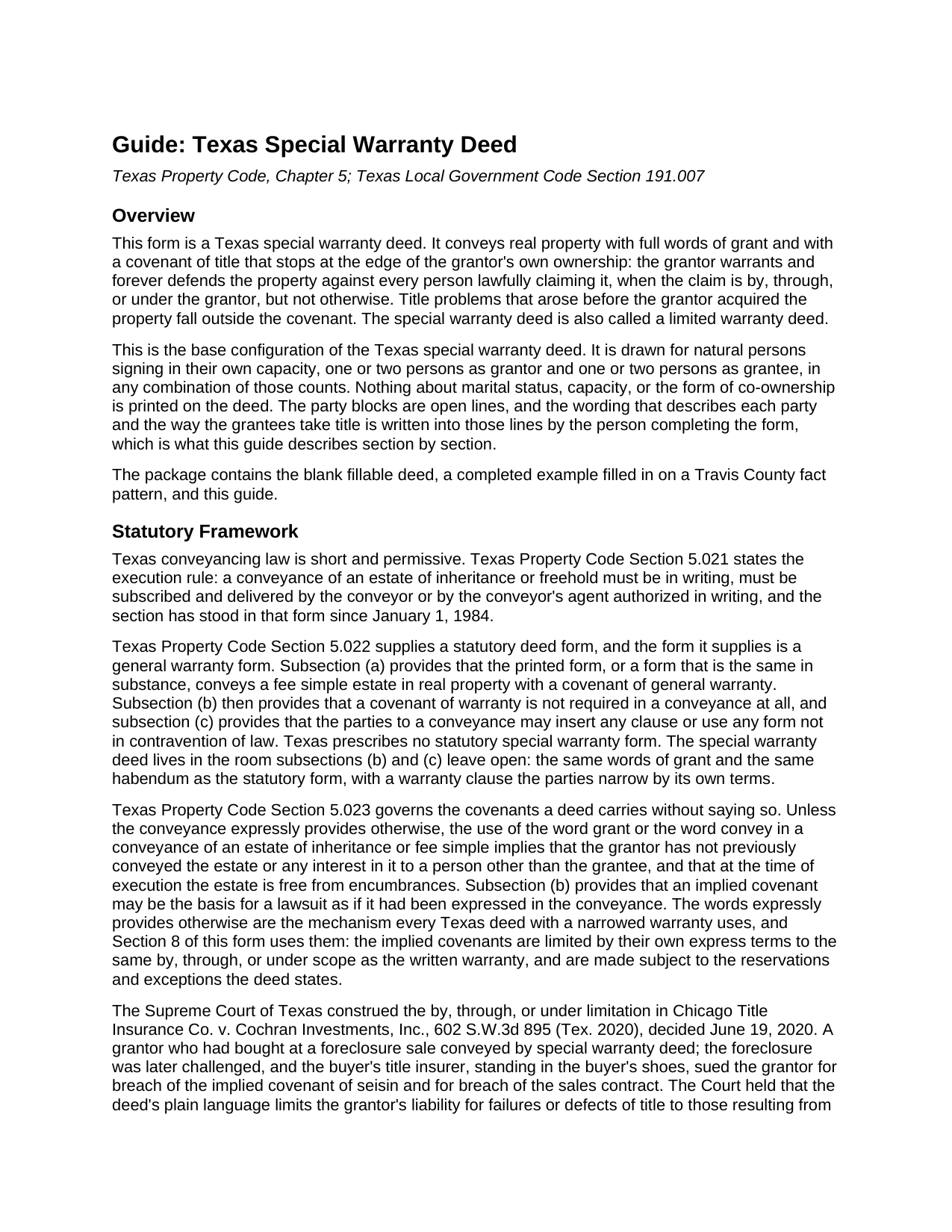
Calhoun County Special Warranty Deed Guide
Line by line guide explaining every blank on the Special Warranty Deed form.
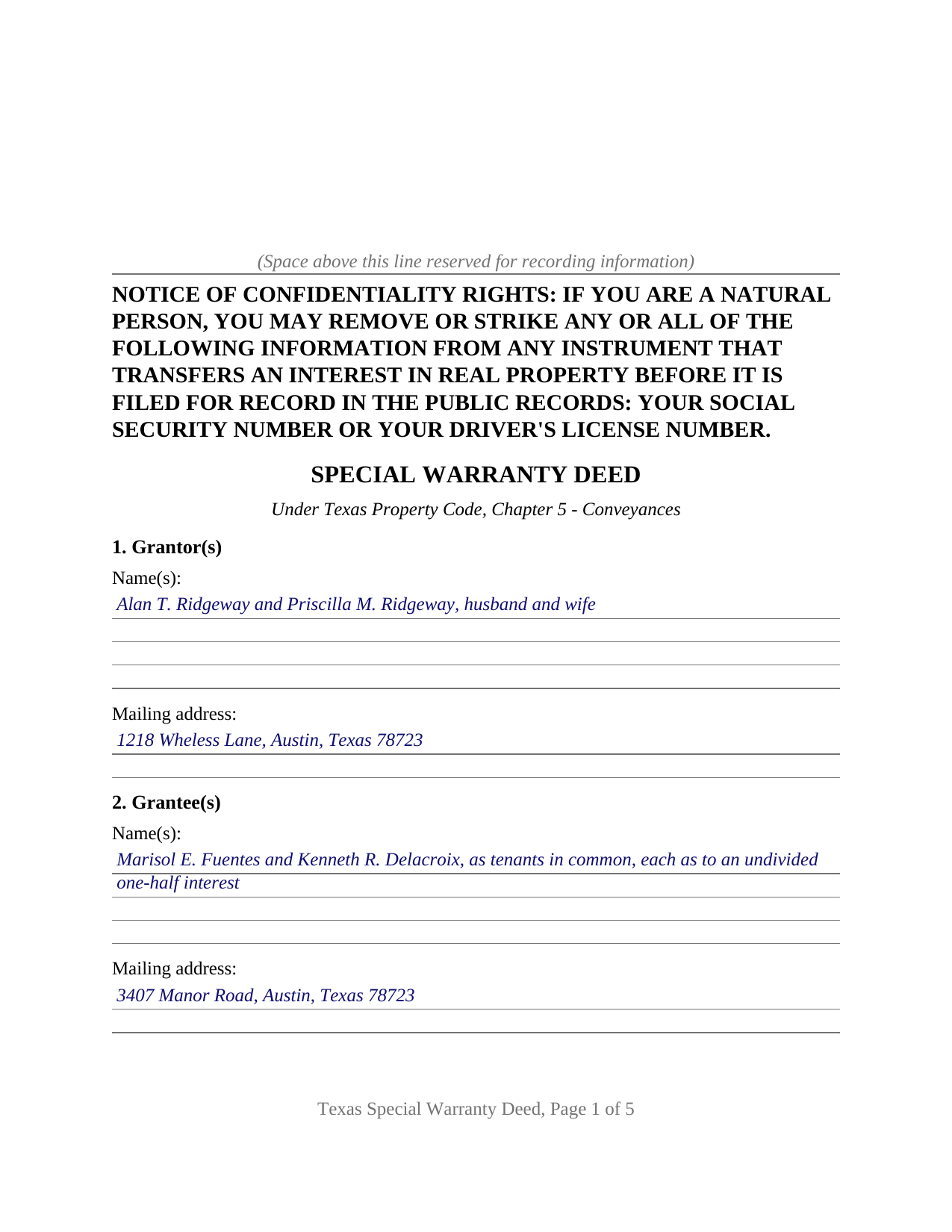
Calhoun County Completed Example of the Special Warranty Deed Document
Example of a properly completed Texas Special Warranty Deed document for reference.
All 3 documents above included • One-time purchase • No recurring fees
Immediate Download • Secure Checkout
Additional Texas and Calhoun County documents included at no extra charge:
Where to Record Your Documents
Calhoun County Clerk
Port Lavaca, Texas 77979
Hours: Monday - Thursday 8:00 to 5:00 / Friday 8:30 to 5:00
Phone: 361-553-4411
Recording Tips for Calhoun County:
- Bring your driver's license or state-issued photo ID
- Ensure all signatures are in blue or black ink
- Documents must be on 8.5 x 11 inch white paper
- Double-check legal descriptions match your existing deed
- Verify all names are spelled correctly before recording
Cities and Jurisdictions in Calhoun County
Properties in any of these areas use Calhoun County forms:
- Point Comfort
- Port Lavaca
- Port O Connor
- Seadrift
Hours, fees, requirements, and more for Calhoun County
How do I get my forms?
Forms are available for immediate download after payment. The Calhoun County forms will be in your account ready to download to your computer. An account is created for you during checkout if you don't have one. Forms are NOT emailed.
Are these forms guaranteed to be recordable in Calhoun County?
Yes. Our form blanks are guaranteed to meet or exceed the applicable formatting requirements used for recording in Calhoun County, including margin requirements, font requirements, and other layout standards. This guarantee applies to formatting, not to the legal sufficiency of information entered by the user or the suitability of a form for a particular transaction.
Can I reuse these forms?
Yes. You can reuse the forms for your personal use. For example, if you have multiple properties in Calhoun County you only need to order once.
What do I need to use these forms?
The forms are PDFs that you fill out on your computer. The free Adobe Acrobat Reader is recommended, and most PDF apps also work. You do NOT enter your property information online - you download the blank forms and complete them privately on your own computer.
Are there any recurring fees?
No. This is a one-time purchase. Nothing to cancel, no memberships, no recurring fees.
How much does it cost to record in Calhoun County?
Recording fees in Calhoun County vary. Contact the recorder's office at 361-553-4411 for current fees.
Questions answered? Let's get started!
Texas prints exactly one statutory deed form, and it is a general warranty form. Property Code Section 5.022 sets that form out and then adds two sentences that do more work than the form itself: a covenant of warranty is not required in a conveyance, and the parties may insert any clause or use any form not in contravention of law. The Texas special warranty deed, also called a limited warranty deed, lives in the room those two sentences leave open. It keeps the statutory words of grant and the statutory habendum, and narrows one thing only, the covenant of title. This package prepares that deed in its base configuration, for natural persons signing in their own names.
What the Supreme Court of Texas settled about the limit
The phrase that defines the instrument is short: by, through, or under Grantor, but not otherwise. The Supreme Court of Texas read it in Chicago Title Insurance Co. v. Cochran Investments, Inc., 602 S.W.3d 895 (Tex. 2020), where a grantor who had bought at a foreclosure sale conveyed by special warranty deed and the foreclosure was afterward challenged in bankruptcy. The holding: the deed's plain language limits the grantor's liability for failures or defects of title to those resulting from persons claiming the property by, through, and under the grantor. The court declined to decide whether a special warranty deed implies the statutory covenant of seisin, since the limitation governed either way, and it turned aside the argument that reading the clause this way collapses the instrument into a quitclaim.
Where the narrowing happens, and where it does not
Not in the granting clause. This deed grants, sells, and conveys the Property itself, with the traditional habendum, because Texas sorts a true conveyance from a quitclaim by asking whether the words pass the property or only whatever right and interest the maker happens to hold, the test applied in Geodyne Energy Income Production Partnership v. Newton Corp., 161 S.W.3d 482 (Tex. 2005). The narrowing happens twice, both times inside the warranty. The express covenant to warrant and forever defend carries the by, through, or under qualifier. Then Section 5.023, which implies a prior non-conveyance covenant and a covenant against encumbrances whenever a deed uses the word grant or the word convey, is answered on its own terms: that section governs unless the conveyance expressly provides otherwise, and Section 8 of this form expressly provides otherwise, holding the implied covenants to the written covenant's scope.
One or two names on each side, nothing preprinted
The face of this form carries no marital status, no capacity, and no form of co-ownership. Section 1 takes one or two grantor names on open lines with whatever status wording the transaction carries. Section 2 takes one or two grantee names followed by the co-ownership designation the grantees take under, written in rather than picked from printed options, because Texas makes survivorship a matter of written agreement under Estates Code Section 111.001 and leaves two unqualified grantees as tenants in common. Execution follows the same shape: a block headed GRANTOR, a block headed SECOND GRANTOR (if applicable), and one acknowledgment certificate for each, so two signers may appear before different notaries on different days. A sole owner conveying alone leaves the second block and its certificate empty. Spouses conveying jointly managed community property, and a married owner conveying a homestead with the other spouse joining under Family Code Section 5.001, both present the two-signature pattern this deed accommodates.
At the recording counter
The deed is recorded with the county clerk of the county where the property is located, which Property Code Section 11.001 makes the condition of an effective record. The confidentiality notice required by Property Code Section 11.008 appears at the top of the first page. A mailing address for each grantee belongs in the instrument under Section 11.003, backed by a penalty filing fee rather than by refusal. Senate Bill 16 added a photo identification requirement at the recording counter for instruments filed in person on or after December 4, 2025. Texas collects no real estate transfer tax, so the deed and any exhibit page are the entire filing.
The download includes the blank deed as a fillable PDF, a completed example filled in on a Travis County fact pattern, and a plain language guide covering every numbered section, the co-ownership forms two grantees may take, the signing formalities, and recording. The materials are informational and are not legal advice.
Important: Your property must be located in Calhoun County to use these forms. Documents should be recorded at the county recording office listed above.
This Special Warranty Deed meets all recording requirements specific to Calhoun County.
Our Promise
The documents you receive here are guaranteed to meet or exceed the applicable Calhoun County recording format requirements. If there is a rejection caused by our formatting, we will correct the issue or refund your payment. This guarantee applies to document formatting only and does not extend to information entered by the user, the selection of the form, or the legal effect of the completed document.
Save Time and Money
Get your Calhoun County Special Warranty Deed form done right the first time with Deeds.com Uniform Conveyancing Blanks. At Deeds.com, we understand that your time and money are valuable resources, and we don't want you to face a penalty fee or rejection imposed by a county recorder for submitting nonstandard documents. We constantly review and update our forms to meet rapidly changing state and county recording requirements for roughly 3,500 counties and local jurisdictions.
4.8 out of 5 - ( 4,845 Reviews )
Eduardo A. 5 out of 5 stars
Perfect, blank forms, just what I ordered. Easy to download, understand, and complete.
Thank you!
Wes C. 5 out of 5 stars
The forms are easy to use and the examples and guidance are easy to understand and follow.
Thank you for your feedback. We really appreciate it. Have a great day!
LeAnne B. 5 out of 5 stars
Using Deeds.com was the best decision I made when completing new deeds for a minor subdivision on my property. It was affordable and questions were answered in a timely fashion. No fuss, no muss, just got the job done.
Thanks for your feedback. We’re glad we could help.
Michael G. 5 out of 5 stars
Very helpful and easy to use
Your appreciative words mean the world to us. Thank you.
Sammy K. 5 out of 5 stars
A very streamlined, easy-yo-follow process of recording documents during the COVID-19 era. There was no delay in reviewing and submitting the uploaded documents to the deed office in the jurisdiction. Thanks!
We appreciate your business and value your feedback. Thank you. Have a wonderful day!
Patrick M. 5 out of 5 stars
Very useful and easy to use. Great value too. Especially liked the example.
Thank you for your feedback. We really appreciate it. Have a great day!
Wanda L. 5 out of 5 stars
Really nice and helped with more information.
Thank you for your feedback. We really appreciate it. Have a great day!
Viola G. 4 out of 5 stars
no as easy as anticipated but convenient.
We are grateful for your feedback and looking forward to serving you again. Thank you!
Andrew D. 5 out of 5 stars
I was very pleased with the entire package we received. It will certainly make my job easier.
Thank you for your feedback. We really appreciate it. Have a great day!
Troy B. 4 out of 5 stars
Very pleased with website very simple to navigate through
Thank you for your feedback. We really appreciate it. Have a great day!
Tonni L. 5 out of 5 stars
Quick and easy with great instructions and accurate documents. I plan to make this site a part of our financial planning. Highly recommend. Saved big by this DIY process. TL
Thank you for your feedback. We really appreciate it. Have a great day!
Sylvia B. 5 out of 5 stars
What a wonderful resource! Forms are so easy to use, made the process a breeze. Deeds even helped with the recording. Thank you.
We appreciate your business and value your feedback. Thank you. Have a wonderful day!
Paul W. 5 out of 5 stars
Great service; document was exactly what I wanted. I highly recommend your company.
Thank you for your kind words and for choosing us.
Suzanne W. 5 out of 5 stars
Excellent service, knowledgeable, and quick responses. I'll be using this service again for any future filing needs. WAY better than going to the filing office in person!
Thank you so much for the kind words Suzanne, glad we could help.
William B. 4 out of 5 stars
The forms, and other information, are all excellent. I would be giving a 5-star review if it were not for the fact that downloading a "bundle" about quitclaim deeds required I download every single file independently (15 files). I would far prefer a zip file, or one click to download the whole pile of independent files.
Your feedback is valuable to us and helps us improve. Thank you for sharing your thoughts!