Kane County Quitclaim Deed Form
Last validated October 20, 2026 by our Forms Development TeamFormatted for recording in Kane County, for property anywhere in the county: rural and unincorporated areas as well as Alton, Duck Creek Village, Glendale, Kanab, Mount Carmel, Orderville.
- 3 documents included
- Immediate PDF download
- Formatting guarantee
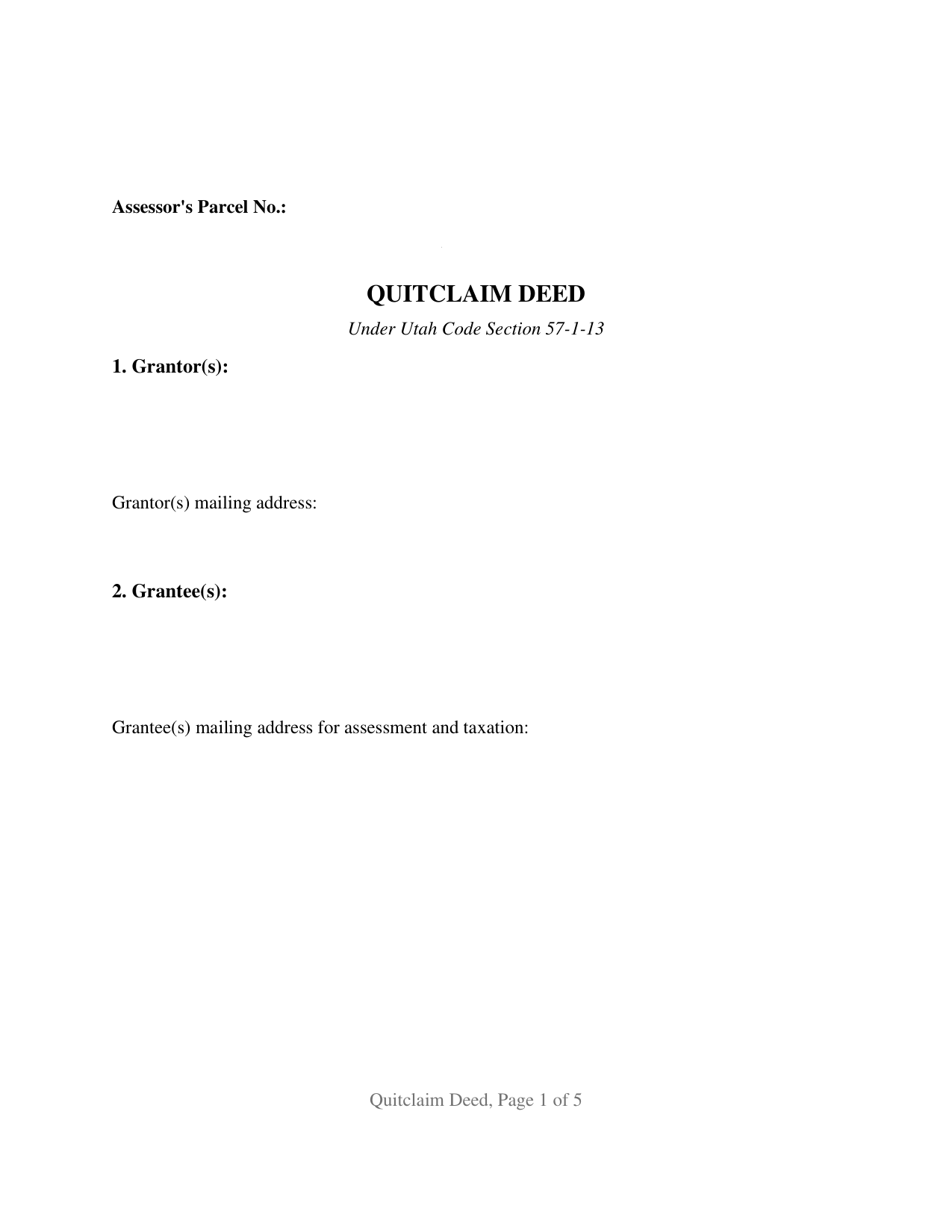
Kane County Quitclaim Deed Form
Fill in the blank Quitclaim Deed form formatted to comply with all Utah recording and content requirements.
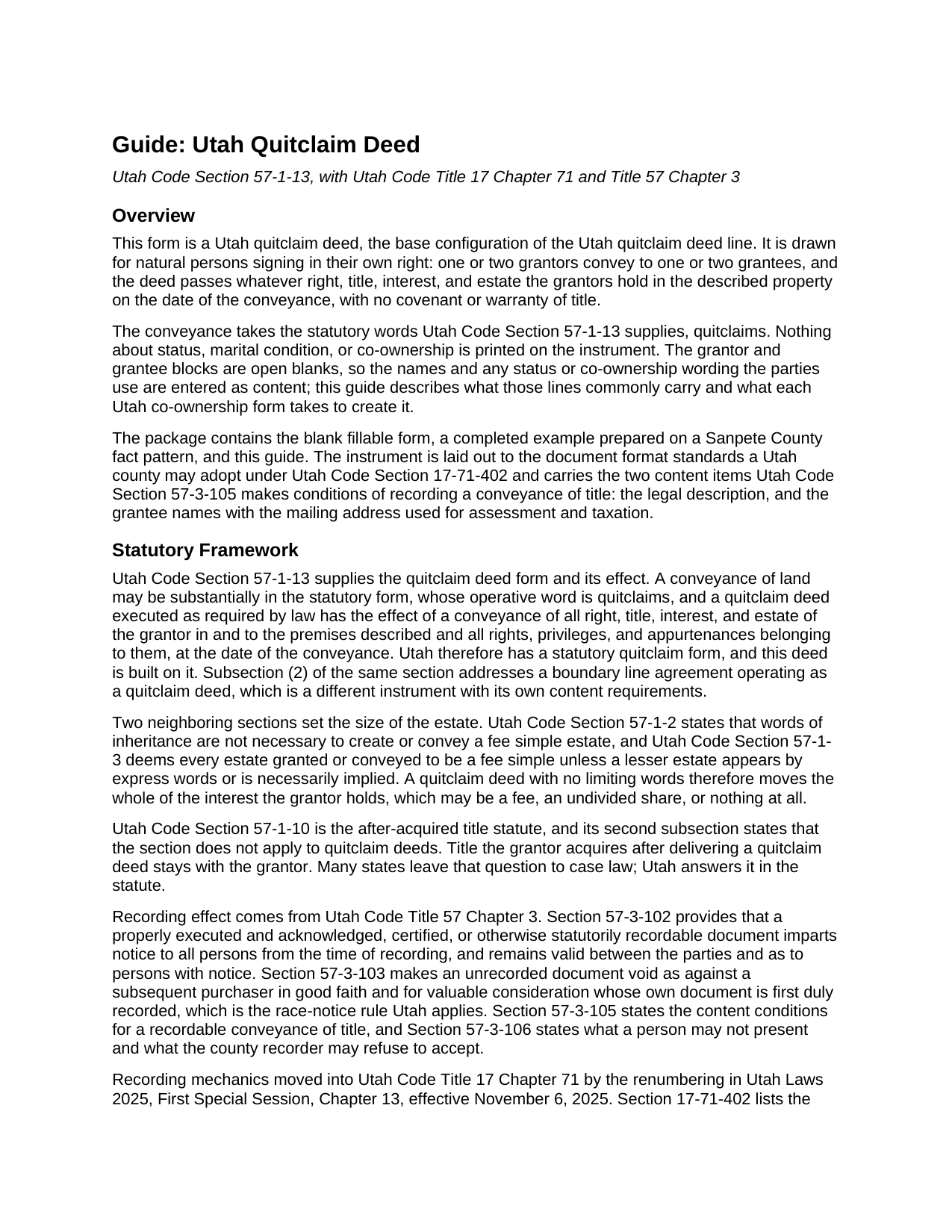
Kane County Quitclaim Deed Guide
Line by line guide explaining every blank on the Quitclaim Deed form.
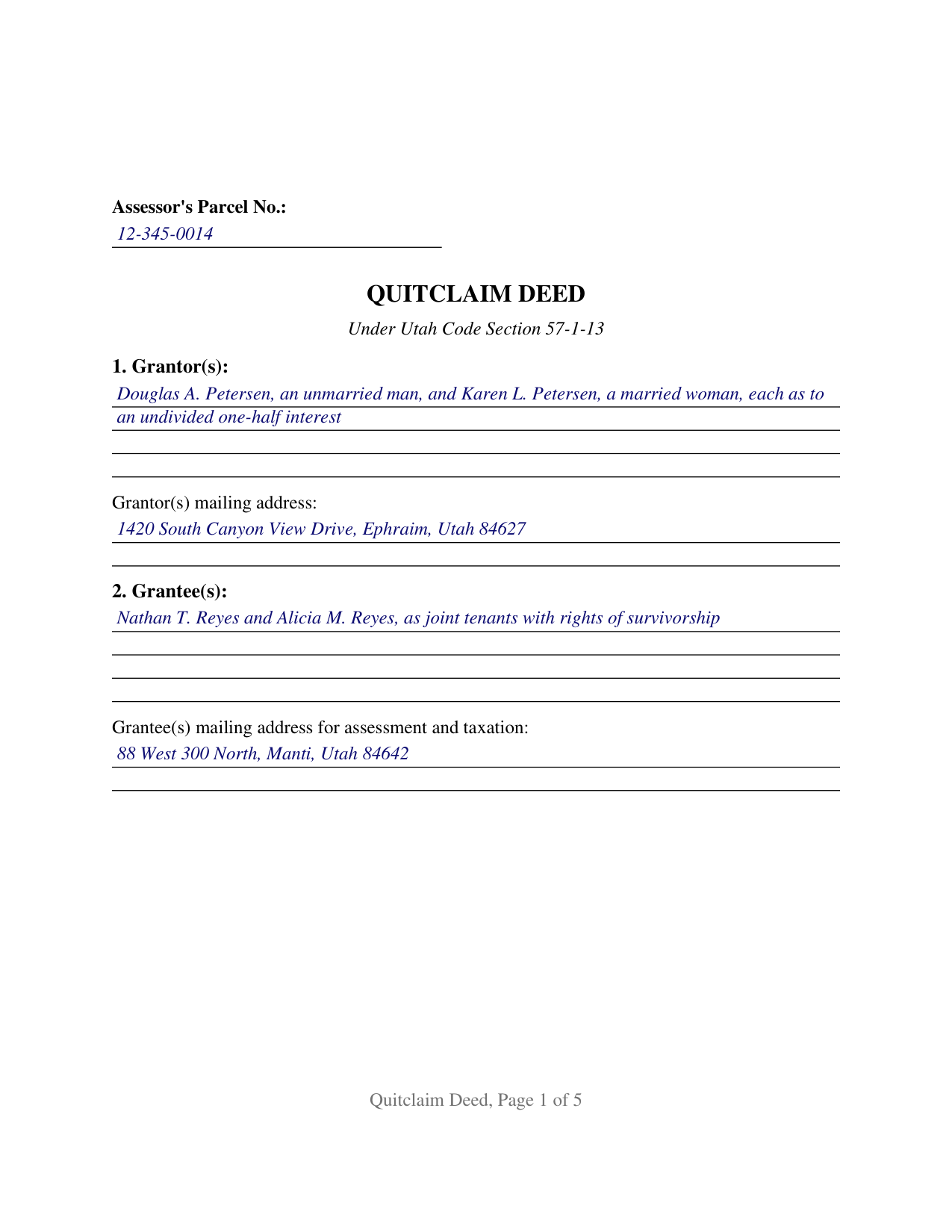
Kane County Completed Example of the Quitclaim Deed Document
Example of a properly completed Utah Quitclaim Deed document for reference.
All 3 documents above included • One-time purchase • No recurring fees
Immediate Download • Secure Checkout
Additional Utah and Kane County documents included at no extra charge:
Where to Record Your Documents
Kane County Recorder
Kanab, Utah 84741
Hours: 8:00am-5:00pm M-F
Phone: (435) 644-2360
Recording Tips for Kane County:
- Bring your driver's license or state-issued photo ID
- Ensure all signatures are in blue or black ink
- Leave recording info boxes blank - the office fills these
- Make copies of your documents before recording - keep originals safe
- Recorded documents become public record - avoid including SSNs
Cities and Jurisdictions in Kane County
Properties in any of these areas use Kane County forms:
- Alton
- Duck Creek Village
- Glendale
- Kanab
- Mount Carmel
- Orderville
Hours, fees, requirements, and more for Kane County
How do I get my forms?
Forms are available for immediate download after payment. The Kane County forms will be in your account ready to download to your computer. An account is created for you during checkout if you don't have one. Forms are NOT emailed.
Are these forms guaranteed to be recordable in Kane County?
Yes. Our form blanks are guaranteed to meet or exceed the applicable formatting requirements used for recording in Kane County, including margin requirements, font requirements, and other layout standards. This guarantee applies to formatting, not to the legal sufficiency of information entered by the user or the suitability of a form for a particular transaction.
Can I reuse these forms?
Yes. You can reuse the forms for your personal use. For example, if you have multiple properties in Kane County you only need to order once.
What do I need to use these forms?
The forms are PDFs that you fill out on your computer. The free Adobe Acrobat Reader is recommended, and most PDF apps also work. You do NOT enter your property information online - you download the blank forms and complete them privately on your own computer.
Are there any recurring fees?
No. This is a one-time purchase. Nothing to cancel, no memberships, no recurring fees.
How much does it cost to record in Kane County?
Recording fees in Kane County vary. Contact the recorder's office at (435) 644-2360 for current fees.
Questions answered? Let's get started!
Utah prints the deed's operative words in its own code and leaves everything about the parties open. Section 57-1-13 sets out a quitclaim deed a conveyance may follow substantially: one verb does the legal work, quitclaims, and blanks carry the rest. This is the base configuration of the Utah quitclaim deed, built the same way: one or two people on each side, signing in their own right, and nothing about status or co-ownership preprinted on the page.
One verb, and the reach the statute gives it
A quitclaim deed executed as Utah law requires carries the effect the same section states: a conveyance of all right, title, interest, and estate of the grantor in the premises described, with the rights, privileges, and appurtenances belonging to them, measured at the date of the conveyance. No covenant of title travels with those words, so a trust deed, judgment lien, easement, or plat restriction of record survives the filing untouched. Utah also settles by statute what most states leave to their courts: Section 57-1-10(2) holds quitclaim deeds outside the after acquired title rule, so an interest a grantor picks up later stays with that grantor.
Blank party lines, and the words Utah reads in them
The grantor line takes one or two names as the current vesting deed writes them, with whatever status wording the parties use, and the grantee line does the same, leaving room for a co-ownership designation after the names. Utah reads those entries closely. Since May 1, 2024, Section 57-1-5 has read a grant to two or more people in their own right as a joint tenancy carrying survivorship unless the deed severs it, converts it, or declares another form, so two grantee names and no designation land in survivorship by force of statute, while wording such as as tenants in common displaces it. Section 57-1-3 supplies the other half, deeming an estate a fee simple unless a lesser one appears in the conveyance.
The count patterns this form recites
One grantor to one grantee, one grantor to two, two grantors to one, and two grantors to two are the four patterns the party blocks accommodate, in every case natural persons conveying in their own right. The form is not arranged as a conveyance by a company, a partnership, a trustee in whose name record title stands, or an attorney in fact, each of which recites a capacity and a source of authority this page does not collect, and its two-name blocks do not reach three or more owners on a side. Section 57-1-5 gives that boundary teeth, barring a joint tenancy between a person and an entity or a trustee, so survivorship wording behaves differently the moment either reaches the grantee line.
Two signature blocks, two certificates, and the single-owner deed
Execution follows the count. The instrument draws a GRANTOR block and a SECOND GRANTOR block, each carrying the printed name line Section 17-71-403 has the county recorder index, and each with its own certificate written to the Statutory Short Form of Acknowledgment at Section 57-2a-7. Two certificates let two owners appear before different notaries on different days; where a single owner conveys, the second block and the certificate under it stay empty. No subscribing witness is called for, and because Section 75-2-112 abolished dower and curtesy, no marital release rides the page.
What the county recorder is looking for
Recordability turns on content. Under Section 57-3-105 a document executed to convey title reaches the record only when it names the grantees, recites the mailing address for their assessment and tax notices, and carries a legal description; Section 57-3-106 lets a recorder refuse what does not comply and asks for a first page caption, which the words QUITCLAIM DEED supply. Page geometry answers the format menu of Section 17-71-402, the county serial number riding in the first page margin that subsection (5) opens to it. Utah levies no transfer tax and prices the instrument rather than the page, at 40 dollars under Section 17-71-407 for as many as ten legal descriptions, with 5 more in second through sixth class counties.
The purchase brings the fillable Utah form, a completed example worked out on a Sanpete County pattern where two owners quitclaim a platted lot to two grantees taking with survivorship, and a plain language guide covering the numbered sections, the co-ownership choices Utah recognizes, the notarization, and recording. Everything here describes Utah statutes in general terms; none of it is legal advice.
Important: Your property must be located in Kane County to use these forms. Documents should be recorded at the county recording office listed above.
This Quitclaim Deed meets all recording requirements specific to Kane County.
Our Promise
The documents you receive here are guaranteed to meet or exceed the applicable Kane County recording format requirements. If there is a rejection caused by our formatting, we will correct the issue or refund your payment. This guarantee applies to document formatting only and does not extend to information entered by the user, the selection of the form, or the legal effect of the completed document.
Save Time and Money
Get your Kane County Quitclaim Deed form done right the first time with Deeds.com Uniform Conveyancing Blanks. At Deeds.com, we understand that your time and money are valuable resources, and we don't want you to face a penalty fee or rejection imposed by a county recorder for submitting nonstandard documents. We constantly review and update our forms to meet rapidly changing state and county recording requirements for roughly 3,500 counties and local jurisdictions.
4.8 out of 5 - ( 4,836 Reviews )
Barbara G. 5 out of 5 stars
I got what I needed very quickly. Thank you.
Thank you!
Julia C. 5 out of 5 stars
Deeds.com was such a blessing in order for me to get something done that my lawyers could not get done. Transferring a mineral right from my deceased parents to me and my husband. The mineral company person I worked with went above and beyond helping me fill the paperwork out perfectly so that it had “right of survivorship” (and other things phrased properly) so that either my husband or I won’t have the issue I have had. Had it not been for deeds.com I don’t think I would have been able to complete this process. I hope anyone that ever needs something such as this learns about I deeds.com.
Thank you, Julia, for your kind and thoughtful review. We're truly honored to have played a role in helping you and your husband secure your mineral rights — especially after such a frustrating experience elsewhere. It’s great to hear that our team and resources were able to guide you through the process with clarity and care. Your words mean a lot to us, and we hope others in similar situations find the support they need through Deeds.com, just like you did. Wishing you continued peace of mind and security with your property.
Armstrong K. 5 out of 5 stars
Very smooth and speedy process. Thank you.
Thank you!
MARILYN I. 5 out of 5 stars
Very pleased with your user friendly site.
Thank you!
Wava B. 5 out of 5 stars
Obtaining the form was quick and easy. Thank You
We appreciate your business and value your feedback. Thank you. Have a wonderful day!
Rachelle S. 5 out of 5 stars
Wow that was easy
Thank you!
Delia C. 5 out of 5 stars
Your service is a life saver! I'm a paralegal and new to lien releases especially in Platte Co., MO. The clerk was not helpful and I so appreciate your service in accomplishing this very important task!!
We appreciate your business and value your feedback. Thank you. Have a wonderful day!
Dorien C. 5 out of 5 stars
Easy to use, thank you.
Thank you!
Jeffrey L. 5 out of 5 stars
I like using Deeds.com for all of our out-of-state deeds because they make the process almost completely hassle free for us and our clients. I am confident that the service they provide for us is the absolute best anywhere. Because of Deeds.com, we look great to our clients and our people enjoy a level of trust that other firms do not offer them.
Thank you for your feedback. We really appreciate it. Have a great day!
Ronald C. 5 out of 5 stars
My goal was to find the Covenant, Conditions, and Restrictions for my HOA. From what I can read, these documents should be attached to our Deed (single family, patio home in New Hanover County). I am not sure if I have a copy of my Deed. I would need to check my Safe Deposit Box. Unfortunately, I was not successful at finding these documents from your Website. If you can help me find them, I would appreciate that.
It is most common to obtain a copy of CC&Rs directly from the HOA. Alternatively, they are also usually a matter of public record recorded with the local recorder and you can obtain a copy there.
Rosie M. 5 out of 5 stars
I found exactly what I was looking for, and the documents are a complete package. Great service!
Thank you, Rosie! We're so glad you found exactly what you needed and that the documents met your expectations. We appreciate your kind words and your support! If you ever need anything else, we're here to help.
Christopher M. 5 out of 5 stars
Awesome company. Fast, friendly, professional.
We are delighted to have been of service. Thank you for the positive review!
Anthony N. 3 out of 5 stars
The site was not easy to navigate. Maybe putting the different things offered at the heading instead of searching for it.
Thank you for your feedback. We really appreciate it. Have a great day!
Susan R. 5 out of 5 stars
I found the documents I needed on Deeds.com. It was so easy to use and I received the items I purchased FAST! I'll be using their service again.
Thank you for your feedback. We really appreciate it. Have a great day!
Melody P. 5 out of 5 stars
Thanks for such great service!
Thank you for your feedback. We really appreciate it. Have a great day!