Grand Isle County Quitclaim Deed Form
Last validated October 16, 2026 by our Forms Development TeamFormatted for recording in Grand Isle County, for property anywhere in the county: rural and unincorporated areas as well as Alburgh, Grand Isle, Isle La Motte, North Hero, South Hero.
- 3 documents included
- Immediate PDF download
- Formatting guarantee
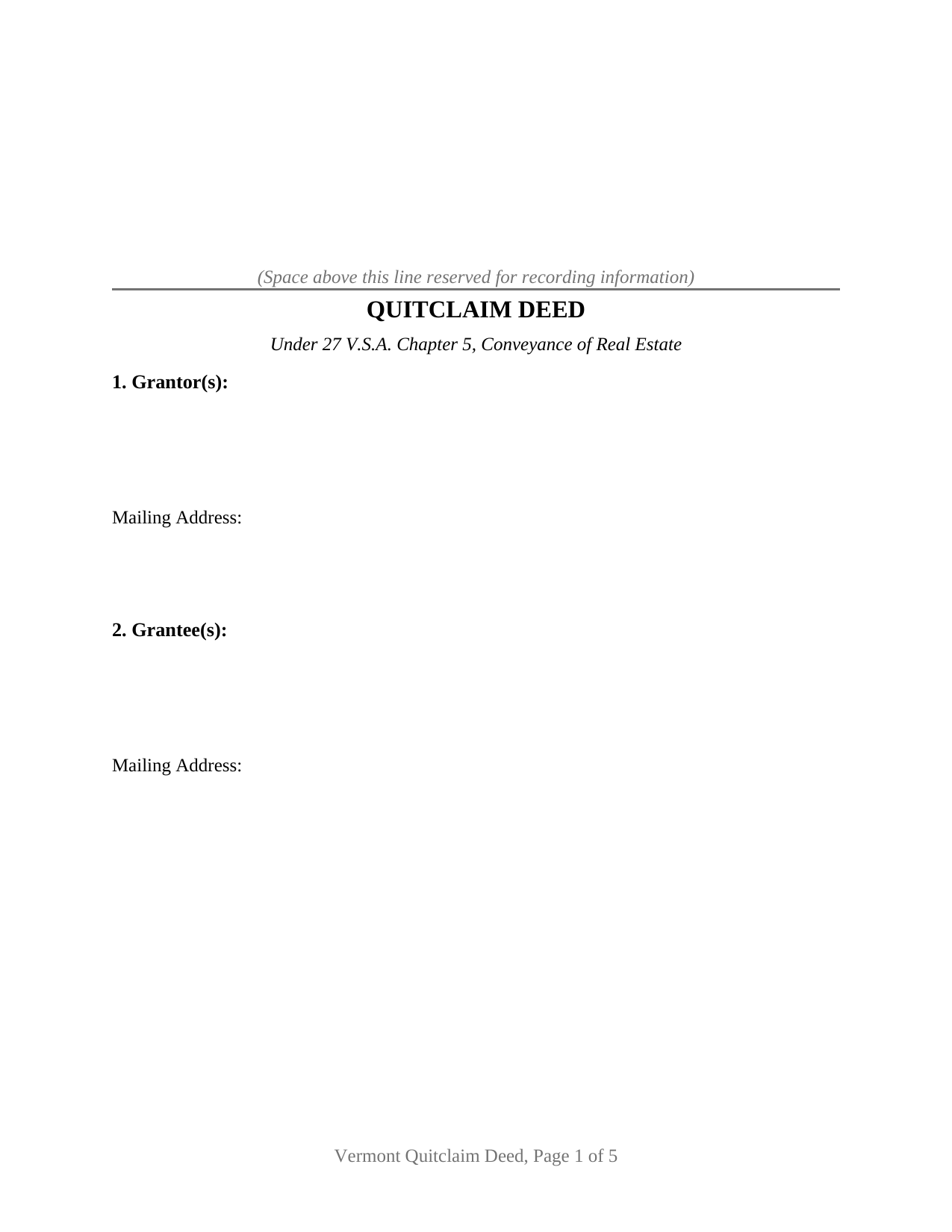
Grand Isle County Quitclaim Deed Form
Fill in the blank Quitclaim Deed form formatted to comply with all Vermont recording and content requirements.
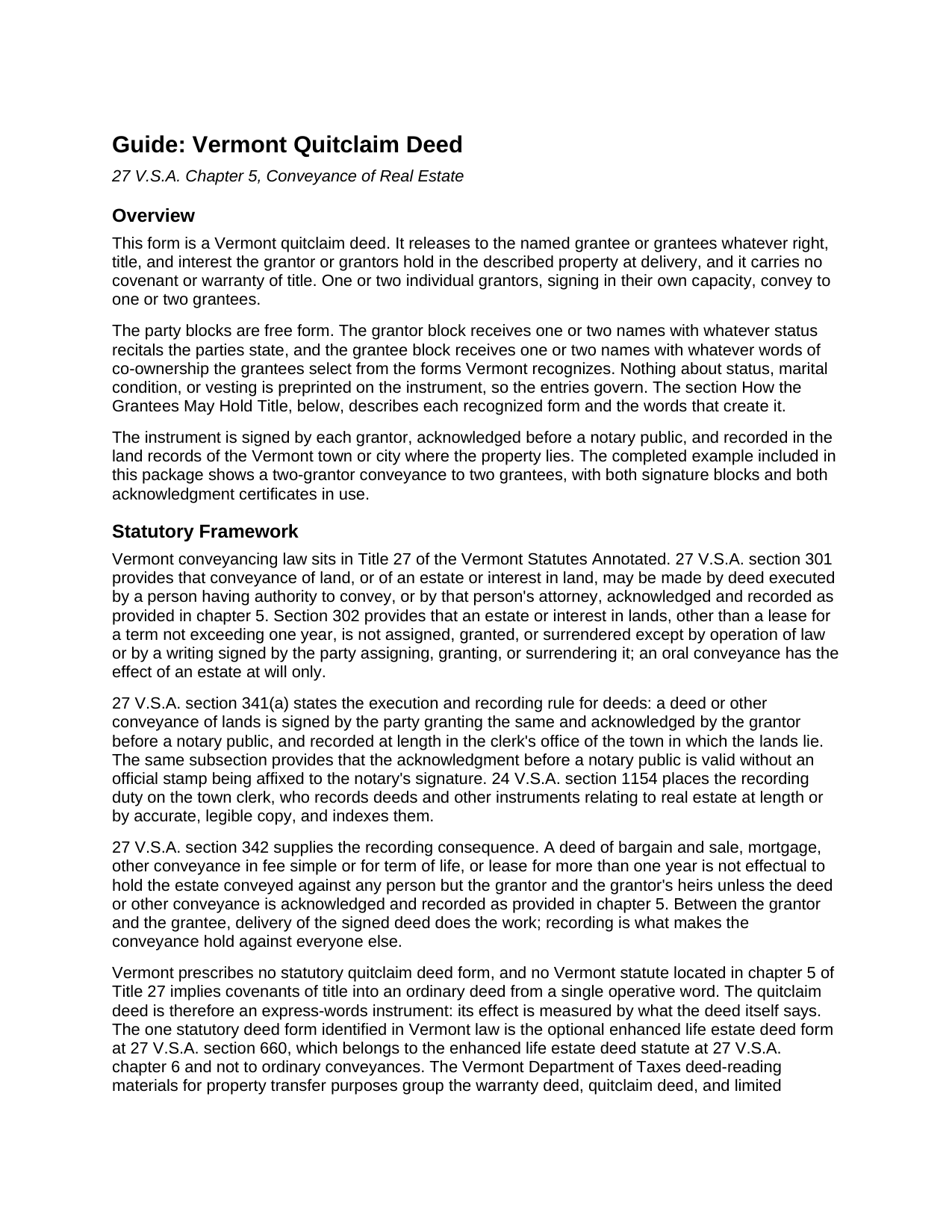
Grand Isle County Quitclaim Deed Guide
Line by line guide explaining every blank on the Quitclaim Deed form.
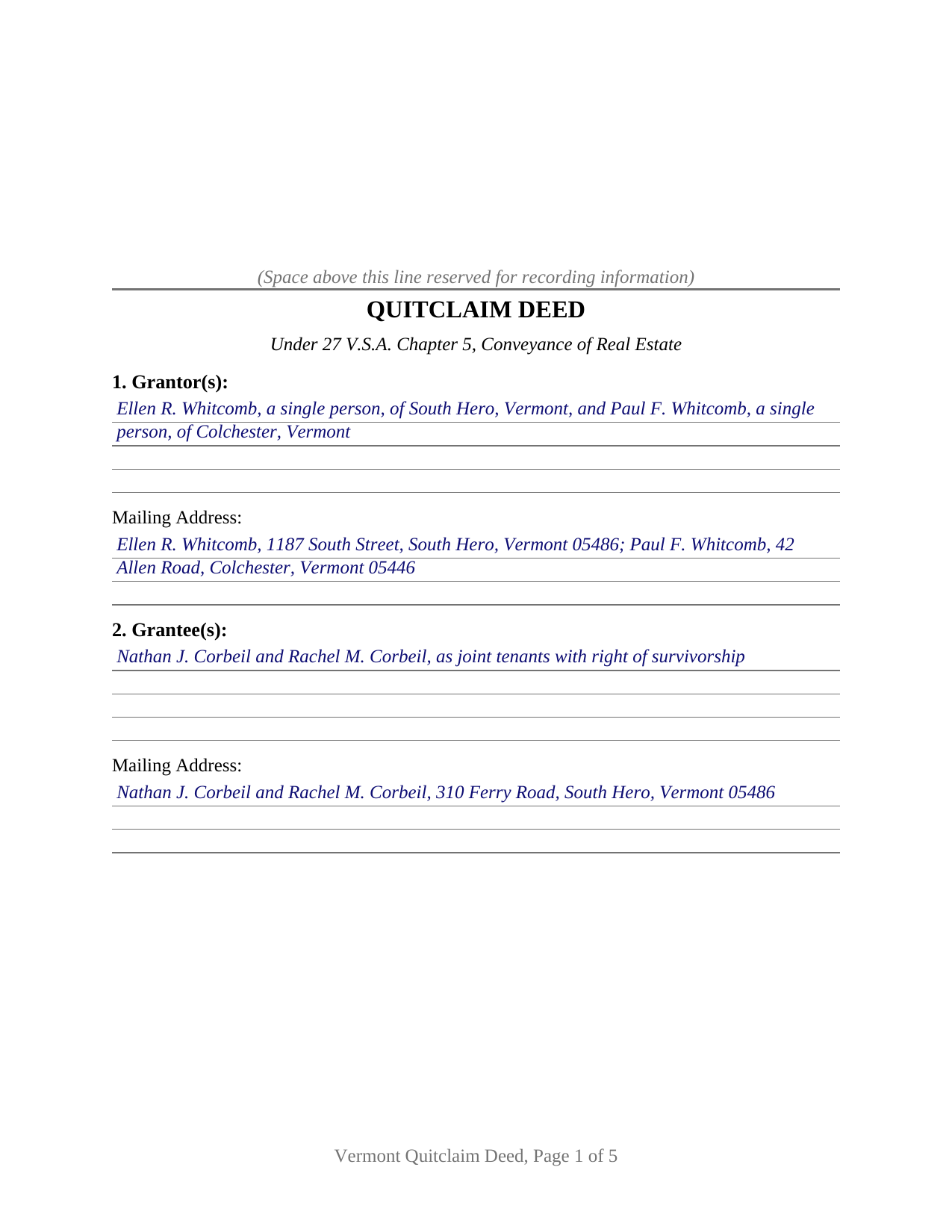
Grand Isle County Completed Example of the Quitclaim Deed Document
Example of a properly completed Vermont Quitclaim Deed document for reference.
All 3 documents above included • One-time purchase • No recurring fees
Immediate Download • Secure Checkout
Additional Vermont and Grand Isle County documents included at no extra charge:
Where to Record Your Documents
Town Clerk of Alburgh
Alburgh, Vermont 05440
Hours: M-F 9:00 to 5:00
Phone: (802) 796-3468
Town Clerk of Grand Isle
Grand Isle, Vermont 05458-0049
Hours: M-F 8:30 to 3:30; Tu 5:00 to 7:00; Sat 10:00 to 12:00
Phone: (802) 372-8830
Town Clerk of Isle La Motte
Isle La Motte, Vermont 05463
Hours: Tu & Th 7:30 to 3:30; W & F 1:00 to 5:00; Sa 8:00 to 12:00
Phone: (802) 928-3434
Town Clerk of North Hero
North Hero, Vermont 05474
Hours: M, Tu, Th 8:00 to 4:30; W, F, Sat 8:00 to noon
Phone: (802) 372-6926
Town Clerk of South Hero
South Hero, Vermont 05486
Hours: M-W 8:30 to 12 & 1:00 to 4:30; Th 8:30 to 12 & 1:00 to 5:00
Phone: (802) 372-5552
Grand Isle County Clerk
North Hero, Vermont 05474
Hours: Tue only 9:00 to 12:00
Phone: (802) 372-8350 or 928-3275 (home)
Recording Tips for Grand Isle County:
- Bring your driver's license or state-issued photo ID
- Ensure all signatures are in blue or black ink
- Double-check legal descriptions match your existing deed
- Verify all names are spelled correctly before recording
- White-out or correction fluid may cause rejection
Cities and Jurisdictions in Grand Isle County
Properties in any of these areas use Grand Isle County forms:
- Alburgh
- Grand Isle
- Isle La Motte
- North Hero
- South Hero
Hours, fees, requirements, and more for Grand Isle County
How do I get my forms?
Forms are available for immediate download after payment. The Grand Isle County forms will be in your account ready to download to your computer. An account is created for you during checkout if you don't have one. Forms are NOT emailed.
Are these forms guaranteed to be recordable in Grand Isle County?
Yes. Our form blanks are guaranteed to meet or exceed the applicable formatting requirements used for recording in Grand Isle County, including margin requirements, font requirements, and other layout standards. This guarantee applies to formatting, not to the legal sufficiency of information entered by the user or the suitability of a form for a particular transaction.
Can I reuse these forms?
Yes. You can reuse the forms for your personal use. For example, if you have multiple properties in Grand Isle County you only need to order once.
What do I need to use these forms?
The forms are PDFs that you fill out on your computer. The free Adobe Acrobat Reader is recommended, and most PDF apps also work. You do NOT enter your property information online - you download the blank forms and complete them privately on your own computer.
Are there any recurring fees?
No. This is a one-time purchase. Nothing to cancel, no memberships, no recurring fees.
How much does it cost to record in Grand Isle County?
Recording fees in Grand Isle County vary. Contact the recorder's office at (802) 796-3468 for current fees.
Questions answered? Let's get started!
Almost nothing on this deed is settled before the parties fill it in. The grantor entry takes one name or two, the grantee entry takes one name or two, and the words fixing how the grantees hold what they receive get typed into a blank rather than printed on the page. This is the Vermont quitclaim deed in its base configuration, natural persons on both sides signing for their own interests, an instrument searchers also spell quit claim deed or quick claim deed.
A deed Vermont never wrote a form for
Vermont authorizes the instrument, then leaves its wording alone. 27 V.S.A. section 301 lets an owner convey by deed; section 341 adds the signature and the notarial acknowledgment. What chapter 5 does not contain is a quitclaim form, or any statute reading covenants of title into an ordinary deed; the one statutory deed form in Vermont law belongs to the enhanced life estate deed at 27 V.S.A. section 660. Express words carry everything, so the operative section states that the grantors remise, release, and forever quitclaim whatever right, title, and interest they hold at delivery, without covenant or warranty of title.
One or two names on each side
The form preprints no party count, no marital status, and no vesting language. A four-line grantor entry accepts one or two individuals with any status recital they write, a matching grantee entry accepts one or two names with any designation Vermont recognizes, and nine numbered sections carry the consideration, the property, the source of title, and matters of record into the operative conveyance. Four count patterns fit one printed page: one grantor to one grantee, one to two, two to one, and two to two. Execution keeps that open shape, a block headed GRANTOR, a second headed SECOND GRANTOR (if applicable), and a certificate under each, so two owners can sign a week apart in different counties while a sole owner leaves the second pair blank. The form is not set up for a signer in a representative capacity, for an agent under a power of attorney, for three or more owners on a side, or for a second block belonging to a spouse joining only to release homestead rights.
The words that decide survivorship
Under 27 V.S.A. section 2, a conveyance to two or more people creates an estate in common unless the instrument says the grantees take jointly, as joint tenants, in joint tenancy, or to them and the survivors of them; conveyances to spouses and to trusts sit outside that default. The section carries a line worth reading twice: Vermont joint tenants may hold equal or unequal interests, and at a joint tenant's death the interest passes to the survivors in proportion to their respective interests rather than in equal parts.
A certificate that can go stampless
27 V.S.A. section 341(a) ends with a line that surprises signers from other states: a Vermont deed acknowledgment is valid without an official stamp affixed to the notary's signature. Certificate content fills the space a stamp would occupy, since 26 V.S.A. section 5367 makes the notary's printed name and commission number part of a tangible certificate, and the short form at section 5368 supplies the operative sentence, that this record was acknowledged before the officer on a stated date by the named individual. Both certificates carry those lines.
What the clerk needs besides the deed
Vermont keeps land records town by town, so the finished instrument goes to the clerk of the municipality where the parcel lies, at fifteen dollars a page under 32 V.S.A. section 1671. It does not travel alone: section 9608 of Title 32 stops a clerk from recording a deed evidencing a transfer until a completed Property Transfer Tax Return, Form PTT-172, and the required Act 250 certificate are in hand, and the return is filed even where a section 9603 exemption leaves nothing to pay. The general rate reaches 1.25 percent of value plus the 0.22 percent clean water surcharge, and the transferee owes it.
What the download contains
The package holds the quitclaim deed as a fillable PDF opening on a non-recorded instructions page, a completed example for a South Hero, Grand Isle County conveyance in which two owners release a surveyed lot to two grantees taking with survivorship, and a plain language guide covering each numbered section, the ways a Vermont grantee may hold title, the homestead statutes, notarization, and recording. The materials describe Vermont law in general terms and are not legal advice.
Important: Your property must be located in Grand Isle County to use these forms. Documents should be recorded at the county recording office listed above.
This Quitclaim Deed meets all recording requirements specific to Grand Isle County.
Our Promise
The documents you receive here are guaranteed to meet or exceed the applicable Grand Isle County recording format requirements. If there is a rejection caused by our formatting, we will correct the issue or refund your payment. This guarantee applies to document formatting only and does not extend to information entered by the user, the selection of the form, or the legal effect of the completed document.
Save Time and Money
Get your Grand Isle County Quitclaim Deed form done right the first time with Deeds.com Uniform Conveyancing Blanks. At Deeds.com, we understand that your time and money are valuable resources, and we don't want you to face a penalty fee or rejection imposed by a county recorder for submitting nonstandard documents. We constantly review and update our forms to meet rapidly changing state and county recording requirements for roughly 3,500 counties and local jurisdictions.
4.8 out of 5 - ( 4,828 Reviews )
Tanya B. 5 out of 5 stars
Very convenient way to record documents without leaving the office. Responses to any questions have always been very quick. Would recommend using the site to anyone who needs to record documents and wants to save valuable time.
Thank you!
David M. 5 out of 5 stars
Extremely easy to use. The sample completed document was very helpful. I really appreciated not having to spend a few hundred dollars for a lawyer to generate a document that I can produce myself for a small fraction of the cost.
We appreciate your business and value your feedback. Thank you. Have a wonderful day!
Marilyn O. 5 out of 5 stars
Good resource. Got what I needed easily
Thank you for your feedback. We really appreciate it. Have a great day!
John M. 5 out of 5 stars
Just finished downloading all of the forms; so far so good
Thank you for your feedback. We really appreciate it. Have a great day!
Charlotte V. 5 out of 5 stars
t was a bit confusing at first. I am really old though. It was fairly easy to use. I will continue to use Deeds. com for all my future needs. Thank you Deeds.com for making life so much easier.
We are grateful for your feedback and looking forward to serving you again. Thank you!
Jeffry C. 5 out of 5 stars
Deeds.com has been a lifesaver for my house buying business. Excellent support!
Thank you Jeffry, glad we could help.
Alana G. 5 out of 5 stars
I was very pleased. It was the form I needed. I was getting discouraged by companies that wanted me to sign up for monthly payments just to get the one form I needed. I prefer your system of paying for what I get. Thank you so much!
Thank you for your feedback. We really appreciate it. Have a great day!
James N. 2 out of 5 stars
The purchasing process was very slick and my credit card was charged IMMEDIATELY. The deliver went well as the link was provided immediately. However I asked a question via the "Contact Us" link and days later I get a survey but no reply. I may have been directed to the wrong forms via my County and I wanted to confirm that...but still no answer. What would that deserve as a rating???
Also, your history on our site shows no messages sent via our contact us page.
patricia l b. 5 out of 5 stars
Wonderful service, very user friendly!
Thank you for your feedback. We really appreciate it. Have a great day!
Elaine S. 4 out of 5 stars
Being new at this, the system was somewhat difficult to understand at first. It took a couple of tries before I got it. It seems to be somewhat slow as well. However, it's a wonderful idea to have documents recorded from the comfort of your home, especially in the times that we are in with COVID19. I definitely don't mind paying the fee which I thought was reasonable.
Thank you!
Michael D. 5 out of 5 stars
Great service
Thank you!
Margie H. 5 out of 5 stars
Great
Thank you!
richard z. 5 out of 5 stars
Great service they had what i need easy to use on printing as soon as you pay you can print also as many copys as you need. i would use this service again
We appreciate your business and value your feedback. Thank you. Have a wonderful day!
Chris M. 5 out of 5 stars
simple, Clean, and easy, to retrieve the forms i needed, while on this site. and the Fee for the Fill-in forms is Remarkably inexpensive, to say the least!
Thank you!
Marilyn S. 5 out of 5 stars
I was fine. But I don't like surveys.
Thank you!