Hopewell City Quitclaim Deed (Married Couple as Grantors) Form
Last validated October 6, 2026 by our Forms Development TeamFormatted for recording in Hopewell City, for property anywhere in the county or independent city: rural and unincorporated areas as well as Hopewell.
- 3 documents included
- Immediate PDF download
- Formatting guarantee
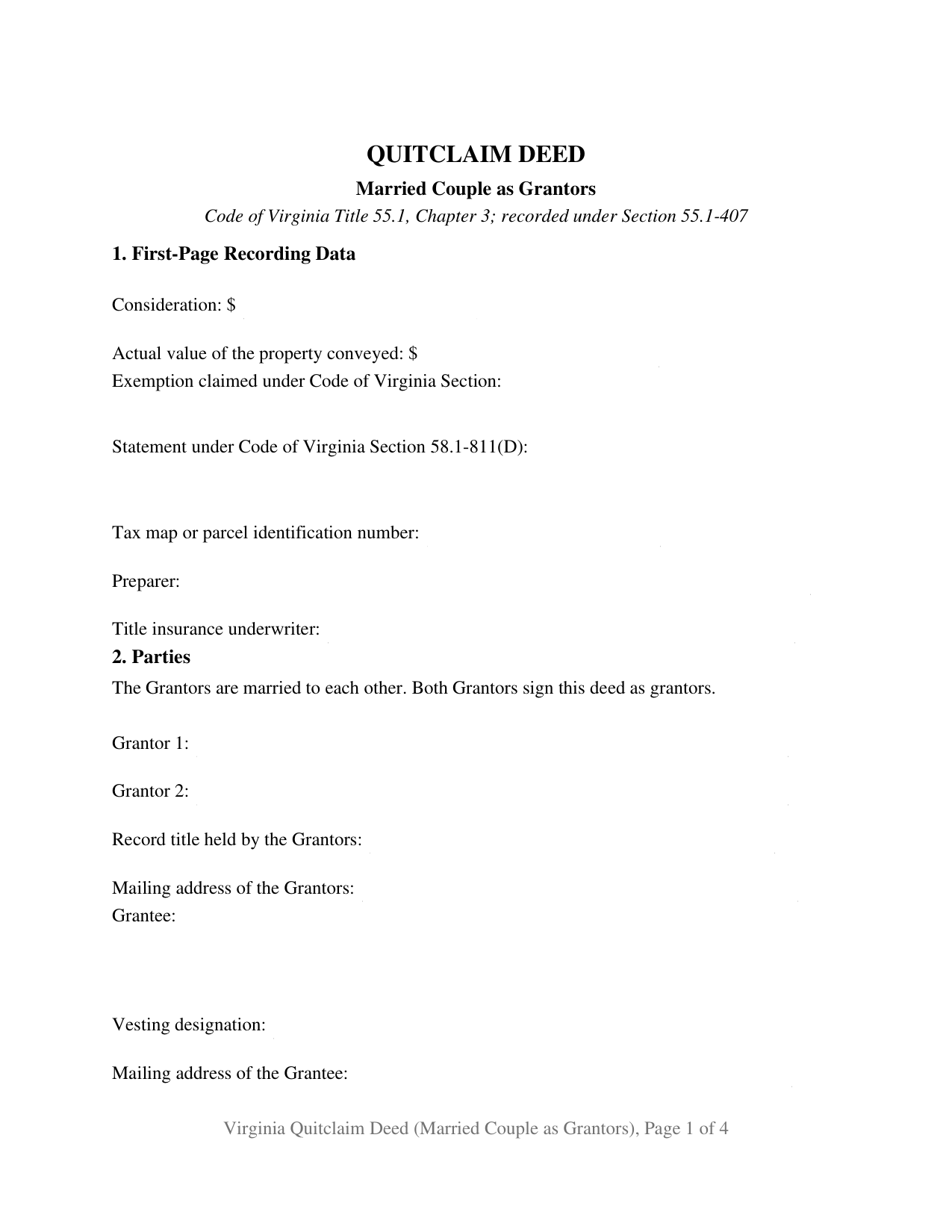
Hopewell City Quitclaim Deed (Married Couple as Grantors) Form
Fill in the blank Quitclaim Deed (Married Couple as Grantors) form formatted to comply with all Virginia recording and content requirements.
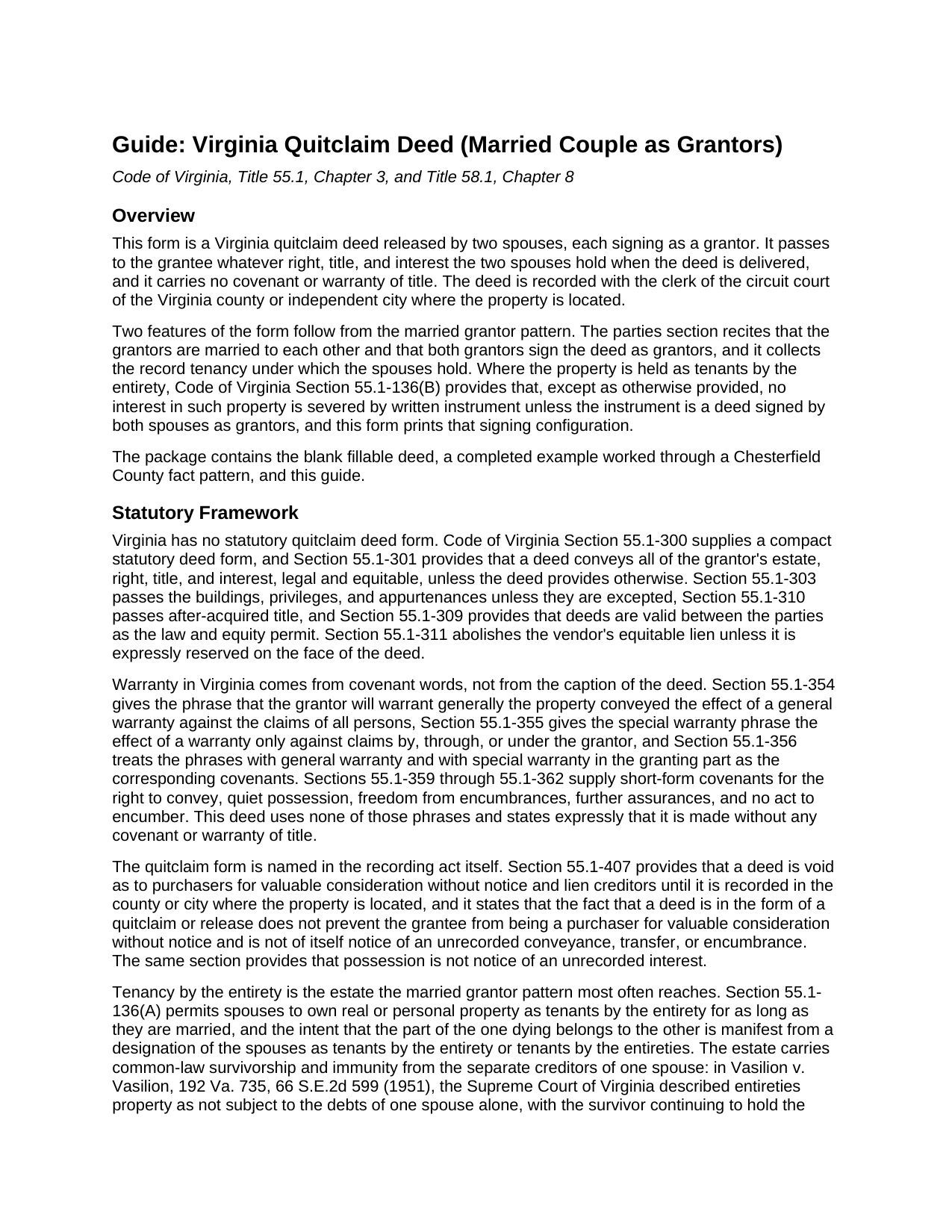
Hopewell City Quitclaim Deed (Married Couple as Grantors) Guide
Line by line guide explaining every blank on the Quitclaim Deed (Married Couple as Grantors) form.
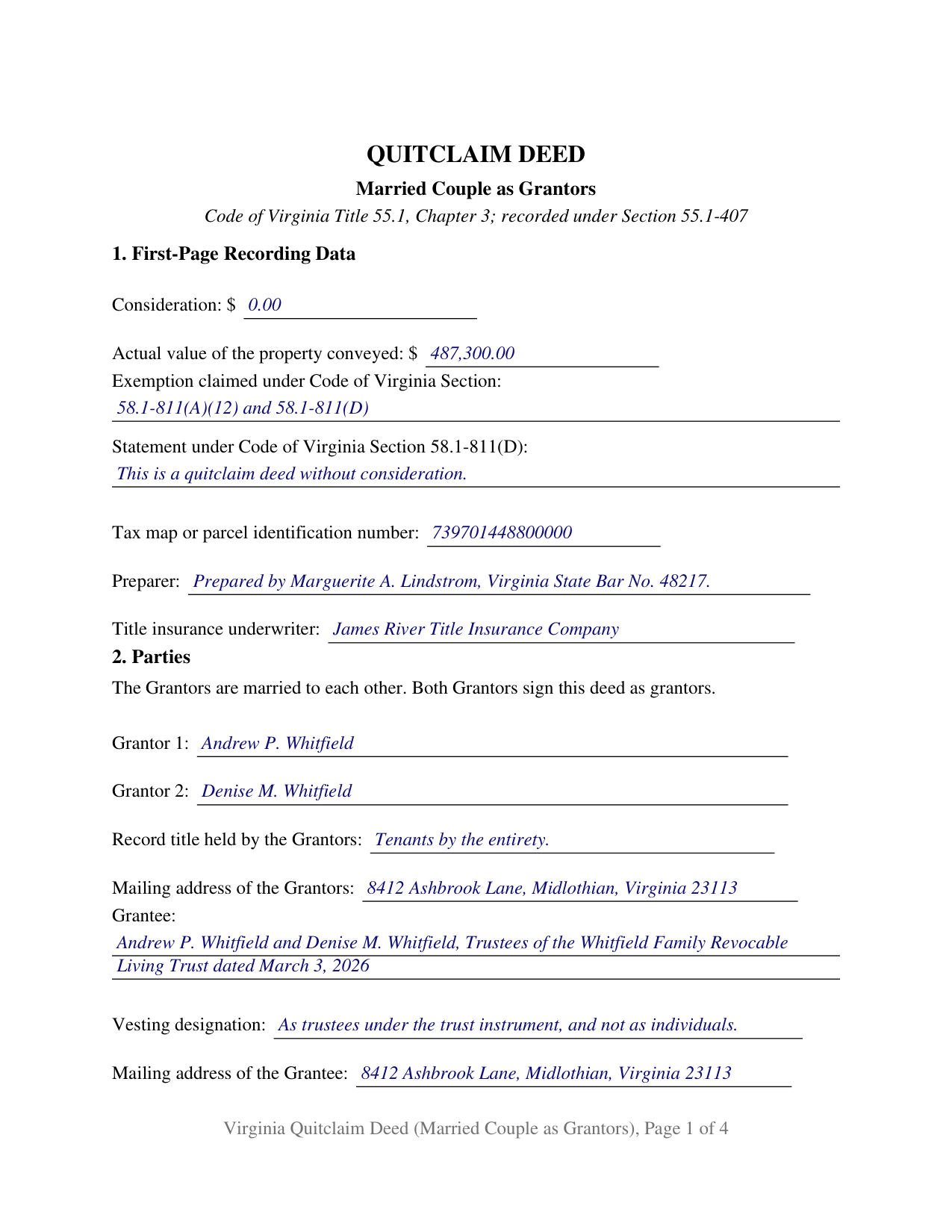
Hopewell City Completed Example of the Quitclaim Deed (Married Couple as Grantors) Document
Example of a properly completed Virginia Quitclaim Deed (Married Couple as Grantors) document for reference.
All 3 documents above included • One-time purchase • No recurring fees
Immediate Download • Secure Checkout
Additional Virginia and Hopewell City documents included at no extra charge:
Where to Record Your Documents
Clerk of the Circuit Court
Hopewell, Virginia 23860-2715
Hours: 8:30 to 4:00 M-F
Phone: (804) 541-2239
Recording Tips for Hopewell City:
- Bring your driver's license or state-issued photo ID
- Ensure all signatures are in blue or black ink
- Make copies of your documents before recording - keep originals safe
- Recorded documents become public record - avoid including SSNs
- Recording fees may differ from what's posted online - verify current rates
Cities and Jurisdictions in Hopewell City
Properties in any of these areas use Hopewell City forms:
- Hopewell
Hours, fees, requirements, and more for Hopewell City
How do I get my forms?
Forms are available for immediate download after payment. The Hopewell City forms will be in your account ready to download to your computer. An account is created for you during checkout if you don't have one. Forms are NOT emailed.
Are these forms guaranteed to be recordable in Hopewell City?
Yes. Our form blanks are guaranteed to meet or exceed the applicable formatting requirements used for recording in Hopewell City, including margin requirements, font requirements, and other layout standards. This guarantee applies to formatting, not to the legal sufficiency of information entered by the user or the suitability of a form for a particular transaction.
Can I reuse these forms?
Yes. You can reuse the forms for your personal use. For example, if you have multiple properties in Hopewell City you only need to order once.
What do I need to use these forms?
The forms are PDFs that you fill out on your computer. The free Adobe Acrobat Reader is recommended, and most PDF apps also work. You do NOT enter your property information online - you download the blank forms and complete them privately on your own computer.
Are there any recurring fees?
No. This is a one-time purchase. Nothing to cancel, no memberships, no recurring fees.
How much does it cost to record in Hopewell City?
Recording fees in Hopewell City vary. Contact the recorder's office at (804) 541-2239 for current fees.
Questions answered? Let's get started!
A Virginia quitclaim deed with both spouses on the grantor side does something a one-signature release cannot: it moves the whole of what a married couple holds, an estate held as tenants by the entirety included, in a single recorded instrument. The form recites the marriage, collects the record tenancy the couple holds under, and prints a signature line and an acknowledgment certificate for each spouse, ready for the circuit court clerk of the Virginia county or independent city where the land lies.
Both spouses on the grantor side
The grantor side is fixed at two spouses, married to each other, each signing personally. Section 2 carries the marital recital, both names as the clerk indexes them, a line for the tenancy the vesting deed shows, and the grantee entry with its own vesting designation line. That configuration answers Code of Virginia Section 55.1-136(B): except as otherwise provided, an interest in property held as tenants by the entirety is not severed by written instrument unless the instrument is a deed signed by both spouses as grantors. Spouses moving jointly held land into their own living trust, parents making a no-consideration transfer of a second property to an adult child, and a couple releasing a strip of ground to a neighbor to settle a boundary question all present the both-spouses release this deed recites. The form is not set up for a grantor signing as trustee, executor, attorney-in-fact, or entity officer, and it prints no third signature line.
An entireties estate that keeps its shield inside a trust
Virginia gives entireties property a creditor protection ordinary co-ownership does not carry, and Section 55.1-136(C) extends it across a conveyance into trust: property the spouses held as tenants by the entirety and conveyed to their joint trusts, or to their separate trusts, keeps the same immunity from the claims of their separate creditors, so long as they stay married to each other, the property stays in the trust, and it stays their property. That estate-planning transfer arrives with a tax answer attached. Section 58.1-811(A)(12) exempts a deed to trustees of a revocable inter vivos trust from the state recordation tax when the grantors in the deed and the beneficiaries of the trust are the same persons and no consideration passes between them. The completed example works that transfer through a Chesterfield County fact pattern, from the 15 digit tax identification number that county asks for on page one to both notary certificates.
Release language, and a warranty the deed refuses
Virginia reads covenant words rather than captions, and this deed carries none of the warranty phrases that Sections 55.1-354 through 55.1-362 give effect to. It remises, releases, and forever quitclaims whatever right, title, and interest the two spouses hold when the deed is delivered, declares in capital letters that it carries no covenant or warranty of title, and names the statutory covenants of seisin, quiet possession, and further assurances that the grantors do not make. Recording still does its own work: under Section 55.1-407 the deed reaches later purchasers for value and lien creditors once it sits in the land records of the correct county or city.
Consideration, exemption, and the lines read first
Section 1 gathers what Virginia statutes place on page one: consideration and actual value, which drive the 25 cents per $100 recordation tax on the greater of the two; the Code section under which an exemption is claimed; the classification statement that Section 58.1-811(D) has called for since July 1, 2026 on a quitclaim deed passing no consideration; the tax map or parcel number; the preparer statement naming the owner or the Virginia attorney with a bar number; and the title insurance underwriter statement. The guide takes those one at a time, with cover sheet practice, which differs from one circuit court clerk to the next, the grantor tax on realty sold, and the fees collected at the counter.
What comes in the download
Searchers reach this instrument as a quitclaim deed, a quit claim deed, or a release deed; this package prepares the Virginia version for a married couple releasing together. Three files arrive: the blank deed as a fillable PDF, the completed example filled in for the Chesterfield County transfer described above, and a plain-language guide covering every blank, the notarization rules under Title 47.1, the forms in which a grantee may hold title, and the recording steps at the clerk's counter. These materials describe Virginia law in general terms and are not legal advice.
Important: Your property must be located in Hopewell City to use these forms. Documents should be recorded at the county or independent city recording office listed above.
This Quitclaim Deed (Married Couple as Grantors) meets all recording requirements specific to Hopewell City.
Our Promise
The documents you receive here are guaranteed to meet or exceed the applicable Hopewell City recording format requirements. If there is a rejection caused by our formatting, we will correct the issue or refund your payment. This guarantee applies to document formatting only and does not extend to information entered by the user, the selection of the form, or the legal effect of the completed document.
Save Time and Money
Get your Hopewell City Quitclaim Deed (Married Couple as Grantors) form done right the first time with Deeds.com Uniform Conveyancing Blanks. At Deeds.com, we understand that your time and money are valuable resources, and we don't want you to face a penalty fee or rejection imposed by a county recorder for submitting nonstandard documents. We constantly review and update our forms to meet rapidly changing state and county recording requirements for roughly 3,500 counties and local jurisdictions.
4.8 out of 5 - ( 4,828 Reviews )
Lisa C. 5 out of 5 stars
Thank you. Very easy!
We are delighted to have been of service. Thank you for the positive review!
Dale S. 5 out of 5 stars
I used the Affidavit of Death form provided by Deeds.com. The form and directions were easy to follow. I took the form to the county clerk's office for filing after getting it notarized. They accepted the form with no issues. A task that many people go to a lawyer complete was completed easily by me in less than an hour.
Thanks, Dale! Glad it worked exactly as it should — clear form, smooth filing, no issues at the clerk's office. That's the goal every time.
ROBIN C. 5 out of 5 stars
The process was very easy but I did not realize before I paid to get this form , that I could have gotten it free from Tulsa county clerks office. Other than that, it was fine.
Thank you for the honest feedback, Robin, and we're glad the process was easy for you. You're right that the Tulsa County Clerk publishes a free transfer on death deed form, and we'd never want anyone to feel they overpaid. Our version isn't that same blank, though: it adds an alternate beneficiary designation so the property still passes as you intend if your first choice doesn't survive you, it's built to handle one or two owners, and it comes with a plain-language guide and a completed example. We appreciate your business.
Dee S. 5 out of 5 stars
This was easy and much cheaper than getting a lawyer. Thanks! - From alabama
We appreciate your business and value your feedback. Thank you. Have a wonderful day!
Dan M. 5 out of 5 stars
Quick ... Easy ... Great Instructions ... Easy Peasy ...
We are grateful for your feedback and looking forward to serving you again. Thank you!
Mary Ann H V. 5 out of 5 stars
I'm very happy with your service! It saved me, at least, hundreds of dollars vs. going through a lawyer in a different state.
We appreciate your business and value your feedback. Thank you. Have a wonderful day!
Michael M. 5 out of 5 stars
The process was very easy and walked you through the entire process step by step. Also, outstanding that you get email updates when each step is completed.
Thank you for your feedback. We really appreciate it. Have a great day!
Margaret T. 5 out of 5 stars
Had a difficult time finding my download after purchase. Thankfully I had printed the form and had. However it was read only and I'm not experienced enough to be able to change that. So I went into my word program and typed in the form. I should be able to use it for my purpose. Just glad I was finally able to find it after hours of searching online. I'm in my 70's and not real computer intelligent which may have been part of the problem
Sorry to hear of your struggle Margaret, we will try harder to make our forms easier for everyone.
Candy A. 5 out of 5 stars
Super simple to download all necessary forms. BIG thank you for this service.
Thank you!
Sterling H. 4 out of 5 stars
I liked being able to drill down to state and county. Just simply the search for all property records
We welcome your positive feedback and are thrilled to have met your expectations. Thank you for choosing our services.
Gordon J. 5 out of 5 stars
The experience was generally very satisfactory. I was able to fill out the Trust Deed and send it via email no problem. However, I was not able to send the filled out form of the Note. It always erased my fill-ins when it was sent. I found that very frustrating.
Thank you, Gordon. Glad the Trust Deed worked well. Issues like the one you reported with the Note can sometimes be related to how the file is opened or sent. Using Adobe Reader to fill, save, and send the form is recommended. We also pass along all feedback like this to our team to confirm there are no issues.
Marvin W. 5 out of 5 stars
Easy to use and great instructions!
Thank you!
John R. 5 out of 5 stars
5stars for prompt and fast! Website needs work. Hard to navigate for first time users and hard to find where to pay. Emails are more clear than the "message center". Not sure what happened to my other documents, lol
Thank you for your feedback. We really appreciate it. Have a great day!
Dawn L. 5 out of 5 stars
Not totally satisfied as unable to edit as needed on signature page of the deed. I want to be able to date the document and don't want the verbage "signed, sealed and delivered in the presence of" to appear and cannot remove it. The notary will make his or her own statement below as to the date executed.
Thank you for your feedback. We really appreciate it. Have a great day!
Sidney L. 3 out of 5 stars
Not a fan. Filling in the WI RE transfer return was simple enough. However, it downloaded as a DOR file and I can't find a program to open it. So, I have no way to print the form to complete the process.
Thank you for your feedback. We really appreciate it. Have a great day!