Loudoun County Quitclaim Deed (Two Grantors) Form
Last validated September 29, 2026 by our Forms Development TeamFormatted for recording in Loudoun County, for property anywhere in the county or independent city: rural and unincorporated areas as well as Aldie, Arcola, Ashburn, Chantilly, Dhs, Dulles, Hamilton, Leesburg and 9 more.
- 3 documents included
- Immediate PDF download
- Formatting guarantee
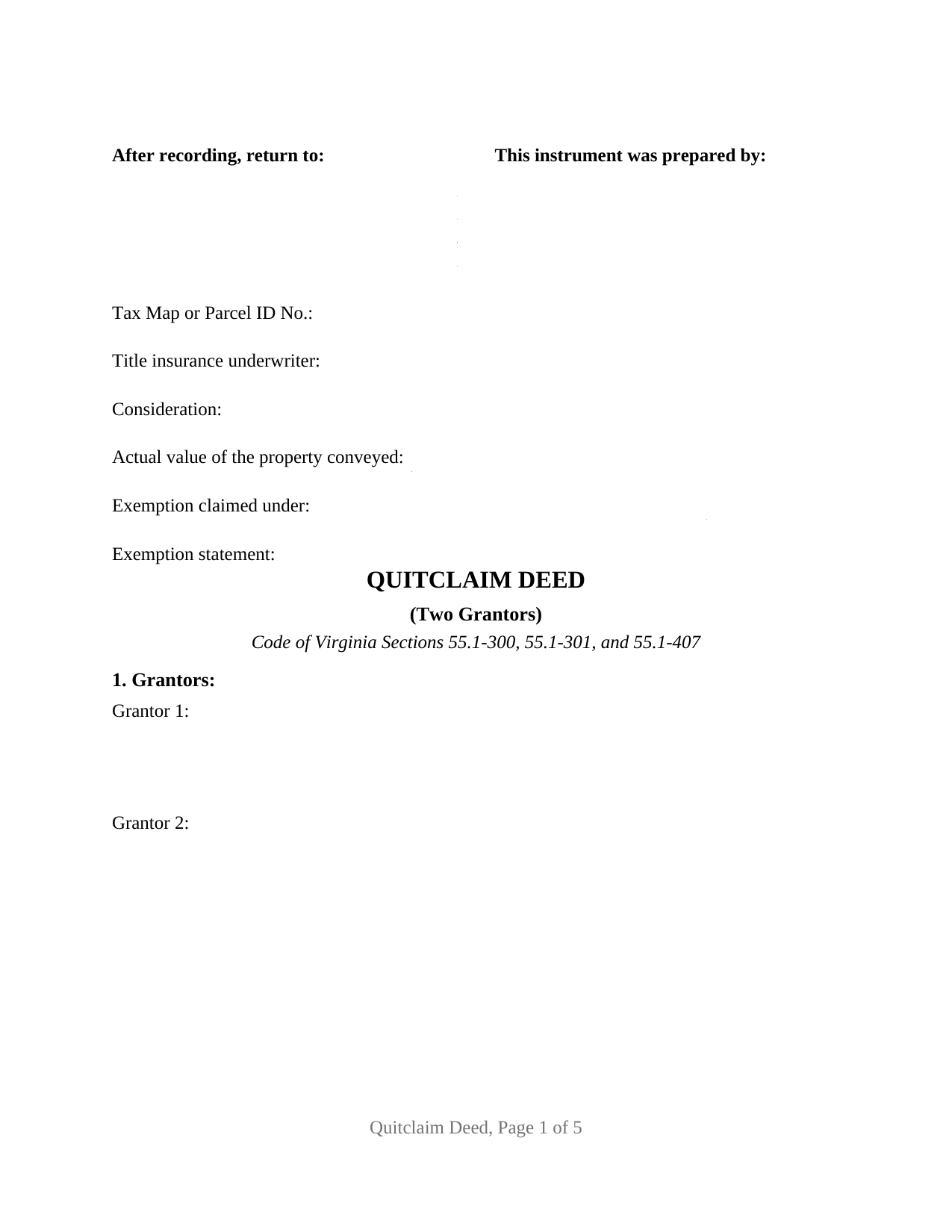
Loudoun County Quitclaim Deed (Two Grantors) Form
Fill in the blank Quitclaim Deed (Two Grantors) form formatted to comply with all Virginia recording and content requirements.
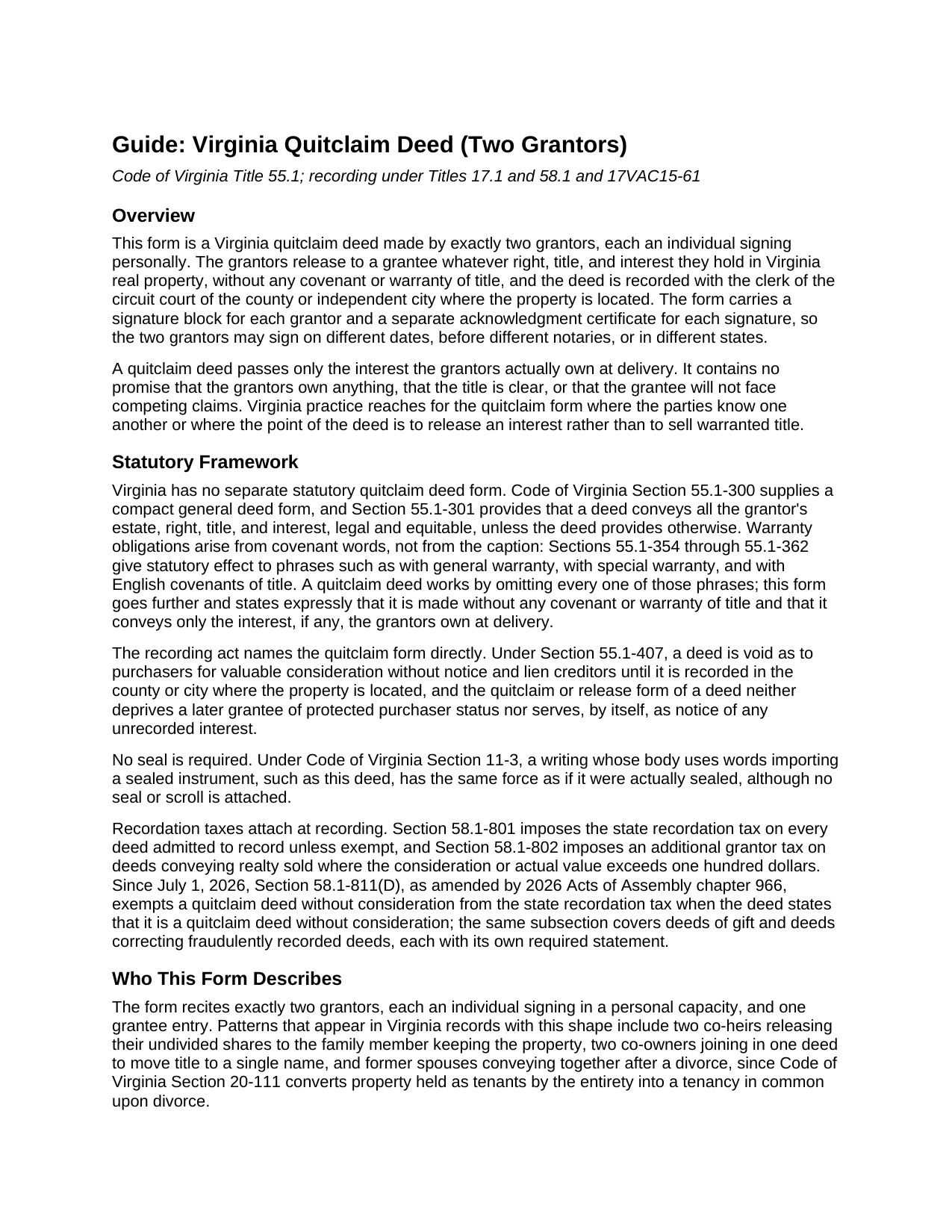
Loudoun County Quitclaim Deed (Two Grantors) Guide
Line by line guide explaining every blank on the Quitclaim Deed (Two Grantors) form.
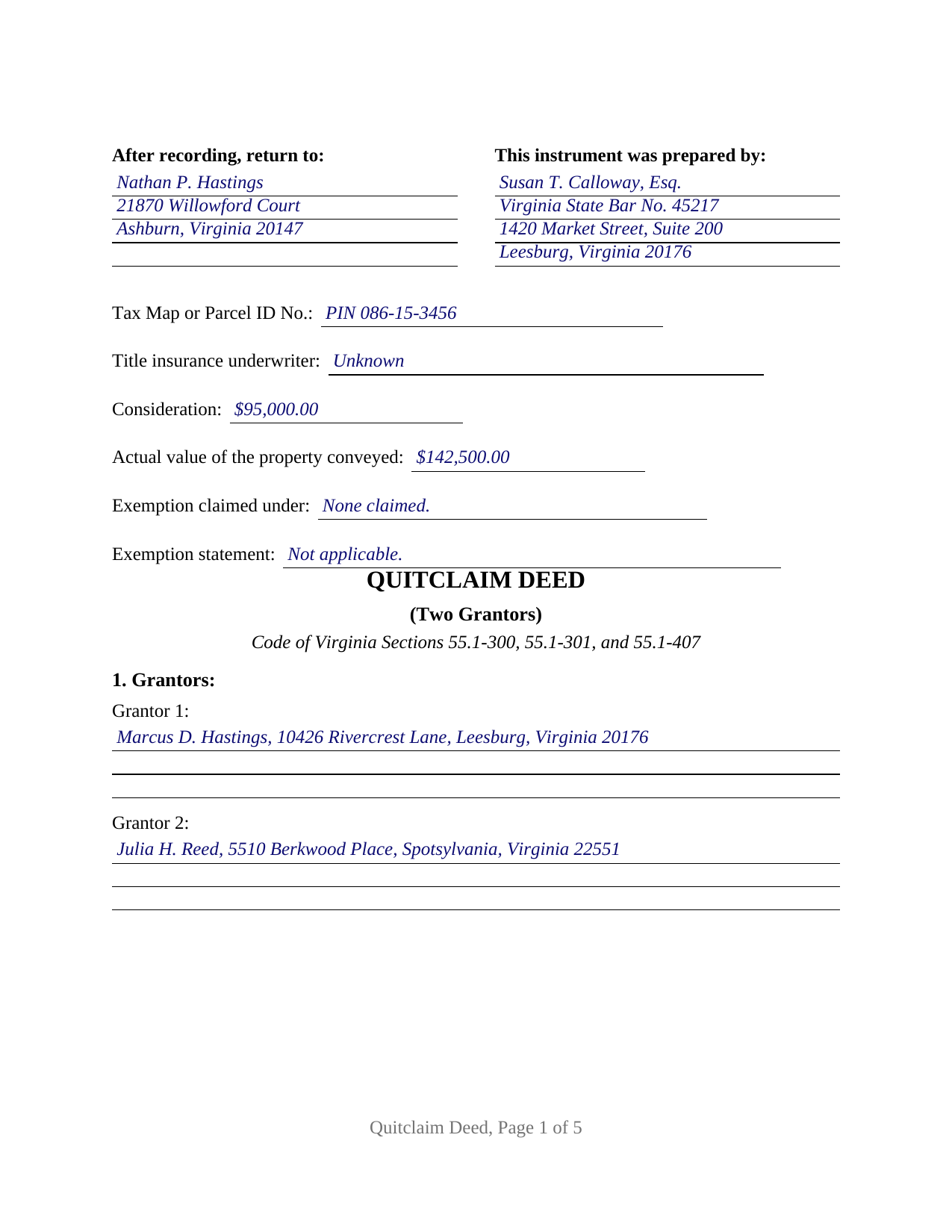
Loudoun County Completed Example of the Quitclaim Deed (Two Grantors) Document
Example of a properly completed Virginia Quitclaim Deed (Two Grantors) document for reference.
All 3 documents above included • One-time purchase • No recurring fees
Immediate Download • Secure Checkout
Additional Virginia and Loudoun County documents included at no extra charge:
Where to Record Your Documents
Circuit Court Clerk: Land Records Recording Division
Leesburg, Virginia 20176 / 20178
Hours: 8:00am - 4:00pm M-F
Phone: (703) 737-8160
Recording Tips for Loudoun County:
- Bring your driver's license or state-issued photo ID
- Ensure all signatures are in blue or black ink
- Bring extra funds - fees can vary by document type and page count
- Check margin requirements - usually 1-2 inches at top
- Leave recording info boxes blank - the office fills these
Cities and Jurisdictions in Loudoun County
Properties in any of these areas use Loudoun County forms:
- Aldie
- Arcola
- Ashburn
- Chantilly
- Dhs
- Dulles
- Hamilton
- Leesburg
- Lincoln
- Lovettsville
- Middleburg
- Paeonian Springs
- Philomont
- Purcellville
- Round Hill
- Sterling
- Waterford
Hours, fees, requirements, and more for Loudoun County
How do I get my forms?
Forms are available for immediate download after payment. The Loudoun County forms will be in your account ready to download to your computer. An account is created for you during checkout if you don't have one. Forms are NOT emailed.
Are these forms guaranteed to be recordable in Loudoun County?
Yes. Our form blanks are guaranteed to meet or exceed the applicable formatting requirements used for recording in Loudoun County, including margin requirements, font requirements, and other layout standards. This guarantee applies to formatting, not to the legal sufficiency of information entered by the user or the suitability of a form for a particular transaction.
Can I reuse these forms?
Yes. You can reuse the forms for your personal use. For example, if you have multiple properties in Loudoun County you only need to order once.
What do I need to use these forms?
The forms are PDFs that you fill out on your computer. The free Adobe Acrobat Reader is recommended, and most PDF apps also work. You do NOT enter your property information online - you download the blank forms and complete them privately on your own computer.
Are there any recurring fees?
No. This is a one-time purchase. Nothing to cancel, no memberships, no recurring fees.
How much does it cost to record in Loudoun County?
Recording fees in Loudoun County vary. Contact the recorder's office at (703) 737-8160 for current fees.
Questions answered? Let's get started!
Two grantors, two signature blocks, and a separate notary acknowledgment for each: this Virginia quitclaim deed gathers both releases into a single recorded instrument. The form recites exactly two individual grantors who together pass whatever interest they hold in Virginia real property to one grantee, formatted for the circuit court clerk of any county or independent city under the statewide recording standards.
Two releases in one instrument
Each grantor releases that grantor's own right, title, and interest, so one recording carries the entire transfer. Two co-heirs passing their undivided shares to the family member keeping the property, co-owners moving a jointly held parcel into a single name, and former spouses conveying together after a divorce, which converts a tenancy by the entirety into a tenancy in common under Code of Virginia Section 20-111, present the two-grantor pattern this deed recites. The form is built around individuals signing personally; it is not set up as a trustee, entity, or attorney-in-fact conveyance, and it carries no third signature line.
The paired acknowledgment certificates do practical work. Every Virginia notarization shows its own date and the county or city where it was performed, and the form carries a certificate for each grantor, so the two signers may acknowledge on different days, before different notaries, or in different states, and the deed still records as one instrument.
The two-spouse severance written into the Code
One two-grantor pattern is statutory. Under Code of Virginia Section 55.1-136(B), except as otherwise provided, no interest in real property held as tenants by the entirety may be severed by written instrument unless that instrument is a deed signed by both spouses as grantors. A married couple restructuring entireties title, whether toward a tenancy in common or into one spouse's sole name as part of a settlement, signs in exactly the configuration this form prints: both spouses on the grantor side, each with an acknowledgment certificate of their own.
Release language without warranty
The deed remises, releases, and forever quitclaims, and it declares in capital letters that it carries no covenant or warranty of title. Virginia gives warranty effect to specific covenant phrases listed in Code of Virginia Sections 55.1-354 through 55.1-362, none of which appear in this form, and Section 55.1-407 recognizes the quitclaim form in the recording act itself: recording protects the grantee against later purchasers and lien creditors, and a grantee taking by quitclaim can still qualify as a purchaser for value without notice. What passes is the interest the grantors own at delivery, stated on the face of the deed.
First-page entries and the two recordation taxes
Virginia clerks index from the face of the deed, and this form's first page carries the entries they look for: consideration and the actual value of the property conveyed, the exemption law and exemption statement lines, the tax map or parcel identification number, the preparer entry identifying the owner or the Virginia attorney, with bar number, who prepared the deed, the title insurance underwriter entry, and the return address. A priced transfer pays the state recordation tax of 25 cents per $100 on the greater of consideration or actual value, plus the grantor tax of 50 cents per $500 of consideration under Section 58.1-802, which the clerk certifies on the deed at recording; a quitclaim without consideration states that fact on its face and claims the Section 58.1-811(D) exemption on the same lines. The completed example works a priced family buyout in Loudoun County from the first-page tax entries through both acknowledgments.
What arrives in the download
The package holds three pieces: the two-grantor deed as a fillable PDF blank, a completed example that fills every entry for the Loudoun County fact pattern described above, and a plain-language guide covering each blank, the signing and notarization rules, the county cover-sheet variations, and the fee and tax arithmetic. Buyers searching for a quit claim deed or a release deed for two owners reach the same Virginia instrument prepared here. The materials describe Virginia law generally and are not legal advice.
Important: Your property must be located in Loudoun County to use these forms. Documents should be recorded at the county or independent city recording office listed above.
This Quitclaim Deed (Two Grantors) meets all recording requirements specific to Loudoun County.
Our Promise
The documents you receive here are guaranteed to meet or exceed the applicable Loudoun County recording format requirements. If there is a rejection caused by our formatting, we will correct the issue or refund your payment. This guarantee applies to document formatting only and does not extend to information entered by the user, the selection of the form, or the legal effect of the completed document.
Save Time and Money
Get your Loudoun County Quitclaim Deed (Two Grantors) form done right the first time with Deeds.com Uniform Conveyancing Blanks. At Deeds.com, we understand that your time and money are valuable resources, and we don't want you to face a penalty fee or rejection imposed by a county recorder for submitting nonstandard documents. We constantly review and update our forms to meet rapidly changing state and county recording requirements for roughly 3,500 counties and local jurisdictions.
4.8 out of 5 - ( 4,831 Reviews )
Jan O. 5 out of 5 stars
This was so easy and just what I needed.
Thank you for your feedback. We really appreciate it. Have a great day!
Robert S. 5 out of 5 stars
Thank you! You are so awesome. Its amazing to be able to get everything together in a download packet. You make it so easy for the user.
We appreciate your business and value your feedback. Thank you. Have a wonderful day!
Loretta W. 5 out of 5 stars
Thank you for your excellent service
We appreciate your business and value your feedback. Thank you. Have a wonderful day!
Robert C. 5 out of 5 stars
Amazingly easy process and excellent response time - very impressed!
Thank you!
Patricia S. 5 out of 5 stars
The forms was easy to use and the guides was helpful
We appreciate your business and value your feedback. Thank you. Have a wonderful day!
Christin A. 5 out of 5 stars
Super Quick! and Easy!
Thank you!
Kathy O. 5 out of 5 stars
I was so happy to be able to print the Quit Claim Deed form and learn about other forms. Very pleased with this service! Took the stress out of preparing needed deeds for notirization for our Trust. Very grateful. Thank you. Kathy
We appreciate your business and value your feedback. Thank you. Have a wonderful day!
Christian M. 5 out of 5 stars
Easy to find the necessary documents needed
We appreciate your business and value your feedback. Thank you. Have a wonderful day!
ROBERT M. 5 out of 5 stars
Lots of Info. Forms seem straightforward. Easy to Fill out.
Thank you for your feedback. We really appreciate it. Have a great day!
Richard H. 1 out of 5 stars
It was a waste of time. I asked a question via your chat service. I received an acknowledgement that you received the question, that you might or might not answer it, and don't bother to reply to you email, as no one would read it. Confirming my belief that customer service is an oxymoron for most companies. (I doubt this review will ever appear on the site, or anyuhere else.)
Thank you!
Allison S. 5 out of 5 stars
The representatives that facilitate the recording process have always been very helpful, especially where there is some issue with the recording. They have always gone the extra mile to make sure we know what we need to do to fix any issues. I really love this service.
Thank you for your feedback. We really appreciate it. Have a great day!
Michael P. 5 out of 5 stars
excellent and timely service.
Thank you!
Susan C. 5 out of 5 stars
easy to use to get copy of documents. given your website by recorder in the country offices.
Thank you Susan, we appreciate your feedback.
Bobby J. 5 out of 5 stars
Good document as expected
We’re glad to hear things went well. Thank you for the review.
John H. 5 out of 5 stars
I haven't begun yet, but this looks like what I need.
Thank you!