Roanoke County Transfer on Death Beneficiary Affidavit Form
Last validated October 12, 2026 by our Forms Development TeamFormatted for recording in Roanoke County, for property anywhere in the county or independent city: rural and unincorporated areas as well as Bent Mountain, Catawba, Roanoke, Vinton.
- 3 documents included
- Immediate PDF download
- Formatting guarantee
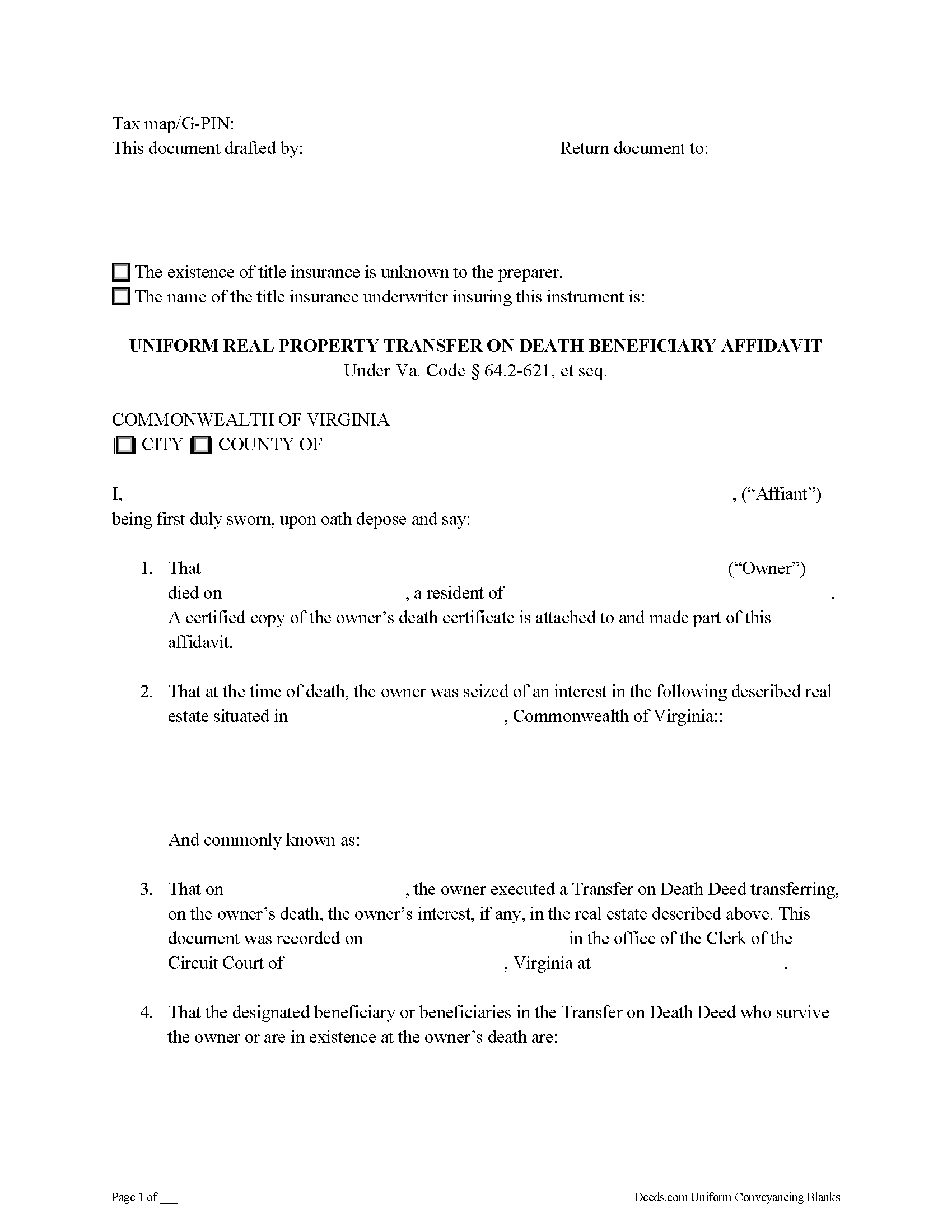
Roanoke County Transfer on Death Beneficiary Affidavit Form
Fill in the blank form formatted to comply with all recording and content requirements.
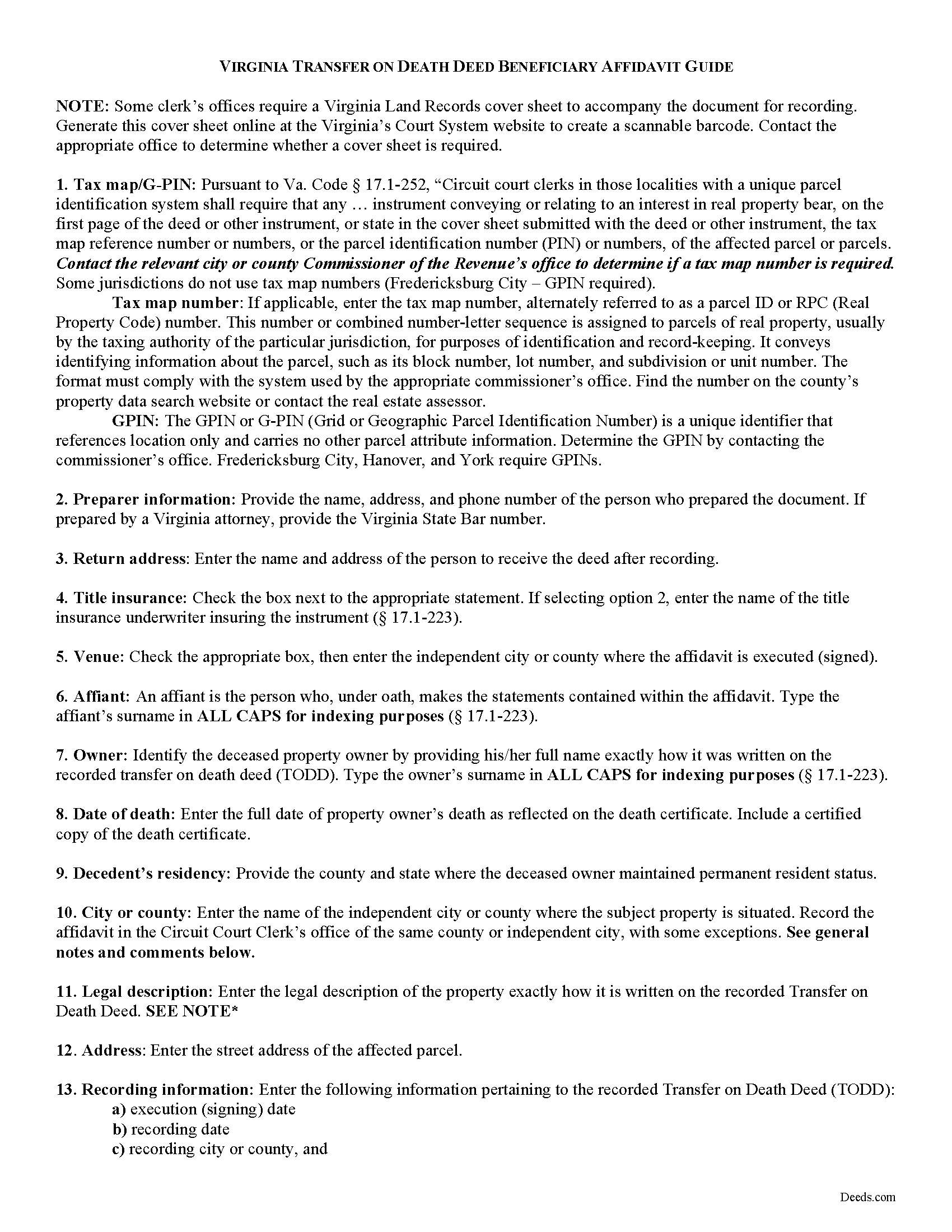
Roanoke County Transfer on Death Beneficiary Affidavit Guide
Line by line guide explaining every blank on the form.
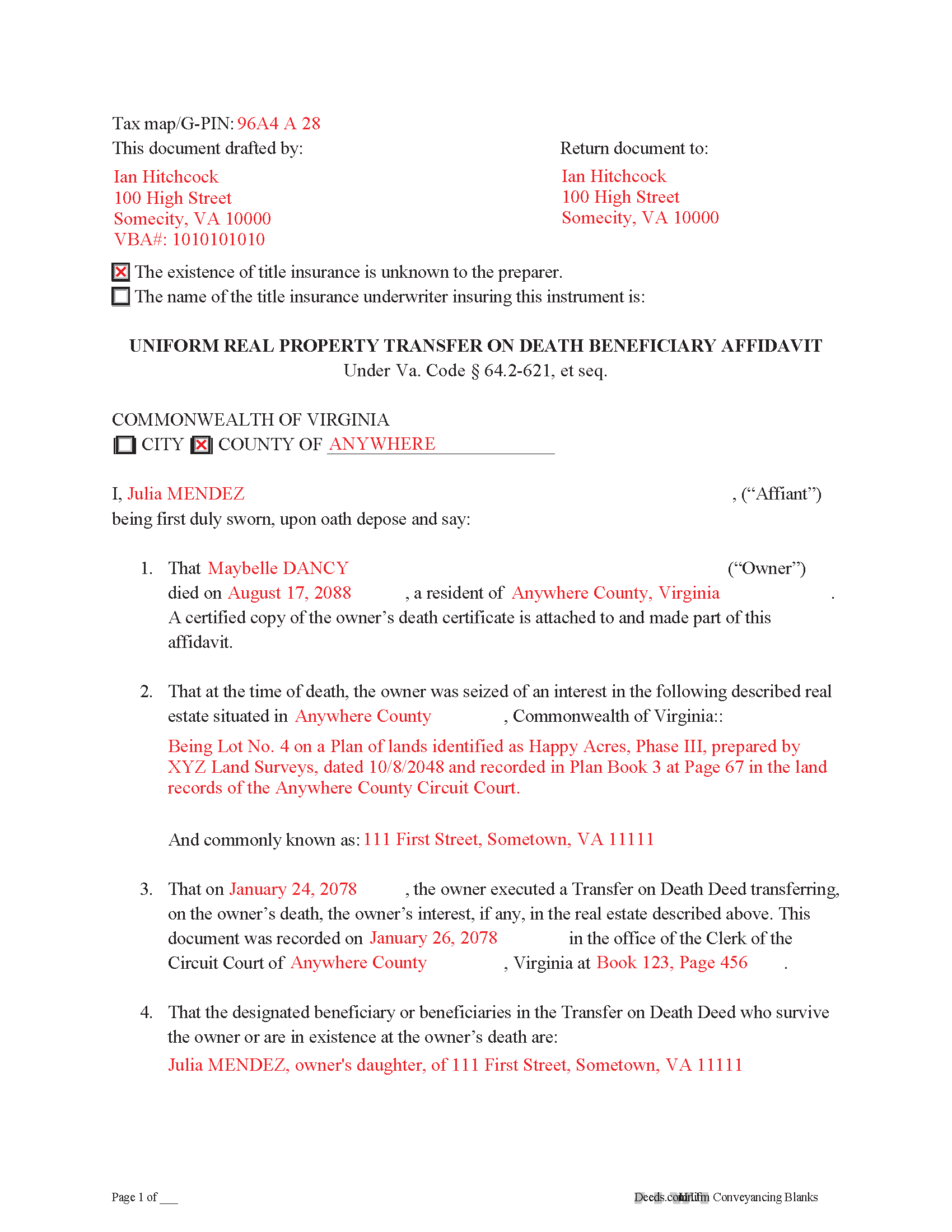
Roanoke County Completed Example of the Transfer on Death Deed Beneficary Affidavit Document
Example of a properly completed form for reference.
All 3 documents above included • One-time purchase • No recurring fees
Immediate Download • Secure Checkout
Additional Virginia and Roanoke County documents included at no extra charge:
Where to Record Your Documents
Roanoke County Circuit Court Clerk
Salem, Virginia 24153
Hours: 8:30 to 4:30 M-F
Phone: (540) 387-6205
Recording Tips for Roanoke County:
- Bring your driver's license or state-issued photo ID
- Ensure all signatures are in blue or black ink
- Leave recording info boxes blank - the office fills these
- Make copies of your documents before recording - keep originals safe
- Recorded documents become public record - avoid including SSNs
Cities and Jurisdictions in Roanoke County
Properties in any of these areas use Roanoke County forms:
- Bent Mountain
- Catawba
- Roanoke
- Vinton
Hours, fees, requirements, and more for Roanoke County
How do I get my forms?
Forms are available for immediate download after payment. The Roanoke County forms will be in your account ready to download to your computer. An account is created for you during checkout if you don't have one. Forms are NOT emailed.
Are these forms guaranteed to be recordable in Roanoke County?
Yes. Our form blanks are guaranteed to meet or exceed the applicable formatting requirements used for recording in Roanoke County, including margin requirements, font requirements, and other layout standards. This guarantee applies to formatting, not to the legal sufficiency of information entered by the user or the suitability of a form for a particular transaction.
Can I reuse these forms?
Yes. You can reuse the forms for your personal use. For example, if you have multiple properties in Roanoke County you only need to order once.
What do I need to use these forms?
The forms are PDFs that you fill out on your computer. The free Adobe Acrobat Reader is recommended, and most PDF apps also work. You do NOT enter your property information online - you download the blank forms and complete them privately on your own computer.
Are there any recurring fees?
No. This is a one-time purchase. Nothing to cancel, no memberships, no recurring fees.
How much does it cost to record in Roanoke County?
Recording fees in Roanoke County vary. Contact the recorder's office at (540) 387-6205 for current fees.
Questions answered? Let's get started!
On July 1, 2013, Virginia enacted the Uniform Real Property Transfer on Death Act, codified at VA Code 64.2-621 et seq. (2012).
While the statutes contain suggested forms for the actual transfer on death deeds and associated revocations, the specifics for completing the transfer after the owner dies are less clear. In many cases, non-probate transfers of real property happen "as a function of law." In theory, this means there is no need for the beneficiary to act -- the named owner of the property automatically changes. In practice, however, it benefits the interests of all parties involved to formalize the updated status as soon as reasonably possible, especially since the beneficiary has the right to disclaim the conveyed interest.
One efficient method for stating the beneficiary's intent to accept the real estate is to execute and record an affidavit, which is a document containing statements made under oath. The affidavit should, at minimum, include:
1. The parties named in the transfer on death deed;
2. Residency and death information about the deceased owner;
3. Recording details for the transfer on death deed;
4. A description of and property ID for the real property being transferred;
5. Official copies of any necessary death certificates; and
6. Anything else required by the local agency responsible for recording and maintaining land records. In Virginia, this is typically the office of the clerk of the circuit court.
By recording such an affidavit, the beneficiary provides notice to the public of the change in ownership of the property. This is important because it helps to maintain a clear chain of title, or sequential record of owners. A clear chain of title will simplify future sales or mortgages of the property, since it indicates a reduced chance of unexpected claims against present or future owners.
Each situation is unique, so for specific advice, or to resolve more complex issues, contact a local real estate attorney.
(Virginia TOD Beneficiary Affidavit Package includes form, guidelines, and completed example)
Important: Your property must be located in Roanoke County to use these forms. Documents should be recorded at the county or independent city recording office listed above.
This Transfer on Death Beneficiary Affidavit meets all recording requirements specific to Roanoke County.
Our Promise
The documents you receive here are guaranteed to meet or exceed the applicable Roanoke County recording format requirements. If there is a rejection caused by our formatting, we will correct the issue or refund your payment. This guarantee applies to document formatting only and does not extend to information entered by the user, the selection of the form, or the legal effect of the completed document.
Save Time and Money
Get your Roanoke County Transfer on Death Beneficiary Affidavit form done right the first time with Deeds.com Uniform Conveyancing Blanks. At Deeds.com, we understand that your time and money are valuable resources, and we don't want you to face a penalty fee or rejection imposed by a county recorder for submitting nonstandard documents. We constantly review and update our forms to meet rapidly changing state and county recording requirements for roughly 3,500 counties and local jurisdictions.
4.8 out of 5 - ( 4,836 Reviews )
Lucus S. 5 out of 5 stars
I tried to do it myself by copying an old deed and ended up with a bunch of headaches (expensive ones) wish I would have used these documents first. Live and learn.
Thank you!
Karin H. 5 out of 5 stars
Awesome same-day service!
We appreciate your business and value your feedback. Thank you. Have a wonderful day!
KIMTIEN L. 5 out of 5 stars
VERY GOOD INFORMATION ESPECIALLY FOR ME WHO IS IN CALIFORNIA AND OWN PROPERTY IN FLORIDA.
We appreciate your business and value your feedback. Thank you. Have a wonderful day!
Lisa D. 5 out of 5 stars
Had the correct forms I needed with guides and examples to follow on filling them out. Very easy to use. Thanks!
We appreciate your business and value your feedback. Thank you. Have a wonderful day!
Miguel R. 5 out of 5 stars
Easy to create an account! Awesome!
Thank you!
Benjamin A. 4 out of 5 stars
This method seems simple for me to complete. Wish me luck.
Thank you for your feedback. We really appreciate it. Have a great day!
David M. 5 out of 5 stars
Outstanding products and interface. DCM, IL Attorney
We appreciate your business and value your feedback. Thank you. Have a wonderful day!
Stacie L. 5 out of 5 stars
The deed is great. However, I do not believe your Statement of Full Consideration is up to date as it does not give the reference for an exemption on the Transfer on Death Deed.
Thank you Stacie. We'll take a look at those supplemental forms. Have a great day!
Carleton G. 5 out of 5 stars
I found everything I needed. Very easy to use. I am very satisfied.
We appreciate your business and value your feedback. Thank you. Have a wonderful day!
Gary B. 2 out of 5 stars
After spending $21 to obtain a Quit Claim Deed form, I realized that I was in over my head. There are a lot of legal considerations and I am not familiar enough with the legal terms and choices to feel confident doing it myself. I since hired a paralegal service to prepare my Quit Claim. I wish I knew the knowledge required before I purchased.
Glad to hear you sought the assistance of a legal professional familiar with your specific situation Gary. We always recommend this to anyone not completely sure of what they are doing.
Vickie W. 5 out of 5 stars
Very easy to download and appreciated the other information and affidavits.
We appreciate your business and value your feedback. Thank you. Have a wonderful day!
Paul R. 5 out of 5 stars
So far, so good. Great looking site.
Thank you!
Elexis C. 5 out of 5 stars
Easy, fast & amazing descriptions of all forms needed.
Thank you!
Elizabeth M. 5 out of 5 stars
So fare easy and straight forward
Thank you for your feedback. We really appreciate it. Have a great day!
JOY W. 5 out of 5 stars
Really great resource to use in a time that can be very stressful. Downloading was very simple and the instructions provided were detailed and easy to follow. I was grateful to have found this.
Thank you for your review, Joy. We’re glad the process was straightforward and helpful when you needed it most.