Whatcom County Bargain and Sale Deed Form
Last validated September 21, 2026 by our Forms Development TeamFormatted for recording in Whatcom County, for property anywhere in the county: rural and unincorporated areas as well as Acme, Bellingham, Blaine, Custer, Deming, Everson, Ferndale, Lummi Island and 5 more.
- 3 documents included
- Immediate PDF download
- Formatting guarantee
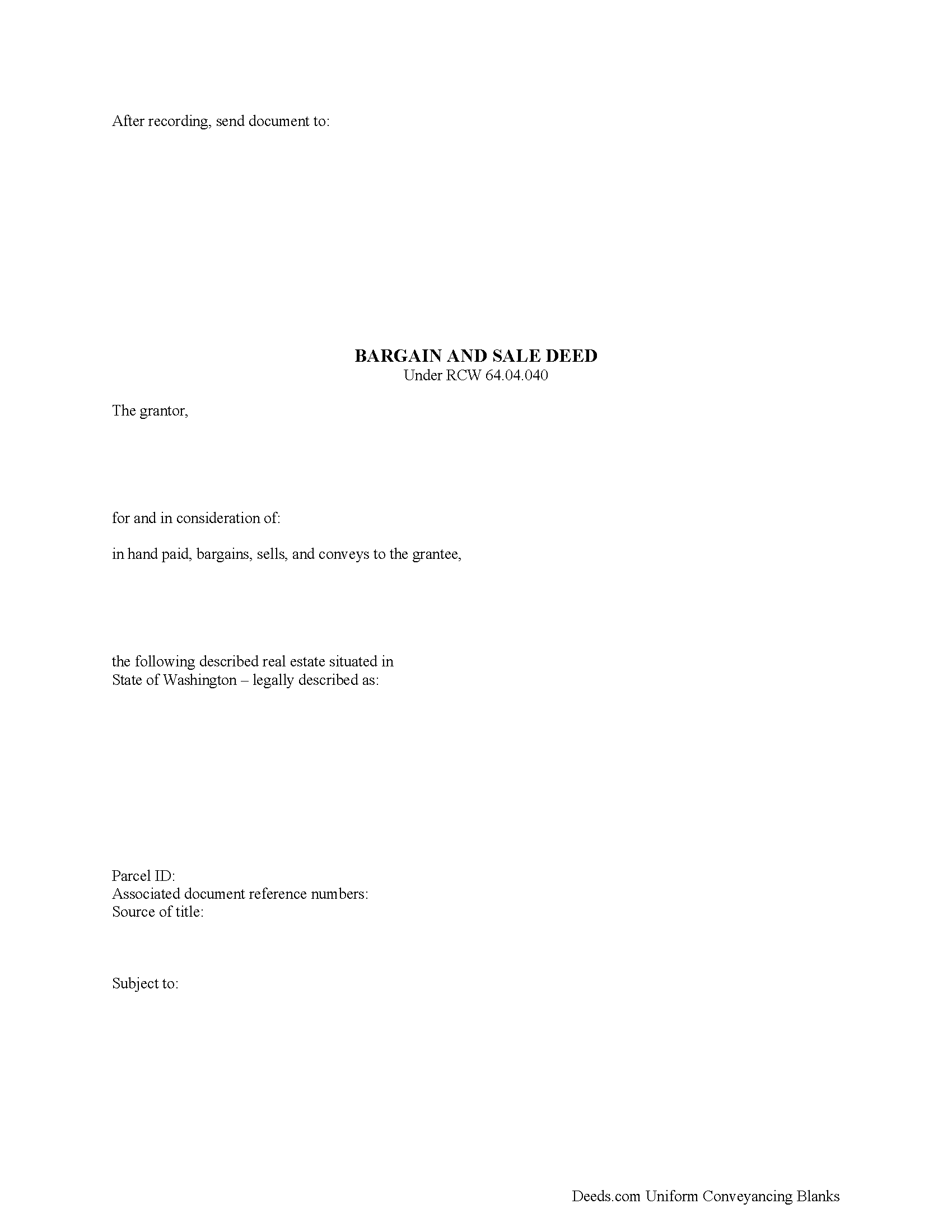
Whatcom County Bargain and Sale Deed Form
Fill in the blank form formatted to comply with all recording and content requirements.
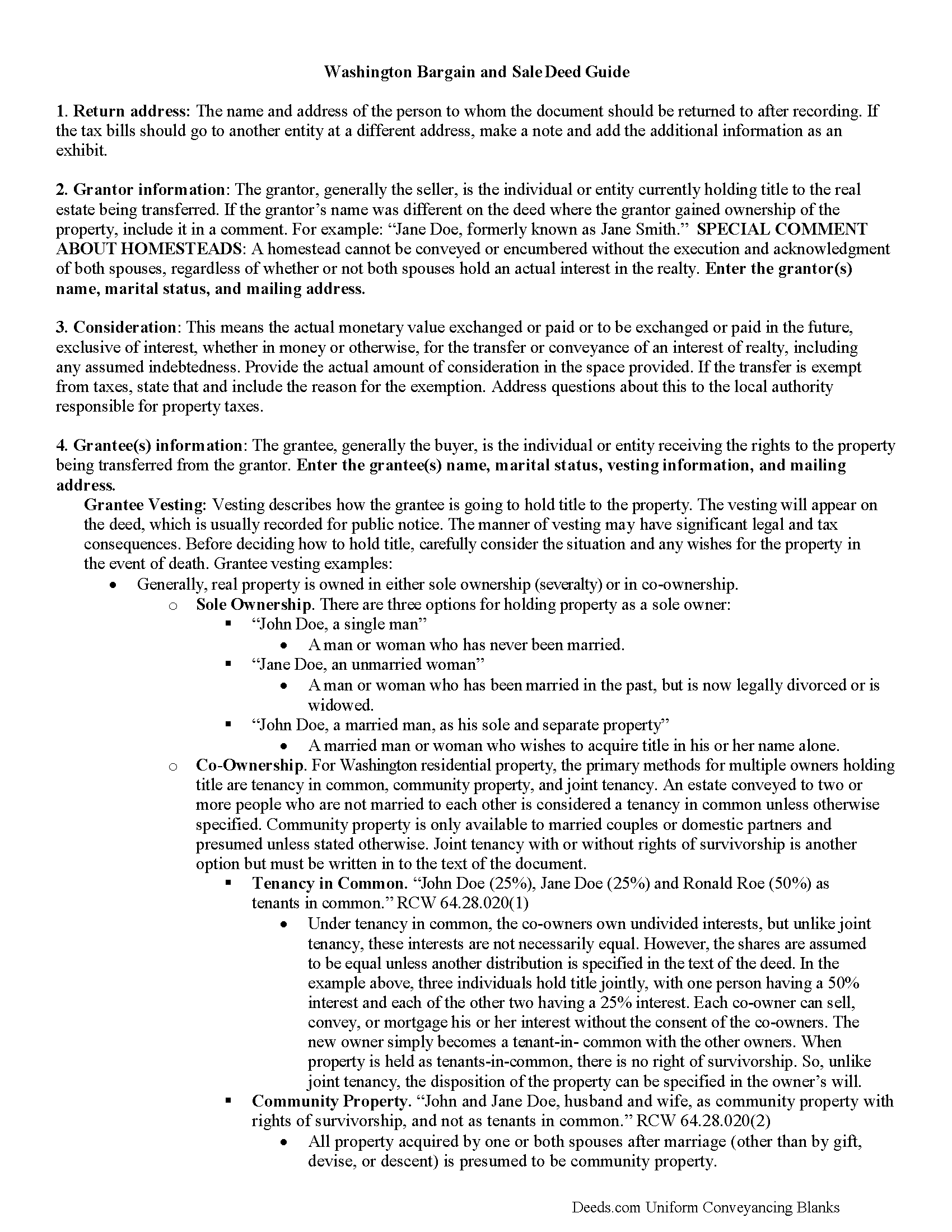
Whatcom County Bargain and Sale Deed Guide
Line by line guide explaining every blank on the form.
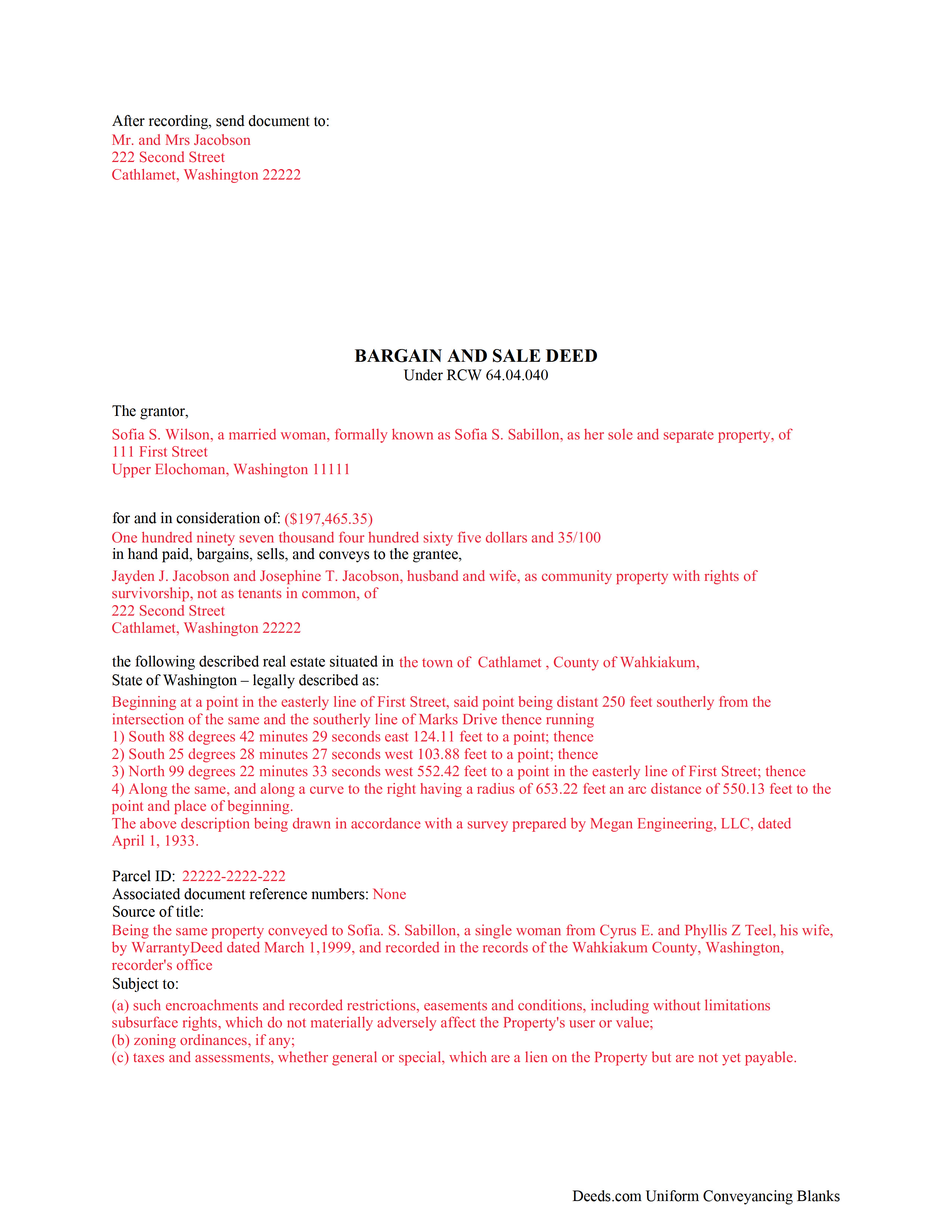
Whatcom County Completed Example of the Bargain and Sale Deed Document
Example of a properly completed form for reference.
All 3 documents above included • One-time purchase • No recurring fees
Immediate Download • Secure Checkout
Additional Washington and Whatcom County documents included at no extra charge:
Where to Record Your Documents
Whatcom County Auditor: Recording
Bellingham, Washington 98225
Hours: 8:30 to 4:30 M-F
Phone: (360) 778-5100
Recording Tips for Whatcom County:
- Bring your driver's license or state-issued photo ID
- Ensure all signatures are in blue or black ink
- White-out or correction fluid may cause rejection
- Ask about their eRecording option for future transactions
- Avoid the last business day of the month when possible
Cities and Jurisdictions in Whatcom County
Properties in any of these areas use Whatcom County forms:
- Acme
- Bellingham
- Blaine
- Custer
- Deming
- Everson
- Ferndale
- Lummi Island
- Lynden
- Maple Falls
- Nooksack
- Point Roberts
- Sumas
Hours, fees, requirements, and more for Whatcom County
How do I get my forms?
Forms are available for immediate download after payment. The Whatcom County forms will be in your account ready to download to your computer. An account is created for you during checkout if you don't have one. Forms are NOT emailed.
Are these forms guaranteed to be recordable in Whatcom County?
Yes. Our form blanks are guaranteed to meet or exceed the applicable formatting requirements used for recording in Whatcom County, including margin requirements, font requirements, and other layout standards. This guarantee applies to formatting, not to the legal sufficiency of information entered by the user or the suitability of a form for a particular transaction.
Can I reuse these forms?
Yes. You can reuse the forms for your personal use. For example, if you have multiple properties in Whatcom County you only need to order once.
What do I need to use these forms?
The forms are PDFs that you fill out on your computer. The free Adobe Acrobat Reader is recommended, and most PDF apps also work. You do NOT enter your property information online - you download the blank forms and complete them privately on your own computer.
Are there any recurring fees?
No. This is a one-time purchase. Nothing to cancel, no memberships, no recurring fees.
How much does it cost to record in Whatcom County?
Recording fees in Whatcom County vary. Contact the recorder's office at (360) 778-5100 for current fees.
Questions answered? Let's get started!
A bargain and sale deed is a conveyance of property rights wherein the grantor (owner) guarantees to the grantee (buyer) that during the time the grantor owned the real estate, he/she did nothing to cloud the title to the property.
In Washington, statutory bargain and sale deeds are governed by RCW 64.04.040. The statute defines the covenant to the grantee this way: "the grantor was seized of an indefeasible estate in fee simple, free from encumbrances, done or suffered from the grantor, except the rents and services that may be reserved, and also for quiet enjoyment against the grantor, his heirs and assigns, unless limited by express words contained in such deed; and the grantee, his heirs, executors, administrators and assigns may recover in any action for breaches as if such covenants were expressly inserted."
As with other deeds in Washington, record an executed bargain and sale deed at the recorder's office located in the same county as the land. Recording is the essential final step in land sales -- presenting the deed for entry into the public record keeps the property's chain of title updated and provides notice to any potential buyers about the change in ownership.
(Washington B&SD Package includes form, guidelines, and completed example)
Important: Your property must be located in Whatcom County to use these forms. Documents should be recorded at the county recording office listed above.
This Bargain and Sale Deed meets all recording requirements specific to Whatcom County.
Our Promise
The documents you receive here are guaranteed to meet or exceed the applicable Whatcom County recording format requirements. If there is a rejection caused by our formatting, we will correct the issue or refund your payment. This guarantee applies to document formatting only and does not extend to information entered by the user, the selection of the form, or the legal effect of the completed document.
Save Time and Money
Get your Whatcom County Bargain and Sale Deed form done right the first time with Deeds.com Uniform Conveyancing Blanks. At Deeds.com, we understand that your time and money are valuable resources, and we don't want you to face a penalty fee or rejection imposed by a county recorder for submitting nonstandard documents. We constantly review and update our forms to meet rapidly changing state and county recording requirements for roughly 3,500 counties and local jurisdictions.
4.8 out of 5 - ( 4,845 Reviews )
RHONDA G. 4 out of 5 stars
Was driven to this site by the county website. It took a bit of work having to create an account, etc. The example was useful; however the example only showed both parties in the same county, nor did the instructions mention anything about differing counties. This caused an oversight on my part.
Your insights are invaluable to us and help us strive for better service. Thank you for taking the time to share your thoughts.
Martha B. 5 out of 5 stars
Not too hard to do, I did get it checked out by an attorney after I completed it just to be safe. He said it was fine, made no changes.
We appreciate your business and value your feedback. Thank you. Have a wonderful day!
Bonnie A. 5 out of 5 stars
I wish you could send copy in mail
Thank you for your feedback. We really appreciate it. Have a great day!
JOSEPH P. 3 out of 5 stars
It would have been a lot better if I could have downloaded ALL at once, as a package.
Thank you for your feedback. We really appreciate it. Have a great day!
paula b. 5 out of 5 stars
Very helpful and easy to download, thankyou.
Thank you!
Larry T. 5 out of 5 stars
Ordered a 'Gift Deed' form The 'Example' form was most helpful. The actual form was very detailed, and seemed to 'cover all the bases'
We appreciate your business and value your feedback. Thank you. Have a wonderful day!
Sunny S. 5 out of 5 stars
Easy to use and quick turnaround. I would use again.
Thank you!
ziad k. 5 out of 5 stars
FIRST TIME USER EXCELENT SERVICE.
Thank you for your feedback. We really appreciate it. Have a great day!
SUSAN R. 5 out of 5 stars
So easy to download and print. Also the examples are very helpful.
Thank you for your feedback. We really appreciate it. Have a great day!
Mark S. 5 out of 5 stars
Quick and easy. Had what I was searching for. Simple to pay and download.
Thank you!
Bea Lou H. 5 out of 5 stars
easy access and easy to find what I was looking for. Thank you
Thank you for your feedback. We really appreciate it. Have a great day!
Sandra G. 4 out of 5 stars
We were referred to the site by banking friend. It does take time to read through and figure out what a person needs, form-wise, to accomplish the goal. Once that was decided, check out and the download was very easy. What a great savings in cost and time.
Thank you Sandra, glad we could help. Also, please thank your friend for us. Have a wonderful day.
Kendall B. 5 out of 5 stars
Good
Thank you!
Jana H. 5 out of 5 stars
This company has made my life so much easier. I'm not driving 25 miles twice a week to record a document. I'm almost giddy! Thank you for making my job so much faster! Jana Hamilton
We appreciate your business and value your feedback. Thank you. Have a wonderful day!
Connie G. 4 out of 5 stars
This product makes it so much easier to understand and file forms that you might have to pay an attorney to do. All Counties have their own way of submitting forms and with Deeds you have the correct format.
Thank you for your feedback. We really appreciate it. Have a great day!