Stevens County Grant Deed Form
Last validated November 19, 2026 by our Forms Development TeamFormatted for recording in Stevens County, for property anywhere in the county: rural and unincorporated areas as well as Addy, Chewelah, Clayton, Colville, Evans, Ford, Fruitland, Gifford and 10 more.
- 3 documents included
- Immediate PDF download
- Formatting guarantee
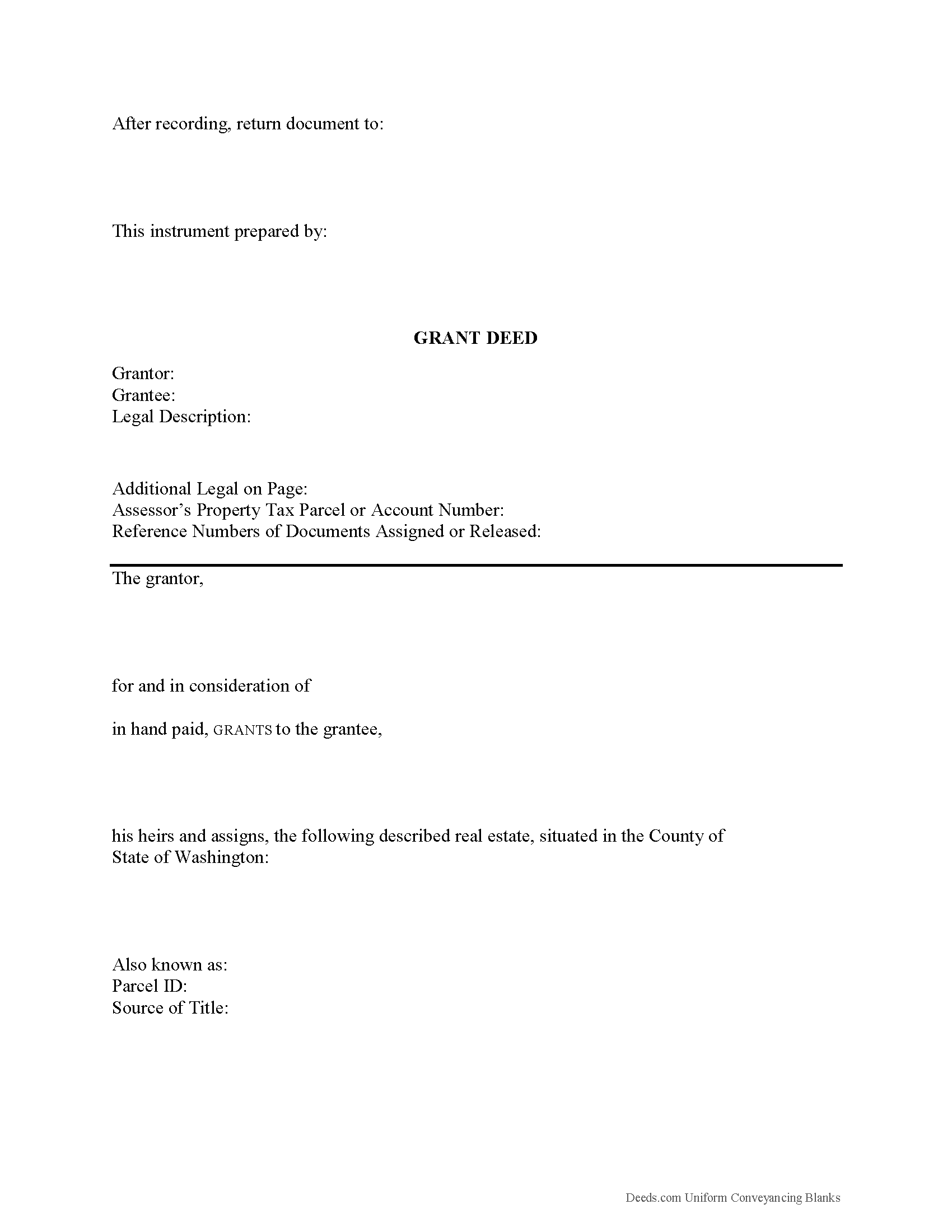
Stevens County Grant Deed Form
Fill in the blank form formatted to comply with all recording and content requirements.
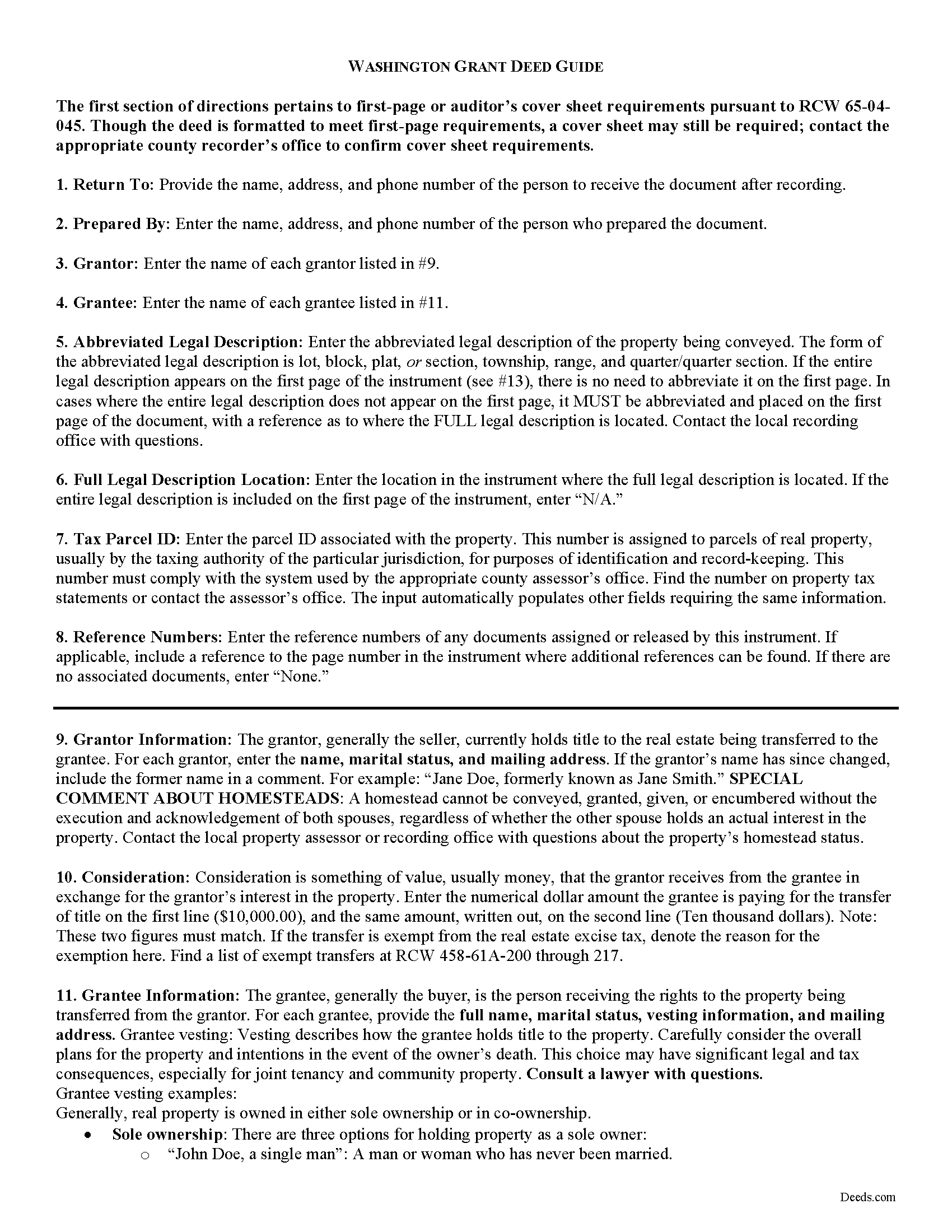
Stevens County Grant Deed Guide
Line by line guide explaining every blank on the form.
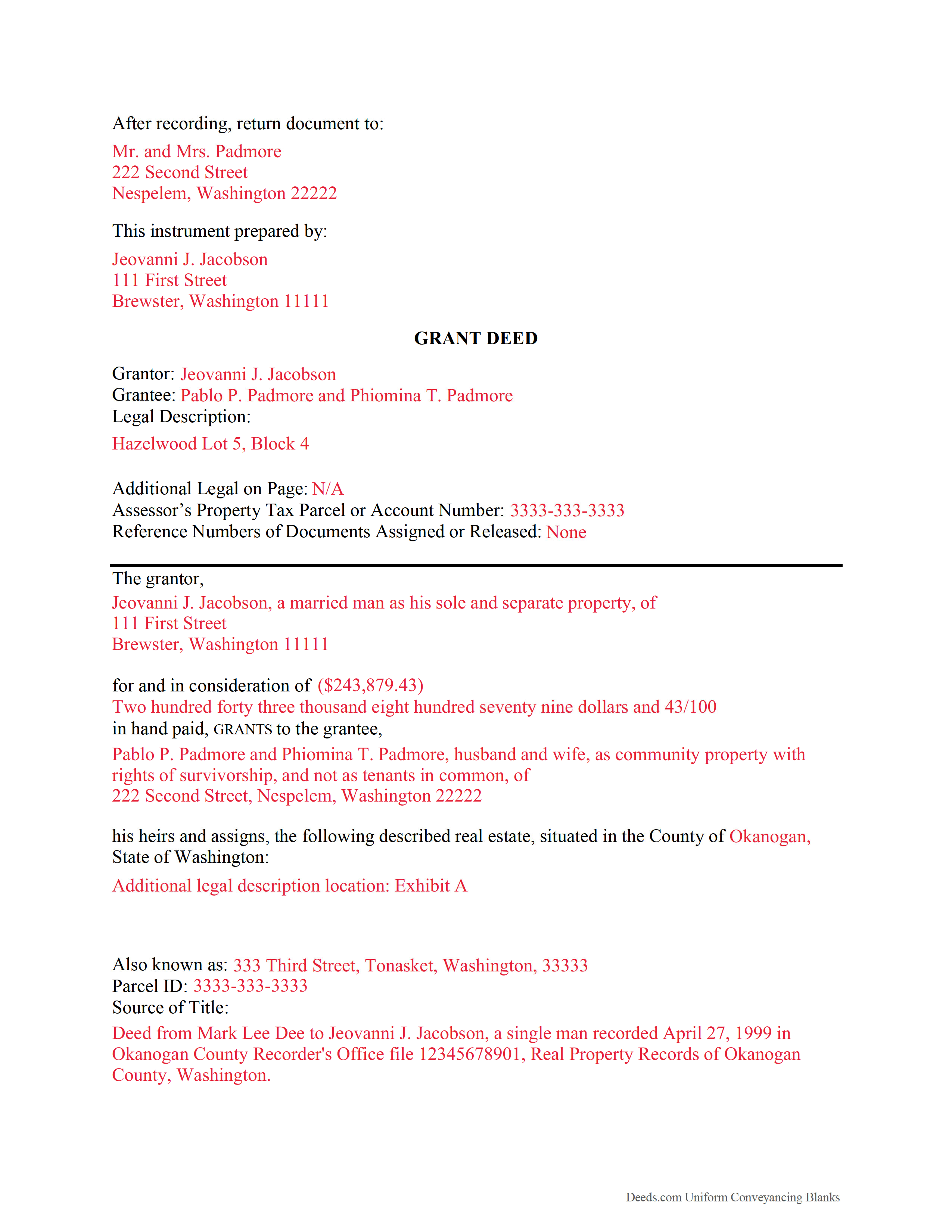
Stevens County Completed Example of the Grant Deed Document
Example of a properly completed form for reference.
All 3 documents above included • One-time purchase • No recurring fees
Immediate Download • Secure Checkout
Additional Washington and Stevens County documents included at no extra charge:
Where to Record Your Documents
Stevens County Auditor: Recording
Colville, Washington 99114
Hours: Monday through Friday 8:00am – 4:30pm
Phone: (509) 684-7512
Recording Tips for Stevens County:
- Bring your driver's license or state-issued photo ID
- Ensure all signatures are in blue or black ink
- Request a receipt showing your recording numbers
- Ask about accepted payment methods when you call ahead
- Ask for certified copies if you need them for other transactions
Cities and Jurisdictions in Stevens County
Properties in any of these areas use Stevens County forms:
- Addy
- Chewelah
- Clayton
- Colville
- Evans
- Ford
- Fruitland
- Gifford
- Hunters
- Kettle Falls
- Loon Lake
- Marcus
- Northport
- Rice
- Springdale
- Tumtum
- Valley
- Wellpinit
Hours, fees, requirements, and more for Stevens County
How do I get my forms?
Forms are available for immediate download after payment. The Stevens County forms will be in your account ready to download to your computer. An account is created for you during checkout if you don't have one. Forms are NOT emailed.
Are these forms guaranteed to be recordable in Stevens County?
Yes. Our form blanks are guaranteed to meet or exceed the applicable formatting requirements used for recording in Stevens County, including margin requirements, font requirements, and other layout standards. This guarantee applies to formatting, not to the legal sufficiency of information entered by the user or the suitability of a form for a particular transaction.
Can I reuse these forms?
Yes. You can reuse the forms for your personal use. For example, if you have multiple properties in Stevens County you only need to order once.
What do I need to use these forms?
The forms are PDFs that you fill out on your computer. The free Adobe Acrobat Reader is recommended, and most PDF apps also work. You do NOT enter your property information online - you download the blank forms and complete them privately on your own computer.
Are there any recurring fees?
No. This is a one-time purchase. Nothing to cancel, no memberships, no recurring fees.
How much does it cost to record in Stevens County?
Recording fees in Stevens County vary. Contact the recorder's office at (509) 684-7512 for current fees.
Questions answered? Let's get started!
In Washington State, title to real property can be transferred from one party to another using a grant deed. Use a grant deed to transfer title with assurances that the grantor has not previously conveyed the estate and that he or she has not encumbered the property, except for any restrictions noted in the deed. The word "grant" typically signifies a grant deed, but it is not a statutory form in Washington.
Grant deeds offer the buyers (grantees) more protection than quitclaim deeds, but less than warranty deeds. A grant deed differs from a quitclaim deed in that the latter offers no warranty of title, and only conveys an interest that the grantor may have in the subject estate. Grant deeds, on the other hand, contain the implicit assurance that the grantor has actual rights to the title, as well as the authority to transfer those rights to someone else.
In addition to meeting all state and local standards for recorded documents, lawful grant deeds include the grantor's full name, mailing address, and marital status, the consideration given for the transfer, and the grantee's full name, mailing address, marital status, and vesting. Vesting describes how the grantee holds title to the property. Generally, real property is titled in either sole ownership or in co-ownership. For Washington residential property, the primary methods for co-owners holding title are tenancy in common, joint tenancy, and community property. A conveyance of real estate to two or more persons creates a tenancy in common, unless a joint tenancy is declared (RCW 64-28-010). A conveyance to a married couple is presumed to be community property, unless declared otherwise (RCW 64-28-020, 64-28-040).
As with any conveyance of realty, a grant deed requires a complete legal description of the parcel. In Washington, an abbreviated legal description of the property must appear on the first page of the instrument. If the full legal description appears elsewhere in the deed, its located should be indicated on the first page (RCW 65-04-045).
Recite the prior deed reference to maintain a clear chain of title, and detail any restrictions associated with the property. The completed deed must be signed by the grantor (and his or her spouse, if applicable) and notarized. Record the original completed deed, along with any additional materials, at the recorder/auditor's office of the county where the property is located. Contact the same office to verify recording fees and accepted forms of payment.
In Washington, real estate excise tax is levied based on the amount of consideration. If the transfer is exempt from the excise tax, denote the reason for the exemption on the face of the deed. Find a list of exempt transfers at RCW 458-61A-200 through 217.
This article is provided for informational purposes only and is not a substitute for the advice of an attorney. Contact an attorney with any questions related to the transfer of real property in Washington.
(Washington Grant Deed Package includes form, guidelines, and completed example)
Important: Your property must be located in Stevens County to use these forms. Documents should be recorded at the county recording office listed above.
This Grant Deed meets all recording requirements specific to Stevens County.
Our Promise
The documents you receive here are guaranteed to meet or exceed the applicable Stevens County recording format requirements. If there is a rejection caused by our formatting, we will correct the issue or refund your payment. This guarantee applies to document formatting only and does not extend to information entered by the user, the selection of the form, or the legal effect of the completed document.
Save Time and Money
Get your Stevens County Grant Deed form done right the first time with Deeds.com Uniform Conveyancing Blanks. At Deeds.com, we understand that your time and money are valuable resources, and we don't want you to face a penalty fee or rejection imposed by a county recorder for submitting nonstandard documents. We constantly review and update our forms to meet rapidly changing state and county recording requirements for roughly 3,500 counties and local jurisdictions.
4.8 out of 5 - ( 4,864 Reviews )
barbara s. 5 out of 5 stars
I was in a rush to record a quit claim deed, however due to covid 19 Miami dade county recorders office are not open to public. According to staff I would have to mail in the quit claim deed and wait approximately two weeks for the deed to get recorded. Thanks to Deeds.com I got my document recorded in less than one day. You guys are awesome, I will use this company anytime I need something like this again. Very reliable.
We appreciate your business and value your feedback. Thank you. Have a wonderful day!
oscar r. 5 out of 5 stars
VERY MUCH HELPFUL SAVED ME 600 on not having to hire attorney
Thank you!
Barbara B. 5 out of 5 stars
A great help! Thank you.
Thank you!
Gordon W. 5 out of 5 stars
Nice forms but it sure would have been nice to be able to at least print the guide and the example so that I don't spend all of my time bouncing back and forth between windows on a laptop.
Thank you for your feedback. We really appreciate it. Have a great day!
Russell B. 5 out of 5 stars
complete package as promised at a very reasonable cost. Easy forms to complete. Thank you. Definitely 5 stars!!!
Thank you for your feedback. We really appreciate it. Have a great day!
Herman B. 5 out of 5 stars
Special Warranty Deed I can't seem to type all my info in the blank spaces. It won't allow me to type any more. Maybe you should consider either allowing typists to type more (leaving more space) or allowing more room to type more.
Thank you!
DEBBY G. 5 out of 5 stars
I was so confused on how to complete the form. But I followed the instructions and used the example and got it done.
Thank you for your feedback. We really appreciate it. Have a great day!
RONDA S. 5 out of 5 stars
I just love this site!
Thank you!
Cheryl M. 5 out of 5 stars
Easy.
Thank you!
Beata K. 5 out of 5 stars
Loved it! Extremely easy to use. Quick and efficient. I was able to officially record my documents within a day.
We appreciate your business and value your feedback. Thank you. Have a wonderful day!
John V. 5 out of 5 stars
getting the proper forms was easy--filling them out, not so much
Thank you!
Thomas D. 2 out of 5 stars
The documents themselves are fine and the information provided with them is helpful. I find the actual processing of the documents, however, to be difficult particularly once the document has been saved. First, I note that the box for the date only allows entry of the last 2 digits of the year. Unfortunately, my download only allows me to enter one of the 2 digits required. When I delete it repeatedly, it eventually allows both digits to be entered but puts them in extremely small text and in superscrypt. I have not found a solution to this problem and am not sure the deed can even be recorded with this problem. Another problem is that if you try to revise the document after you have saved it the curser goes to the end of the line after each key entry. This means that there basically is no way to efficiently save the document for reworking later since you will have to delete everything you have entered in the text box unless you only need to make a single keystroke change or are willing to replace the curser after each entry. Try that with a long property description! Please note that I am using a Mac to prepare my documents and perhaps this is part of an "incompatibility problem". However, I didn't see a disclaimer regarding Mac use and so would expect the documents to perform correctly. Overall, I give the program a "2 star" rating because I am experiencing significant difficulties in entering dates in the documents even before saving them and because saving your work for later revision appears to be basically unworkable.
Thank you for your feedback Thomas, we appreciate you being specific about the issues you encountered. Adobe and Mac have a fairly long history of issues working together.
crystal l. 5 out of 5 stars
Another legal professional directed me to this site. The best advice I've received from the legal profession! Forms were instantly available, easily printed & exactly what I needed at a cost that was more than affordable!! I will definitely be back again!!
Thank you Crystal and please thank your associate for us. Have a fantastic day!
Jose F. 5 out of 5 stars
When I found this website, I was confused and hesitant to use this website to submit paperwork that needed to be submitted to the Clerks of Courts in Miami. I am glad I decided to go through with it. It was the easiest process I have encountered even with working with the City. Highly recommend as it is super easy to use and received that everything was approved and recorded in two working days. Thank you so much for bringing my stress level lower as many uncertainties of how to process my paperwork. Will use it again to finish my project as the City continues to not accept walk ins. Thank you so much.
So glad we were able help Jose, have a amazing day!
Brenda D. 5 out of 5 stars
Very easy to use once I found it.
Thank you!