Jefferson County Mechanics Lien Notice to Customer Form
Last validated September 18, 2026 by our Forms Development TeamFormatted for recording in Jefferson County, for property anywhere in the county: rural and unincorporated areas as well as Brinnon, Chimacum, Nordland, Port Hadlock, Port Ludlow, Port Townsend, Quilcene.
- 3 documents included
- Immediate PDF download
- Formatting guarantee
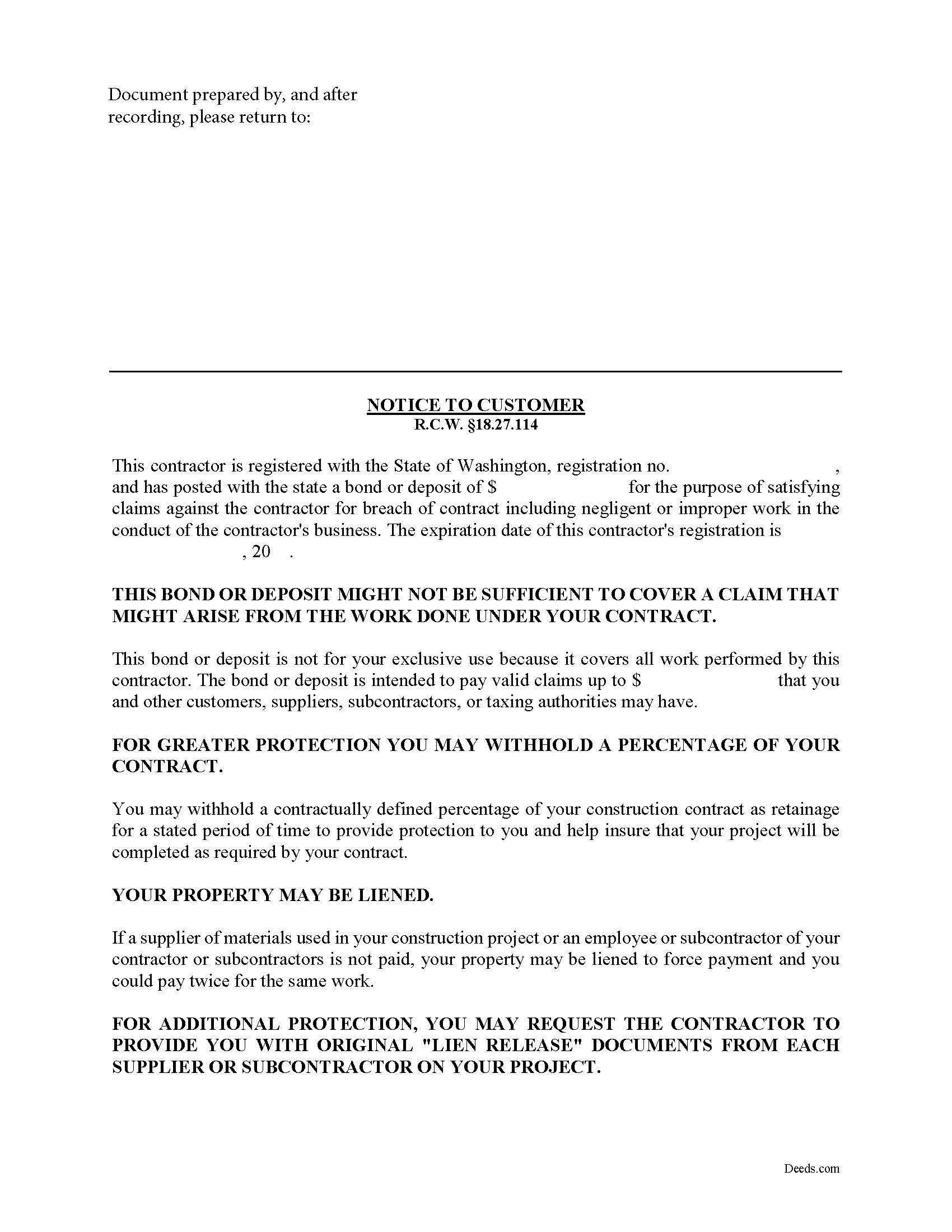
Jefferson County Notice to Customer Form
Fill in the blank form formatted to comply with all recording and content requirements.
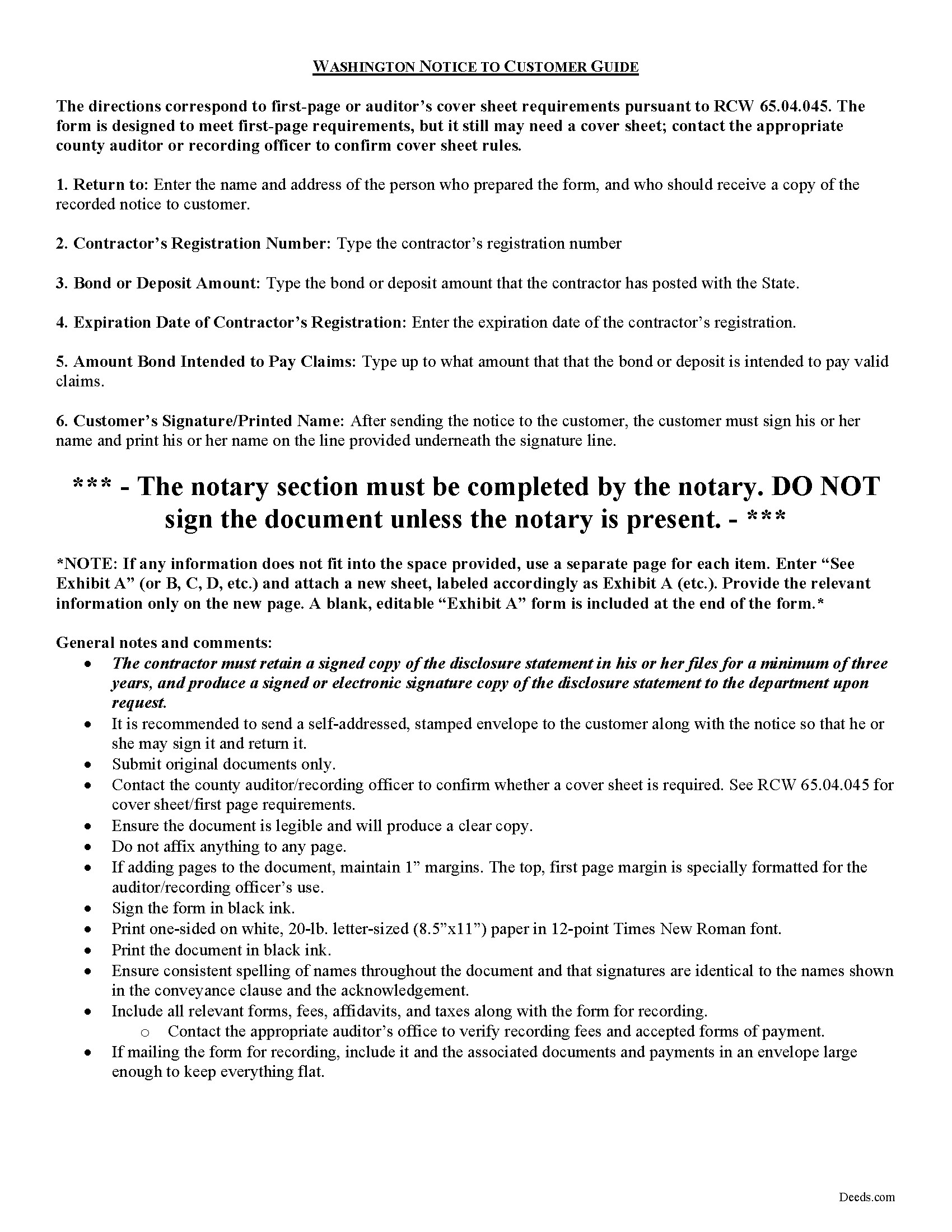
Jefferson County Notice to Customer Guide
Line by line guide explaining every blank on the form.
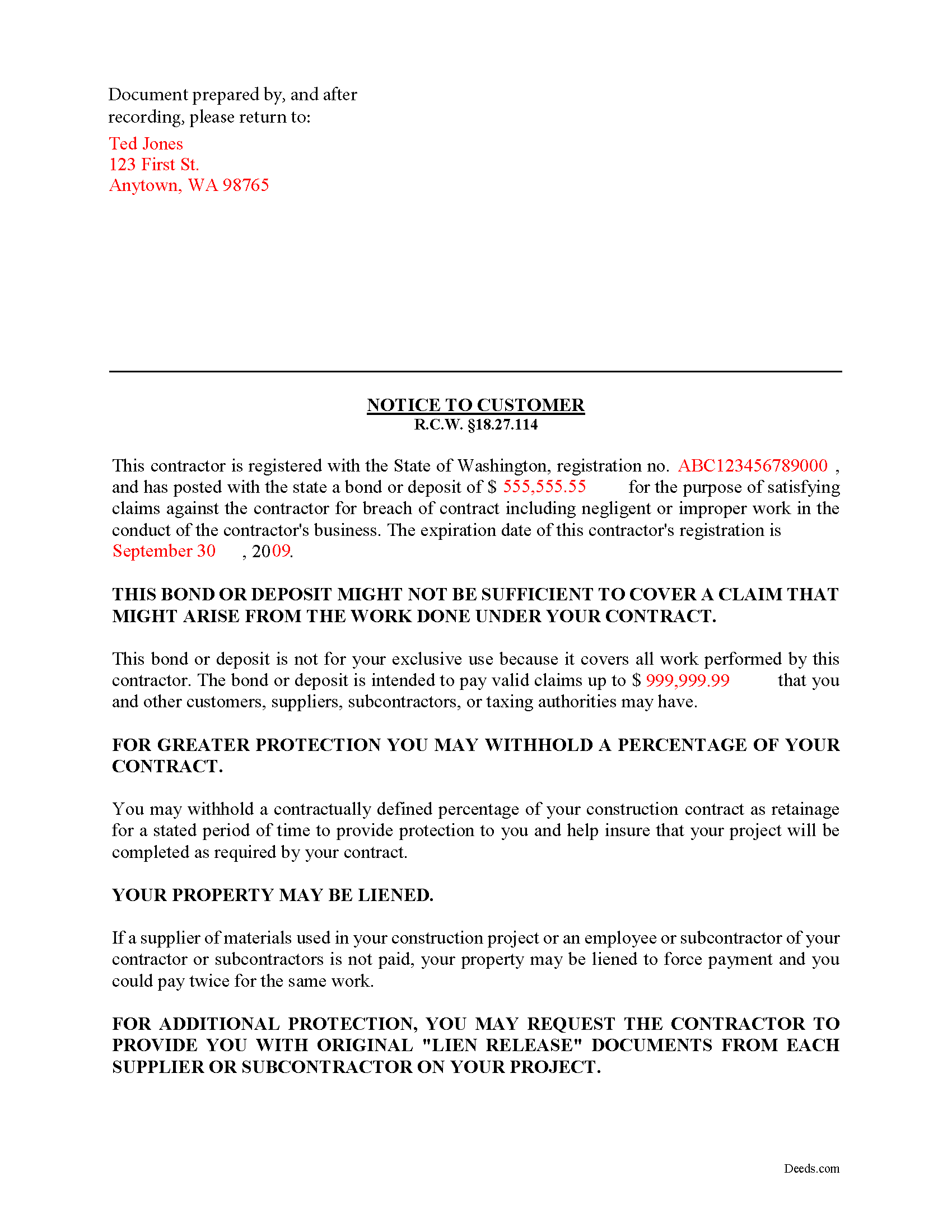
Jefferson County Completed Example of the Notice to Customer Document
Example of a properly completed form for reference.
All 3 documents above included • One-time purchase • No recurring fees
Immediate Download • Secure Checkout
Additional Washington and Jefferson County documents included at no extra charge:
Where to Record Your Documents
Jefferson County Auditor: Recording
Port Townsend, Washington 98368
Hours: 8:30 to 4:30 M-F
Phone: (360) 385-9116
Recording Tips for Jefferson County:
- Bring your driver's license or state-issued photo ID
- Ensure all signatures are in blue or black ink
- Leave recording info boxes blank - the office fills these
- Make copies of your documents before recording - keep originals safe
- Recorded documents become public record - avoid including SSNs
Cities and Jurisdictions in Jefferson County
Properties in any of these areas use Jefferson County forms:
- Brinnon
- Chimacum
- Nordland
- Port Hadlock
- Port Ludlow
- Port Townsend
- Quilcene
Hours, fees, requirements, and more for Jefferson County
How do I get my forms?
Forms are available for immediate download after payment. The Jefferson County forms will be in your account ready to download to your computer. An account is created for you during checkout if you don't have one. Forms are NOT emailed.
Are these forms guaranteed to be recordable in Jefferson County?
Yes. Our form blanks are guaranteed to meet or exceed the applicable formatting requirements used for recording in Jefferson County, including margin requirements, font requirements, and other layout standards. This guarantee applies to formatting, not to the legal sufficiency of information entered by the user or the suitability of a form for a particular transaction.
Can I reuse these forms?
Yes. You can reuse the forms for your personal use. For example, if you have multiple properties in Jefferson County you only need to order once.
What do I need to use these forms?
The forms are PDFs that you fill out on your computer. The free Adobe Acrobat Reader is recommended, and most PDF apps also work. You do NOT enter your property information online - you download the blank forms and complete them privately on your own computer.
Are there any recurring fees?
No. This is a one-time purchase. Nothing to cancel, no memberships, no recurring fees.
How much does it cost to record in Jefferson County?
Recording fees in Jefferson County vary. Contact the recorder's office at (360) 385-9116 for current fees.
Questions answered? Let's get started!
Notice to Customer -- When are disclosure statements needed?
Any contractor agreeing to perform any contracting project for the repair, alteration, or construction of four or fewer residential units (or accessory structures) on a residential property when the bid or contract price totals $1,000 or more must provide the customer with a disclosure statement. In addition, a disclosure statement must be provided when a contract agrees to perform the repair, alteration, or construction of a commercial building when the bid or contract price totals $1,000 or more but is less than $60,000. R.C.W. 18.27.114(1).
The notice is an important step in the mechanic's lien process because no contractor may bring or maintain any lien claim based on any contract without first alleging and proving that the contractor has provided the customer with a copy of the disclosure statement. R.C.W. 18.27.114(4).
The notice contains the following information for the customer's knowledge: (1) the contractor's registration number, (2) the bond or deposit amount posted with the state, (3) the expiration date of the contractor's registration, and (4) the amount up to which the bond is intended to pay any claims. Id.
After sending the notice to the customer The contractor must retain a signed copy of the disclosure statement in his or her files for a minimum of three years. The contractor must also produce a signed or electronic signature copy of the disclosure statement to the department upon request. R.C.W. 18.27.114(2).
If the contractor's registration has expired or has been revoked or suspended by the department prior to completion or other termination of the contract with the consumer, the contractor must notify any consumer to whom notice is required. R.C.W. 18.27.114(3).
This article is provided for informational purposes only and should not be relied upon as a substitute for the advice of an attorney. If you have any questions about the notice to customer document, please consult with a Washington attorney.
Important: Your property must be located in Jefferson County to use these forms. Documents should be recorded at the county recording office listed above.
This Mechanics Lien Notice to Customer meets all recording requirements specific to Jefferson County.
Our Promise
The documents you receive here are guaranteed to meet or exceed the applicable Jefferson County recording format requirements. If there is a rejection caused by our formatting, we will correct the issue or refund your payment. This guarantee applies to document formatting only and does not extend to information entered by the user, the selection of the form, or the legal effect of the completed document.
Save Time and Money
Get your Jefferson County Mechanics Lien Notice to Customer form done right the first time with Deeds.com Uniform Conveyancing Blanks. At Deeds.com, we understand that your time and money are valuable resources, and we don't want you to face a penalty fee or rejection imposed by a county recorder for submitting nonstandard documents. We constantly review and update our forms to meet rapidly changing state and county recording requirements for roughly 3,500 counties and local jurisdictions.
4.8 out of 5 - ( 4,839 Reviews )
kevin d. 5 out of 5 stars
the quitclaim form worked well with the Nevada Recorders office. Tried other vendors, theirs were rejected.
We appreciate your business and value your feedback. Thank you. Have a wonderful day!
STACIA V. 4 out of 5 stars
I filled out the forms that were somewhat easy. I was surprised that it was recorded by the county recording office. I just hope that it really worked. I think it did. I will find out later this year.
Thank you!
RICHARD M. 5 out of 5 stars
After a little glitch due to heavy volume at the County Recorder, my document was recorded. County Recorder was closed to public access at the office (due to the coronavirus issues) so all documents were either mailed to them or sent in electronically. Deeds.com was very efficient at their end with very quick responses to my questions and concerns. I would definitely use their services again.
Thank you for your feedback. We really appreciate it. Have a great day!
Rocio G. 5 out of 5 stars
Better than in person service, I recommend this service 100%.
We appreciate your business and value your feedback. Thank you. Have a wonderful day!
Griselle M. 5 out of 5 stars
This is my third time using Deeds.com and they don't disappoint. Their customer service is outstanding - absolutely excellent - via messages, I communicated with them immediately and 24/7 - on weekends and at night. I would not even try another service as they provide excellence which is so rare these days.
We appreciate your business and value your feedback. Thank you. Have a wonderful day!
Joseph R. 5 out of 5 stars
Wonderful service! Things changed for me on my side and the company saw this and closed my account with ease.
Thank you!
Sandra M. 5 out of 5 stars
The forms were easy to use but there was a software issue that made it impossible to get the county name to appear on the form in the correct place. It made the deed look a little sloppy
Thank you!
Randal R. 5 out of 5 stars
While disappointed that my request could not be filled, I understand the issue, and appreciate the attempt and the responsiveness. I certainly will be back if the occasion arises!
Thank you!
nancy h. 5 out of 5 stars
Once I figured out what I wanted it was great!
Thank you Nancy.
Martin E. 5 out of 5 stars
documents and guidance need to properly comply with court
Thank you!
Bakul W. 5 out of 5 stars
You guys did a great job for us yday. With the strim coming and the registry being closed to visitors I didn't know how I was going to get my work done and I found your website and in less than a day everything was done. Thank you.
Thank you!
John W. 2 out of 5 stars
You charge too much for a form. Your business model is shortsighted. I would not try to use your service again. You got $20 from me this once, but I would try very hard to not use your service again. Your model does not encourage serial or professional usage.
Thank you for your feedback John. We do wish that you had decided our product was too expensive prior to purchasing and using so that there was no remorse. Have a wonderful day.
Warren R. 4 out of 5 stars
Nice service at a fair price. Website is not very user oriented. Messages accumulate in the messages area but are not emailed to the client. If you used the service regularly, it would be more understandable but for a first time or occasional user, the site can be time consuming.
Thank you!
Amanda P. 5 out of 5 stars
Quick kind and useful feedback provided related to issues.
We appreciate your business and value your feedback. Thank you. Have a wonderful day!
Rosa D. 5 out of 5 stars
Obtaining a quick claim deed from this website was easy and friendly I must say. Thank you so much.
Thank you for your feedback. We really appreciate it. Have a great day!