Jefferson County Transfer on Death Affidavit Form
Last validated November 25, 2026 by our Forms Development TeamFormatted for recording in Jefferson County, for property anywhere in the county: rural and unincorporated areas as well as Brinnon, Chimacum, Nordland, Port Hadlock, Port Ludlow, Port Townsend, Quilcene.
- 3 documents included
- Immediate PDF download
- Formatting guarantee
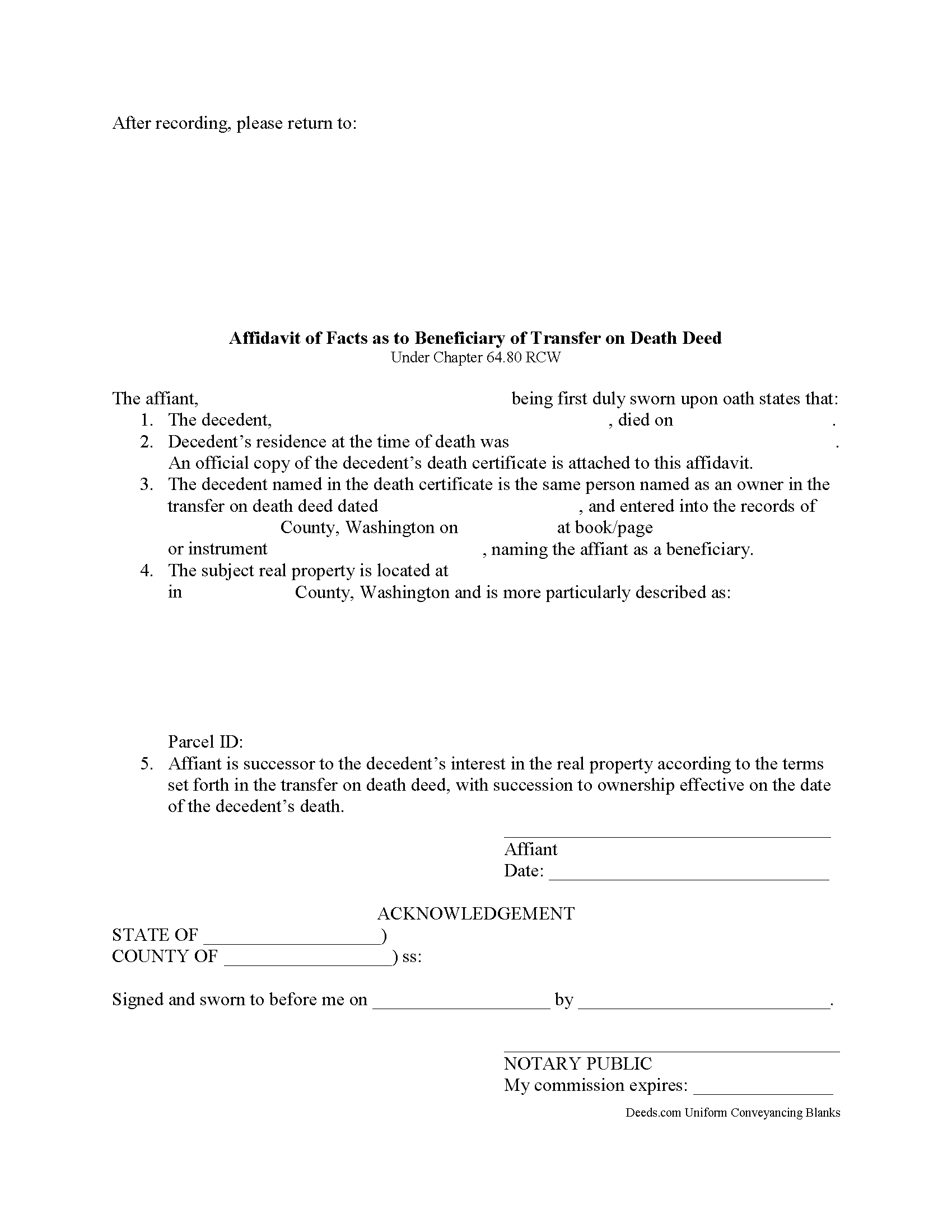
Jefferson County Transfer on Death Affidavit Form
Fill in the blank form formatted to comply with all recording and content requirements.
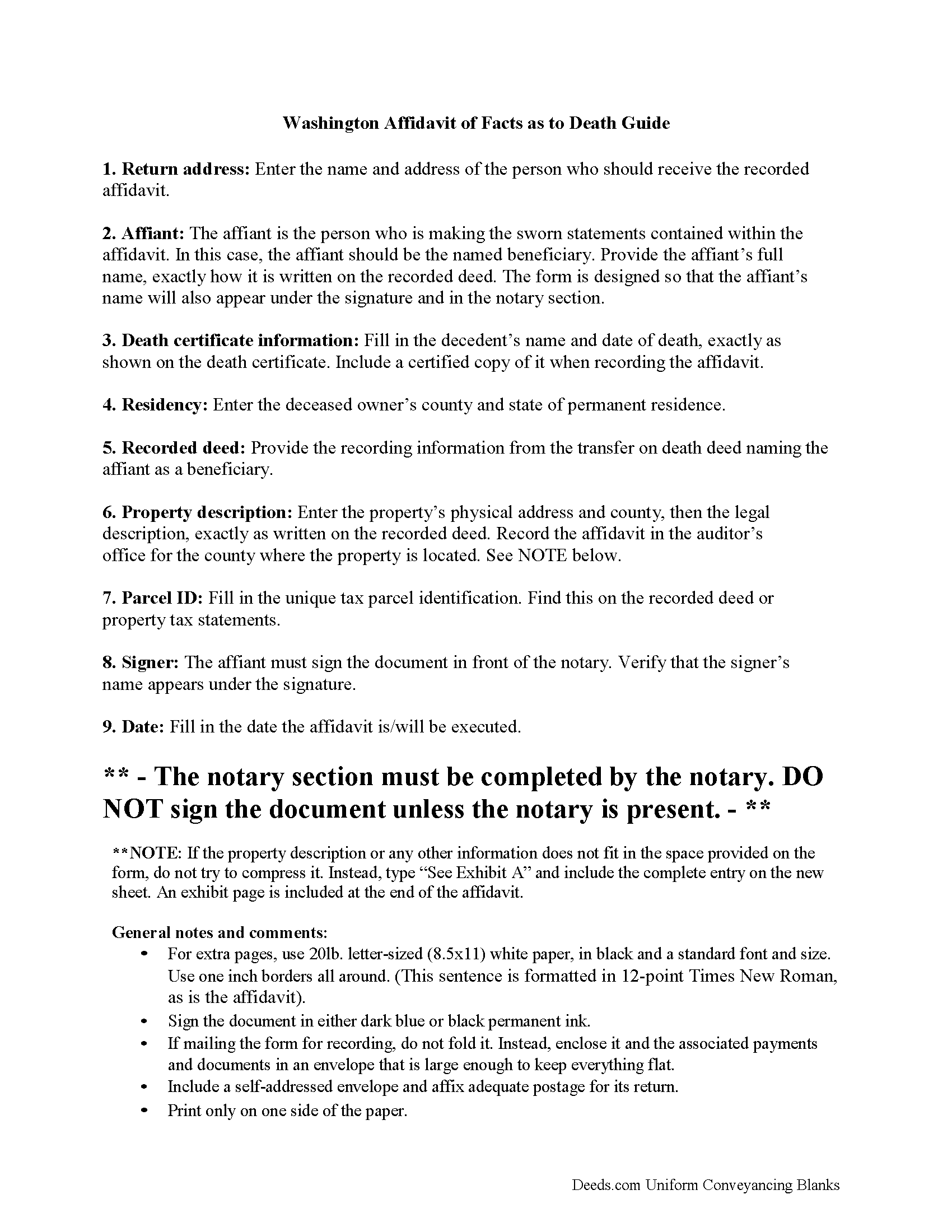
Jefferson County Transfer on Death Affidavit Guide
Line by line guide explaining every blank on the form.
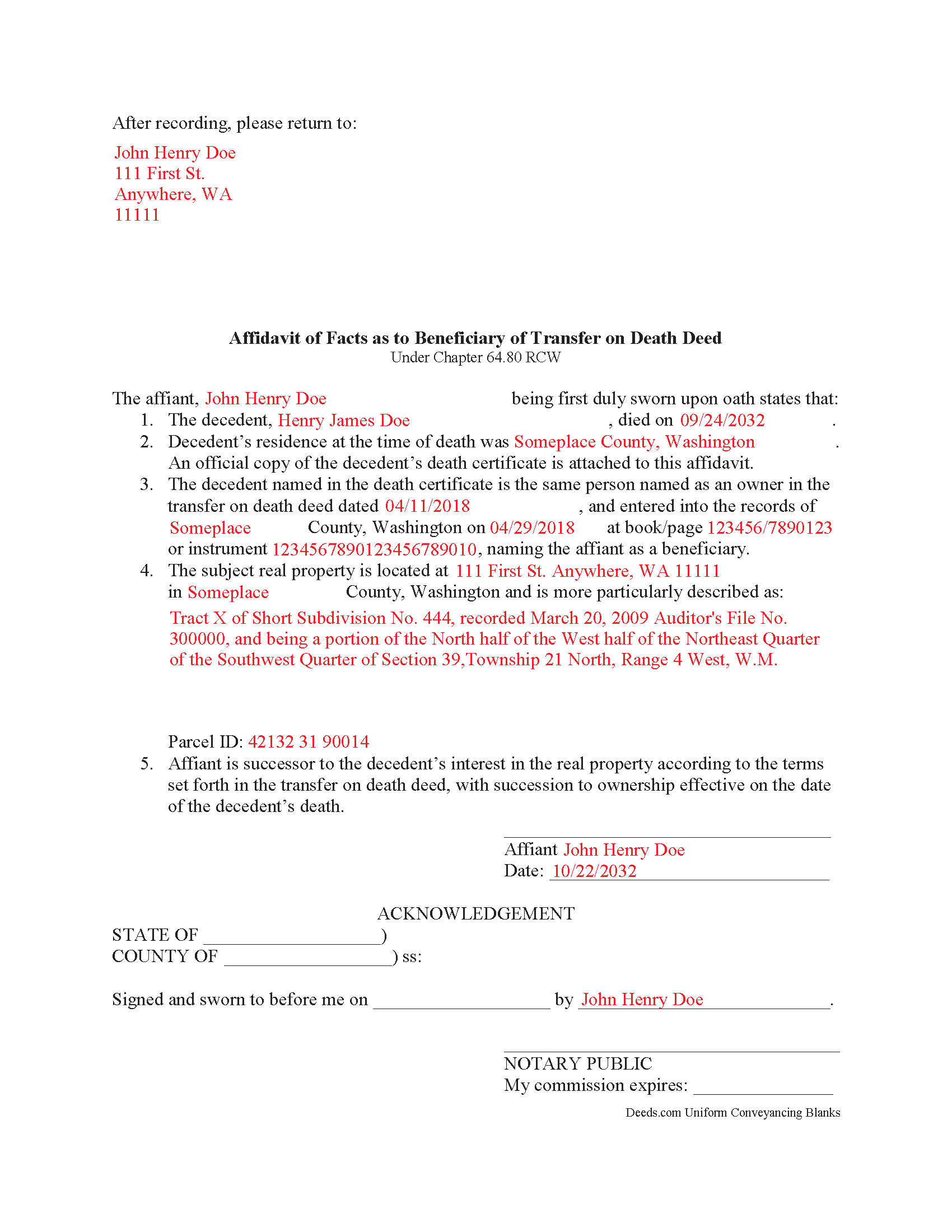
Jefferson County Completed Example of the Transfer on Death Affidavit Document
Example of a properly completed form for reference.
All 3 documents above included • One-time purchase • No recurring fees
Immediate Download • Secure Checkout
Additional Washington and Jefferson County documents included at no extra charge:
Where to Record Your Documents
Jefferson County Auditor: Recording
Port Townsend, Washington 98368
Hours: 8:30 to 4:30 M-F
Phone: (360) 385-9116
Recording Tips for Jefferson County:
- Bring your driver's license or state-issued photo ID
- Ensure all signatures are in blue or black ink
- Check that your notary's commission hasn't expired
- Documents must be on 8.5 x 11 inch white paper
- Double-check legal descriptions match your existing deed
Cities and Jurisdictions in Jefferson County
Properties in any of these areas use Jefferson County forms:
- Brinnon
- Chimacum
- Nordland
- Port Hadlock
- Port Ludlow
- Port Townsend
- Quilcene
Hours, fees, requirements, and more for Jefferson County
How do I get my forms?
Forms are available for immediate download after payment. The Jefferson County forms will be in your account ready to download to your computer. An account is created for you during checkout if you don't have one. Forms are NOT emailed.
Are these forms guaranteed to be recordable in Jefferson County?
Yes. Our form blanks are guaranteed to meet or exceed the applicable formatting requirements used for recording in Jefferson County, including margin requirements, font requirements, and other layout standards. This guarantee applies to formatting, not to the legal sufficiency of information entered by the user or the suitability of a form for a particular transaction.
Can I reuse these forms?
Yes. You can reuse the forms for your personal use. For example, if you have multiple properties in Jefferson County you only need to order once.
What do I need to use these forms?
The forms are PDFs that you fill out on your computer. The free Adobe Acrobat Reader is recommended, and most PDF apps also work. You do NOT enter your property information online - you download the blank forms and complete them privately on your own computer.
Are there any recurring fees?
No. This is a one-time purchase. Nothing to cancel, no memberships, no recurring fees.
How much does it cost to record in Jefferson County?
Recording fees in Jefferson County vary. Contact the recorder's office at (360) 385-9116 for current fees.
Questions answered? Let's get started!
Transferring a Washington Real Estate Title to a Transfer on Death Beneficiary
The Revised Statutes of Washington set out the rules for transfer on death deeds at Chapter 64.80. Property transferred in this way is not passed in a will; instead, the named beneficiary's share is conveyed as a function of law, but not until after the property owner dies.
To perfect the title, RCW 82.45.197(7) discusses recording a certified copy of the owner's death certificate. Otherwise, the deceased owner's name would remain on the title. This inaccuracy can create confusion during a title search and slow down the transfer process. In addition, outdated information might interfere with property tax billing, possibly leading to fees and/or penalties.
By executing and recording an affidavit of facts as to death to accompany the death certificate the beneficiary can clarify the intended outcome of the transfer. This action keeps property records up-to-date, verifies interests and rights to the title, and ensures smoother transfers in the future.
Each circumstance is unique, so please contact an attorney with questions or for complex situations.
(Washington TODA Package includes form, guidelines, and completed example)
Important: Your property must be located in Jefferson County to use these forms. Documents should be recorded at the county recording office listed above.
This Transfer on Death Affidavit meets all recording requirements specific to Jefferson County.
Our Promise
The documents you receive here are guaranteed to meet or exceed the applicable Jefferson County recording format requirements. If there is a rejection caused by our formatting, we will correct the issue or refund your payment. This guarantee applies to document formatting only and does not extend to information entered by the user, the selection of the form, or the legal effect of the completed document.
Save Time and Money
Get your Jefferson County Transfer on Death Affidavit form done right the first time with Deeds.com Uniform Conveyancing Blanks. At Deeds.com, we understand that your time and money are valuable resources, and we don't want you to face a penalty fee or rejection imposed by a county recorder for submitting nonstandard documents. We constantly review and update our forms to meet rapidly changing state and county recording requirements for roughly 3,500 counties and local jurisdictions.
4.8 out of 5 - ( 4,867 Reviews )
Anthony G. 5 out of 5 stars
I have only used the service on one occasion but so far it has been great. Extremely simple to use.
We appreciate your business and value your feedback. Thank you. Have a wonderful day!
Michael S. 5 out of 5 stars
Recording a Warranty Deed with Mohave County AZ was easy and efficient by using Deeds.com. I will be using their service for all of my e-filing going forward. Thank you Deeds.com!!!!
We are delighted to have been of service. Thank you for the positive review!
Jana C H. 5 out of 5 stars
Form was the one I needed and the instructions along with a sample form was all I needed.
We appreciate your business and value your feedback. Thank you. Have a wonderful day!
Tamara H. 5 out of 5 stars
Absolutely awesome! Quick, easy and efficient. I will definitely be using again!
Thank you Tamara. We really appreciate you taking the time to leave your comments. Have an amazing day!
Cindy A. 5 out of 5 stars
Needed a deed and the form provided with example and guide were of the most help. Thank you
Thank you, Cindy! We’re so glad the form, example, and guide were helpful in getting your deed taken care of. We appreciate your feedback!
James S. 4 out of 5 stars
It worked great. But it turns out I didn't need it.
Thank you!
Ethan N. 5 out of 5 stars
Quick, responsive service always!! Preferred way to record documents. Thanks Deeds.com!!
Thank you!
Howard W. 5 out of 5 stars
easy to use,inexpensive
Thank you — we appreciate you taking the time to leave a review.
Willaim B. 5 out of 5 stars
Love Deeds.com They have saved me so much time. Prompt responds to all my questions. Highly recommend
Thank you for choosing our service. We appreciate your review.
David C. 5 out of 5 stars
I needed to file an affidavit of succession. I downloaded the forms and filled in the blanks. The instructions and example sheet were very helpful. I got the paper recorded with the county today and all went smoothly. Good product.
Thank you for your feedback. We really appreciate it. Have a great day!
Shirley S. 3 out of 5 stars
Laborious process to gain access; need to indicate PRIINT when complete and inform that if page is backspaced, entered info disappears, necessitating starting all over again. There is only one “A” provision, when some documents have several more. Space is too limited in some instances to provide what is necessary for recording. Thank you
Your feedback is valuable to us and helps us improve. Thank you for sharing your thoughts!
Timothy K. 5 out of 5 stars
Great company to work with, quick responses.
We appreciate your business and value your feedback. Thank you. Have a wonderful day!
Angela W. 5 out of 5 stars
All went well.
Thank you for your feedback. We really appreciate it. Have a great day!
Gertrude M. 5 out of 5 stars
Rating 5 stars
Thank you!
john m. 5 out of 5 stars
its a bit confusing for a novice computer user. I would prefer to print out the forms, fill them out on paper, then attach them to an email to discuss the accuracy of the forms with a friend, and then take the completed forms to the County office to be recorded
Thank you for your feedback. We really appreciate it. Have a great day!