Pocahontas County Easement Deed Form
Last validated October 7, 2026 by our Forms Development TeamFormatted for recording in Pocahontas County, for property anywhere in the county: rural and unincorporated areas as well as Arbovale, Bartow, Buckeye, Cass, Dunmore, Durbin, Green Bank, Hillsboro and 3 more.
- 4 documents included
- Immediate PDF download
- Formatting guarantee
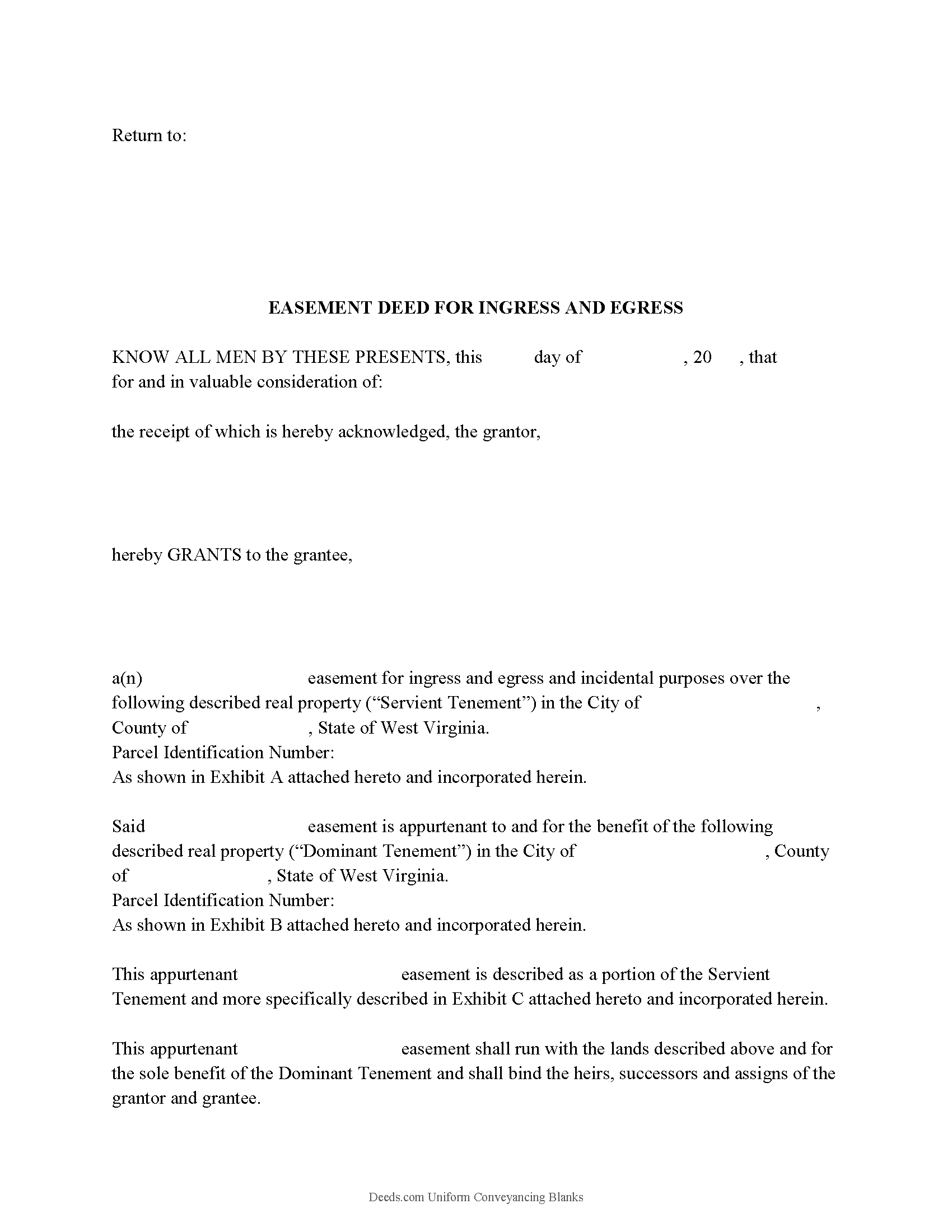
Pocahontas County Easement Deed Form
Fill in the blank form formatted to comply with all recording and content requirements.
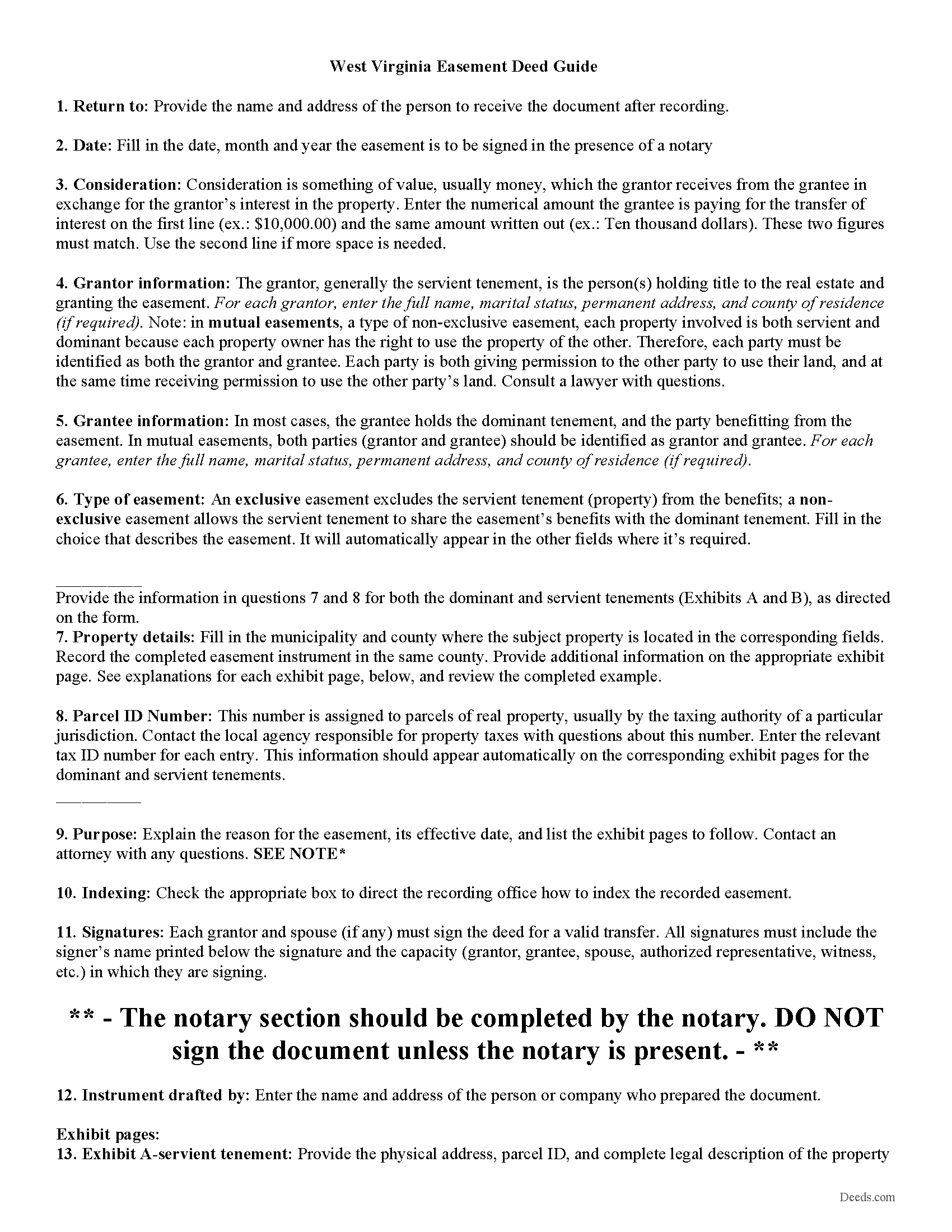
Pocahontas County Easement Deed Guide
Line by line guide explaining every blank on the form.
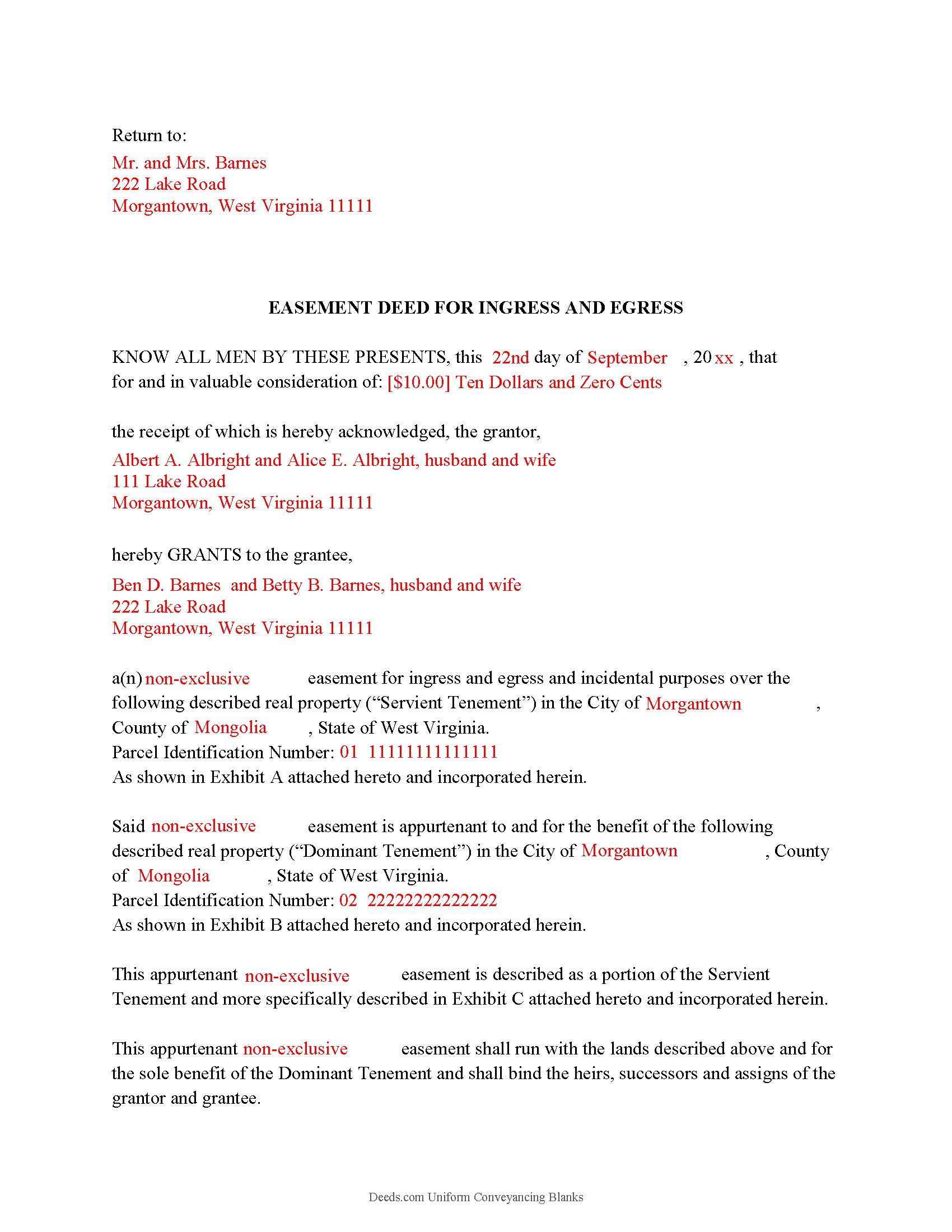
Pocahontas County Completed Example of the Easement Deed Document
Example of a properly completed West Virginia Easement Deed document for reference.
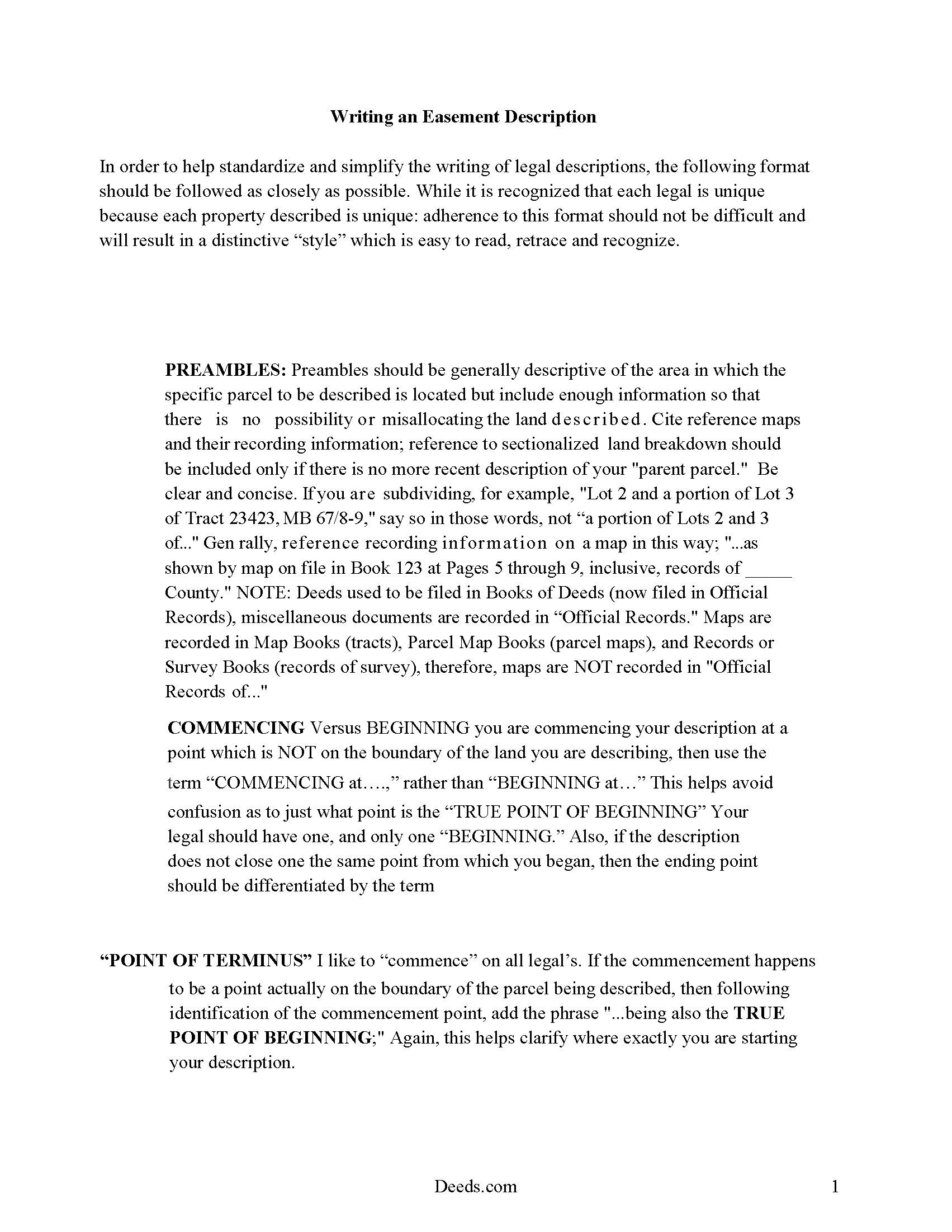
Pocahontas County Guide to writing an Easement Description
A Description of the Easement will be required. This will show how to write an acceptable description for a Right of Way Easement, which gives access, to and from - point A to point B.
All 4 documents above included • One-time purchase • No recurring fees
Immediate Download • Secure Checkout
Additional West Virginia and Pocahontas County documents included at no extra charge:
Where to Record Your Documents
County of Pocahontas
Marlinton, West Virginia 24954-1333
Hours: 8:30 to 4:30 M-F
Phone: (304) 799-4549
Recording Tips for Pocahontas County:
- Bring your driver's license or state-issued photo ID
- Ensure all signatures are in blue or black ink
- Request a receipt showing your recording numbers
- Ask about accepted payment methods when you call ahead
- Ask for certified copies if you need them for other transactions
Cities and Jurisdictions in Pocahontas County
Properties in any of these areas use Pocahontas County forms:
- Arbovale
- Bartow
- Buckeye
- Cass
- Dunmore
- Durbin
- Green Bank
- Hillsboro
- Marlinton
- Slatyfork
- Snowshoe
Hours, fees, requirements, and more for Pocahontas County
How do I get my forms?
Forms are available for immediate download after payment. The Pocahontas County forms will be in your account ready to download to your computer. An account is created for you during checkout if you don't have one. Forms are NOT emailed.
Are these forms guaranteed to be recordable in Pocahontas County?
Yes. Our form blanks are guaranteed to meet or exceed the applicable formatting requirements used for recording in Pocahontas County, including margin requirements, font requirements, and other layout standards. This guarantee applies to formatting, not to the legal sufficiency of information entered by the user or the suitability of a form for a particular transaction.
Can I reuse these forms?
Yes. You can reuse the forms for your personal use. For example, if you have multiple properties in Pocahontas County you only need to order once.
What do I need to use these forms?
The forms are PDFs that you fill out on your computer. The free Adobe Acrobat Reader is recommended, and most PDF apps also work. You do NOT enter your property information online - you download the blank forms and complete them privately on your own computer.
Are there any recurring fees?
No. This is a one-time purchase. Nothing to cancel, no memberships, no recurring fees.
How much does it cost to record in Pocahontas County?
Recording fees in Pocahontas County vary. Contact the recorder's office at (304) 799-4549 for current fees.
Questions answered? Let's get started!
An easement deed can be created to allow one person the right to use another's land for a specific purpose. An easement is a non-possessory interest in land. Unless an exception is made, every deed conveying real property in West Virginia will be construed to include all buildings, privileges, and appurtenances of every kind belonging to the lands conveyed (36-3-10). Any real estate deed or instrument in this state that initially grants or reserves an easement or right-of-way should describe the easement or right-of-way by metes and bounds, or by specification of the centerline of the easement, or by reference to an attached drawing or plat which may not require a survey (36-3-5a).
In order to be admitted to record in West Virginia, an easement deed must be signed by the grantor and acknowledged or proved by two witnesses (39-1-2). An easement deed must have a certificate of acknowledgment attached to the deed or written on it that has been made before the president of a county court, a justice of the peace, notary public, recorder, or clerk of any court within the United States (39-1-3). Easement deeds can be acknowledged in West Virginia or in another state. If an easement deed is acknowledged before a notary in a state other than West Virginia, the notary should certify the acknowledgment under his official seal (39-1-10).
Until an easement deed is recorded in the county where the property subject to the easement is located, the easement deed will be void as to creditors and subsequent purchasers for valuable consideration without notice (40-1-9). Any such deed that is duly admitted to record in one county where the real estate is located will be void as to creditors and purchasers in respect to other real estate in other counties until the deed is duly admitted to record in the county where other real estate may be situated (40-1-10).
(West Virginia ED Package includes form, guidelines, and completed example)
Important: Your property must be located in Pocahontas County to use these forms. Documents should be recorded at the county recording office listed above.
This Easement Deed meets all recording requirements specific to Pocahontas County.
Our Promise
The documents you receive here are guaranteed to meet or exceed the applicable Pocahontas County recording format requirements. If there is a rejection caused by our formatting, we will correct the issue or refund your payment. This guarantee applies to document formatting only and does not extend to information entered by the user, the selection of the form, or the legal effect of the completed document.
Save Time and Money
Get your Pocahontas County Easement Deed form done right the first time with Deeds.com Uniform Conveyancing Blanks. At Deeds.com, we understand that your time and money are valuable resources, and we don't want you to face a penalty fee or rejection imposed by a county recorder for submitting nonstandard documents. We constantly review and update our forms to meet rapidly changing state and county recording requirements for roughly 3,500 counties and local jurisdictions.
4.8 out of 5 - ( 4,828 Reviews )
Steve V. 5 out of 5 stars
This service is an amazing time saver. No more trips to the recorder's office. Well worth the service fee.
We are delighted to have been of service. Thank you for the positive review!
Warren R. 4 out of 5 stars
Nice service at a fair price. Website is not very user oriented. Messages accumulate in the messages area but are not emailed to the client. If you used the service regularly, it would be more understandable but for a first time or occasional user, the site can be time consuming.
Thank you!
Kevin M. 4 out of 5 stars
Thought I knew what I was doing but it turns out I was in way over my head. Thankfully customer service pointed me in the right direction to get the help I needed.
Glad to hear you are seeking the assistance you need. Have a wonderful day.
Peggy D. 5 out of 5 stars
Very helpful in finding the information for me. Quick response. Very easy to use the forms.
Thank you for your feedback. We really appreciate it. Have a great day!
Willie P. 5 out of 5 stars
got the forms needed plus all the information needed to fill them out.
We appreciate your business and value your feedback. Thank you. Have a wonderful day!
Traci M. 4 out of 5 stars
Deeds.com made it easy to obtain and download the deed form I needed - I will keep this account active!
Thanks, Traci. We’re glad the process was easy and that the forms worked well for you. We appreciate you staying with us.
Julia C. 5 out of 5 stars
Deeds.com was such a blessing in order for me to get something done that my lawyers could not get done. Transferring a mineral right from my deceased parents to me and my husband. The mineral company person I worked with went above and beyond helping me fill the paperwork out perfectly so that it had “right of survivorship” (and other things phrased properly) so that either my husband or I won’t have the issue I have had. Had it not been for deeds.com I don’t think I would have been able to complete this process. I hope anyone that ever needs something such as this learns about I deeds.com.
Thank you, Julia, for your kind and thoughtful review. We're truly honored to have played a role in helping you and your husband secure your mineral rights — especially after such a frustrating experience elsewhere. It’s great to hear that our team and resources were able to guide you through the process with clarity and care. Your words mean a lot to us, and we hope others in similar situations find the support they need through Deeds.com, just like you did. Wishing you continued peace of mind and security with your property.
Terry M. 5 out of 5 stars
Very responsive. I was notified very quickly if the deed I was looking for was available.
Thank you!
Ivory J. 5 out of 5 stars
Haven't processed any deed documents so far. I do agree that Deed.com website browsing tool will be helpful.
Thank you!
David P. 5 out of 5 stars
Easy to use and very straight forward. Glad I used Deeds.com
We appreciate your business and value your feedback. Thank you. Have a wonderful day!
Linda S. 5 out of 5 stars
I am quite pleased with this website. I was able to complete my task with relative ease thanks to all the help these forms provided .The example forms really helped me to navigate the process. I would recommend this service highly.
Thank you Linda, we really appreciate your feedback.
TERRY E. 5 out of 5 stars
VERY EASY TO USE !
Thank you!
Byron M. 5 out of 5 stars
This is a great service and a time saver for the company. We get fast responses and a detailed explanation if something additional is needed.
Thank you for your feedback. We really appreciate it. Have a great day!
Susanne N. 5 out of 5 stars
It's hard having to change names on an account when someone dies. I called and was helped by a rep named Lilah. She was most helpful and comforting. Thank you again Lilah.
Thank you for taking the time to leave such kind words Susanne, we appreciate you.
John D. 5 out of 5 stars
Forms were easy to complete, with the instructions that were provided. Very satisfied!
Thank you!